
截图
介绍
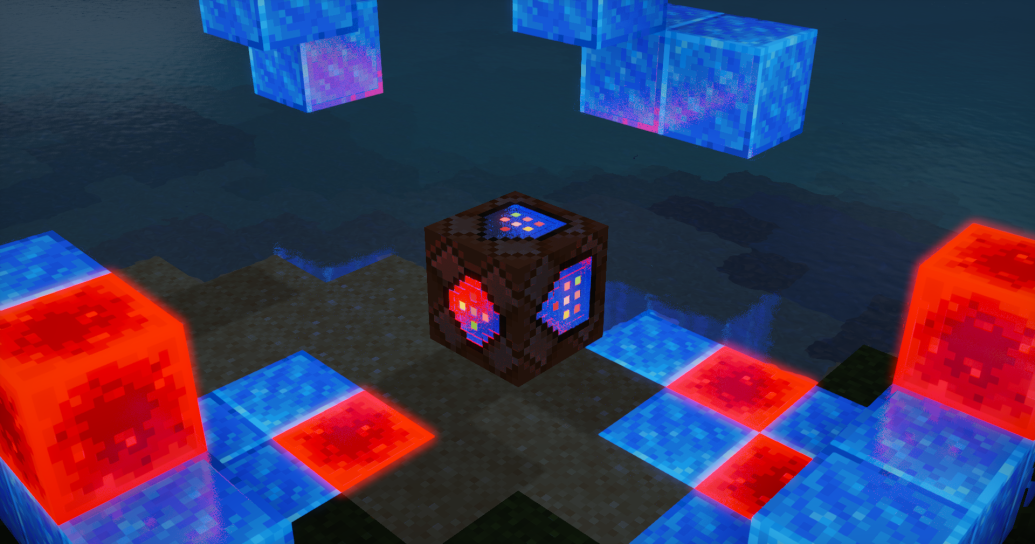
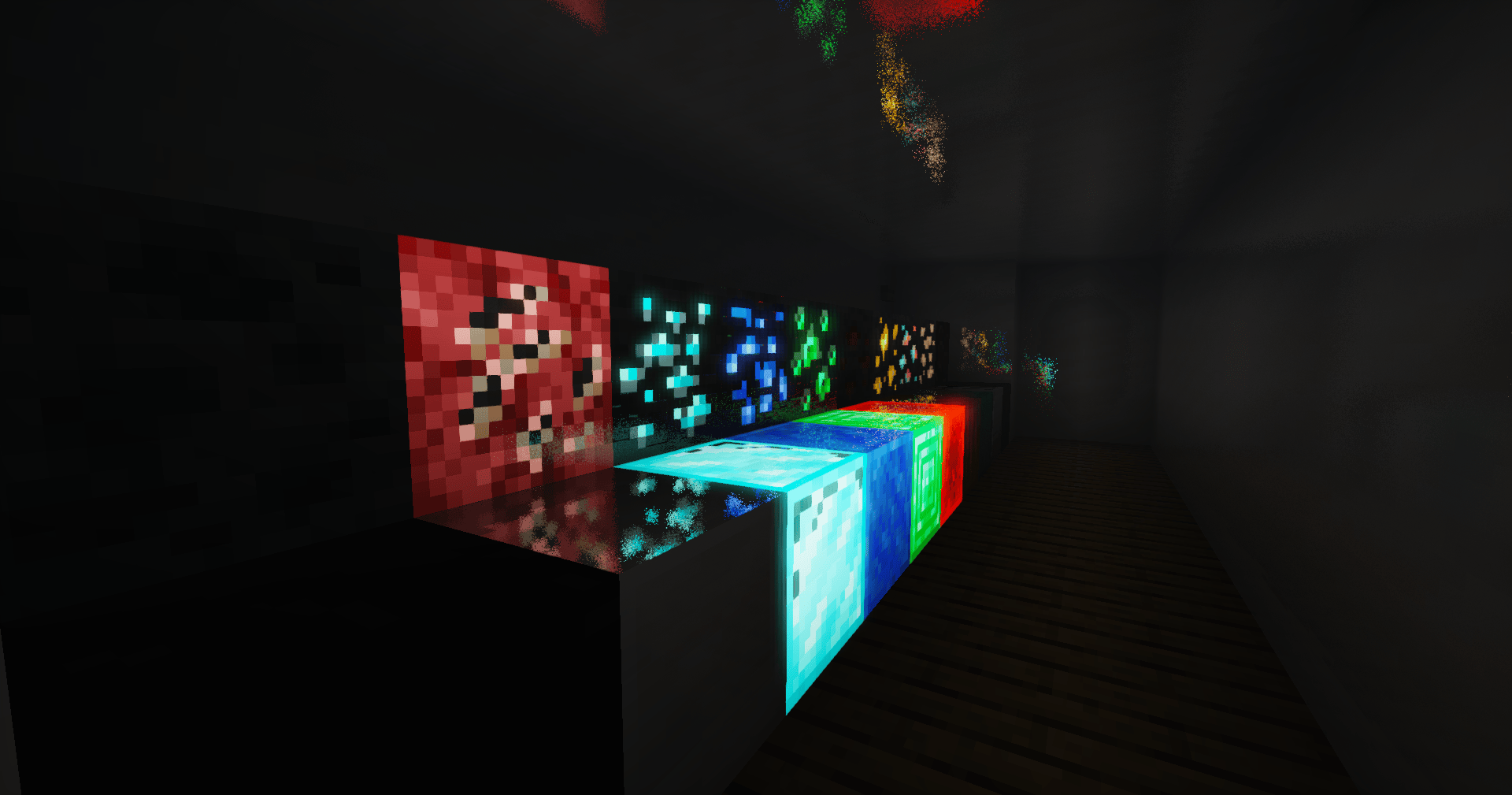
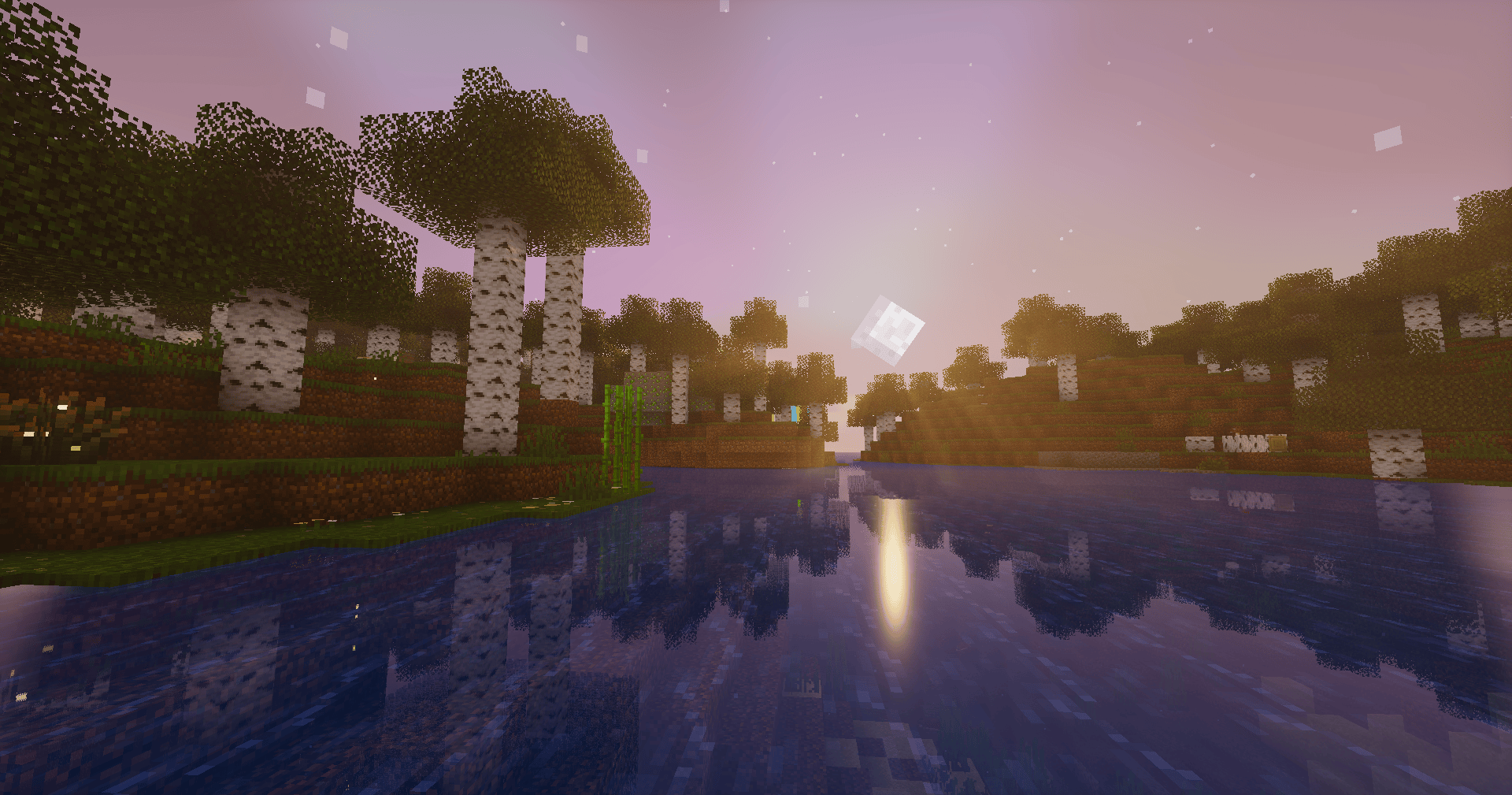
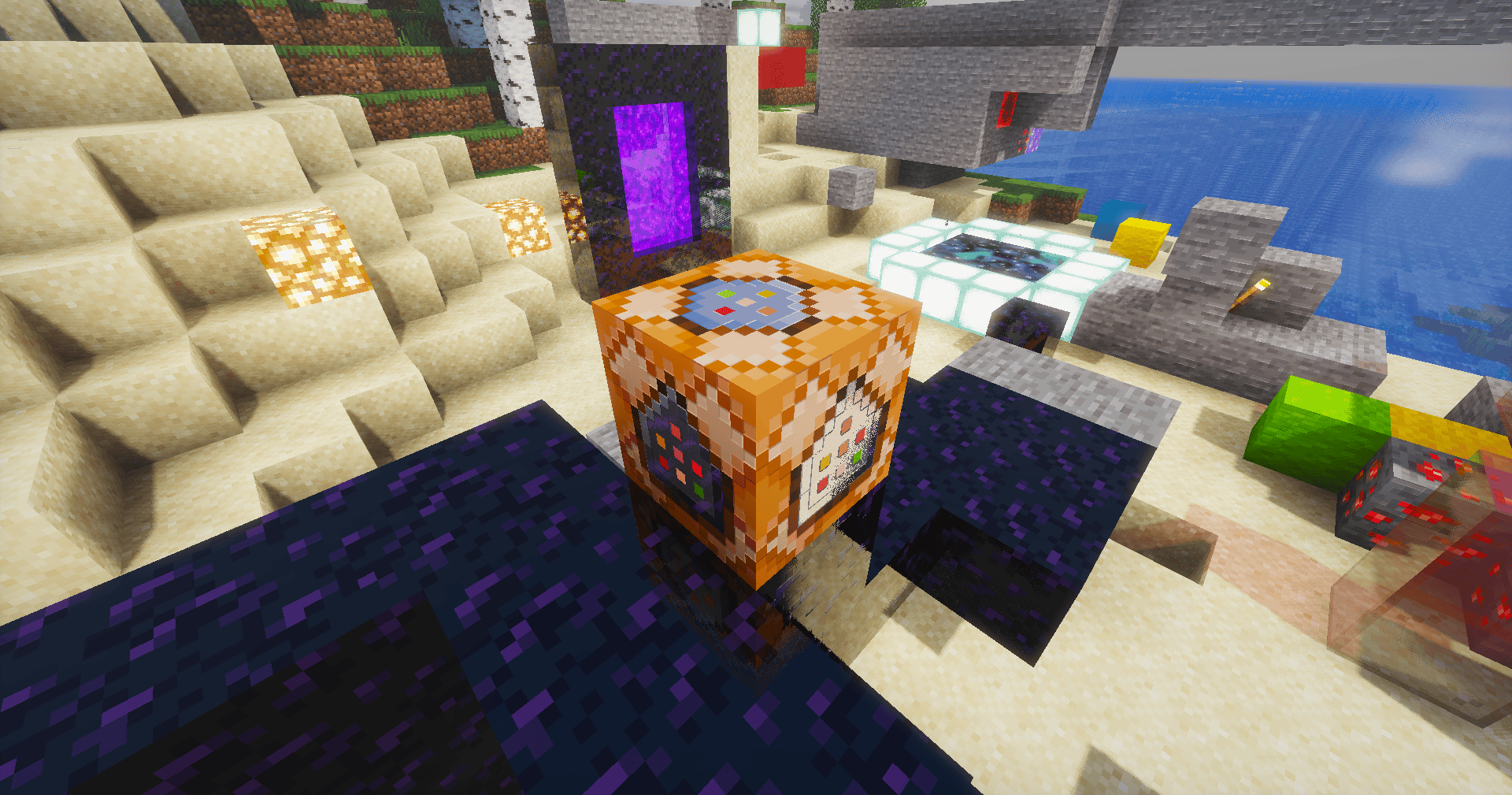
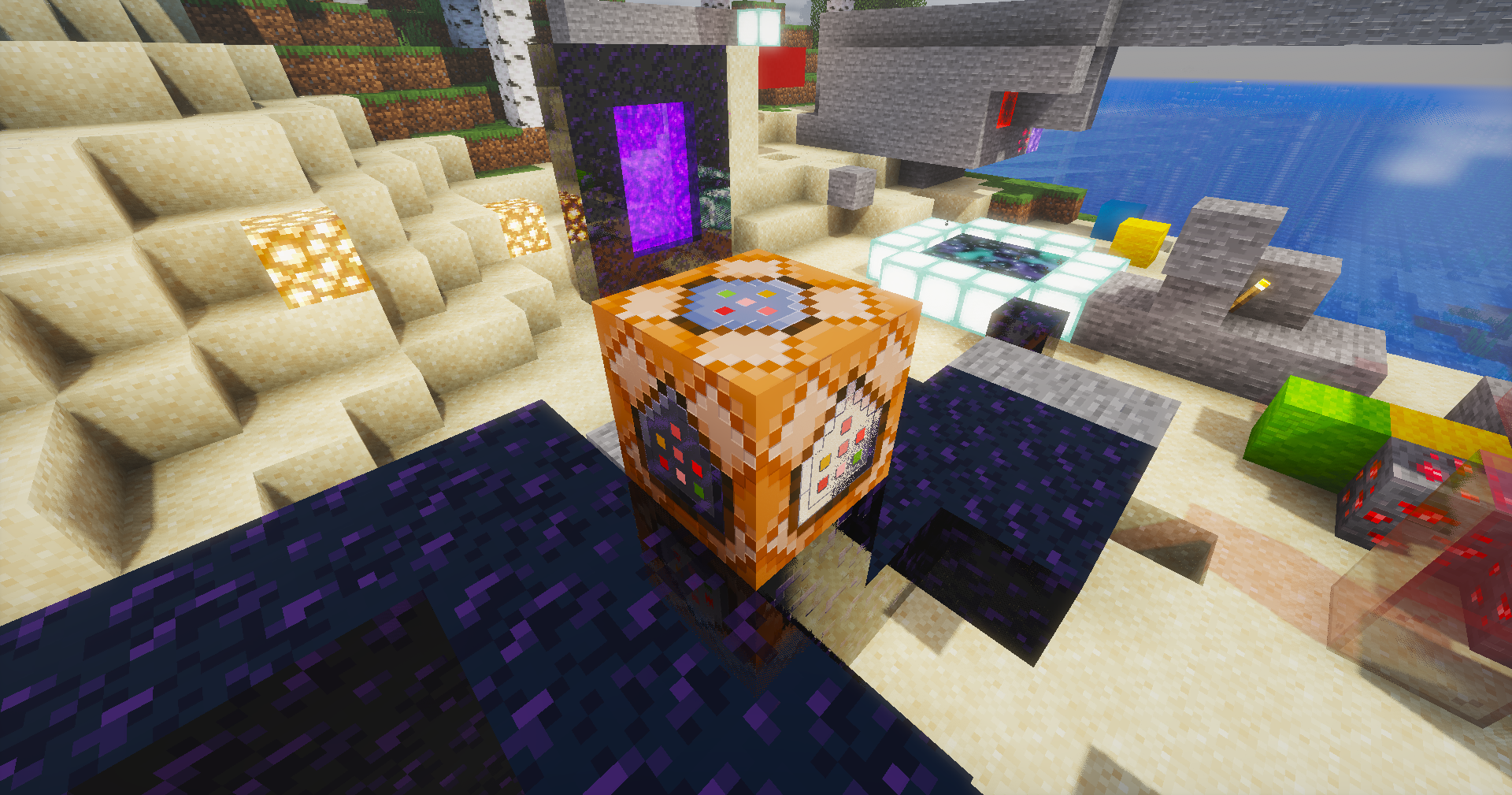
A shaderpack I’ve been building for myself, tuned the way I actually like Minecraft to look — soft light, moody skies, and water that’s fun to stare at. Runs on Iris / OptiFine.
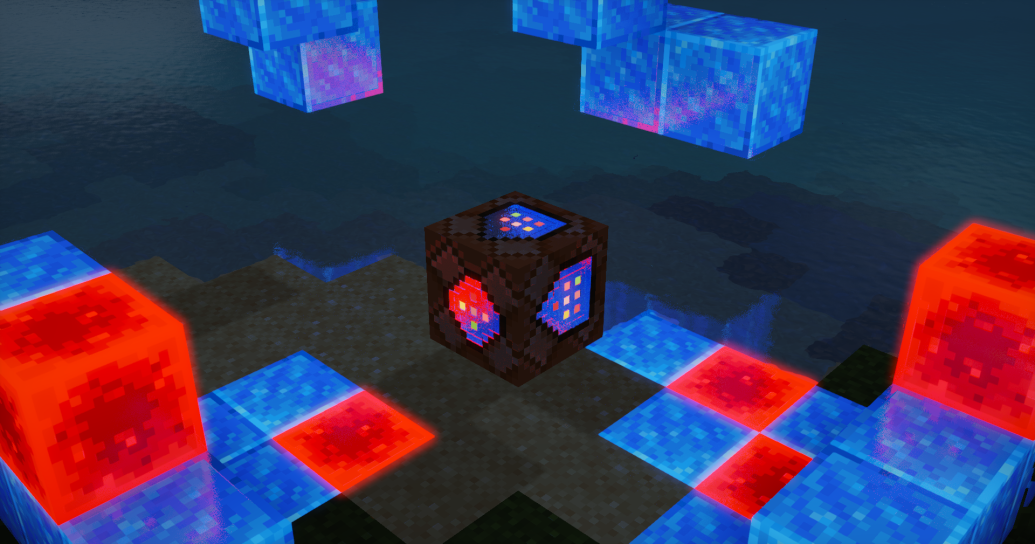
What’s inside
- Physical sky with volumetric clouds, cloud shadows and volumetric light shafts
- Water that behaves — waves, refraction, caustics, foam and screen-space reflections
- Soft colored shadows and SSAO for that grounded, cozy feel
- PBR support with auto-generated normals if your resource pack doesn’t have them
- Aurora at night and a custom nebula in the End
- The usual camera goodies: bloom, auto exposure, FXAA, saturation control
Installation
- Grab the latest release
- Drop the folder into your
shaderpacksdirectory - Select Sarp Shaders in the video settings and you’re done
Everything is tweakable in the shader options menu — shadows, lighting, water, atmosphere and camera each have their own screen.
Notes
This is a personal project, so expect opinionated defaults. If something looks off on your setup, poke around the settings before opening an issue — chances are there’s a slider for it.
Made by Sarp. Screenshots welcome — I’d love to see your builds with it.
常见问题
Sarp Shaders 支持哪些 Minecraft 版本?
Sarp Shaders 支持 Minecraft Java 版 1.17–26.2,共 33 个版本,可用的加载器:Iris / OptiFine。下载时注意选择和你游戏版本一致的文件。
Sarp Shaders 怎么安装?
光影需要先装 Iris / OptiFine。把下载的 .zip 文件(不用解压)放进游戏目录的 shaderpacks 文件夹,进游戏后在「选项 → 视频设置 → 光影包」里选中它。光影对显卡要求较高,卡顿可以调低光影设置或渲染距离。
xsoras 的其他作品
查看全部 →
Vanilla Enhanced
一款轻量级光影,带来更真实的光照与更出色的视觉效果。
i hate shadows
Fullbright shader, banished every shadow.👋 You’re welcome.

Cartoony
A shader that makes 3D look like old-school cartoons on caffeine.
Blind
Simulates blindness with noise, pulse, and light distortion effects.
评论
登录后评论和评分