Riftmode
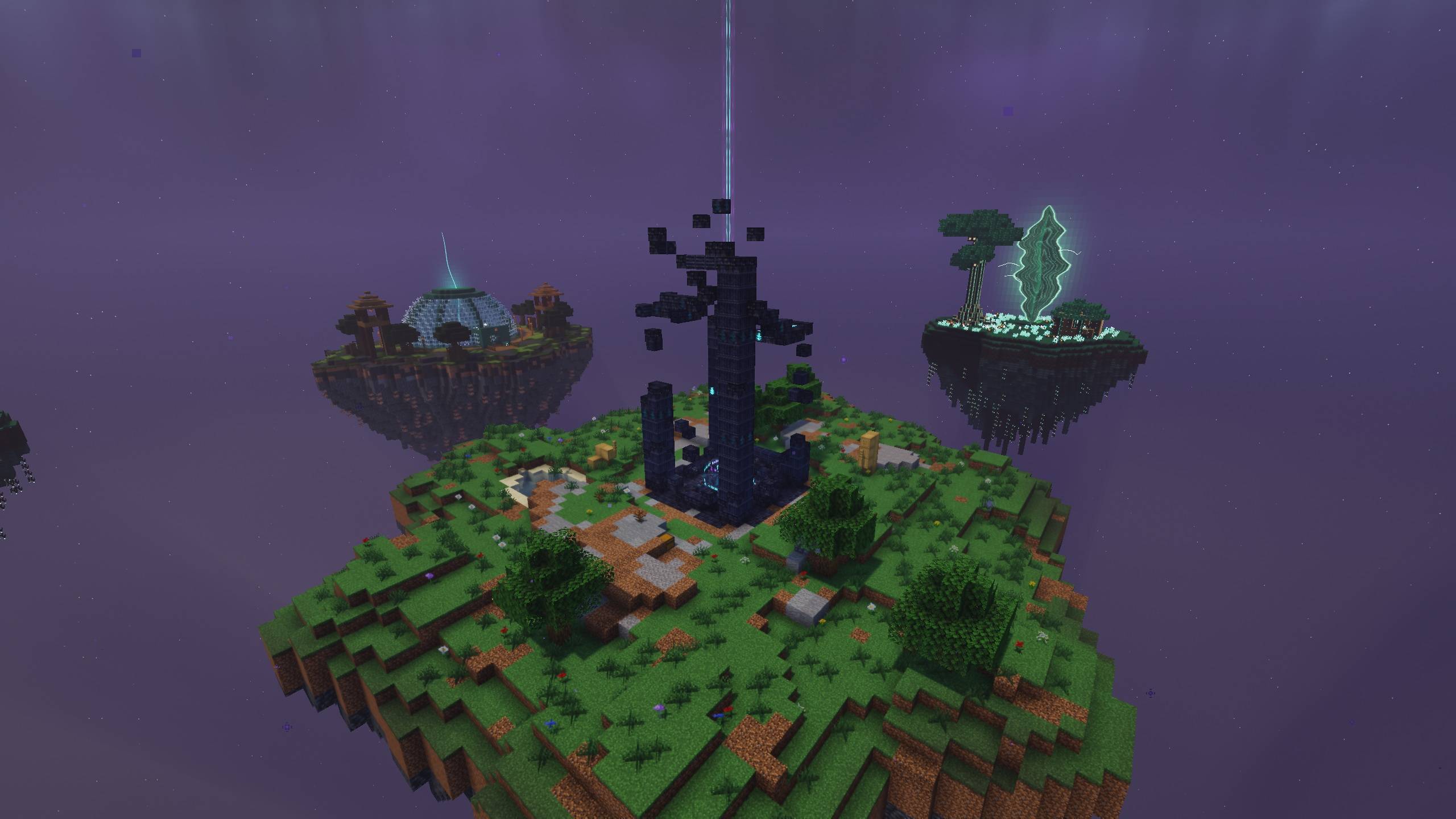
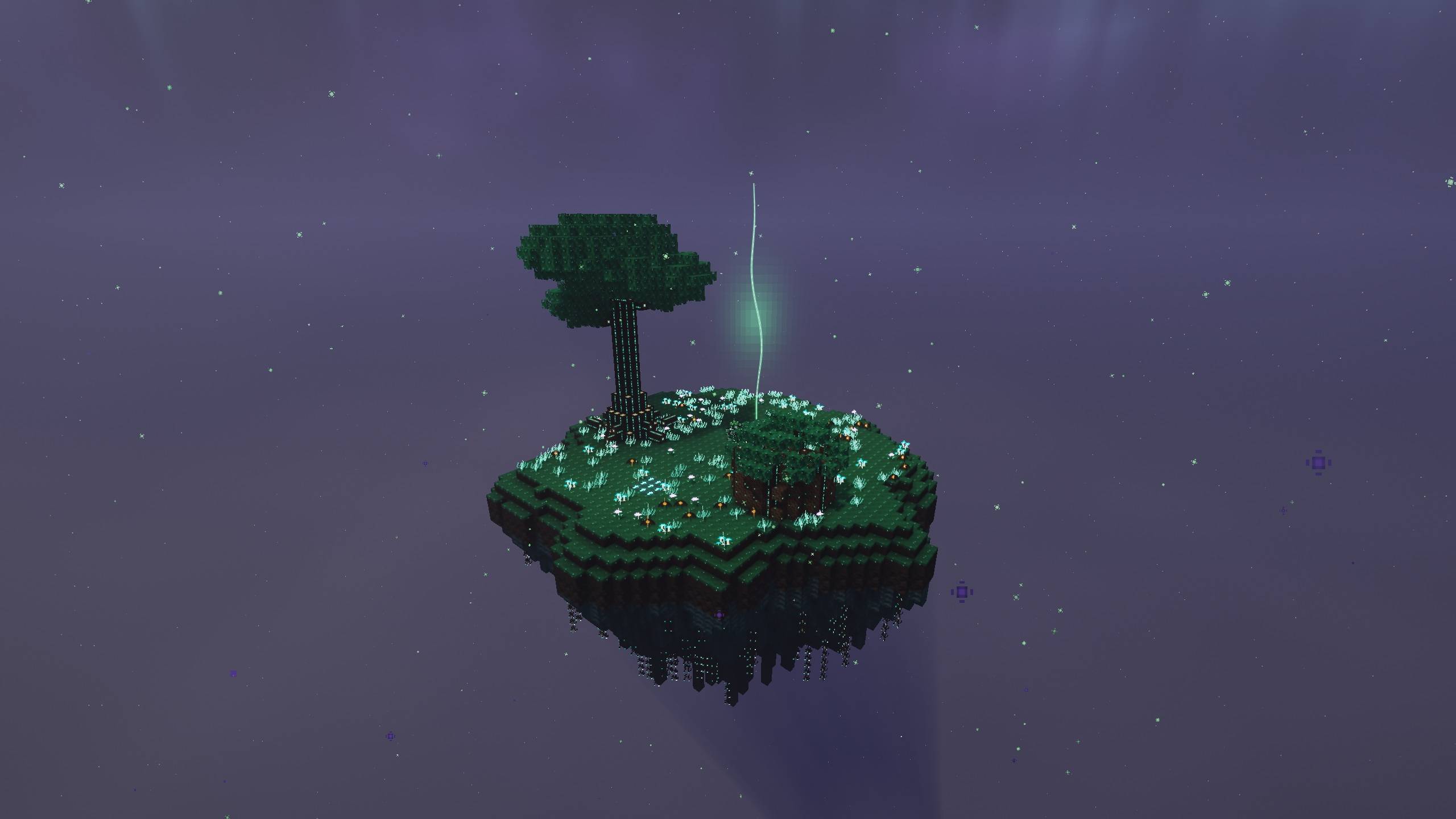
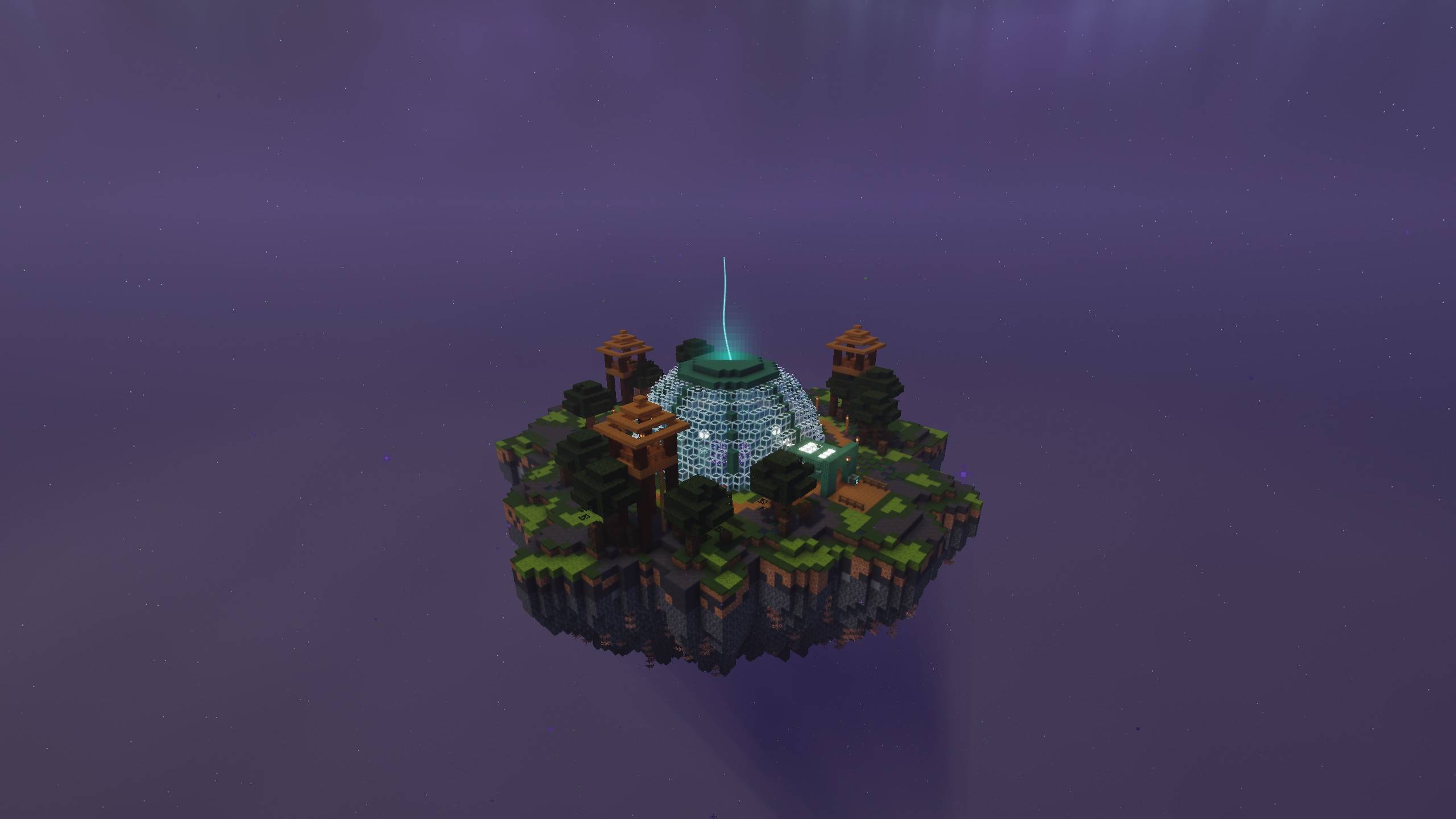
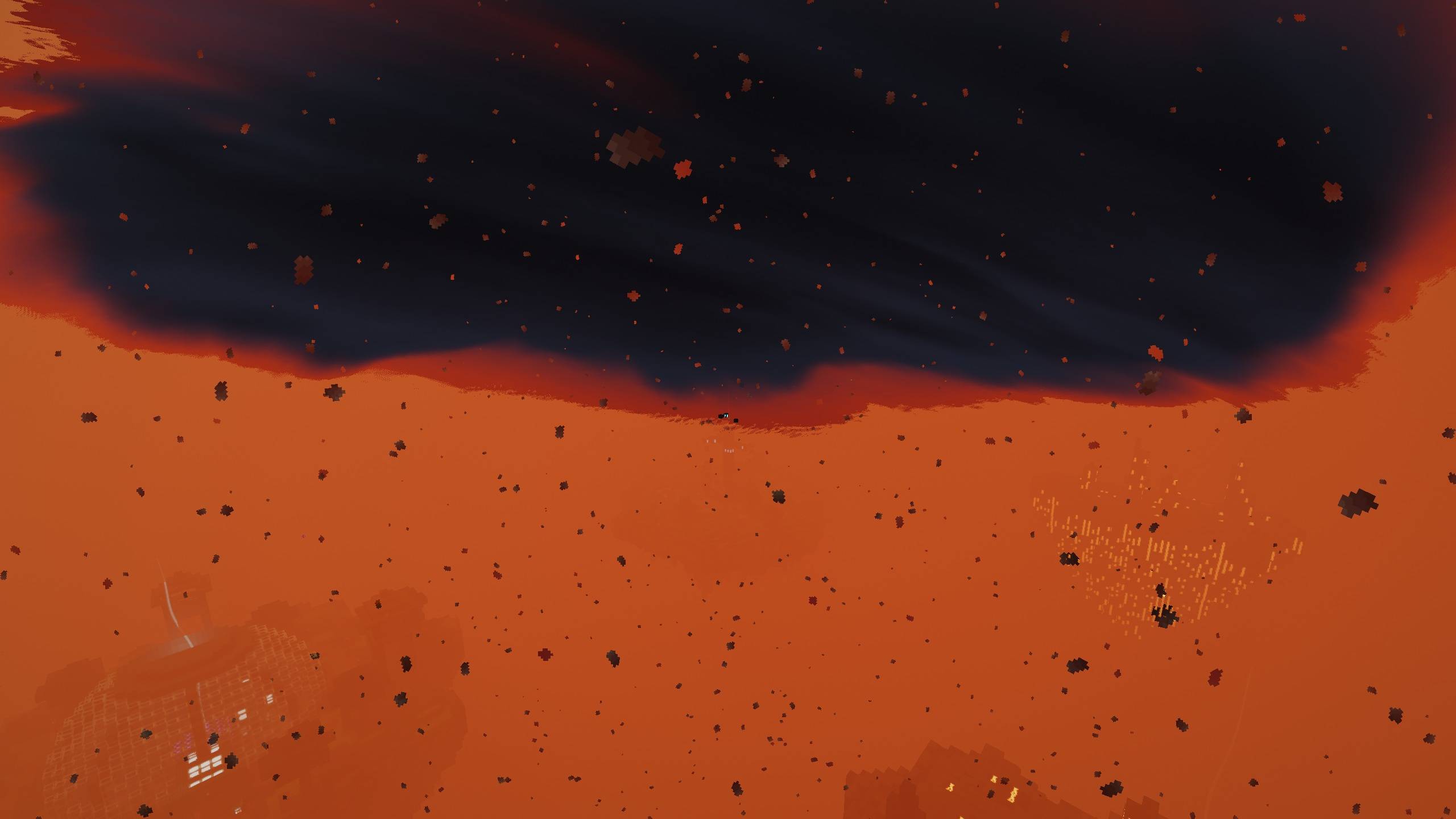
Atmospheric shaders with live Riftbound lighting, volumetric void storms and distinct Rift-world ambience.
截图
介绍
Riftmode
Atmospheric shaders built for Riftbound: The Last Fragment: fractured light, deep void skies, volumetric storms and a distinct atmosphere for each Rift world.
Features
- Live lighting and visual effects linked to Rifts, the Anchor and Reality Stability.
- Volumetric void storms with a rotating eye, soft cloud edges and lightning illumination.
- Grove mist and cool colour palettes, Ashen heat haze and ember-lit atmosphere.
- Shadows, bloom, water reflections, fog and LabPBR support for Riftbound’s supplied block maps.
- Six quality presets: Potato, Low, Balanced, High, Ultra and Riftmode. Balanced is the modpack default.
- English and Dutch shader settings.
Requirements and installation
This release targets Minecraft 1.21.1, NeoForge 21.1.252, Java 21, Iris 1.8.12 and Sodium 0.6.13. Use Riftbound 0.14.1 and its required GeckoLib 4.9+ for the Riftbound gameplay and live shader integration.
Place the shader ZIP in your profile’s shaderpacks folder, then select Riftbound-Riftmode-1.0.4.zip in Iris’s shader menu. Start with Balanced and lower the preset if needed. Shader rendering can be disabled without changing your world or progression.
The Iris integration is built into current Riftbound versions. Remove an old standalone Riftbound Iris Bridge when updating.
Beta status
Riftmode is an experimental beta. In-game appearance, GPU compatibility and performance still need player testing. Results depend on hardware and shader settings.
Shader and Riftbound integration by Mitchel. All Rights Reserved.
常见问题
Riftmode 支持哪些 Minecraft 版本?
Riftmode 支持 Minecraft Java 版 1.21.1,可用的加载器:Iris。下载时注意选择和你游戏版本一致的文件。
Riftmode 怎么安装?
光影需要先装 Iris。把下载的 .zip 文件(不用解压)放进游戏目录的 shaderpacks 文件夹,进游戏后在「选项 → 视频设置 → 光影包」里选中它。光影对显卡要求较高,卡顿可以调低光影设置或渲染距离。
评论
登录后评论和评分