截图
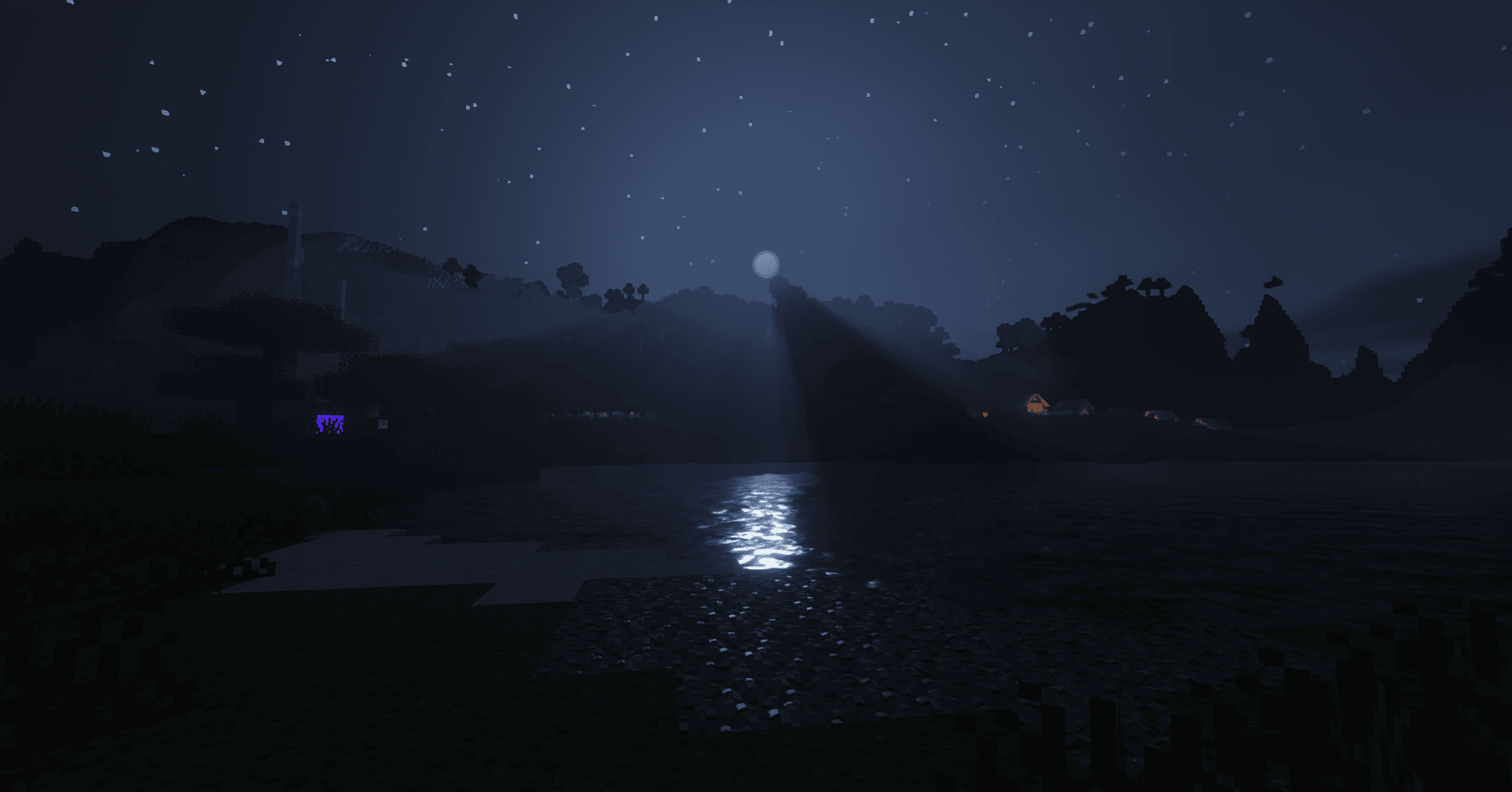
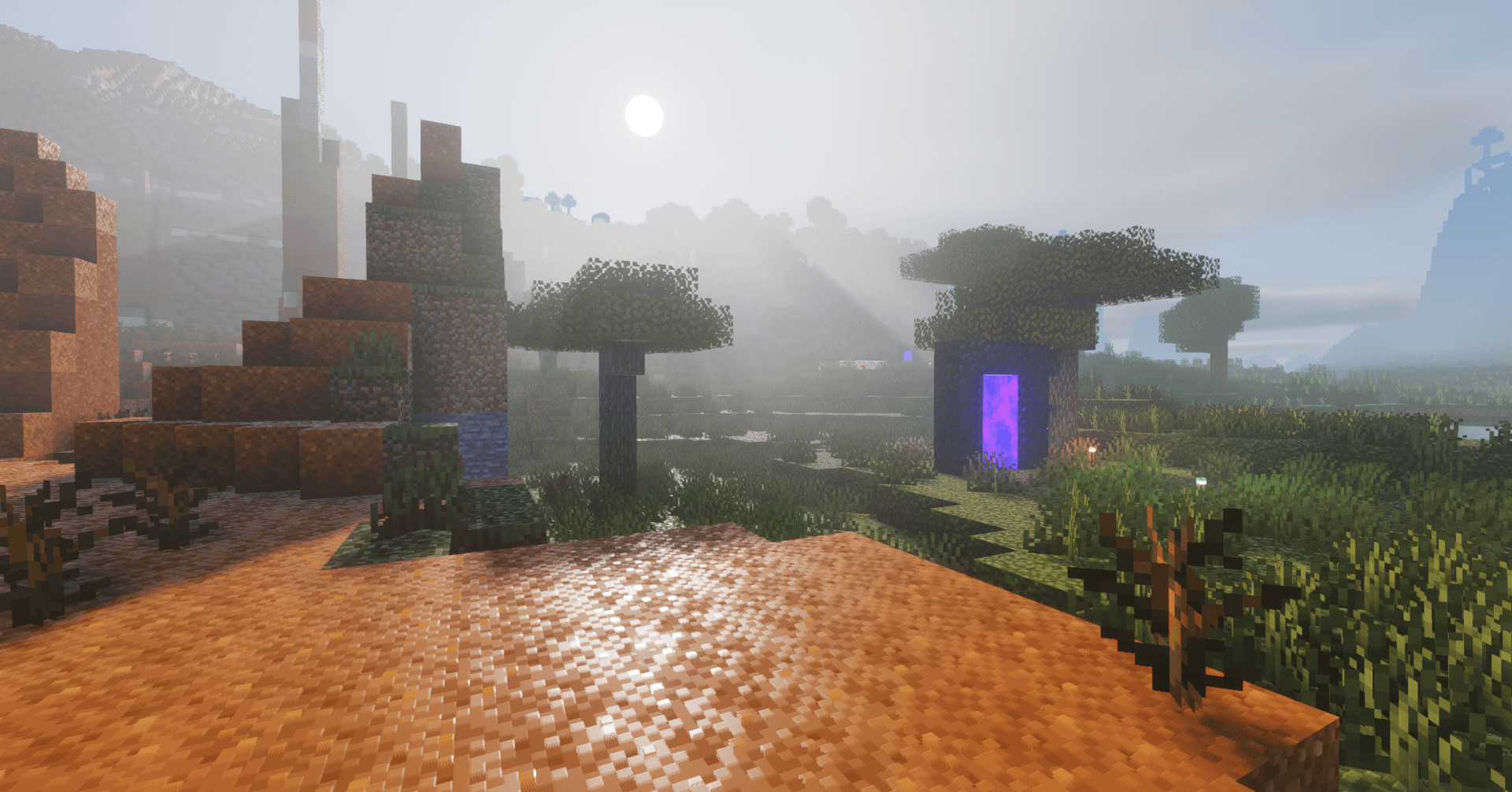
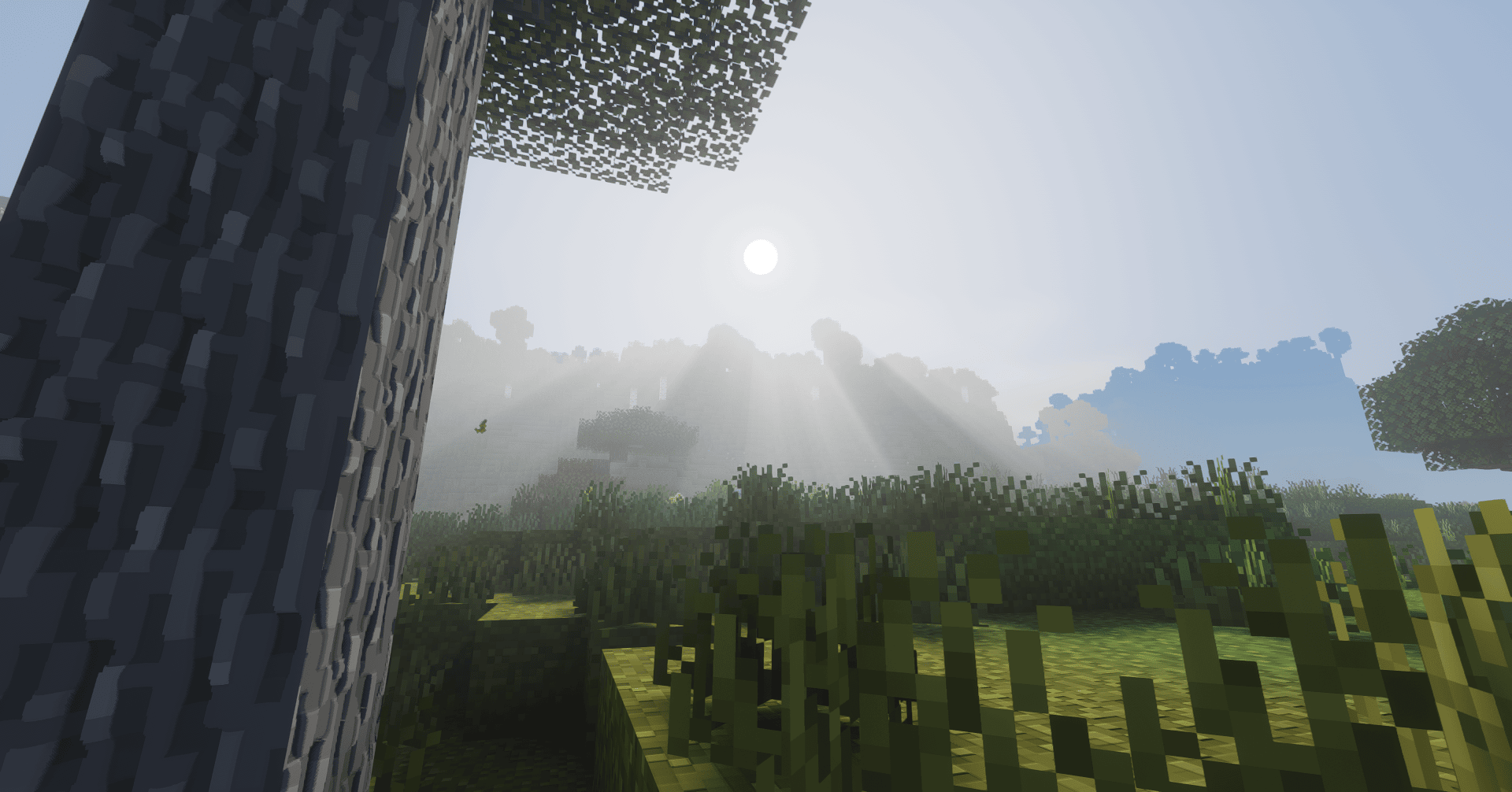
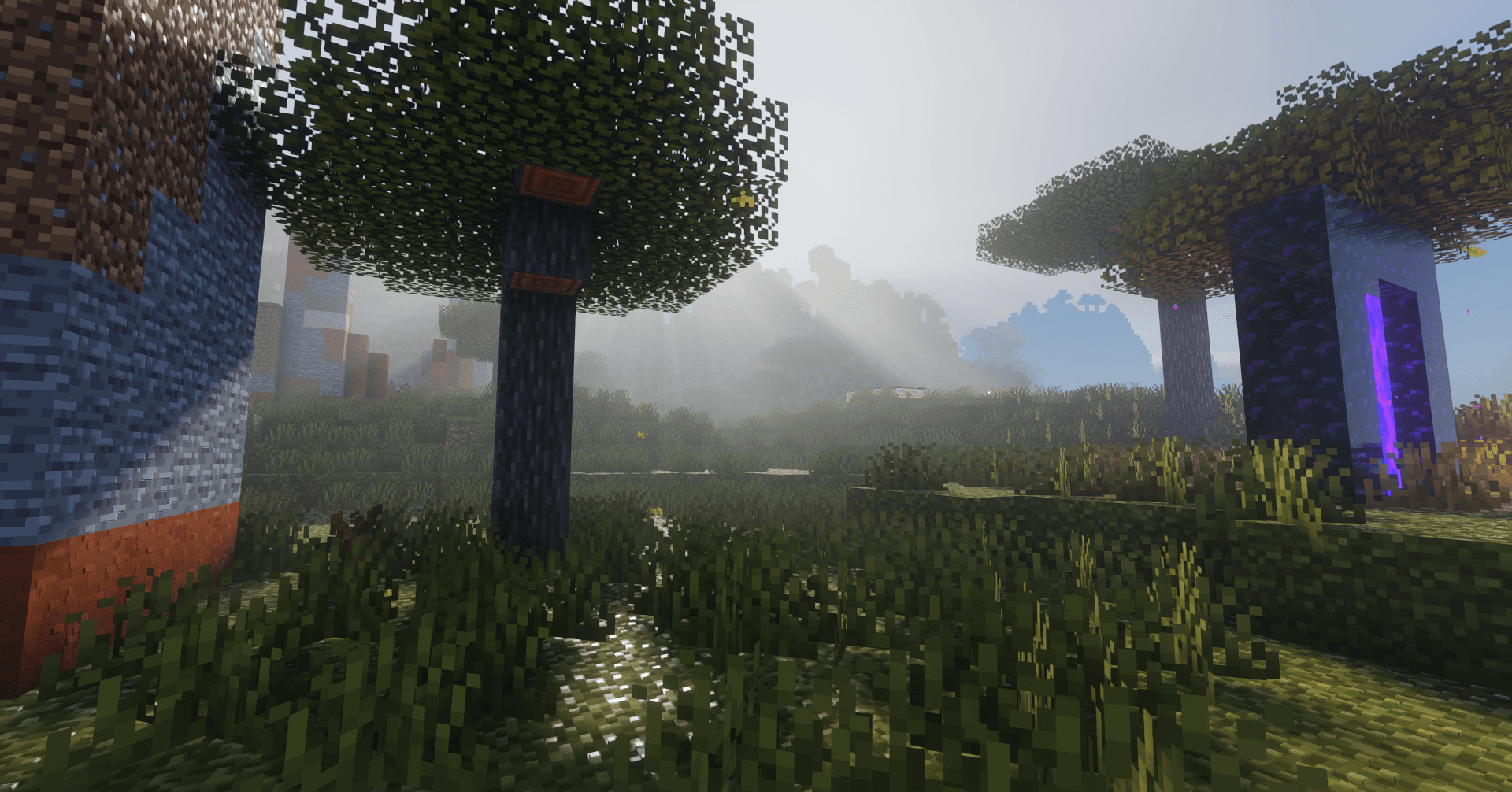
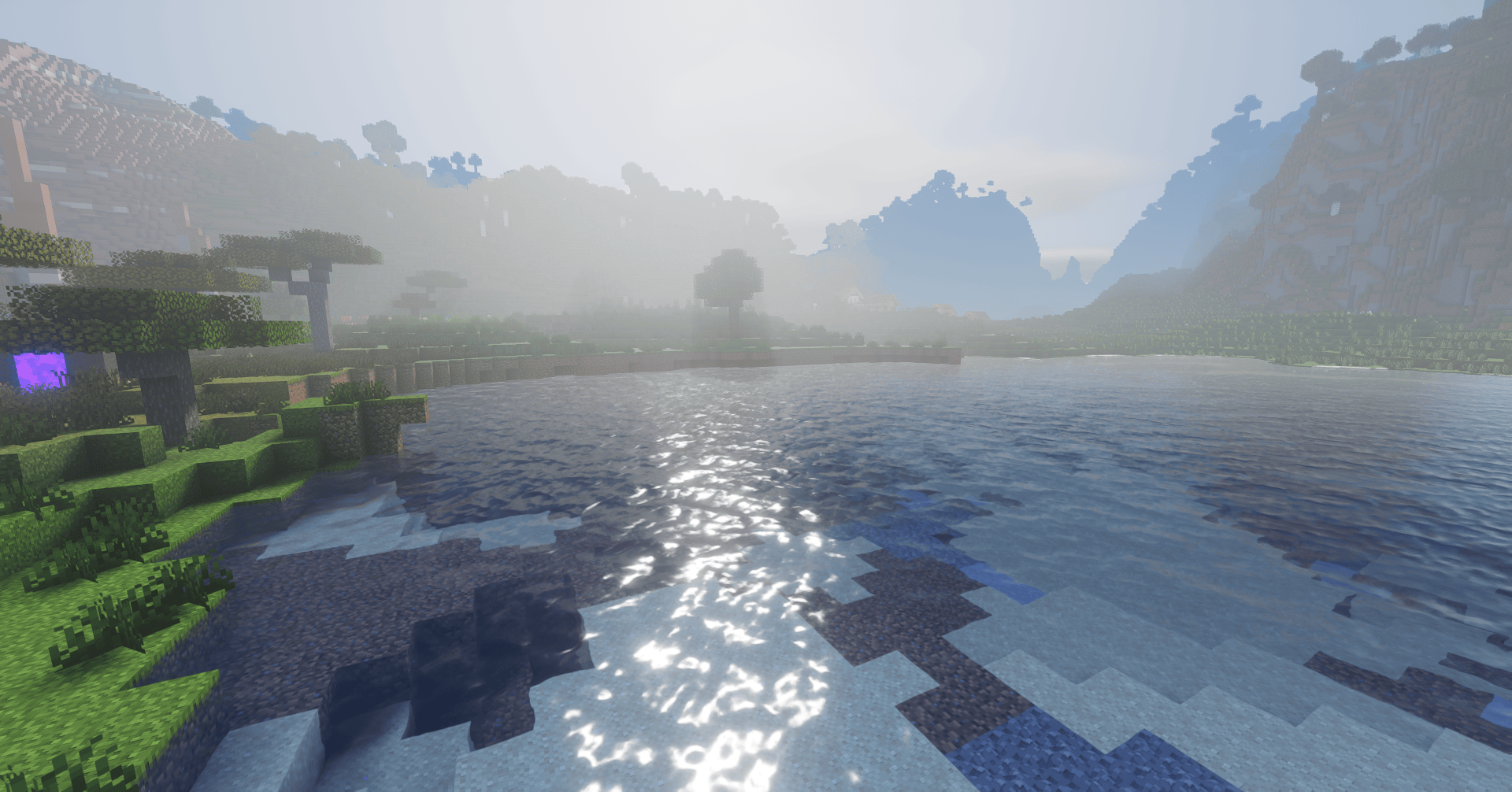
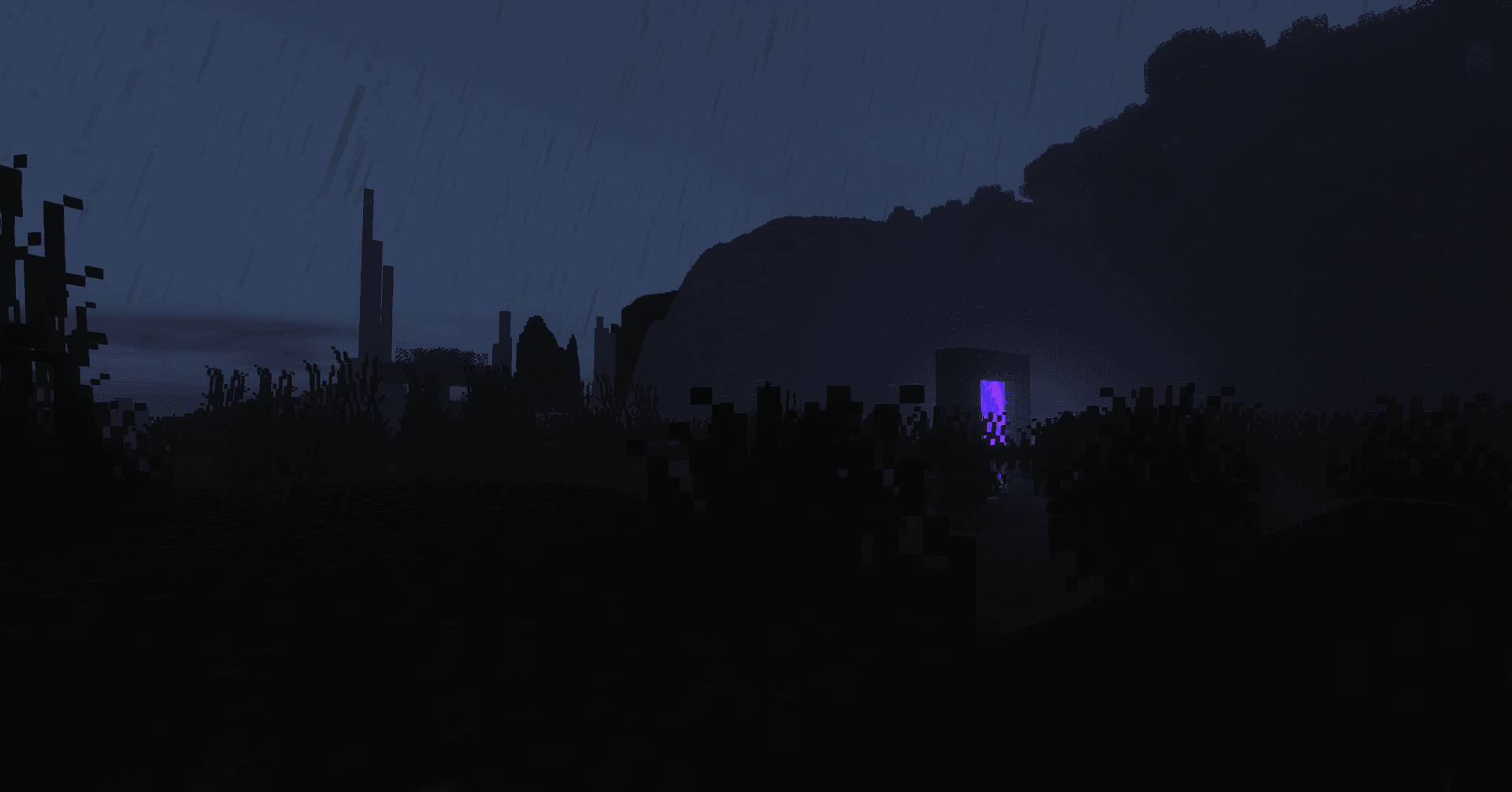
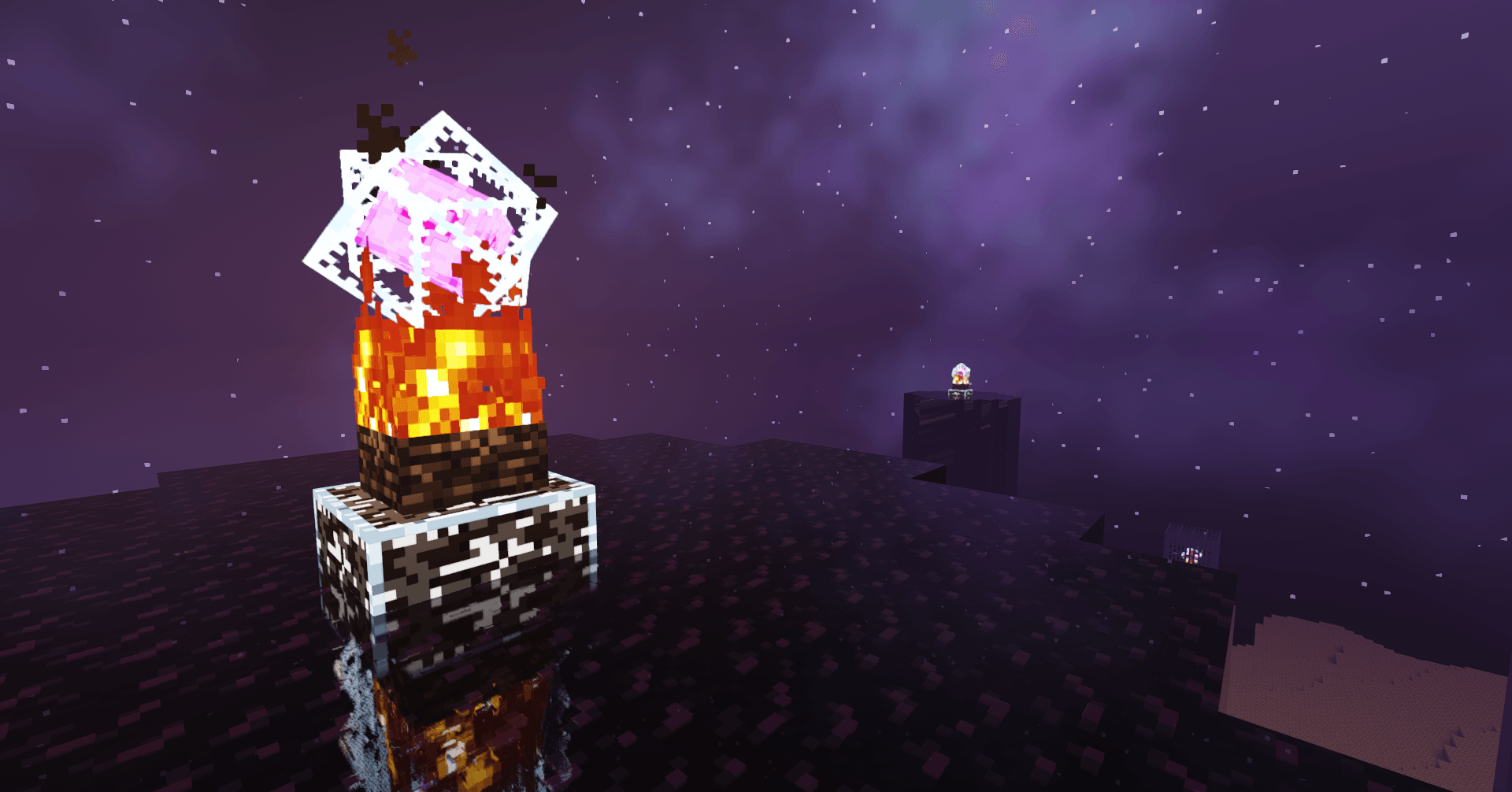
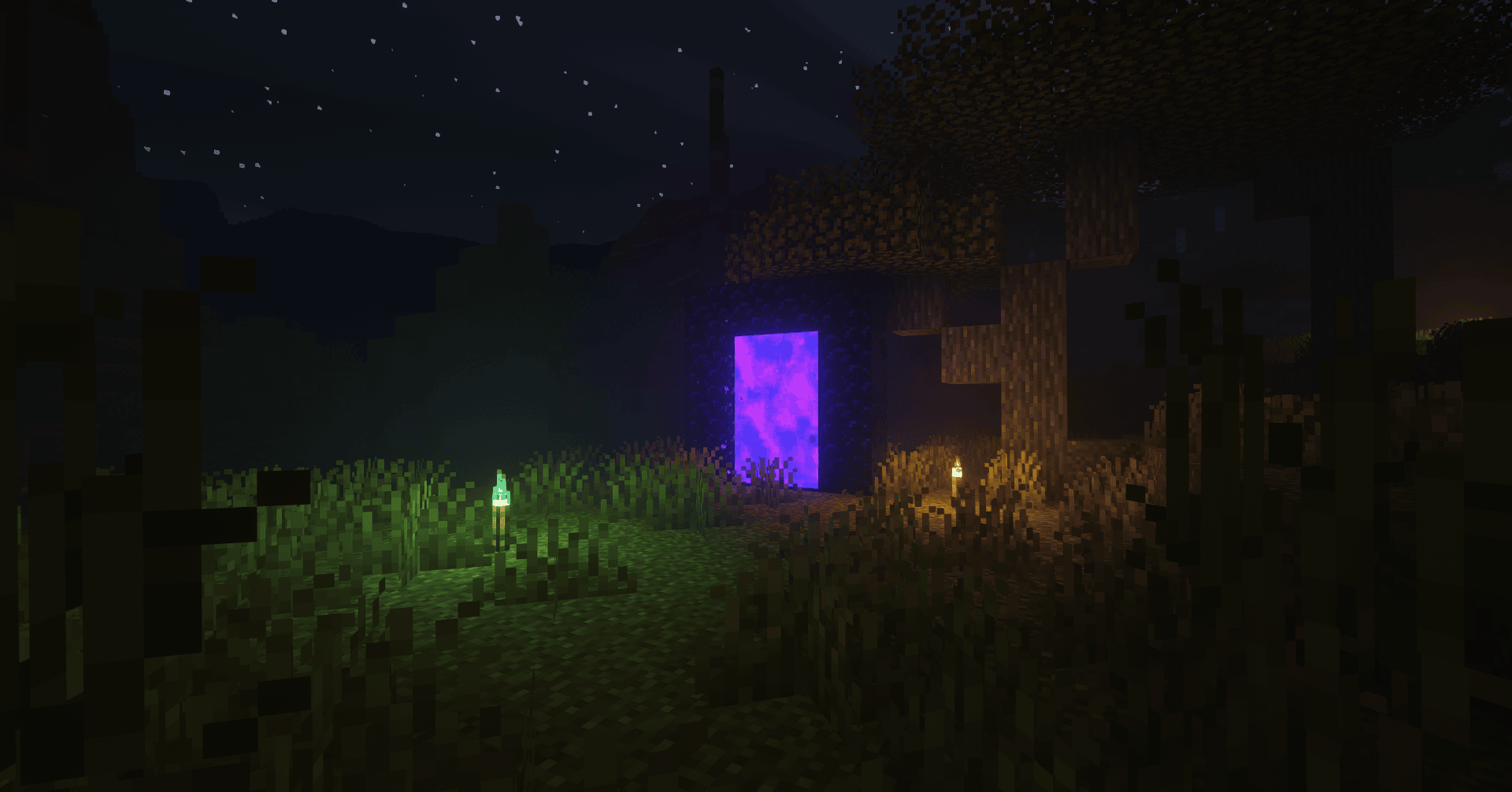
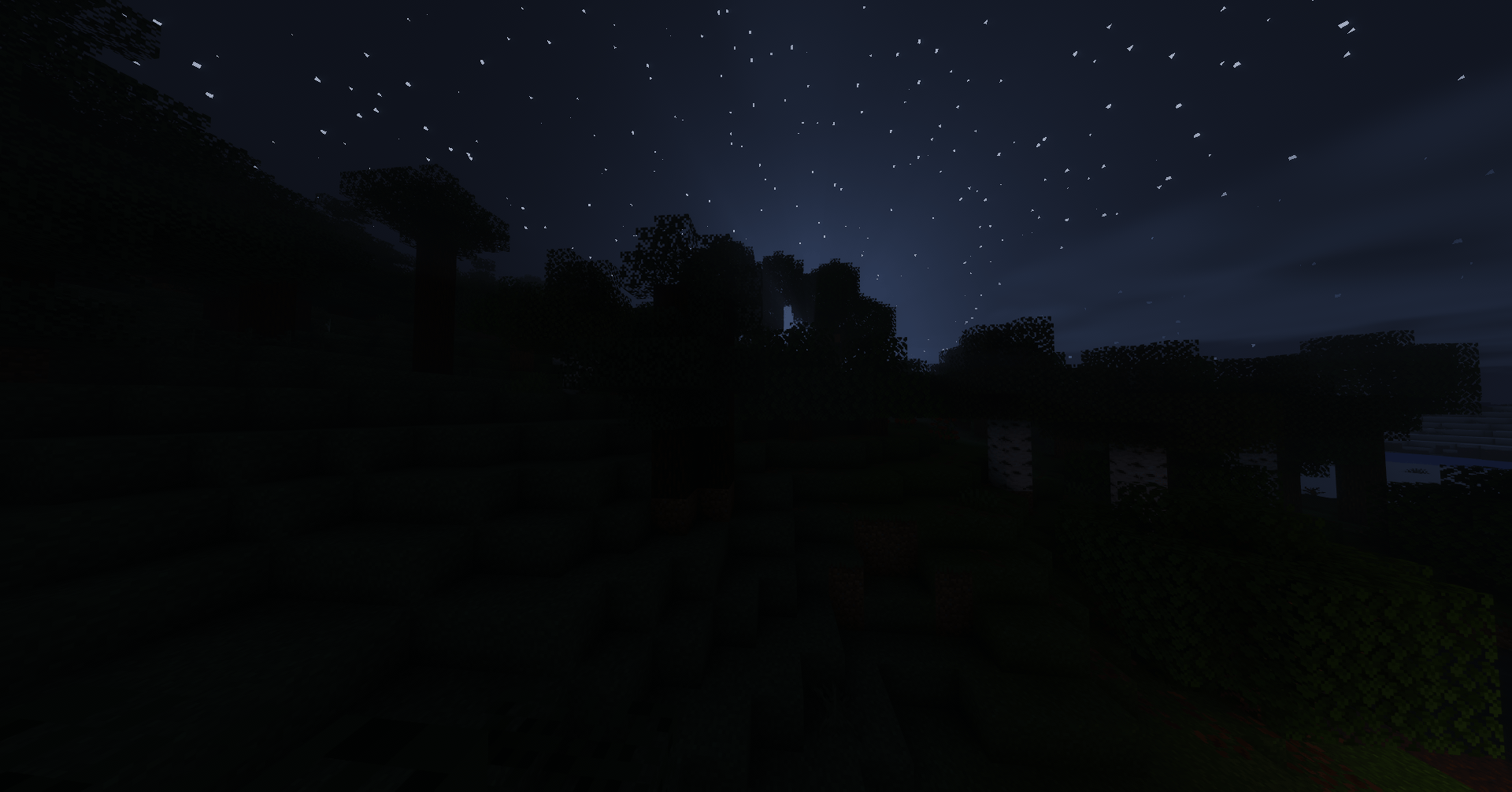
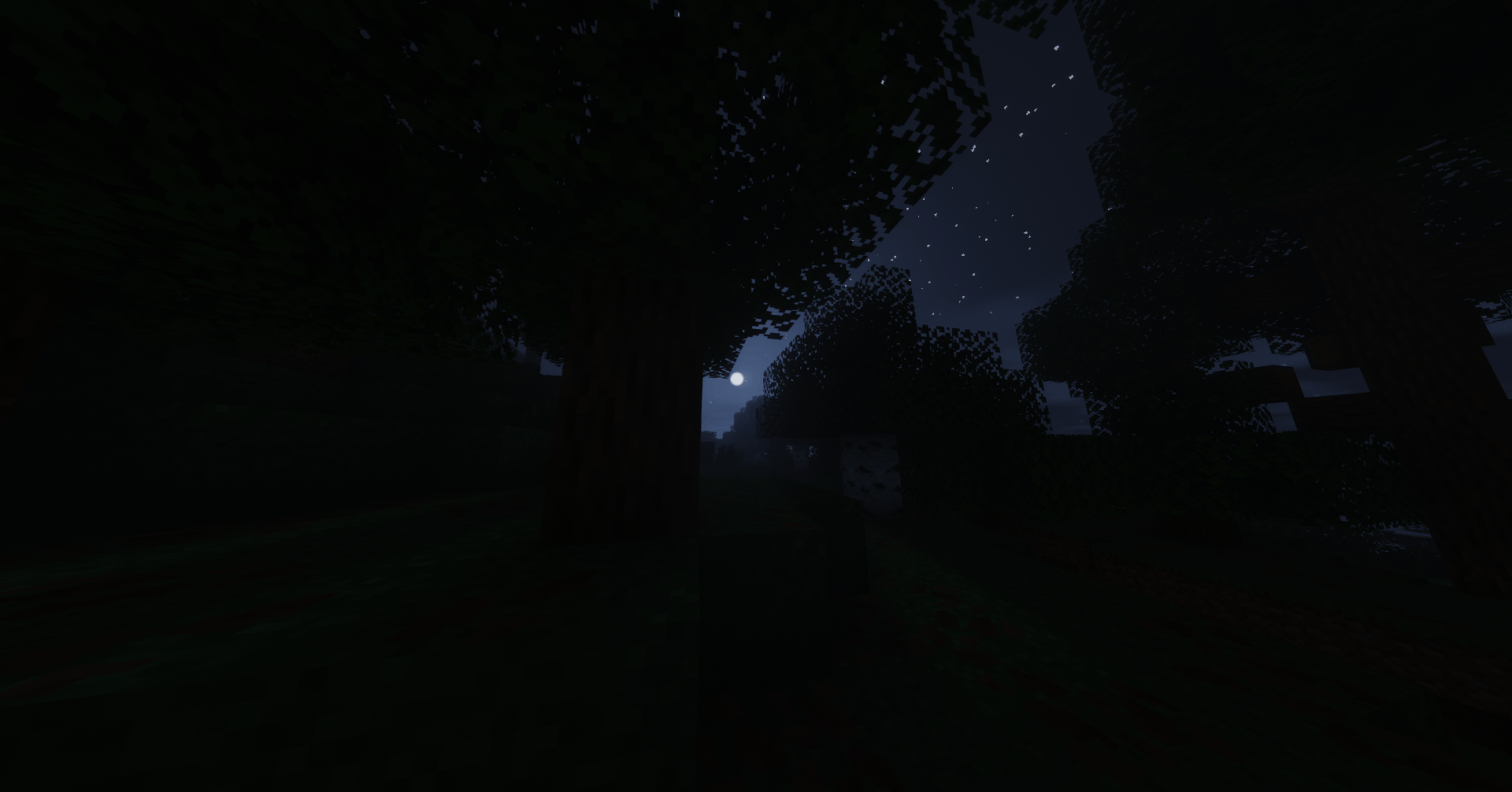
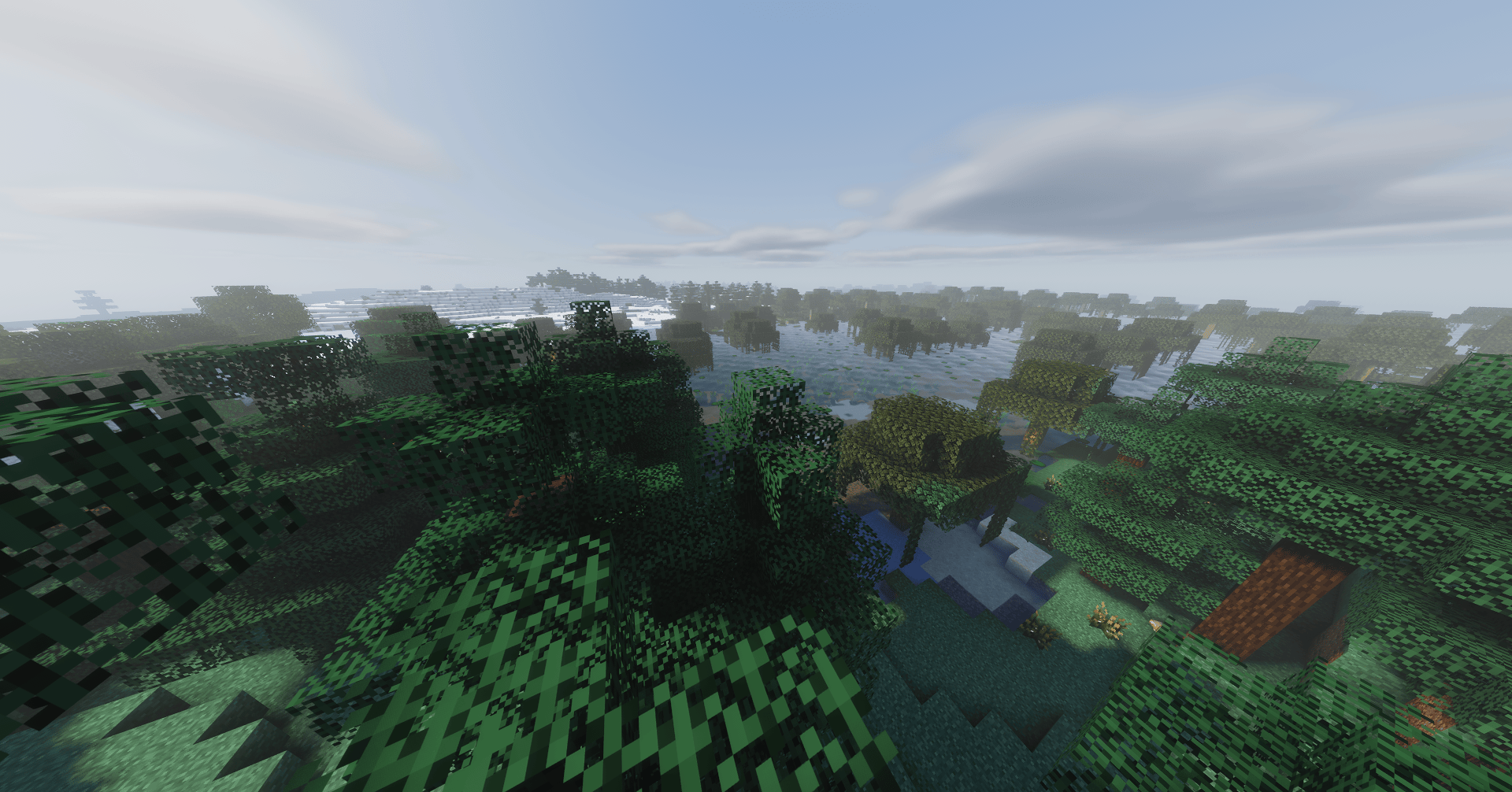
介绍
Refrax
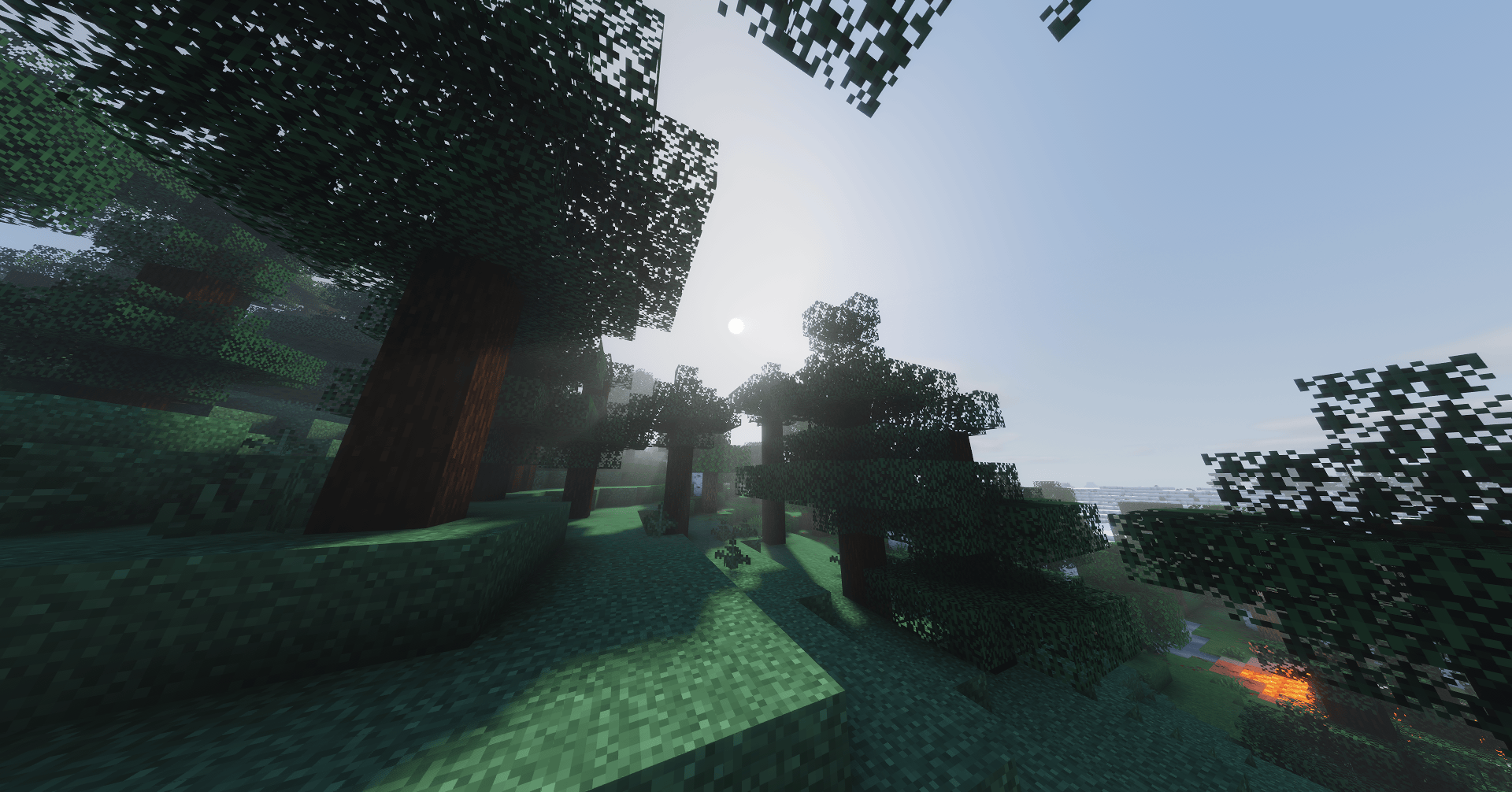
Refrax is a performance and feature-oriented Minecraft shaderpack for Iris.
Credits and recommendation:
- Logo and banner credits to JoaquiX – AVPBR
- A lot of the screenshots available in the galery have been taking using the AVPBR Retextured resource pack. I highly recommend trying out AVPBR Retextured.

Performance benchmarks (GTX 1650 Ti, 1080p, 16 chunks)
NOTE: This is for v1.3.0:
| Profile | Target FPS |
|---|---|
| Potato | 120+ |
| Low | ~90 |
| Medium | ~70 |
| High | ~55 |
| Very High | 40+ |
| Extreme | 25+ |
| Overdrive | ~20 |
Performance benchmarks (GTX 1650 Ti, 1080p, 16 chunks)
NOTE: This is for v1.2.2:
| Profile | Target FPS |
|---|---|
| Potato | ~160 |
| Low | ~120 |
| Medium | ~80 |
| High | 60+ |
| Very High | 40+ |
| Extreme | 25+ |
| Overdrive | ~20 |
NOTE: Both benchmarks were taken using the exact same scene.
I saw a ~25 fps boost on 1.18.2, 20+ fps boost on 1.20.1 and ~15 fps boost on 1.21.1.
These values can be bumped higher by changing the performance mode slider at very little visual compromise even at overdrive performance mode (You’ll only notice it in certain situations. It mainly reduces the sample count of clouds, god rays, AO, SSR, and water wave octaves, most noticeable of which are reflections and water which will be tuned to be less noticeable in the future).
Supported versions:
1.18.2 and higher versions should all work just fine.
Unsupported versions:
1.16.5 – No colored lighting and no block breaking particles. 1.17.x, 1.18 – Does not load the shader 1.18.1 – Does not render a lot of blocks.
Installation
- Install Iris.
- Copy the Refrax.zip to
.minecraft/shaderpacks/or the shader folder of your launcher’s instance. - Select the shader in the Iris menu and enjoy!
License
See LICENCE.txt.
Credits & inspiration
Refrax is original source, inspired by Photon, Complementary Reimagined, Bliss, Solas, MakeUp Ultra Fast, Super Duper Vanilla, published graphics research, and the Iris shader documentation.
常见问题
Refrax 支持哪些 Minecraft 版本?
Refrax 支持 Minecraft Java 版 1.18.2–26.3,共 30 个版本,可用的加载器:Iris。下载时注意选择和你游戏版本一致的文件。
Refrax 怎么安装?
光影需要先装 Iris。把下载的 .zip 文件(不用解压)放进游戏目录的 shaderpacks 文件夹,进游戏后在「选项 → 视频设置 → 光影包」里选中它。光影对显卡要求较高,卡顿可以调低光影设置或渲染距离。
Coredex 的其他作品
查看全部 →
ModernFix-mVUS
ModernFix 的一个分支版本,增加了对小版本更新的支持。

Animatica Refabricated
Animatica 的分支,实现了 OptiFine/MCPatcher 动态材质格式。

Detail Armor Bar Reconstructed
盔甲栏中显示更多盔甲详情!

NoisiumForked
优化世界生成性能,带来更流畅的游戏体验。
评论
登录后评论和评分