
PrimeCinematic
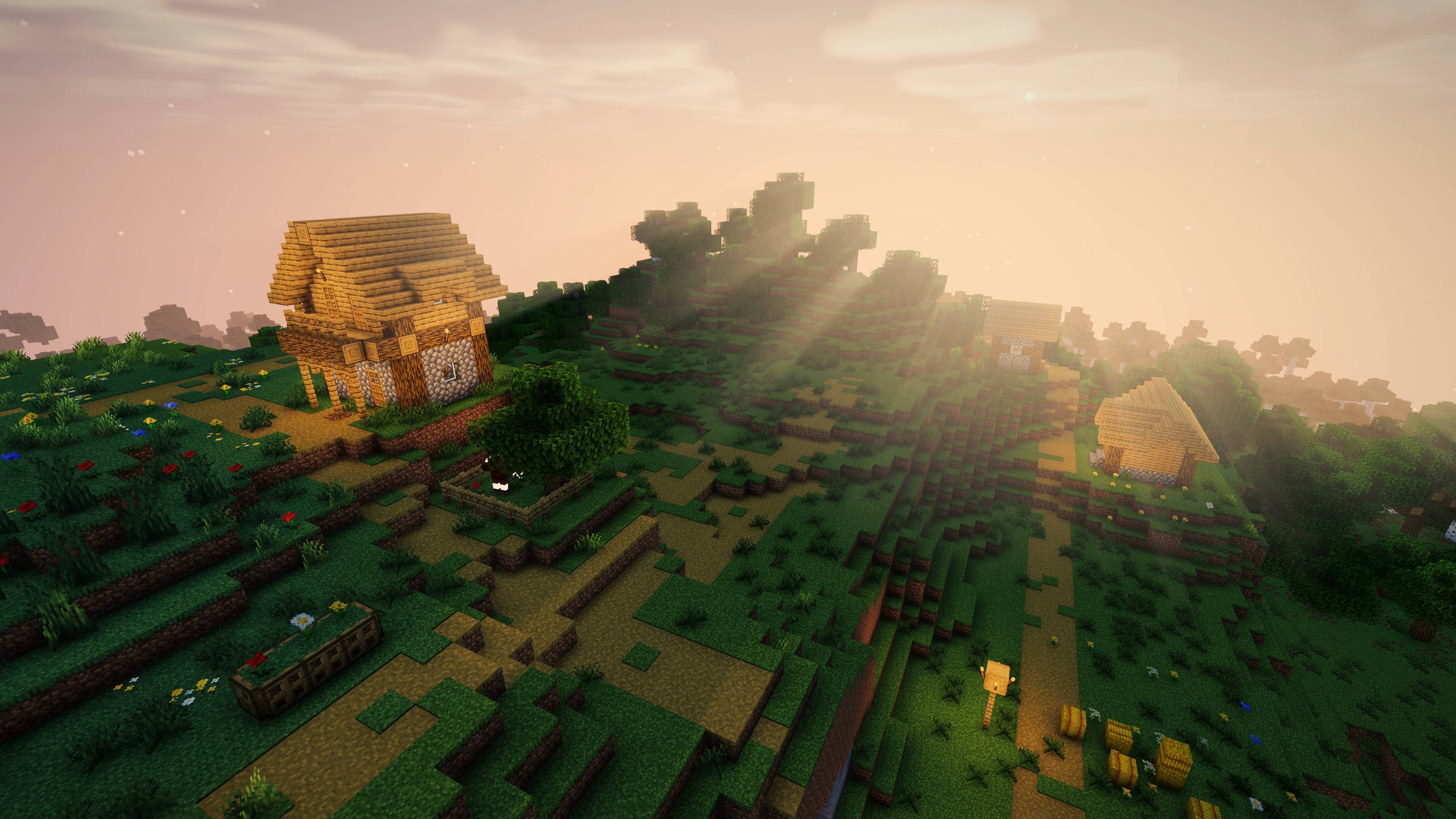
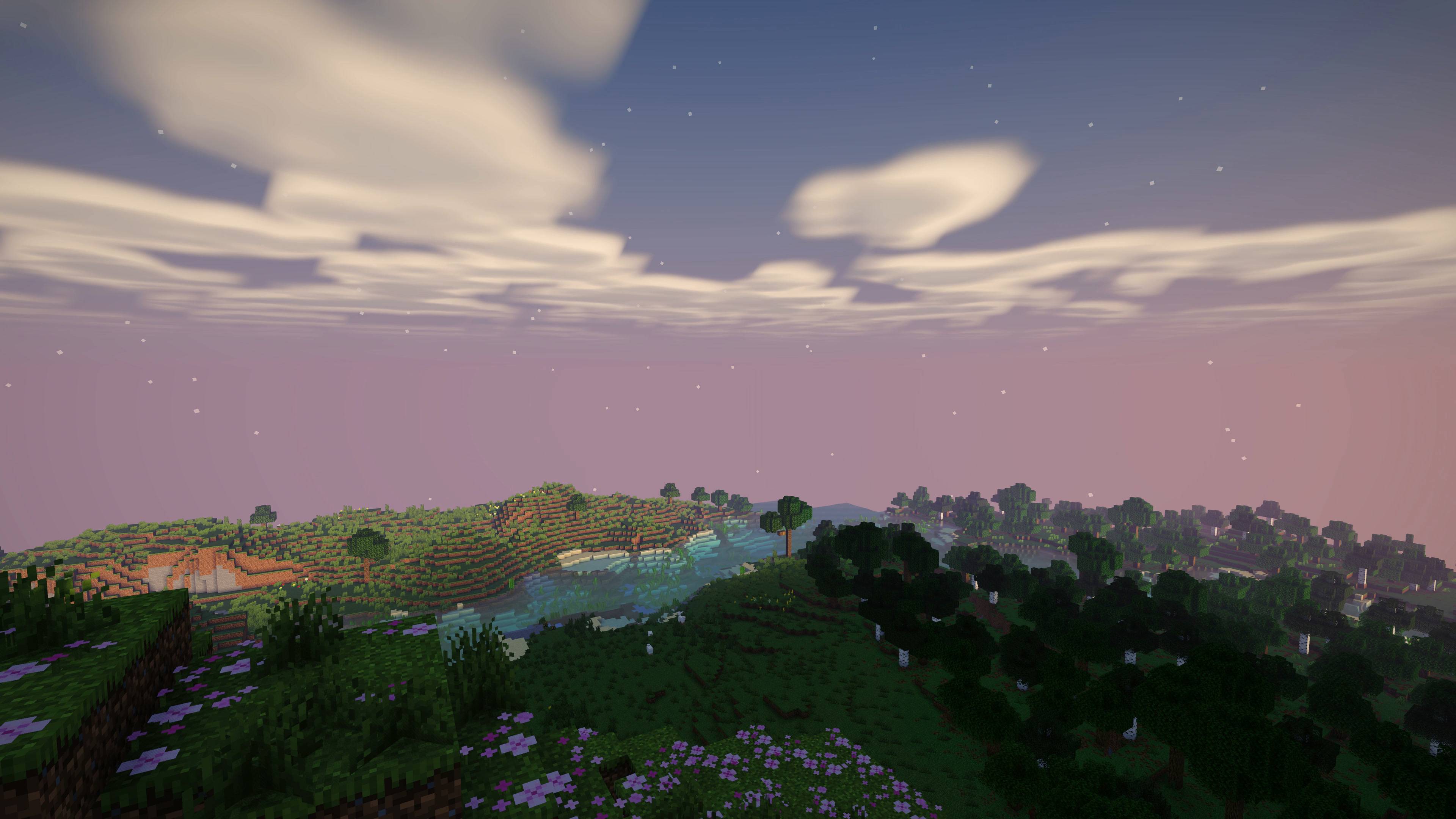
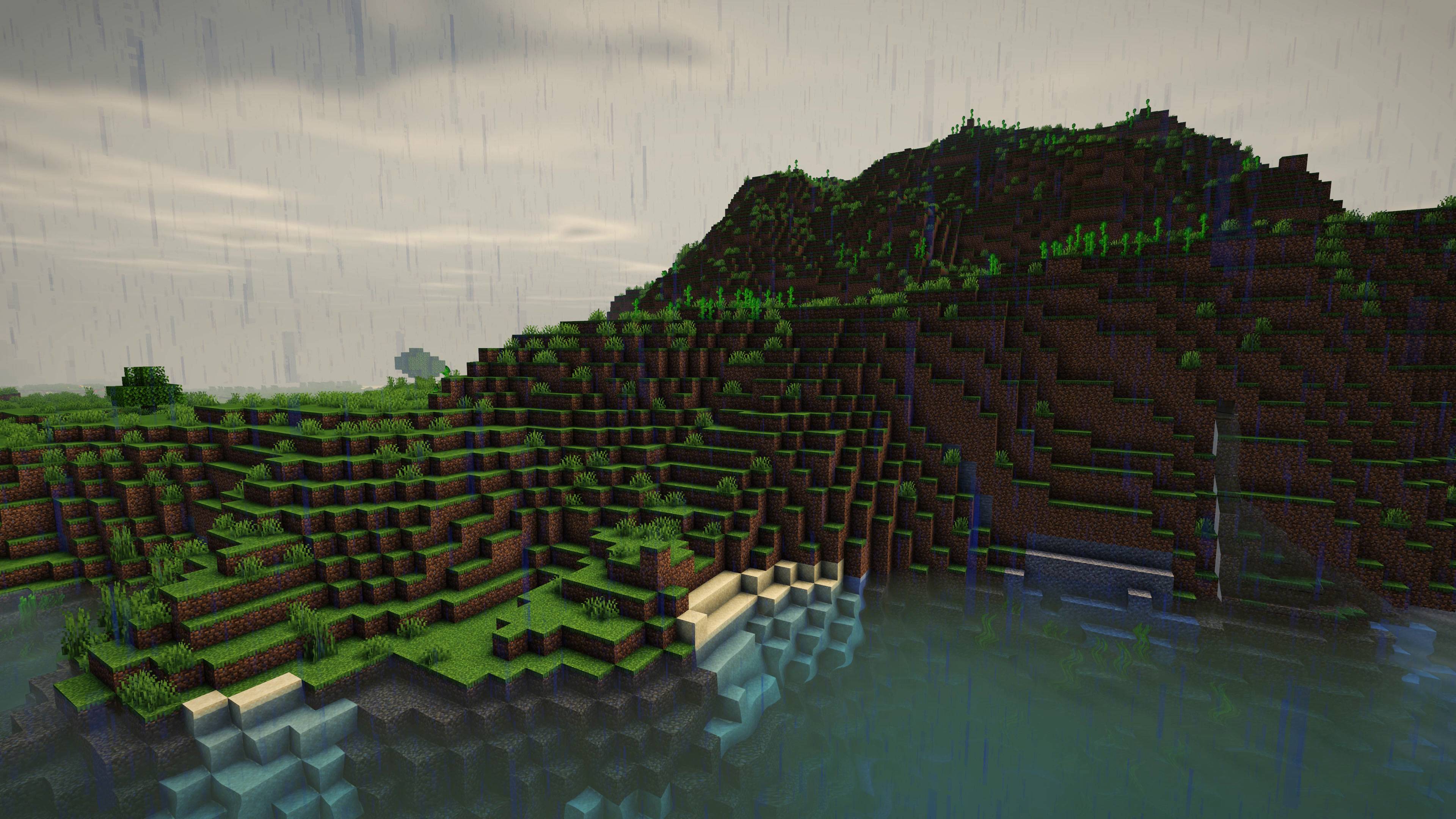
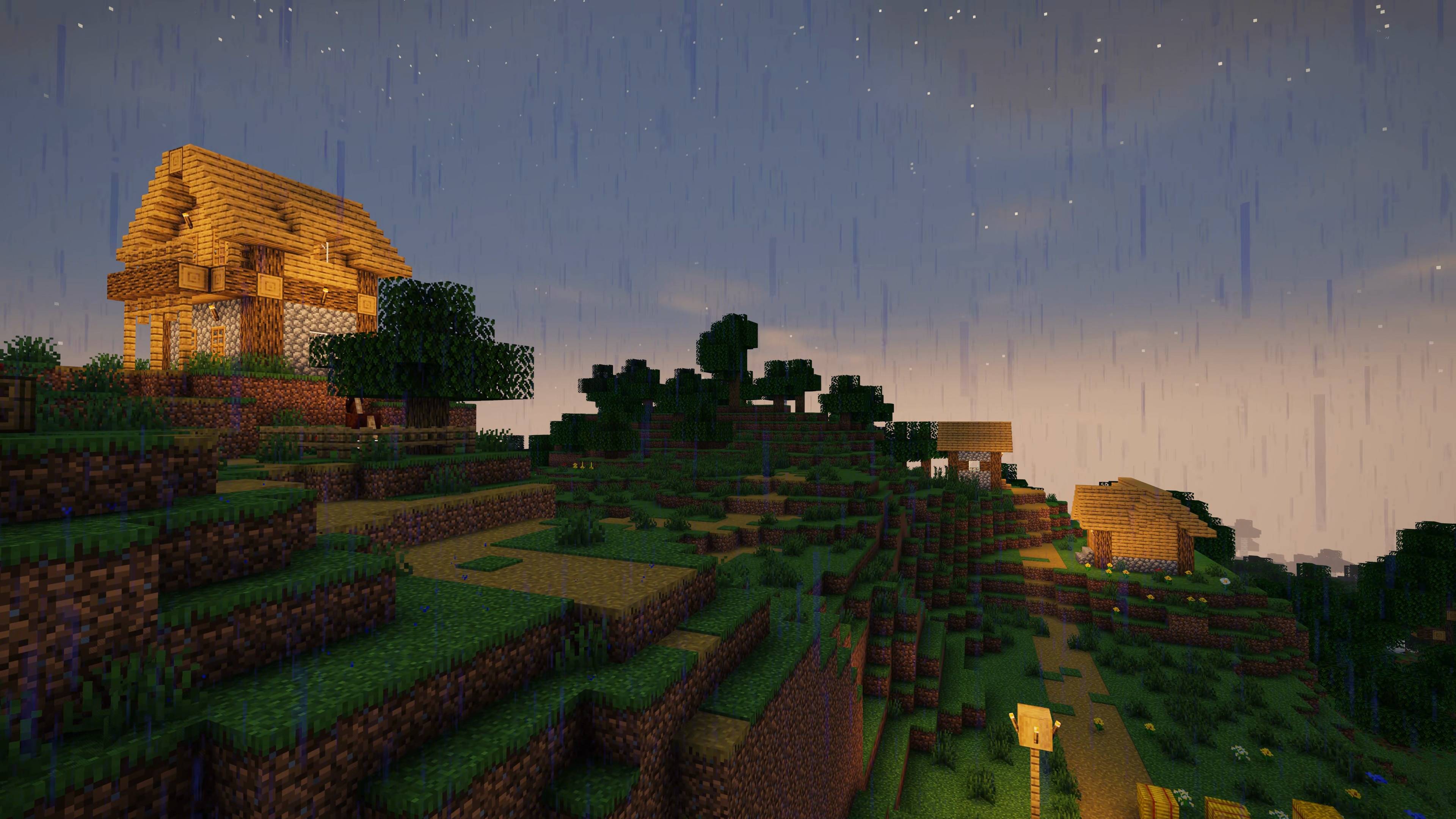
A cinematic Iris shaderpack written from scratch for Minecraft 26.2 and 26.3: a real sun and moon, its own clouds, water that reads from a distance, glowing leaves and TAA, with a default preset that runs faster than the old one.
截图
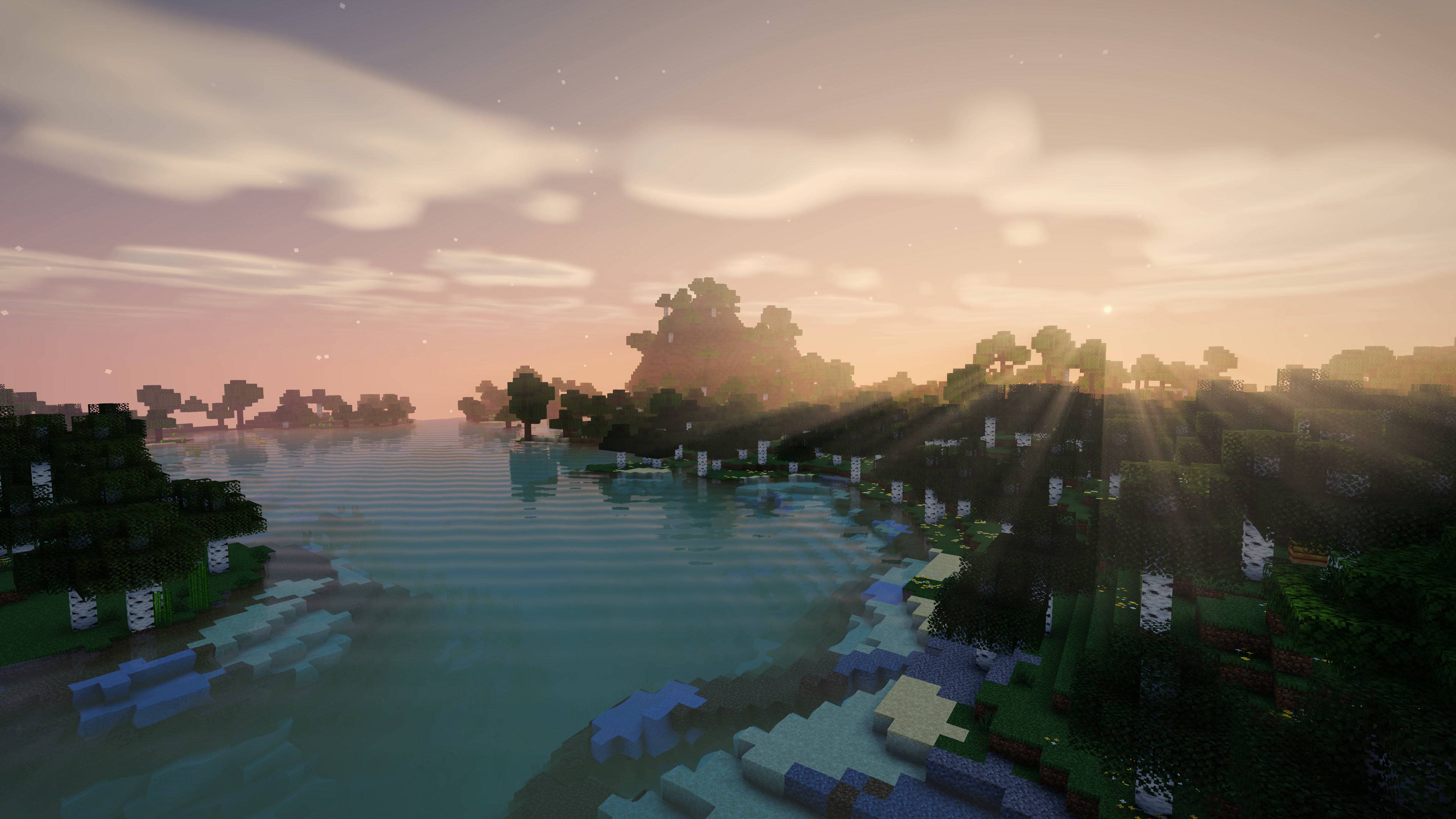
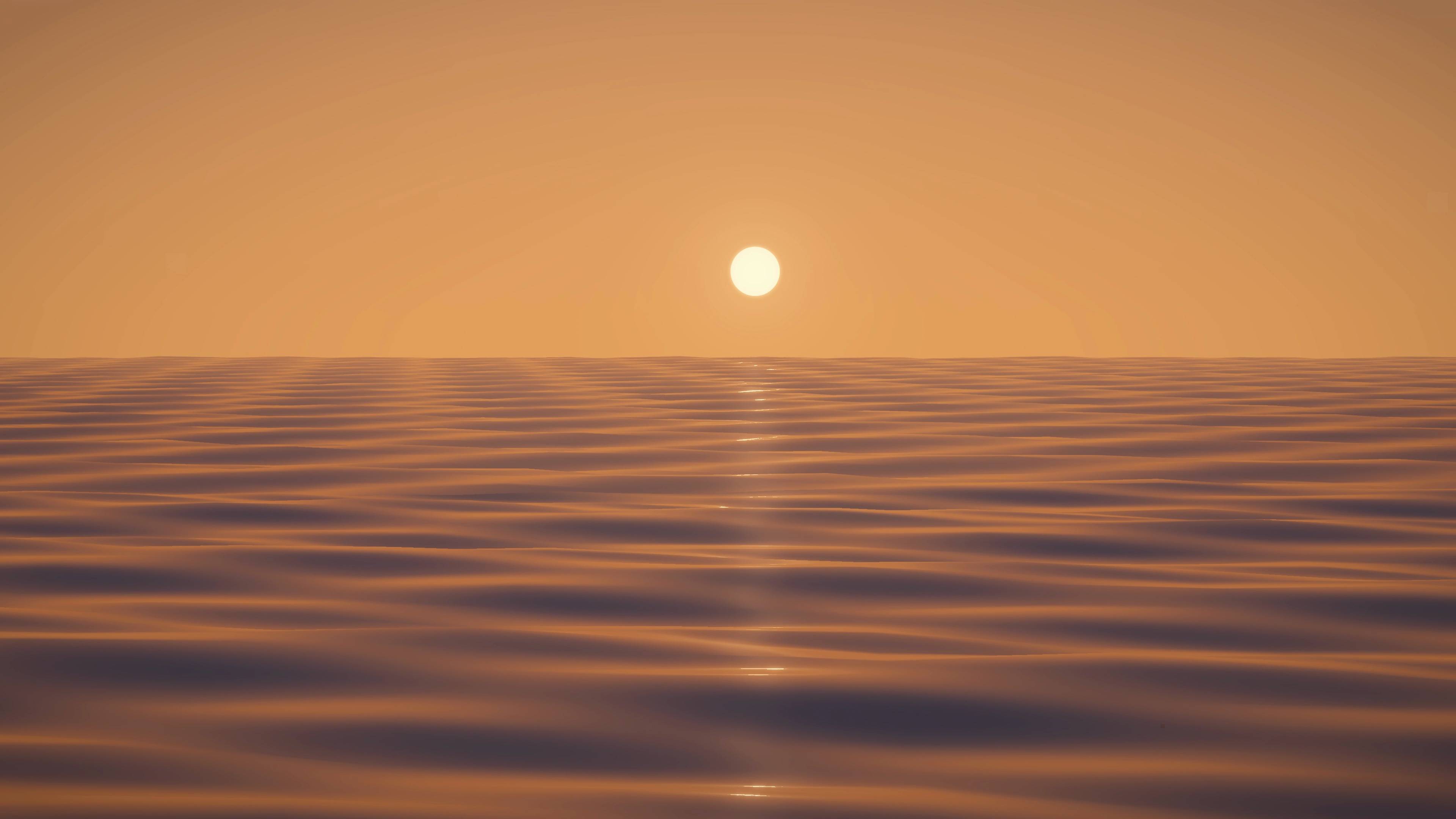
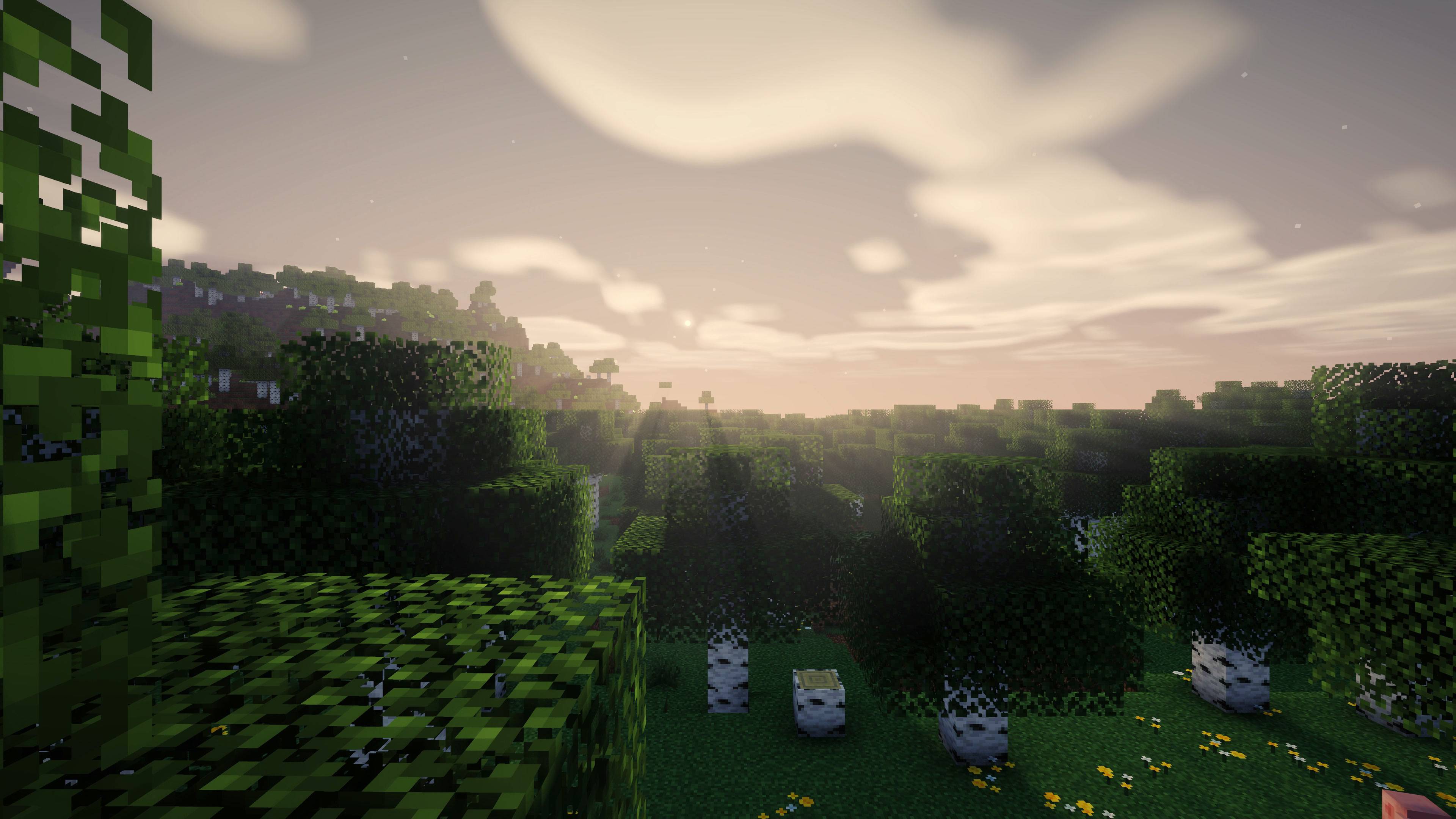
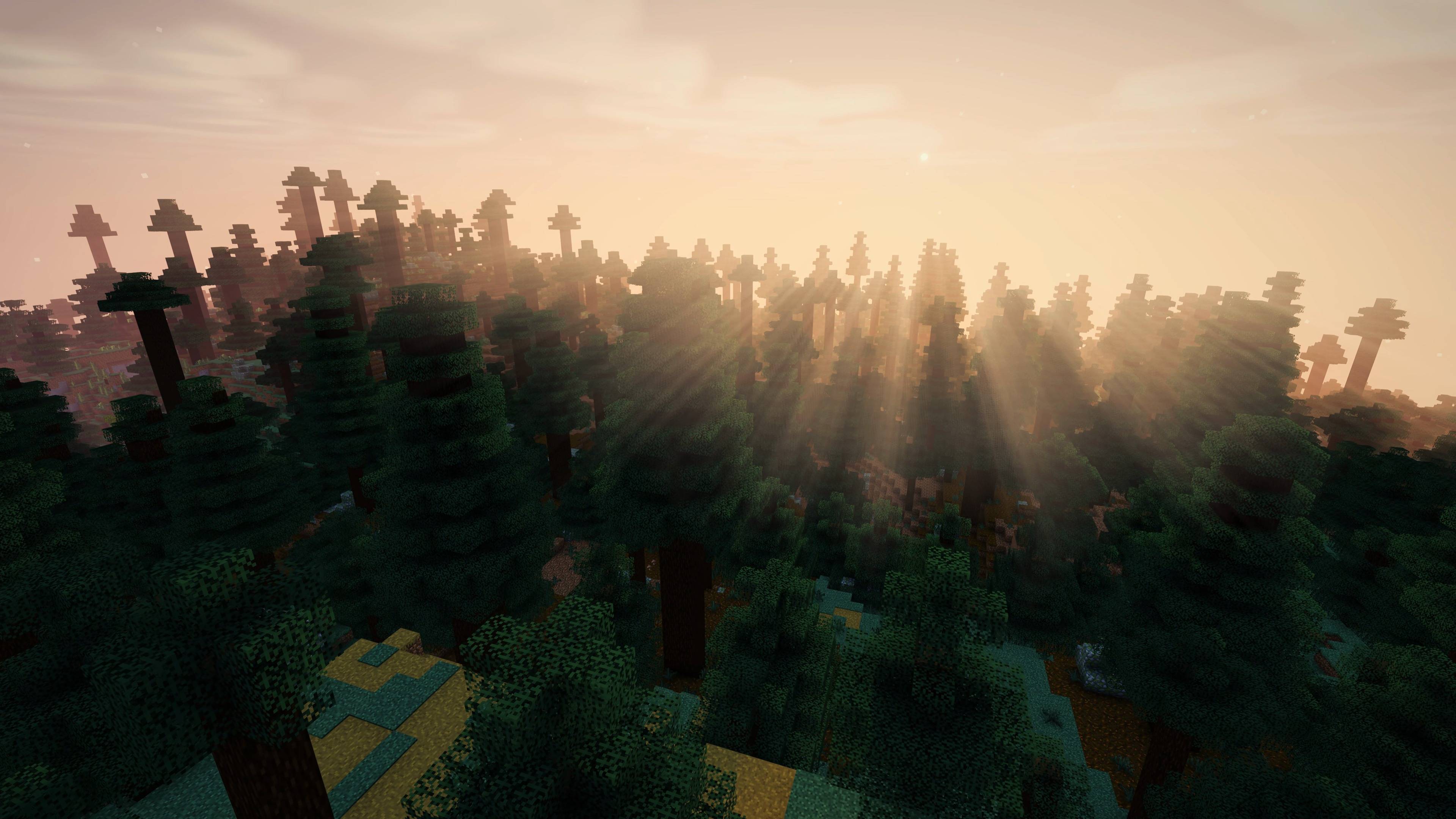
介绍
# PrimeCinematic
Written from scratch for Minecraft 26.2 and 26.3. It is not a fork and not a re-skin of an existing base. The goal is **footage that looks good without looking like a different game.** Vanilla’s colours stay recognisable; the light is what changes.
**Free to use with credit.** Videos, streams, screenshots and servers, monetised or not: just name PrimeCinematic. The details are under License below.
## New in 2.0
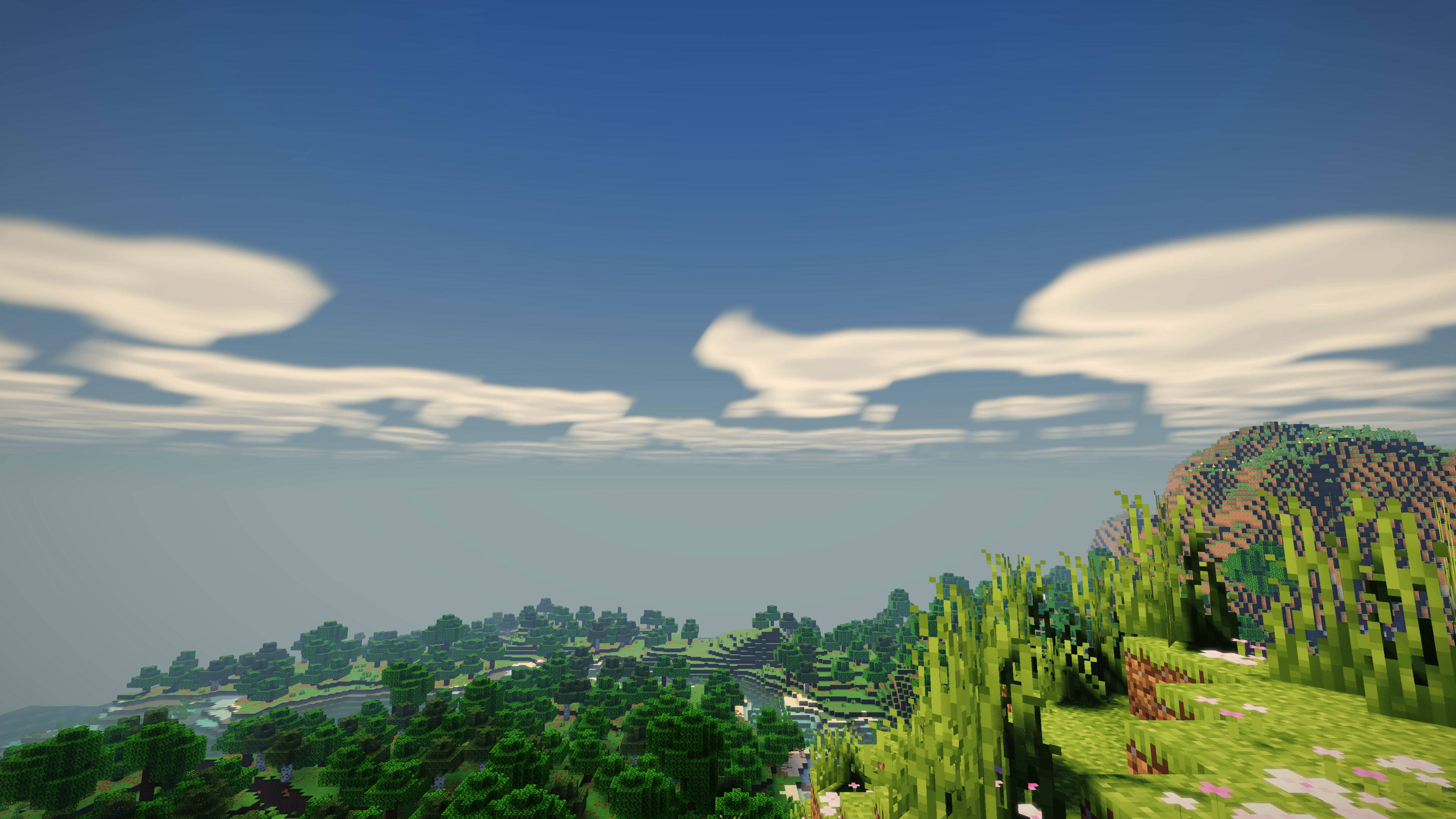
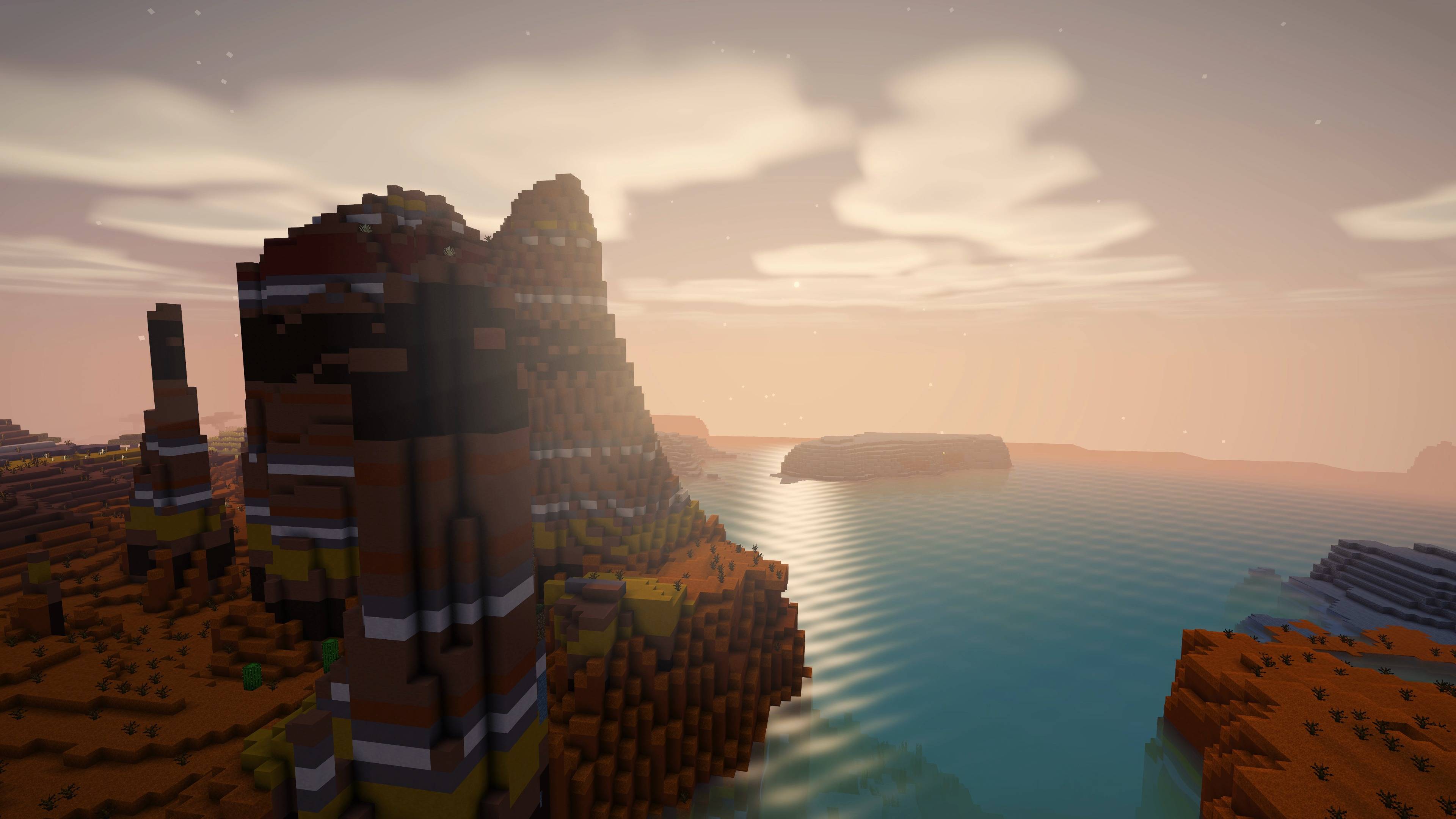
**A sky worth looking at.** A deeper daytime blue and warm-to-violet sunsets. A real round sun with a soft corona replaces the blocky square, and the moon follows its phases.
**Its own clouds.** Soft and sunlit, different from day to day, closing in when it rains. Choose Off, Vanilla, Fast or Fancy.
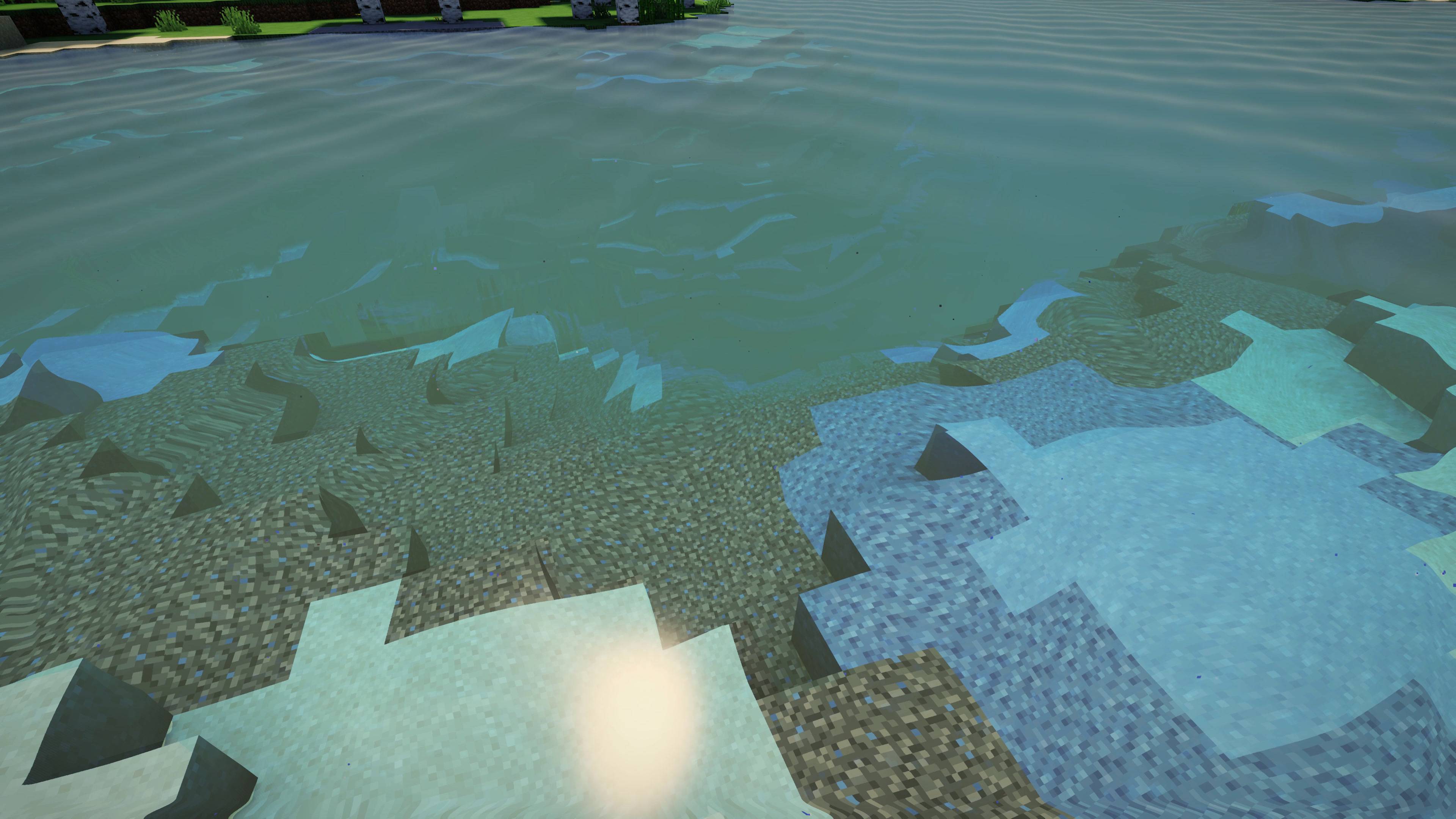
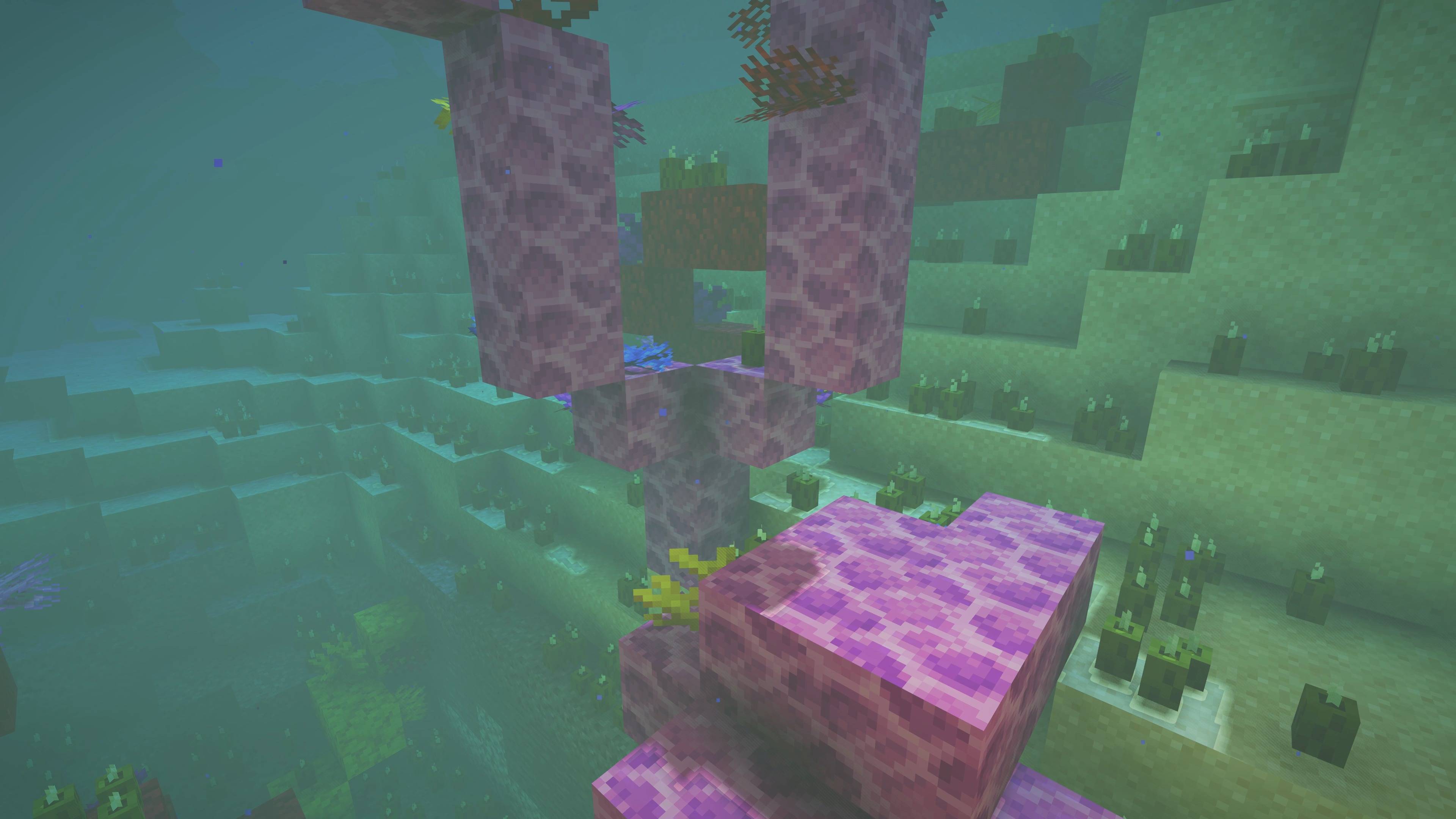
**Water that reads as water.** Lakes take on depth-based colour, so they read from far away. You see the lake bed refracted through the ripples. Trees and hills reflect in the surface, and caustics move across sunlit lake beds.
**Glowing foliage.** Leaves and grass light up when the sun is behind them, which gives the golden-hour look.
**Temporal anti-aliasing.** No more shimmer on leaves, grass, fences or your hand. A sharpening slider sits next to it.
**Auto exposure, nights and weather.** Caves open up gently and snow doesn’t blow out. Nights stay readable and rain is soft. Border fog hides the edge of the world. The Nether and the End get their own fog and light.
**Faster than before, by default.** Entities now cast shadows only within a quarter of the shadow distance, which halves the shadow pass’s work on the CPU. **The default 2.0 Balanced preset runs faster than 1.x Balanced did** (about 16% more FPS at 1080p in our tests, the same GPU time at 4K) with everything above except ambient occlusion and water reflections, which live in Cinematic.
## Also in the pack
Soft coloured shadows: stained glass and water tint the light. Volumetric light shafts, ambient occlusion, waving foliage, bloom, and a filmic ACES grade calibrated so mid-grey lands where film puts it.
## Five presets
| Preset | What it is | Cost |
|—|—|—|
| **Low** | 512 shadow map, 80-block shadows, light shafts, vanilla clouds, no TAA | about 1.x Performance |
| **Performance** | TAA, own clouds, water refraction, light shafts, 80-block shadows | lighter than Balanced |
| **Balanced** | The default: TAA, new sky and clouds, water refraction and caustics, foliage glow, auto exposure, bloom | **faster than 1.x Balanced** |
| **Cinematic** | The full look: adds ambient occlusion, water reflections, fancy clouds, 176-block soft shadows | ~a third more GPU than 1.x Balanced |
| **Ultra** | 2048 shadow map, 224-block shadows, everything maxed | most |
Every value behind them is also a slider, with a plain-English tooltip, grouped into Shadows / Lighting / Atmosphere / Water / Anti-Aliasing / Post Processing.
## Performance, measured
Numbers come from the pack’s own test bench (render distance 12, GPU time per pass, CPU time and FPS), against 1.x in the same session on the same machine and world.
– **2.0 Balanced (default) vs 1.x Balanced:** ~16% higher FPS at 1080p, ~28% less CPU time, the same GPU cost at 4K.
– **2.0 Low vs 1.x Performance:** about the same.
– **2.0 Cinematic vs 1.x Balanced:** roughly a third more GPU time – the price of ambient occlusion, water reflections and long soft shadows on top of everything else.
So the default is faster than before and looks better; Cinematic is the full look for when you have headroom. After the preset, the biggest levers are Shadow Distance, Shadow Resolution and Water Reflections (which cost nothing on screens without water).
## Requirements
– Minecraft Java **26.2** or **26.3**
– **Iris** and **Sodium** for your version (tested: Iris 1.11.2 + Sodium 0.9.1 on 26.2, Iris 1.11.7 + Sodium 0.9.2 on 26.3)
– A GPU supporting OpenGL 4.3
## Install
1. Download the `.zip`. **Do not unzip it.**
2. Put it in `.minecraft/shaderpacks/`
3. In game: **Options → Video Settings → Shader Packs → PrimeCinematic → Apply**
## On 26.3: “Iris cannot run when using Vulkan”
26.3 added an experimental Vulkan renderer, and Iris only runs on OpenGL. Accept Iris’s offer to switch (the game closes; start it again), or set **Video Settings → Graphics API** to **Default** or **Prefer OpenGL** and restart.
## Known limits (please read before reporting)
– **Reflections only show what is on screen.** Something behind you or above the frame can’t appear in the water; there the water reflects the sky.
– **Stained glass or ice seen through water** (from above the surface) is not drawn behind it.
– **TAA is very slightly soft**, like all TAA. Use the Sharpening slider; at 4K, 0.15–0.25 looks most natural.
– **No PBR, no motion blur, no depth of field, no coloured block light.**
– **Entities more than a quarter of the shadow distance away don’t cast shadows.** This is deliberate, for FPS.
## Filming notes
Tone Mapping on **Filmic** with Film Grain around **0.006** survives YouTube compression better than the clean defaults. Sun Path Angle (default −25°) gives longer, more directional shadows than vanilla’s overhead sun.
## Who made it
PrimeCinematic was written from scratch, every pass and nothing forked, for a video series on the **OnePatchLater** YouTube channel. That’s where you can see how it was built and what gets made next.
Parts of the shader code were written with AI coding assistance under the author’s direction; the look, the features, testing and tuning are the author’s. All screenshots are real in-game images, taken with the Cinematic preset.
## License
Use it anywhere: single-player, servers, screenshots, videos, streams, monetised or not. You can modify it for your own use. **Just say where it came from.** Naming the pack is enough, and that is the whole requirement.
If there is room for a link, pointing people at this page or at the channel is appreciated. That is what keeps the pack getting updates.
Please don’t re-upload it anywhere else; link here instead. Modpacks are welcome on the same terms. The full text is in `LICENSE.txt` inside the zip.
常见问题
PrimeCinematic 支持哪些 Minecraft 版本?
PrimeCinematic 支持 Minecraft Java 版 26.2–26.3,共 2 个版本,可用的加载器:Iris / OptiFine。下载时注意选择和你游戏版本一致的文件。
PrimeCinematic 怎么安装?
光影需要先装 Iris / OptiFine。把下载的 .zip 文件(不用解压)放进游戏目录的 shaderpacks 文件夹,进游戏后在「选项 → 视频设置 → 光影包」里选中它。光影对显卡要求较高,卡顿可以调低光影设置或渲染距离。
评论
登录后评论和评分