
NOVAFLARE
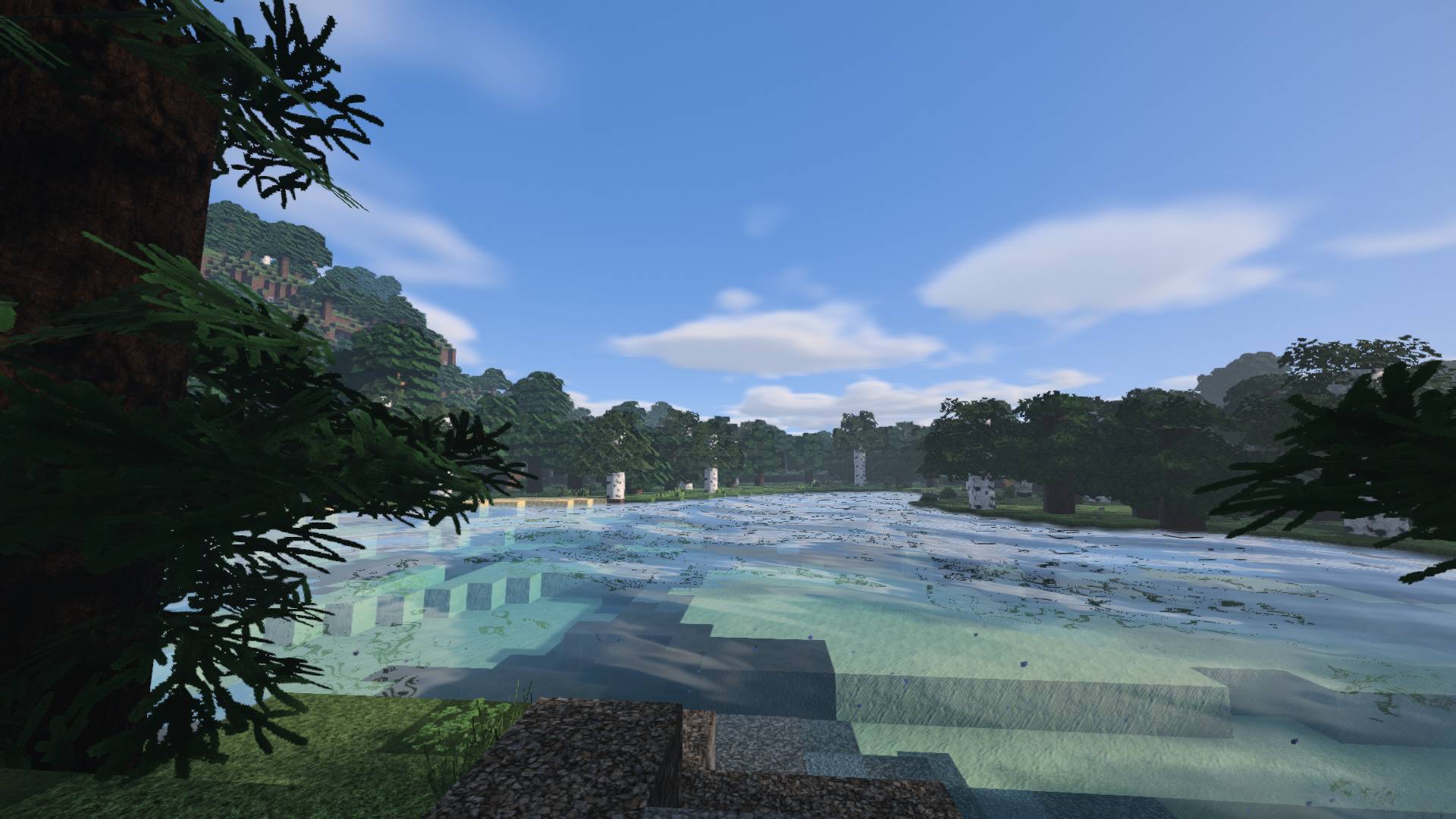
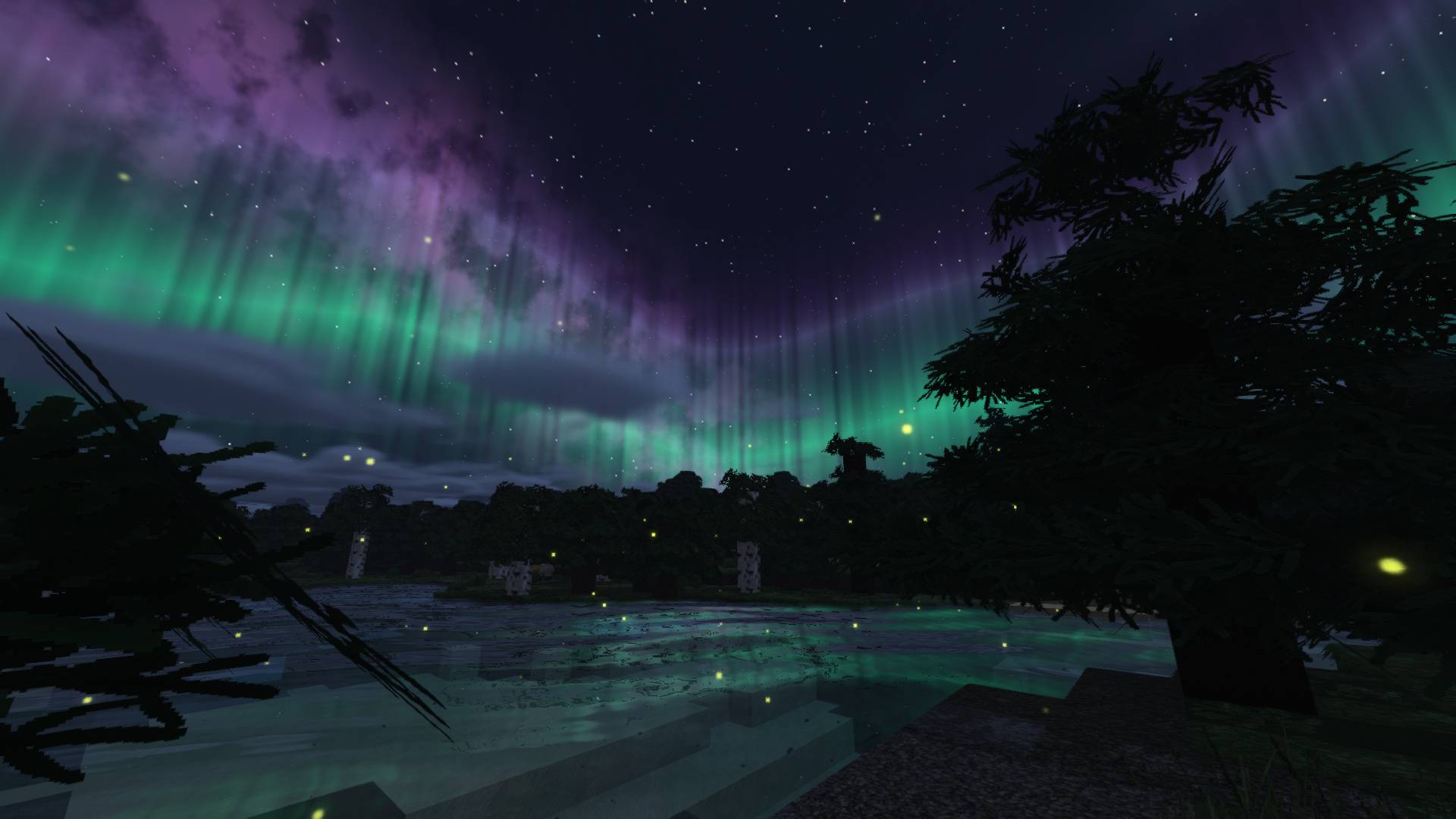
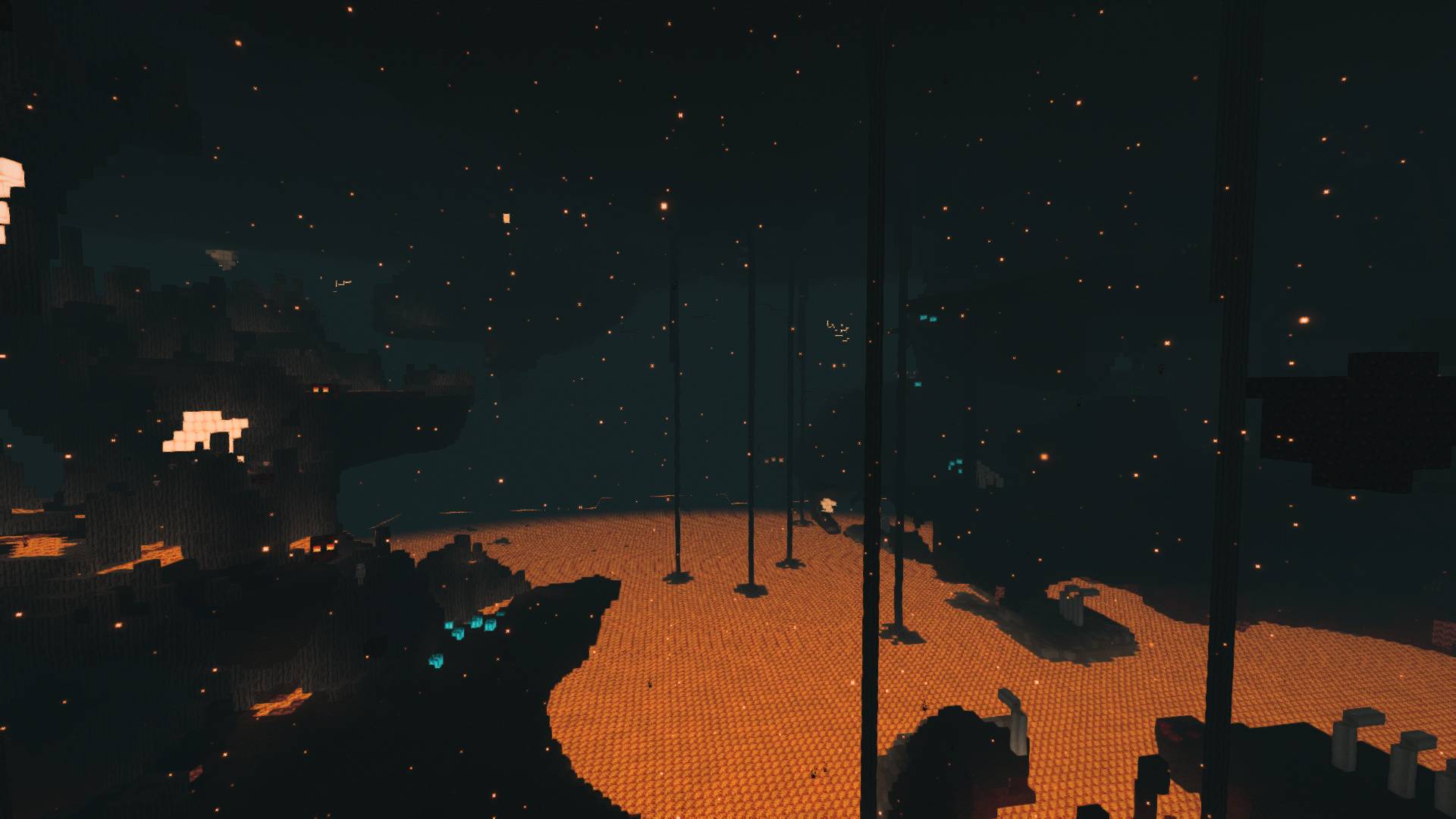
Cinematic lighting, moving water and astral skies, with deep portals and optional PBR relief.
截图
介绍
NOVAFLARE
NOVAFLARE brings cinematic light, moving water and a distinctive astral atmosphere to Minecraft Java. Warm sunsets, quieter highlights and carefully separated dimension palettes give the world a richer look while keeping ordinary gameplay readable.
Features
– Volumetric clouds with internal lighting, soft shadows and cloud shadows. Clouds can be seen from below, inside and above the layer.
– Animated water geometry, fine surface ripples, depth-dependent absorption, refraction, screen-space reflections and restrained shoreline foam. Water color responds to the biome tint.
– Smoothed eye-light adaptation, a hue-aware highlight shoulder and three color looks: Natural, Cinematic and Cosmic.
– Normal maps, oldPBR and labPBR materials. Height-map parallax is available for terrain in the Cinematic and Ultra presets, with distance fading and atlas bounds.
– Screen-space ambient occlusion, indirect light, wet surfaces and puddle reflections. Shader rain rings appear only on water.
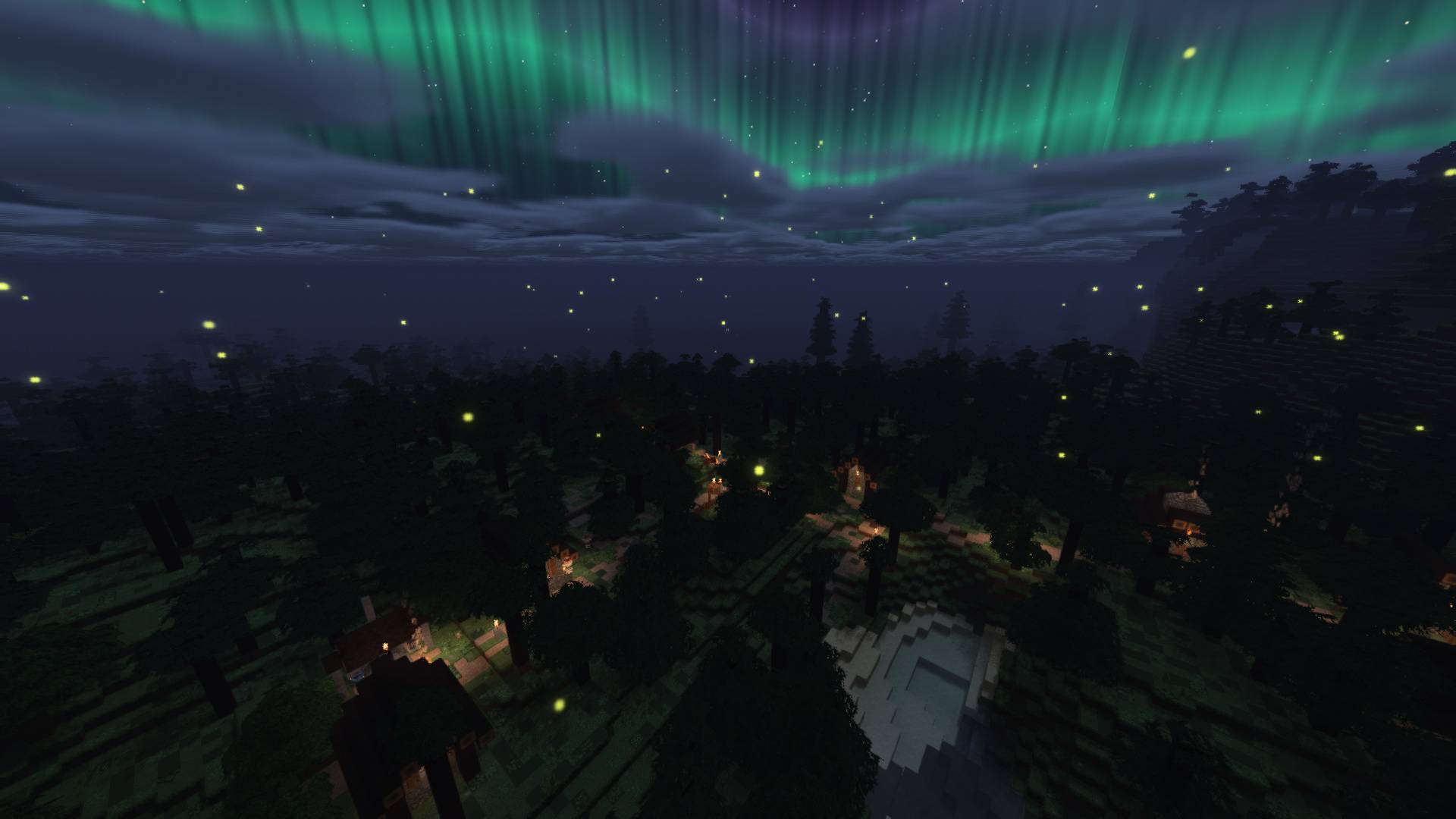
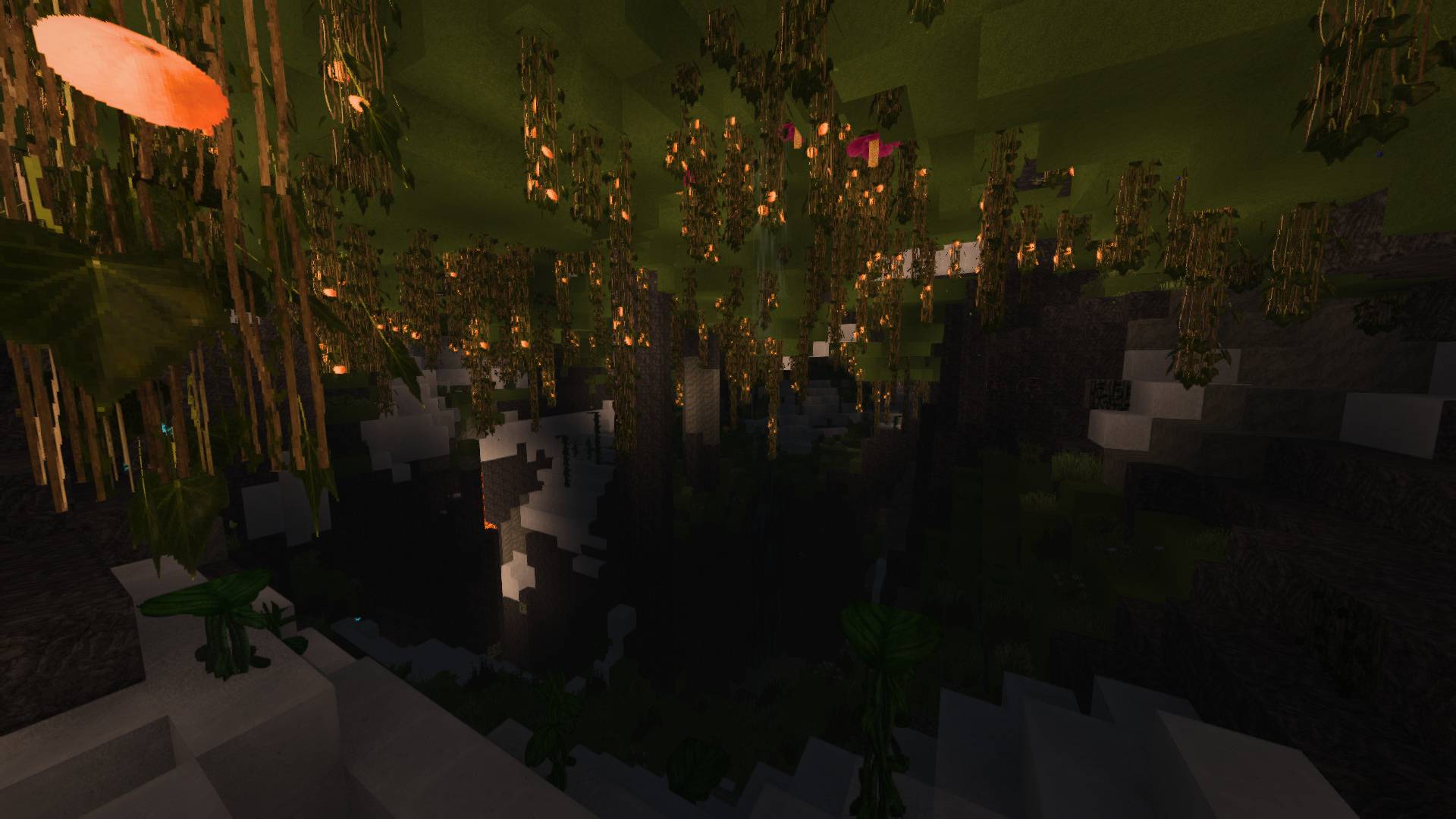
– Animated rainbow selection outlines and enchantment glints, waving foliage and nighttime fireflies.
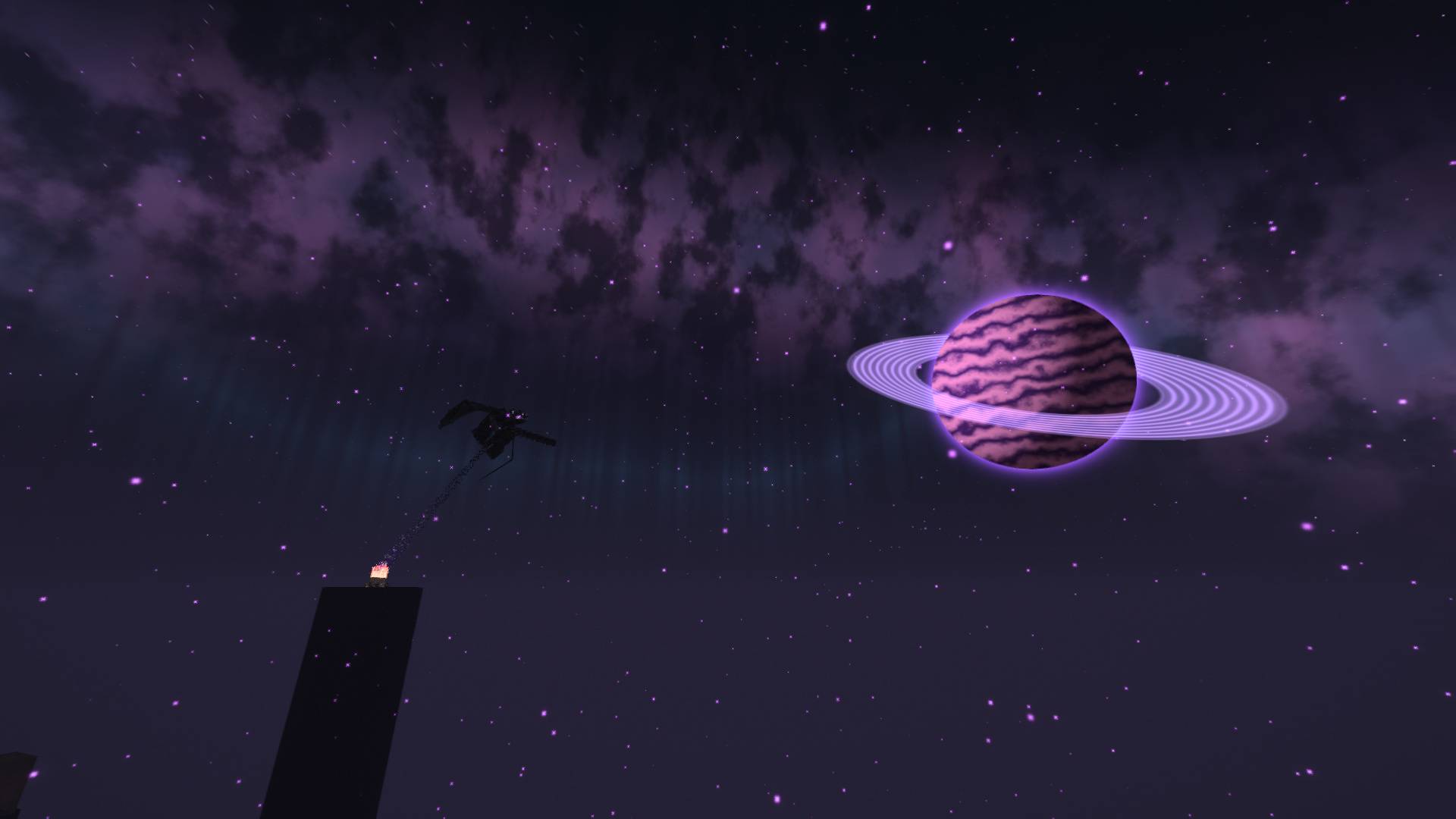
– Seven-layer End portals and four-layer Nether portals with camera parallax. The End has a ringed planet, amethyst dust and brief distant electrical arcs; the Nether has drifting embers.
– A procedural star field, galactic haze, aurora, occasional shooting stars, rain lighting and distant storm flashes.
– Multiscale bloom and FXAA. Depth of field, film grain and chromatic aberration are optional.
Installation and compatibility
Use Minecraft Java **1.21.1**, **NeoForge**, and compatible versions of **Iris** and **Sodium**. The reference installation uses NeoForge 21.1.256, Iris 1.8.12 and Sodium 0.6.13. This is a shader ZIP: place it directly in the shaderpacks folder opened from Iris, select NOVAFLARE, and click Apply. Do not unzip it or place it in mods.
No additional resource pack is required. A resource pack with suitable PBR maps is optional for material detail and height-map relief. Select the correct PBR format in Materials; automatic labPBR detection depends on the resource pack declaring its format. The Mixed setting is intended for mixed resource-pack stacks.
Start with **Balanced**. **Fast** reduces expensive effects, **Cinematic** increases reflection and cloud quality and enables relief, and **Ultra** raises shadow resolution and sampling further. Options are available in English and Polish.
Beta status and limits
5.0 beta 1 is a public-test candidate. It has passed native GPU compilation and synthetic rendering checks on AMD Radeon RX 6600 with OpenGL 4.6. Final visual integration of 5.0 in Minecraft and other GPU vendors still needs confirmation. The earlier 4.4 build loaded in Minecraft on the reference NeoForge installation.
Reflections and indirect light use visible screen geometry; reflections outside the screen fall back to the sky. Parallax needs a height map and does not change block geometry. This version has no path tracing, temporal antialiasing, Distant Horizons or Voxy integration. Performance depends on settings, resolution, GPU and world complexity; no universal FPS claim is made.
When reporting an issue, include the pack version, Minecraft/Iris/Sodium versions, GPU, preset, resource packs and the relevant shader error. Logs can contain personal information; remove it before sharing.
Credits and license
Original NOVAFLARE code and project mark: **MIT**. Visual inspiration: the cinematic and fantasy mood of AstraLex. NOVAFLARE does not include AstraLex, BSL, other shaderpack code, mods, or third-party texture packs. Iris/Sodium interfaces and the labPBR standard are acknowledged in the included documentation.
常见问题
NOVAFLARE 支持哪些 Minecraft 版本?
NOVAFLARE 支持 Minecraft Java 版 1.21.1,可用的加载器:Iris。下载时注意选择和你游戏版本一致的文件。
NOVAFLARE 怎么安装?
光影需要先装 Iris。把下载的 .zip 文件(不用解压)放进游戏目录的 shaderpacks 文件夹,进游戏后在「选项 → 视频设置 → 光影包」里选中它。光影对显卡要求较高,卡顿可以调低光影设置或渲染距离。
评论
登录后评论和评分