NLK’s Dynamic Horizons
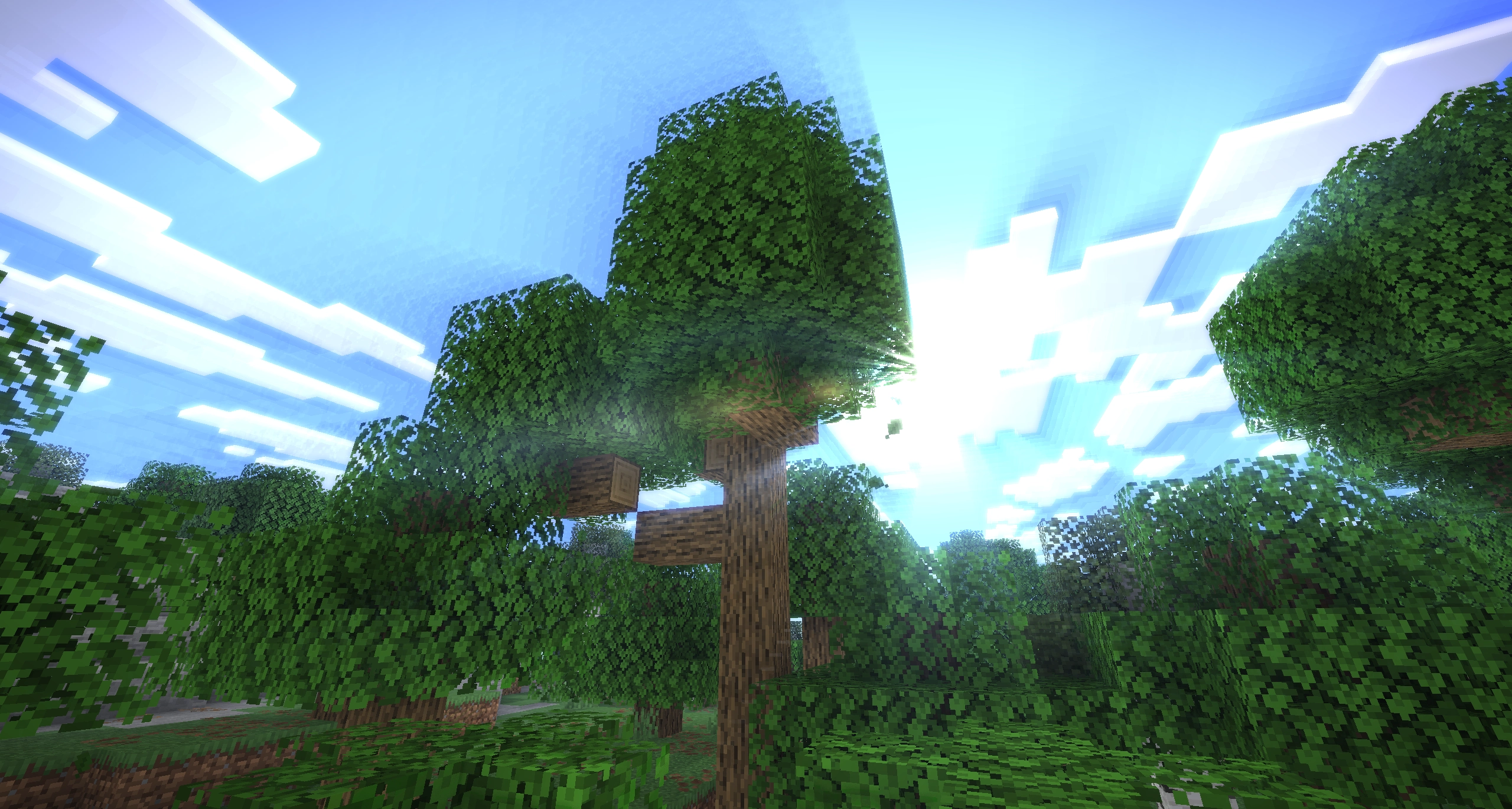
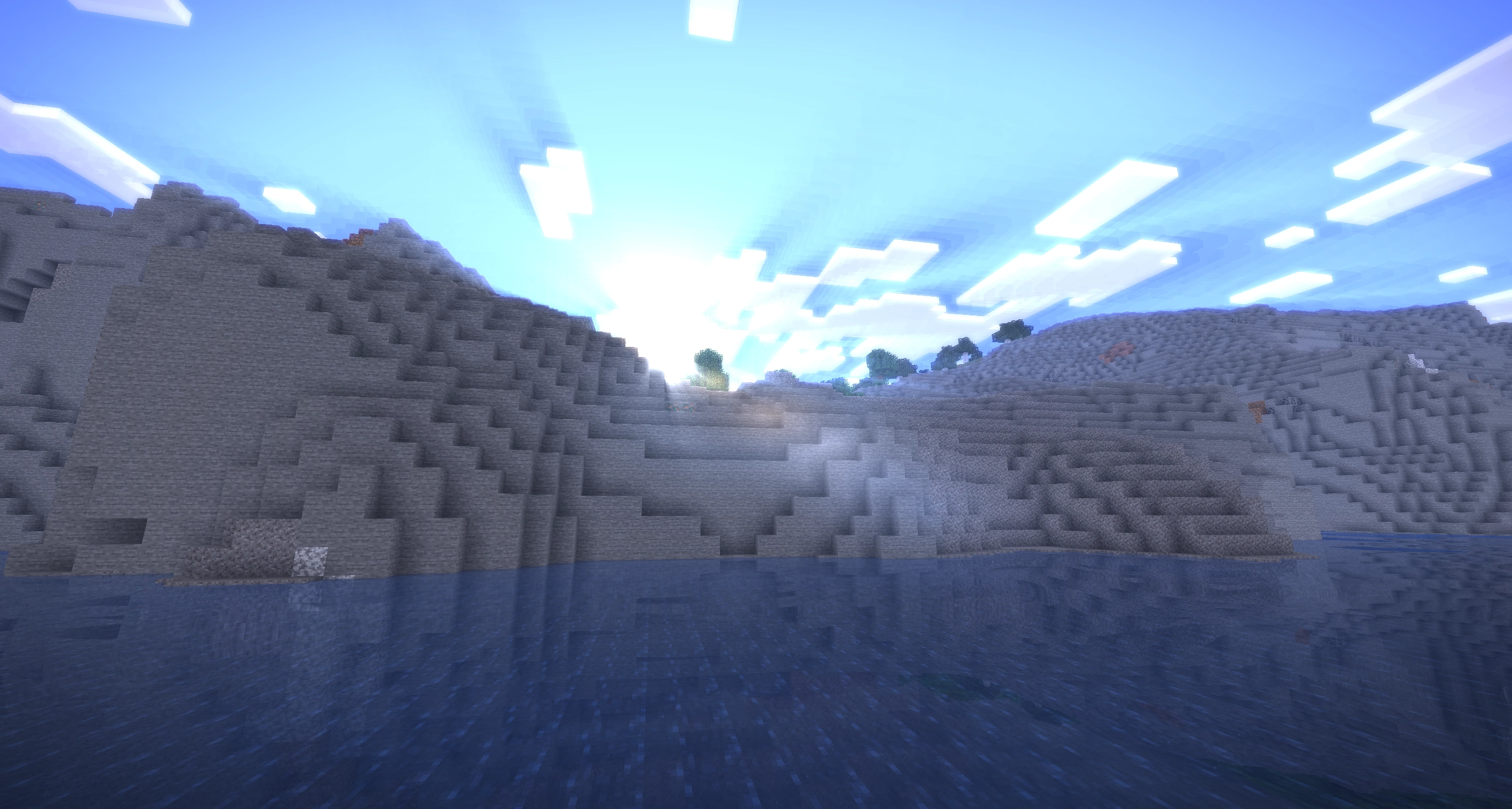
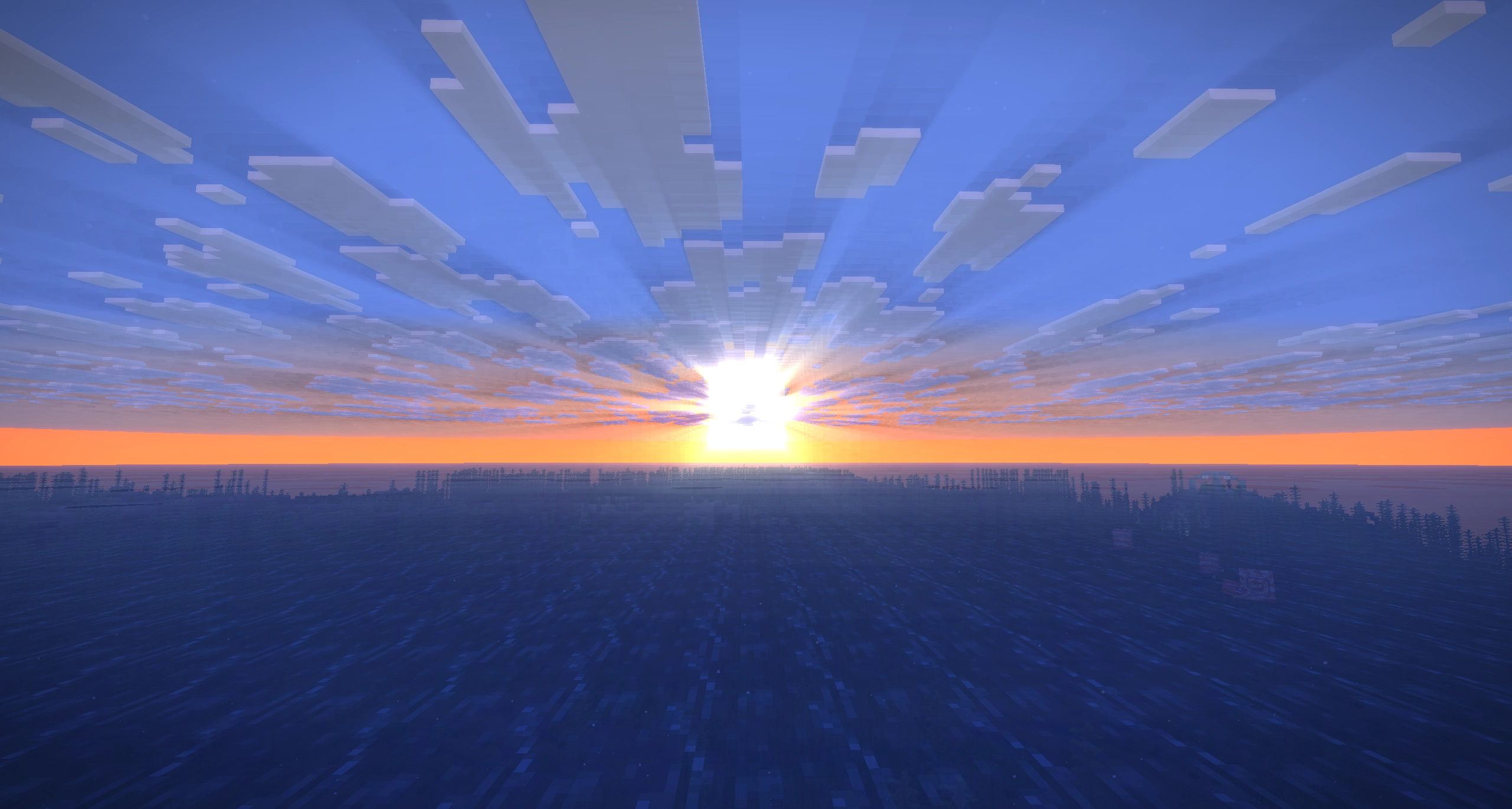
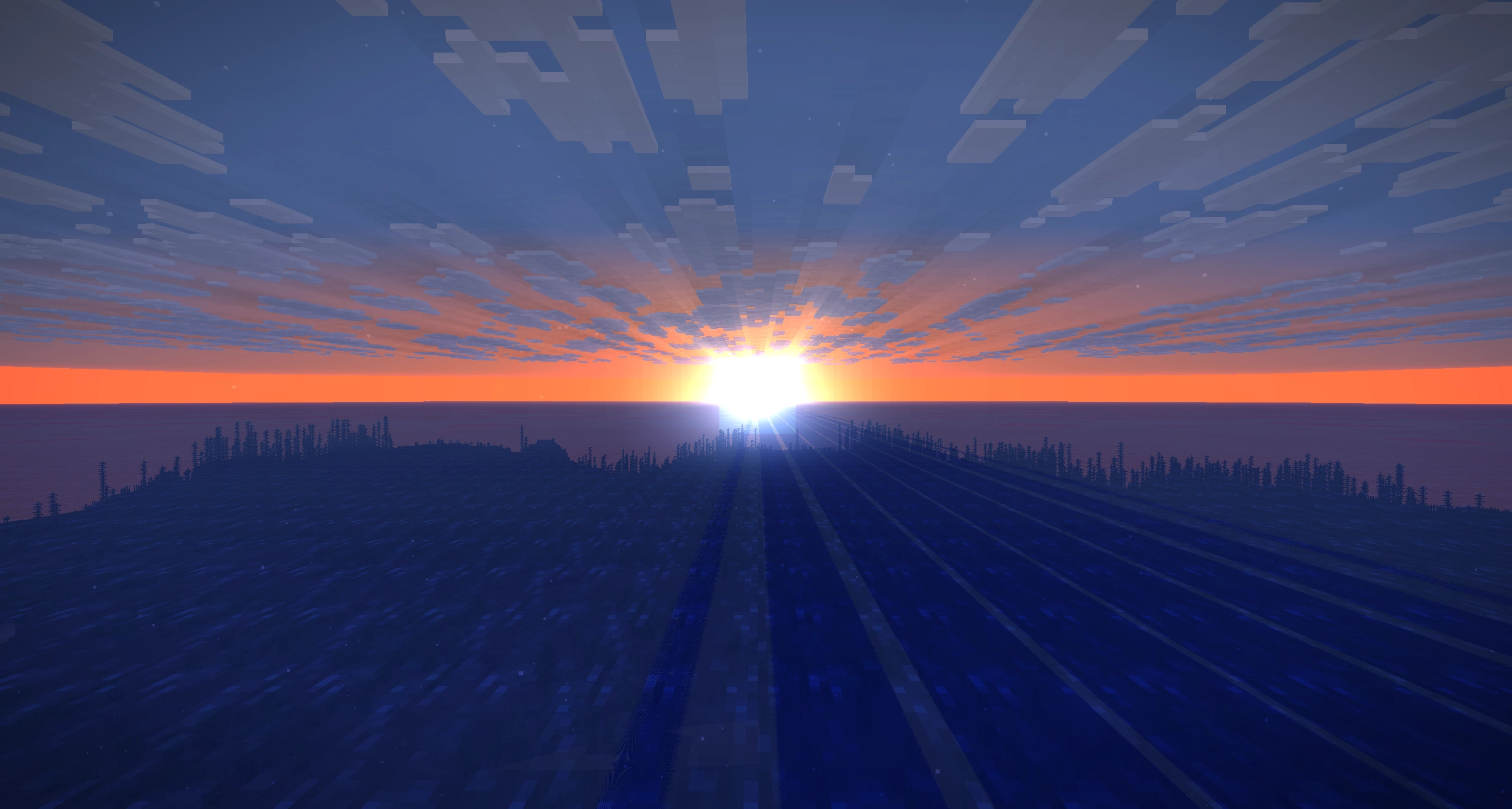
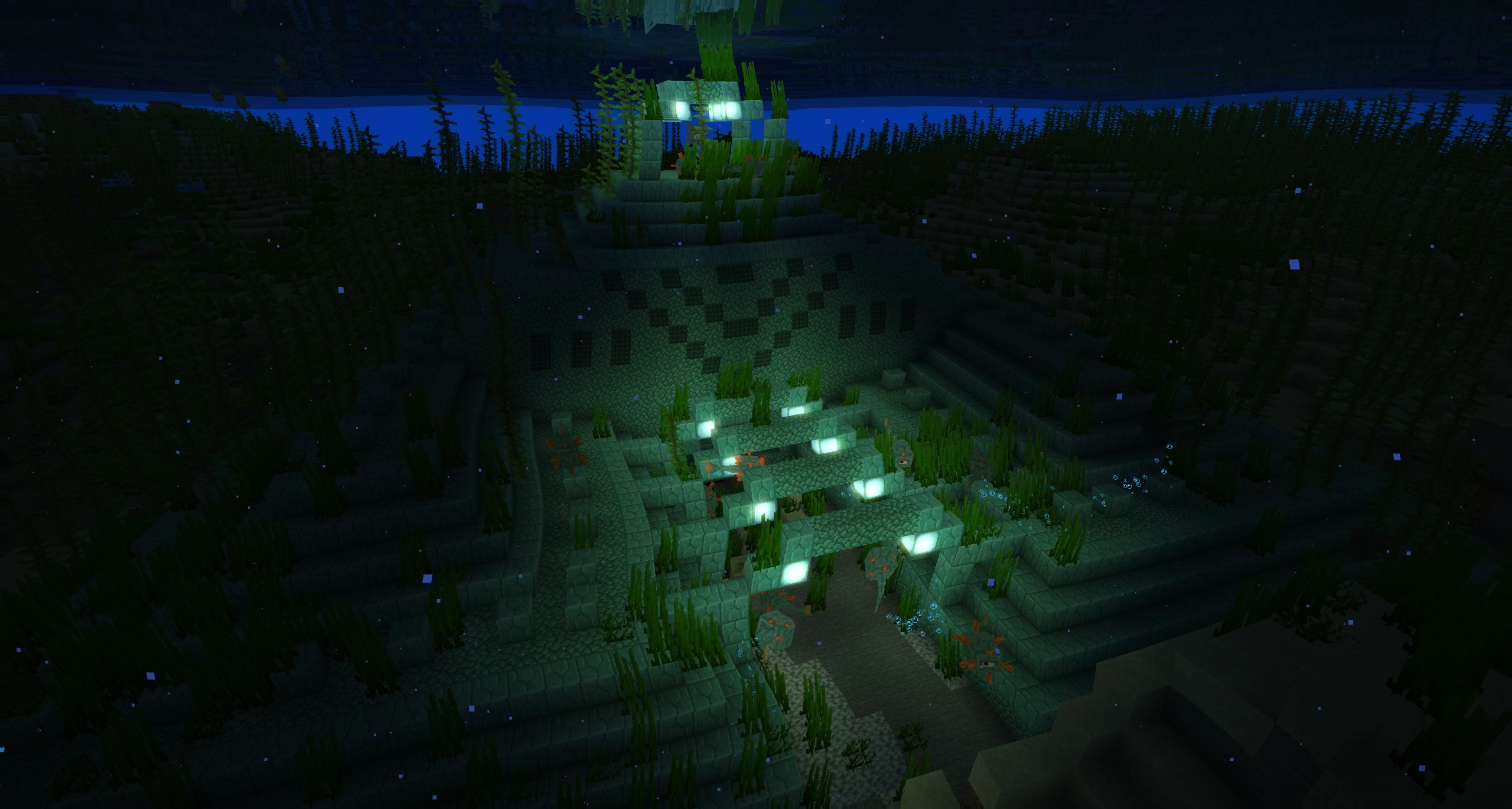
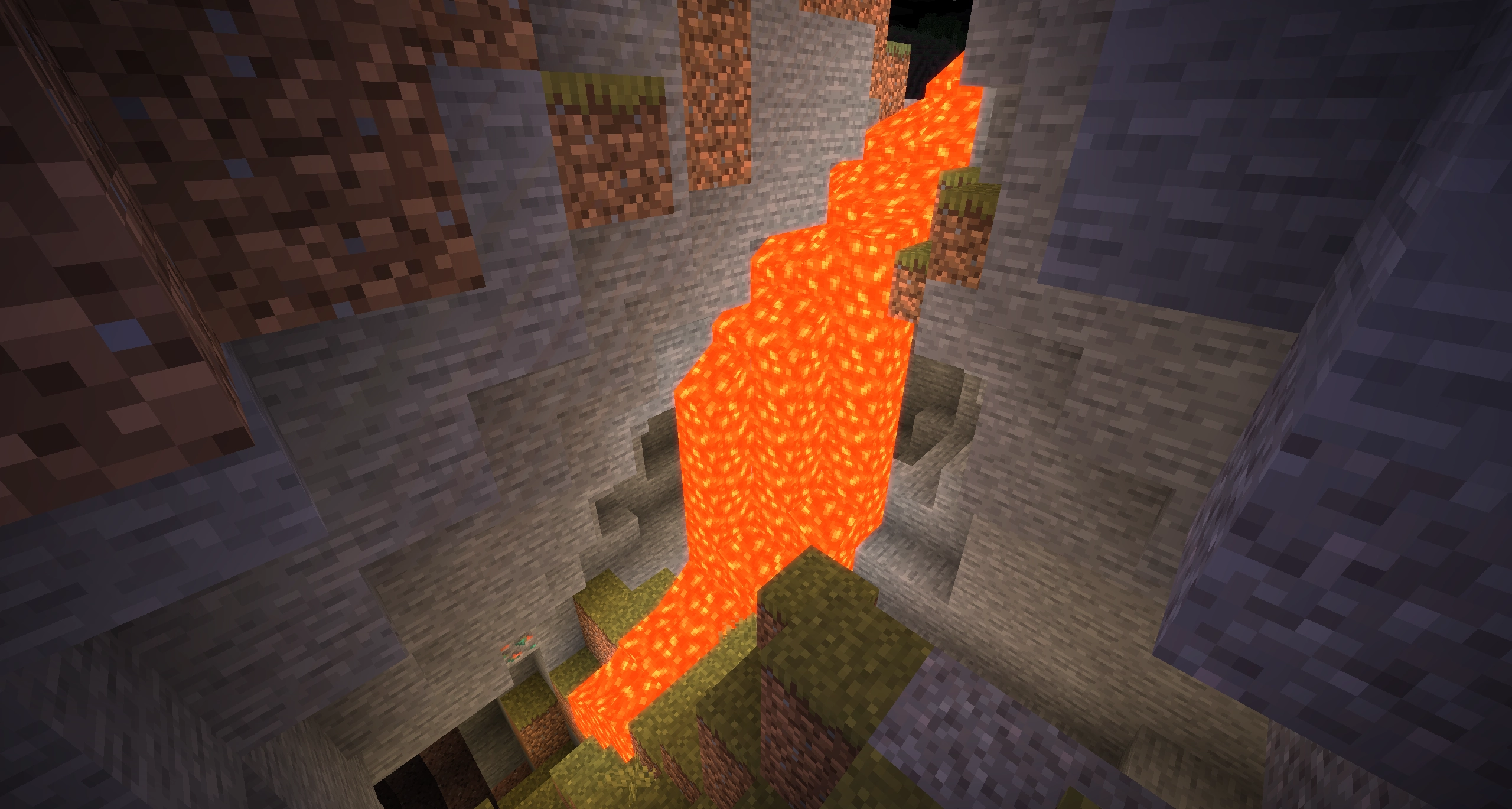
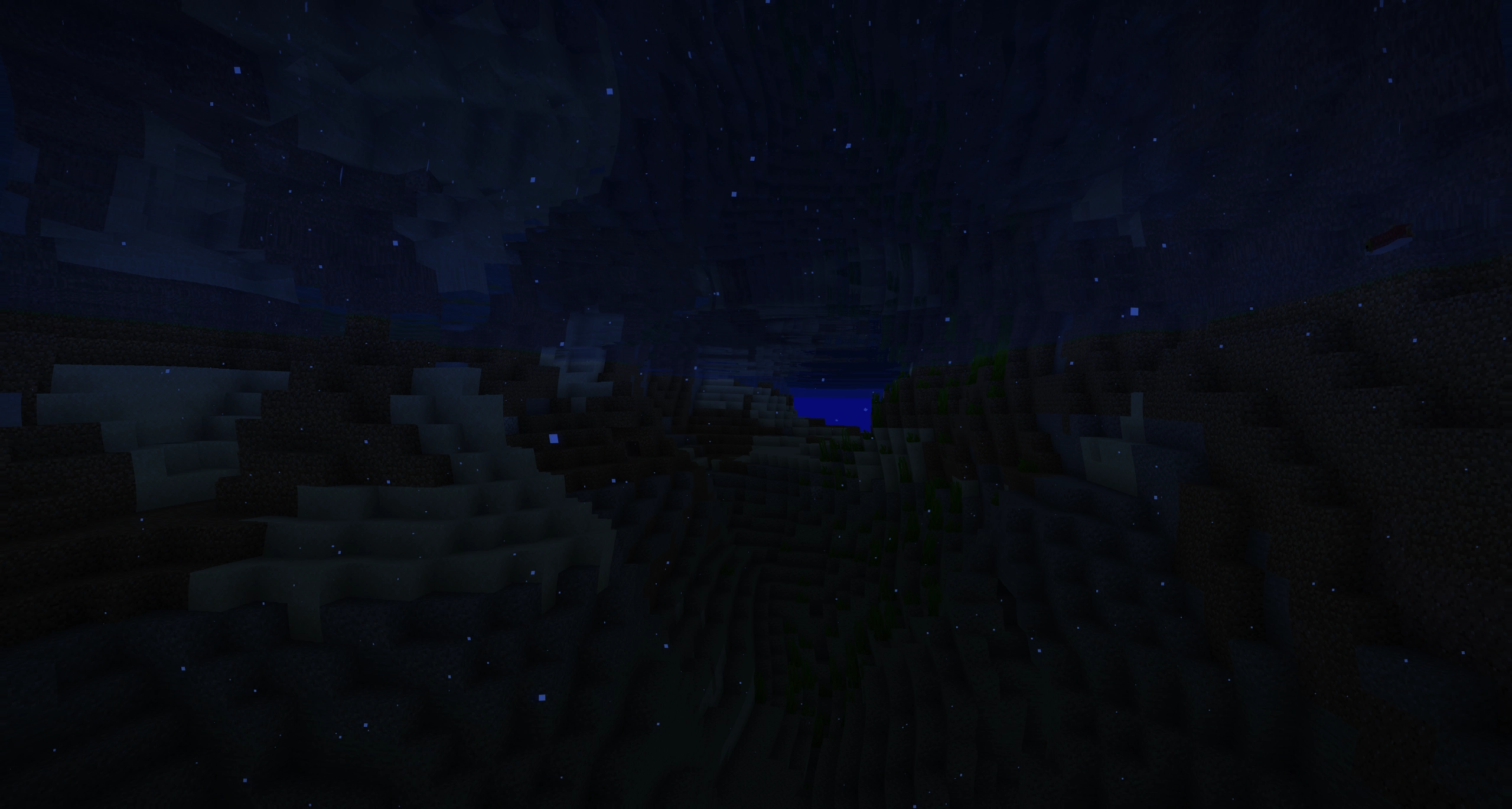
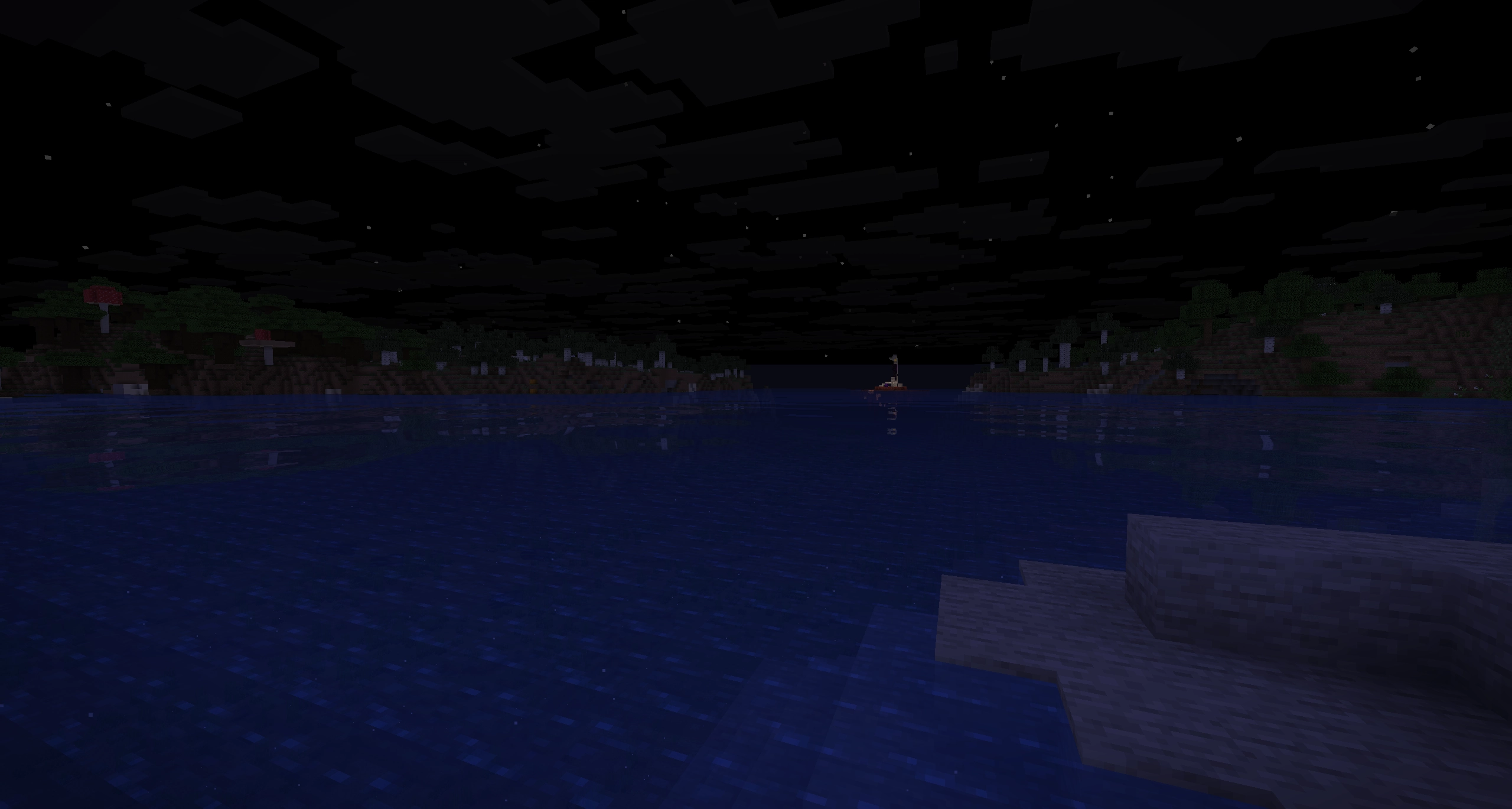
Dynamic Horizons is an efficient shader with some attempt at more enhanced graphics.
截图
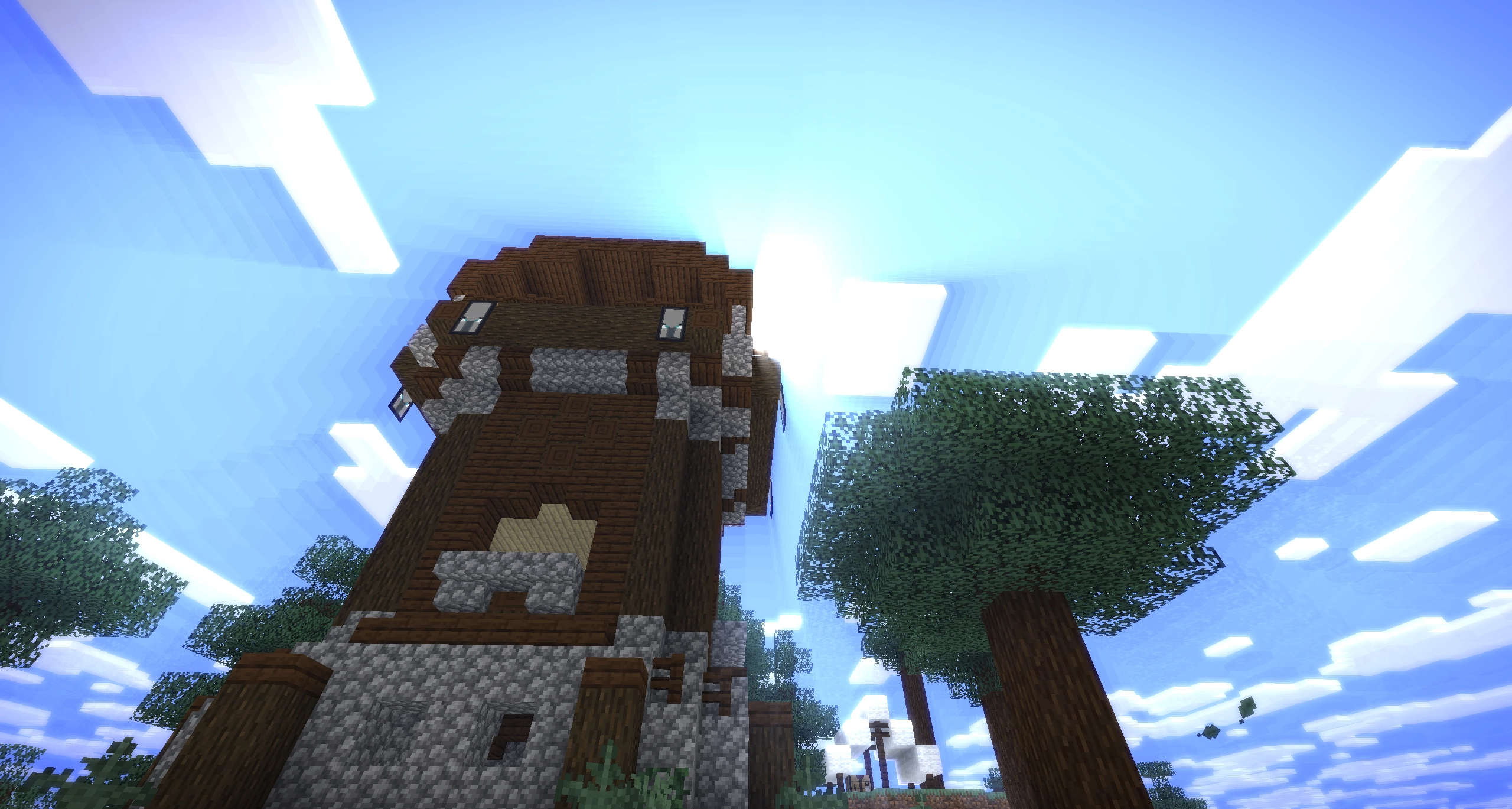
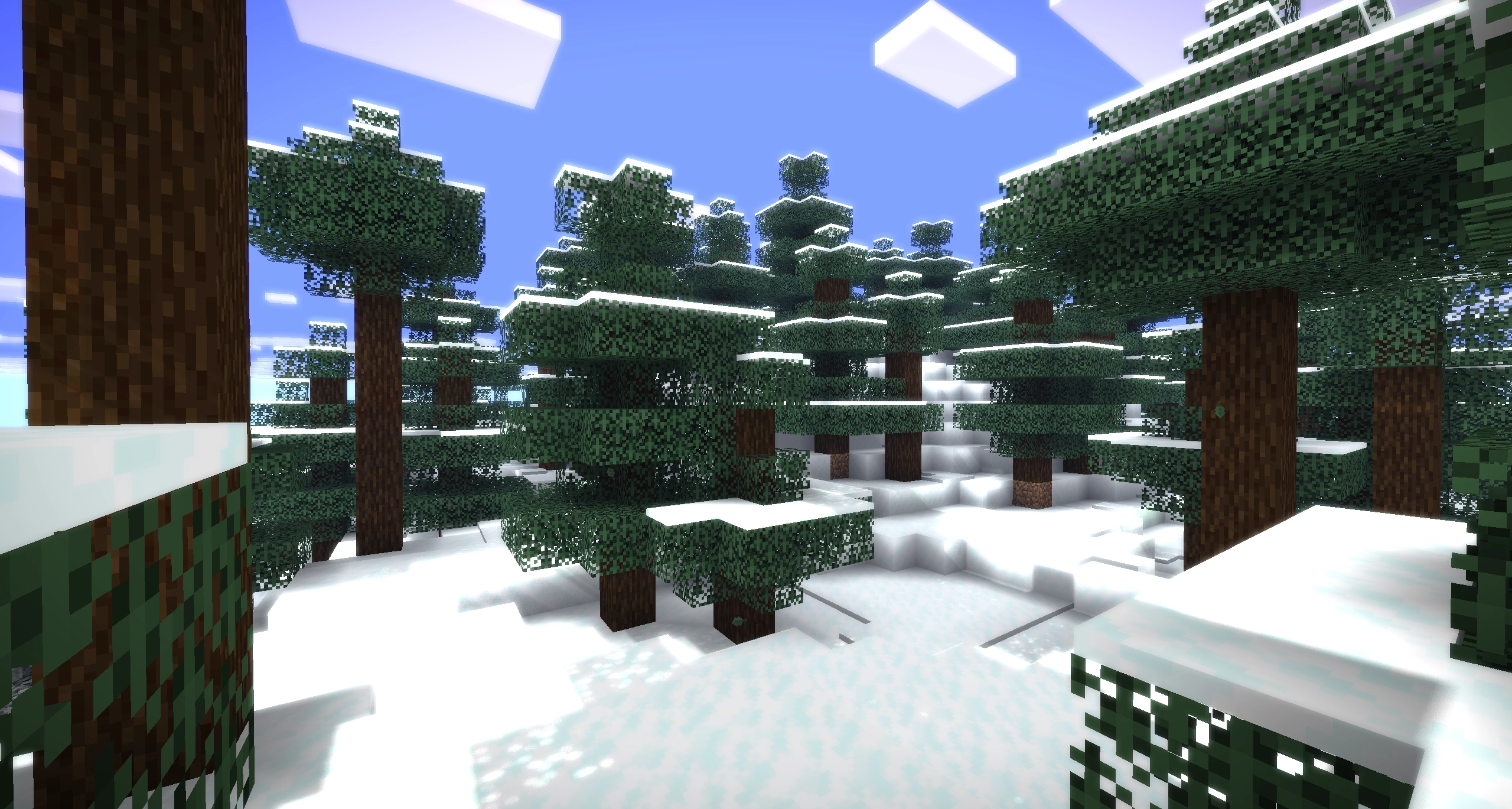
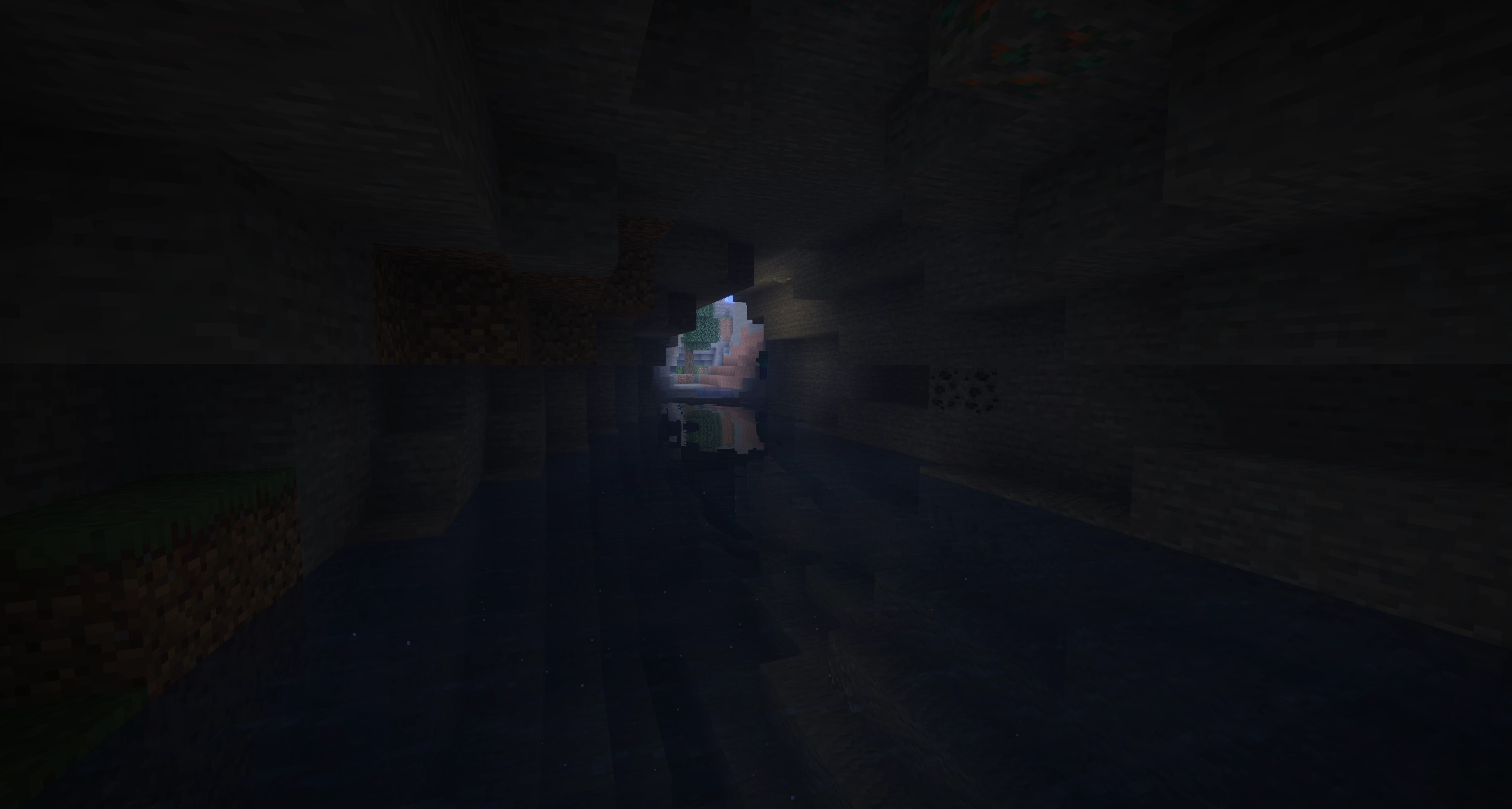
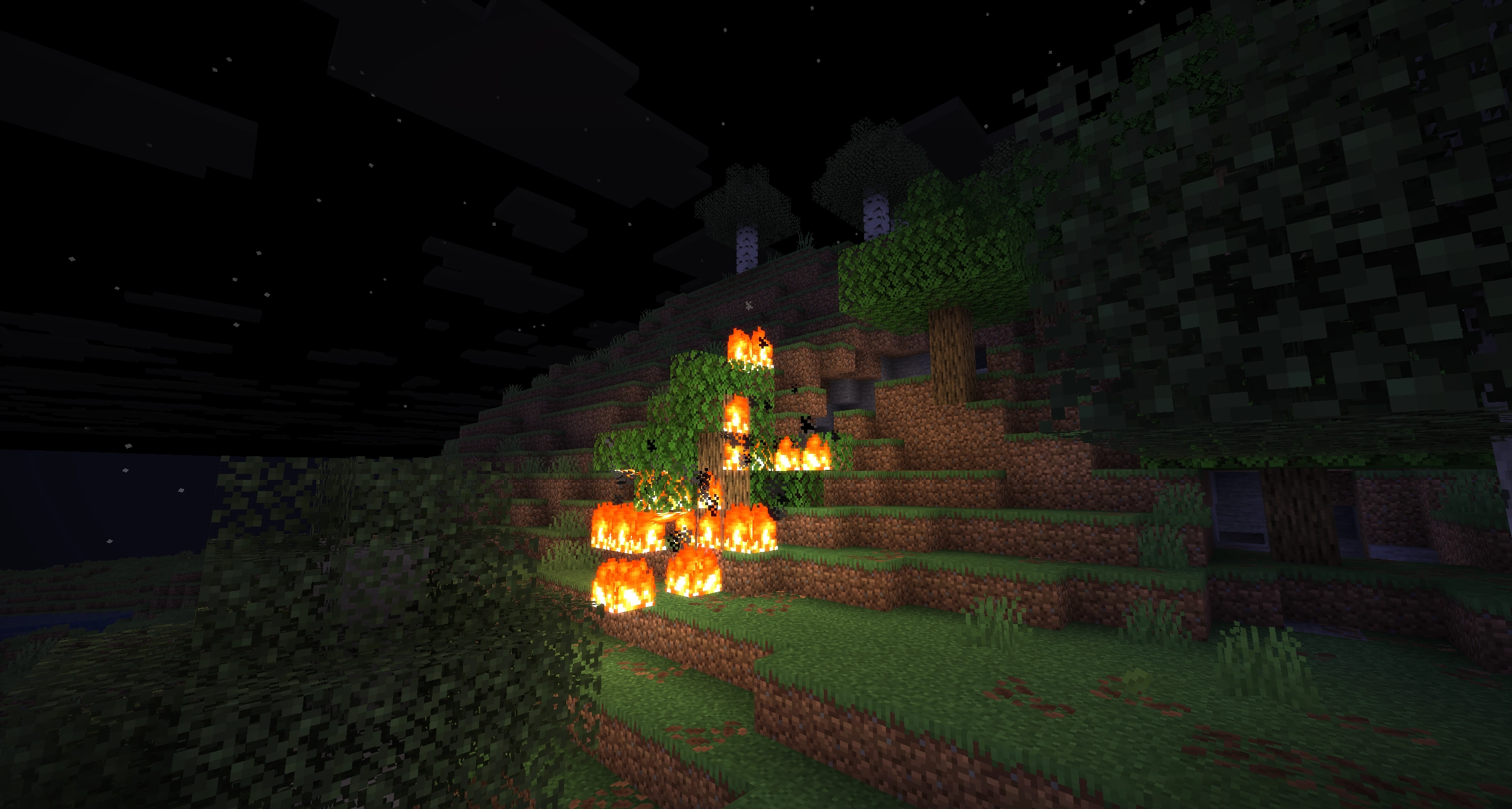
介绍

Dynamic Horizons is the first shader made by NoLifeKing85.
I attempted to make my first shader, took inspiration of the visual cues that many other shaders had, and went with this feature set:
- Shadow-map based on sun/moon position, with support for coloured glass
- Dynamic block light (Like lava flickering and other light sources)
- Raytraced water reflections (Reflections, refractions, waves)
- Improvements to rain, to make it fit the other shader functions (refractions and glint)
- When it rains, the ground gets wet based on the
wetness-property, and will occasionally reflect the world around it a bit. - Reflective materials (ice, metals and ore) (kinda buggy though)
- Foliage that moves (everyone has it, why shouldn’t I?)
- Holding items that emit lights will light up the area around you as well
- Lens droplets (when it rains, some droplets will form on the screen, got some weird bugs with it..)
- Lens flares! (Sorry, but this is not a Transformers movie, but we still got lens flares)
- God Rays (which shader is complete without them? They look so nice!)
- Underwater filter, shows some distortion and different tint to make it feel like you’re under water
- Bloom (well.. it kinda brightens stuff and makes light glow, it looks pretty)
- Storm Grade! (Another weather effect, will darken the screen and remove some colour and add a tint)
- Vignette (I just slapped it on there, because it kinda fitted)
Works with Iris both in NeoForge and Fabric
Note: This does not work well on potato devices.
I tried on my work computer that uses an Intel iGPU, and it could muster 24fps at most..
常见问题
NLK’s Dynamic Horizons 支持哪些 Minecraft 版本?
NLK’s Dynamic Horizons 支持 Minecraft Java 版 1.16–26.1.2,共 38 个版本,可用的加载器:Iris。下载时注意选择和你游戏版本一致的文件。
NLK’s Dynamic Horizons 怎么安装?
光影需要先装 Iris。把下载的 .zip 文件(不用解压)放进游戏目录的 shaderpacks 文件夹,进游戏后在「选项 → 视频设置 → 光影包」里选中它。光影对显卡要求较高,卡顿可以调低光影设置或渲染距离。
NoLifeKing85 的其他作品
查看全部 →
FTB Chunks Compatibility
旨在为 FTB Chunks 添加与其他模组兼容性的项目。
Zombies Hate Light
僵尸和其他生物会试图破坏你的光源

Poison Kills
毒药致命无比!如果不及时解毒,你就活不下去!

You’ve got time
Small exploration oriented adventure with magic, colonies and origins + classes
评论
登录后评论和评分