
截图
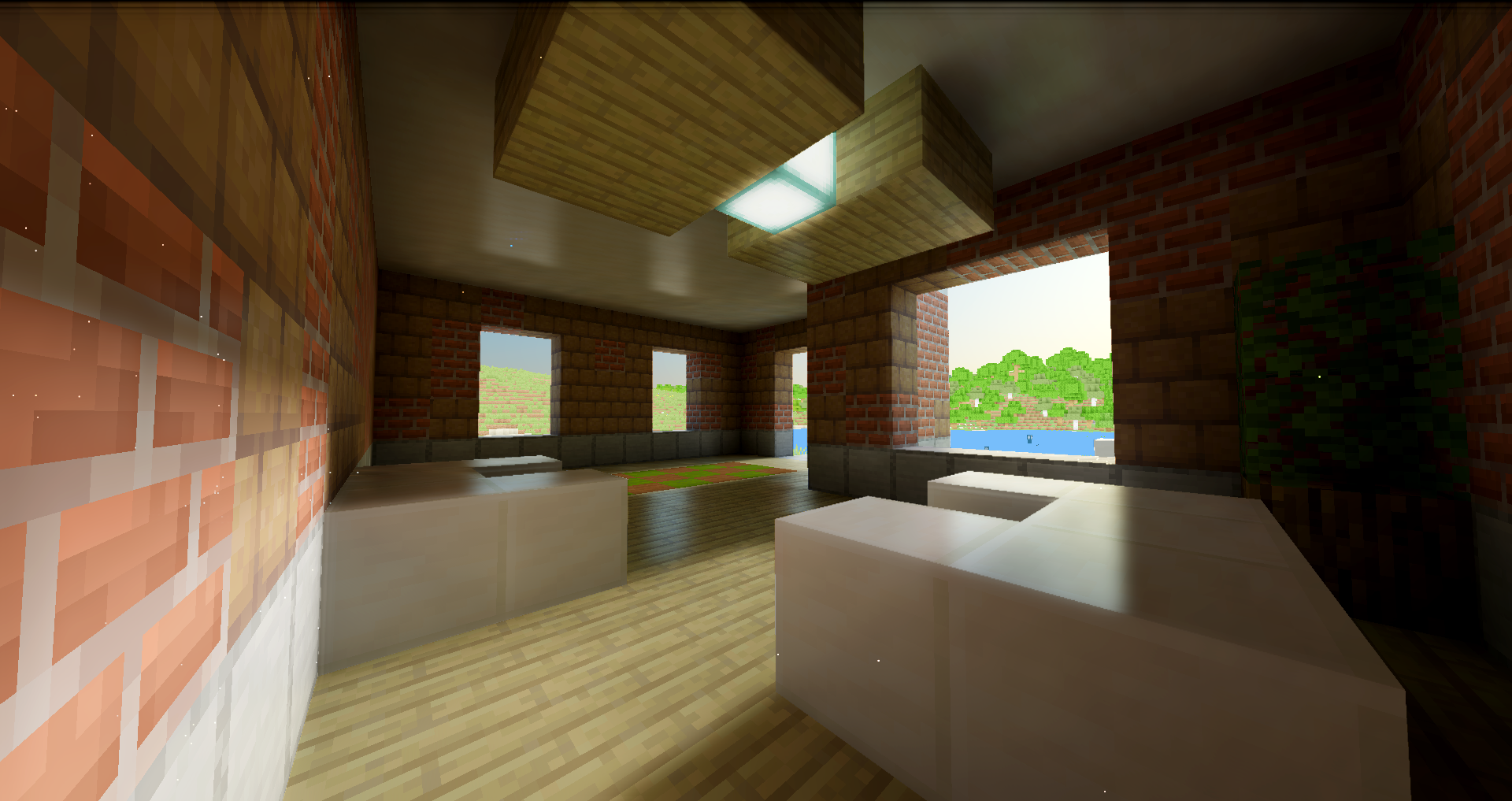
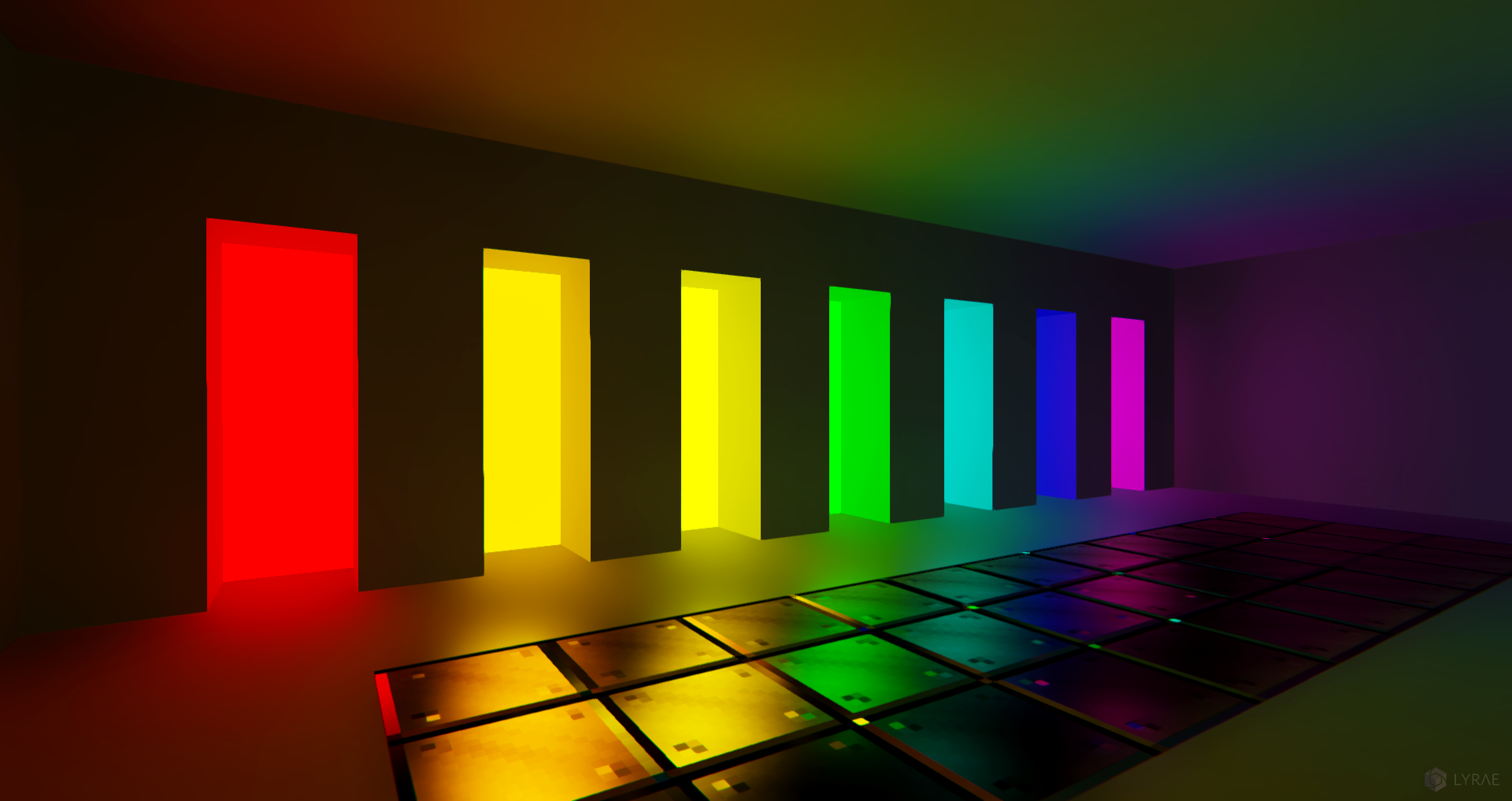
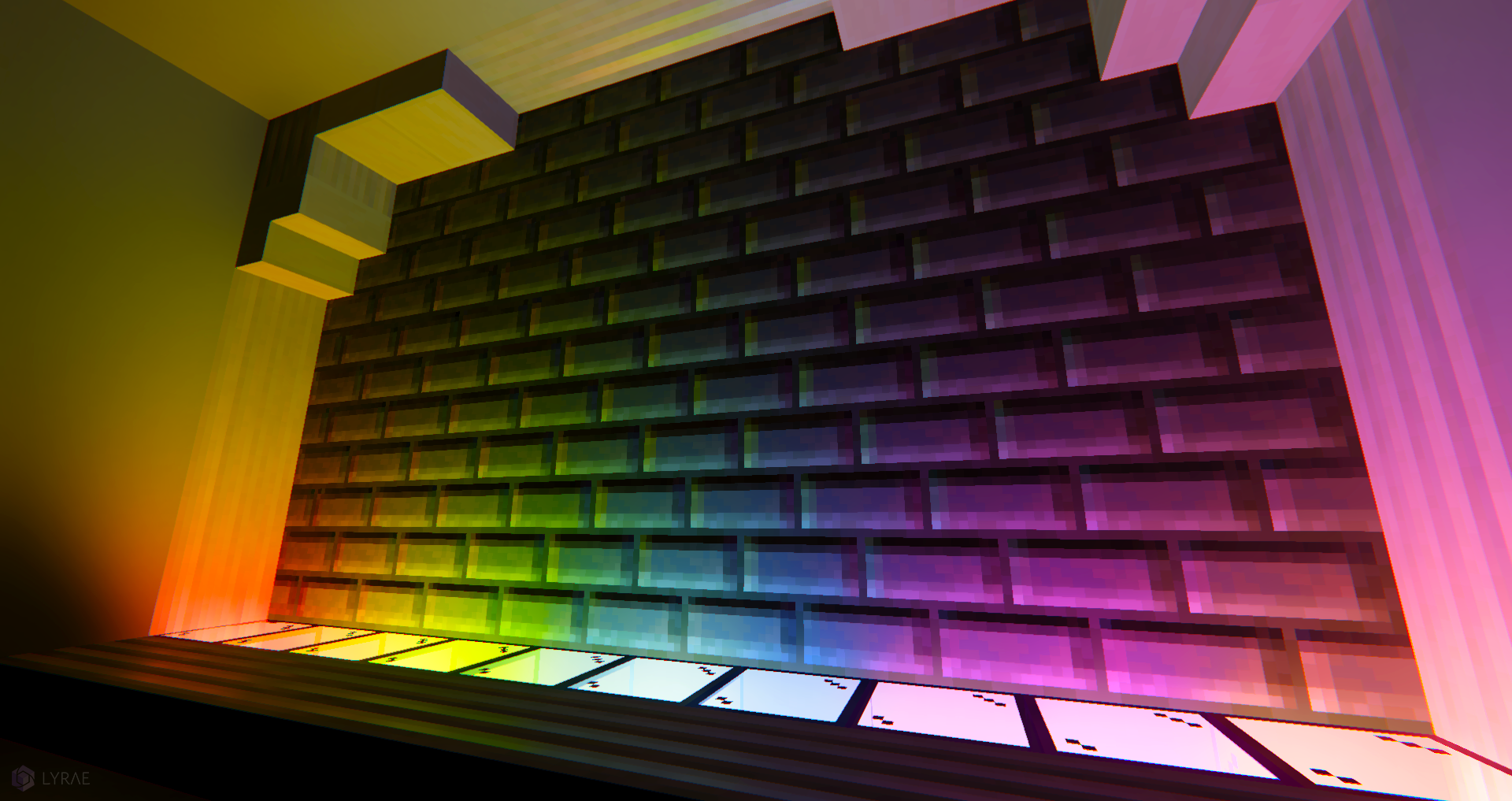
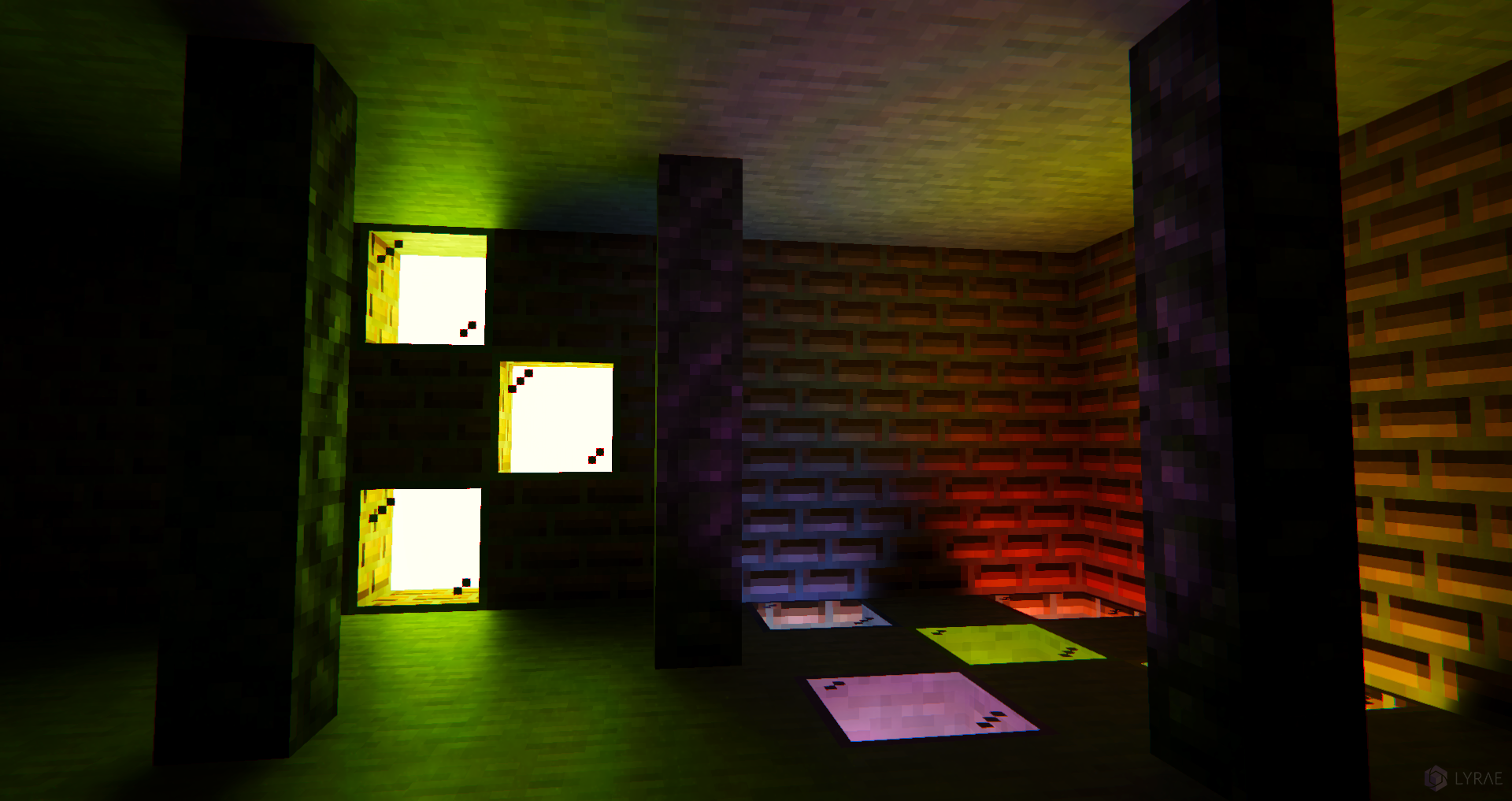
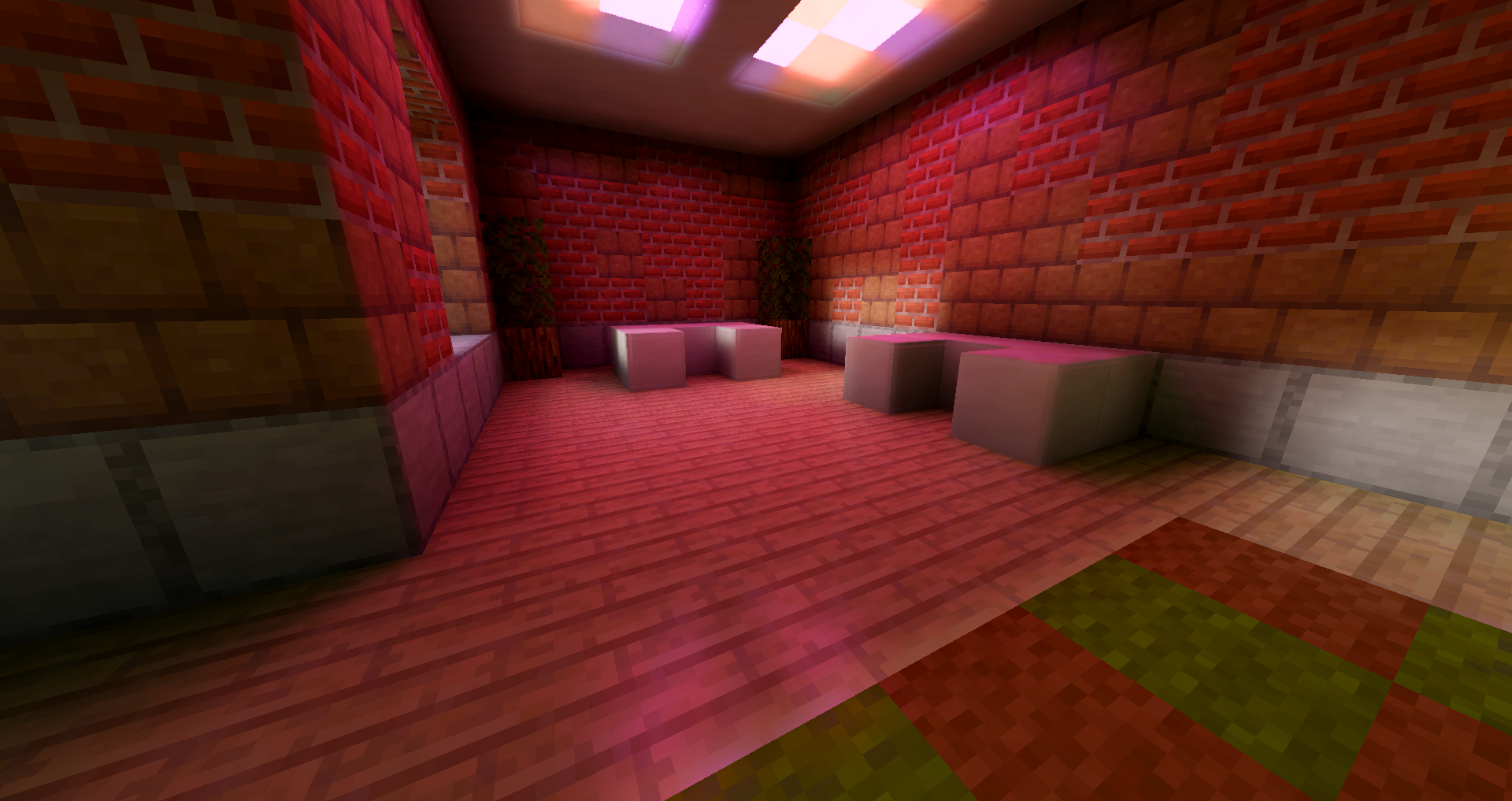
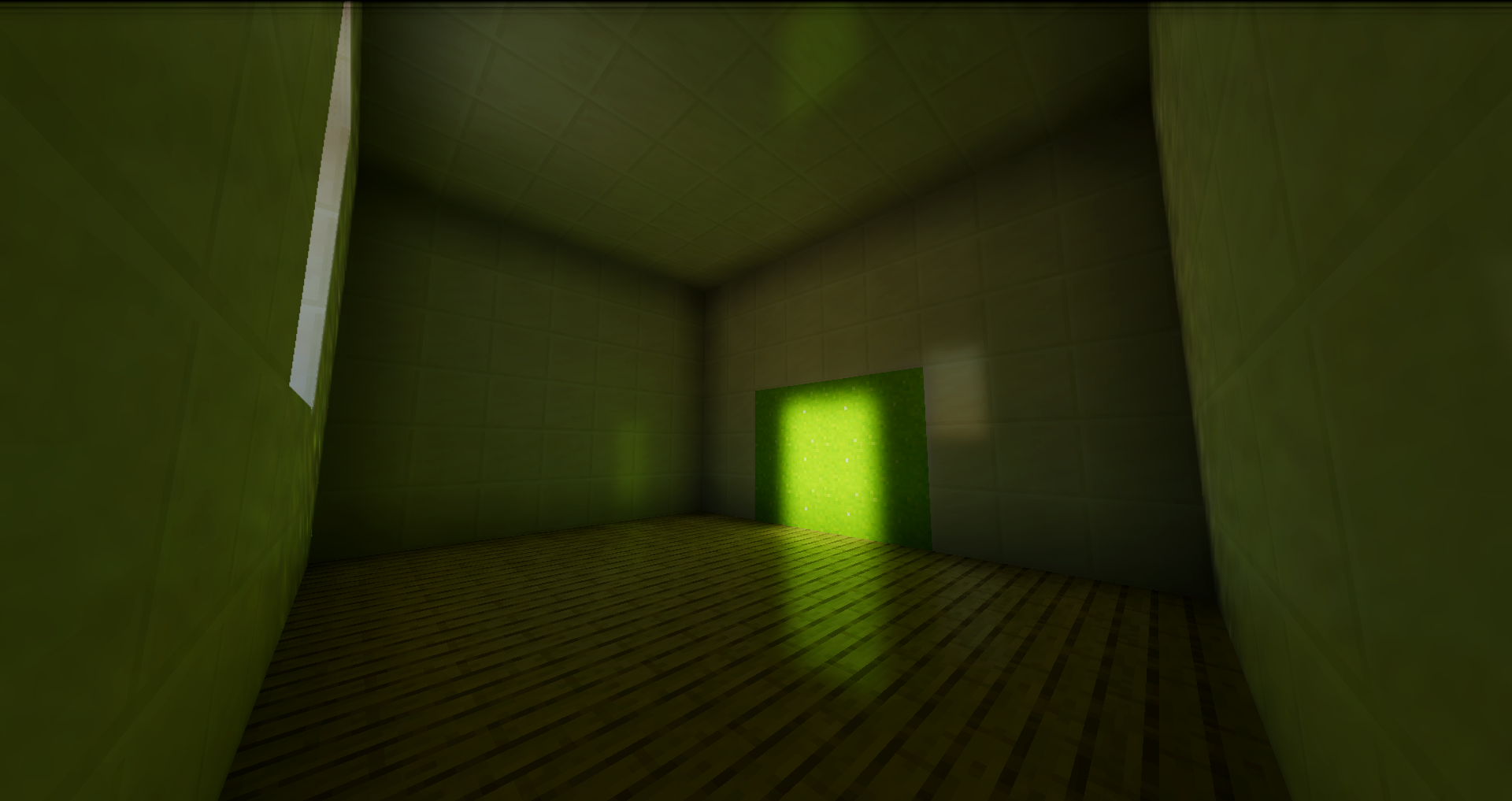
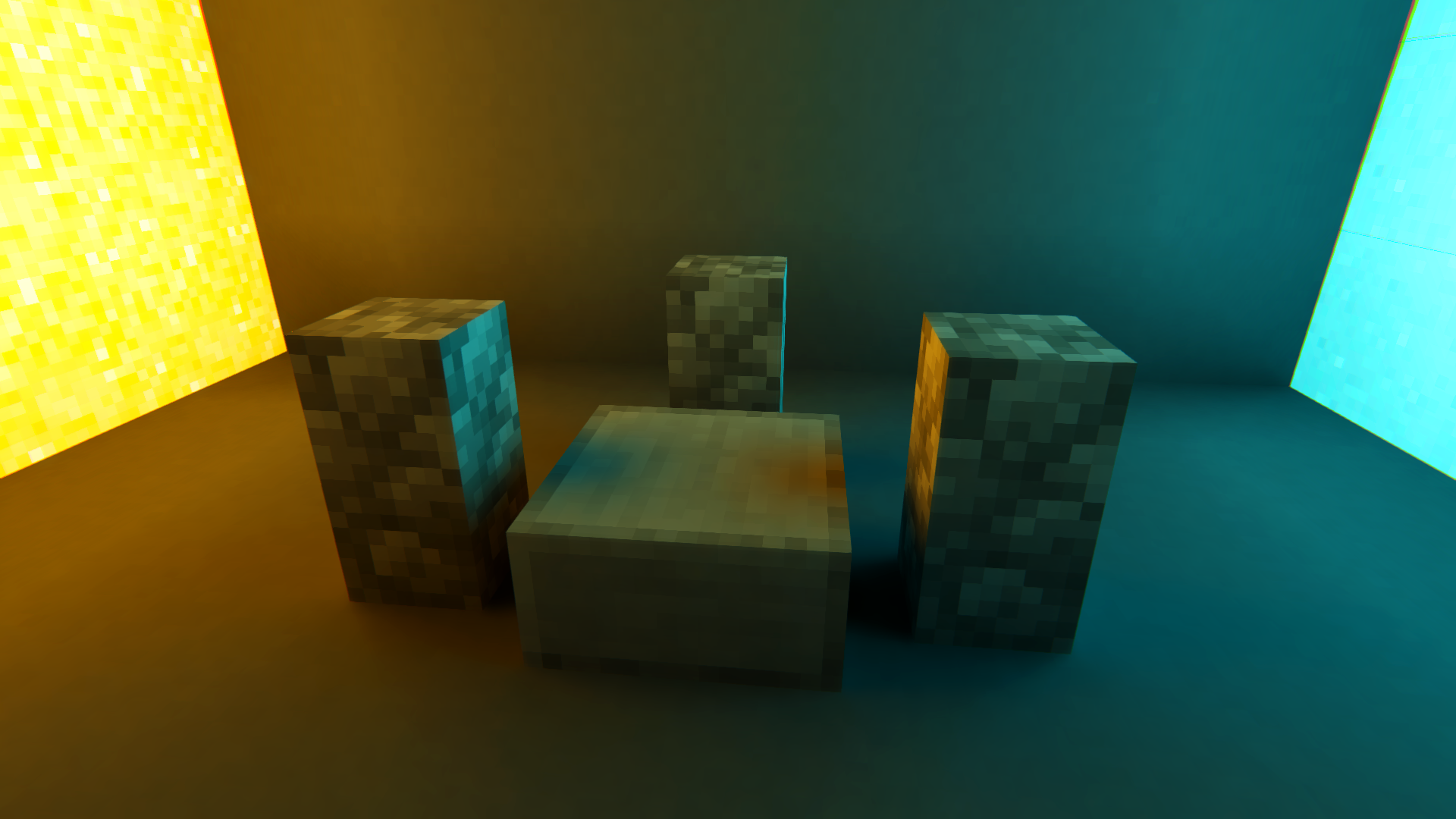
介绍
中文介绍正在准备中,下面暂时显示原文。
Lyrae • Physically-Based Real-Time Path Traced Shaderpack
📌 NOTICE: This project is currently in _very early_ alpha stages. Expect issues, visual artifacts and varying performance. I have a huge roadmap. I’d appreciate any kind of feedback and your support!
Features
- Real-Time Voxel Path Tracing
- Monte Carlo global illumination with multiple light bounces
- Fast voxel traversal via DDA algorithm
- AABB tracing for detailed sub-voxels
- Sampling & Image Stability
- Low-discrepancy blue noise sampling
- Flexible SVGF denoiser pipeline
- Next Event Estimation (NEE) for explicit sun sampling
- Physically-Based Materials
- Unified physically-based shading pipeline
- Support for LabPBR resource packs
- Post-Processing
- Filmic tonemapping
- Color grading
- Auto exposure adjustment
- Chromatic aberration
Community
If you enjoy my shaderpack, you can support me & my studies here: Buy Me a Coffee ❤️
You can join the discord server here, share screenshots or provide feedback and report issues.
Attributions
- Kirilpro6284: 0th ray optimization to start in fragment position.
PBR Support
Lyrae supports LabPBR 1.3 standard. So make sure to use a resourcepack with LabPBR material support, here’s a list of resourcepacks on shaderlabs site.
Performance Tips
- I tried to write detailed descriptions for all settings, so you can hover over them in-game for more detailed performance tips.
Samplesis one setting with the most impact on the performance, because it increases the path complexity exponentially. Try to keep this at 1 if you want to enjoy real-time.- You can try changing the
Resolution Scalesetting, lowering this from 100% will make the lighting quality lower. - For most scenarios 3 bounces is enough. 2 bounces will not have indirect lighting, so GI will look less accurate.
- If you are in a completely isolated room where no sunlight is visible, you can try disabling NEE. Note that disabling NEE will break sun light.
- You generally shouldn’t mess with SVGF settings unless you know what you’re doing. If you are okay with noisy image you can disable spatial filtering.
评论
登录后评论和评分