
LumaSky Shader Beyond
A next-generation Iris shader with volumetric skies, cinematic lighting, reflective water, dynamic weather, and redesigned dimensions.
截图
介绍
LumaSky Beyond
A next-generation Iris shader focused on atmospheric depth, cinematic lighting, expressive weather, reflective water, and dimensions with their own visual identity.
Created by Haider x for Minecraft Java Edition.
LumaSky Beyond is an independent experimental branch of LumaSky. It keeps the proven rendering foundation, then pushes its sky, lighting, water, weather, materials, and dimensions in a more ambitious direction.
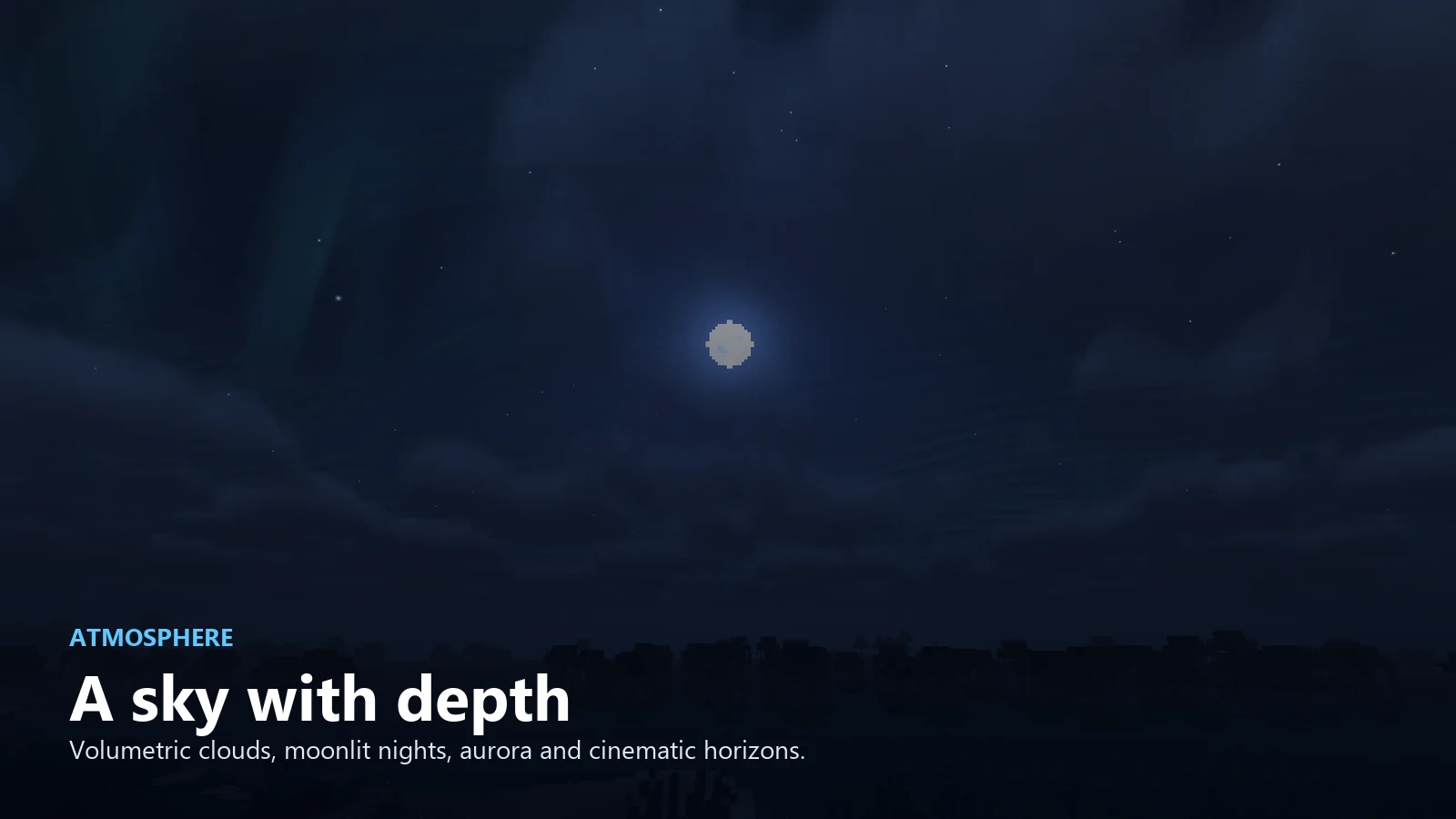
Atmosphere with depth
- Volumetric clouds shaped for natural variation rather than repeated patterns.
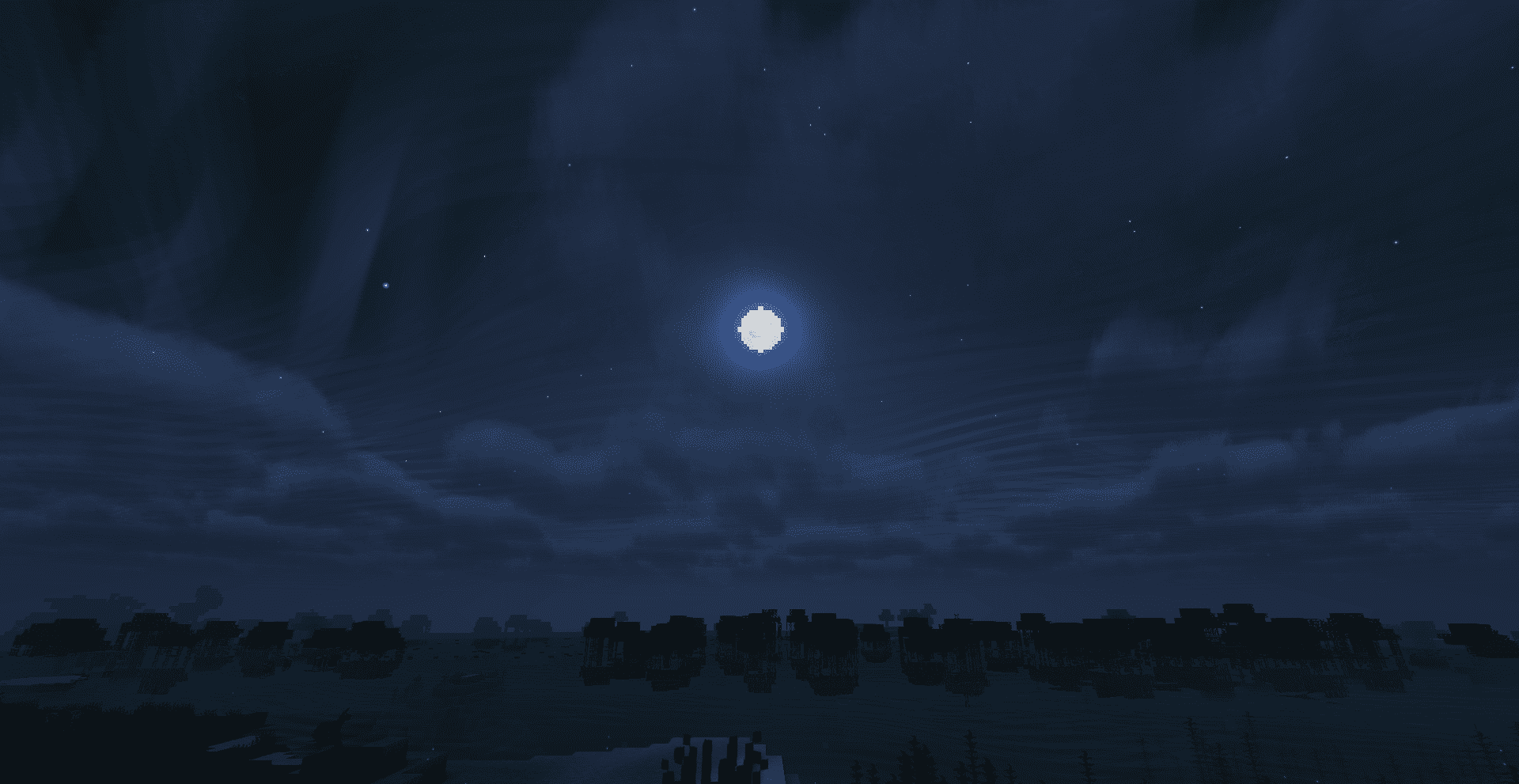
- Dynamic daylight, sunset, moonlight, stars, aurora, and cinematic horizons.
- Distance-aware fog designed to preserve terrain readability while hiding render boundaries.
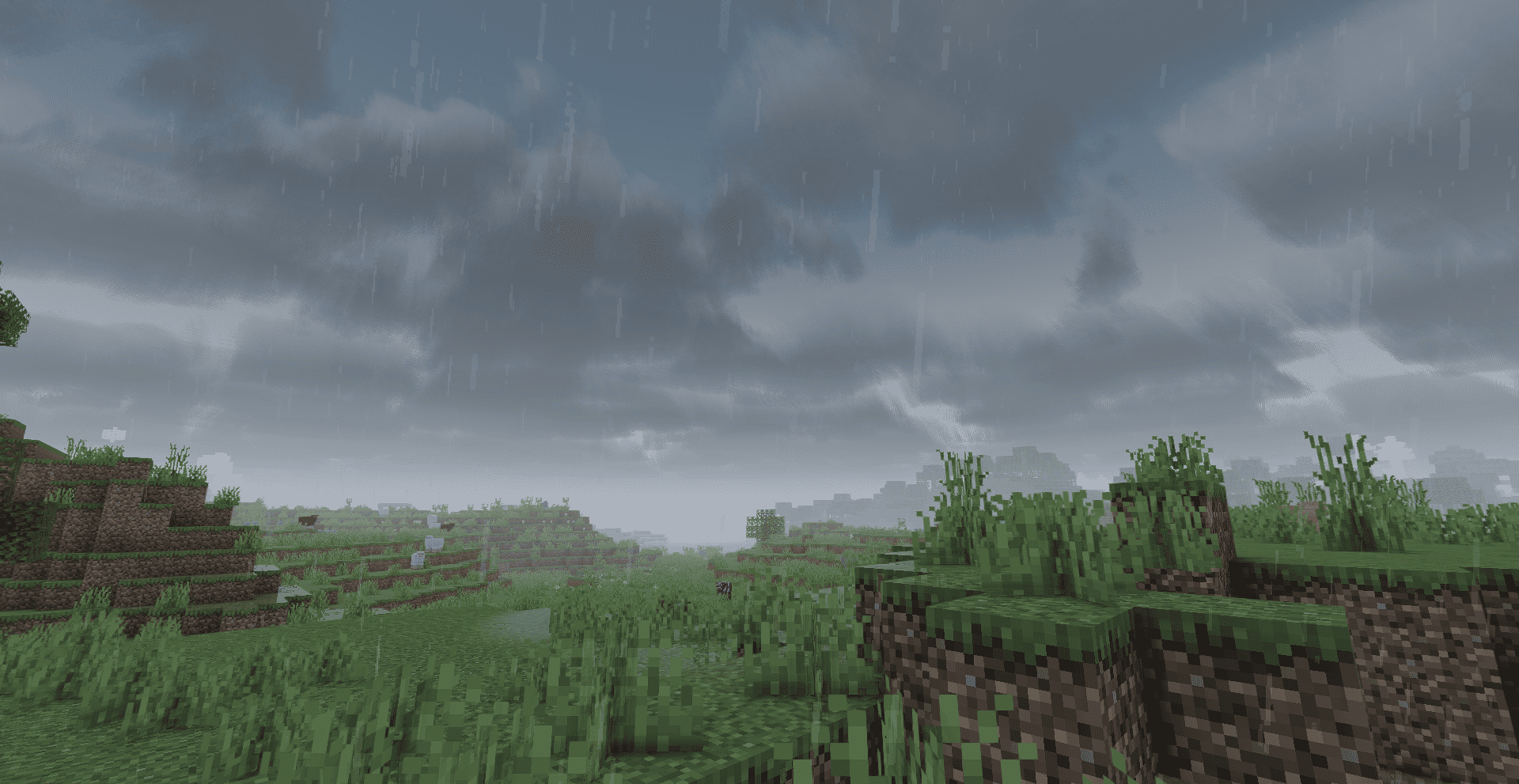
- Weather-responsive skies that become denser and more dramatic during rain.
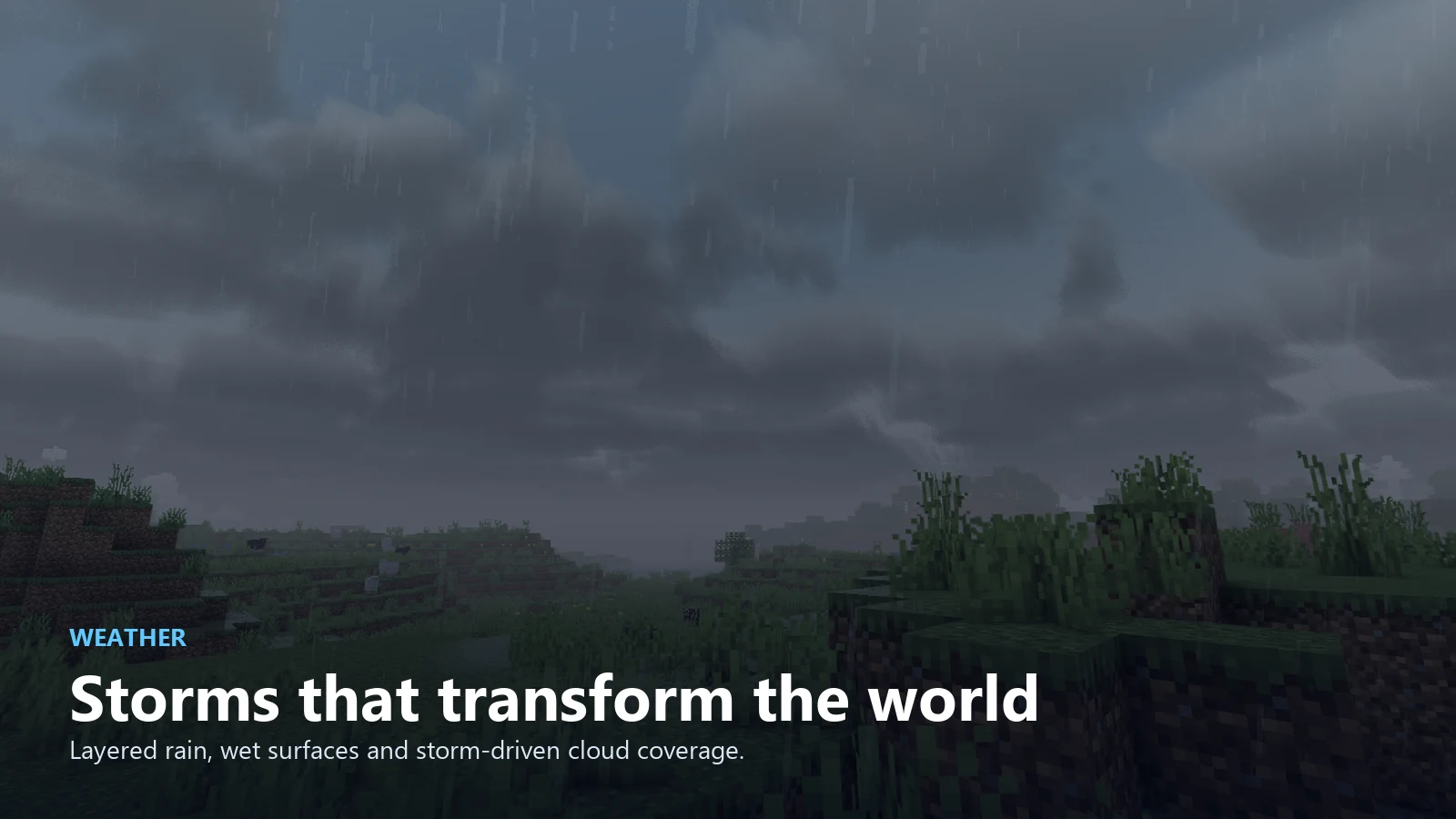
Weather that changes the scene
- Layered rain with lighter density and directional fall.
- Wet-surface response, reflective puddles, and water ripples.
- Storm lighting and cloud coverage that react to Minecraft weather.
- Underwater atmosphere with depth, color absorption, and soft light shafts.
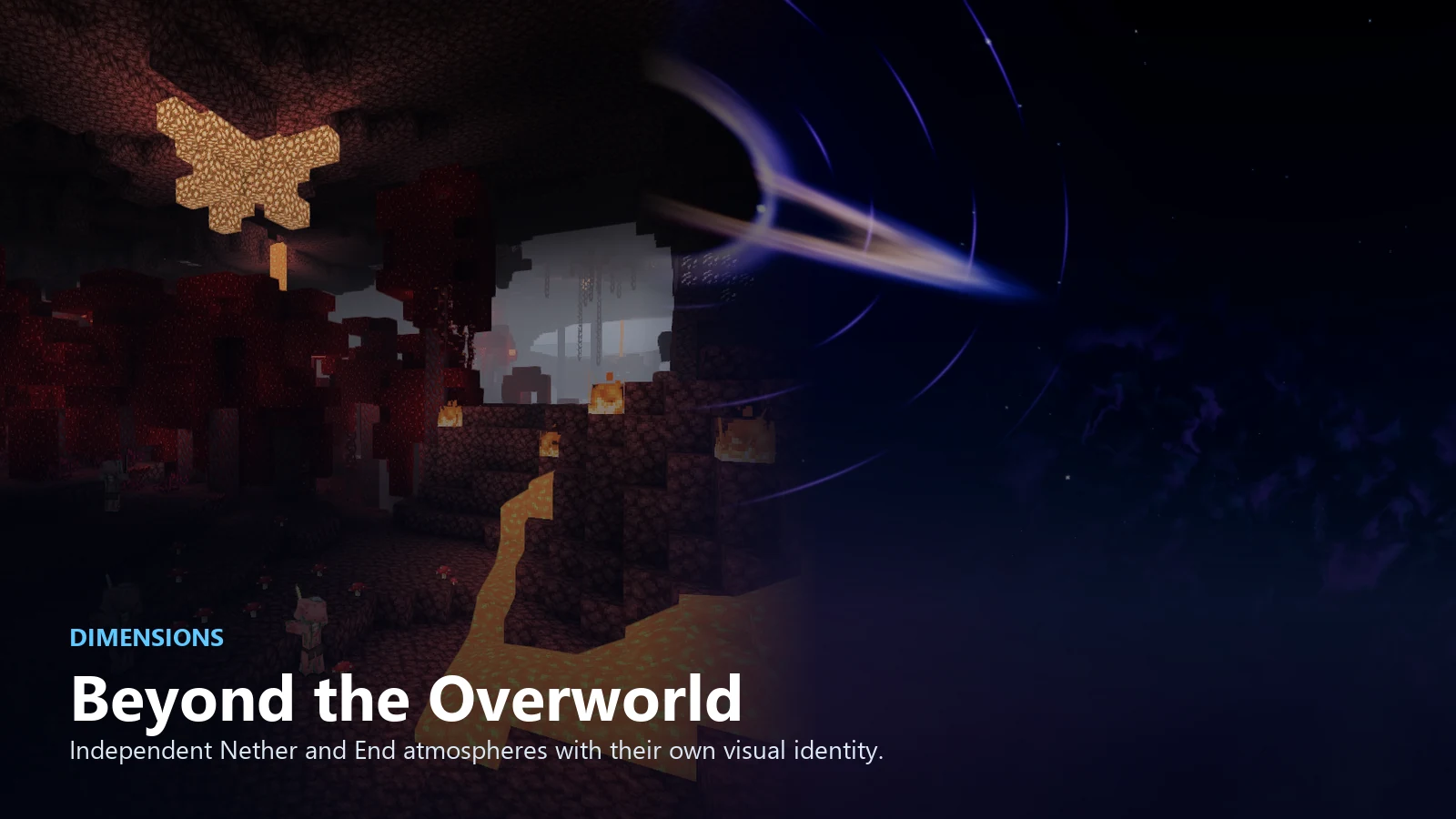
Beyond the Overworld
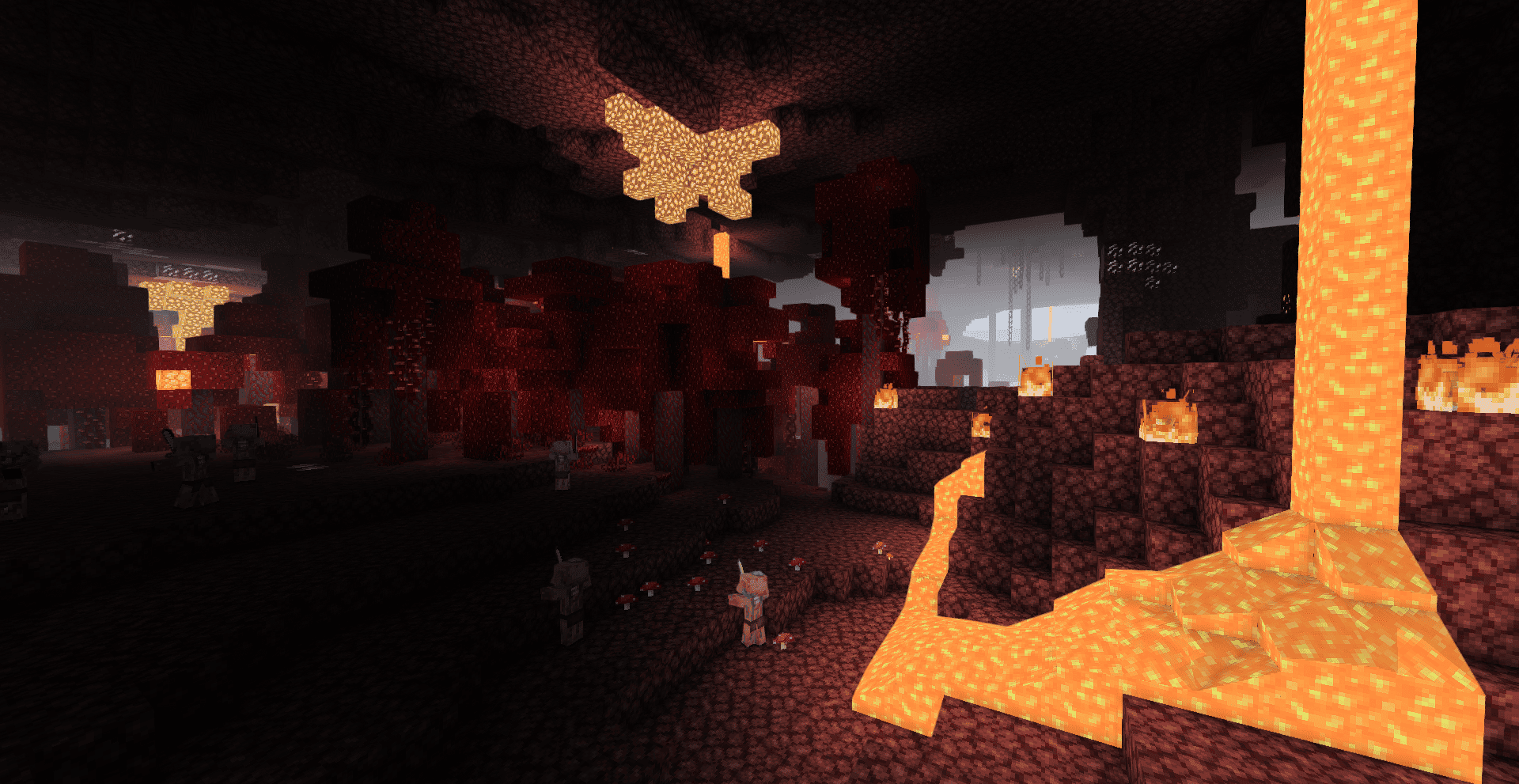
- A dedicated Nether atmosphere built around heat, lava light, and controlled distance haze.
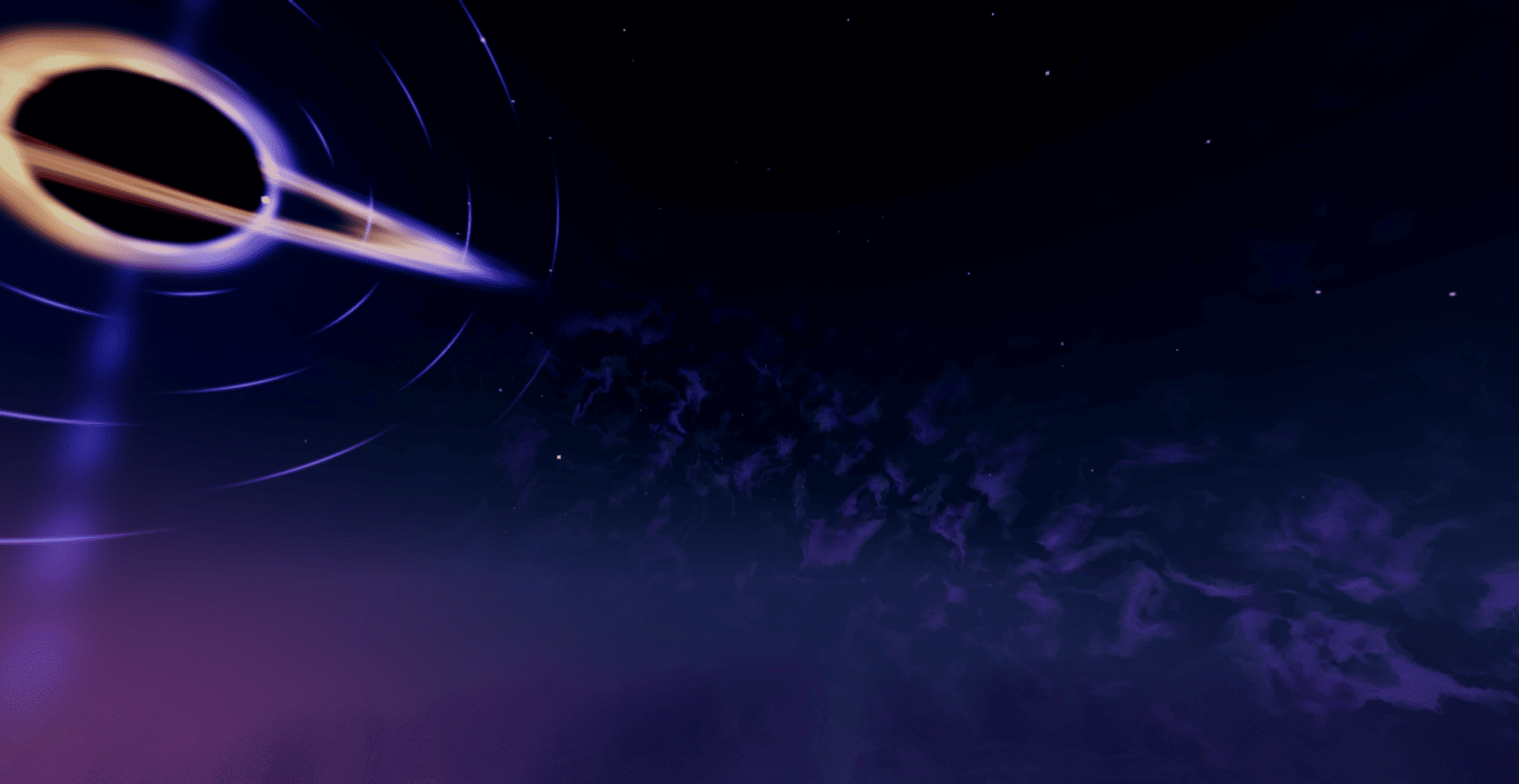
- A redesigned End with a deep-space sky, nebula structures, and the animated Sovereign black hole.
- Dimension-specific color, fog, and lighting instead of reusing one global look.
More visual systems
- Reflective water and screen-space reflections.
- Dynamic blocklight color and bloom.
- Soft contact shadows and ambient occlusion.
- Wind animation for foliage and vegetation.
- Optional cosmic effects such as a galaxy, meteors, and volumetric aurora.
- Performance-minded quality paths for continued optimization.
Compatibility
| Requirement | Support |
|---|---|
| Edition | Minecraft Java Edition |
| Minecraft versions | 1.16.5 through 1.21.11 across supported individual releases |
| Shader loader | Iris Shaders |
| OptiFine | Not currently supported |
| Installation | Client-side only |
Installation
- Install Iris Shaders for your Minecraft version.
- Download the LumaSky Beyond ZIP.
- Place the ZIP in
.minecraft/shaderpacks. - Select LumaSky Beyond from the shader pack menu.
Development status
This is the first public development preview. Visual systems and performance will continue to evolve, and feedback is welcome through curseforge.
常见问题
LumaSky Shader Beyond 支持哪些 Minecraft 版本?
LumaSky Shader Beyond 支持 Minecraft Java 版 1.16.5–26.3,共 35 个版本,可用的加载器:Iris。下载时注意选择和你游戏版本一致的文件。
LumaSky Shader Beyond 怎么安装?
光影需要先装 Iris。把下载的 .zip 文件(不用解压)放进游戏目录的 shaderpacks 文件夹,进游戏后在「选项 → 视频设置 → 光影包」里选中它。光影对显卡要求较高,卡顿可以调低光影设置或渲染距离。
Haider_x 的其他作品
查看全部 →
Luna shader
Luna shaders: refined water reflections with a deep-blue tint and a unique rotating black hole effect inside the End portal.

Aetheria Shaders
Aetheria Shaders is a gorgeous fantasy modification of Complementary Reimagined. Features custom dimension atmospheres, glowing teal water, galaxy-themed Nether portals, flowing molten lava, and a volumetric End tornado. High performance guaranteed.

Quanta Shader
Fast, beautiful Minecraft visuals. Soft shadows, dynamic clouds, reflective water and rich skies, optimized for high FPS gameplay.

Vanilla Rebuild
preserves Minecraft's classic look with enhanced lighting, realistic sky, volumetric clouds, soft shadows, and rich per-dimension atmosphere.
评论
登录后评论和评分