
介绍

A clean holographic projection inspired by futuristic displays.
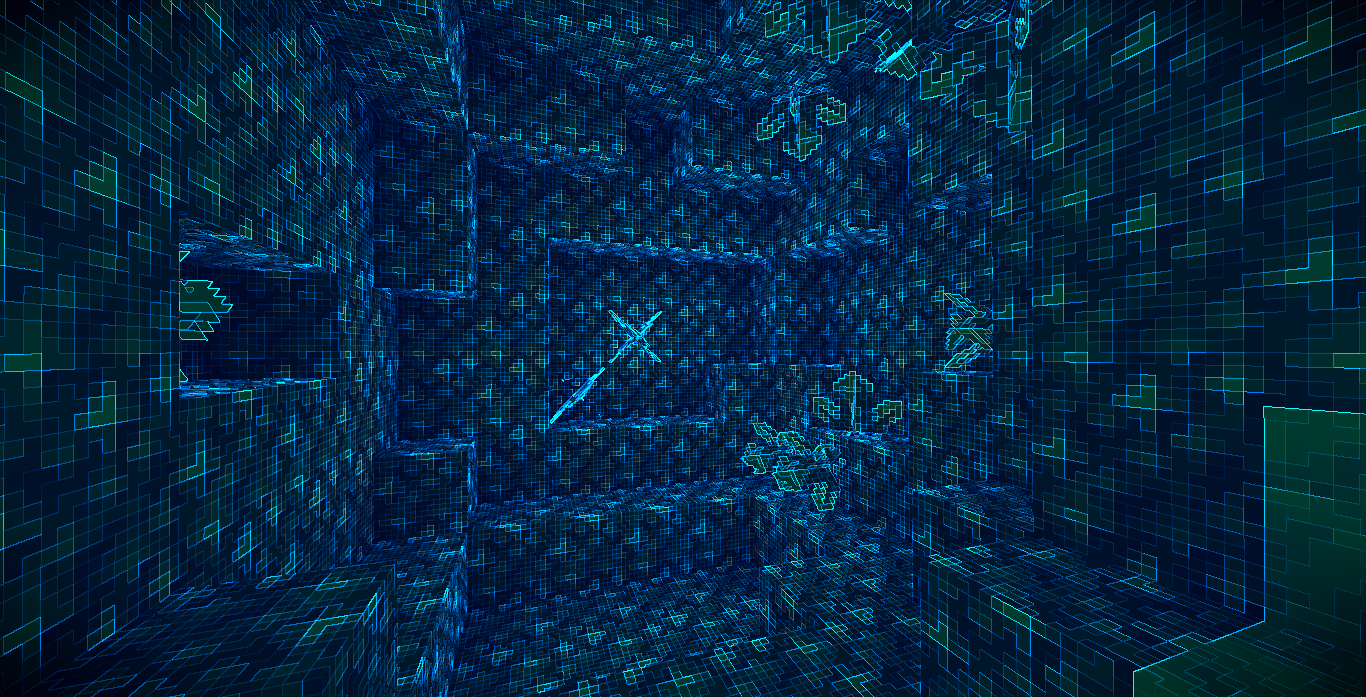
Holo is a lightweight post-processing shader that transforms the entire scene into a cyan-blue holographic projection. Rather than altering Minecraft’s lighting model, it applies a full-screen visual pass that remaps image luminance into a holographic color palette while emphasizing silhouettes through edge detection. The result is a clean sci-fi appearance suitable for screenshots, cinematic scenes, and futuristic builds without introducing a complex rendering pipeline.
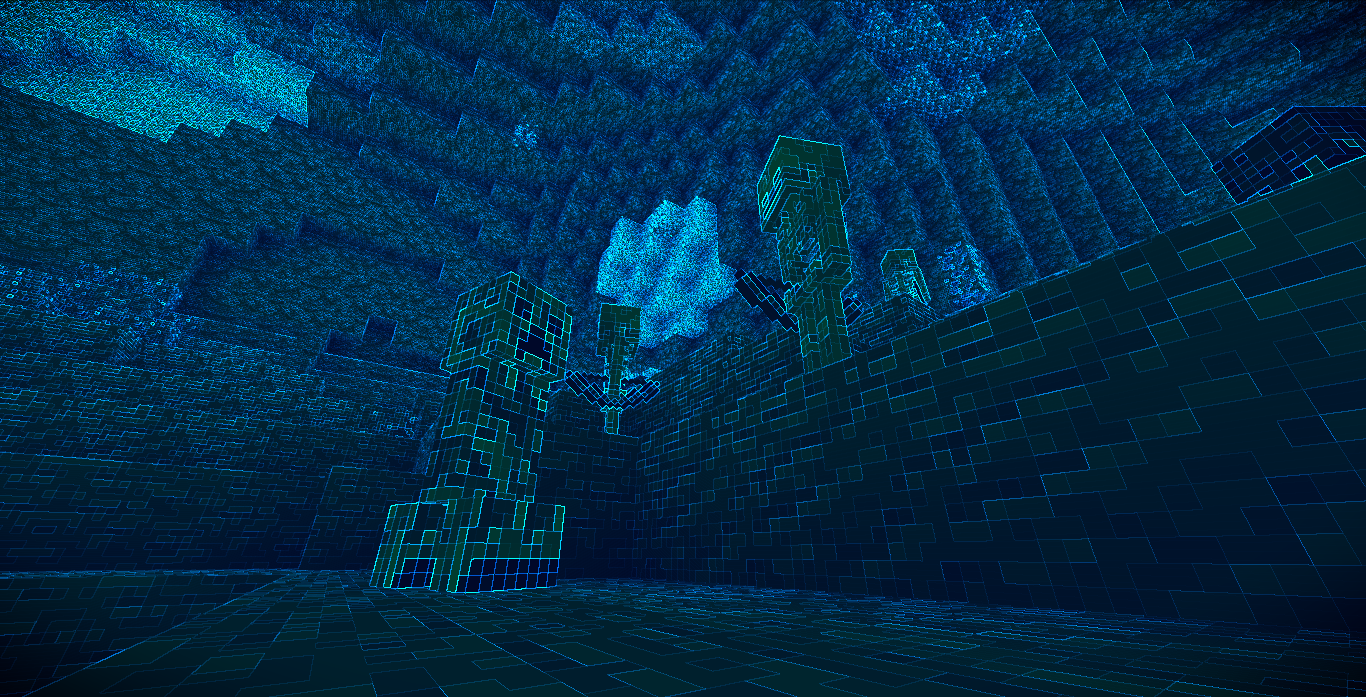
✨ Highlights
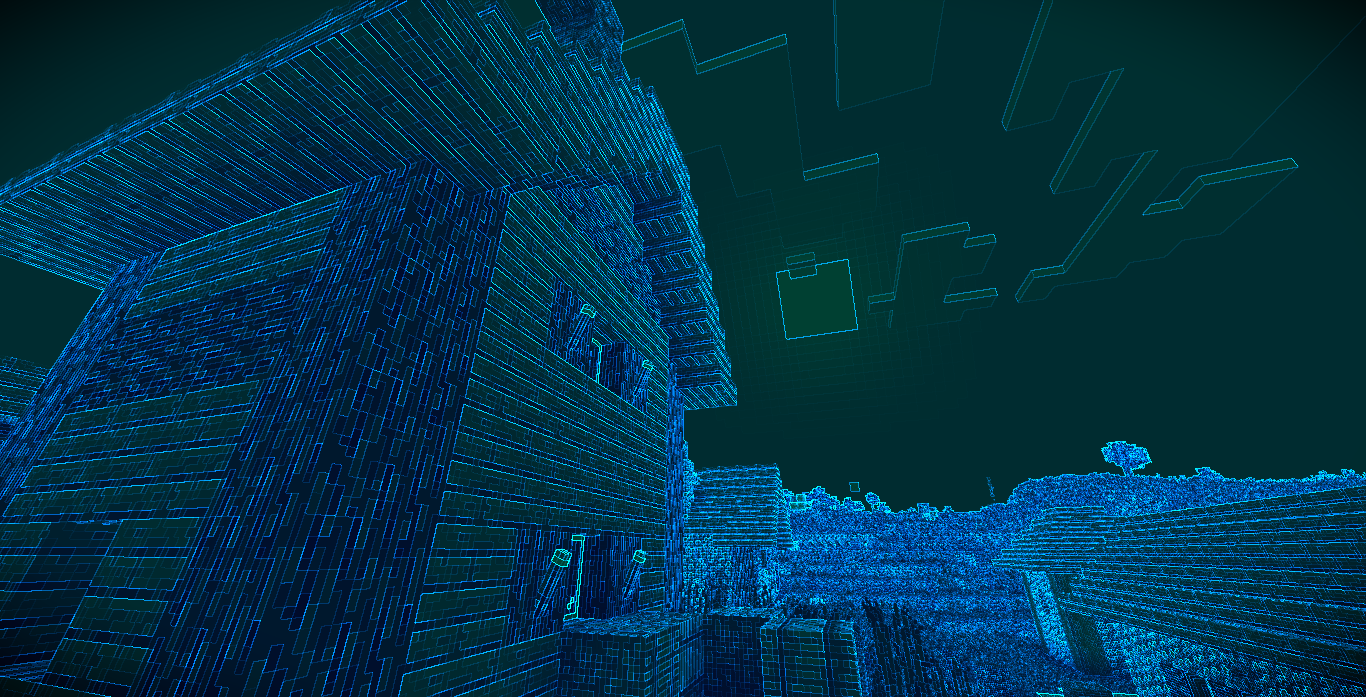
Holographic Color Grading.
The rendered image is converted from its original colors into a predominantly cyan and blue holographic palette. Scene brightness is preserved by first calculating luminance, then remapping it into a stylized projection color while maintaining recognizable lighting and depth.
Edge Glow Detection.
Visible object outlines receive an additional glow using a lightweight screen-space edge detection pass. Neighboring pixel luminance is compared to detect discontinuities, allowing blocks and entities to stand out with bright cyan highlights that reinforce the holographic appearance.
Dynamic Projection Flicker.
A subtle time-based brightness modulation simulates the instability of an electronic projection. The effect gently fluctuates over time without becoming visually distracting.
Contrast Enhancement.
Contrast is increased both before and after the holographic color conversion to improve readability and make illuminated regions appear more pronounced. A mild gamma adjustment further brightens highlights while keeping darker regions distinct.
Screen Vignette.
A radial vignette darkens the outer edges of the screen, drawing attention toward the center and reinforcing the feeling of viewing a projected display.
Lightweight Full-Screen Processing.
The shader operates as a single composite post-processing pass with a simple rendering pipeline. It avoids expensive effects such as volumetric lighting, reflections, shadows, or temporal processing, making it suitable as a lightweight visual filter.
⚙️ Compatibility
- Uses the GLSL 1.20 shader profile.
- Designed as a post-processing shader using a composite rendering pass.
- Includes a standard
gbuffers_basicprogram for basic textured rendering. - Does not rely on advanced rendering features such as shadow mapping, deferred lighting, screen-space reflections, or volumetric effects.
- No shader option definitions are included in the project.
常见问题
Holo 支持哪些 Minecraft 版本?
Holo 支持 Minecraft Java 版 1.7.10–26.3,共 76 个版本,可用的加载器:Iris / OptiFine。下载时注意选择和你游戏版本一致的文件。
Holo 怎么安装?
光影需要先装 Iris / OptiFine。把下载的 .zip 文件(不用解压)放进游戏目录的 shaderpacks 文件夹,进游戏后在「选项 → 视频设置 → 光影包」里选中它。光影对显卡要求较高,卡顿可以调低光影设置或渲染距离。
xsoras 的其他作品
查看全部 →
Vanilla Enhanced
一款轻量级光影,带来更真实的光照与更出色的视觉效果。
i hate shadows
Fullbright shader, banished every shadow.👋 You’re welcome.

Cartoony
A shader that makes 3D look like old-school cartoons on caffeine.

Blind
Simulates blindness with noise, pulse, and light distortion effects.
评论
登录后评论和评分