Grayscale Lightmap
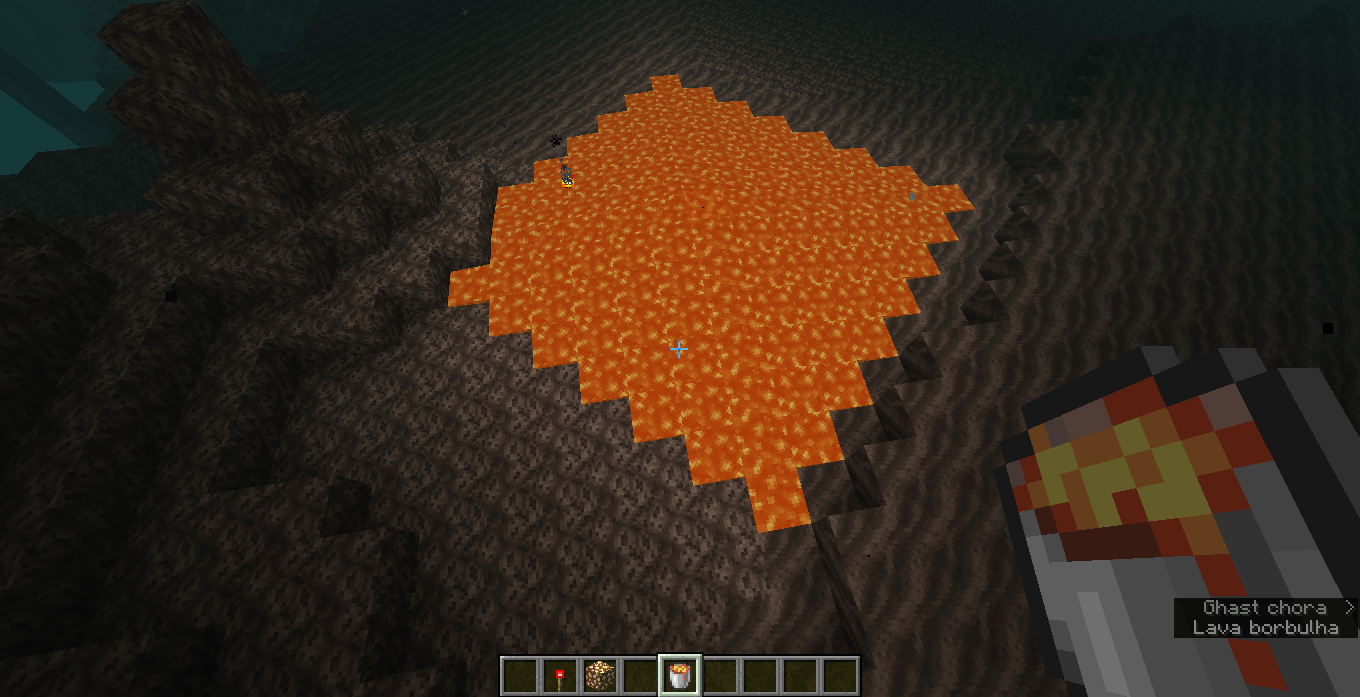
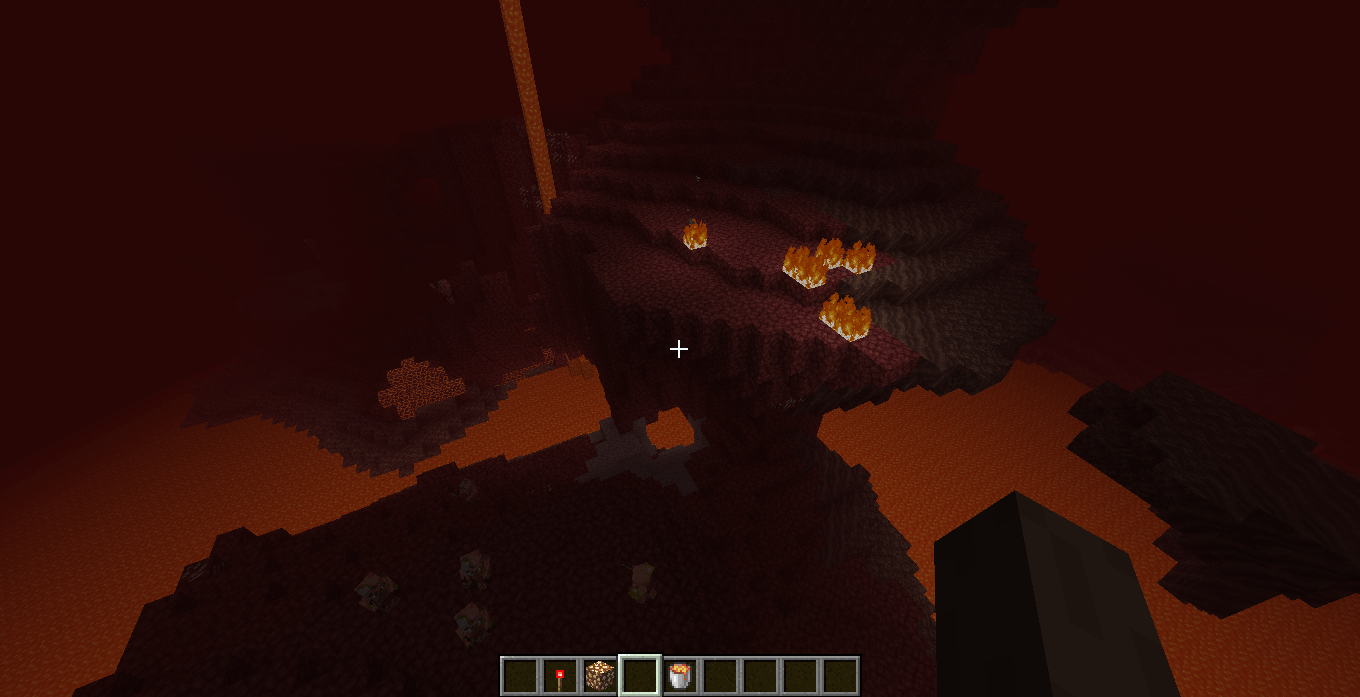
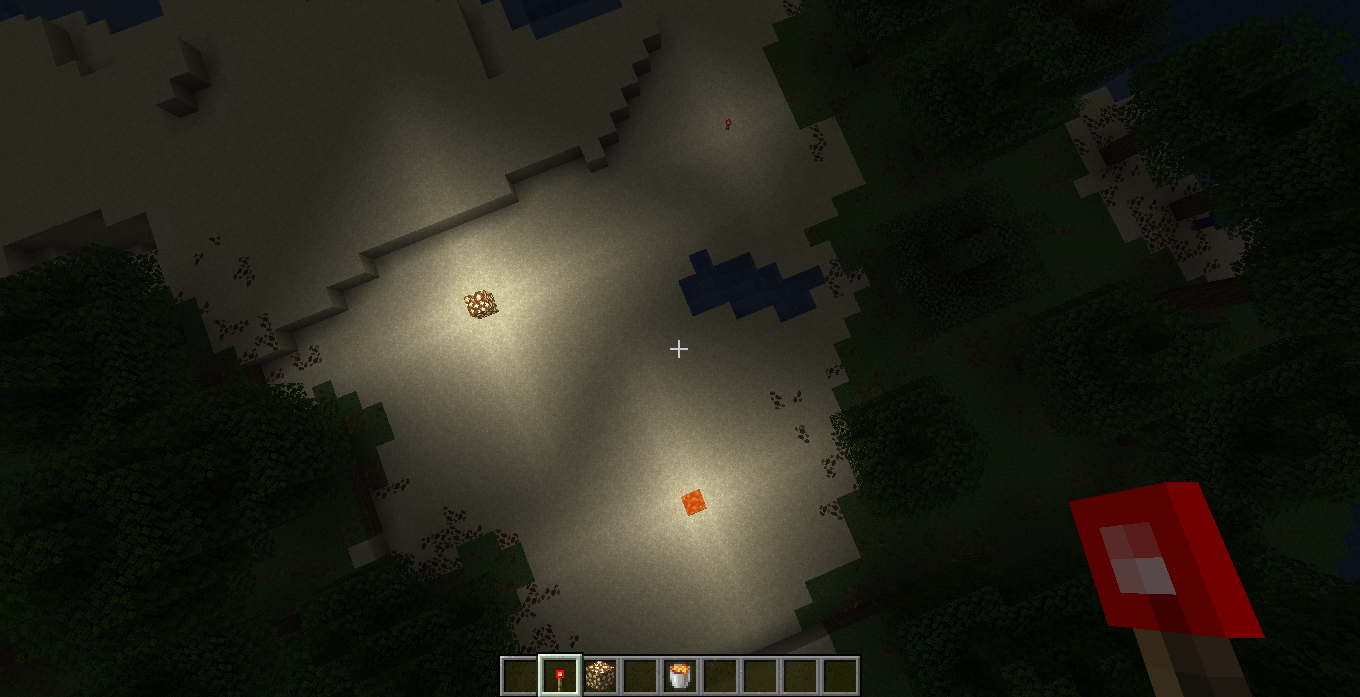
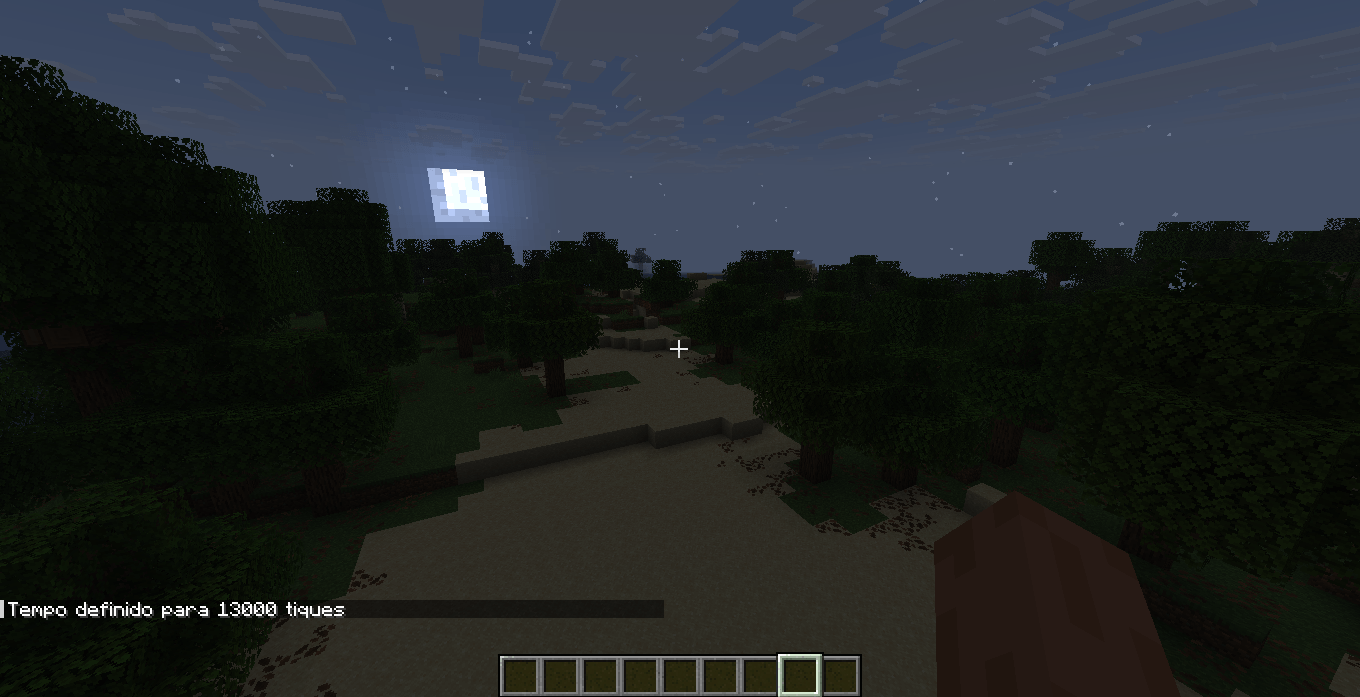
Resource pack that changes the lighting to resemble pre-beta 1.8, not that accurately.
截图
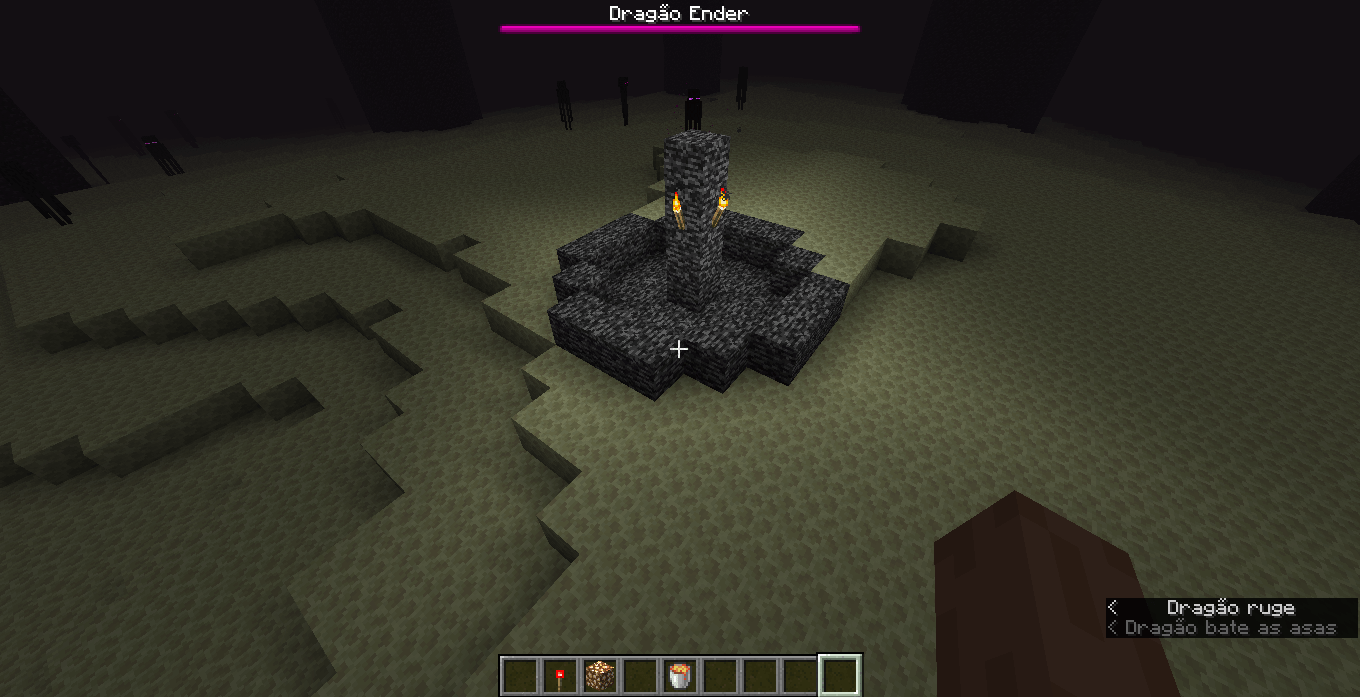
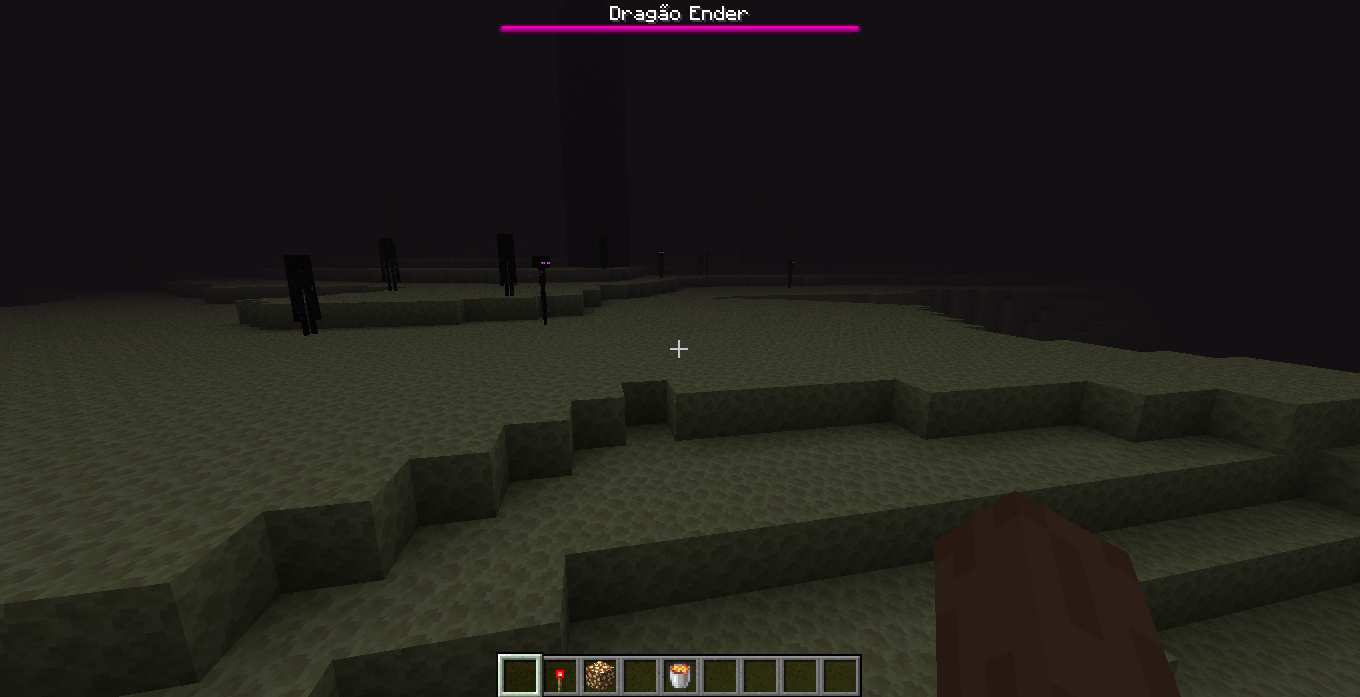
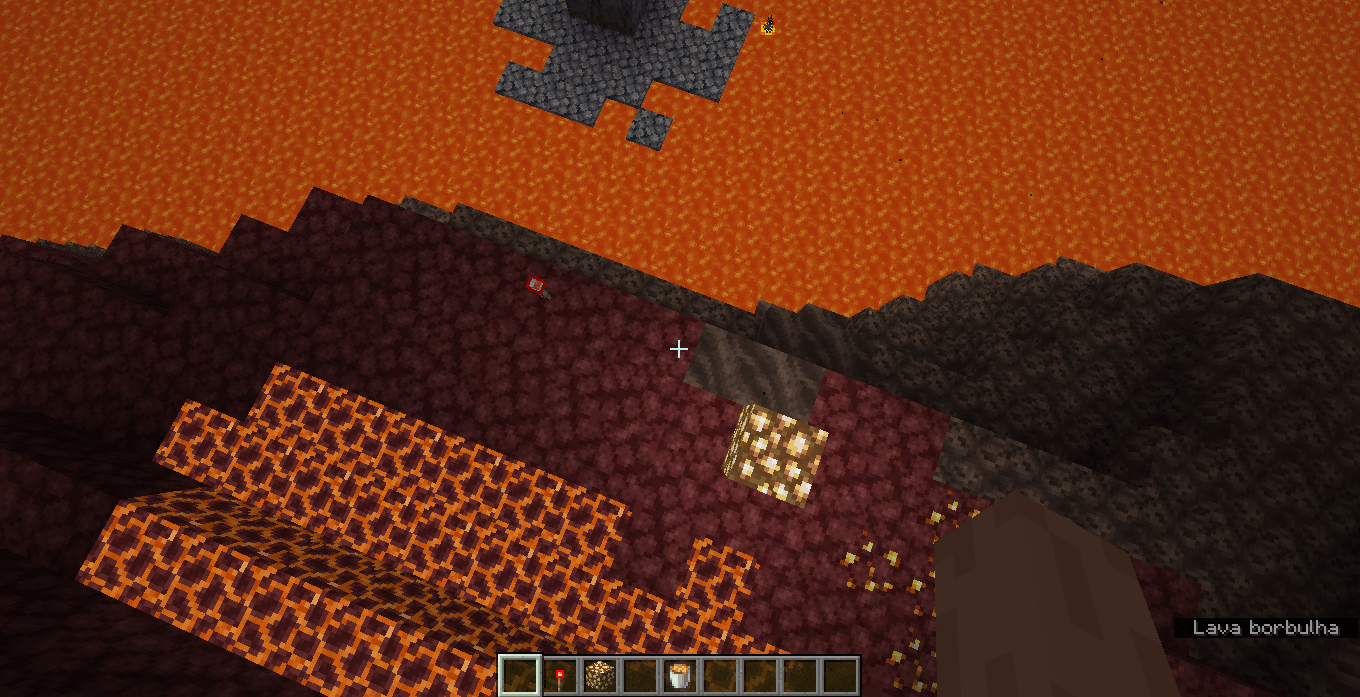
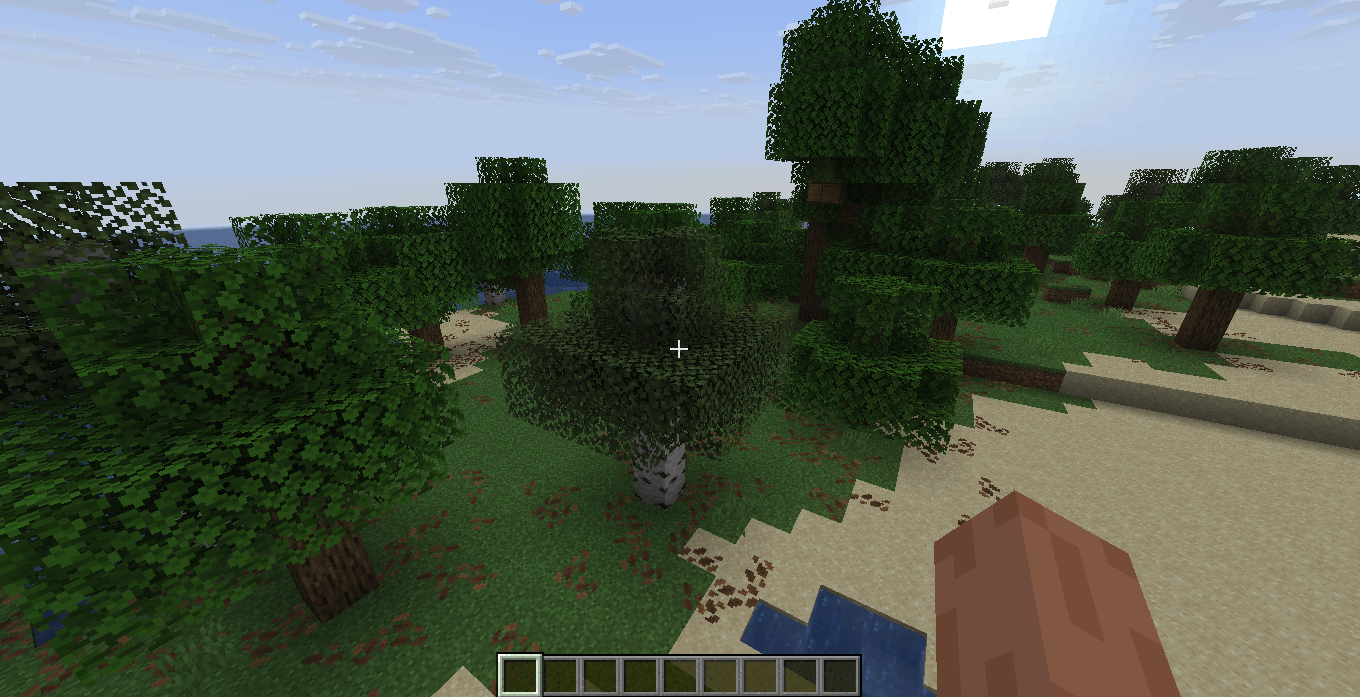
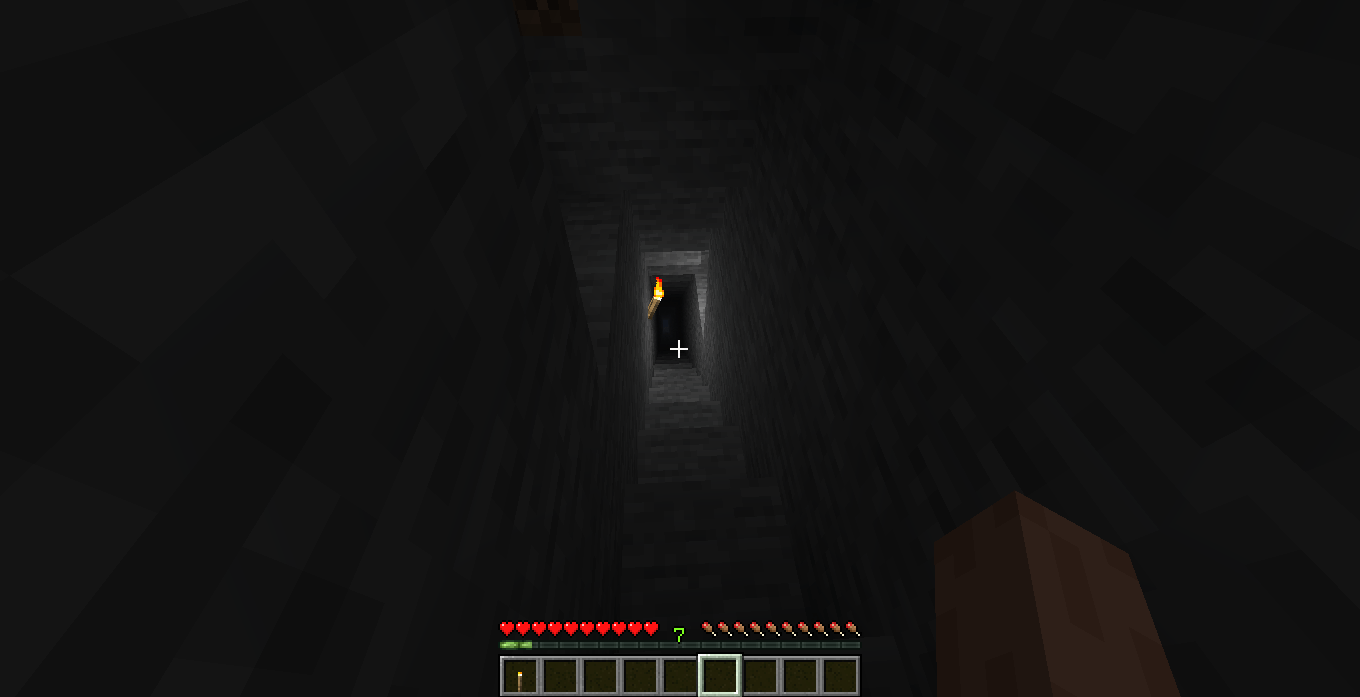
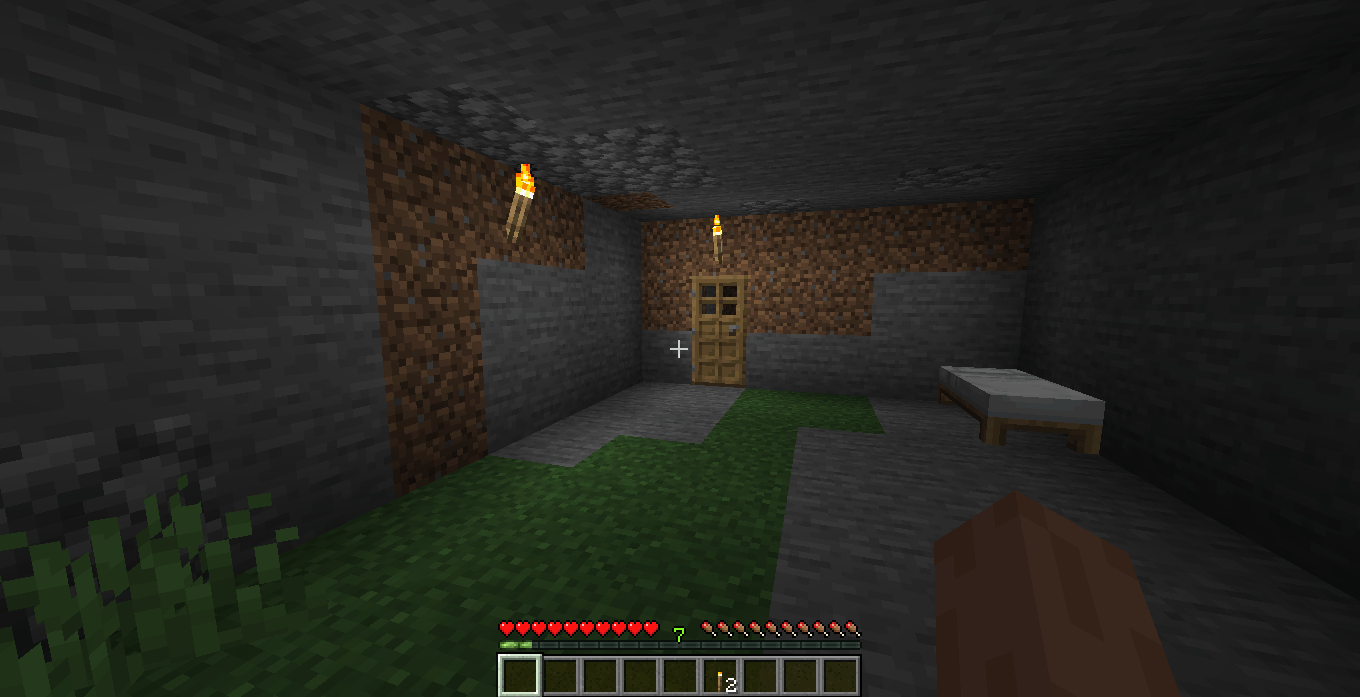
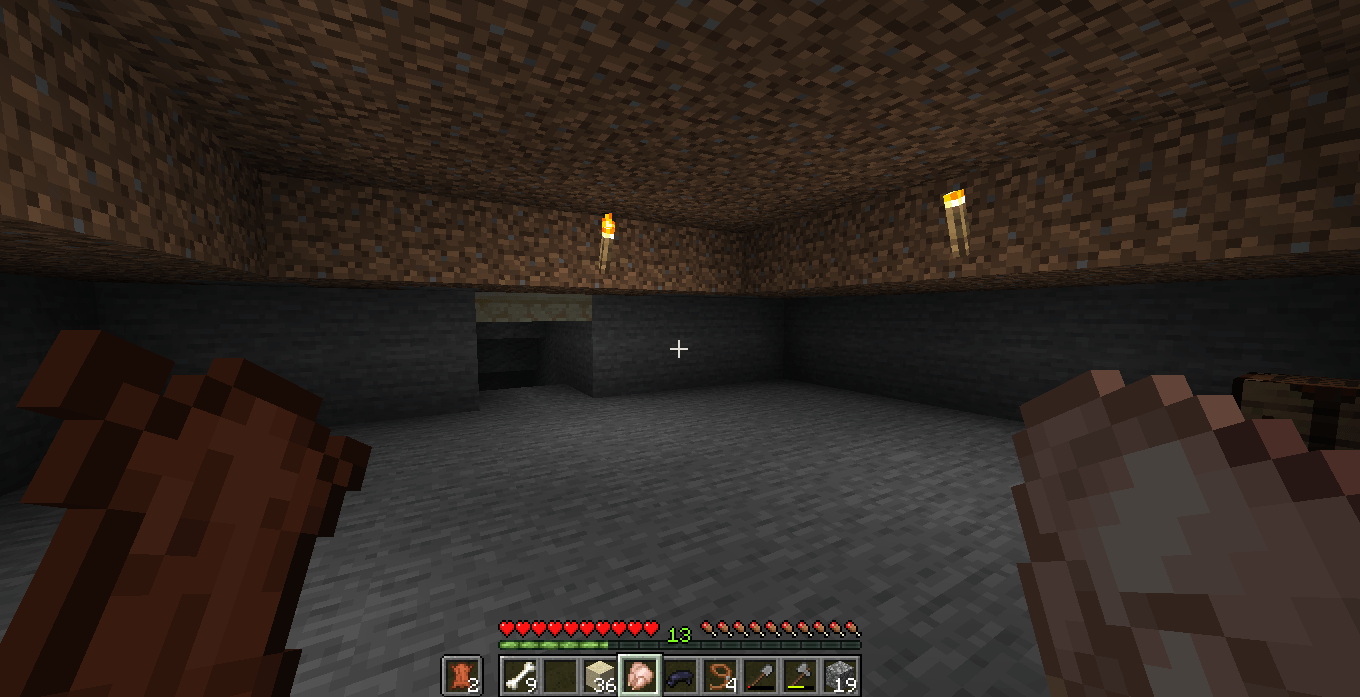
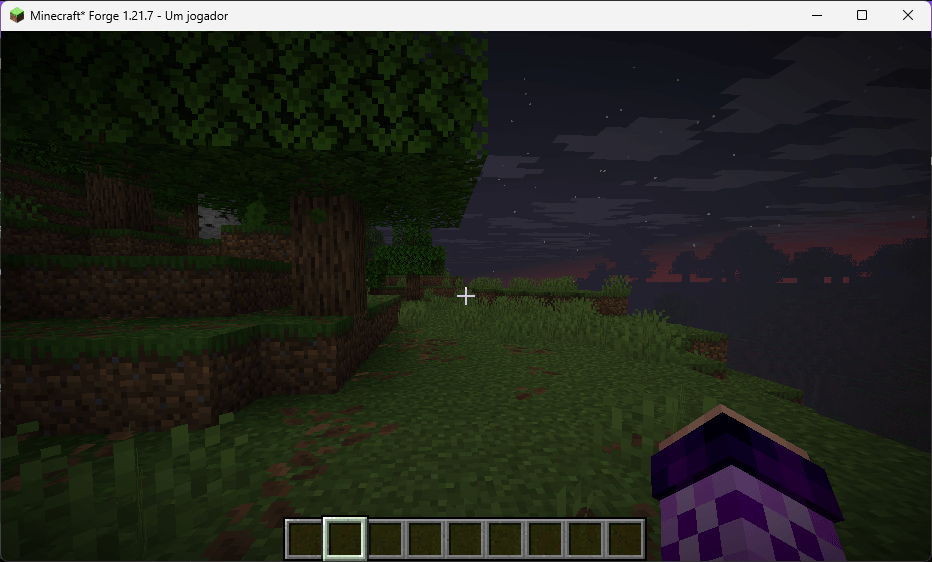
介绍
This is a cool little project i made with the help of ChatGPT (no longer the case since 1.0.1) because i suck at coding. This resource pack only grayscales the lightmap of the game, in fact, it is just a modified version of the original ‘lightmap.fsh’ file. This resource pack does not add fog or anything else. since this is not accurate to pre-beta 1.8, the night is not super dark as it used to be. it is just the vanilla lightmap grayscaled, as i’ve stated before. set the brightness to ‘moody’ for a better experience. that’s it, enjoy. ik this one was made with the help of AI but i would appreciate if you give credit if you use my resource pack somewhere, thanks.
This pack works on 1.21.2 (idk about that statement since 1.0.1) and newer. i cant guarantee it will work if you have real shaders enabled such as complementary shaders or any other iris related stuff.
常见问题
Grayscale Lightmap 支持哪些 Minecraft 版本?
Grayscale Lightmap 支持 Minecraft Java 版 1.21.2–26.2,共 14 个版本。下载时注意选择和你游戏版本一致的文件。
Grayscale Lightmap 怎么安装?
光影需要先装 Iris 或 OptiFine。把下载的 .zip 文件(不用解压)放进游戏目录的 shaderpacks 文件夹,进游戏后在「选项 → 视频设置 → 光影包」里选中它。光影对显卡要求较高,卡顿可以调低光影设置或渲染距离。

评论
登录后评论和评分