friendlyShader
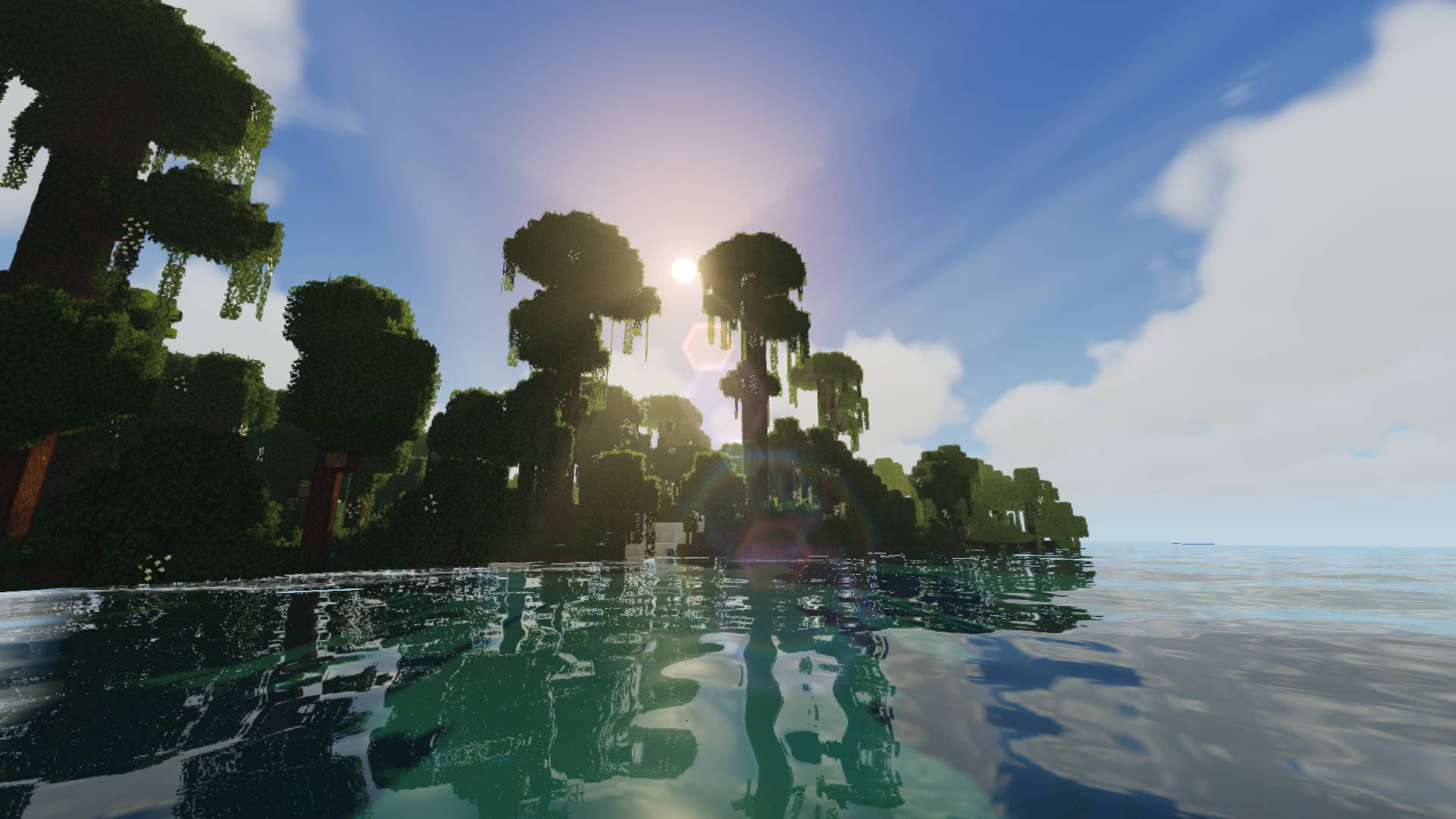
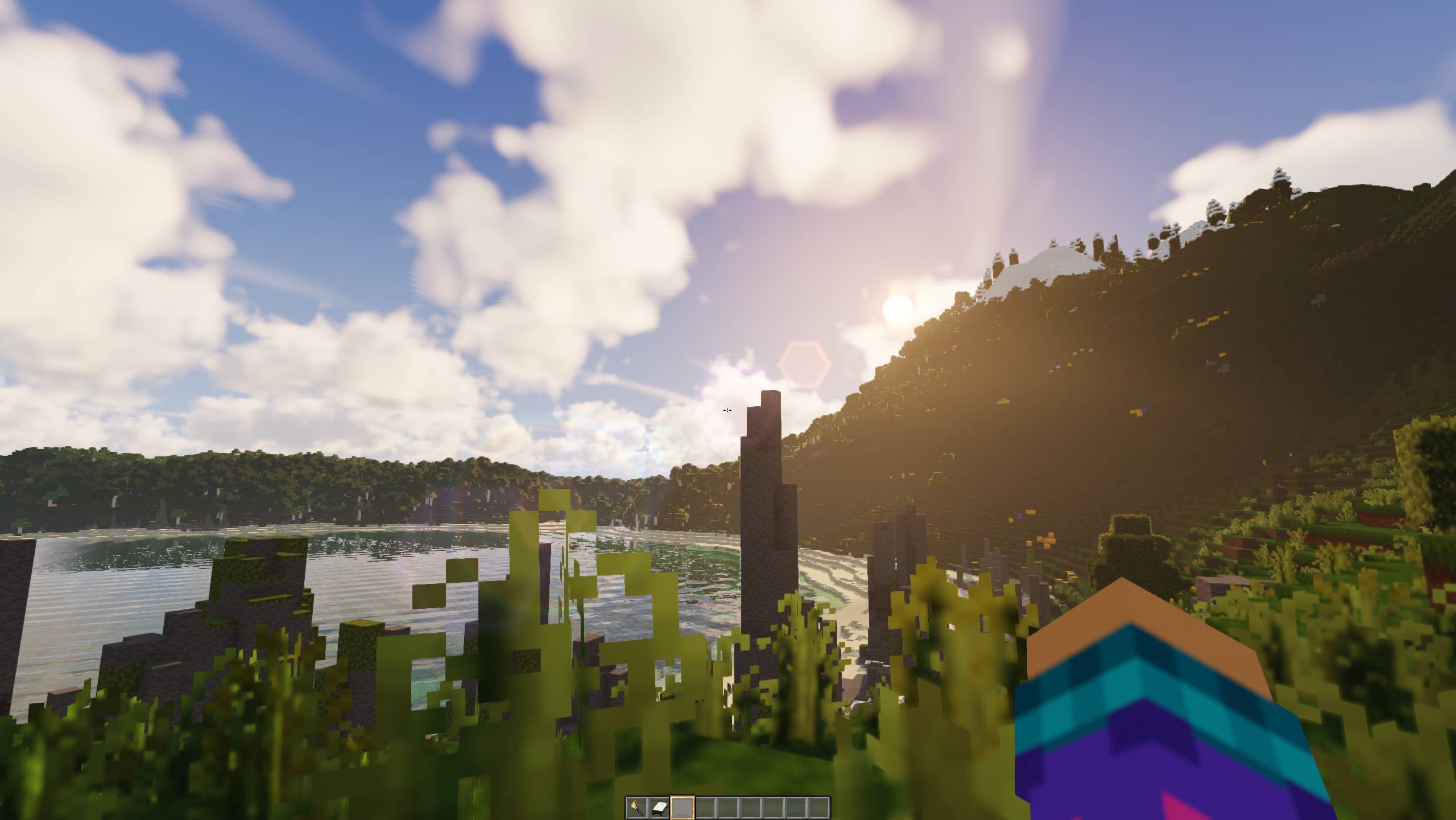
An atmospheric shader featuring warm lighting, volumetric clouds, lively water, and extensive customization.
截图
介绍
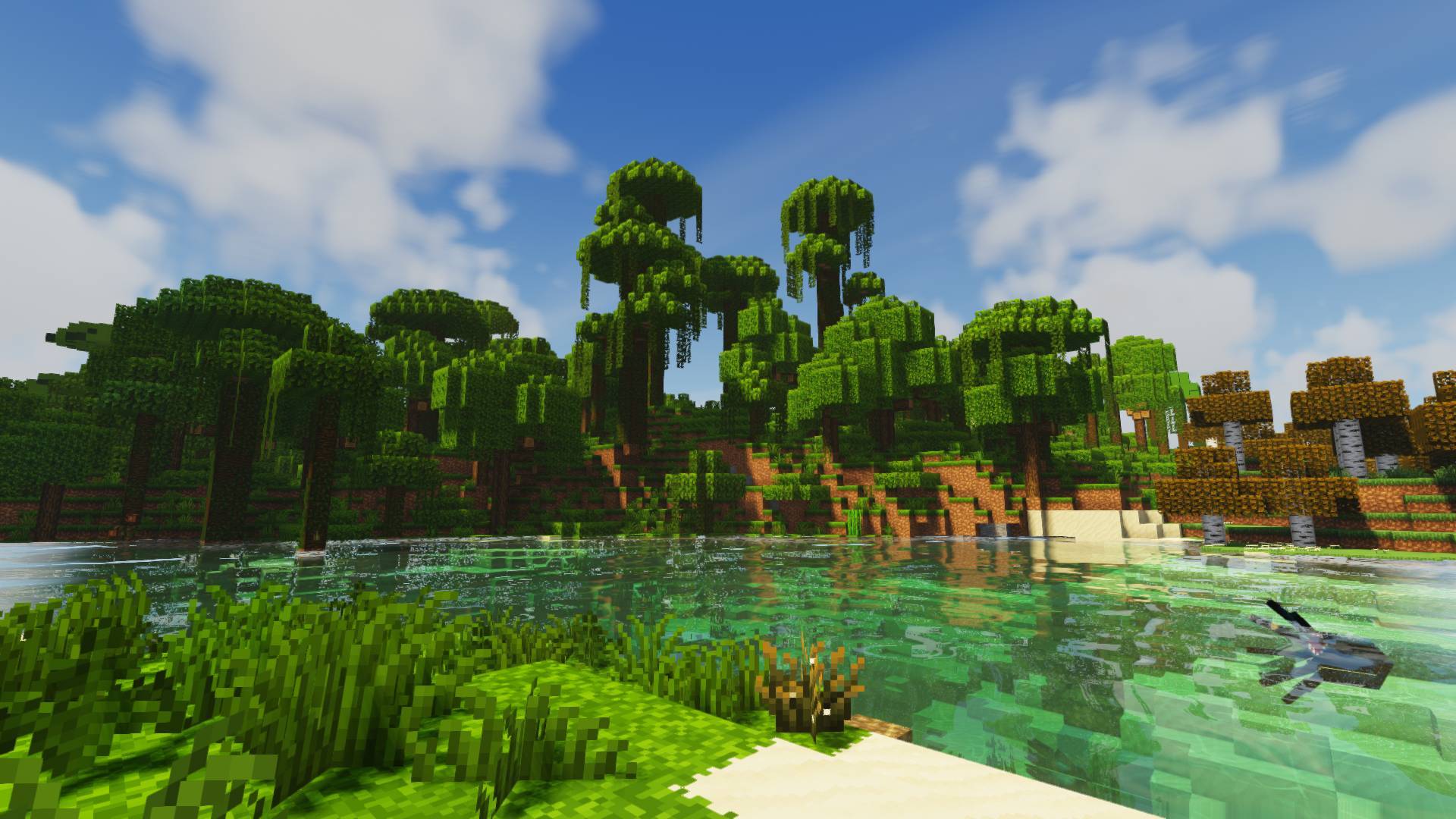
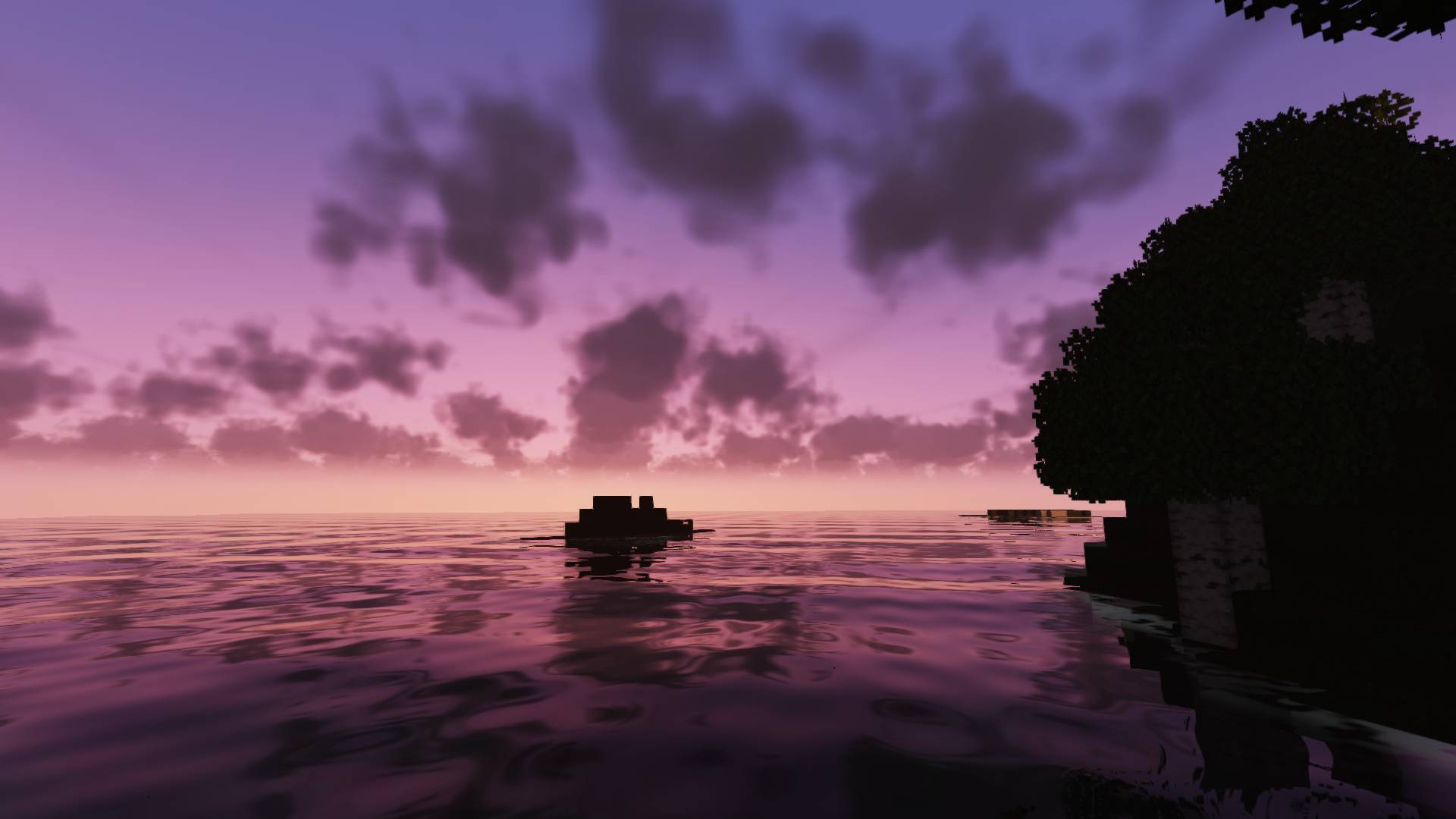
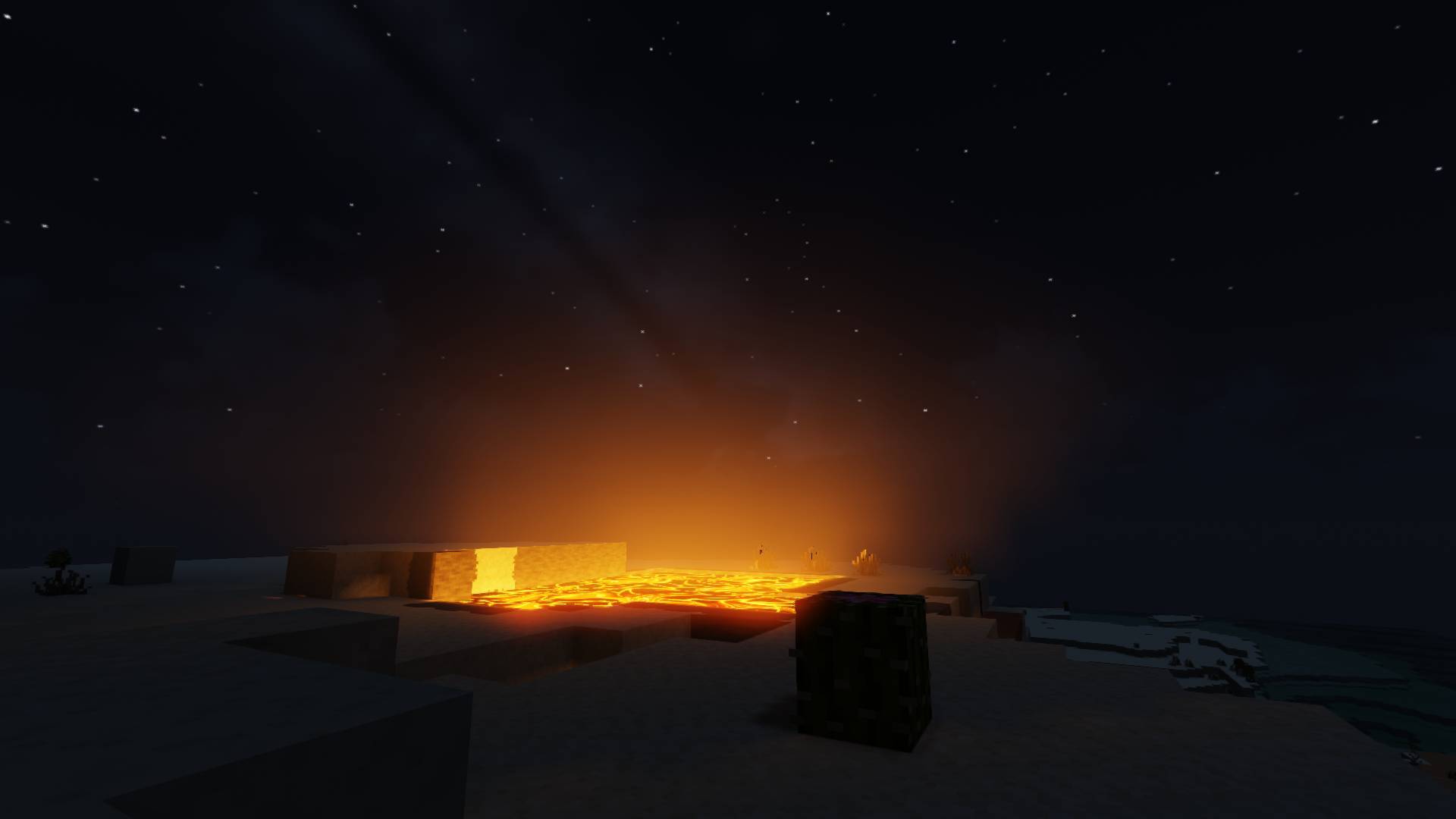
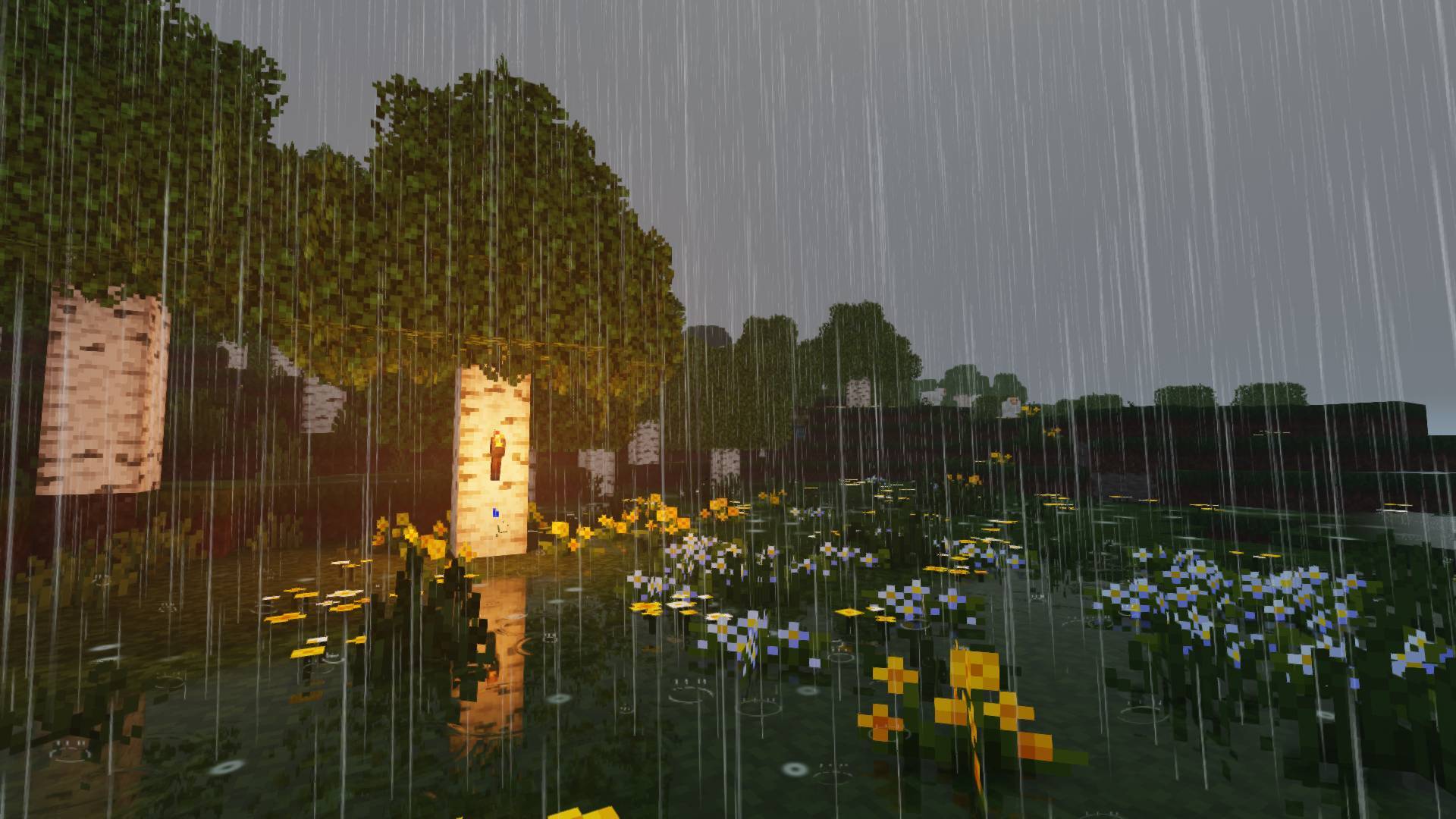
friendlyShader brings a rich atmosphere to your Minecraft world: warm sunlight, soft shadows, drifting clouds, and reflective water. Golden sunsets, dark nights, and colorful light sources accompany you as you build and explore.
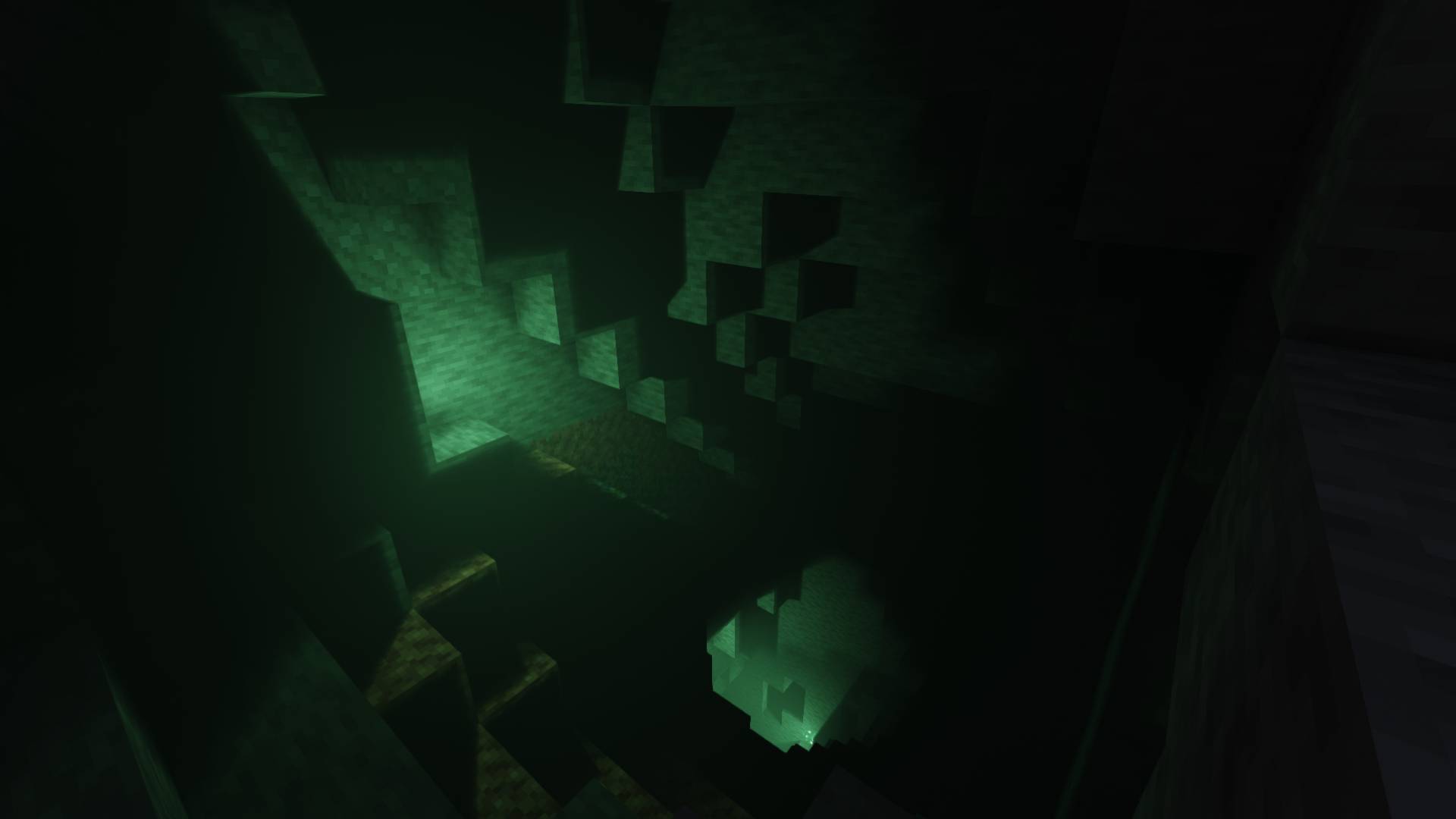
Adjust the look to your taste, from colors and water effects to brightness in caves and at night.
FEATURES
Lighting and shadows: Soft sun and moon shadows, colored lighting from torches, lanterns, and other sources, plus atmospheric light shafts.
Sky and clouds: Volumetric clouds with moving shadows and atmospheric sunrises and sunsets.
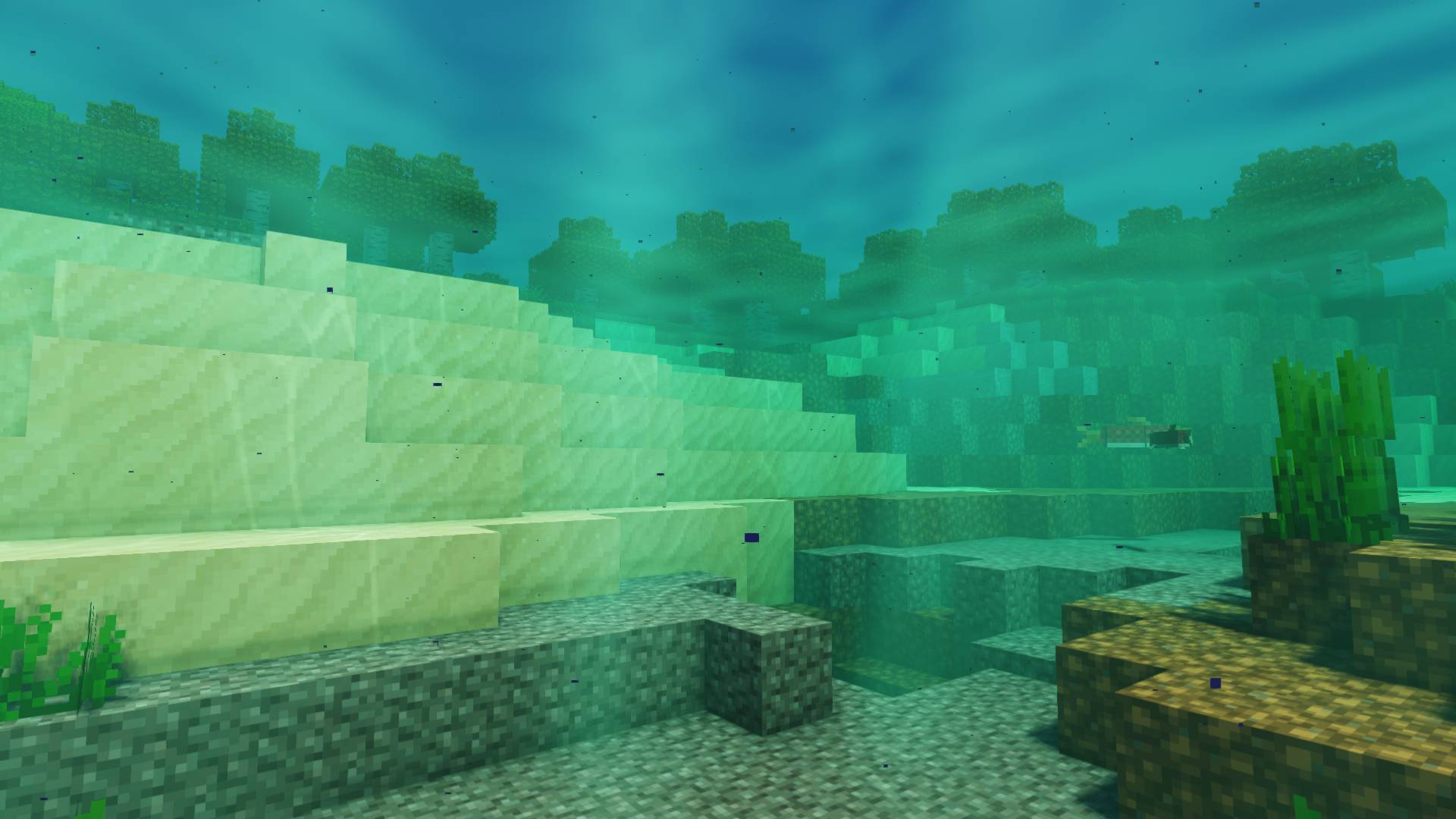
Water: Animated waves, reflections, refraction, shoreline foam, and underwater light patterns.
Weather and nature: Weather-dependent puddles, rain ripples, fog, and waving vegetation.
Night skies: Stars, the Milky Way, auroras, and shooting stars.
Depth of field
MOD COMPATIBILITY
- Distant Horizons
- Iris Shaders
- OptiFine
INSTALLATION
Requires Minecraft Java Edition with Iris Shaders. Place the shader ZIP in your shaderpacks folder, then select friendlyShader in the shader menu. The Balanced preset is the default starting point.
AI-assisted development
friendlyShader is developed with the assistance of artificial intelligence. AI tools are used to help create and further develop the shader code.
The shader is currently in alpha. Visual issues and differences between hardware configurations or mod combinations may occur. Feedback and bug reports help guide further development.
常见问题
friendlyShader 支持哪些 Minecraft 版本?
friendlyShader 支持 Minecraft Java 版 1.21–26.3,共 17 个版本,可用的加载器:Iris / OptiFine。下载时注意选择和你游戏版本一致的文件。
friendlyShader 怎么安装?
光影需要先装 Iris / OptiFine。把下载的 .zip 文件(不用解压)放进游戏目录的 shaderpacks 文件夹,进游戏后在「选项 → 视频设置 → 光影包」里选中它。光影对显卡要求较高,卡顿可以调低光影设置或渲染距离。

评论
登录后评论和评分