Eyecosmic – A Thousand And a Night
Minecraft shader project that transforms the sky with cinematic, dynamic lunar variations, radiant celestial bodies, and ever-changing fantasized cosmic phenomena.
截图
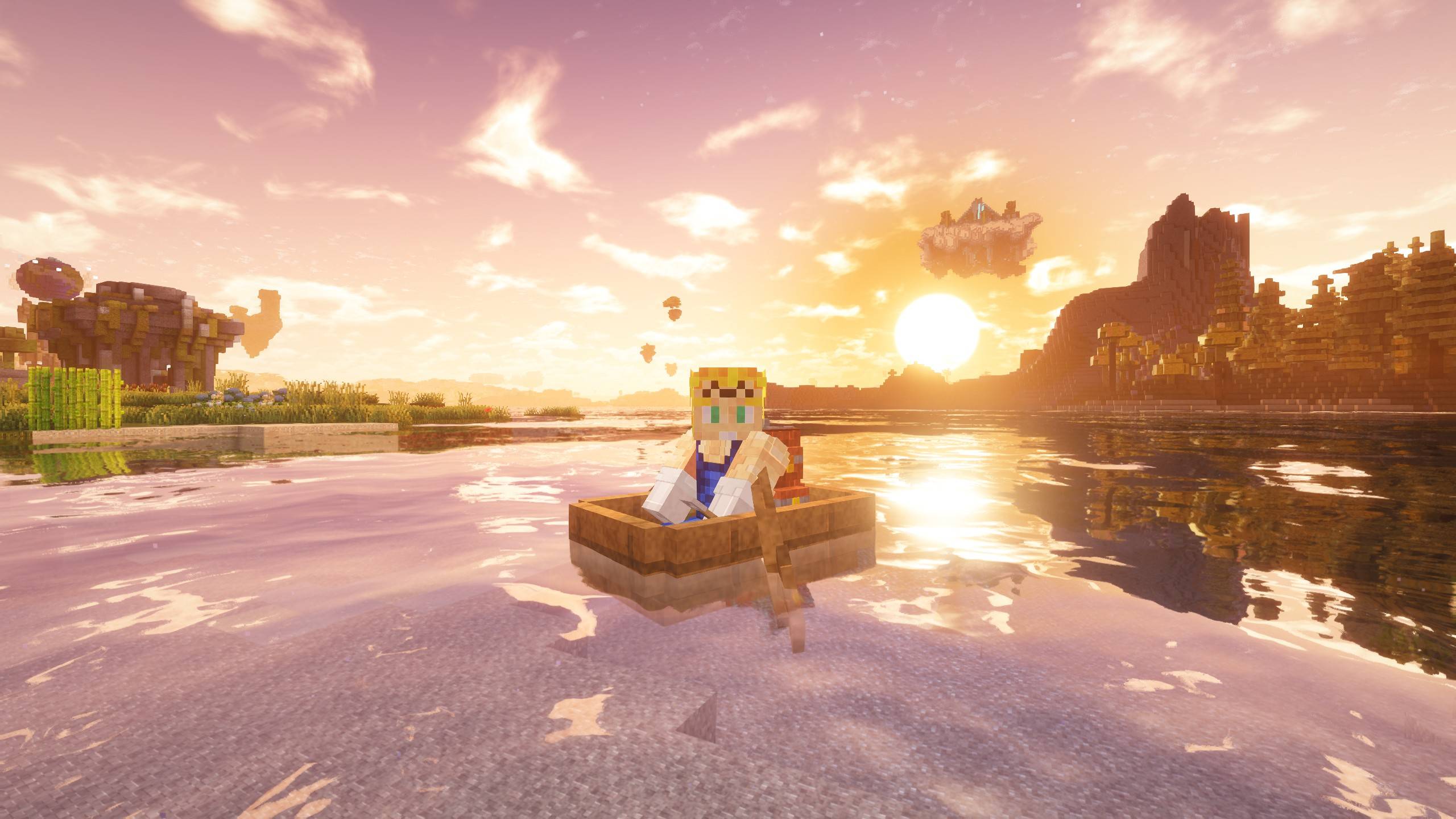
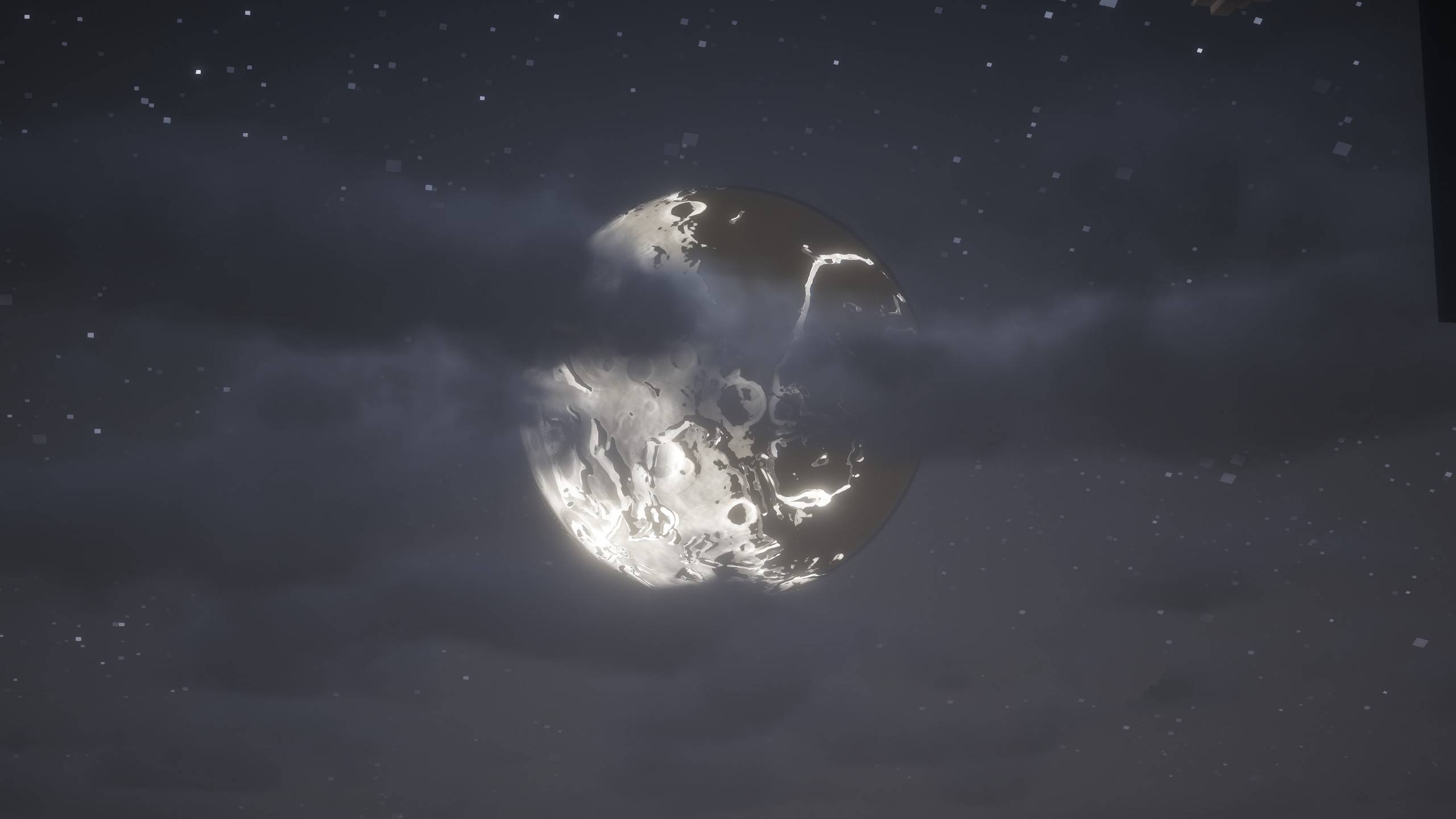
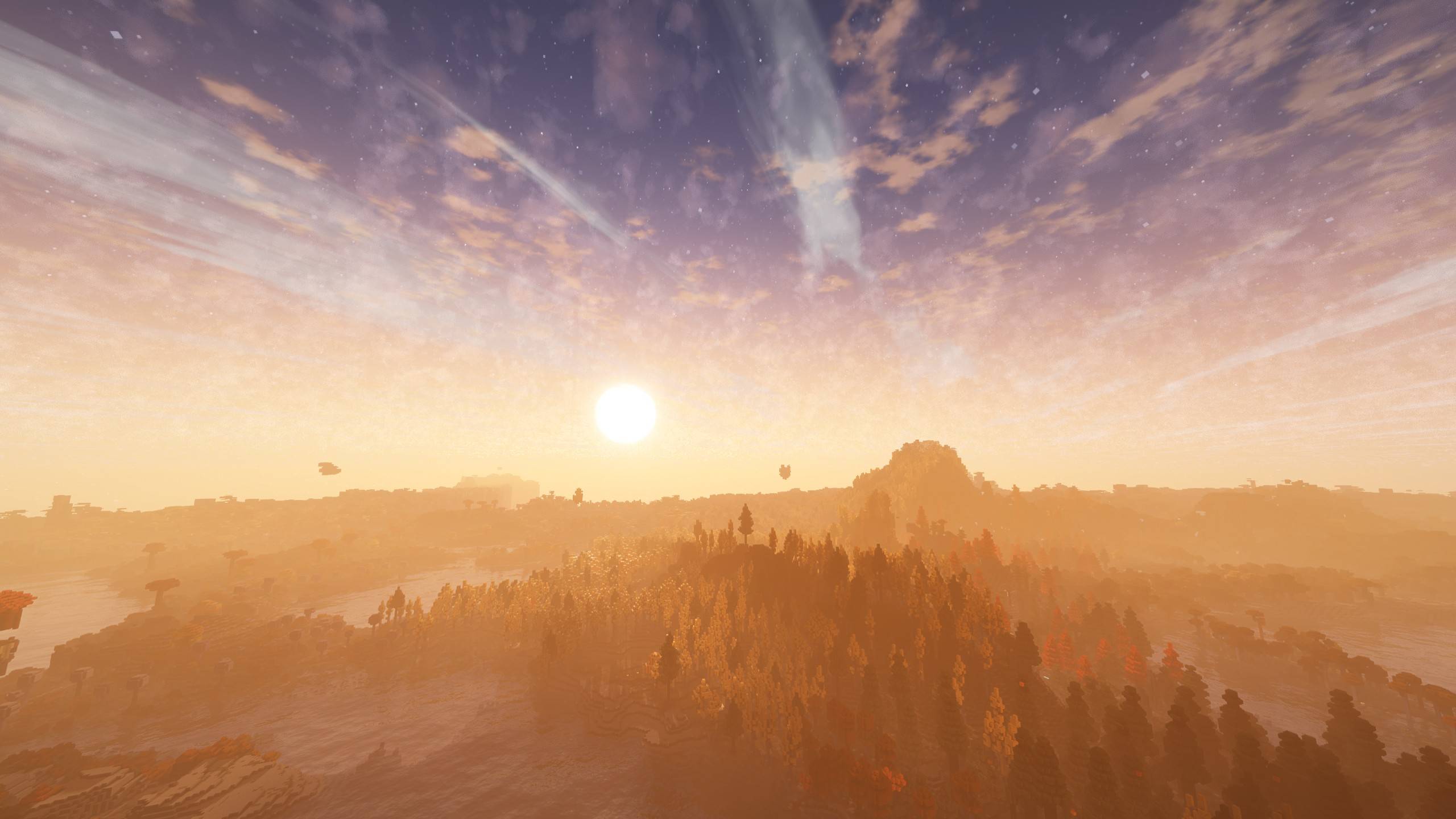
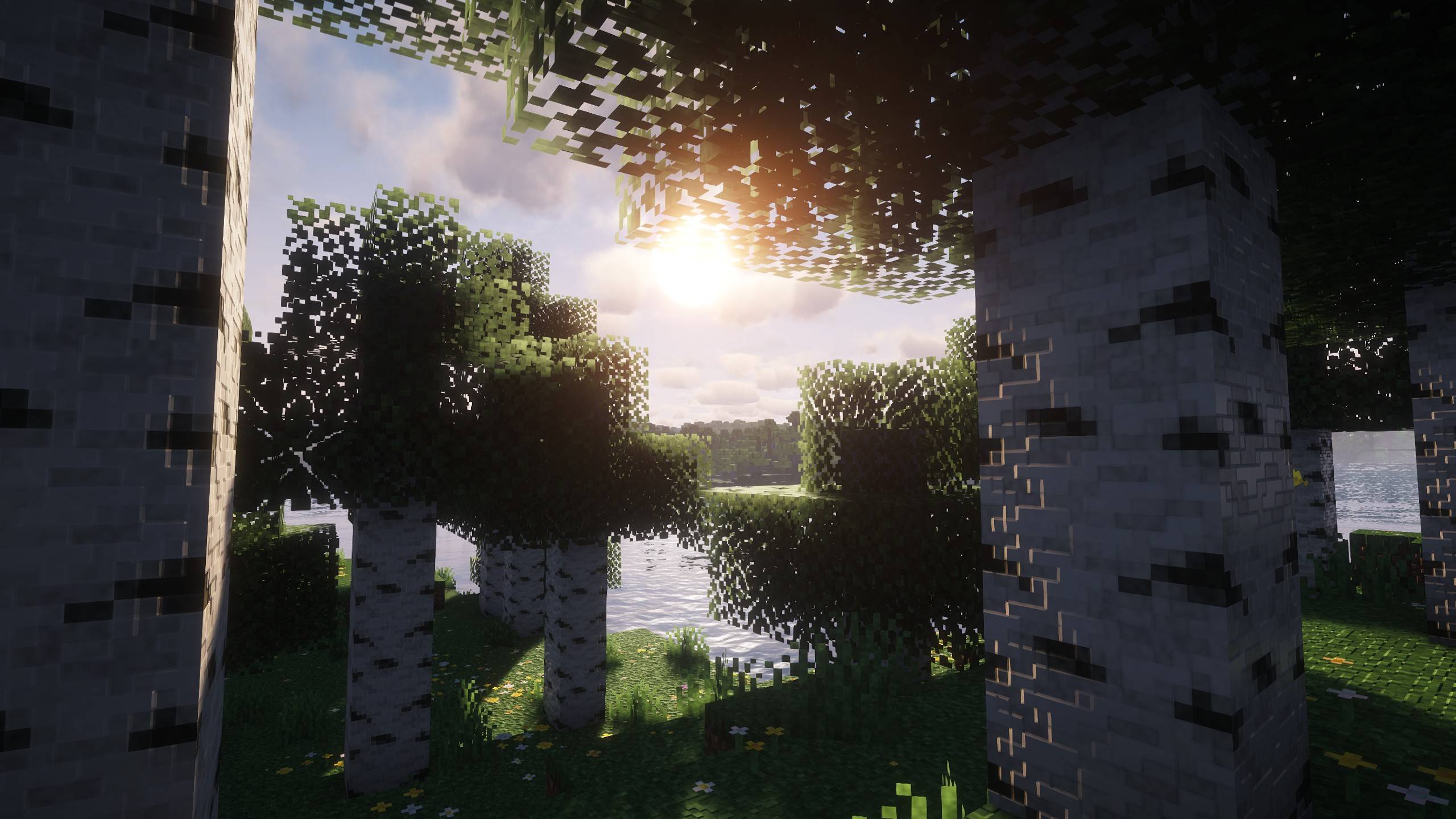
介绍
This is a patch to the Unbound fork of Complementary + Euphoria patches
I wouldn’t say it was vibe-coded, but AI was leveraged in building it
At first, it was purely for learning and personal purposes, but that changed; obviously, you wouldn’t be reading this if it didn’t
There is an ongoing effort to build a whole independent pack
I came here to edit this and to add a proper description but decided to write this instead:
I hope you like it, I hope you enjoy it 🙂
Regarding the AI creative work debate; I am sort of an agnostic, leaning more towards being against using it sort of blindly. We are all being effected by its existence one way or another the main question is how are we using it, the good thing about its existence during the moment of writing this is mainly the huge companies who screwed artists are getting their karma; I’d rather ppl use it for something a bit more productive than creating a meaningless attention thief of a video spreading more brainrot; even worse applications are being practiced in the funny world we live in and we’ll all be effected by it and pay for it even indirectly whether we like it or not at least in our future hardware upgrades no matter who we choose to boycott..
yet I still ask myself daily, when I bought an apple pencil and and ipad, what would I have answered to van gough?
Regardless of all that I had a vision and tried bringing it to life with what tools I have and worked really hard to achieve such a result. On wether you’d like to meet the cow or not -the potato in case you are vegan-
we are here I guess; and these are all valid questions and I’ll leave it at that for now.
常见问题
Eyecosmic – A Thousand And a Night 支持哪些 Minecraft 版本?
Eyecosmic – A Thousand And a Night 支持 Minecraft Java 版 1.21.10–26.3,共 7 个版本,可用的加载器:Iris / OptiFine。下载时注意选择和你游戏版本一致的文件。
Eyecosmic – A Thousand And a Night 怎么安装?
光影需要先装 Iris / OptiFine。把下载的 .zip 文件(不用解压)放进游戏目录的 shaderpacks 文件夹,进游戏后在「选项 → 视频设置 → 光影包」里选中它。光影对显卡要求较高,卡顿可以调低光影设置或渲染距离。
评论
登录后评论和评分