Elumination Shader
作者:elip124
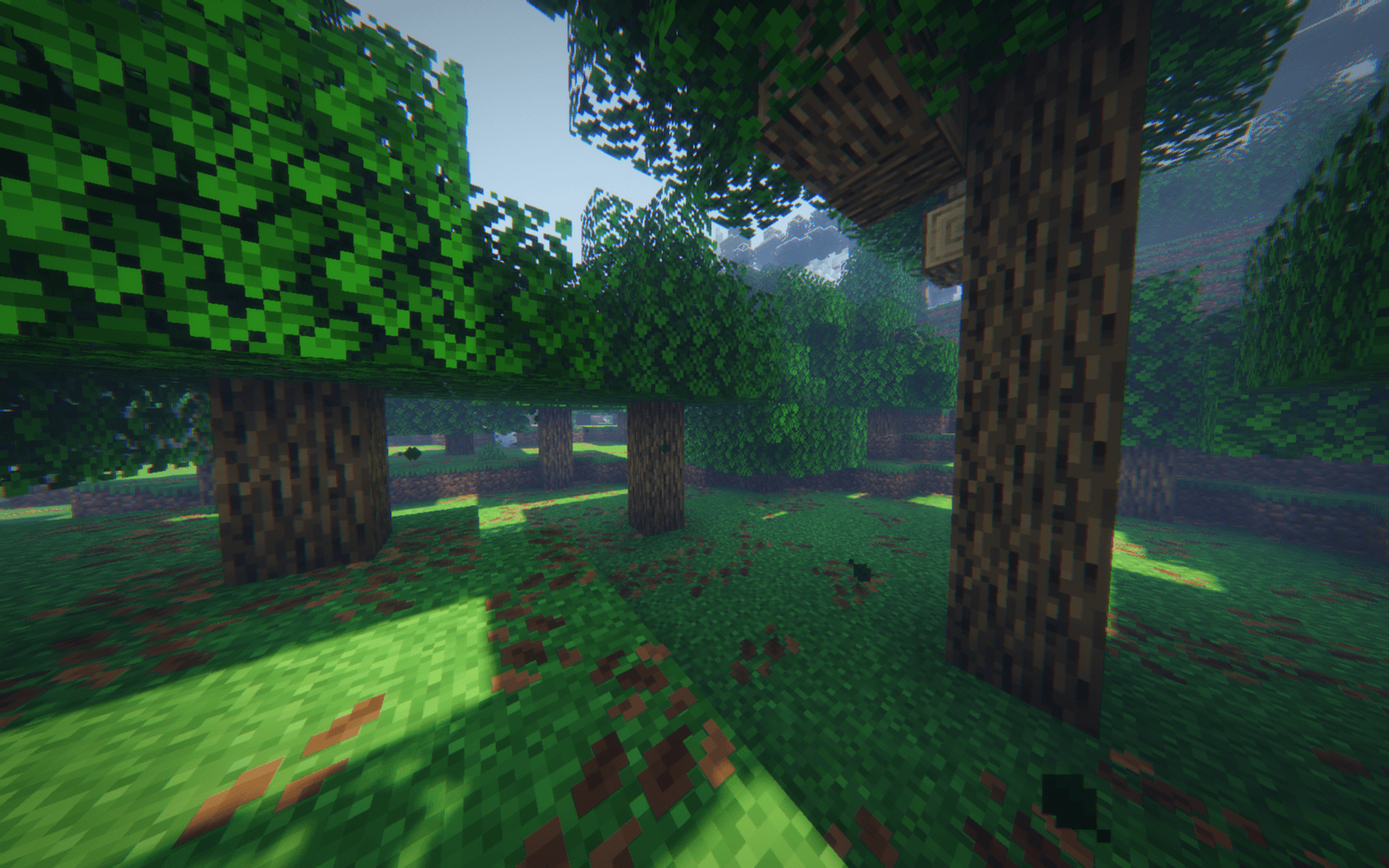
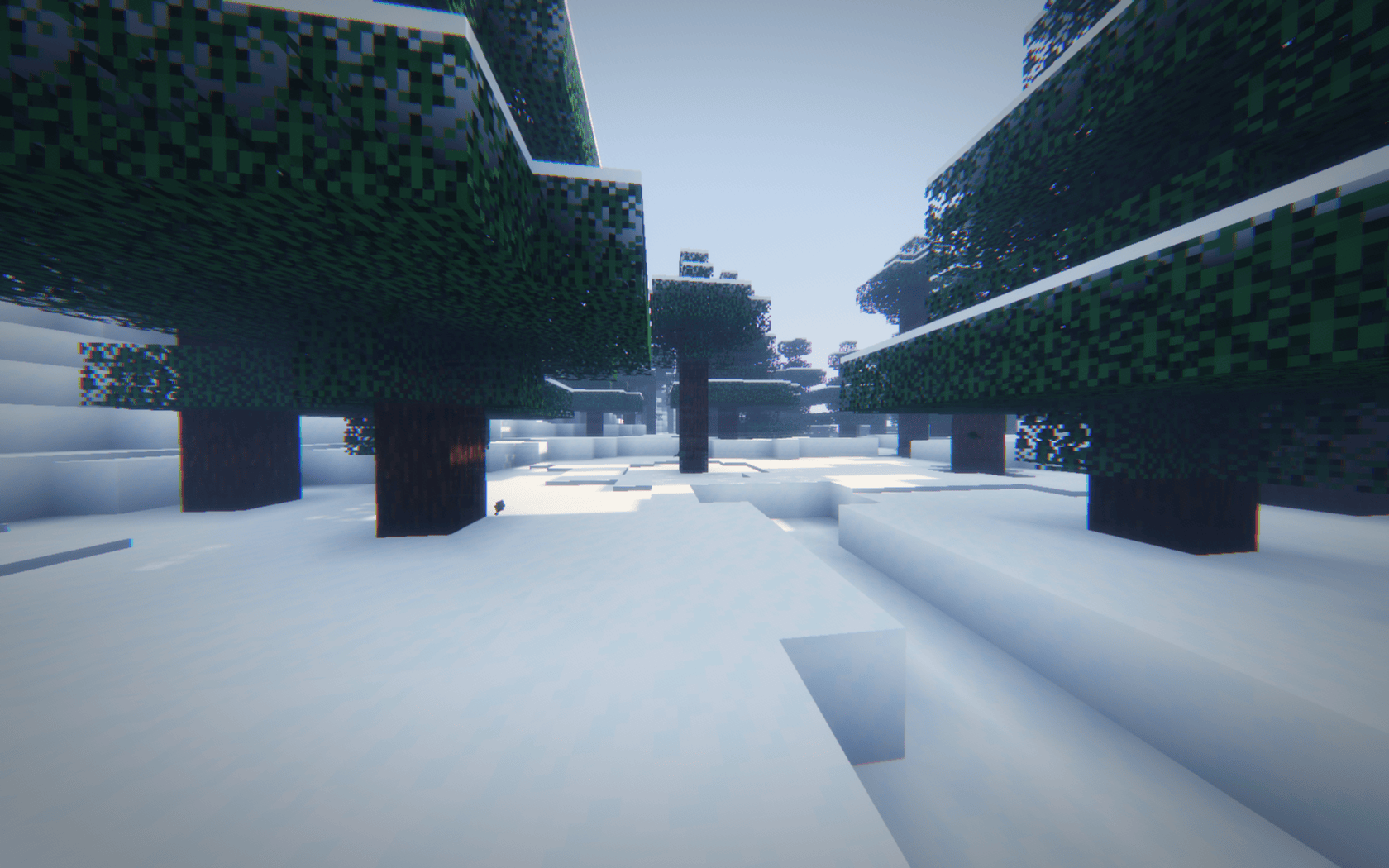
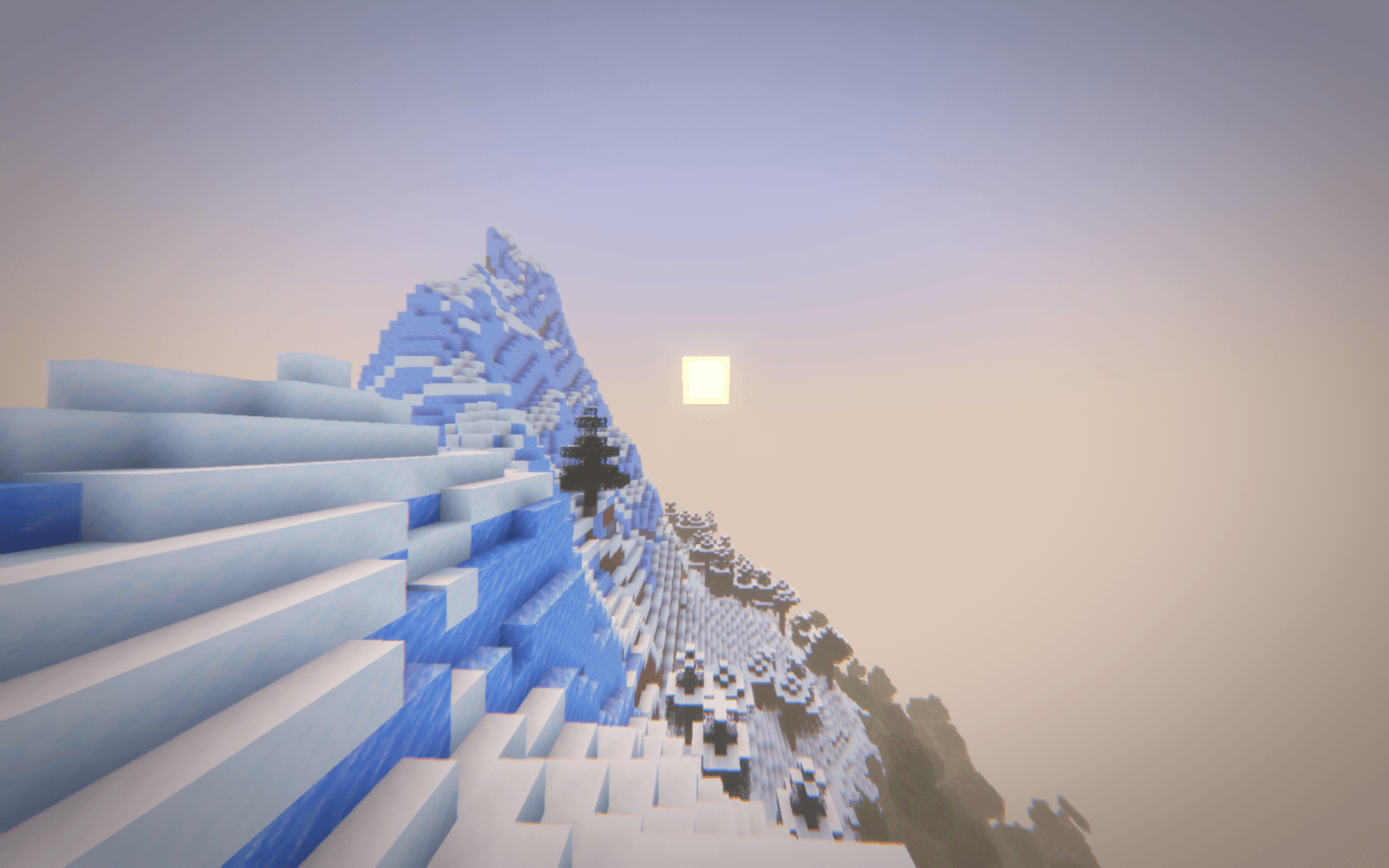
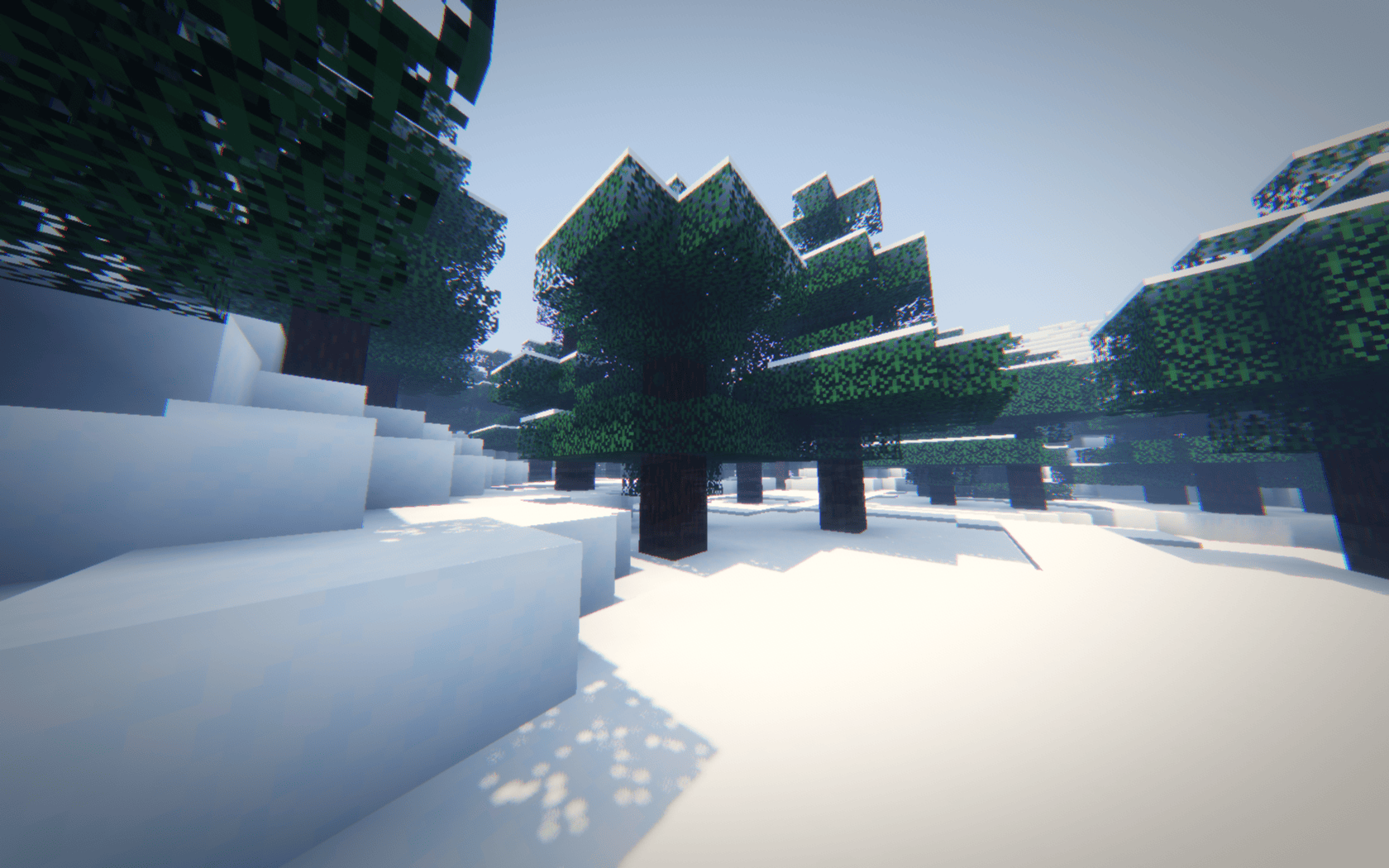
Cinematic shaderpack with a signature soft glow lens look, soft shadows, ACES tonemapping and graphics presets from Potato to Ultra. Requires Iris.
截图
介绍
中文介绍正在准备中,下面暂时显示原文。
Elumination Shader Illuminate every frame. A cinematic shaderpack for Minecraft.
The game as if it were filmed through a vintage lens.
## Look
– Soft glow and bloom
– Subtle chromatic aberration on the screen edges
– Vignette and film grain
– Warm sunlight, bluish moonlight
## Features
– Soft shadows
– Graphics presets: Potato, Low, Medium, High, Very High, Ultra (use the Profile button in the shader settings)
## Requirements
– Minecraft 1.21.11
– Iris Shaders (with Sodium)
## Installation
1. Download the ZIP (do not unpack it).
2. Put it into your shaderpacks folder.
3. Select Elumination in Video Settings > Shader Packs and click Apply.
## Notes
– This is the first release. The soft haze over the image is intentional.
– Water, the Nether, the End and weather are not tuned yet.
## Planned
– Graphics and visual improvements
– Optimization
Feedback and bug reports are welcome in the comments.
常见问题
Elumination Shader 支持哪些 Minecraft 版本?
Elumination Shader 支持 Minecraft Java 版 1.21.11,可用的加载器:Iris。下载时注意选择和你游戏版本一致的文件。
Elumination Shader 怎么安装?
光影需要先装 Iris。把下载的 .zip 文件(不用解压)放进游戏目录的 shaderpacks 文件夹,进游戏后在「选项 → 视频设置 → 光影包」里选中它。光影对显卡要求较高,卡顿可以调低光影设置或渲染距离。
评论
登录后评论和评分