
EclipseLite
A low-end shader for Minecraft: Java Edition. It provides good lighting while maintaining high performance, perfect for low-end PCs. 🌟
截图
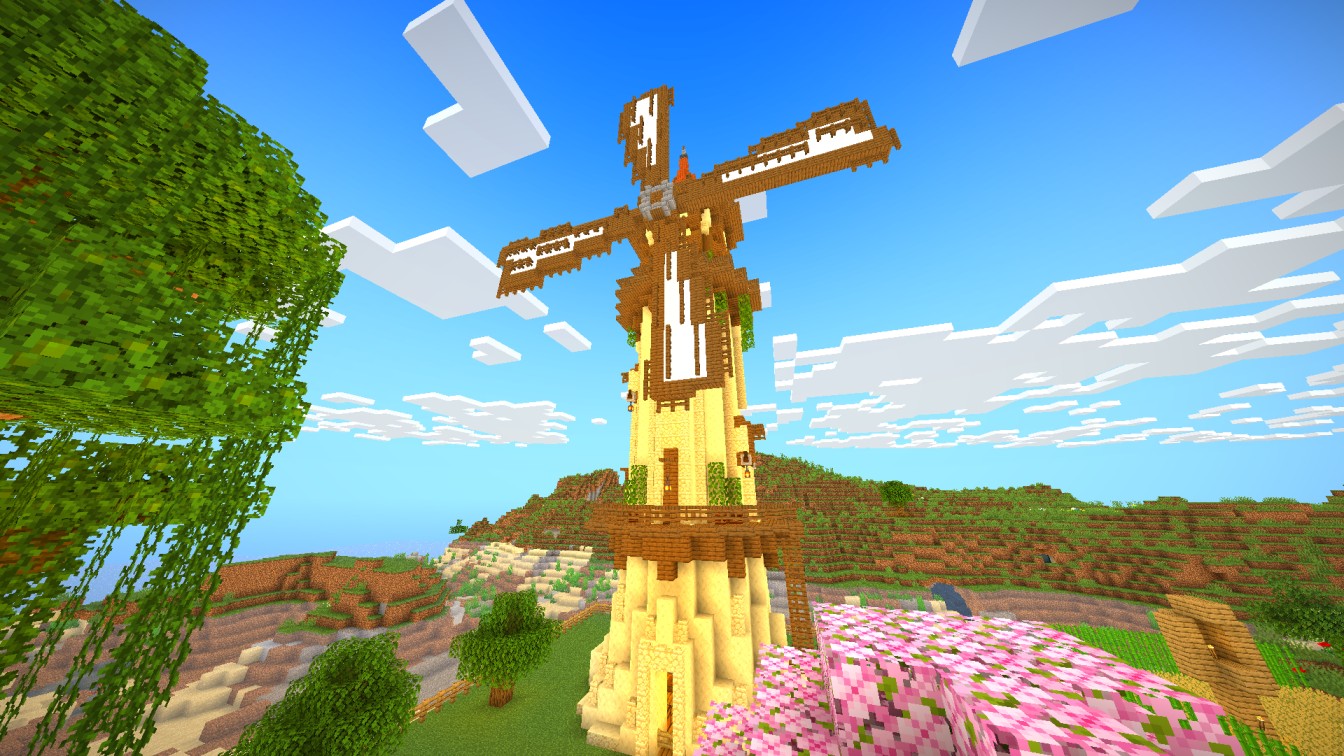
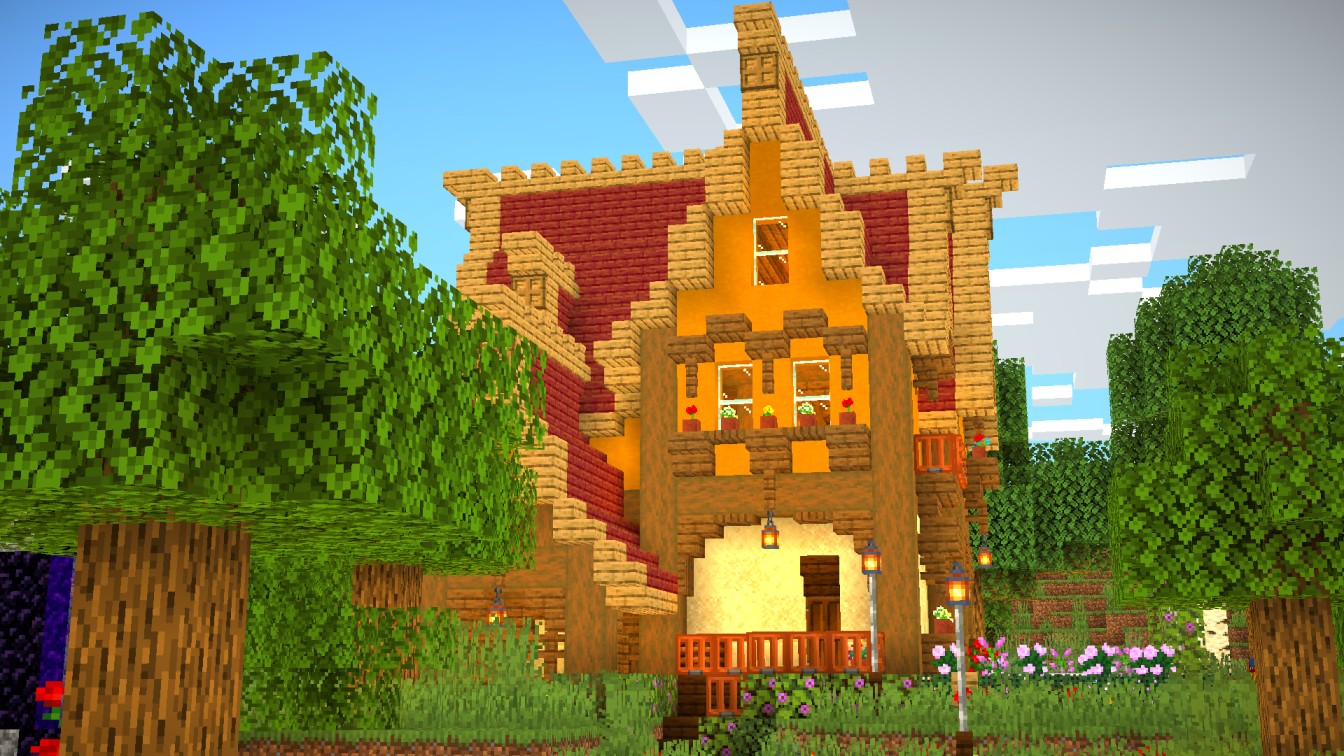
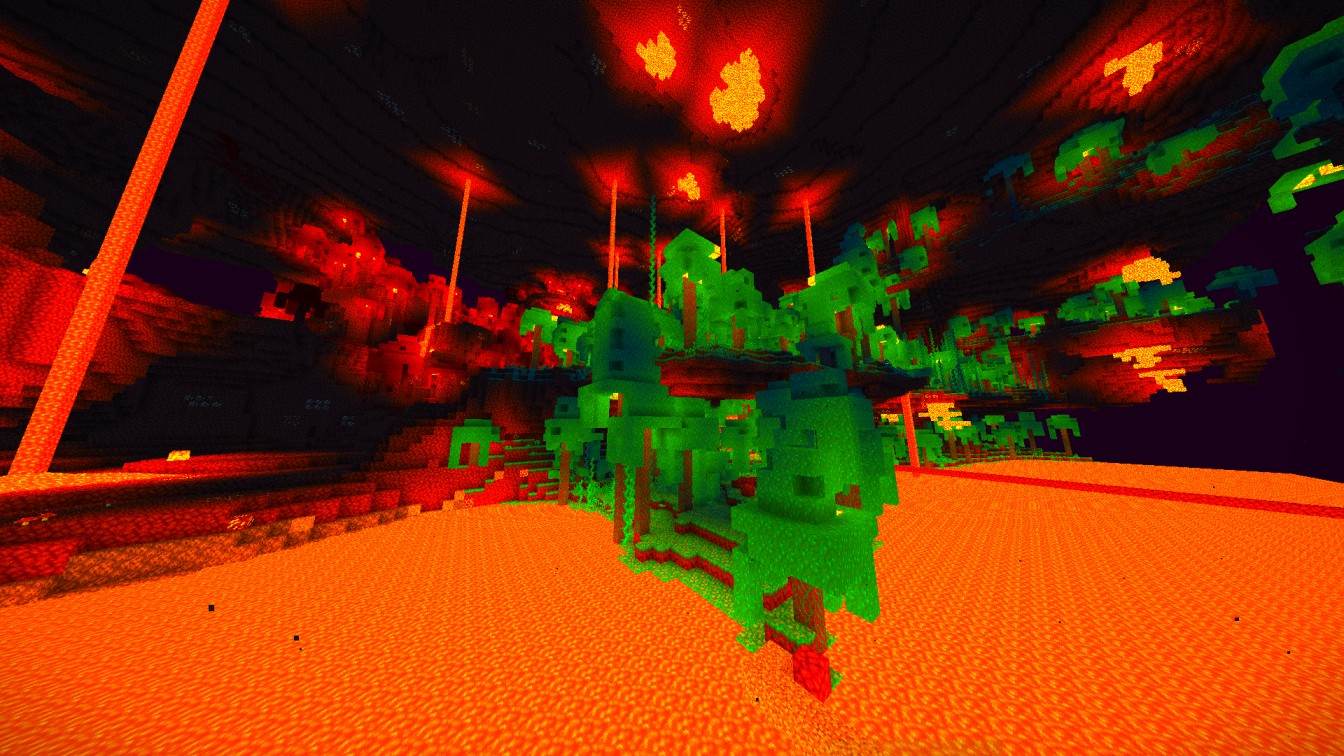
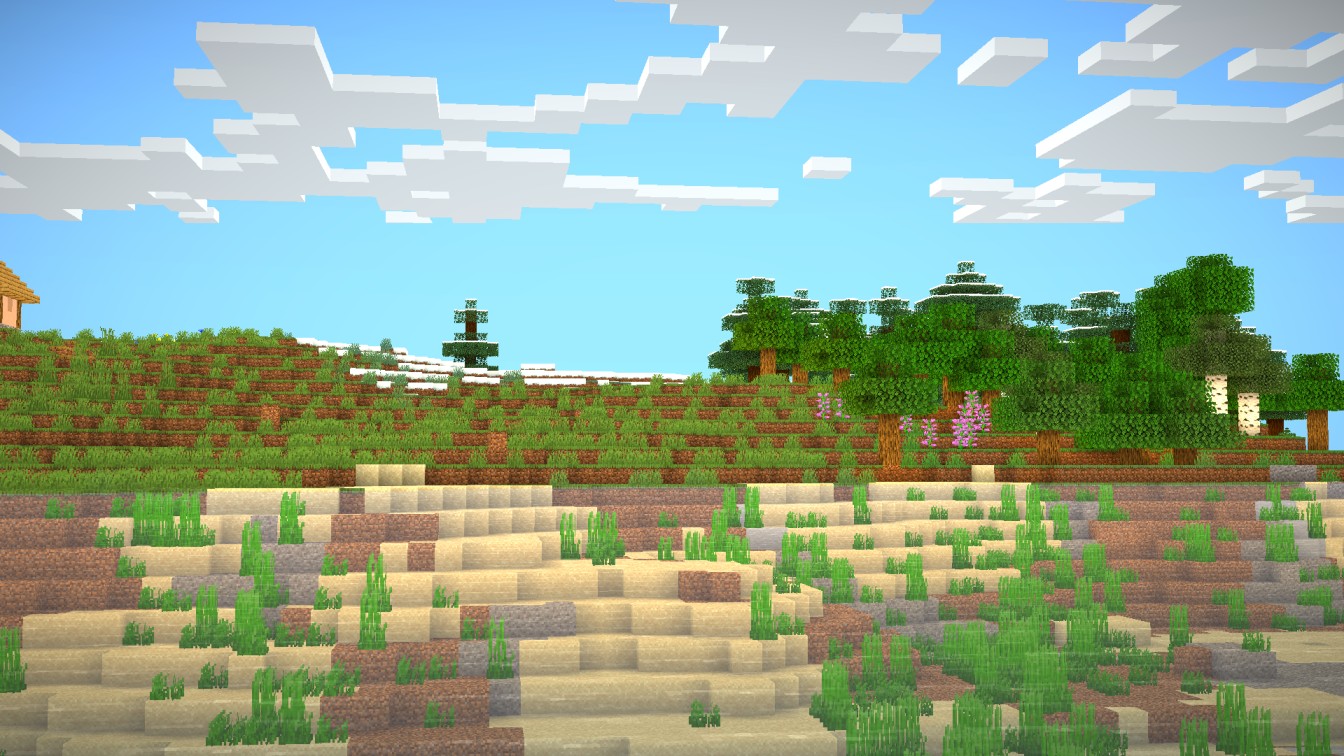
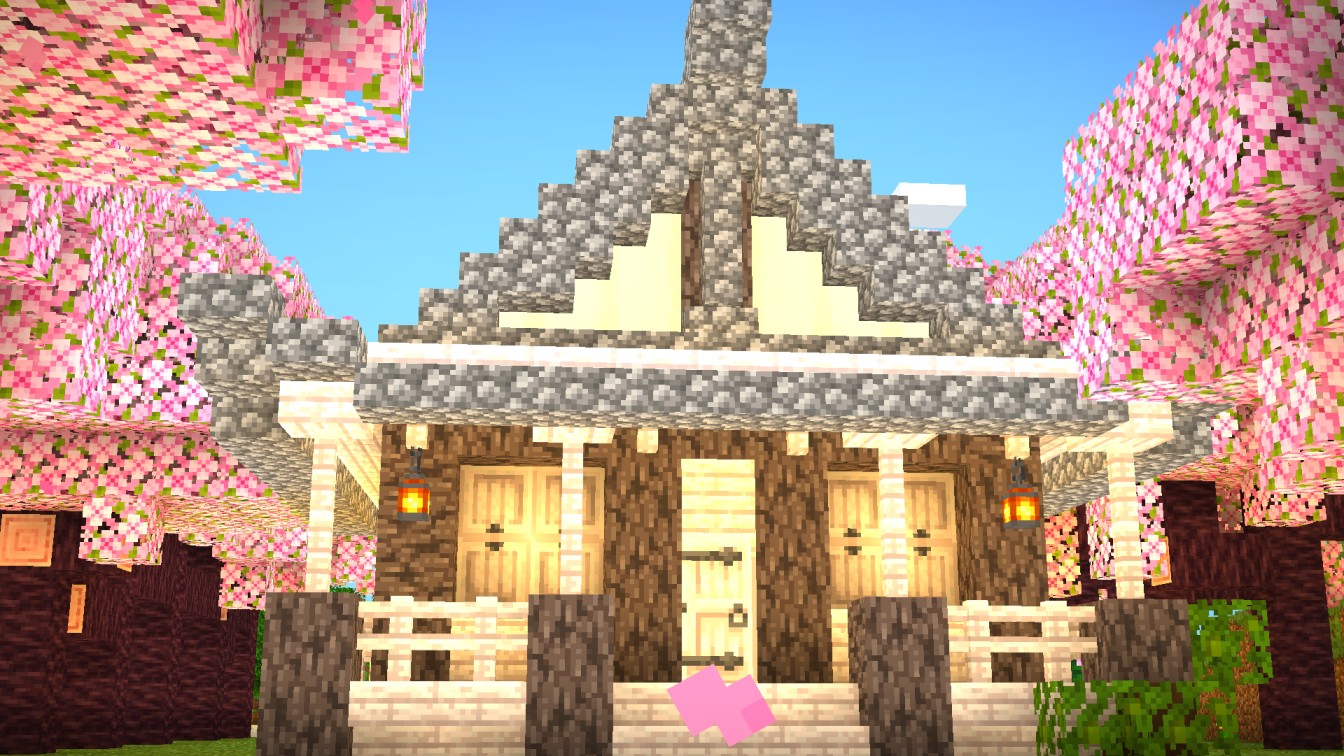
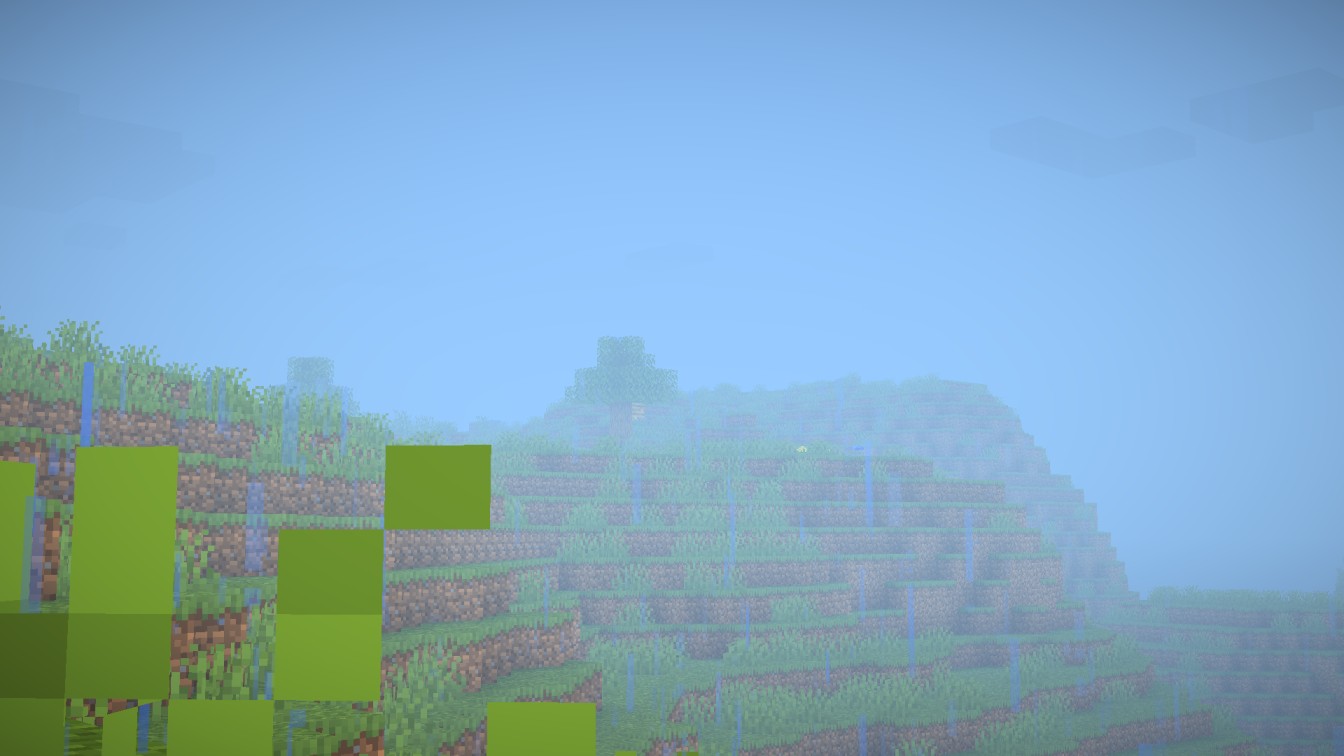
介绍

ABOUT
Eclipse Lite is a super lightweight Minecraft shader made for the absolute lowest-end PCs, laptops, and toasters that can’t handle even Sildur’s or Mellow shaders. It keeps the classic vanilla Minecraft look but adds subtle improvements — like glowing transparent water and cleaner, whiter clouds — all while running buttery-smooth on any system.

Features
Eclipse Lite is made for ultra-low-end devices. It has no waving effects and avoids all heavy features like bloom, motion blur, and depth of field to ensure high FPS. The water uses the default Minecraft style but is transparent for a cleaner, more aesthetic look. This shader is in BETA, so minor bugs may be present. It’s perfect for players who can’t run shaders like Sildur’s Lite or Mellow but still want a subtle visual boost.
BUGS
Found a bug? You can report it by creating a ticket under the bug category in our Discord server. Your feedback helps us improve Eclipse Lite and fix issues faster. Every report means a lot to us and truly makes our day better!

常见问题
EclipseLite 支持哪些 Minecraft 版本?
EclipseLite 支持 Minecraft Java 版 1.19–26.2,共 28 个版本,可用的加载器:Iris / OptiFine。下载时注意选择和你游戏版本一致的文件。
EclipseLite 怎么安装?
光影需要先装 Iris / OptiFine。把下载的 .zip 文件(不用解压)放进游戏目录的 shaderpacks 文件夹,进游戏后在「选项 → 视频设置 → 光影包」里选中它。光影对显卡要求较高,卡顿可以调低光影设置或渲染距离。
GamesofDev 的其他作品
查看全部 →
Eclipse
EclipseLite 的重制版,与 Gamer Ben 合作打造

Trailer Shaders
让你的游戏画面像 Minecraft 宣传片一样——但帧率更高。

AstralCore
Astral Core 是 Complementary Unbound 的粉色主题改版,拥有柔和的粉色云朵、带色调的水面和梦幻的色彩氛围。

Glacier Shaders
Glacier Shader - Low-End Edition Glacier Shader is a highly optimized low-end shader designed for maximum performance on weaker PCs. It features a minimalist style, ensuring smooth gameplay while enhancing visuals.
评论
登录后评论和评分