截图
介绍
Doruk’s Shader Plus
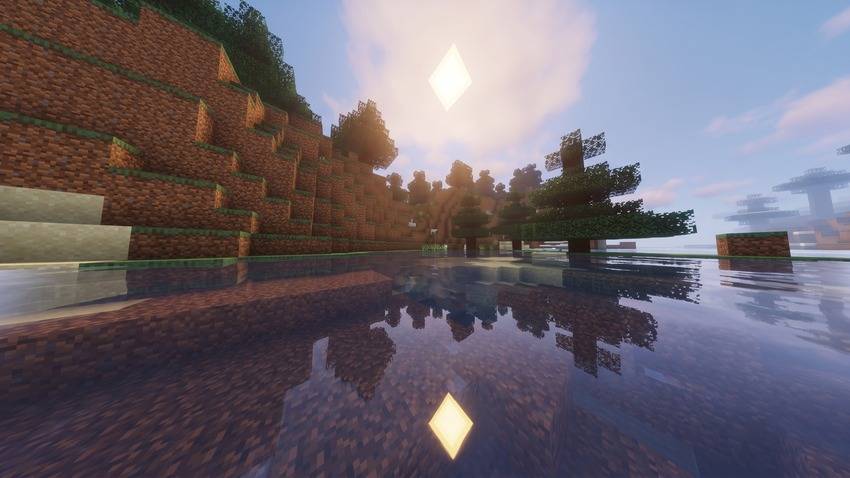
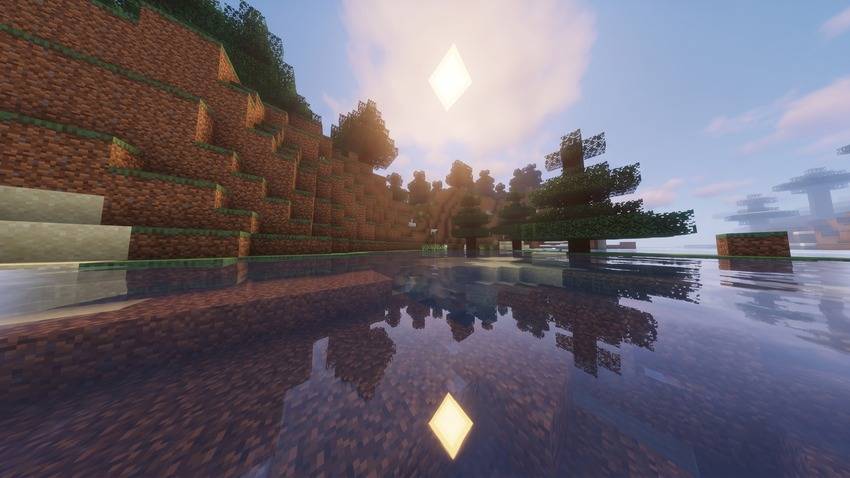
Doruk’s Shader Plus is a vibrantly tuned and performance-optimized shaderpack designed to elevate Minecraft’s visual experience while staying true to the vanilla aesthetic.
Built upon the popular Mellow Shader base by TheCMK, it features improved color balance, crisp reflections, polished atmospheric effects, and built-in modern mod integrations.
Features
- Enhanced Lighting & Atmospherics: Warm sunlight casts, atmospheric sunsets, and balanced ambient night lighting.
- Vibrant Water & Reflections: Smooth wave movement, clear underwater refraction, and optimized water surface reflections.
- Distant Horizons & Voxy Ready: Direct compatibility with modern LOD rendering mods via native shader programs.
- Full Dimension Coverage: Custom tailored sky, fog, and light tuning across the Overworld, Nether, The End, and modded dimensions.
- Optimized Post-Processing: SMAA, TAA, CAS sharpening, SSAO, and balanced bloom designed for high visual clarity without heavy framerate drops.
- Multi-Language Menus: In-game configuration support for English (
en_US), French (fr_FR), and Chinese (zh_CN).
Installation & Requirements
- Install Iris Shaders (strongly recommended) or OptiFine matching your Minecraft version.
- Place the
Doruk's Shader PlusZIP file into your.minecraft/shaderpacksdirectory. - Open Video Settings > Shader Packs and apply the shader.
Note: For optimal performance, running Iris + Sodium is highly recommended.
License & Credits
- Based on the open-source Mellow Shader project created by TheCMK. Huge thanks to the original creator!
- All modifications and enhancements are licensed under the MIT License. Full license terms are included inside the
LICENSEfile within the pack.
常见问题
Doruk’s Shader Plus 支持哪些 Minecraft 版本?
Doruk’s Shader Plus 支持 Minecraft Java 版 1.8.9–26.3,共 66 个版本,可用的加载器:Iris / OptiFine。下载时注意选择和你游戏版本一致的文件。
Doruk’s Shader Plus 怎么安装?
光影需要先装 Iris / OptiFine。把下载的 .zip 文件(不用解压)放进游戏目录的 shaderpacks 文件夹,进游戏后在「选项 → 视频设置 → 光影包」里选中它。光影对显卡要求较高,卡顿可以调低光影设置或渲染距离。
DorukkDev 的其他作品
查看全部 →
Doruk’s Shader
Doruk's Shader is a Semi-Realistic Shader.

Doruk’s Shader
Doruk's Shader is a Semi-Realistic Shader.

Potato Textures
Potato textures is a 1x1 Texture Pack

Doruk’s Shader Plus
Doruk's Shader Plus is a Mellow based premium shader.
评论
登录后评论和评分