
截图
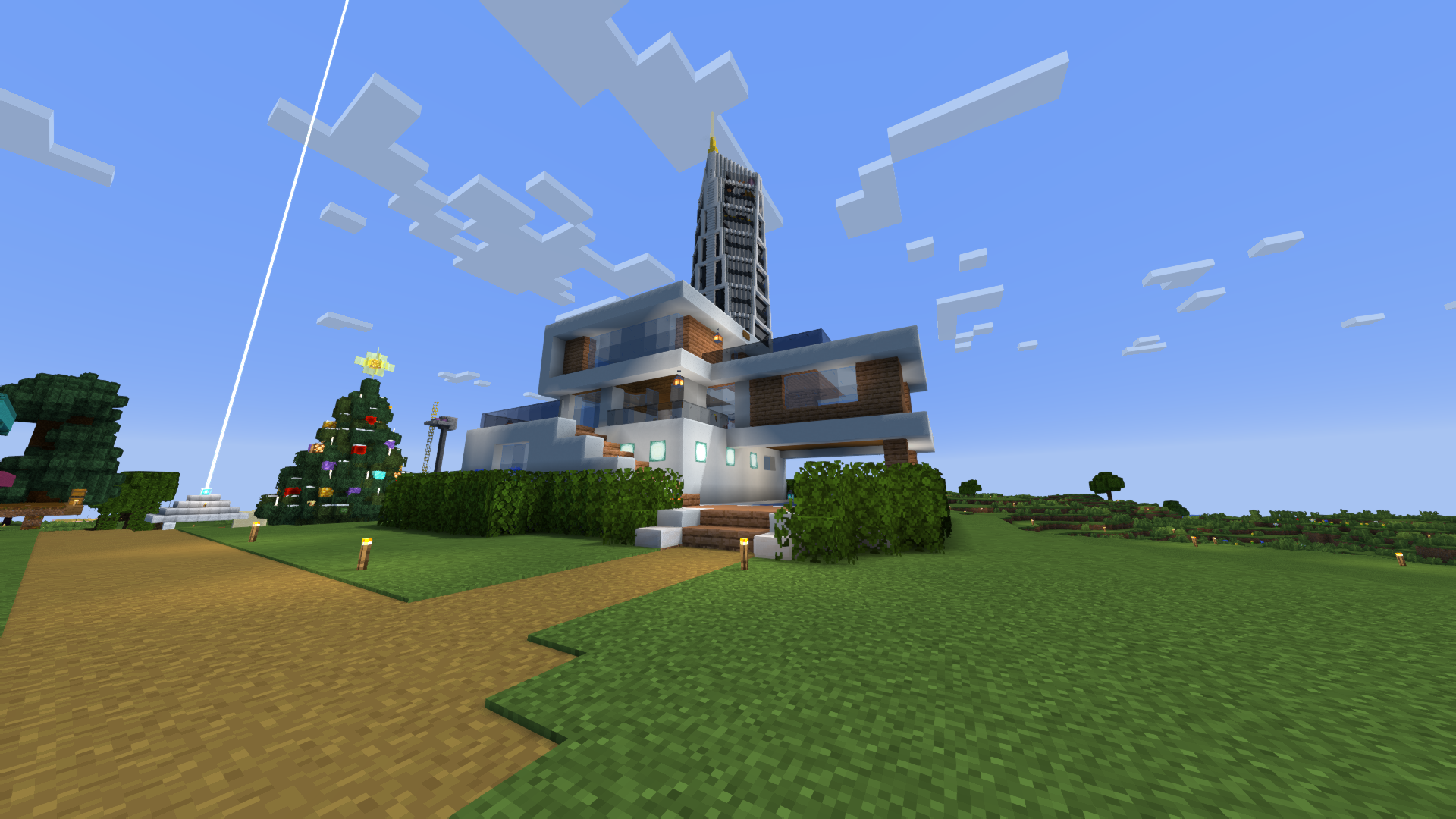
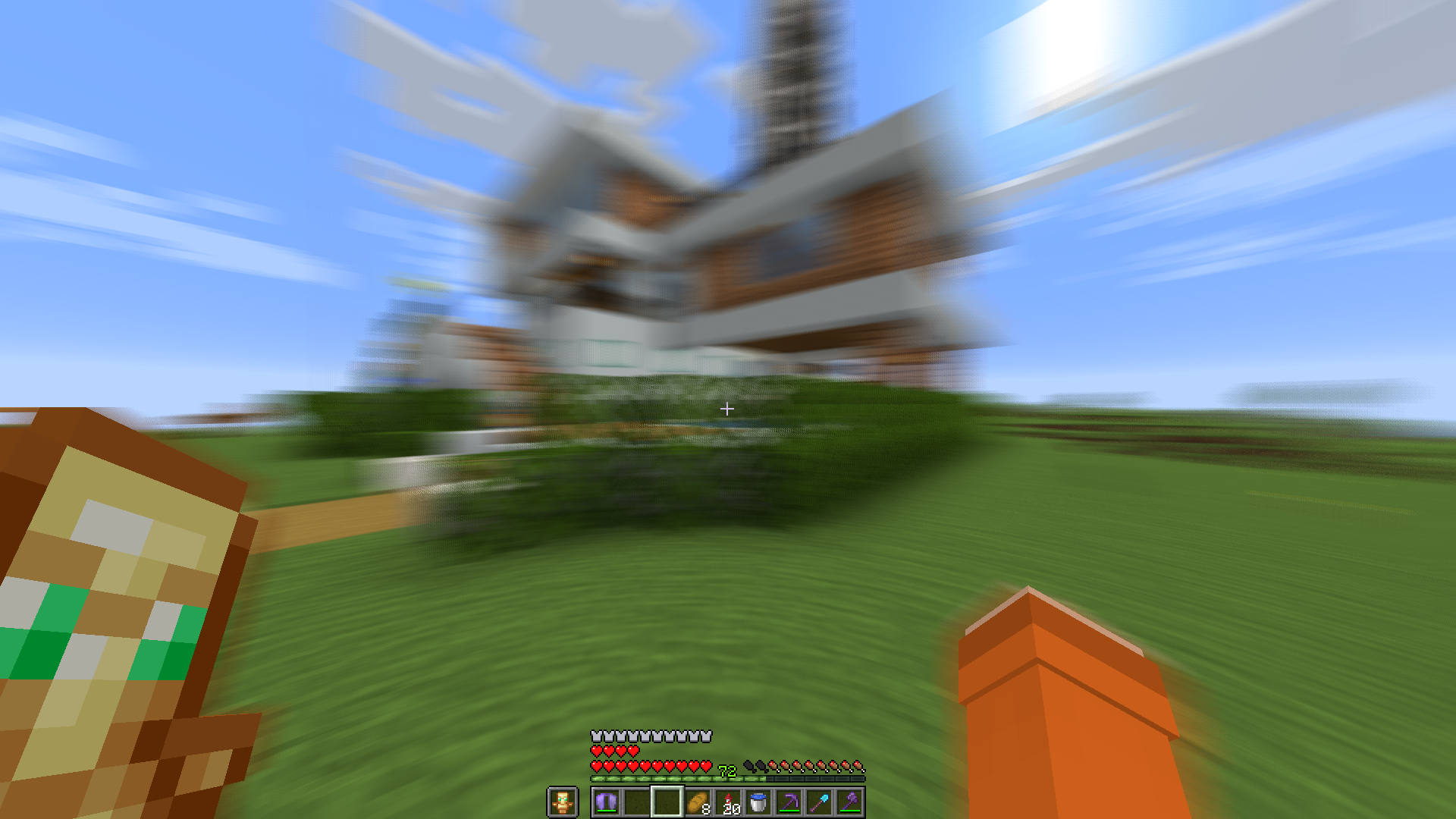
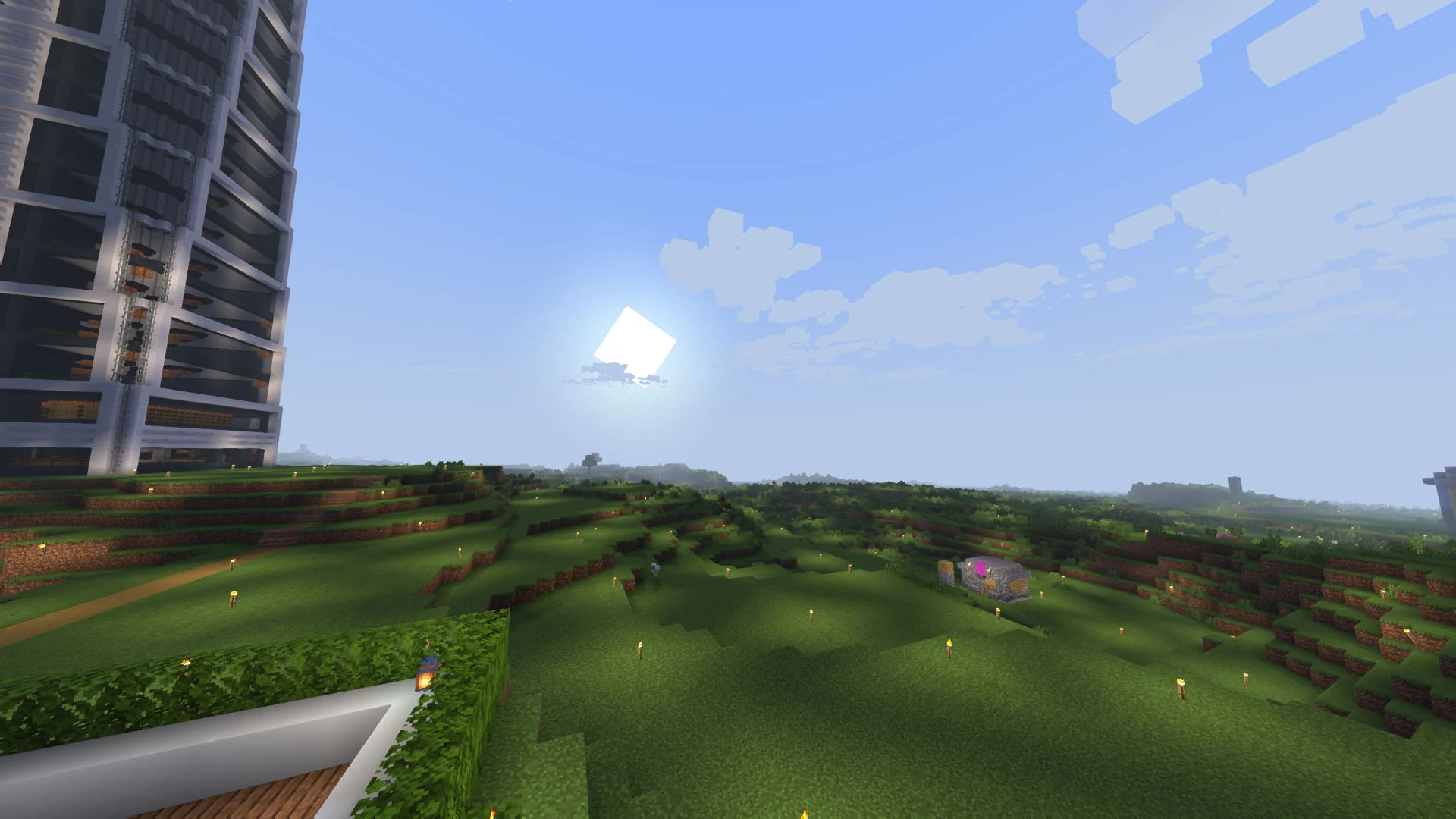
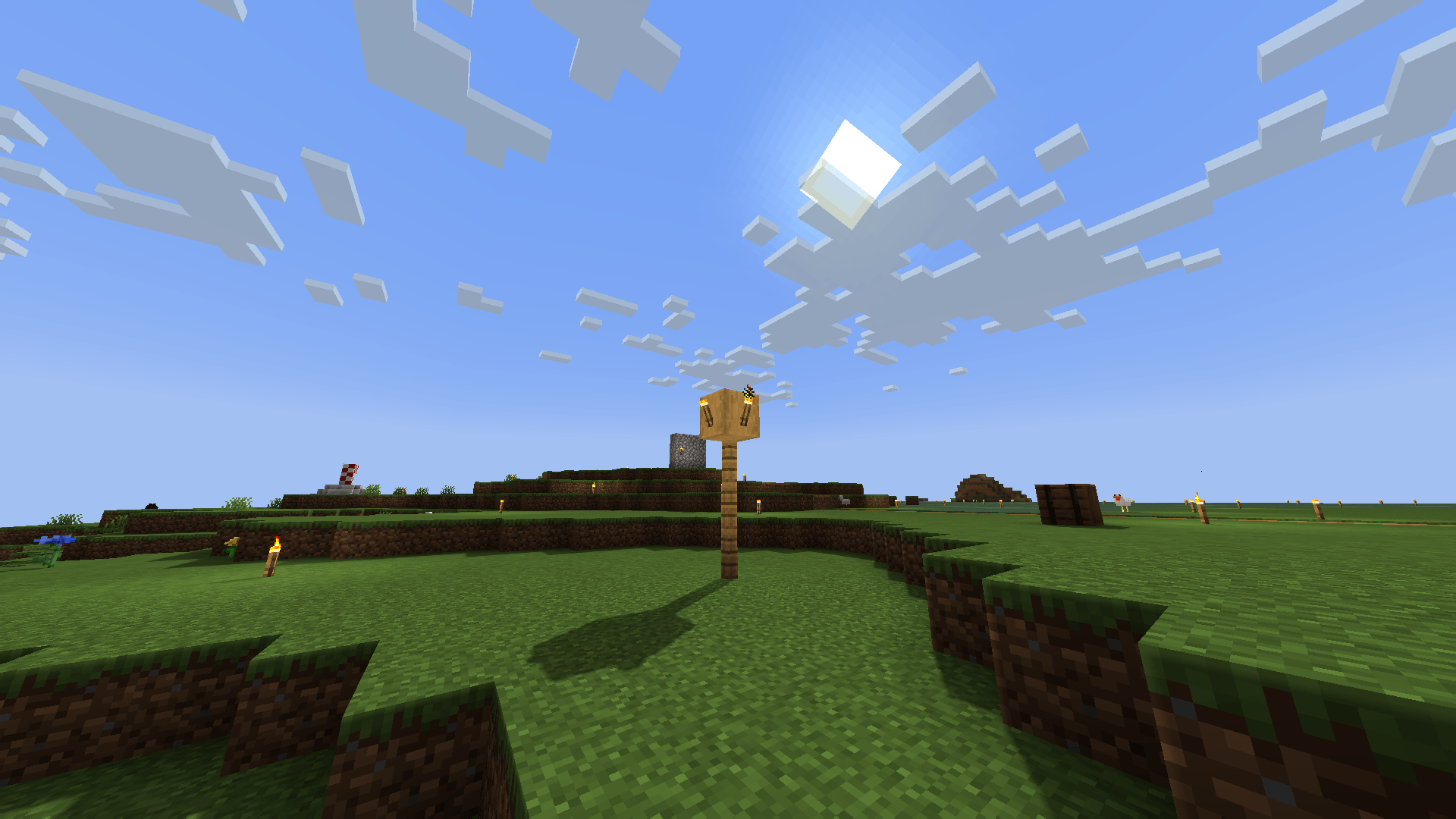
介绍
中文介绍正在准备中,下面暂时显示原文。
ABOUT:
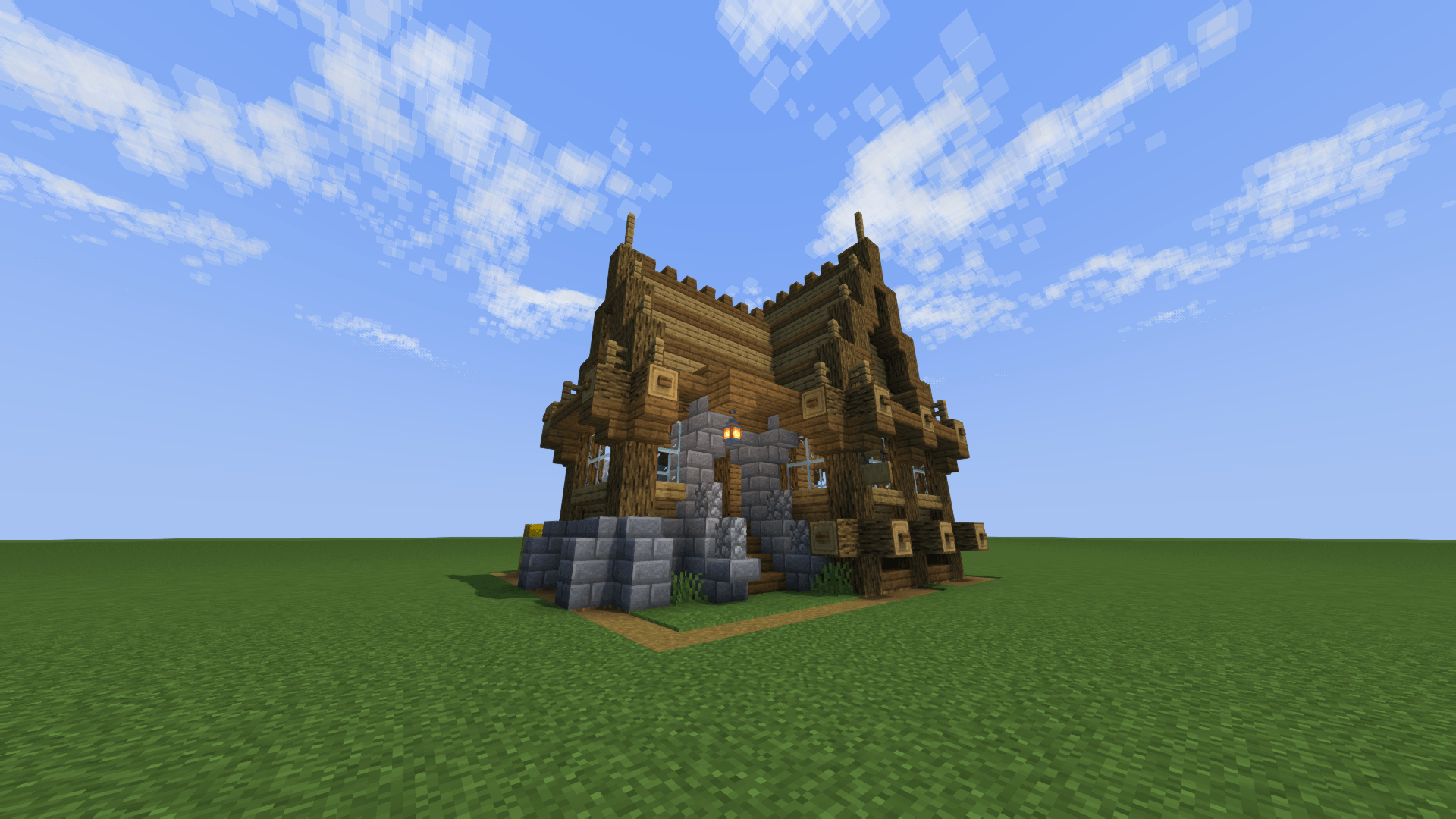
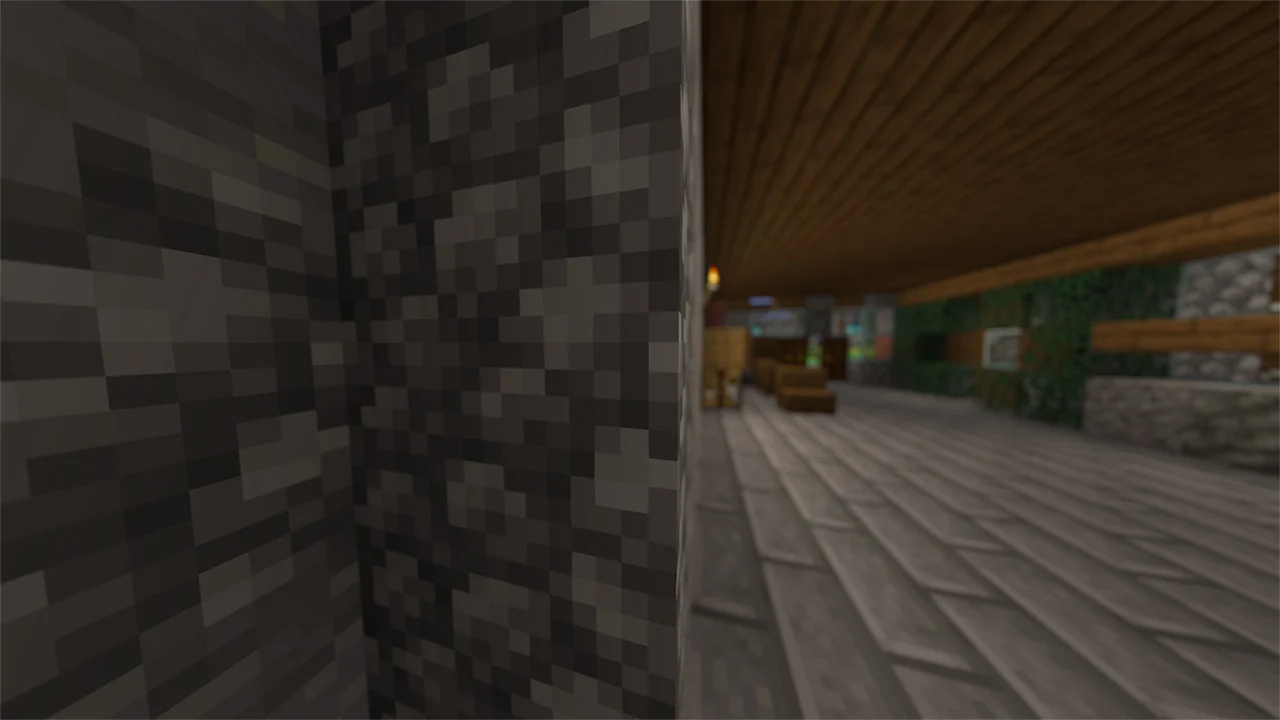
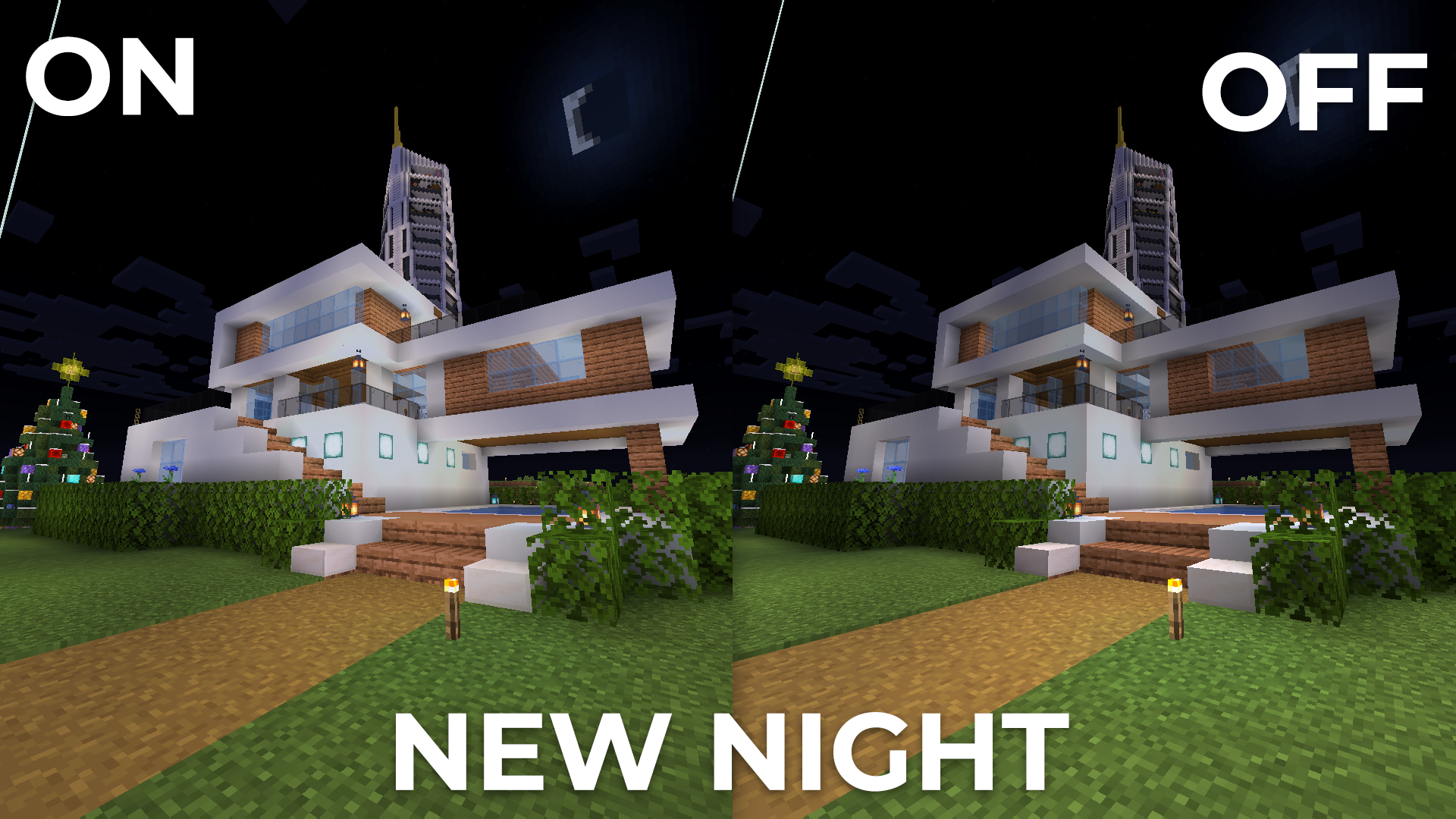
Hi, I’m LoLip_p! I created this shader by saving vanilla Minecraft. I also tried to make flexible settings so that you can disable or enable the available functions to your liking. Support the author on Boosty.
SCREENSHOT:
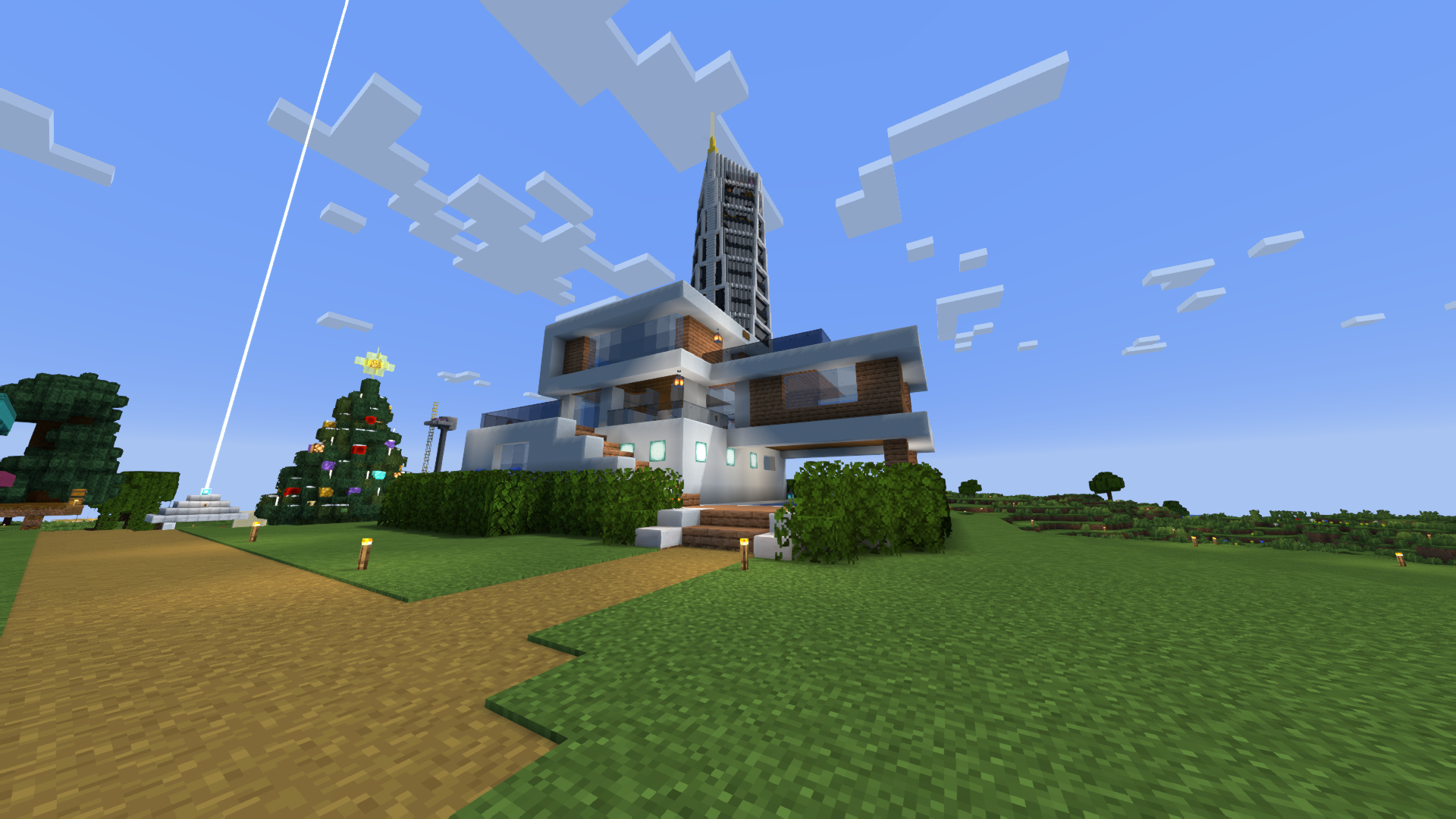
THE SHADER HAS:
- Support Better Clouds
- Support Distant Horizons
- Depth of Field
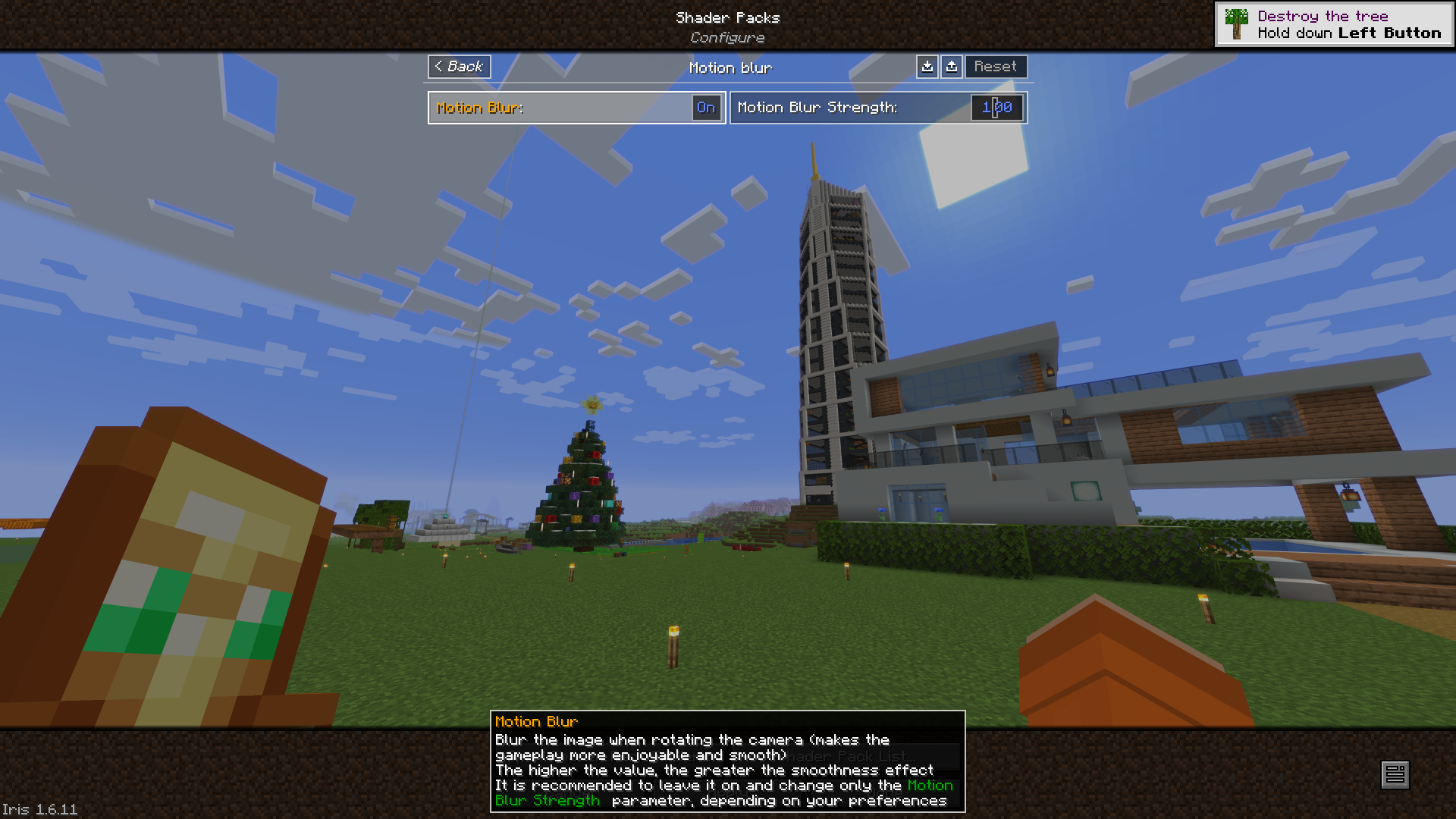
- Motion Blur
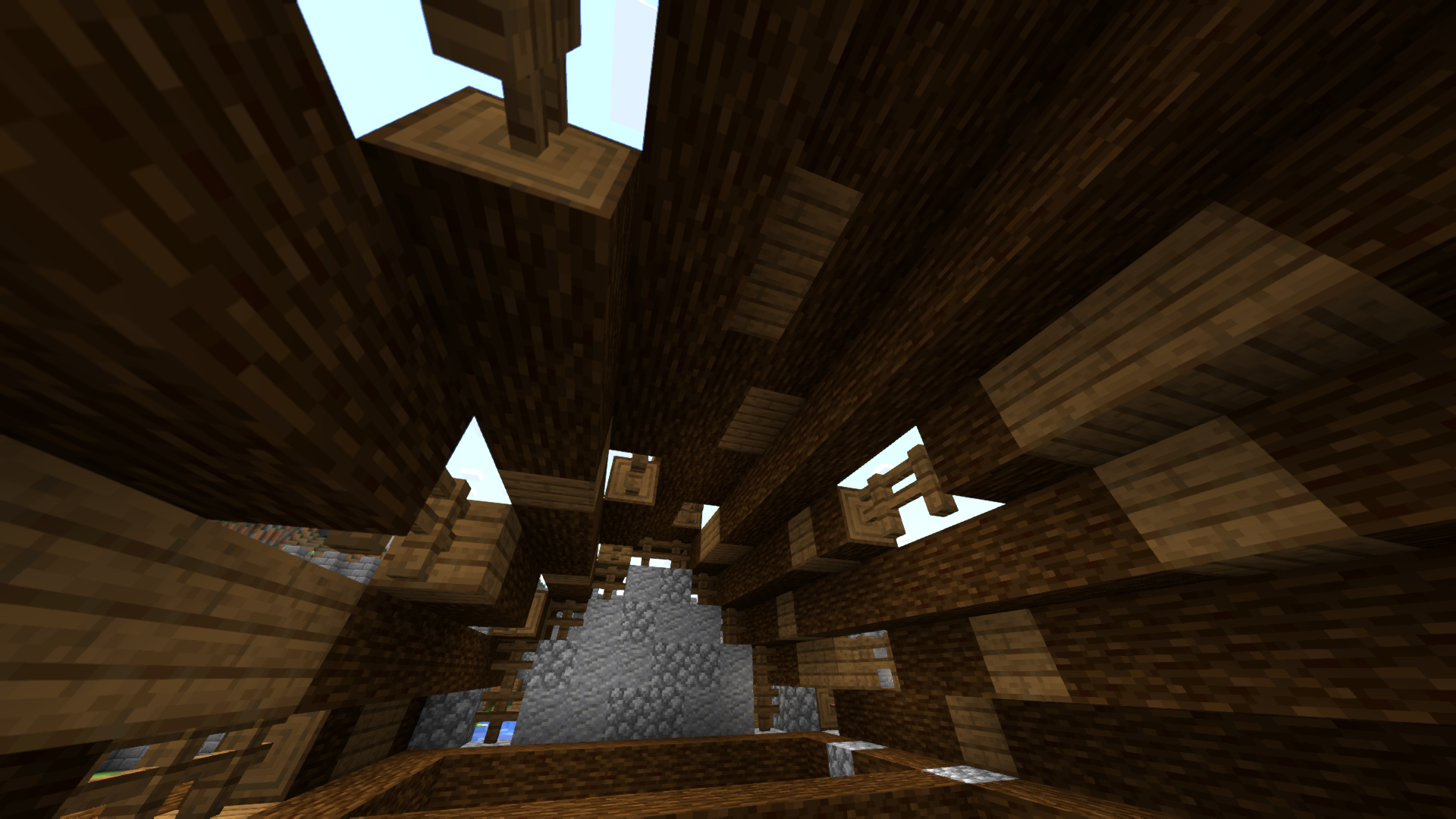
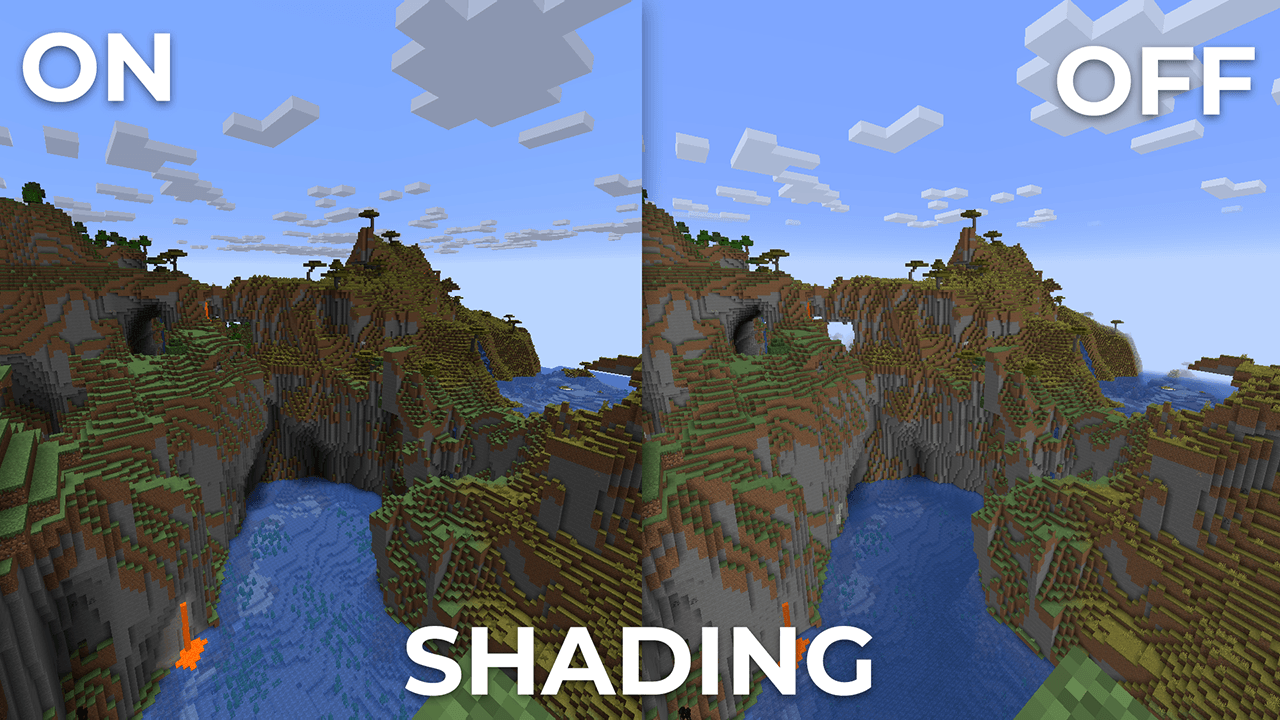
- Shading (Shading the edges that do not fall under the sun’s rays)
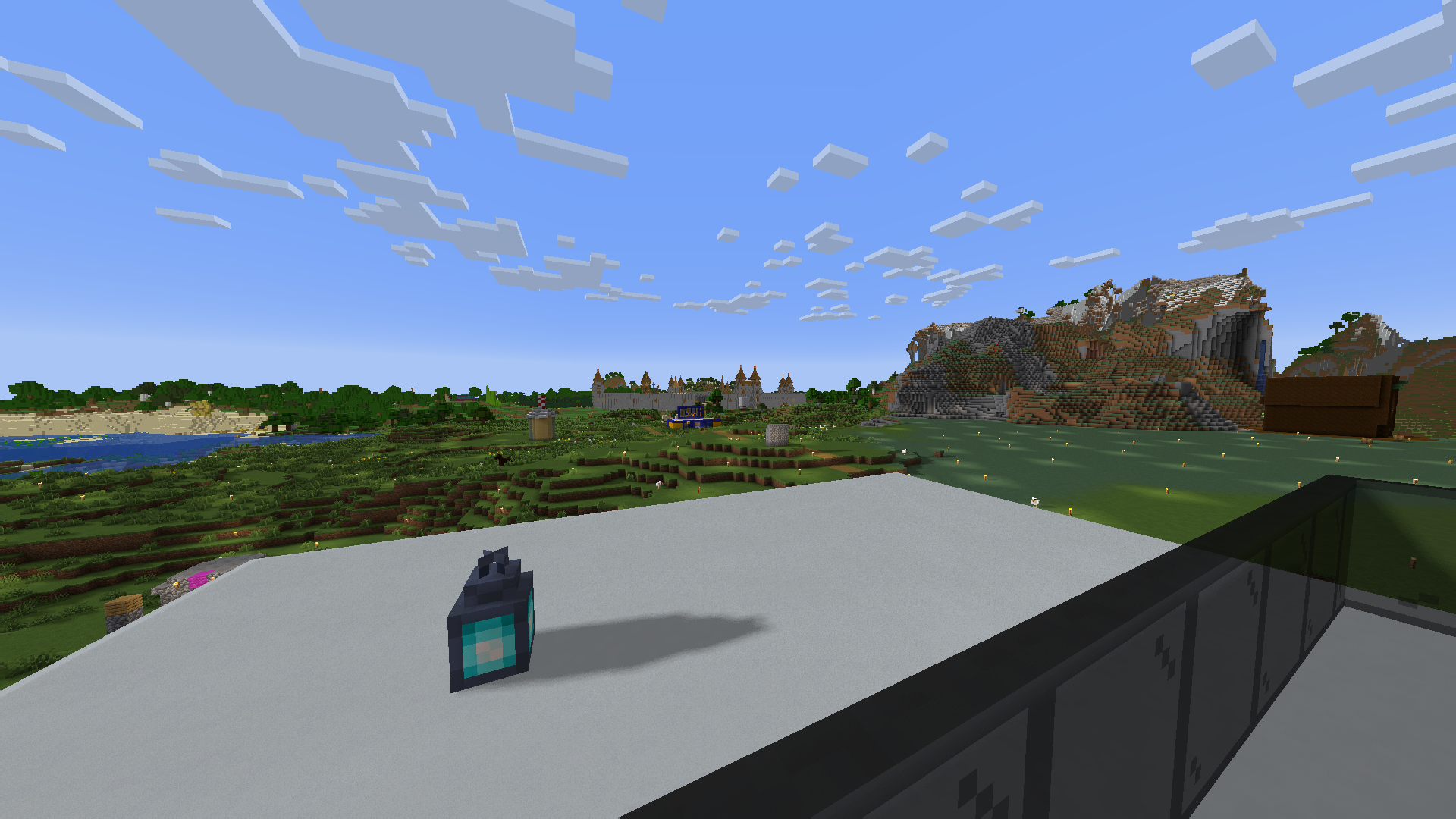
- Shadows
- Auto Exposure
- Color Correction
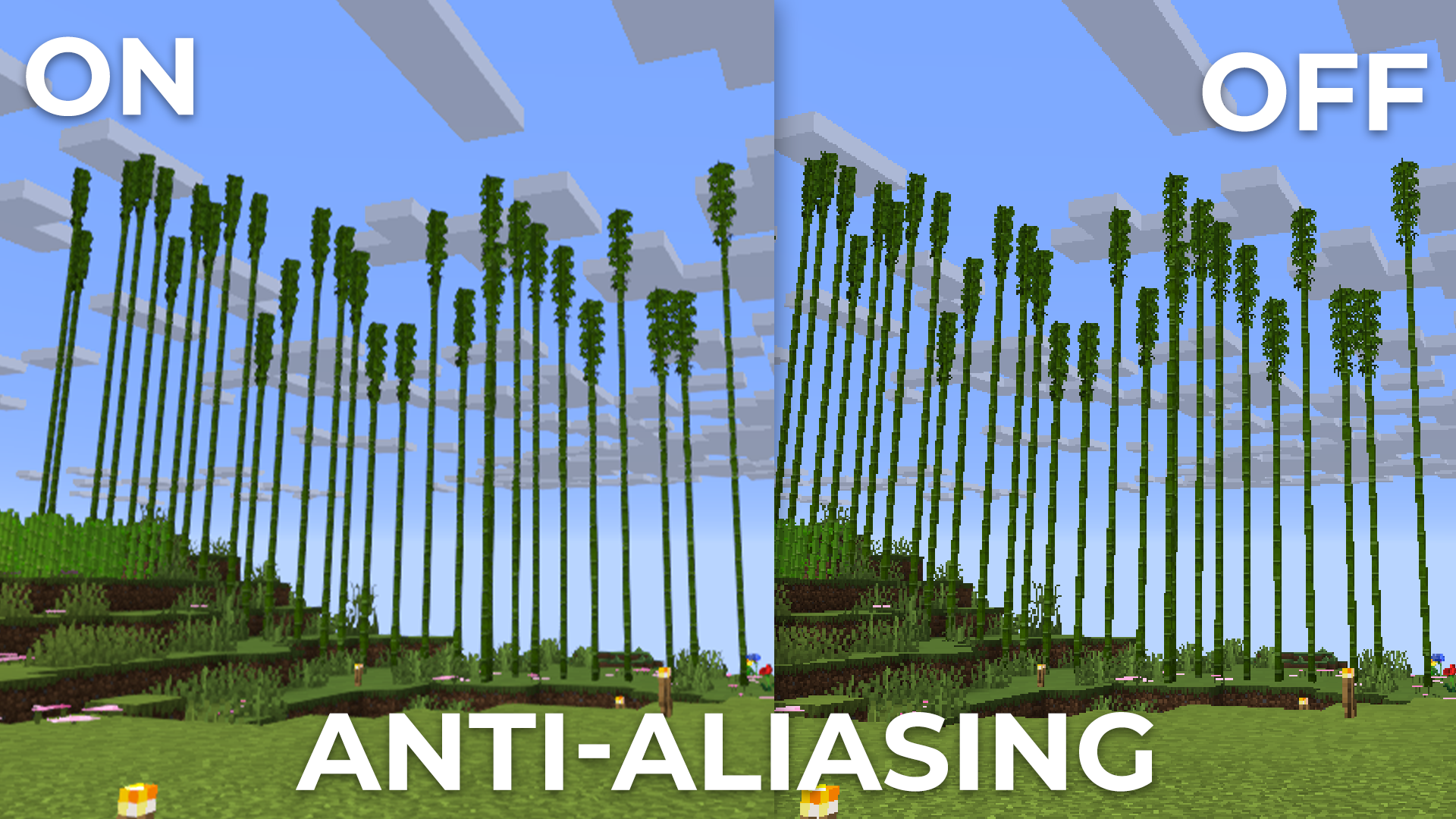
- FXAA (anti-aliasing)
- Support 7 language: EN RU UK FR DE CH BR
LINKS:
INSTALL THE SHADERS
- Download Client Which Supports Installing Shaders Such As Optifine And Iris
- Download The Shaders
- Copy Shaders to /.minecraft/shaderpacks
- Launch Minecraft, Go To Options –> Video Settings –> Shaders
- Choose BVS – Best Vanilla Shader
DEMO VIDEO
常见问题
BVS – Best Shader 支持哪些 Minecraft 版本?
BVS – Best Shader 支持 Minecraft Java 版 1.7.10–26.2,共 75 个版本,可用的加载器:Iris / OptiFine。下载时注意选择和你游戏版本一致的文件。
BVS – Best Shader 怎么安装?
光影需要先装 Iris / OptiFine。把下载的 .zip 文件(不用解压)放进游戏目录的 shaderpacks 文件夹,进游戏后在「选项 → 视频设置 → 光影包」里选中它。光影对显卡要求较高,卡顿可以调低光影设置或渲染距离。
评论
登录后评论和评分