AV Shaders
AV Shader is a lightweight Iris shader pack built to elevate Minecraft's default aesthetics with modern lighting, dynamic sky visuals, and soft water reflections. optimized for high performance.
截图
介绍
AV Shader (Advanced Vanilla)
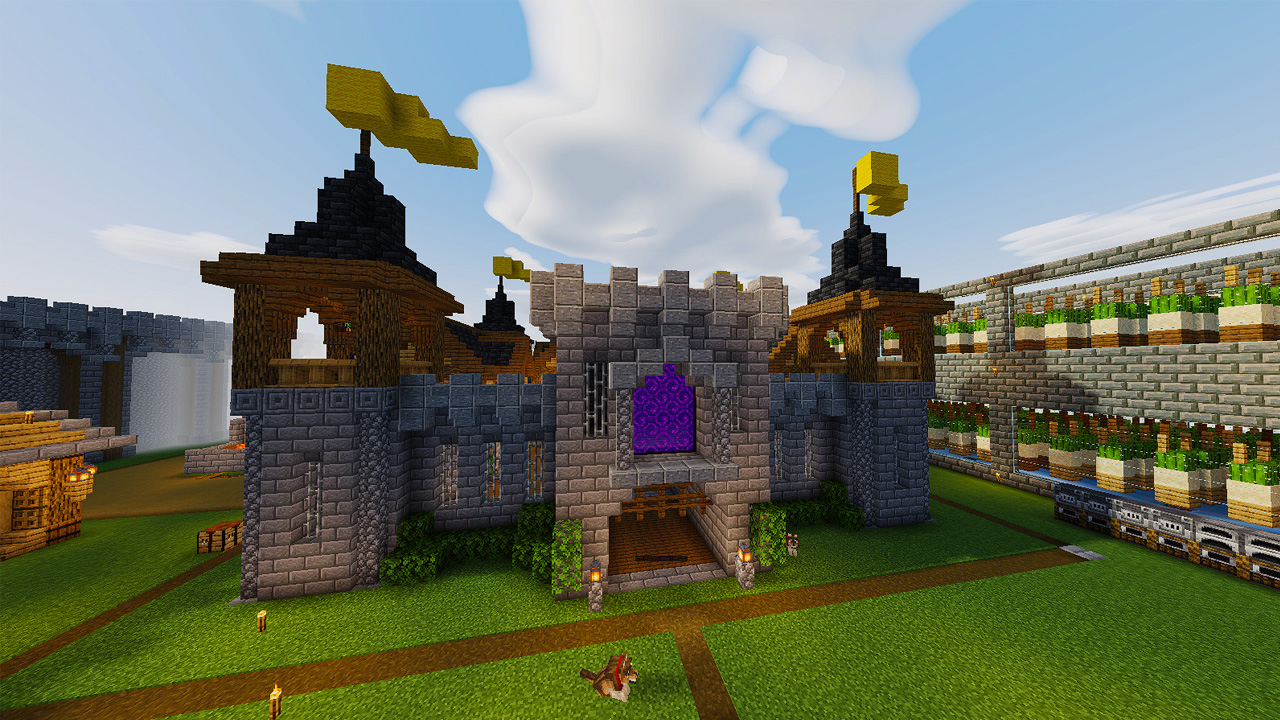
AV Shader is a shader pack for Minecraft that runs on Iris. It keeps vanilla’s blocky look and adds modern lighting and atmosphere on top. It’s built to stay fast on weak PCs.
Its look is inspired by the Photon shader.

Features
Lighting and shadows
- Real-time sun and moon shadows with adjustable softness, resolution and distance
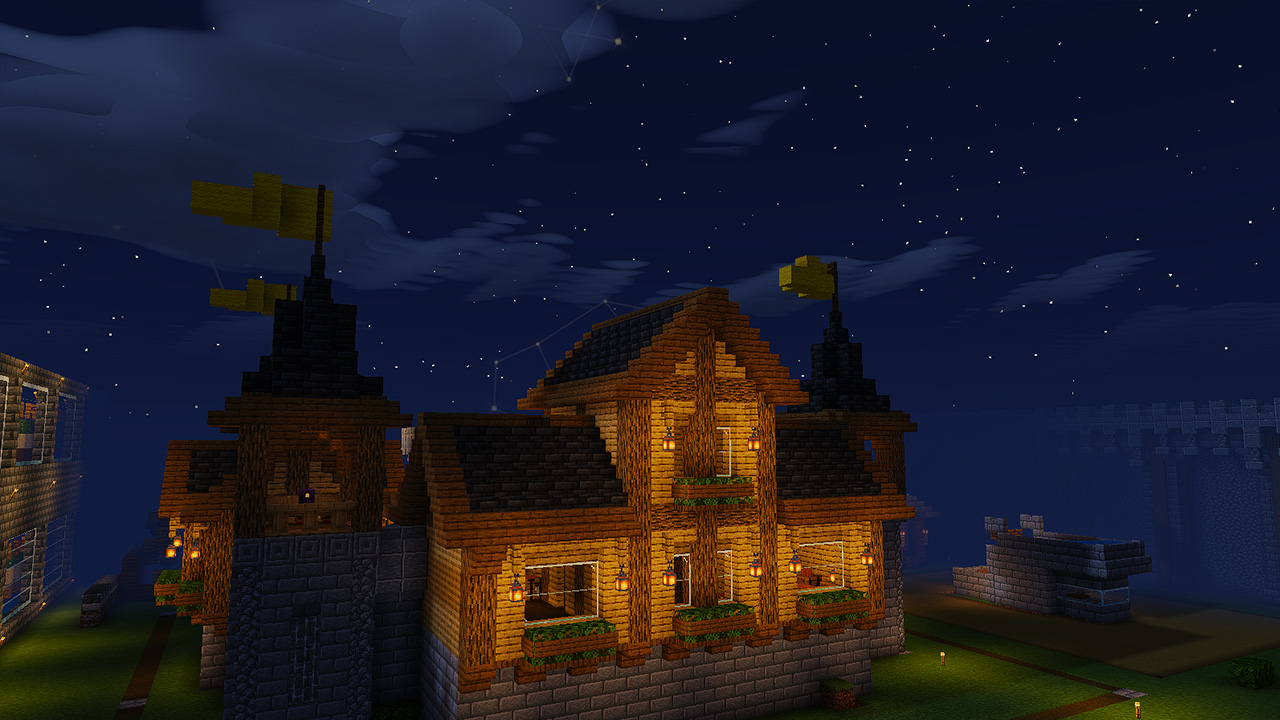
- Held torches, lanterns and lava buckets light up the area around you
- Placed torches and lava give warm light
- Block faces are shaded like vanilla (bright tops, darker bottoms)
Shadows are the biggest FPS cost. Turning them off gains about 25-35%.
Sky
- Sky drawn from scratch instead of using vanilla’s
- Day and night gradient, sunsets, and blocky square sun and moon discs like vanilla
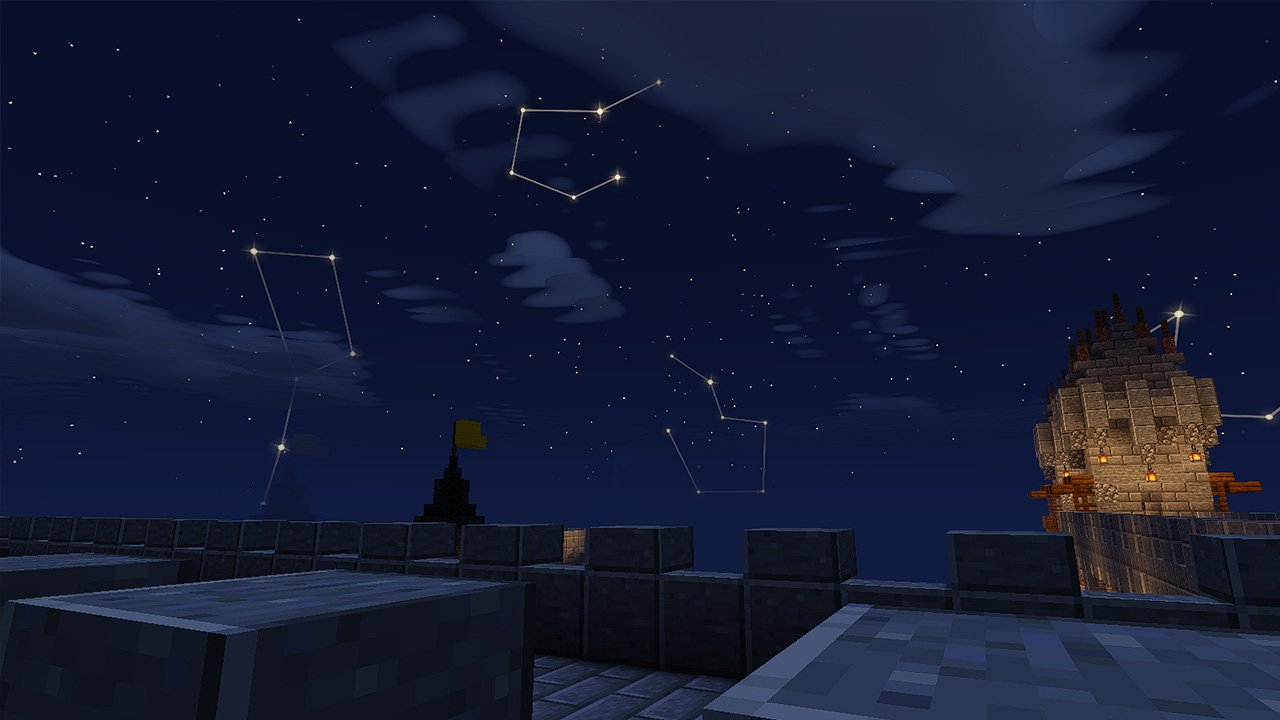
- Star-chart constellations at night, joined by gold lines, plus sparkling stars and shooting stars
- Only a few constellations show in each area, and a different set fades in as you travel
- Thunderstorms add lightning flashes, darker clouds and sheet lightning
Clouds
- Three styles: soft volumetric (default), flat, and vanilla Minecraft clouds
World
- Water with animated waves, sky reflections, sun and moon glitter, and clear shallows that turn deep teal further out
- Grass, flowers and leaves sway in the wind
- Nether: biome-coloured haze, lava mist and floating embers
- End: violet sky with aurora curtains
- Distant Horizons support, with its own fog and lighting settings
Post-processing and menus
- Bloom and sharpening
- Brightness, exposure, contrast, saturation and warmth controls
- Four profiles (Potato, Low, Balanced, High Quality) that set many options at once, so you can trade looks for FPS
- Settings menu organised into named screens, with an Information tab that has the Discord and YouTube links
Installation
- Install Iris.
- Download AV Shader from the Versions tab.
- In Minecraft, open Options > Video Settings > Shader Packs, then click Open Shader Pack Folder.
- Drop the downloaded file into that folder.
- Select AV Shader in the list and apply.
Performance
If the game runs slowly, start with the Potato or Low profile, or turn shadows off.
Links
Credits
Made by Roxzy Gaming (Nimesh Rashmika). Look inspired by the Photon shader.
常见问题
AV Shaders 支持哪些 Minecraft 版本?
AV Shaders 支持 Minecraft Java 版 26.3,可用的加载器:Iris / OptiFine。下载时注意选择和你游戏版本一致的文件。
AV Shaders 怎么安装?
光影需要先装 Iris / OptiFine。把下载的 .zip 文件(不用解压)放进游戏目录的 shaderpacks 文件夹,进游戏后在「选项 → 视频设置 → 光影包」里选中它。光影对显卡要求较高,卡顿可以调低光影设置或渲染距离。
评论
登录后评论和评分