
截图
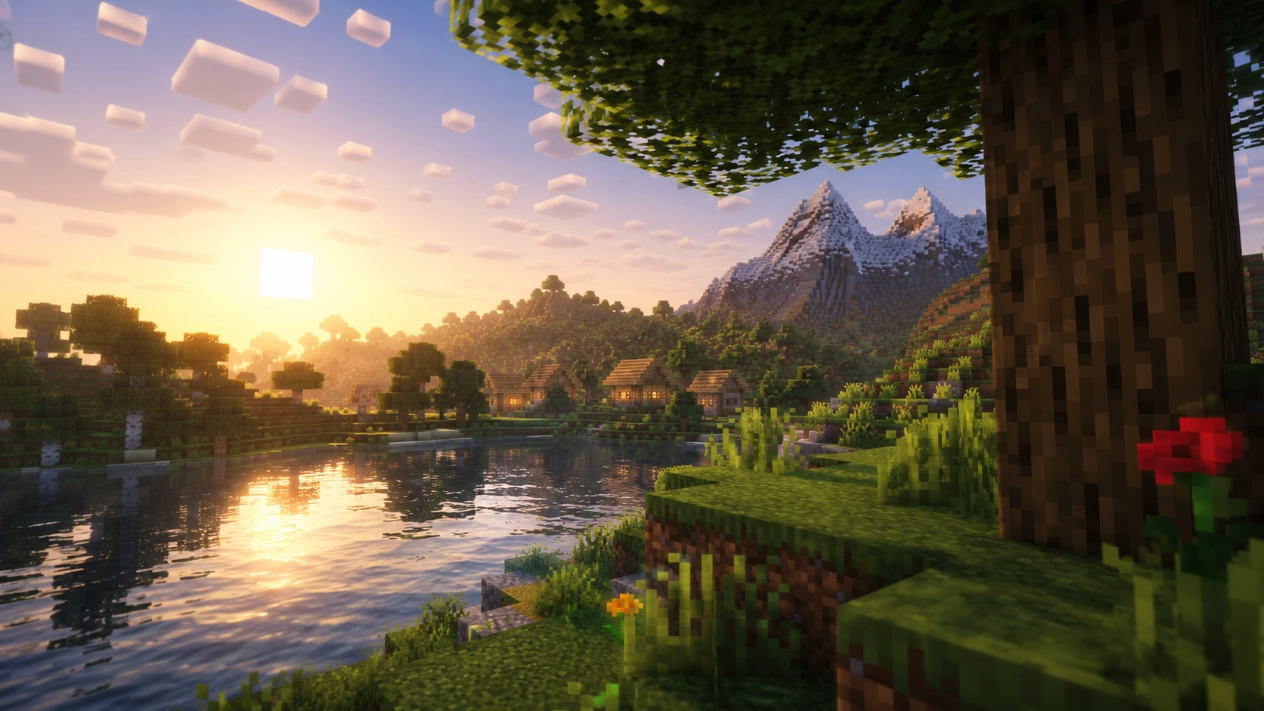
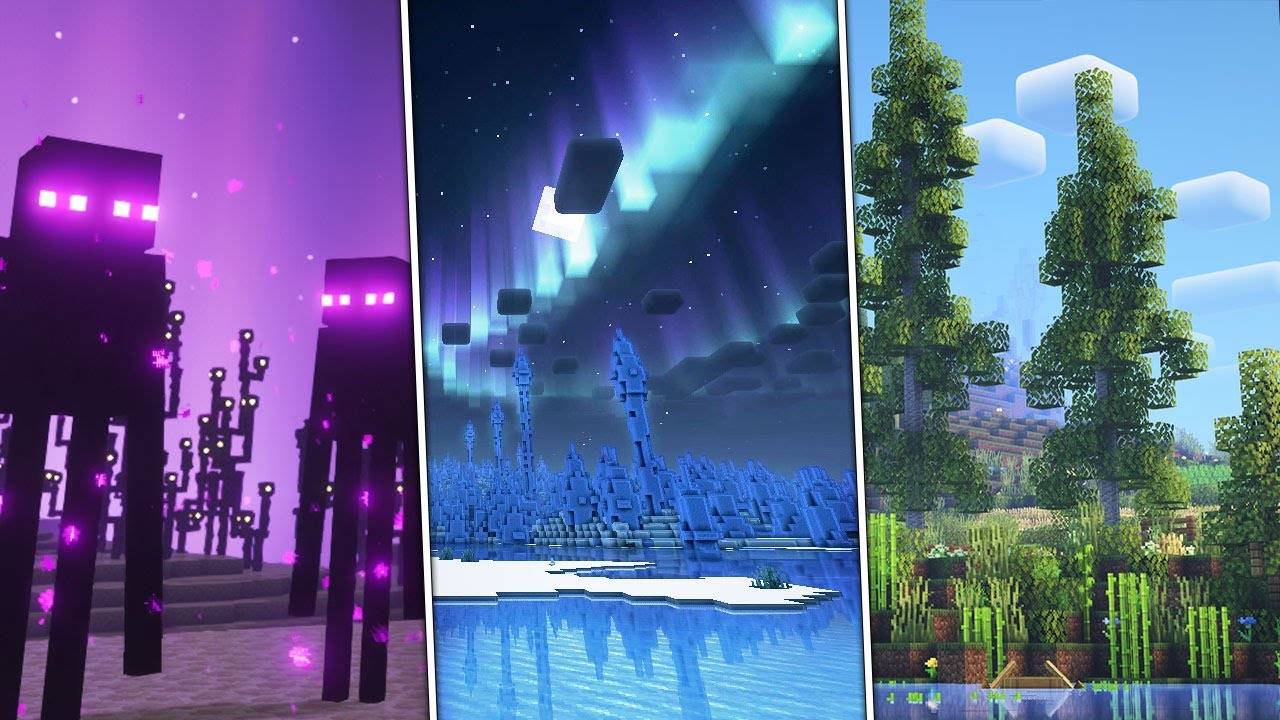
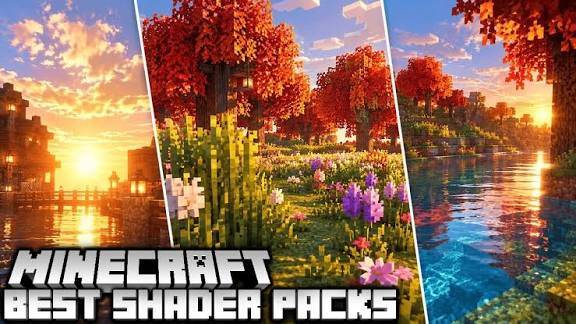
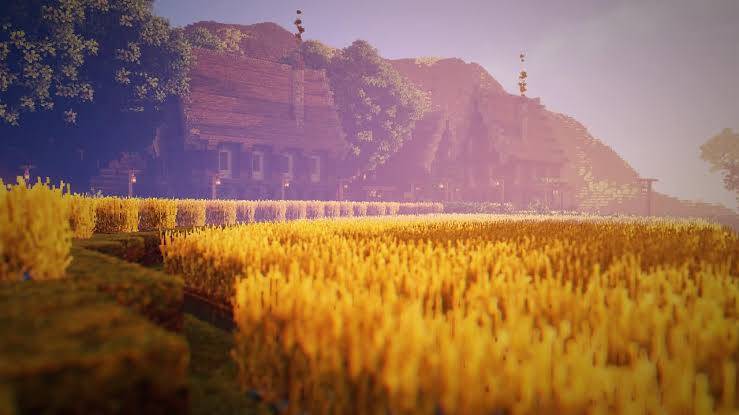
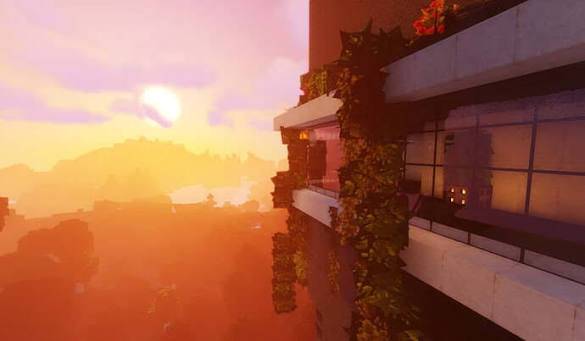
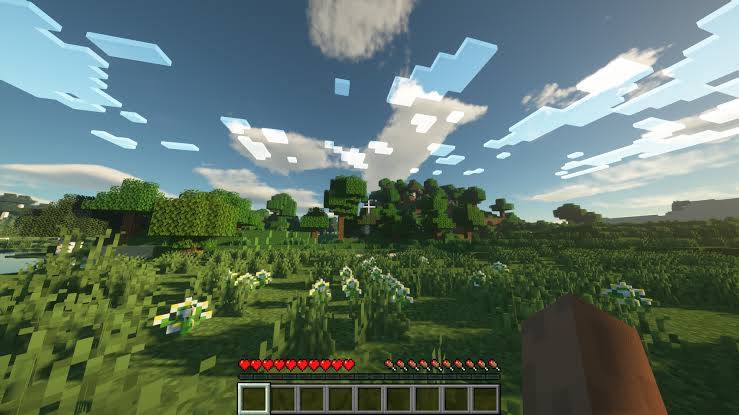
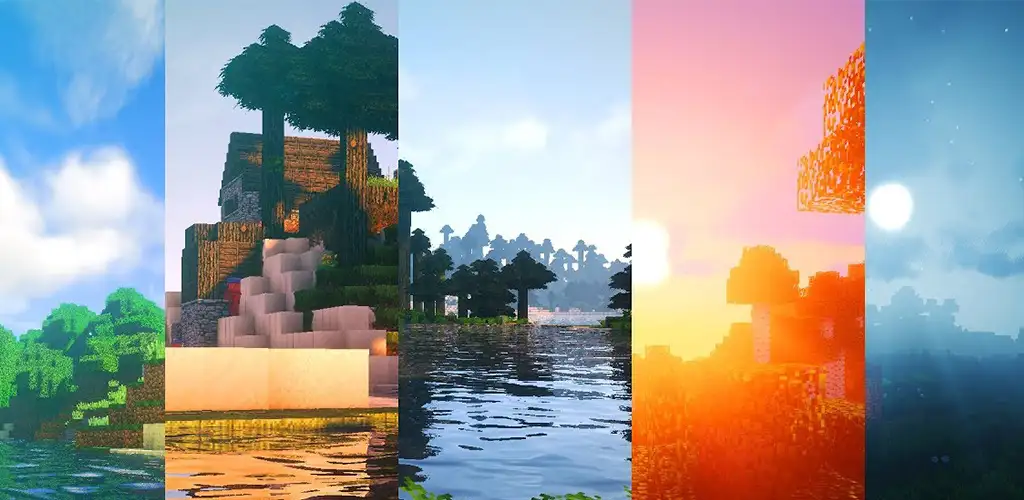
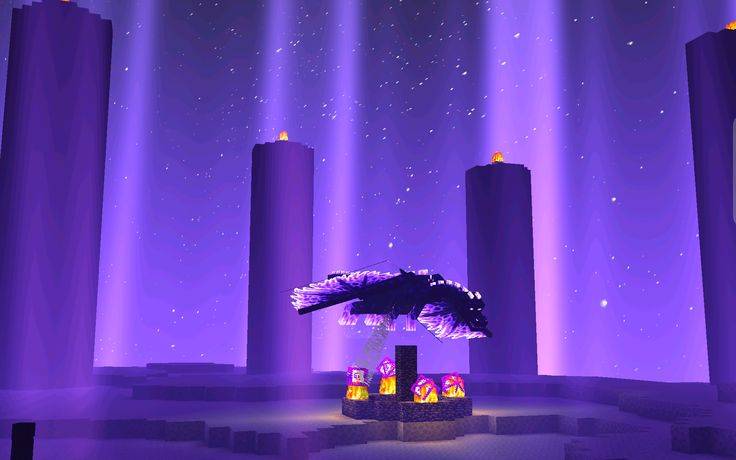
介绍
How to Install Aurora Shader
Step 1: Install Minecraft Java Edition on your PC and make sure it runs properly.
Step 2: Install Fabric Loader for your Minecraft version, then install Iris Shaders. Sodium is recommended for better performance.
Step 3: Download the Aurora Shader ZIP file. Do not extract it.
Step 4: Press Win + R on your keyboard, type %appdata%\.minecraft\shaderpacks, and press Enter. If the shaderpacks folder does not exist, create it inside the .minecraft folder.
Step 5: Copy the Aurora Shader ZIP file into the shaderpacks folder.
Step 6: Open the Minecraft Launcher and launch Minecraft using your Fabric profile.
Step 7: Go to Options → Video Settings → Shader Packs and select Aurora Shader from the list.
Step 8: Click Apply or Done if available, then enter your Minecraft world and enjoy the beautiful lighting, skies, water, and atmosphere of Aurora Shader!
Note: Aurora Shader requires a compatible shader pack and Iris Shaders installation. Make sure you download the correct version for your Minecraft edition.
常见问题
Aurora Shader 支持哪些 Minecraft 版本?
Aurora Shader 支持 Minecraft Java 版 1.16–26.3,共 40 个版本,可用的加载器:Iris / OptiFine。下载时注意选择和你游戏版本一致的文件。
Aurora Shader 怎么安装?
光影需要先装 Iris / OptiFine。把下载的 .zip 文件(不用解压)放进游戏目录的 shaderpacks 文件夹,进游戏后在「选项 → 视频设置 → 光影包」里选中它。光影对显卡要求较高,卡顿可以调低光影设置或渲染距离。
评论
登录后评论和评分