Astor Kaleido Shaders
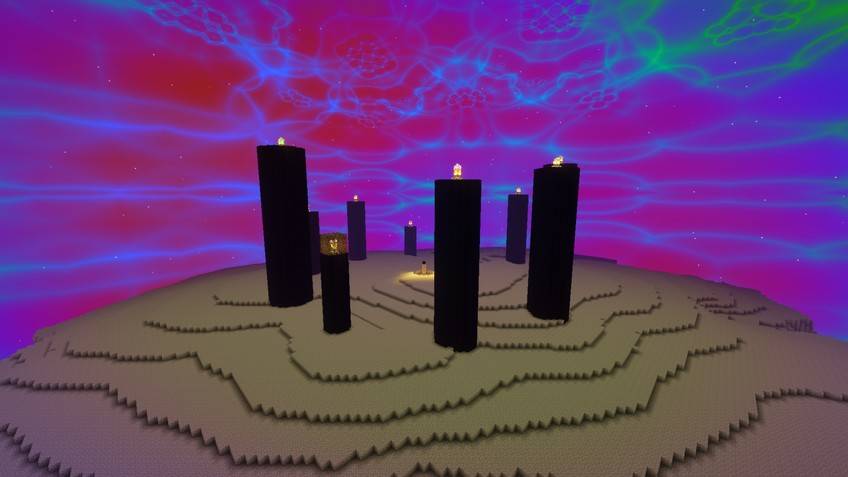
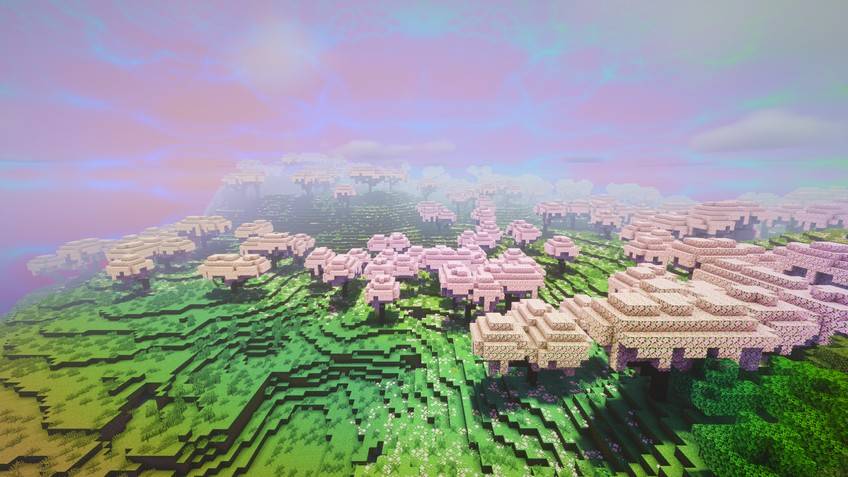
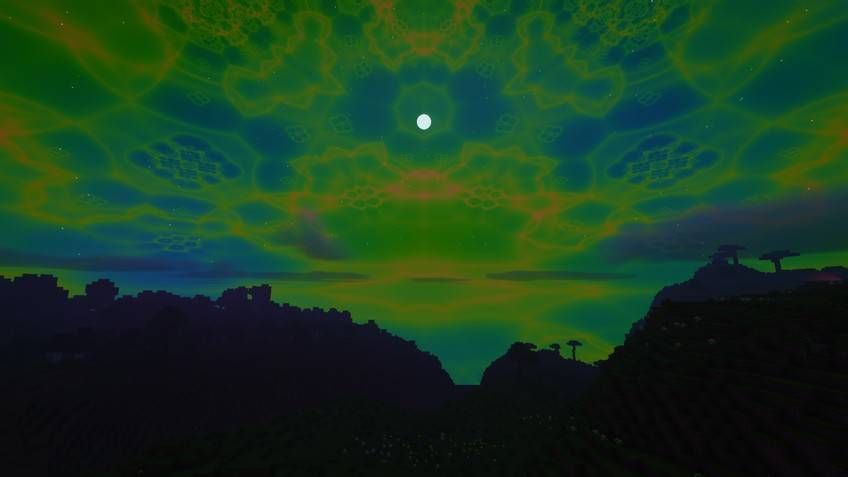
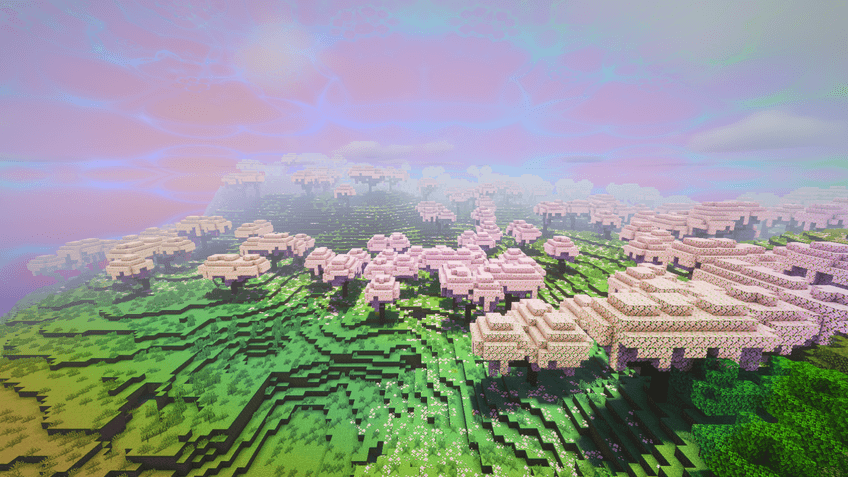
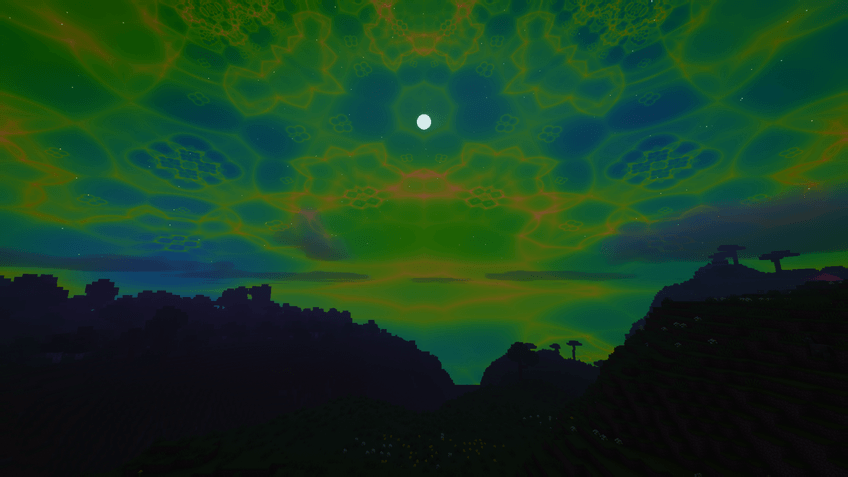
A kaleidoscope shader: the view folds into a turning kaleidoscope, the sky becomes a fractal and colors leave trails as the image breathes.
截图
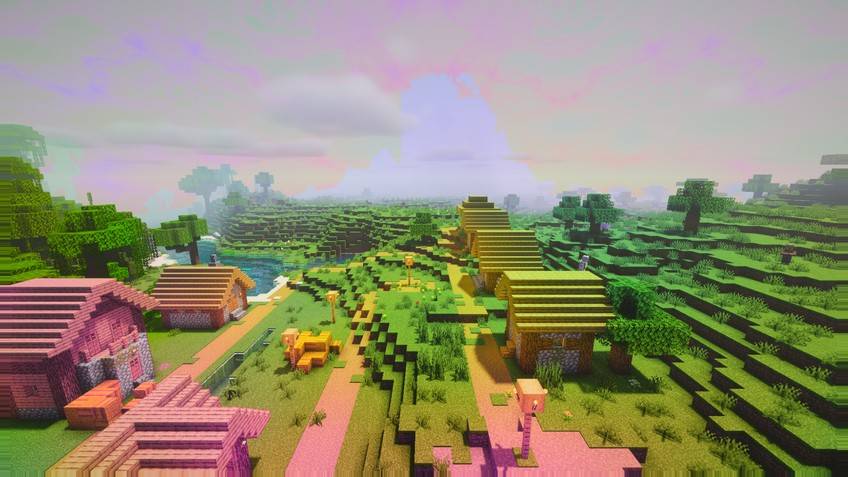
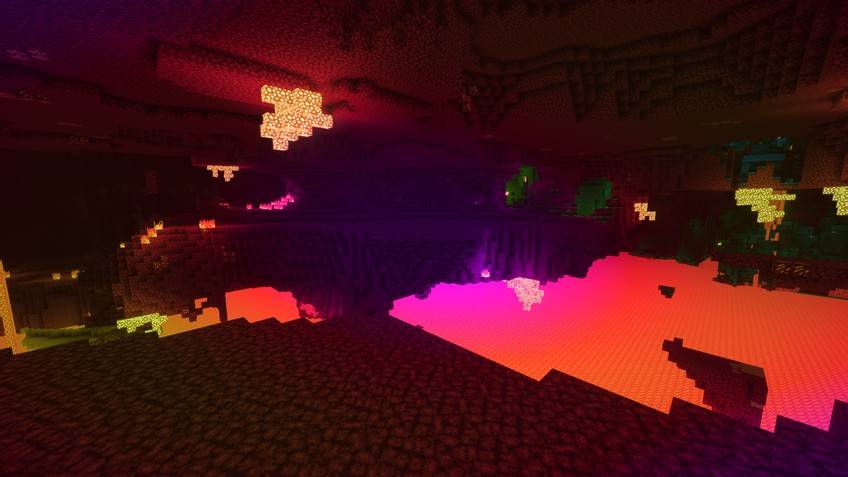
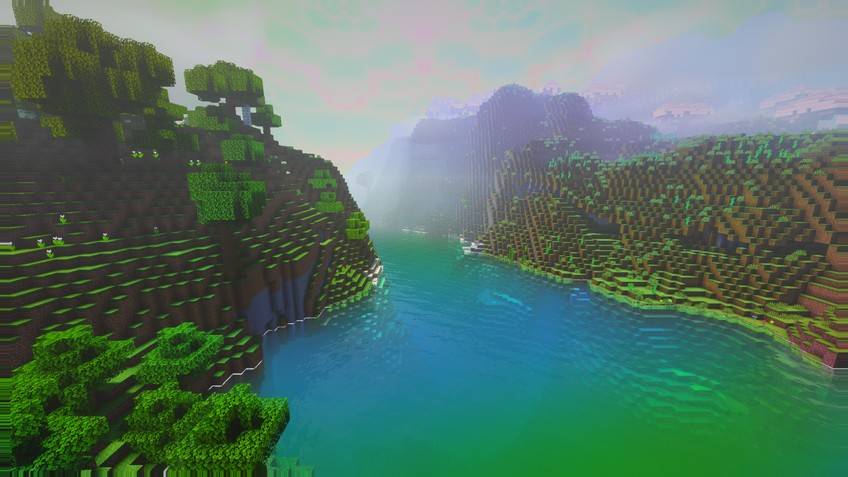
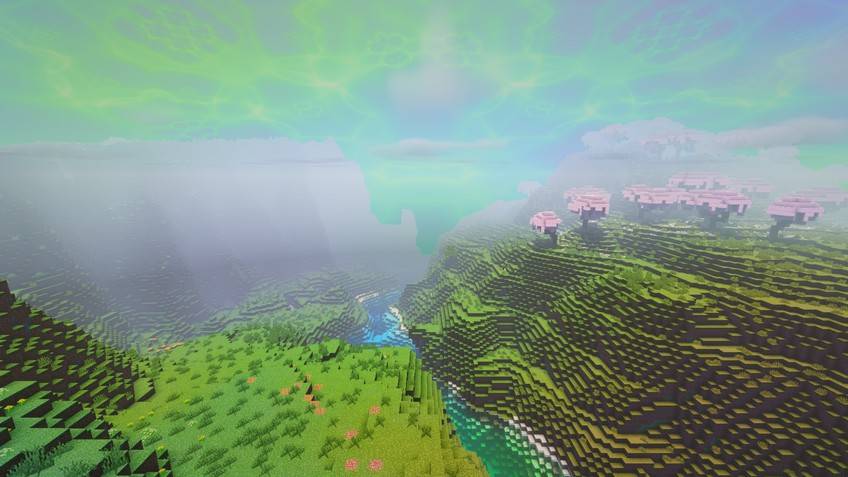
介绍
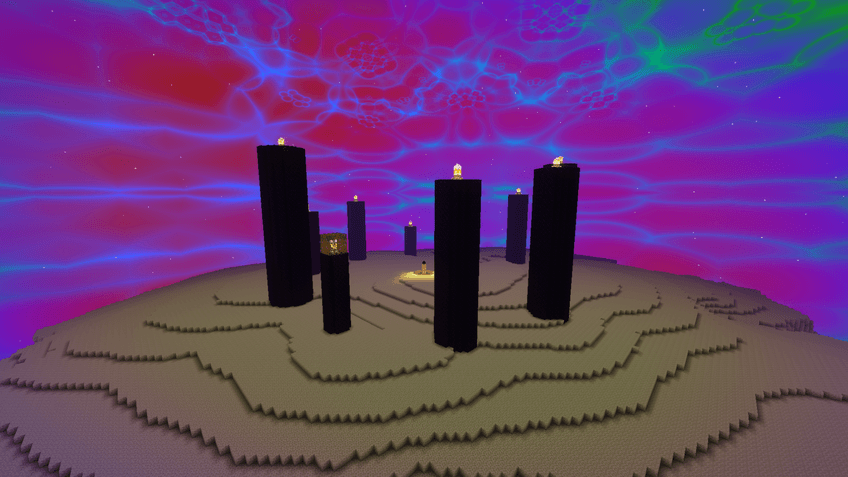
A kaleidoscope shader: the view folds into a turning kaleidoscope, the sky becomes a fractal and colors leave trails as the image breathes.
Why Kaleido?
- Intensity: One slider for the whole trip. Contains moving colors; Photosensitive Mode softens it.
- Kaleidoscope: Folds the screen into mirrored slices. Beautiful for screenshots, hard to play. 0 = off.
- Breathing Image
- Color Trails
- Fractal Sky
Every effect above is a real setting in the shader menu (Signature Effects page), so you can tune it or turn it off. Underneath: real-time shadows, animated water, volumetric clouds, fog, bloom and colour grading.
Files
Six quality levels, each as its own zip, for Minecraft 1.13 and newer (Iris or OptiFine) and for 1.8.9–1.12.2 (OptiFine): Potato, Low, Medium, High, Extreme and Extreme Astor (the full look, as in the screenshots). Not sure? Start with Medium. Every zip also contains all levels as profiles in the shader menu, so you can switch in game.
Compatibility (what was actually checked)
- Checked in game: Minecraft 1.21.4 with Iris (Overworld, Nether and End screenshots on this page).
- All shader programs of both files pass a GLSL compile check.
- Other versions and OptiFine were not all tested in game; please report problems in the comments.
- Distant Horizons: not supported. Client-side only.
Installation
- Install Iris (with Sodium) or OptiFine.
- Put the zip into
.minecraft/shaderpacks(do not unzip it). - Options → Video Settings → Shader Packs → select the pack.
About
Made by AstorUVZ (ASTOR SHADERS) with substantial AI assistance (Claude) for the shader code and this text; built, compiled and checked in game by the author. All screenshots are real in-game captures of this pack. Also on Modrinth: search ASTOR SHADERS.
License
All Rights Reserved, with permission to play with it, record videos and streams, and include it in modpacks (link back to this page). Re-uploading, copying the code into other packs or selling it is not allowed.
常见问题
Astor Kaleido Shaders 支持哪些 Minecraft 版本?
Astor Kaleido Shaders 支持 Minecraft Java 版 1.8.9–26.3,共 66 个版本。下载时注意选择和你游戏版本一致的文件。
Astor Kaleido Shaders 怎么安装?
光影需要先装 Iris 或 OptiFine。把下载的 .zip 文件(不用解压)放进游戏目录的 shaderpacks 文件夹,进游戏后在「选项 → 视频设置 → 光影包」里选中它。光影对显卡要求较高,卡顿可以调低光影设置或渲染距离。
AstorUVZ 的其他作品
查看全部 →
Farloom
无尽视野:柔和的薄雾、层叠的山脉和遥远的地平线,基于 OMNISHADE 引擎构建,适用于 OptiFine 和 Iris。
Stormweave
阴郁的风暴、湿透的表面和镜头上的雨滴,基于 OMNISHADE 引擎构建,适用于 OptiFine 和 Iris。
Storyloom
几何感知墨水、绘制的光带和温暖的故事书色调,运动稳定且深度清晰可读。
Lumenline
干净的自然光照、稳定的实时阴影、反射水面和温暖的电影氛围,适合日常游玩。
评论
登录后评论和评分