
截图
介绍
ASCII Minecraft Shader
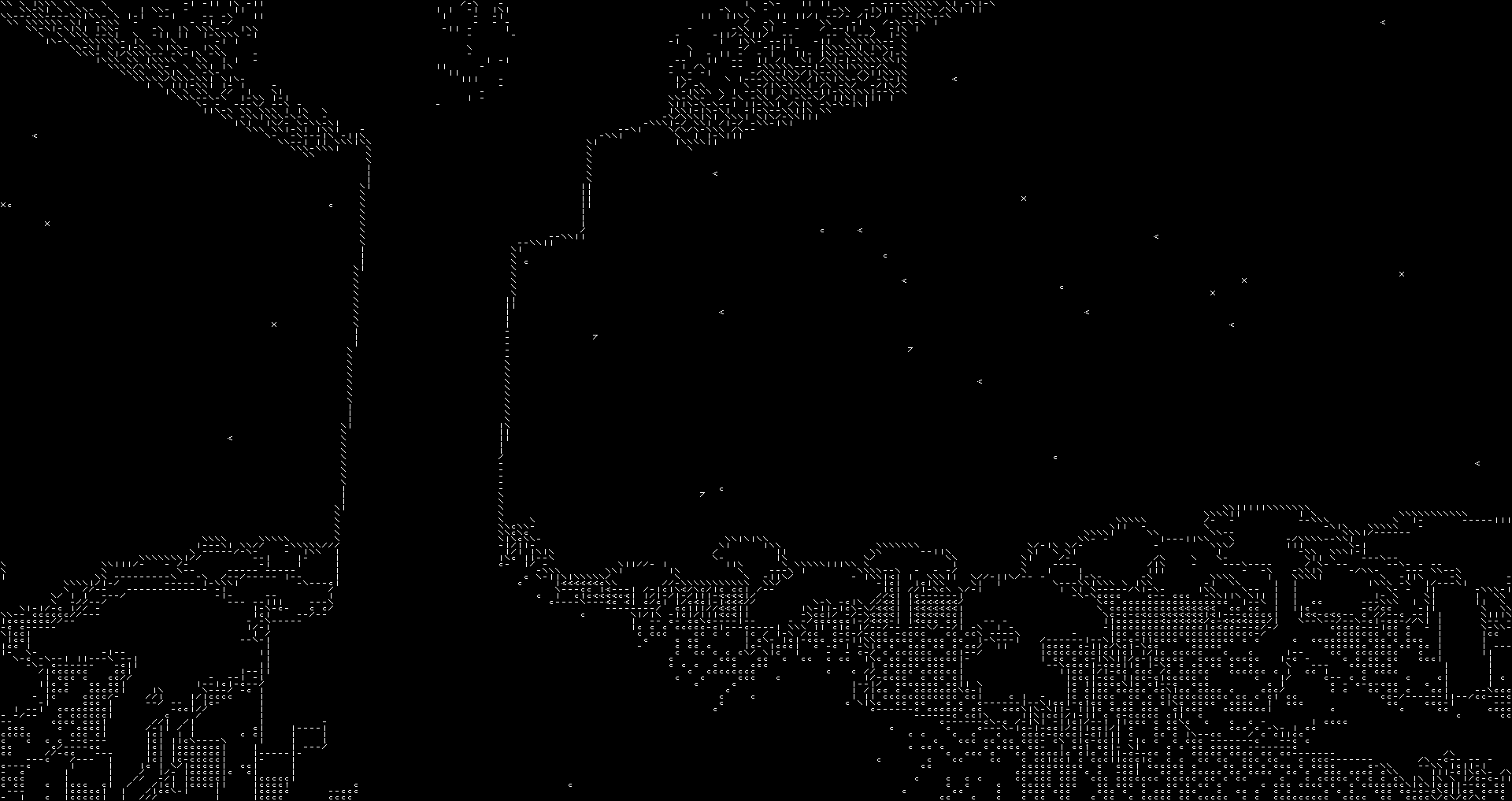
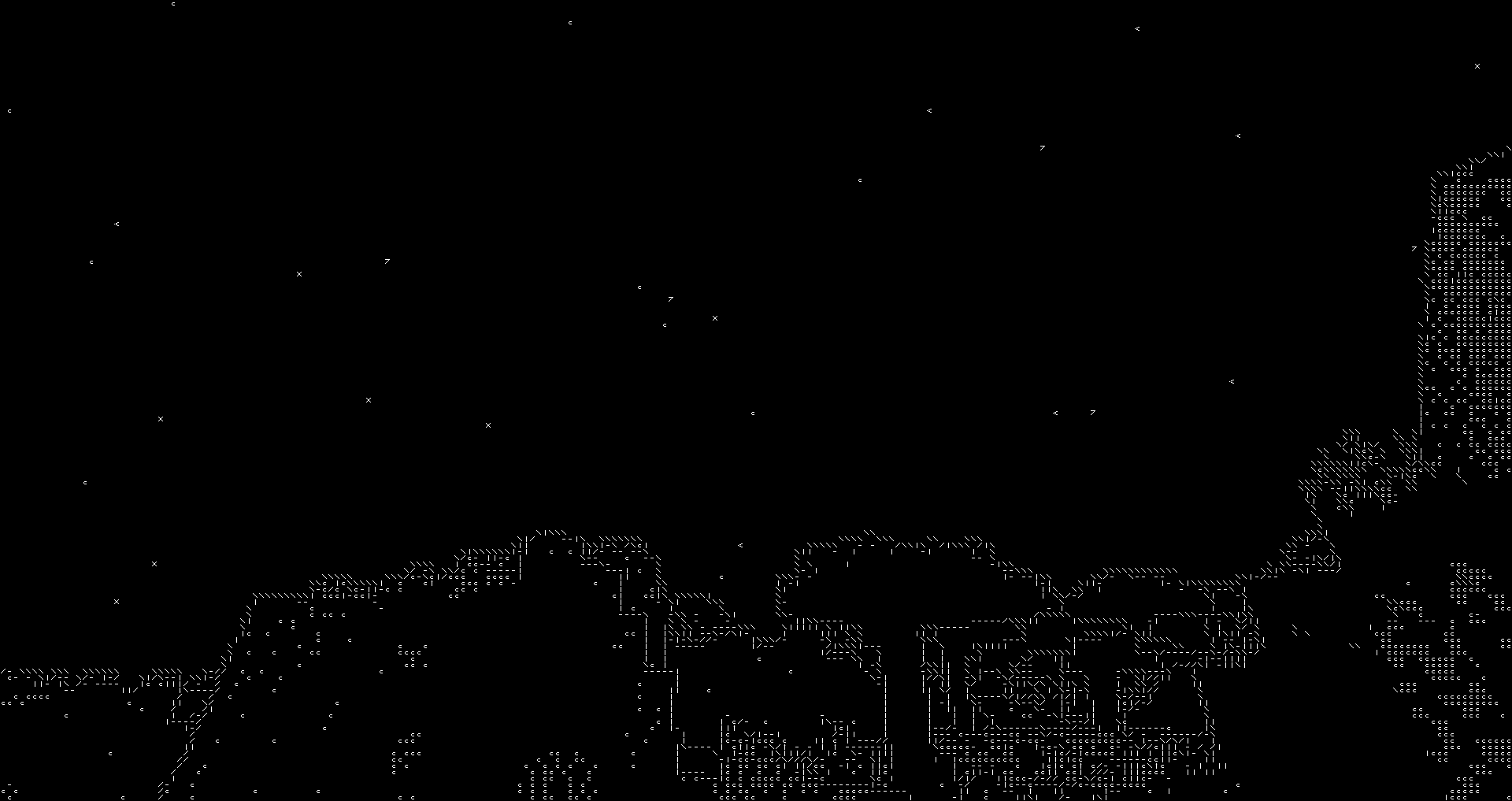
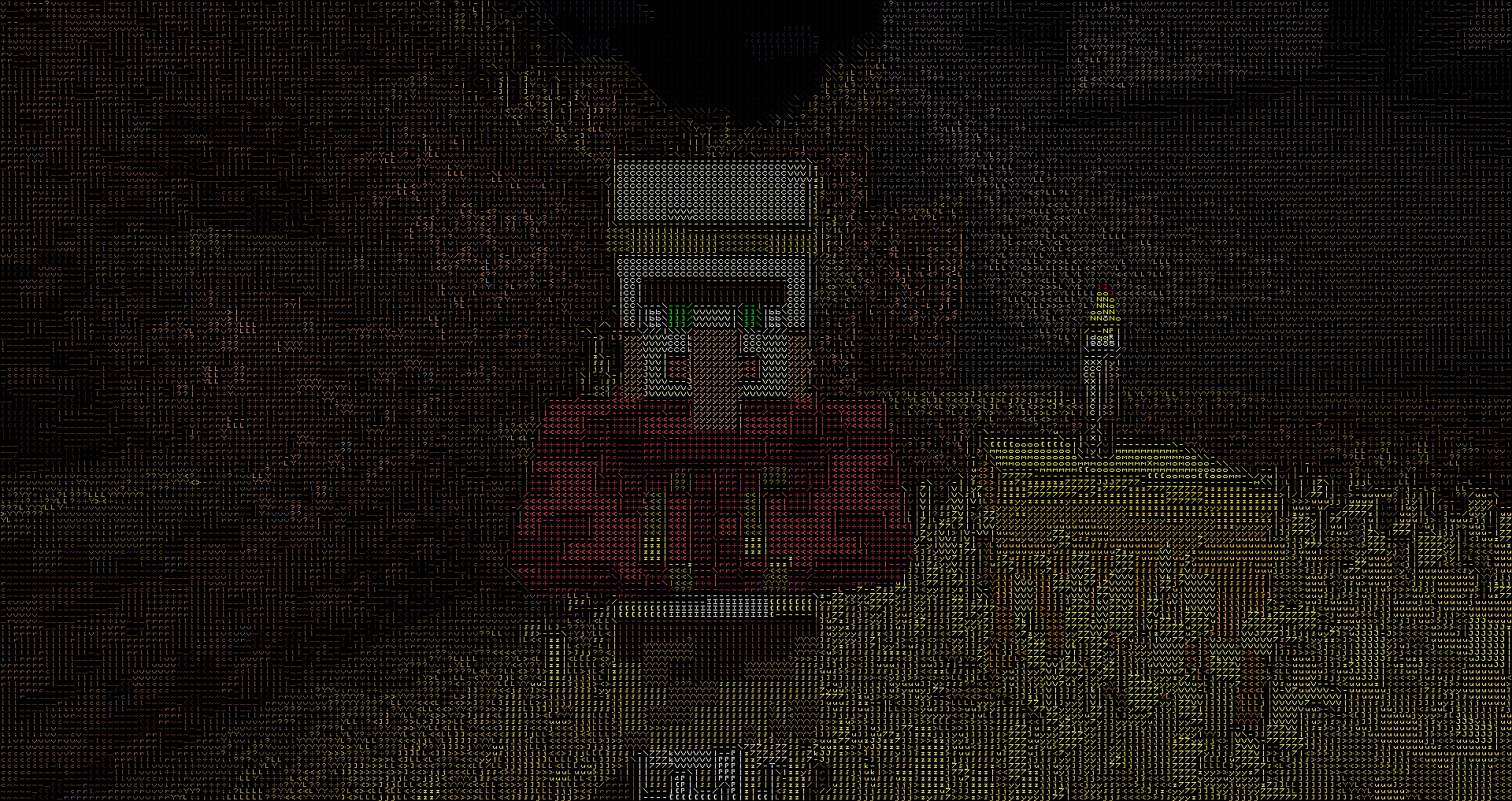
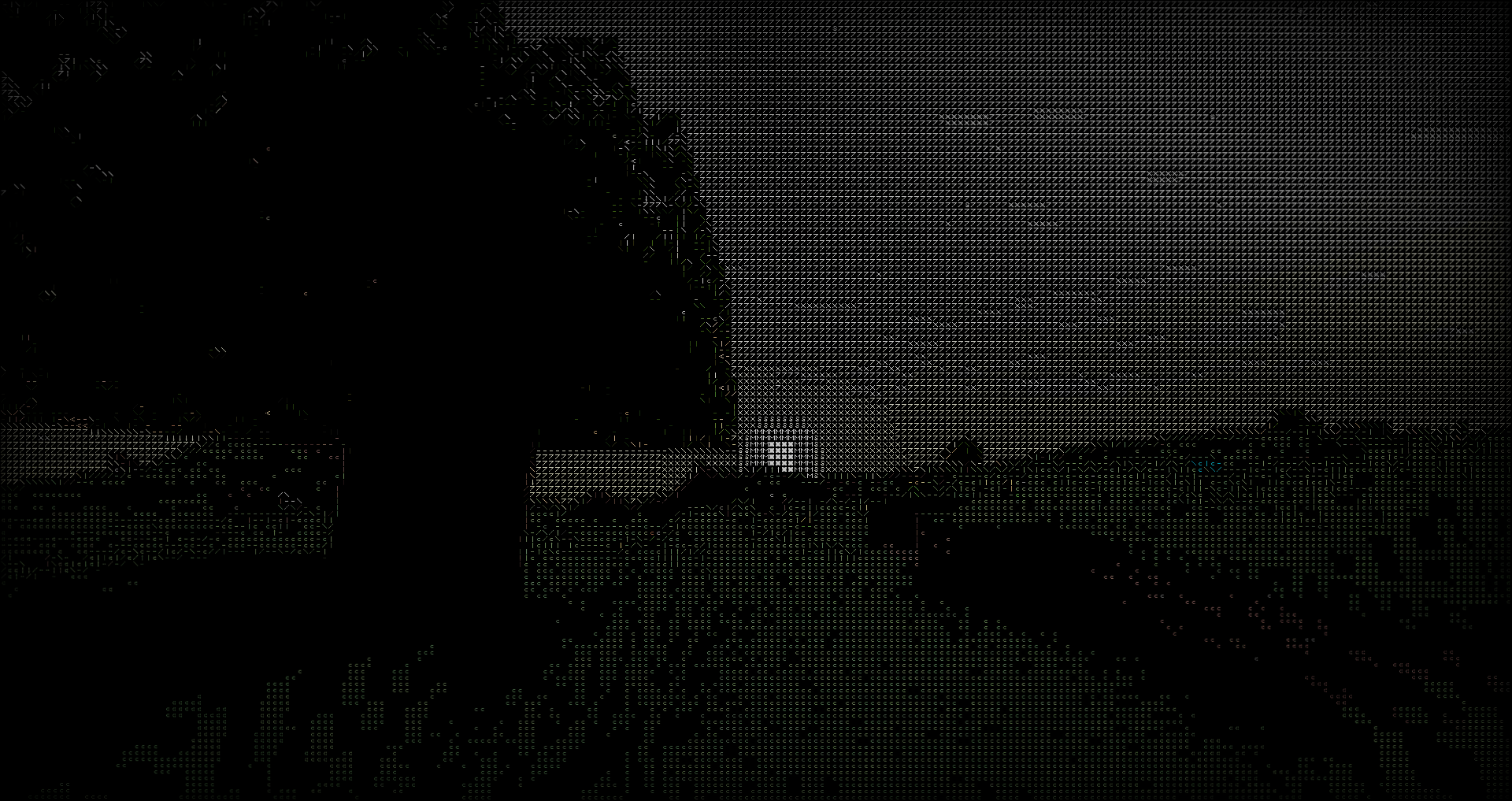
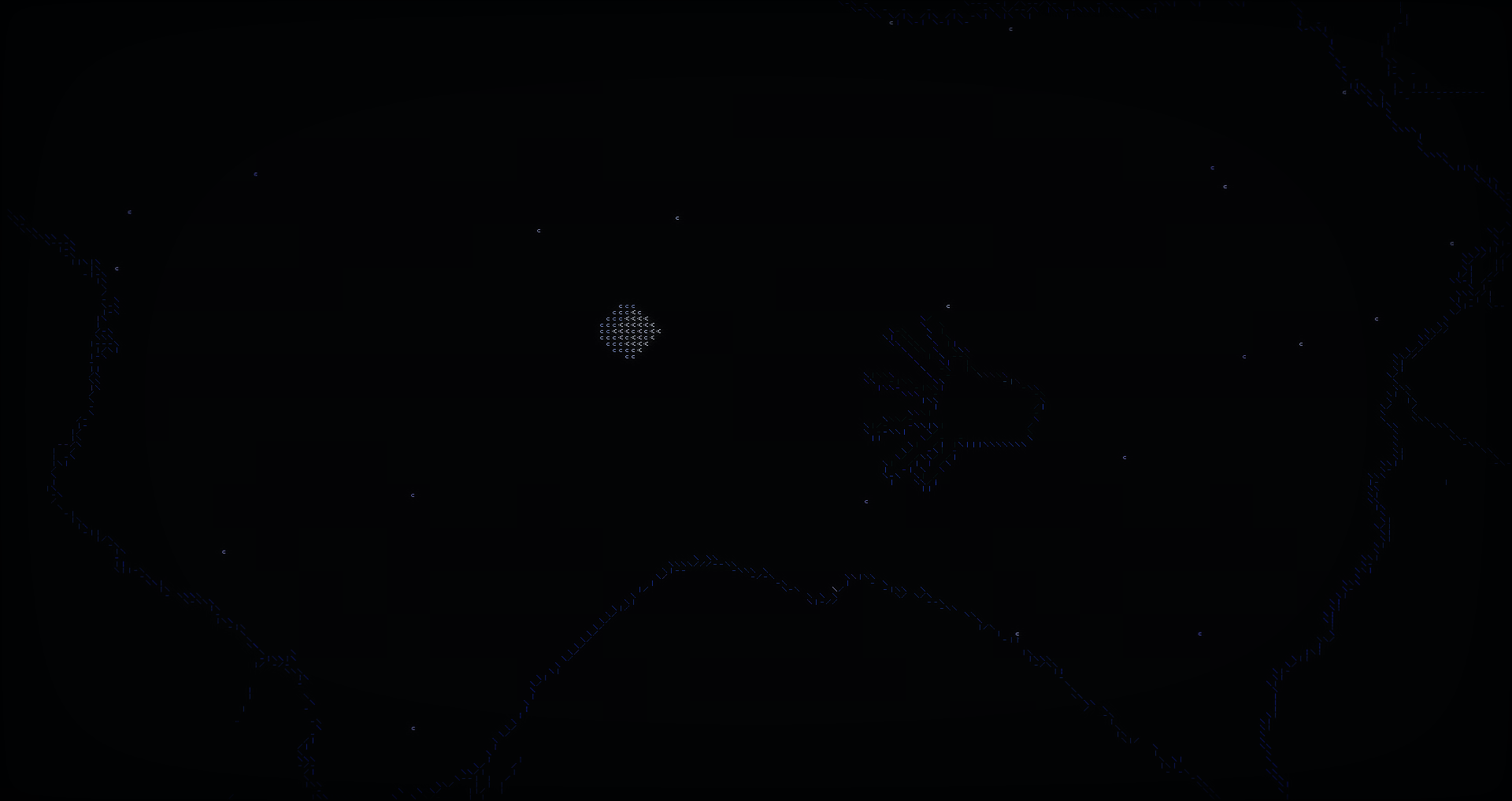
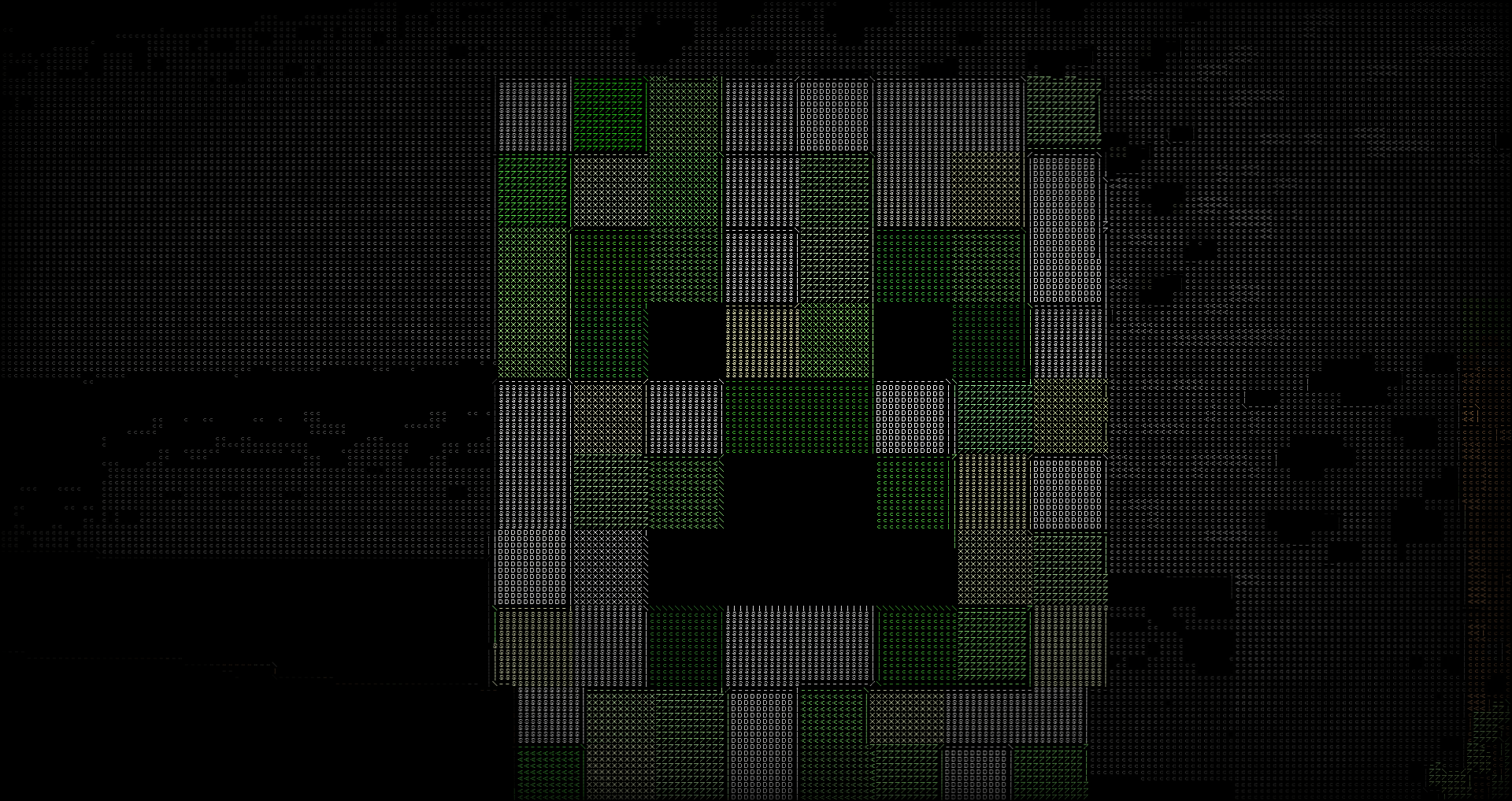
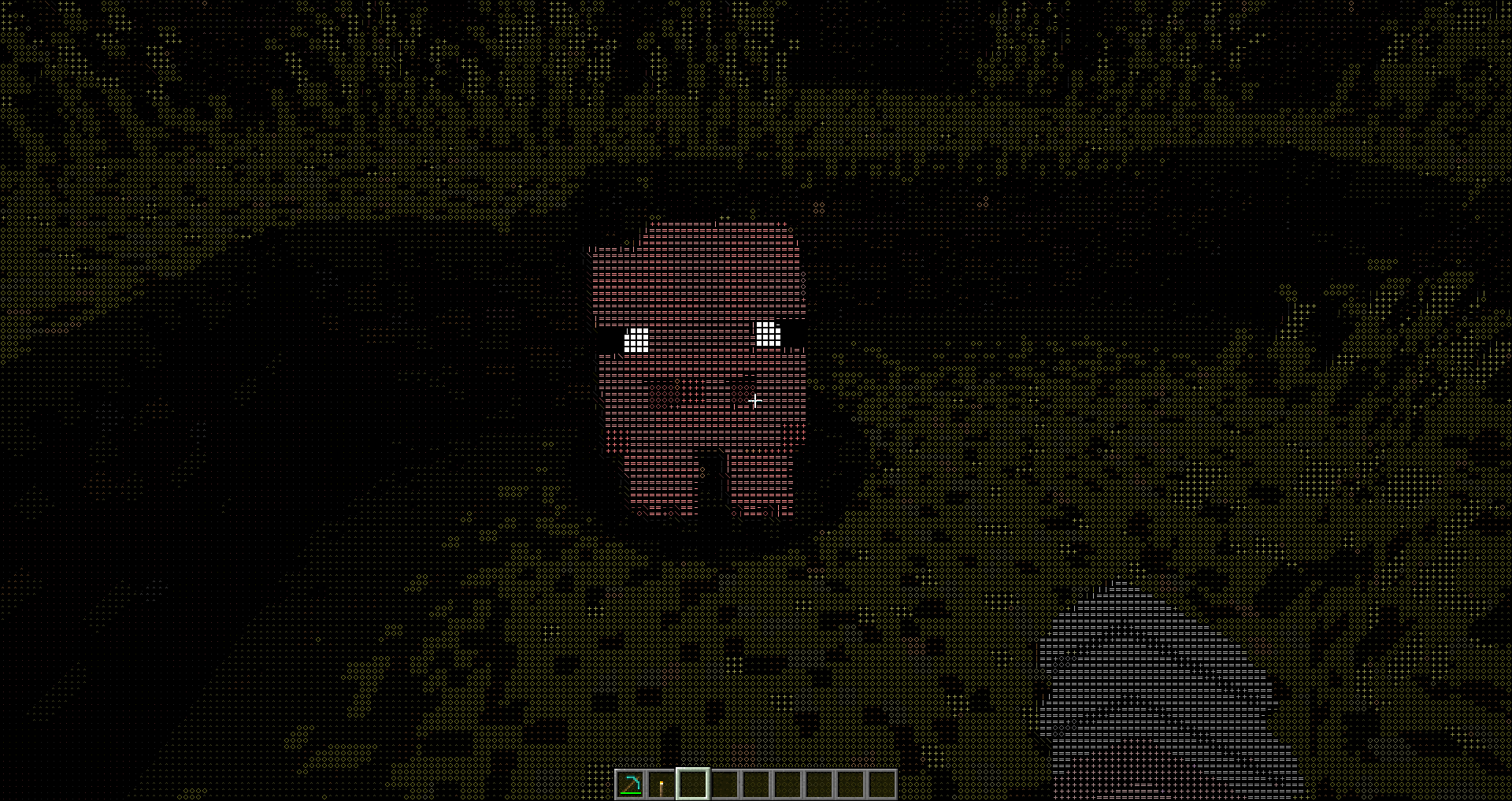
Inspired by Acerola’s video on ASCII art rendering, this shader project aims to recreate the iconic Minecraft visual style using ASCII characters. By translating the game’s visuals into ASCII art, the shader produces a unique and nostalgic aesthetic.
Features
- ASCII Rendering: Converts the Minecraft world into a grid of ASCII characters.
- Bitmap Font Texture: Utilizes a bitmap font texture to map characters onto the screen.
- Color and Black & White Modes: Supports both colored and black & white rendering modes.
- Edge Detection: Integrates edge detection techniques for enhanced visual detail.
Black & White Mode
In this mode, the shader renders the Minecraft world using only black and white ASCII characters, providing a classic and minimalist look.
Color Mode
The color mode maintains the vibrant colors of Minecraft while still using ASCII characters to depict the scene, offering a modern twist on the retro aesthetic.
Implementation Details
- Fragment Shader: The core of the shader is implemented in GLSL, where each pixel is mapped to an ASCII character based on its brightness or color value.
- Bitmap Font Texture: A 128×128 texture is used to store the bitmap font, with each character occupying an 8×8 pixel block.
- Edge Detection: Combines a Difference of Gaussians filter with a thresholded Sobel edge detection filter to enhance the details and edges of the scene before converting to ASCII.
Patreon
https://www.patreon.com/5weetdev/membership
Github:
https://github.com/5weetdev/Ascii-shader
Feel free to contribute
常见问题
Ascii like shader 支持哪些 Minecraft 版本?
Ascii like shader 支持 Minecraft Java 版 1.17–1.21.1,共 19 个版本,可用的加载器:OptiFine。下载时注意选择和你游戏版本一致的文件。
Ascii like shader 怎么安装?
光影需要先装 OptiFine。把下载的 .zip 文件(不用解压)放进游戏目录的 shaderpacks 文件夹,进游戏后在「选项 → 视频设置 → 光影包」里选中它。光影对显卡要求较高,卡顿可以调低光影设置或渲染距离。
5weetdev 的其他作品
查看全部 →
Emoji like shader
Sequel to the Ascii like shader

Ascii like shader
This is ascii shader for minecraft inspired by Acerola's video

Emoji like shader
A sequel to the **Ascii like shader**, unlike the first one, this one replaces everything with emojis.
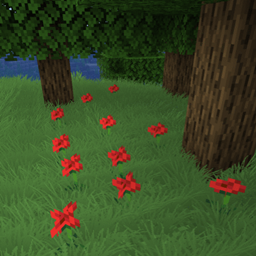
Billboard grass
Shaderpack that adds billboard grass to minecraft. Looks pretty, has no impact on performance.
评论
登录后评论和评分