alma shaders
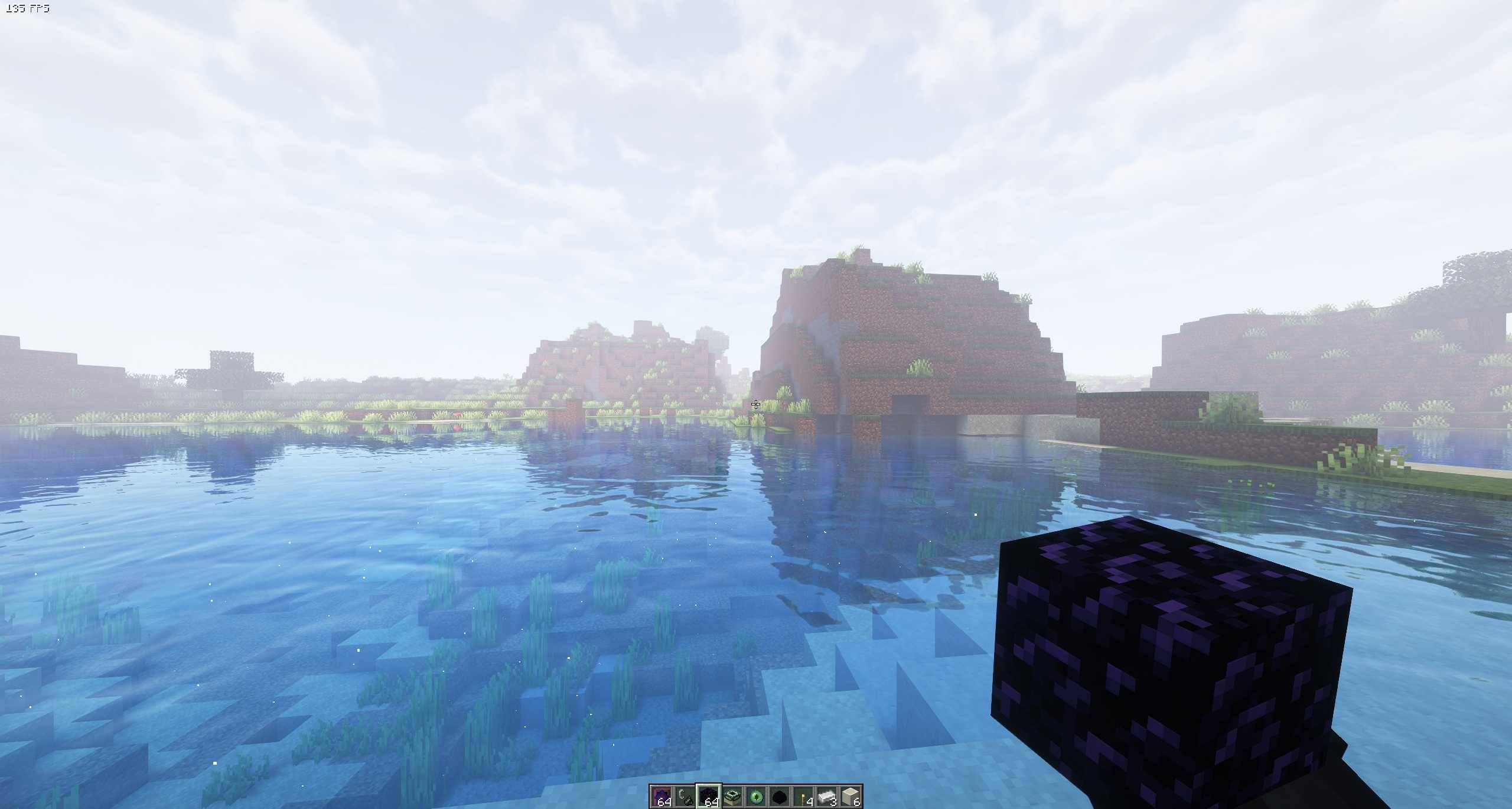
ALMA Shaders** brings vibrant lighting, realistic shadows, reflective water, and cinematic skies to Minecraft.
截图
介绍
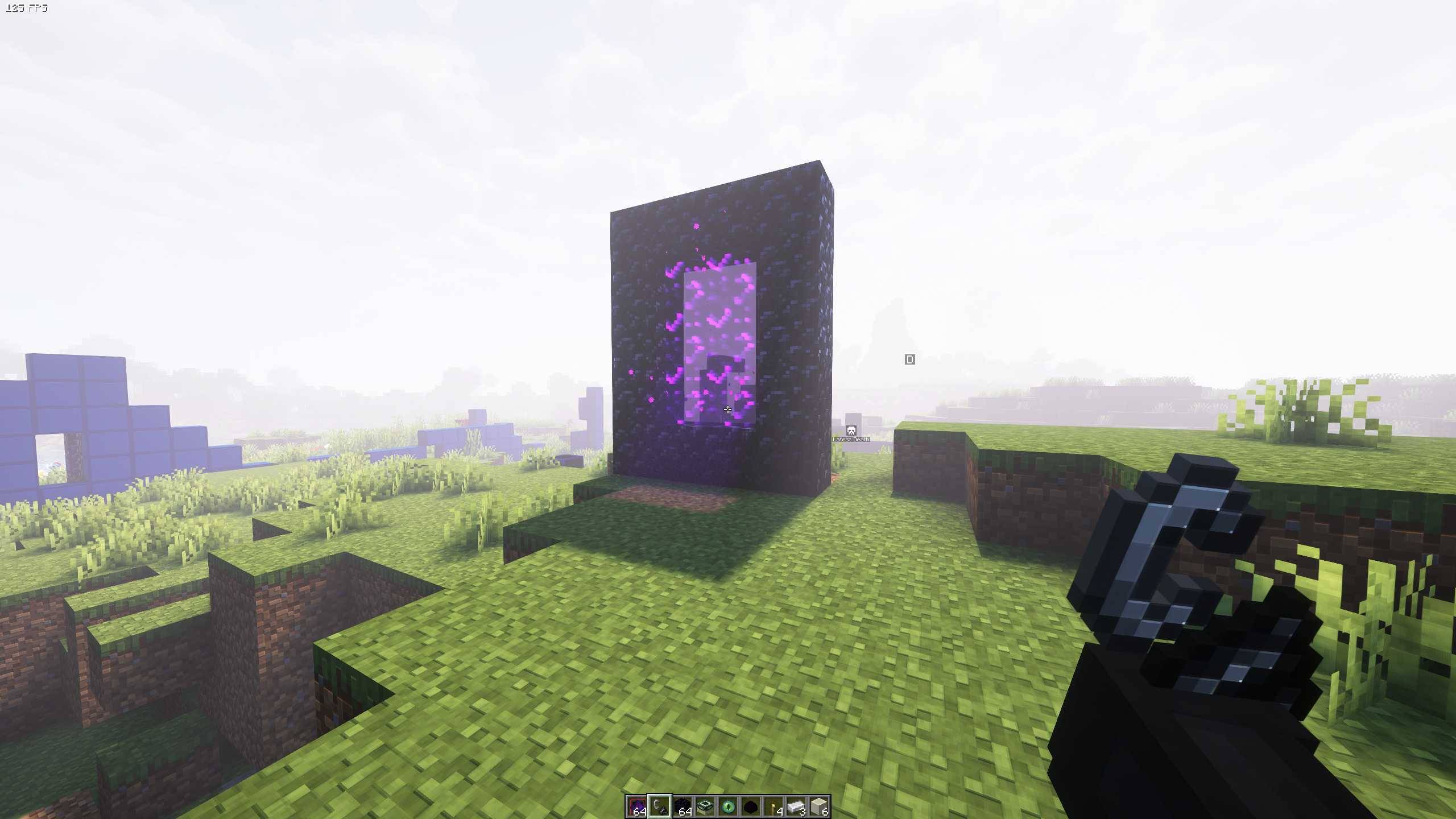
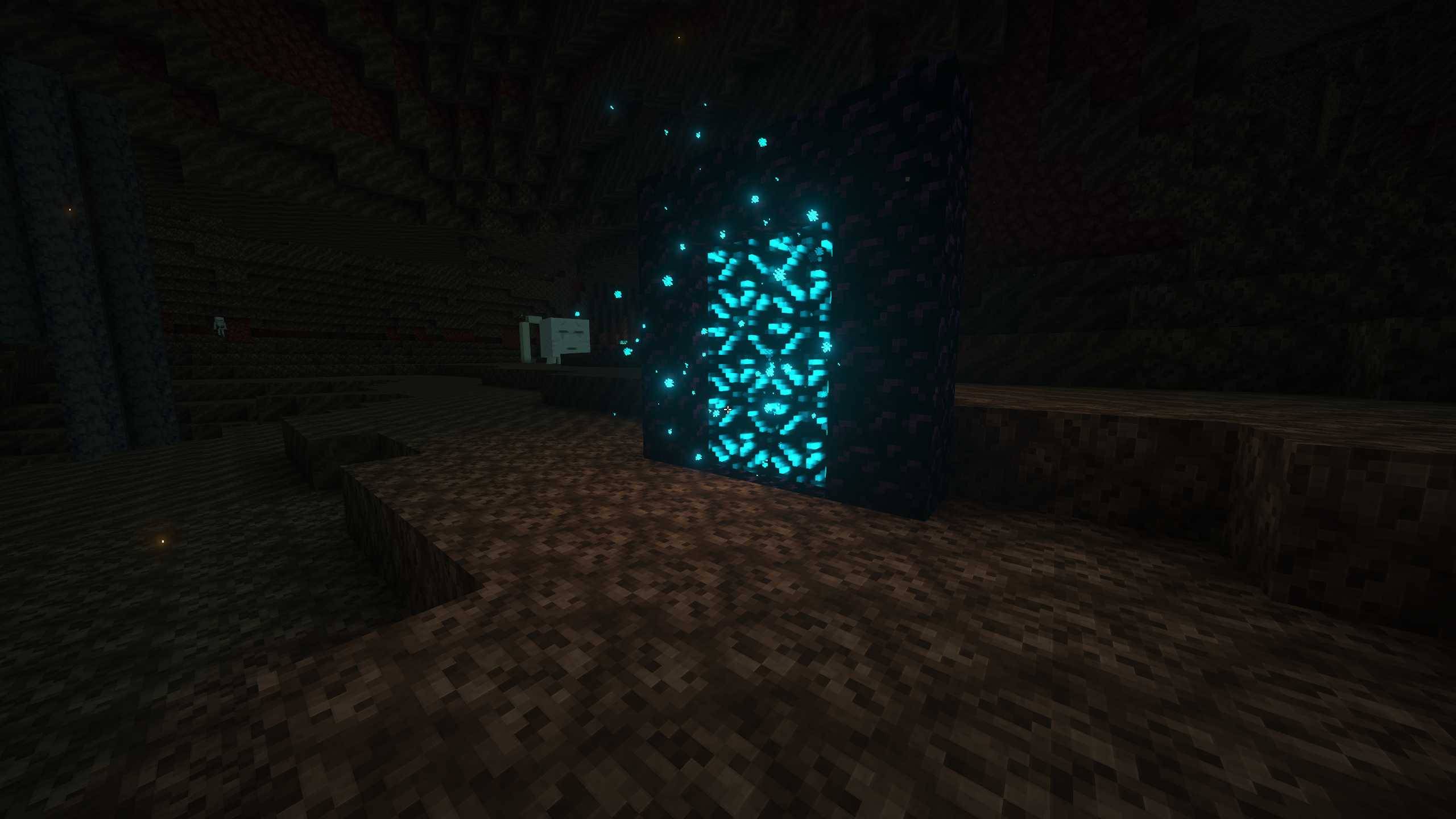
ALMA Shaders is a cinematic Minecraft shader pack designed to make every world feel more alive, immersive, and atmospheric.
Experience beautiful sunsets, vibrant skies, realistic lighting, reflective water, soft shadows, volumetric clouds, atmospheric fog, and enhanced natural colors. ALMA focuses on creating a balance between stunning visuals and the original Minecraft feeling, making landscapes, builds, villages, and adventures look more cinematic without losing their identity.
Whether you’re exploring mountains, building a city, traveling through forests, or simply watching the sunset, ALMA Shaders transforms Minecraft into a visually rich and immersive experience.
Features
• Cinematic lighting
• Realistic shadows
• Reflective water
• Volumetric clouds
• Atmospheric fog
• Vibrant sunsets and skies
• Enhanced colors and lighting
• Immersive environmental effects
• Designed for screenshots, videos, and everyday gameplay
ALMA Shaders — See Minecraft differently.
常见问题
alma shaders 支持哪些 Minecraft 版本?
alma shaders 支持 Minecraft Java 版 1.20–26.3,共 24 个版本,可用的加载器:Iris。下载时注意选择和你游戏版本一致的文件。
alma shaders 怎么安装?
光影需要先装 Iris。把下载的 .zip 文件(不用解压)放进游戏目录的 shaderpacks 文件夹,进游戏后在「选项 → 视频设置 → 光影包」里选中它。光影对显卡要求较高,卡顿可以调低光影设置或渲染距离。
MinePro641 的其他作品
查看全部 →
Shadolimetto
Shadolimetto is a lightweight, highly optimized shader that makes Minecraft look more realistic with improved lighting, colors and atmosphere — all while keeping performance smooth, even on low-end systems.

VEXORA SHADERS
A lightweight minecraft shader
评论
登录后评论和评分