
Yarlan
Yarlan is a 16× RPG resource pack for servers: cohesive weapons & armor, custom mob/BOSS visuals, accessories, crops, and skill icons/UI. Activates on mc.aelris.cn (Java 1.21.1). First load may take a few minutes.
截图

介绍
🔹 Full Description
Important — Server delivery & activation
This pack is server-delivered and activates when you join: mc.aelris.cn (Java 1.21.1). Because it includes many models and textures, the first download may take a few minutes—please keep the game open until the download finishes.
What is Yarlan?
Yarlan (亚尔兰) is an RPG-focused resource pack built for multiplayer servers. It ships no code and doesn’t change gameplay logic; instead, it provides a cohesive visual set for weapons, armor, mobs/BOSSes, accessories, crops, and skill/HUD icons so your RPG experience looks polished and readable.
Key features
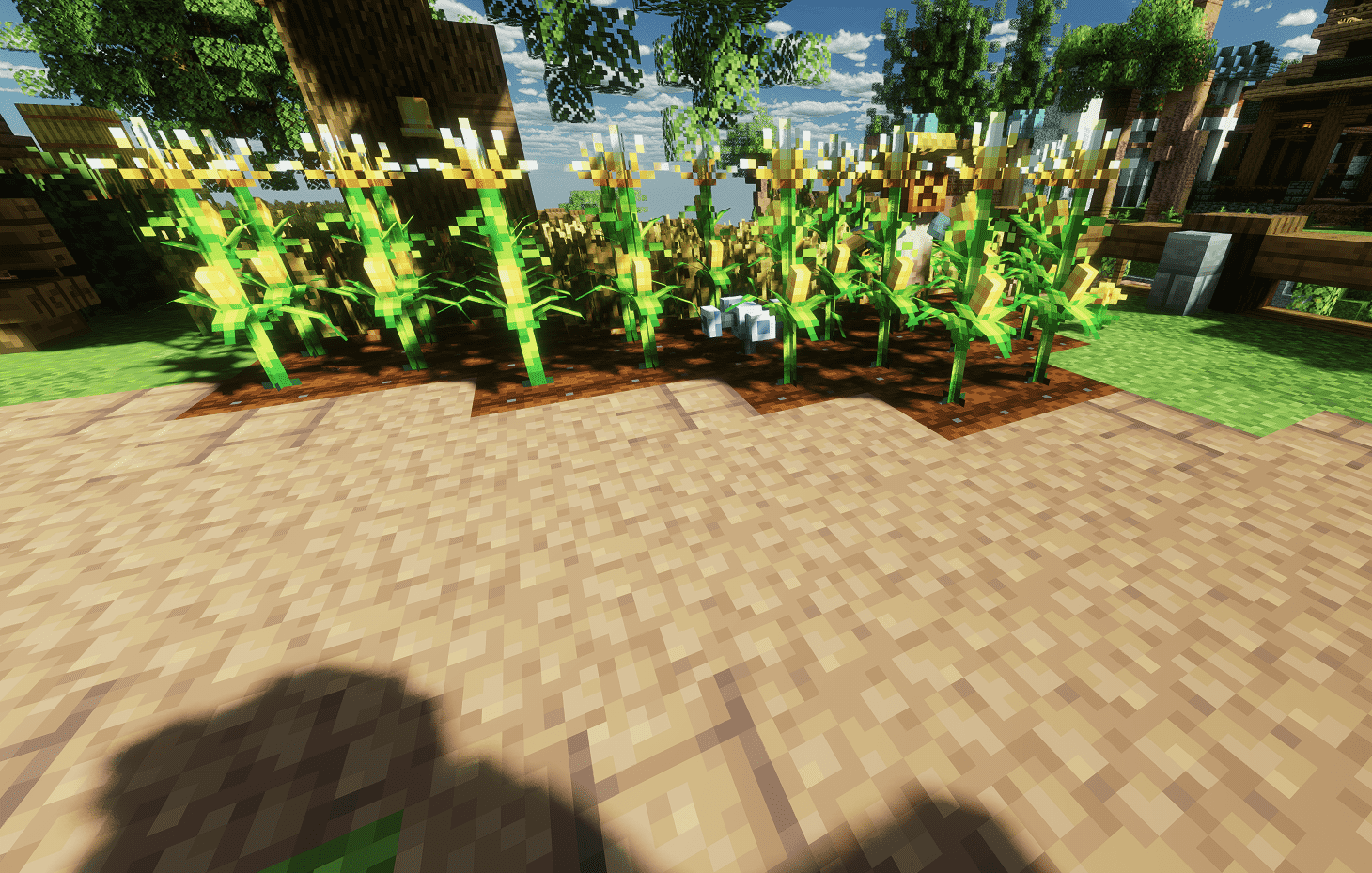

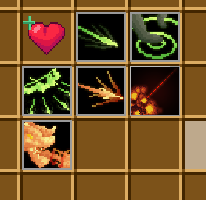
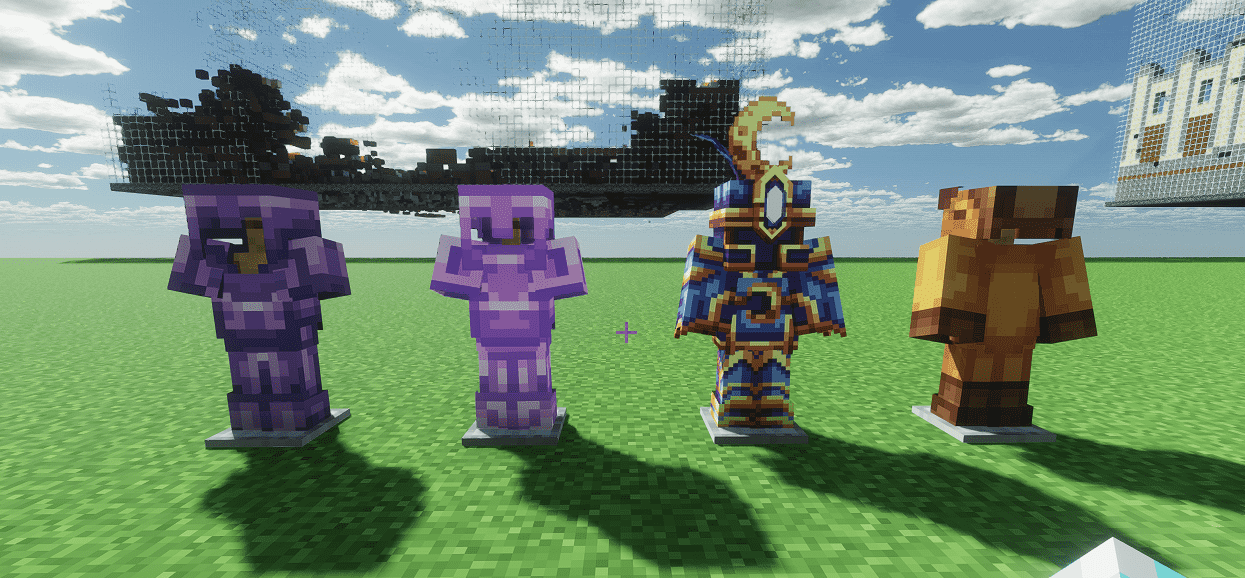
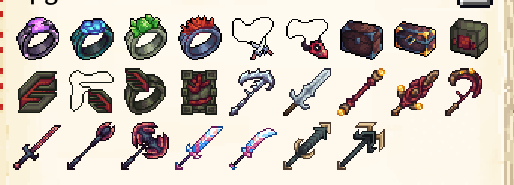
Accessories & trinkets such as rings, necklaces, medals—clean inventory icons for item systems.
Why use it?
A unified RPG look improves readability in quests, dungeons, and events, and it’s great for streaming or highlight videos. As a server-delivered 16× pack, it loads fast on most clients while keeping visuals coherent across weapons, mobs, crops, and UI.
Compatibility
Minecraft Java: 1.21.1 (targeted)
Dependencies: none; works on vanilla clients
Installation & activation
Simply join the server mc.aelris.cn and accept the server resource pack prompt. If you stack multiple packs locally, place Yarlan on top to ensure its models and textures are visible. Note: custom item models/icons appear as intended only on the server that binds them (mc.aelris.cn).
Notes for first-time users
Because the pack is relatively large, the first load may take several minutes depending on your network. Please do not exit the game during the download. After the first install, subsequent joins will be faster due to caching.
常见问题
Yarlan 支持哪些 Minecraft 版本?
Yarlan 支持 Minecraft Java 版 1.21–1.21.1,共 2 个版本。下载时注意选择和你游戏版本一致的文件。
Yarlan 怎么安装?
把下载的 .zip 文件(不用解压)放进游戏目录的 resourcepacks 文件夹,进游戏后在「选项 → 资源包」里把它移到右边启用。
评论
登录后评论和评分