
截图
介绍
中文介绍正在准备中,下面暂时显示原文。
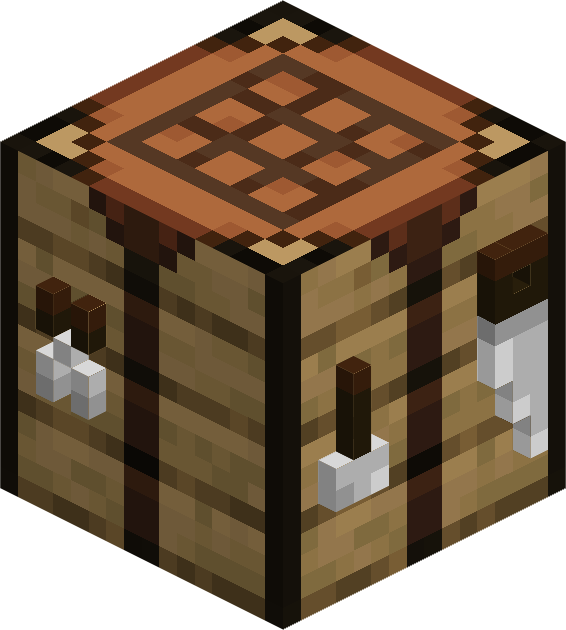
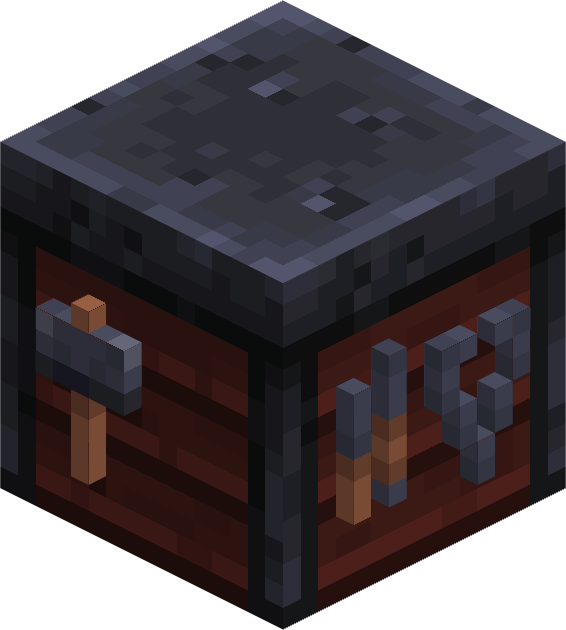
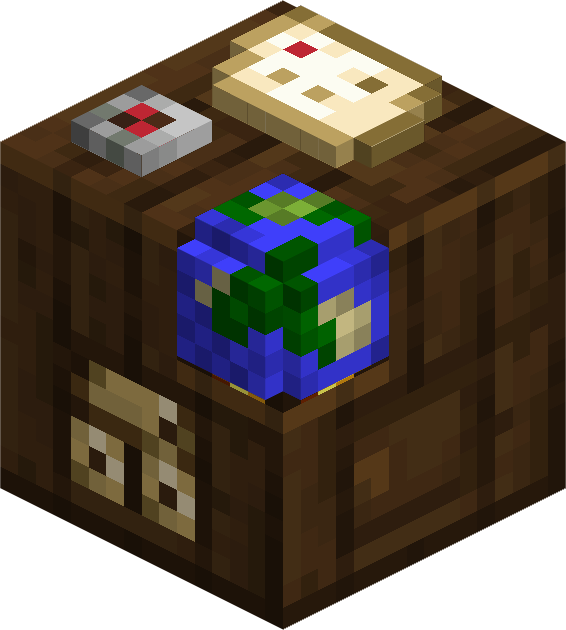
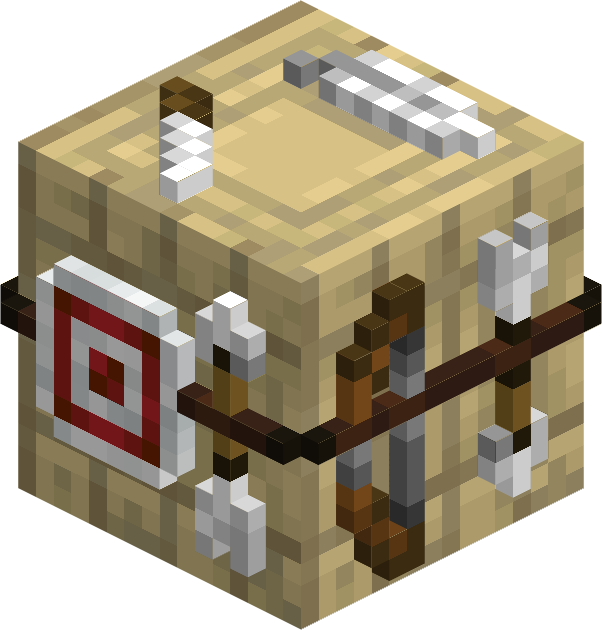
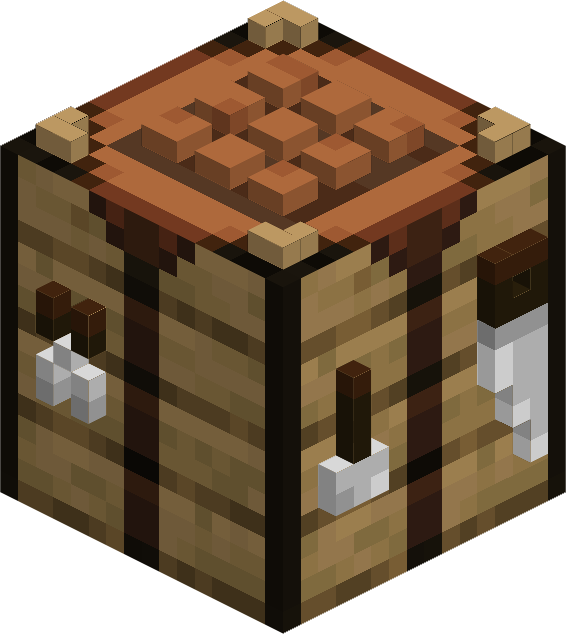
Makes work tables truly 3D!
This resource pack remodels tables to be 3D while only using vanilla textures.
It affects:
- Crafting Table
- Smithing Table
- Cartography Table
- Fletching Table
How to enable addons
- Open resource pack menu and disable Tables 3D
- Close and re-open resource pack menu (Trust me)
- Click ‘Open Pack Folder’
- Open ‘Tables 3D.zip’
- Open ‘ADDONS’ Folder
- Move desired addon into the ‘resourcepacks’ folder from Step 3
- Enable packs with all addons above ‘Tables 3D’
- Click ‘Done’
常见问题
Workbenches 3D 支持哪些 Minecraft 版本?
Workbenches 3D 支持 Minecraft Java 版 1.21–1.21.1,共 2 个版本。下载时注意选择和你游戏版本一致的文件。
Workbenches 3D 怎么安装?
把下载的 .zip 文件(不用解压)放进游戏目录的 resourcepacks 文件夹,进游戏后在「选项 → 资源包」里把它移到右边启用。
Nicolau 的其他作品
查看全部 →
Create: Cardboard Tools
by Nicolau
A mod / pack that adds cardboard tools to create mod!
2,714
1 年前
Modrinth

Nicolau’s Copper Tools
by Nicolau
A datapack / mod that adds copper tools!
241
1 年前
Modrinth

Confectionery Compat Recipes
by Nicolau
Adds recipes to make Create: Confectionery compatible with other Create addons
97
9 个月前
Modrinth

Trial And Error Retextures
by Nicolau
A resource pack that edits some textures of Create: Trial And Error
84
1 年前
Modrinth
评论
登录后评论和评分