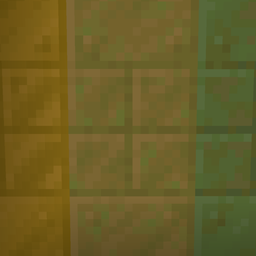
截图
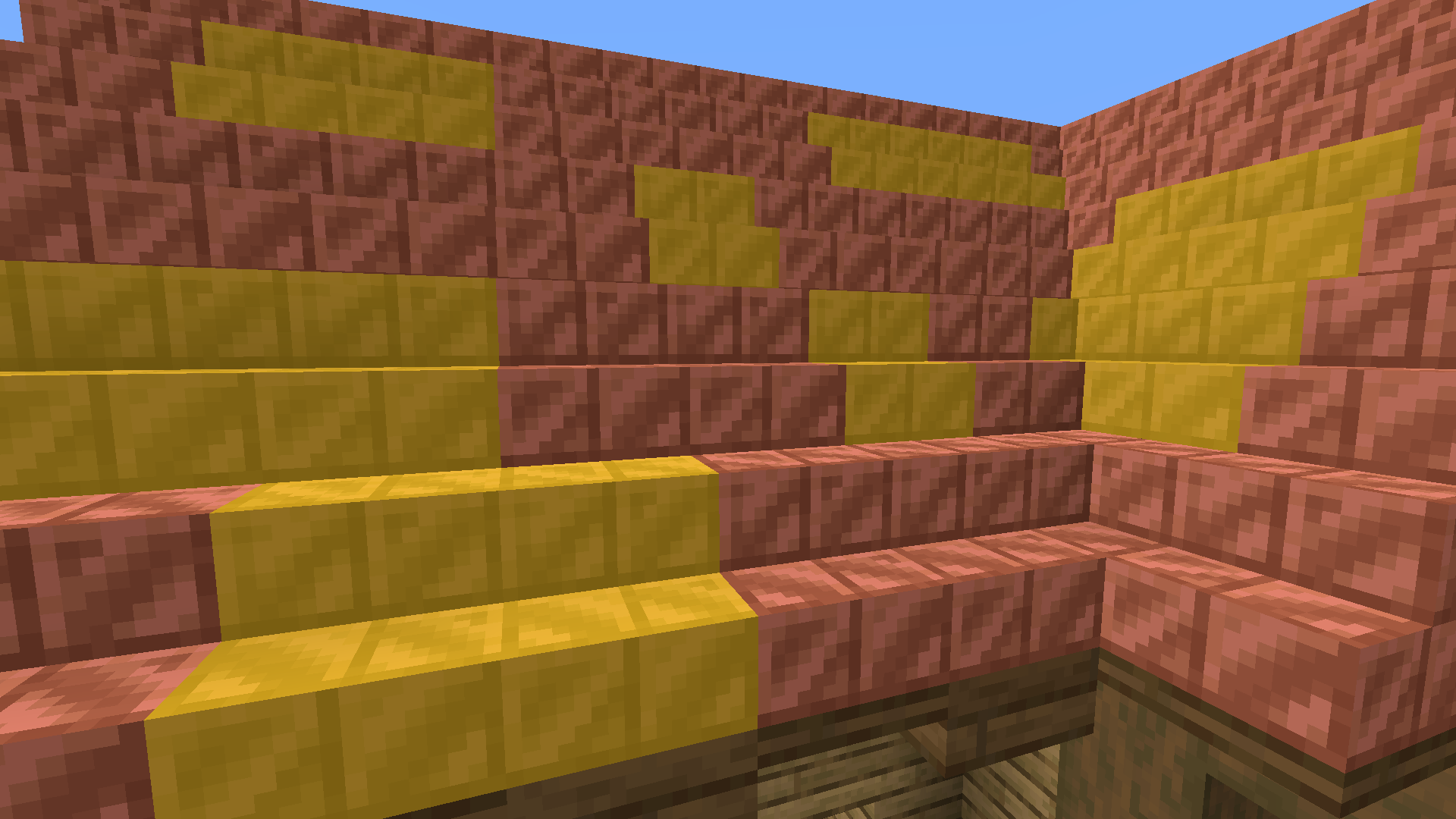
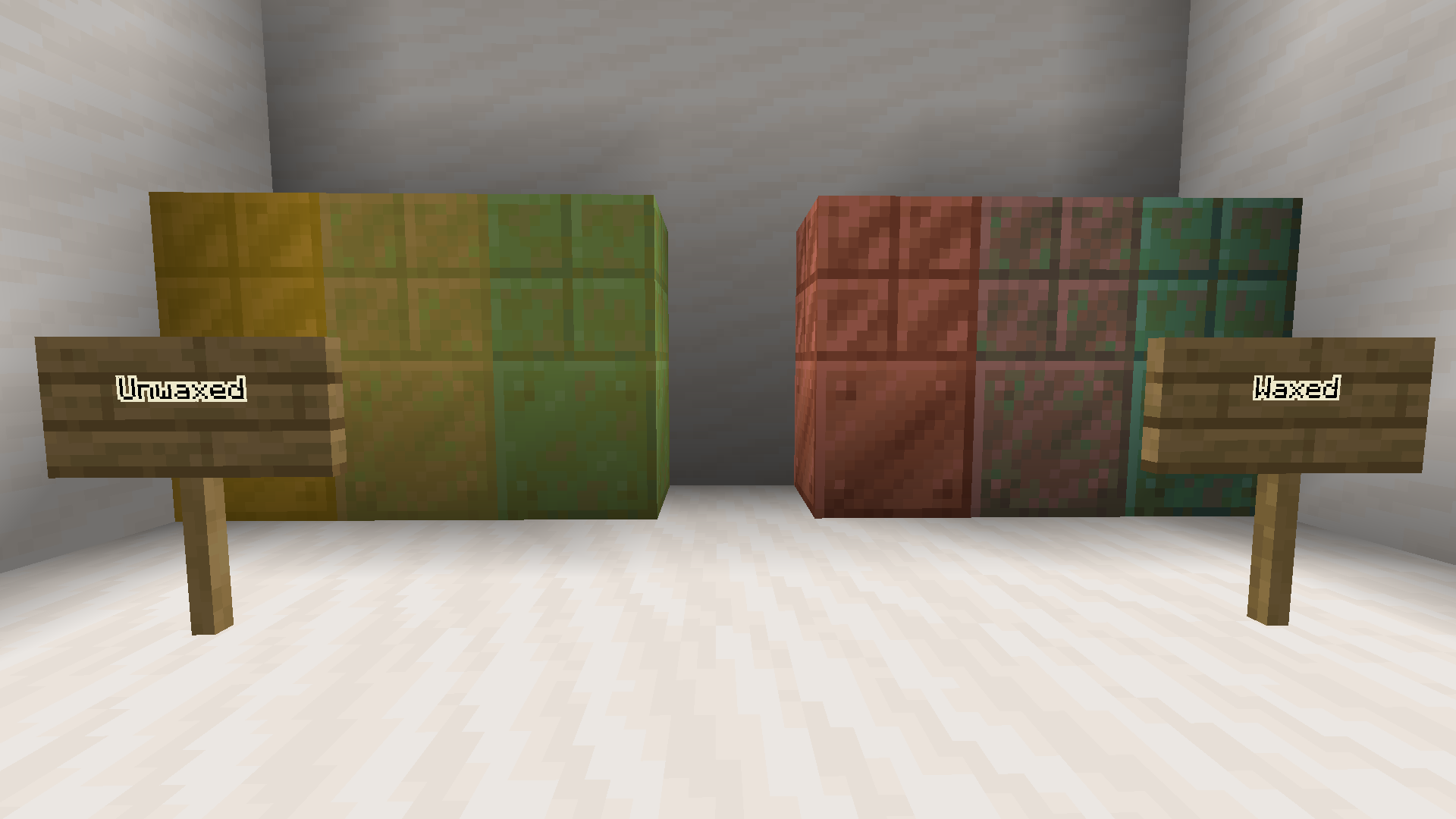
介绍
Do you ever have that problem where you are building with copper in survival, but forget which blocks you waxed and which you didn’t? Well this resource pack aims to solve that. Instead of aimlessly clicking with honeycomb to find out which blocks you waxed, this resource pack will give you a visual indicator.
Unwaxed copper blocks in this texture pack have a yellow filter over them while waxed copper blocks have the standard texture. Oxidized copper blocks don’t have a filter as it’s unnecessary to wax them most of the time. However I left them in the file so you can manually rename them if you wish to do so.
Note that this resource pack is meant to be used when you are in the process of building. The pack will also not work with custom copper textures and should be put over other resource packs if they do contain copper textures.
常见问题
Waxed Indication 支持哪些 Minecraft 版本?
Waxed Indication 支持 Minecraft Java 版 1.17–1.19.3,共 6 个版本。下载时注意选择和你游戏版本一致的文件。
Waxed Indication 怎么安装?
把下载的 .zip 文件(不用解压)放进游戏目录的 resourcepacks 文件夹,进游戏后在「选项 → 资源包」里把它移到右边启用。
评论
登录后评论和评分