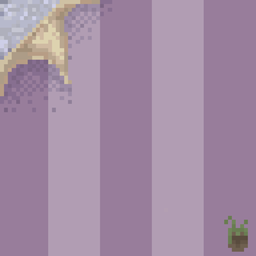
截图
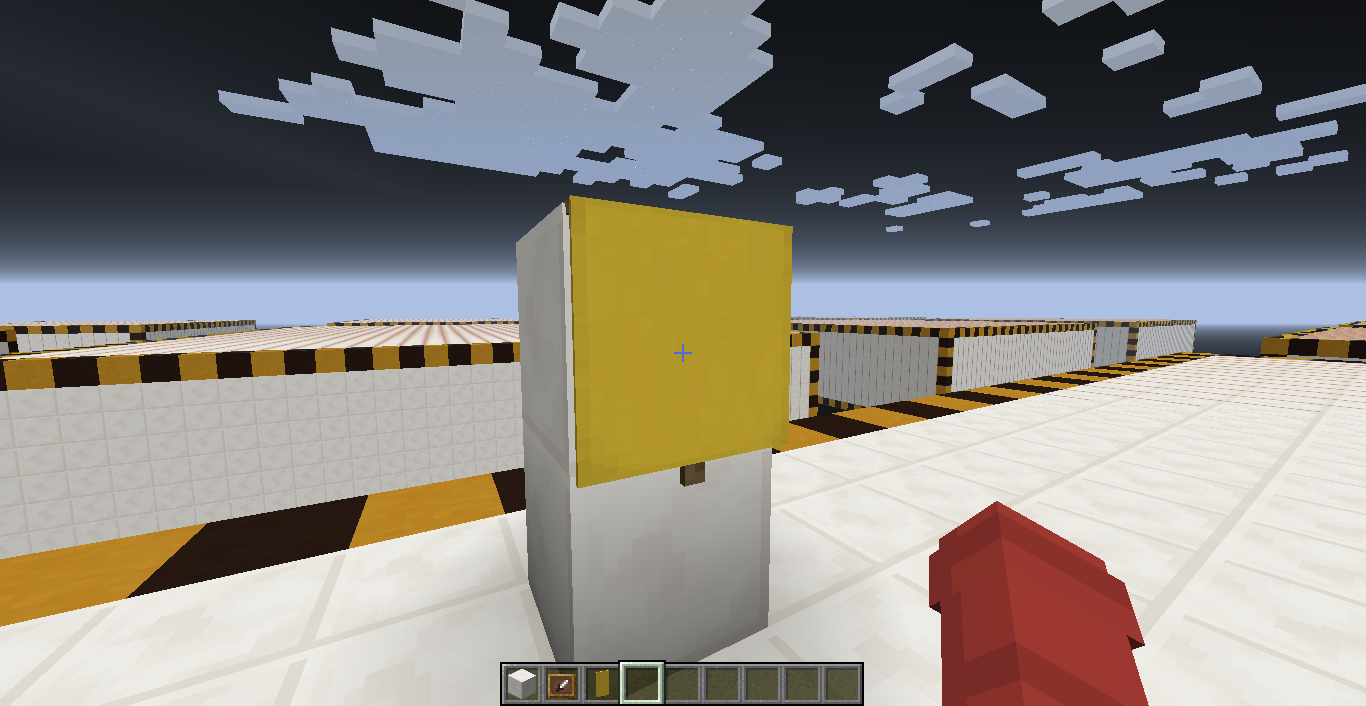
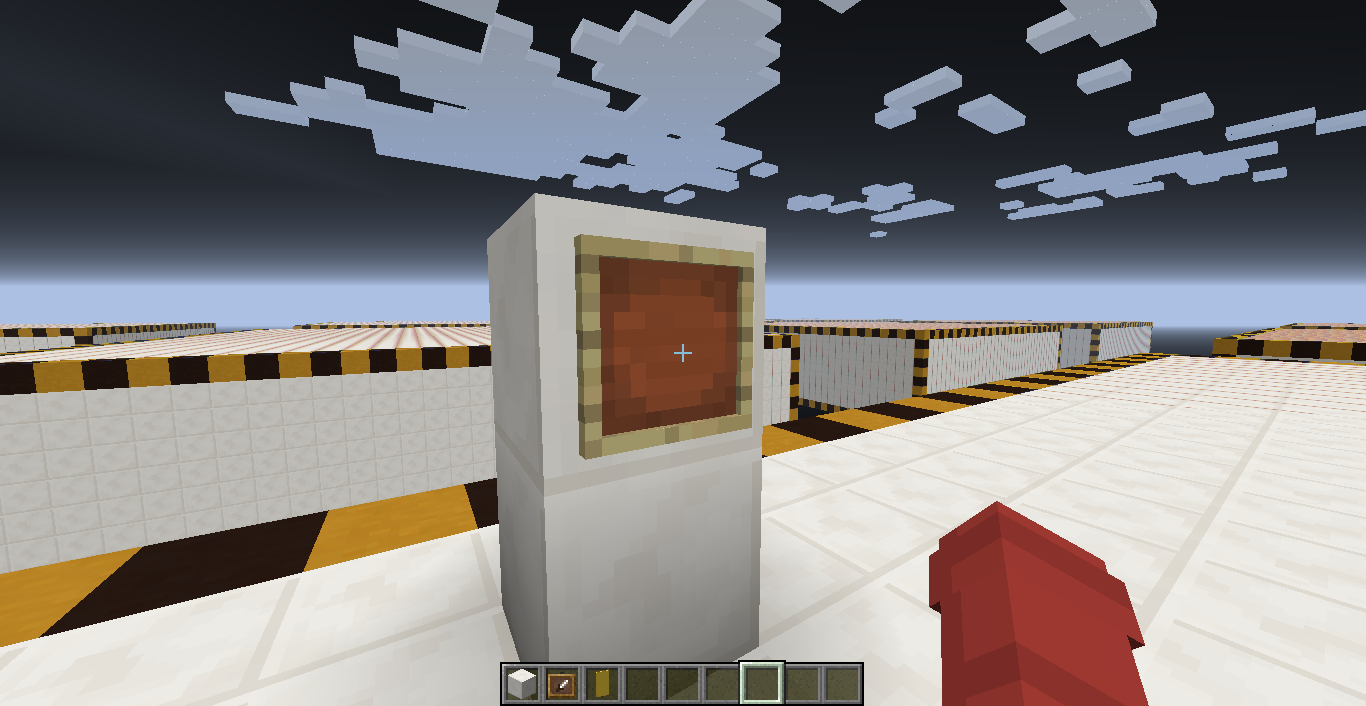
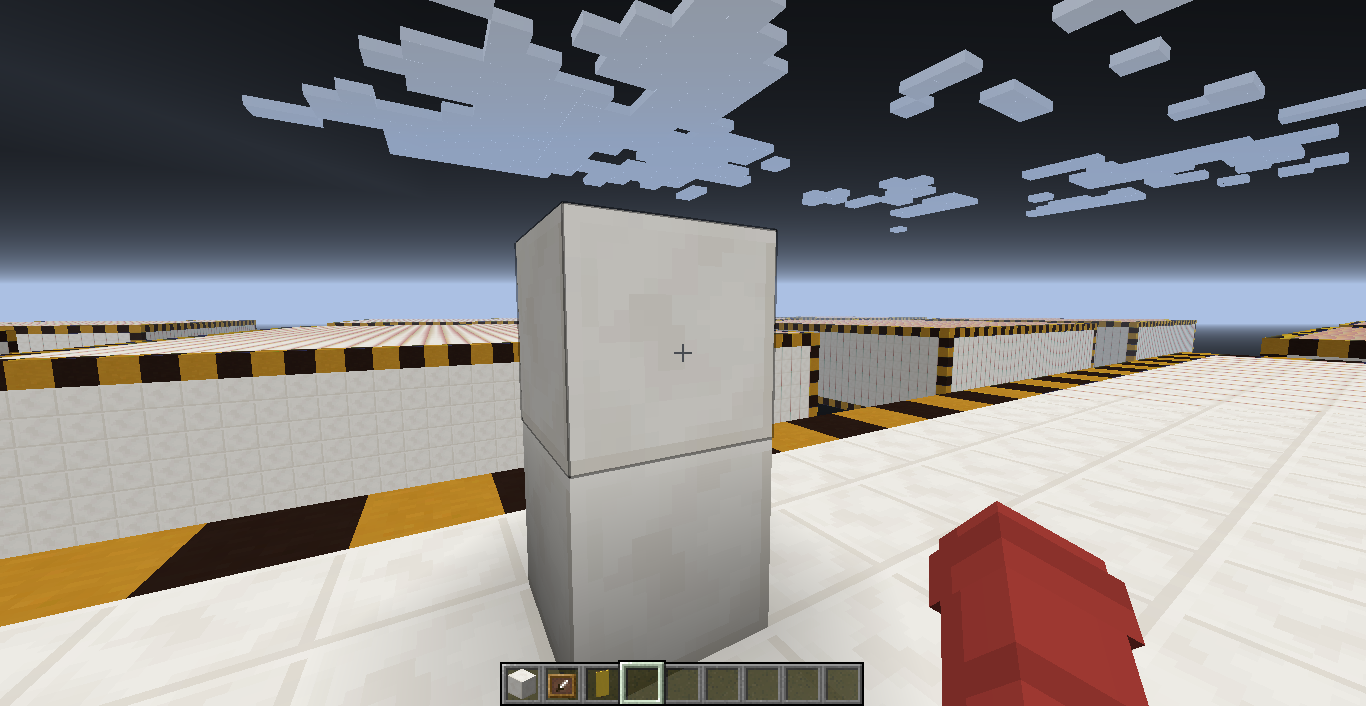
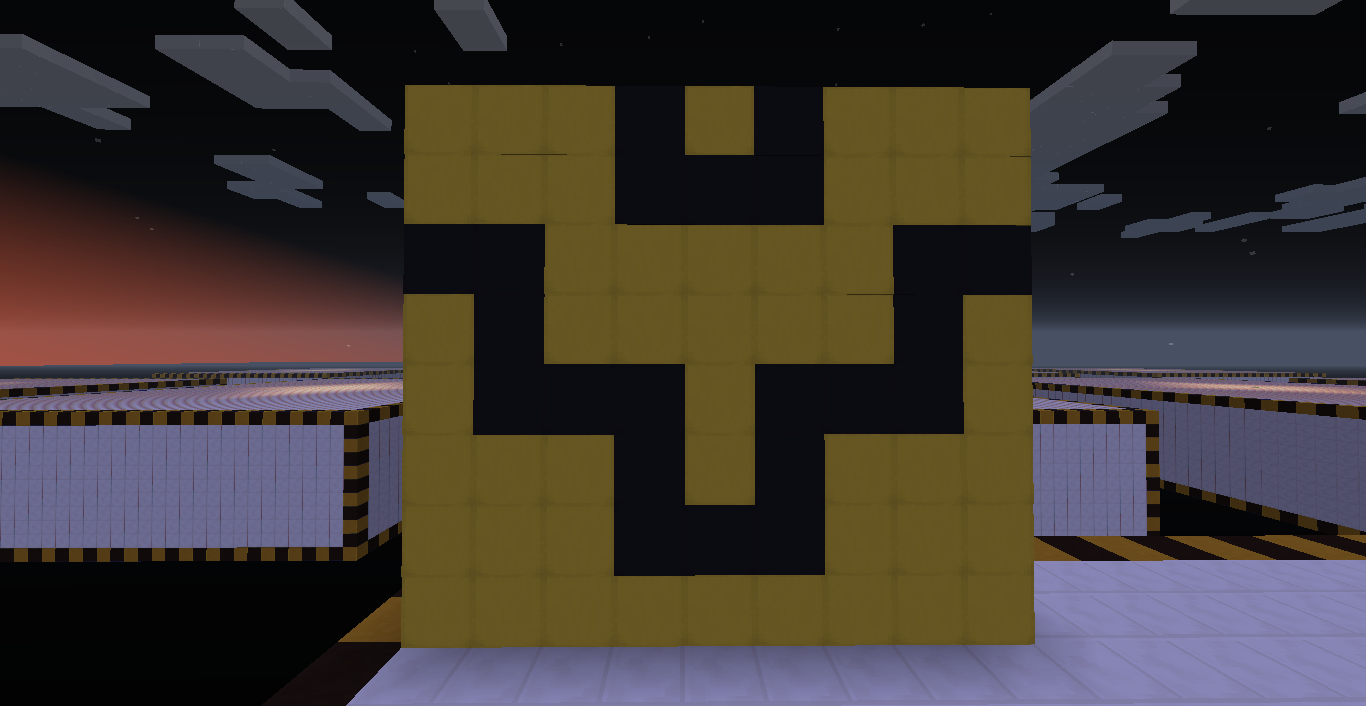
介绍
中文介绍正在准备中,下面暂时显示原文。
Do not write a lot of useless text in small print, just write about how to create such a miracle… and that’s it.
To create a wallpaper, you just need to put a banner in the frame. And yes, even banners with patterns will work, cool, right? Cool banners, by the way, can be easily created on the site minecraft.tools/en/banner, well, or browse and look for those that you need here: minecraft.tools/en/banner-galers.
For us English is not our main language, so please forgive us for the mistakes. Please send them in the comments, thank you.
常见问题
Resource pack: Wallpapers 支持哪些 Minecraft 版本?
Resource pack: Wallpapers 支持 Minecraft Java 版 1.12–1.14.4,共 11 个版本。下载时注意选择和你游戏版本一致的文件。
Resource pack: Wallpapers 怎么安装?
把下载的 .zip 文件(不用解压)放进游戏目录的 resourcepacks 文件夹,进游戏后在「选项 → 资源包」里把它移到右边启用。
评论
登录后评论和评分