
截图
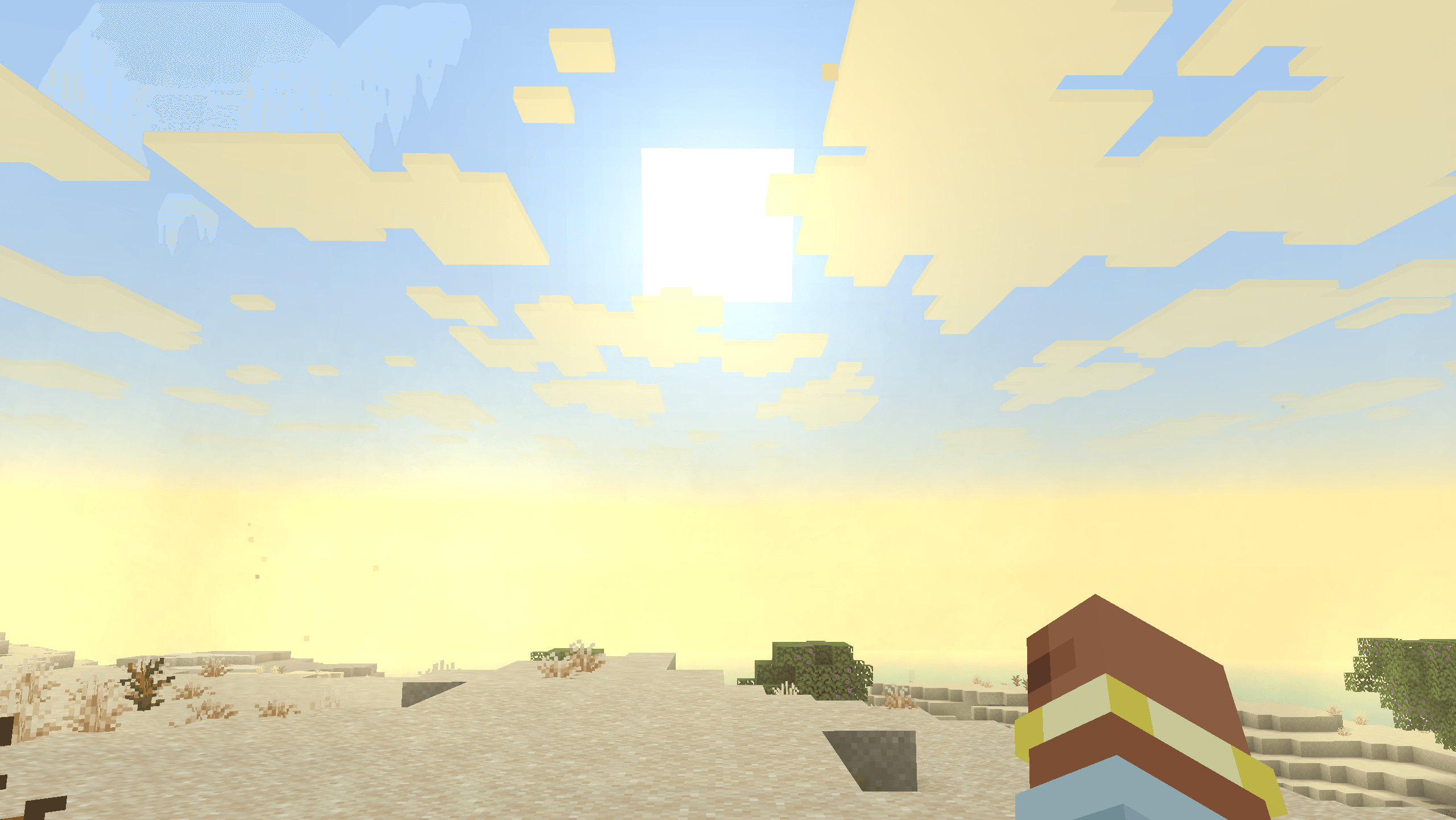
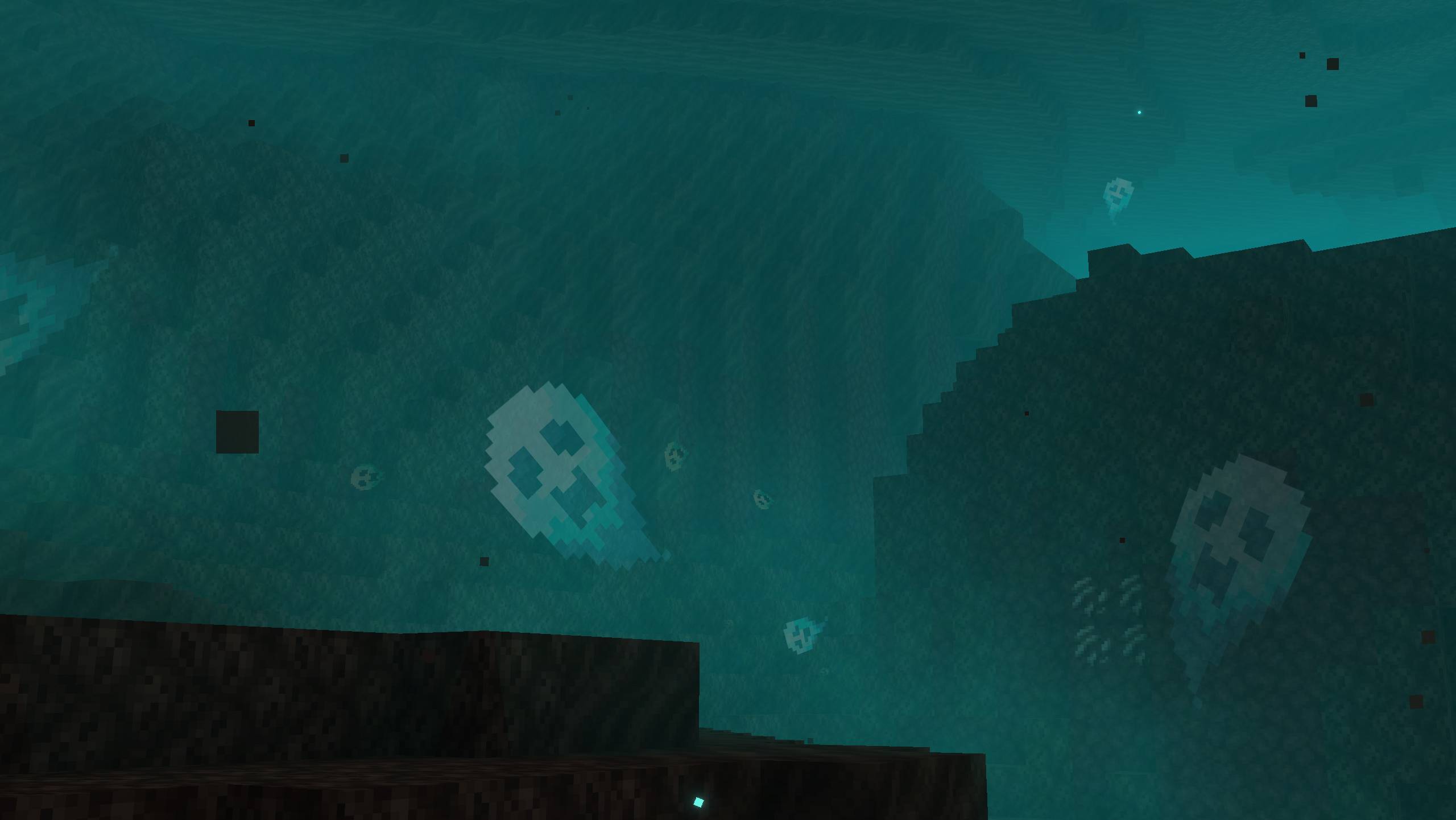
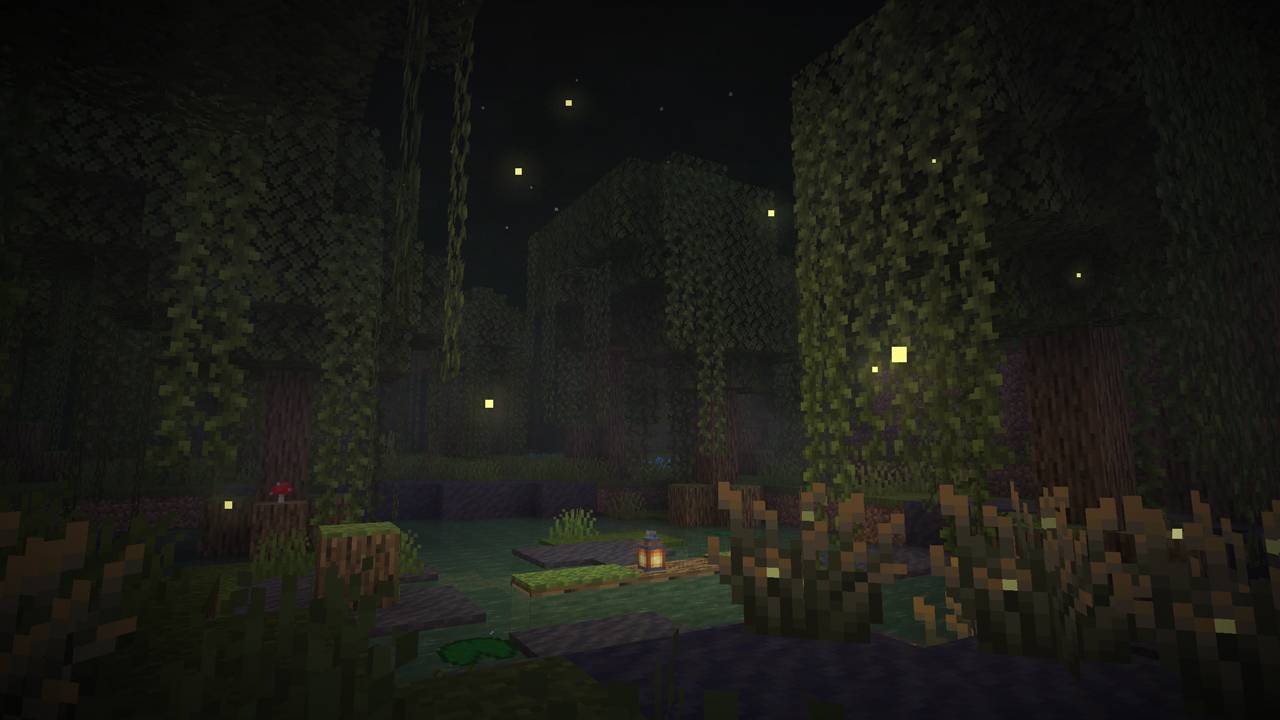
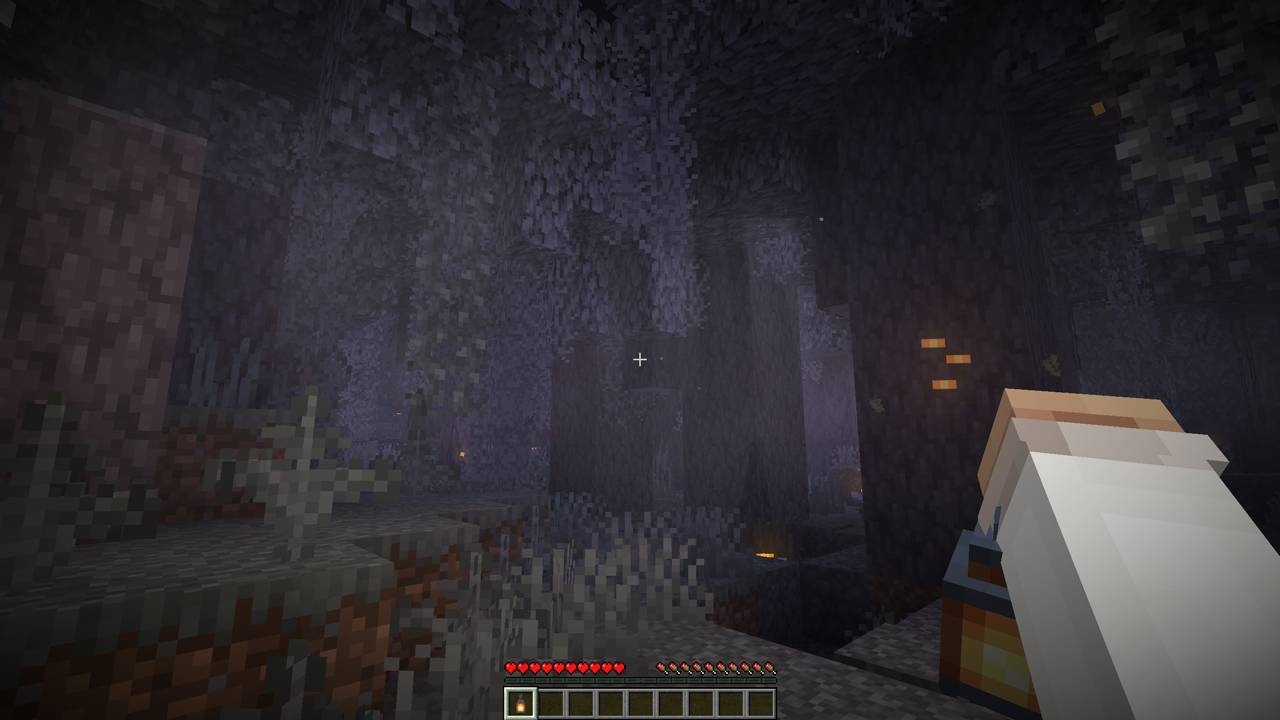
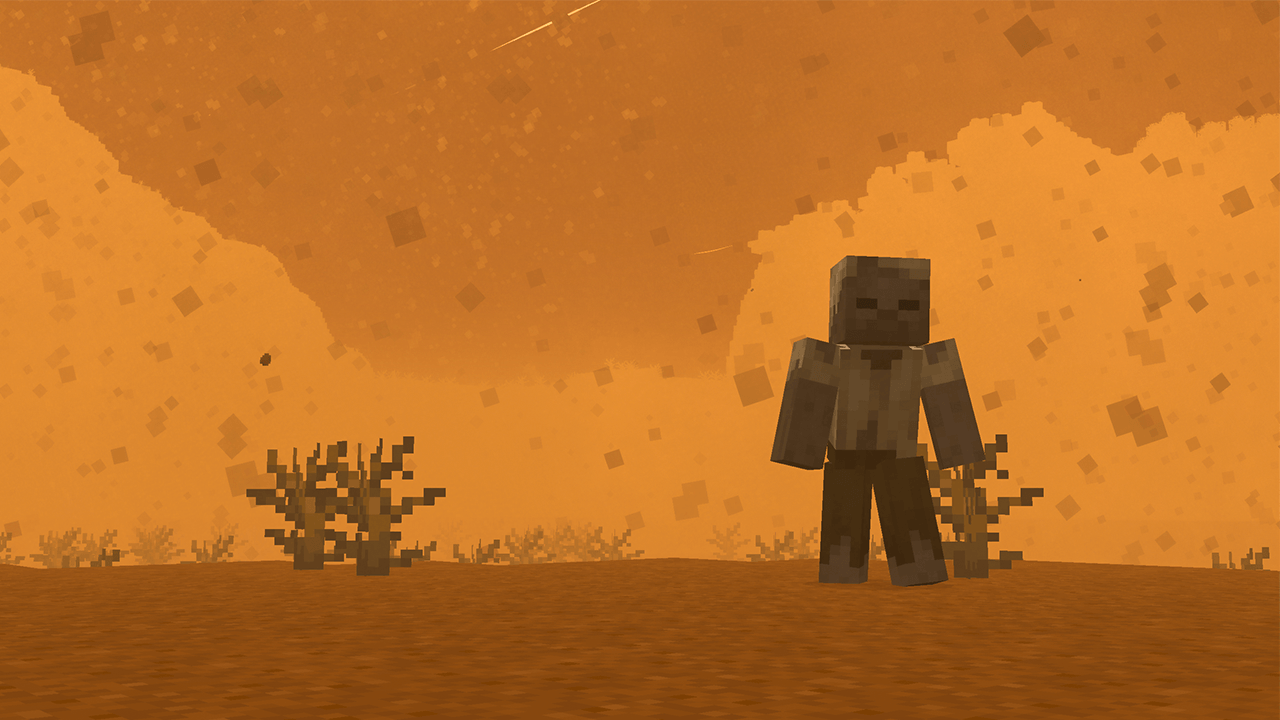
介绍

[](https://www.curseforge.com/minecraft/mc-mods/polytone)
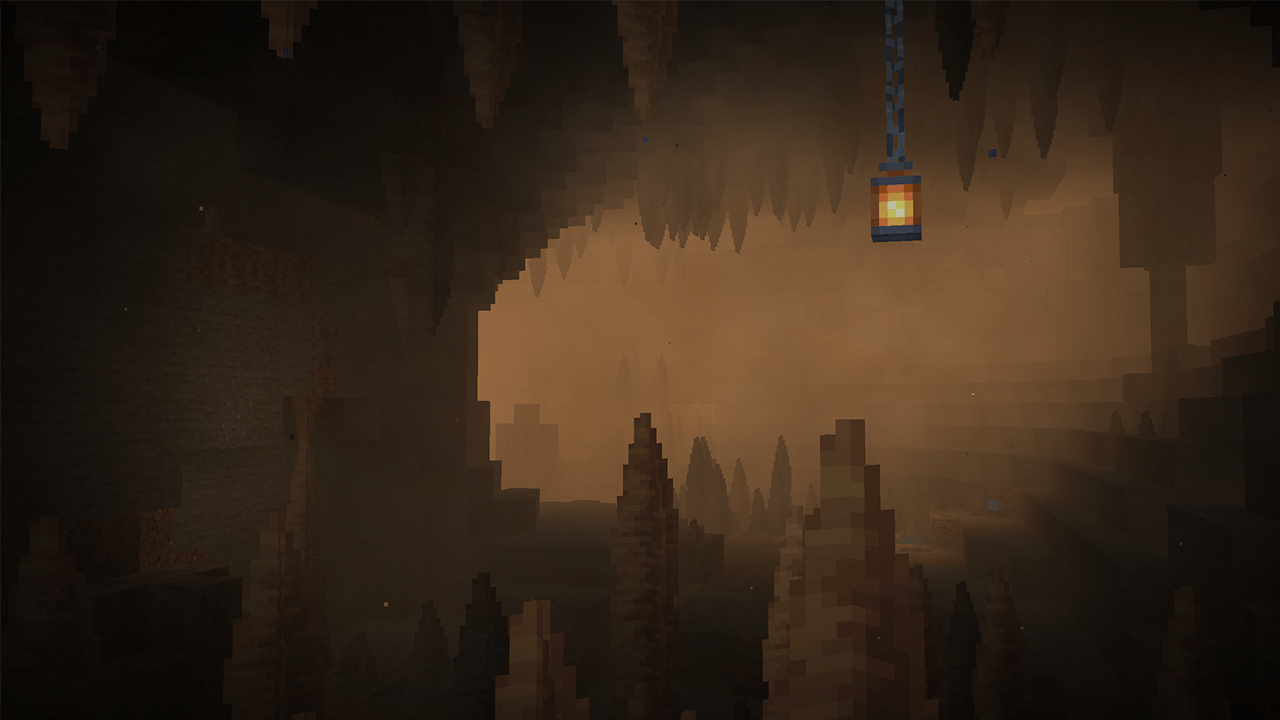
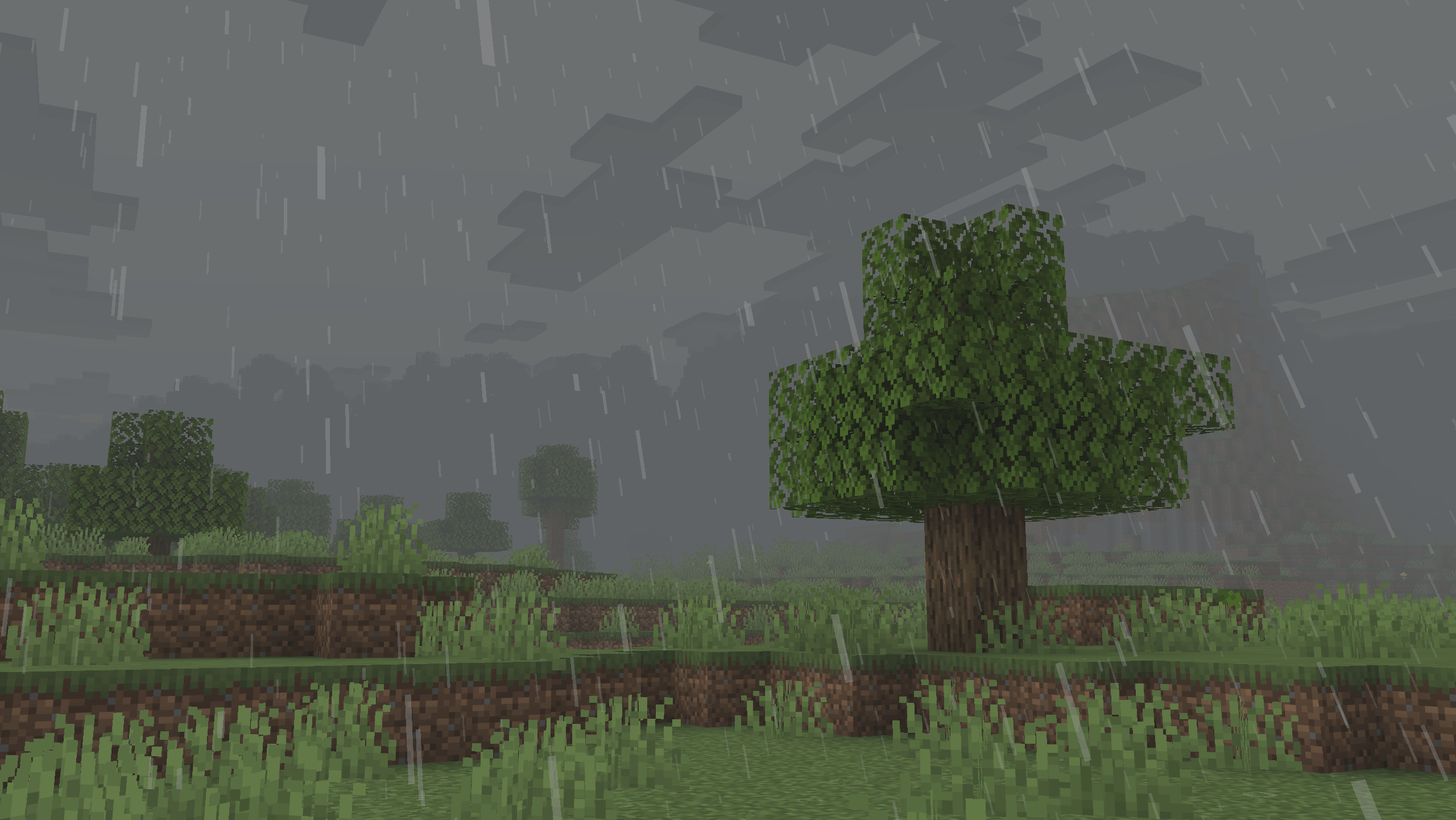
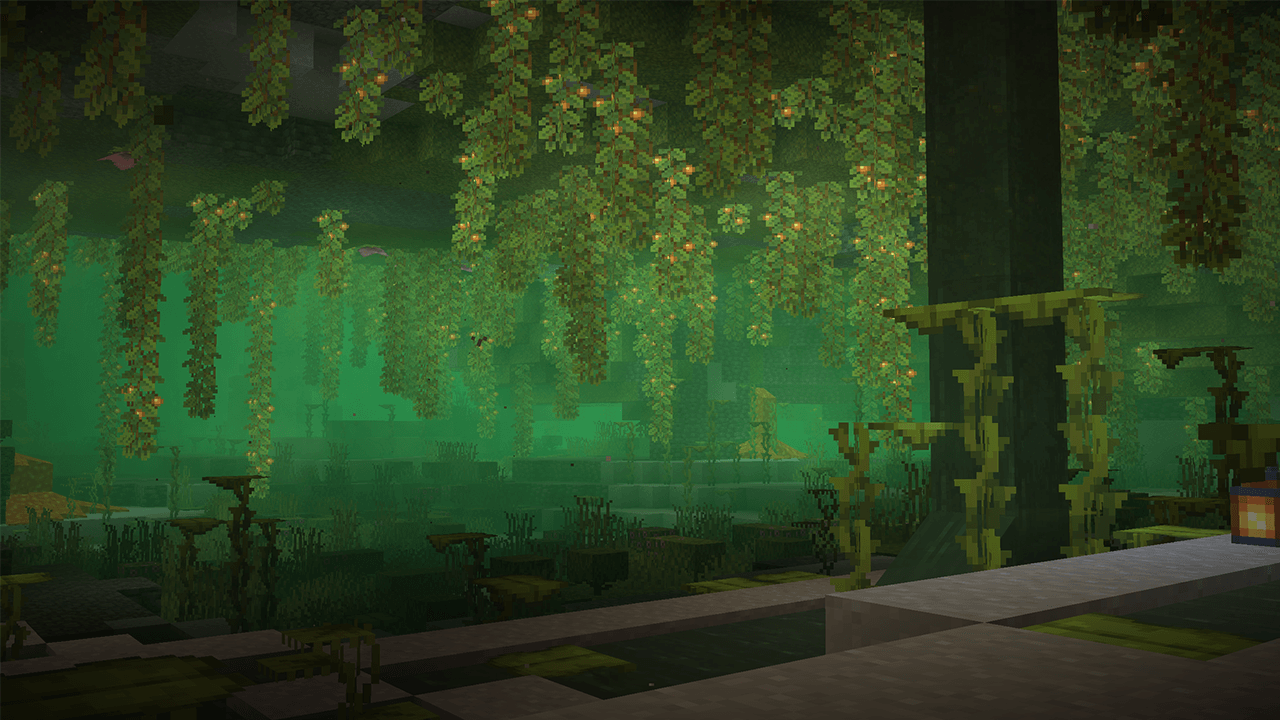
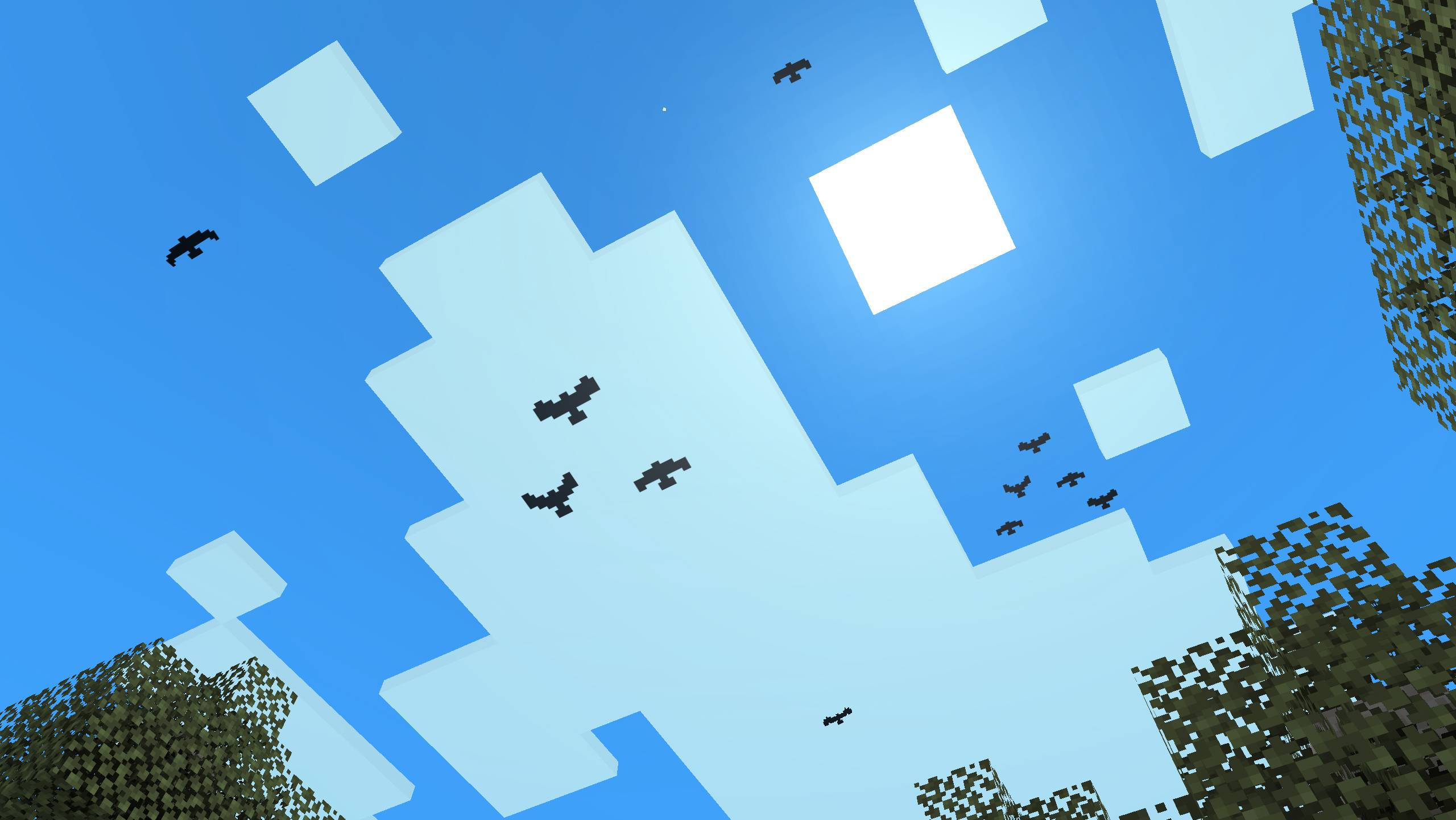
Visual Effects+ transforms Minecraft’s atmosphere with dynamic biome fog, custom particles, weather effects, reworked skies, clouds, and much more.
Features
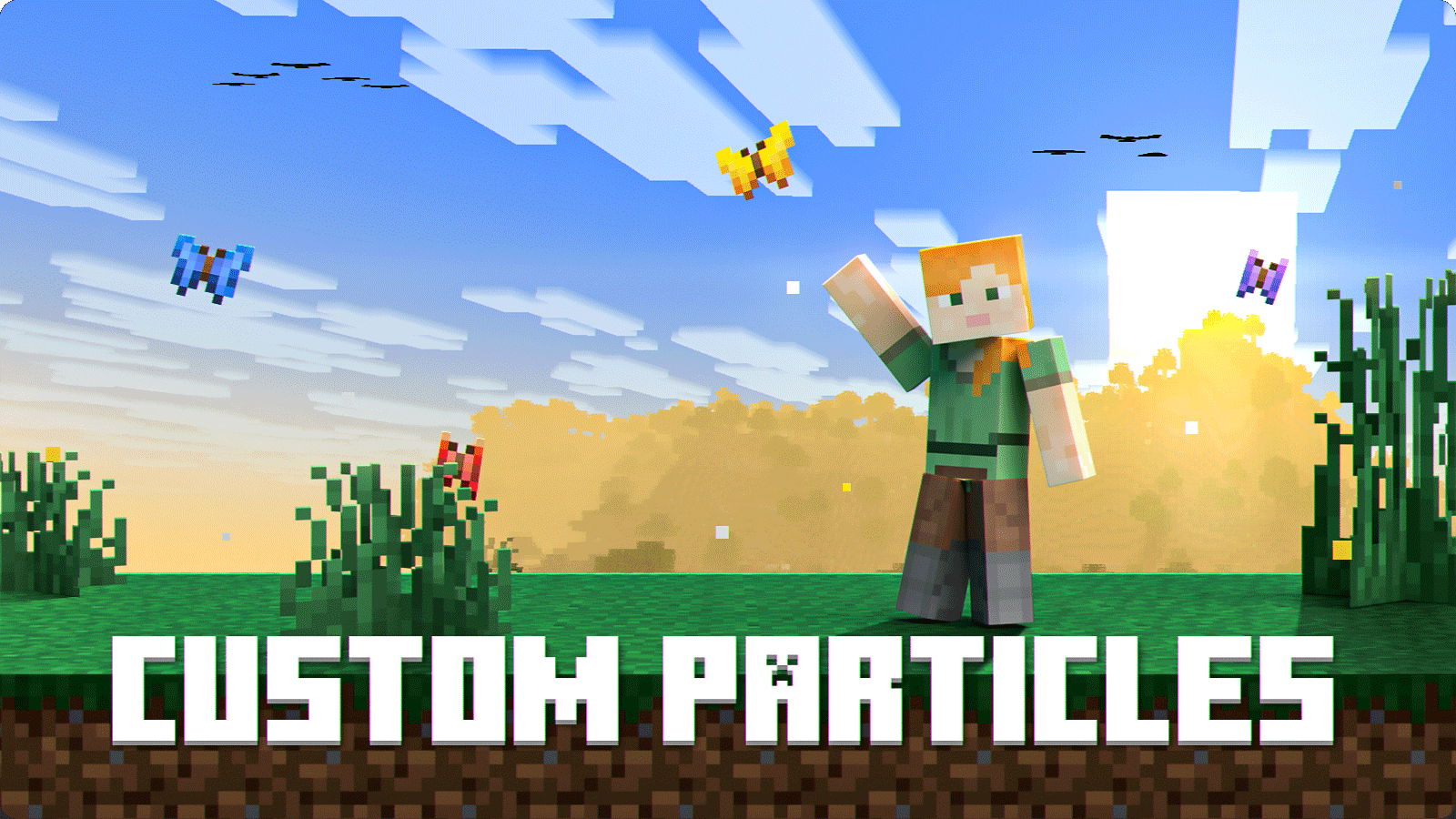
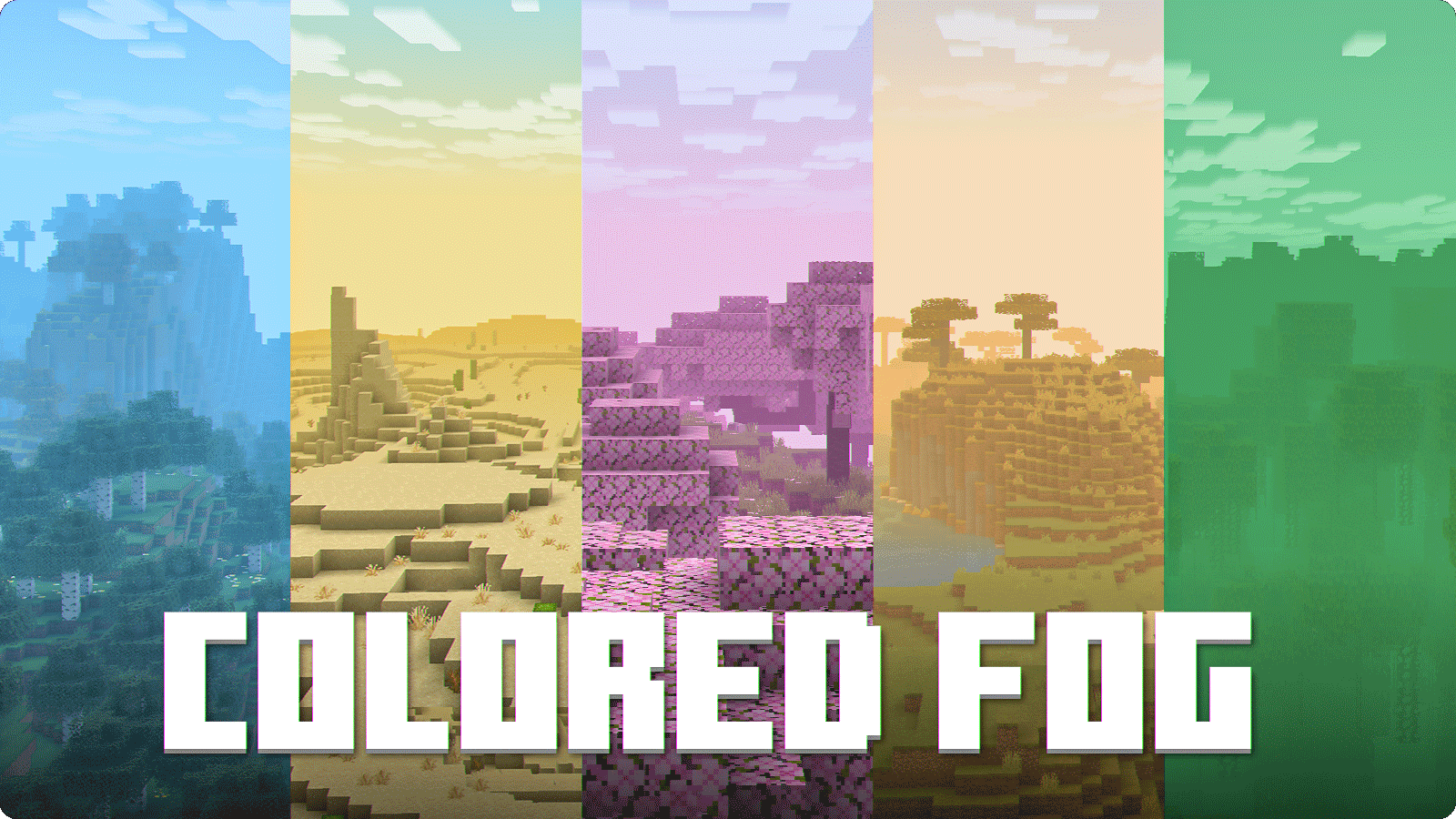
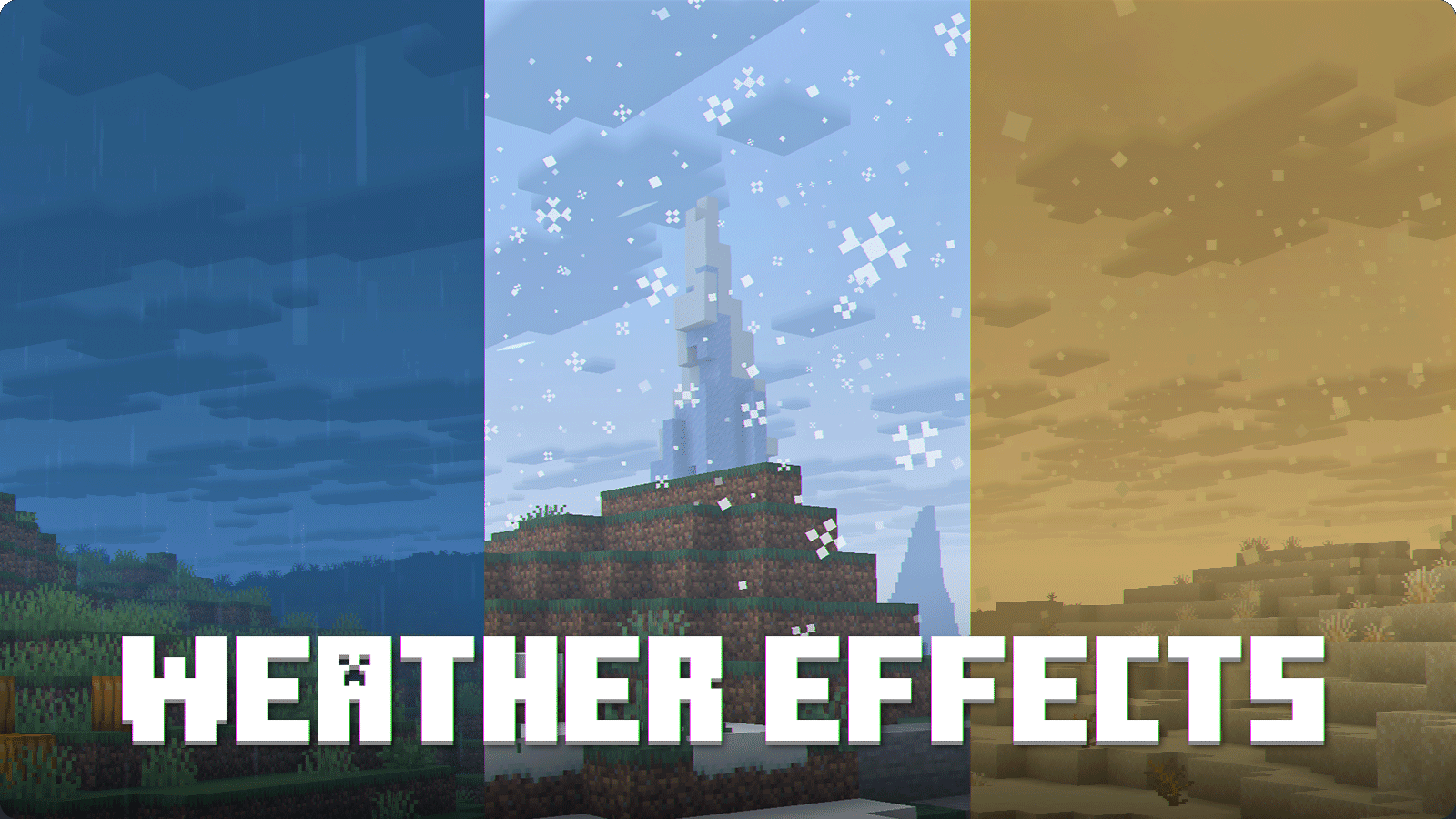
Configuration
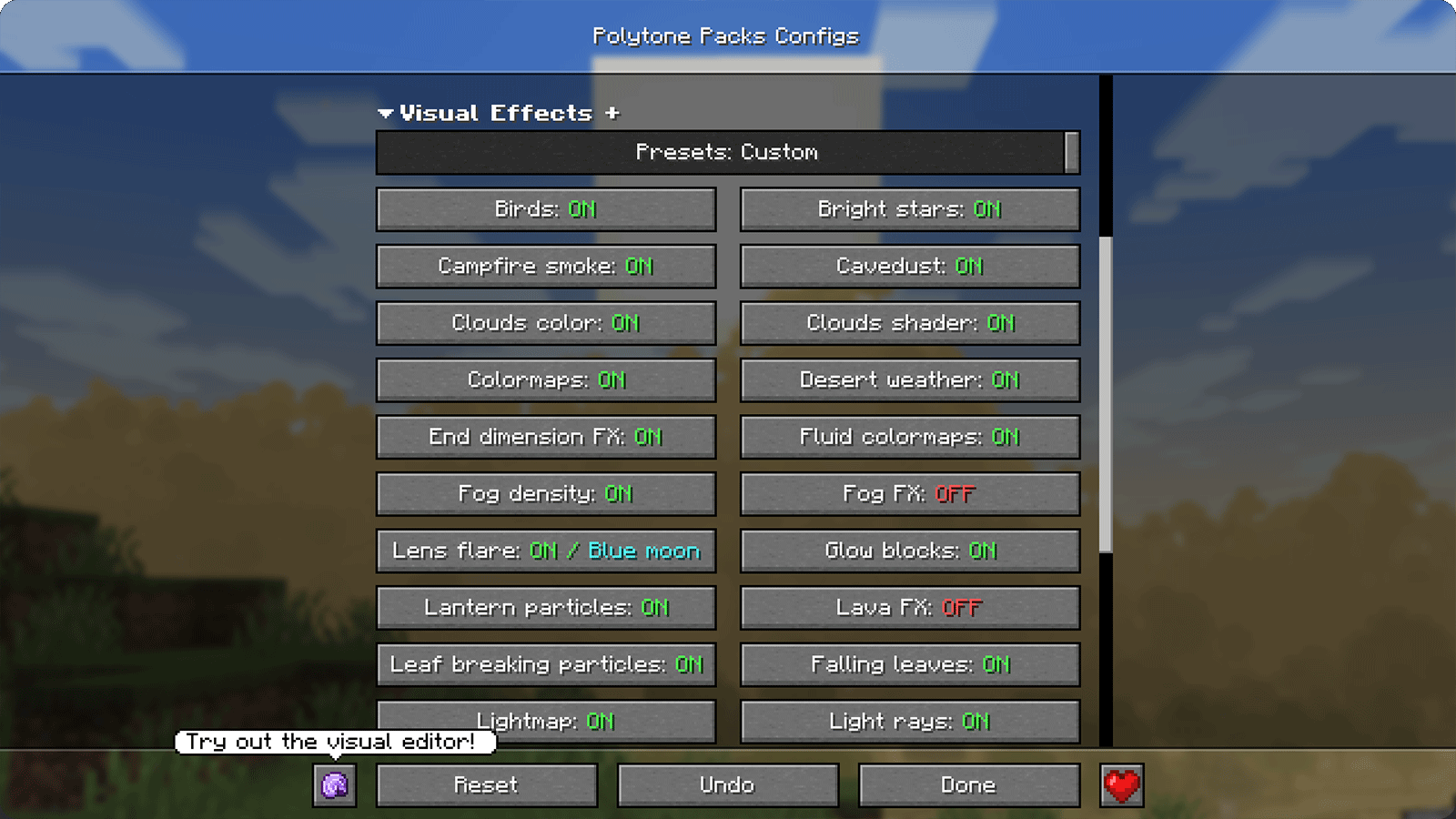
Requirements
- Polytone — required
- AsyncParticles — recommended
- Respackopts — recommended
Recommended Settings
1. Place Visual Effects+ at the top
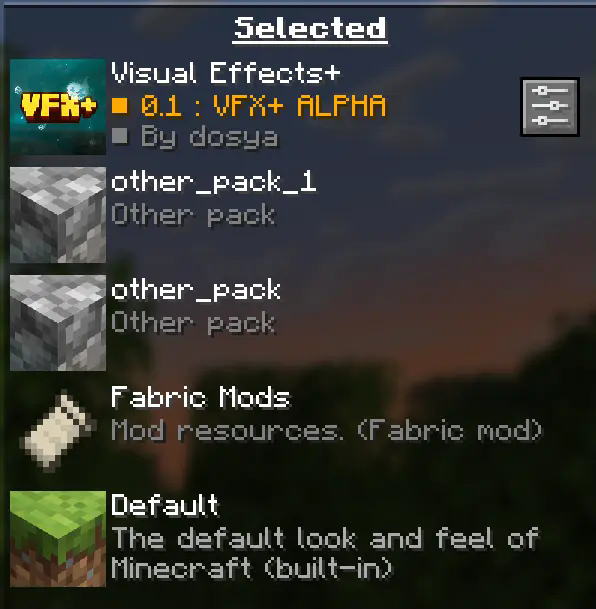
Visual Effects+ should always be placed at the top of the resource-pack list to prevent Polytone-related conflicts.
2. Disable fog occlusion
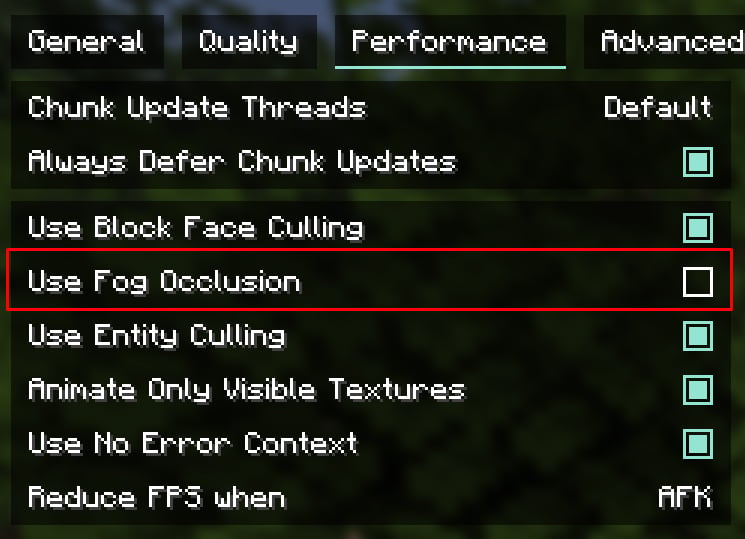
You can find this option in the Performance settings.
On low-end PCs, leave fog occlusion enabled for better performance.
A render distance of 12–16 chunks is recommended, but you can adjust it to suit your system.
Credits
Tealover — testing, suggestions, and other help.
sapling. — testing, suggestions, and other help.
Cubert — helped choose the project name, as well as with testing and suggestions.
Peanut Butter Jelly — testing and suggestions.
VFX+ Discord server — community feedback and support.
sapling. Mods Discord server — community feedback and support.
MehVahdJukaar — development of Polytone and technical assistance.
Support and Links


常见问题
Visual Effects+ 支持哪些 Minecraft 版本?
Visual Effects+ 支持 Minecraft Java 版 1.21.1–1.21.11,共 3 个版本。下载时注意选择和你游戏版本一致的文件。
Visual Effects+ 怎么安装?
把下载的 .zip 文件(不用解压)放进游戏目录的 resourcepacks 文件夹,进游戏后在「选项 → 资源包」里把它移到右边启用。


评论
登录后评论和评分