
截图

介绍
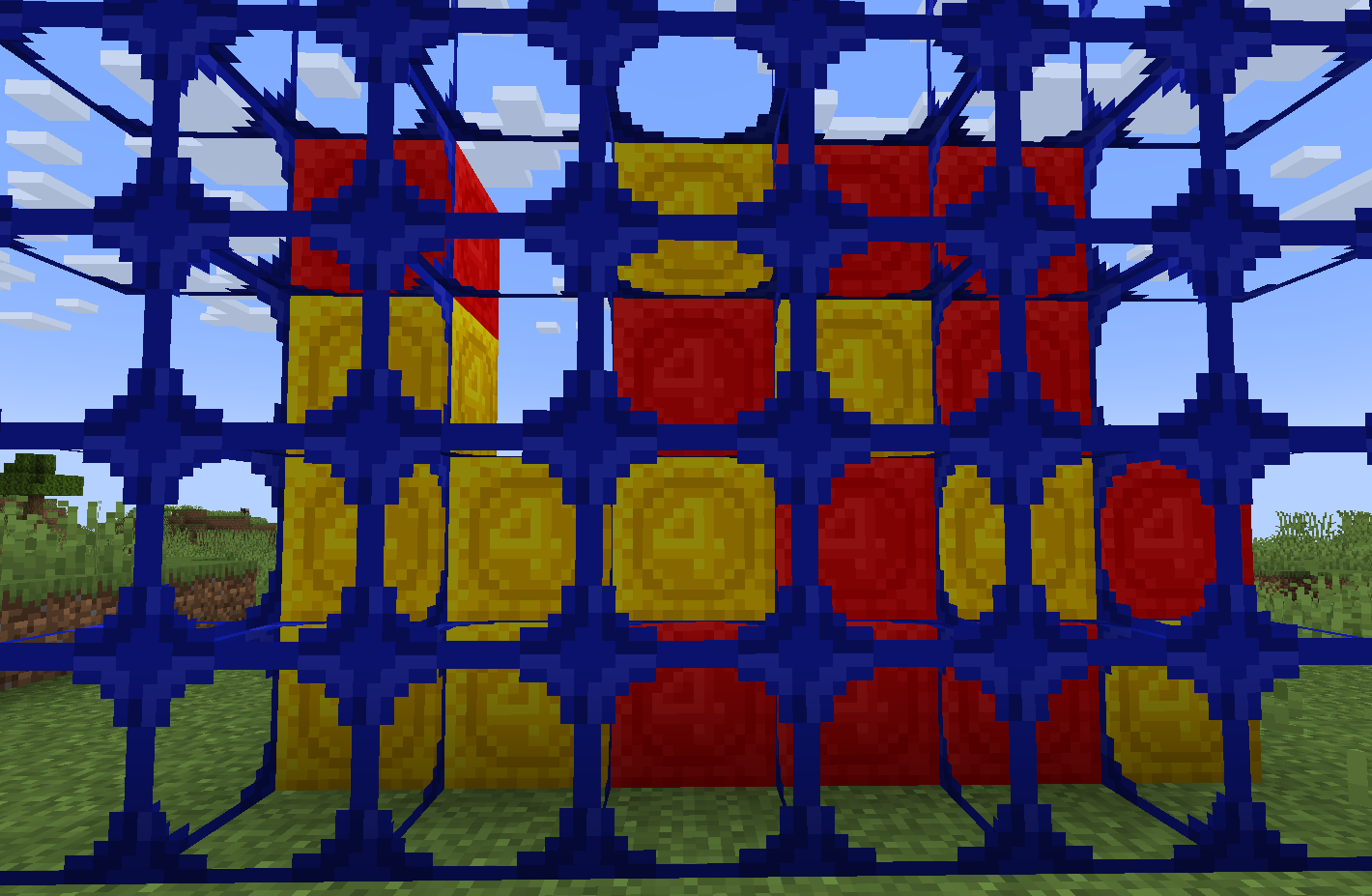
This Texture Pack just adds some Board Games I thought would be Cool in Minecraft (Currently there is just Connect 4, but I am planning to add Guess Who and maybe others in the future)
Connect 4: To set up the board place 1 Scaffolding and stand on it then Right Click the top of it 6 times to make it 7 blocks long. Then Shift Right Click the top of it to place one on top, Right Click it 6 times to make it 7 blocks long (Repeat this step until the Scaffold is 6 blocks tall) Place Red and Yellow Concrete Powder infront of the top Scaffolding to Play. Once someone has Connected 4 Go to the back to see the Pieces with the Board infront of them. (If you make a version with Pistons activated from afar you can have Scaffolding on both sides to make it look better)
常见问题
Vanilla Board Games 支持哪些 Minecraft 版本?
Vanilla Board Games 支持 Minecraft Java 版 1.21–1.21.1,共 2 个版本。下载时注意选择和你游戏版本一致的文件。
Vanilla Board Games 怎么安装?
把下载的 .zip 文件(不用解压)放进游戏目录的 resourcepacks 文件夹,进游戏后在「选项 → 资源包」里把它移到右边启用。
PizzaPenguin 的其他作品
查看全部 →
Animated Ores
Animates Ore Textures to make them more Noticeable

Visible String
Makes the String Model wider and the String Texture more Visible so you can see it

3D Items
Replaces Random Item Models with 3D Items

LEGO Star Wars Lightsabers
Replaces Swords with 3D Animated Lightsabers made of LEGO Bricks
评论
登录后评论和评分