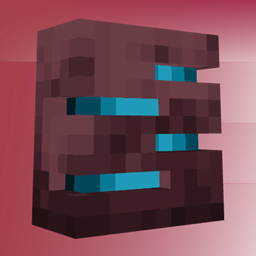
3D Trims Reimagined
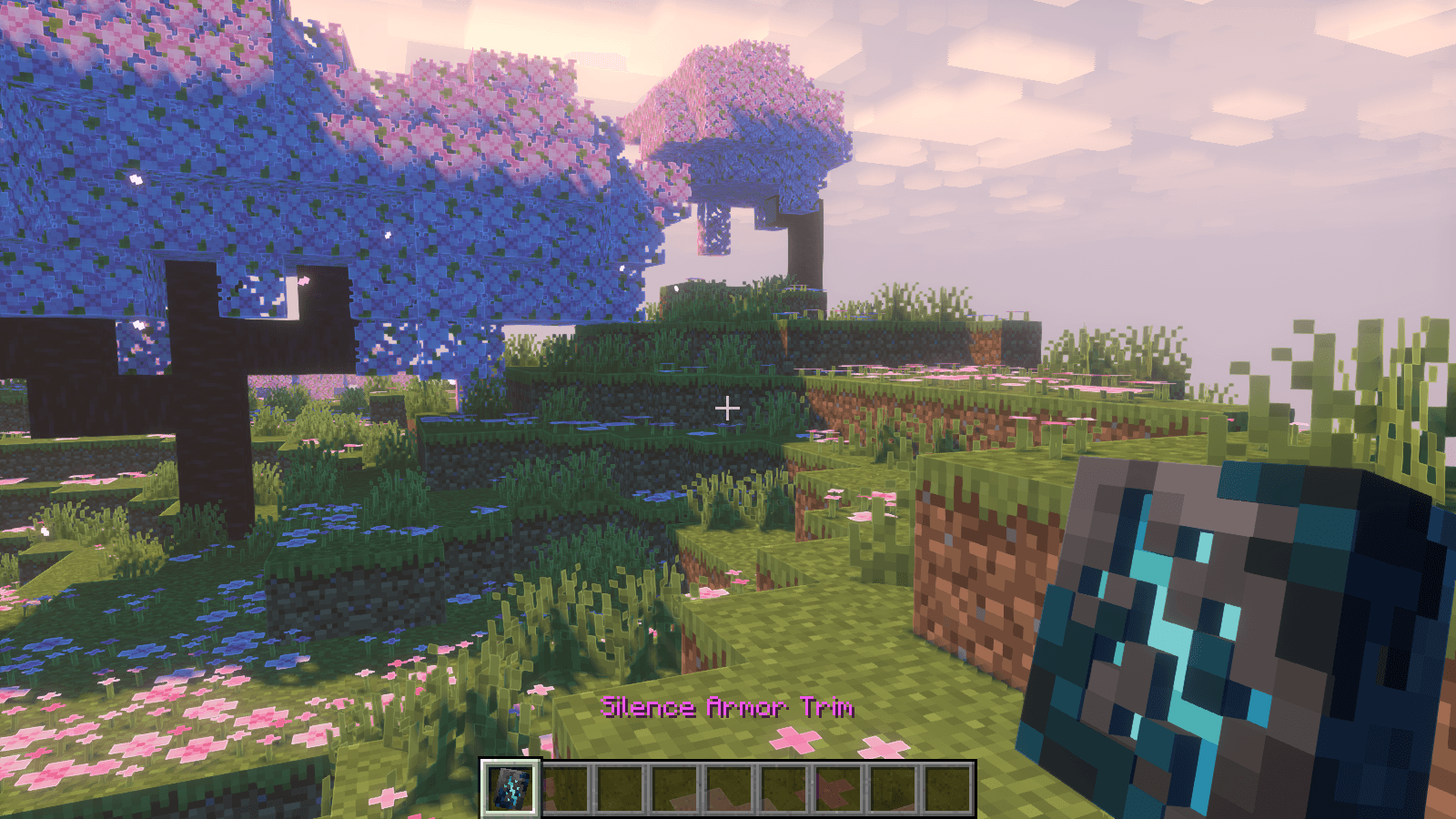
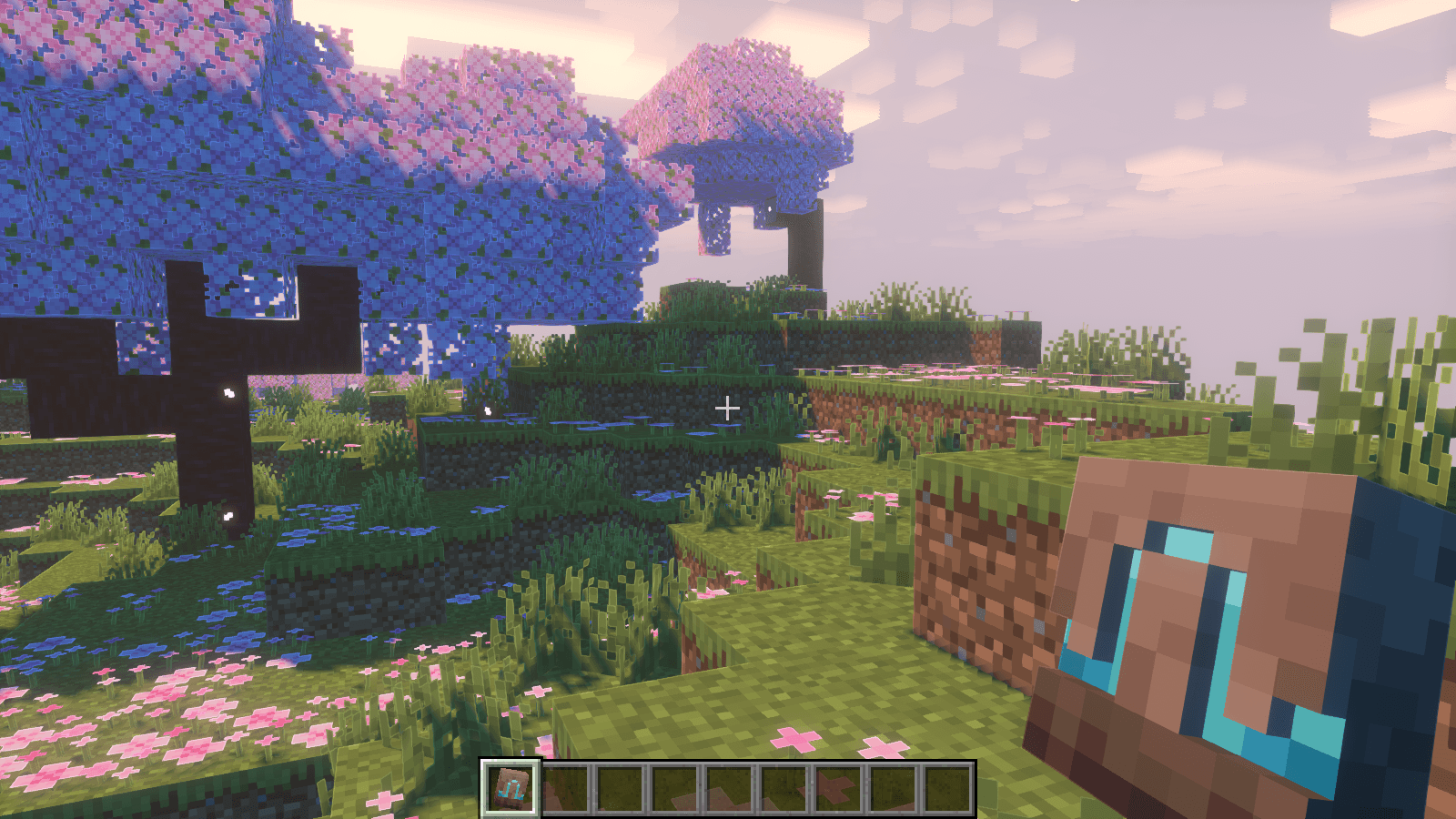
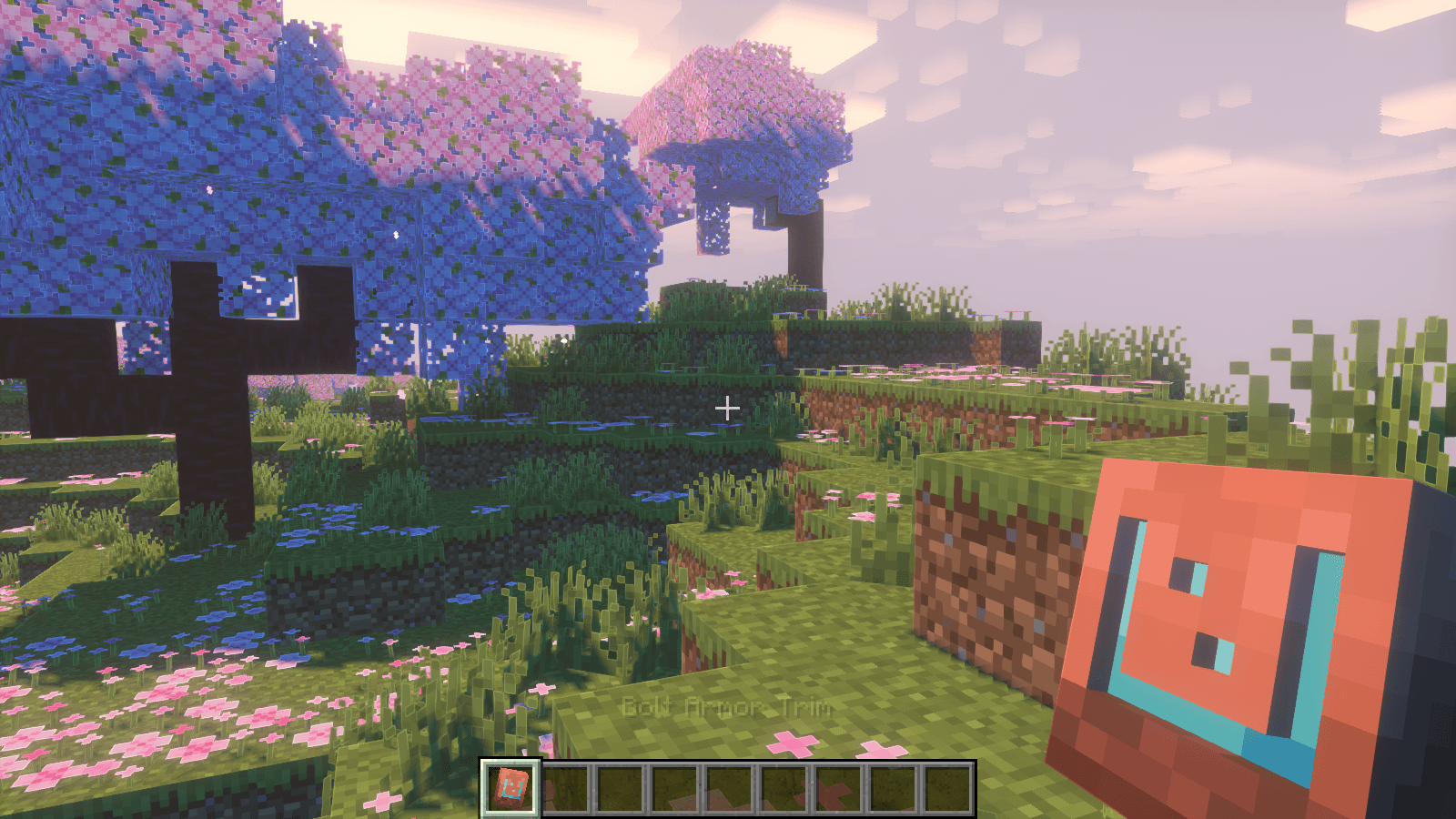
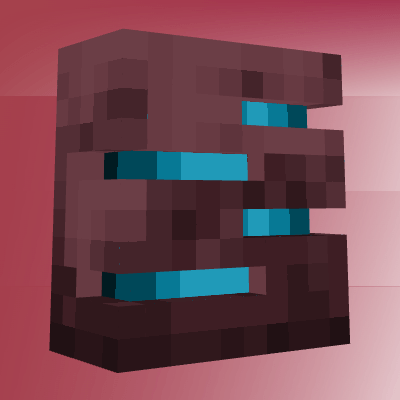
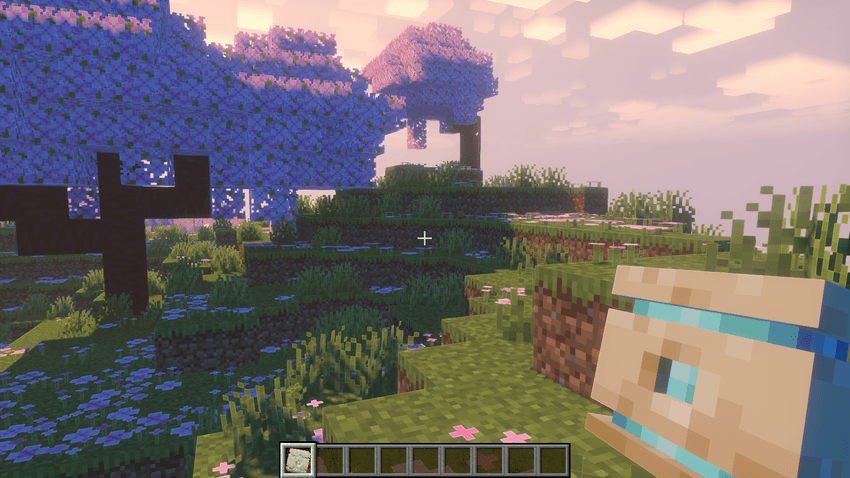
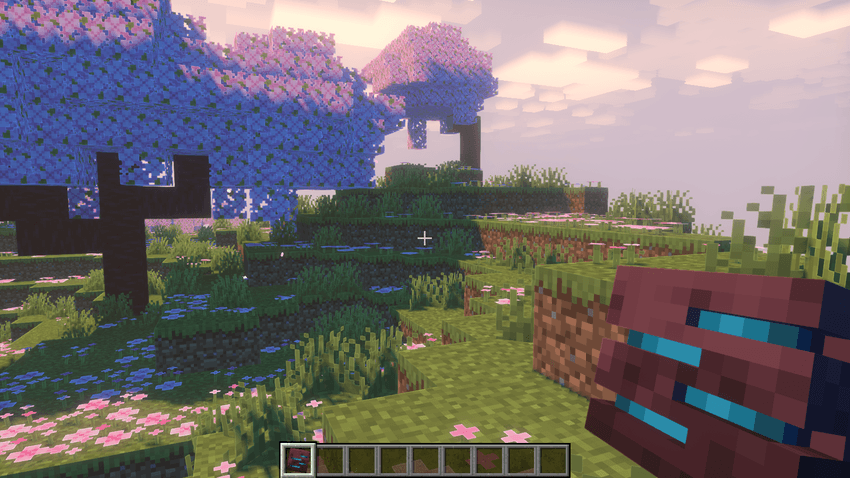
Turn Minecraft's flat armor trims and smithing templates into detailed 3D models while keeping the vanilla Minecraft style.
截图
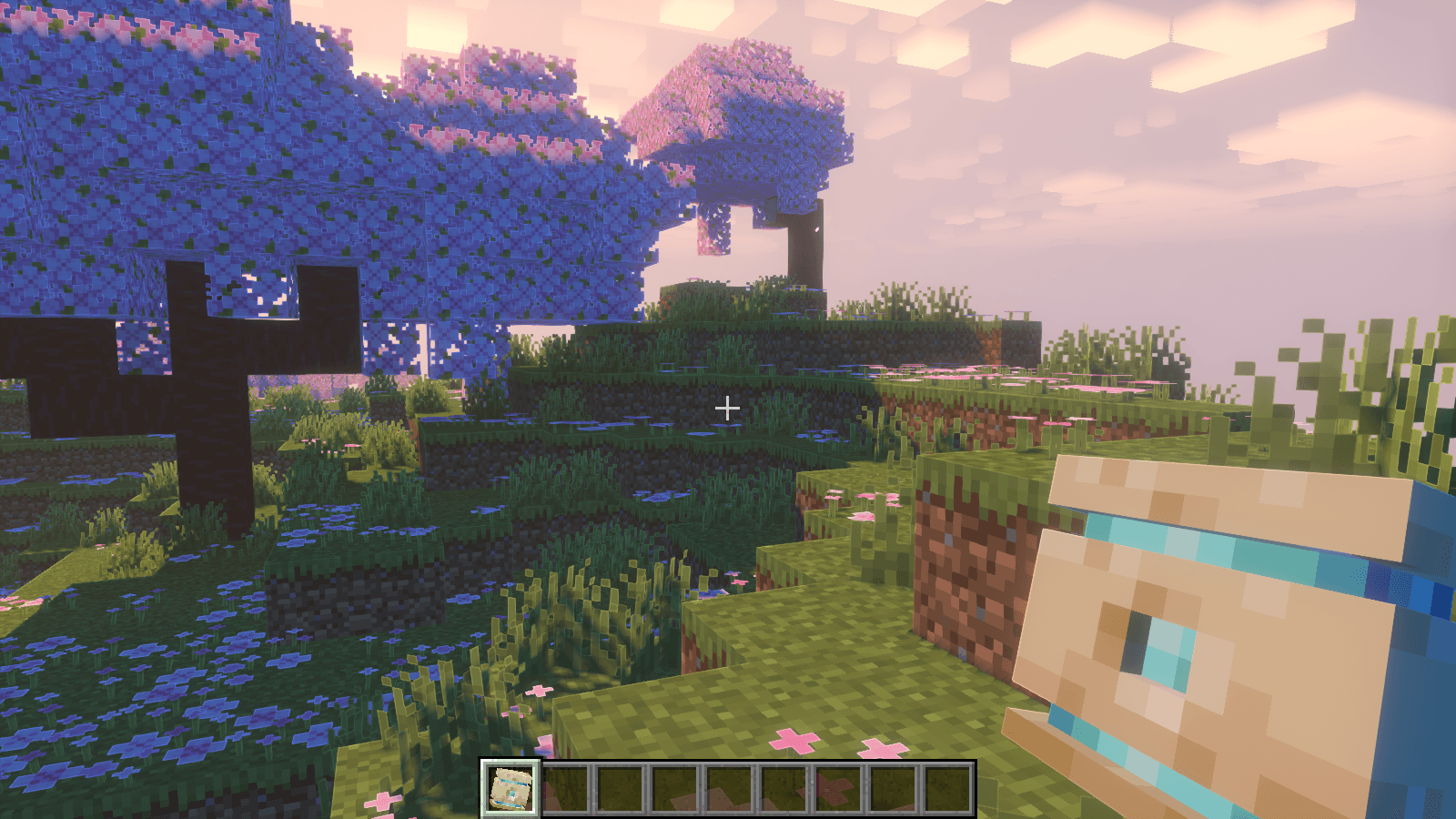
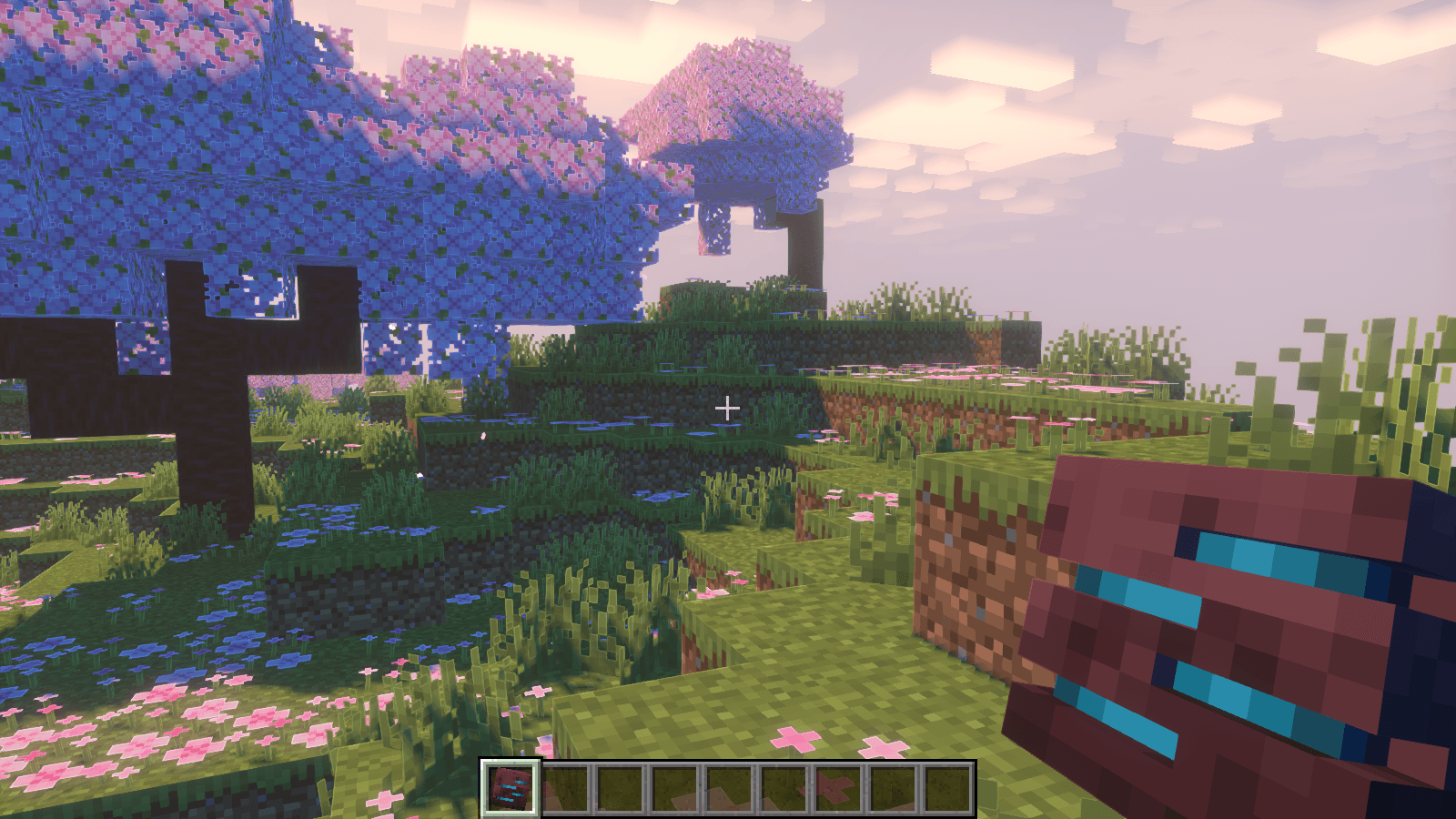
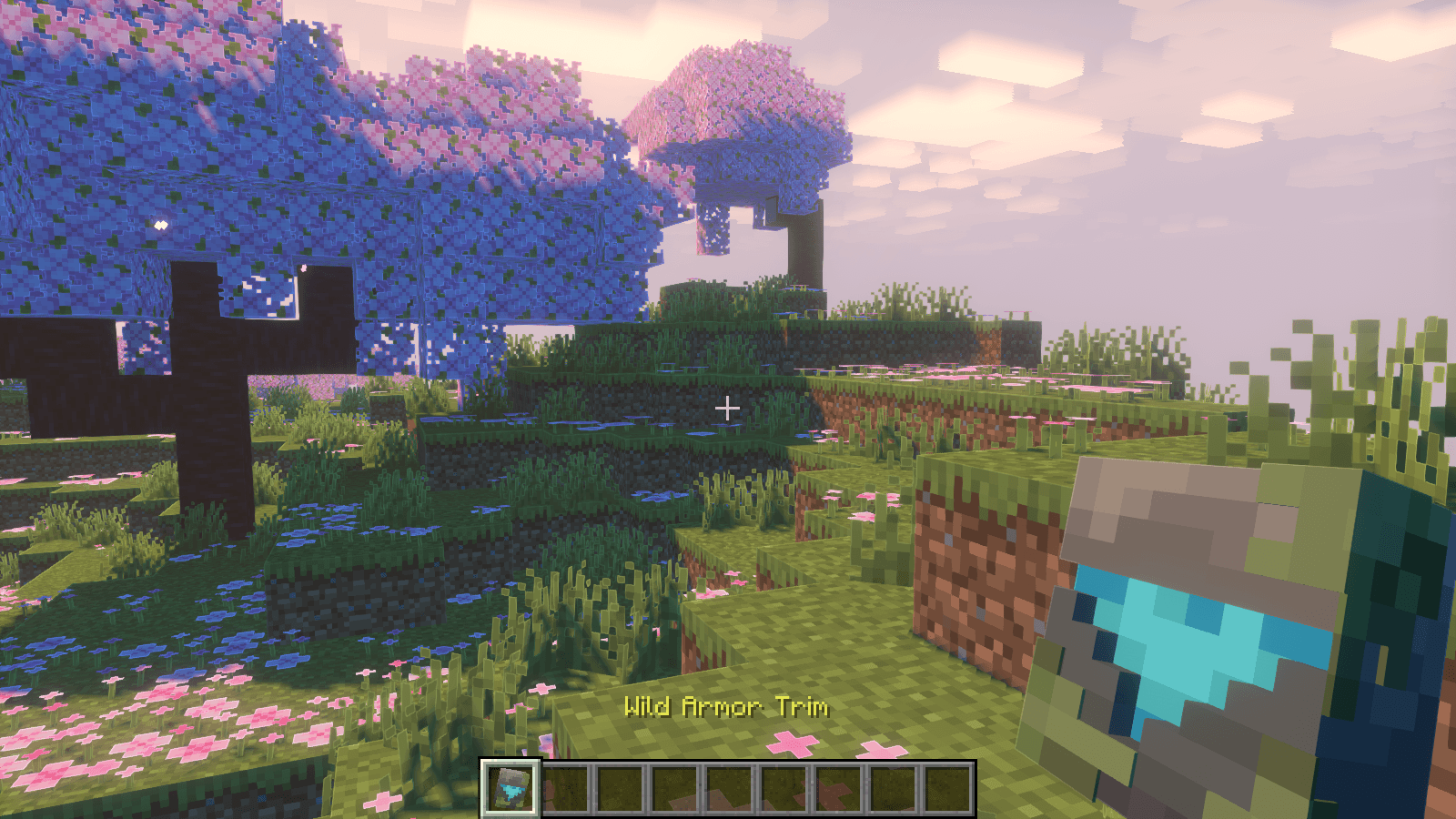
介绍
3D Trims Reimagined
3D Trims Reimagined is a Minecraft resource pack that transforms vanilla armor trims and smithing templates into detailed 3D models.Give your armor trims more depth while keeping the original vanilla Minecraft style.
Features
- 3D Armor Trims
- 3D Smithing Templates
- Vanilla-friendly design
- No mods required
What It Changes
This pack focuses on armor trims and smithing templates, giving them a 3D reimagining without changing Minecraft’s gameplay.
Check the gallery to see the 3D armor trims and smithing templates in-game.
Installation
1. Download the latest version.
2. Open Minecraft’s Resource Packs menu.
3. Place the pack in your resourcepacks folder.
4. Enable 3D Trims Reimagined.
More models and improvements may be added in future updates.
Created by Zensiyoo.
常见问题
3D Trims Reimagined 支持哪些 Minecraft 版本?
3D Trims Reimagined 支持 Minecraft Java 版 1.21.11–26.3,共 6 个版本。下载时注意选择和你游戏版本一致的文件。
3D Trims Reimagined 怎么安装?
把下载的 .zip 文件(不用解压)放进游戏目录的 resourcepacks 文件夹,进游戏后在「选项 → 资源包」里把它移到右边启用。
Zensiyoo 的其他作品
查看全部 →
Items 3D
一款高品质材质包,将 Minecraft 物品从 2D 升级为时尚的 3D 模型,提升细节、立体感与沉浸感,同时保持轻量,不偏离原版风格。
Bedwars Remastered
一款专为竞技 BedWars 和 PvP 打造的材质包,画面简洁清晰、性能友好,同时保留原版风格。

Purple Dragon Wings
一款紫色龙主题的鞘翅材质,为 Minecraft 飞行增添大胆的奇幻风格。
Bedwars & PVP Pack (by Zensiyoo)
这款资源包专为追求清爽、流畅且竞技性十足的 PvP 体验而设计,适合起床战争、空岛战争等 PvP 模式,着重提升画面清晰度、可见性和性能。
评论
登录后评论和评分