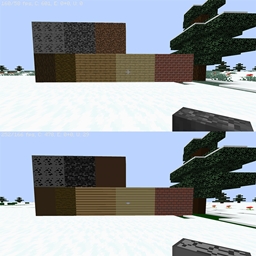
截图
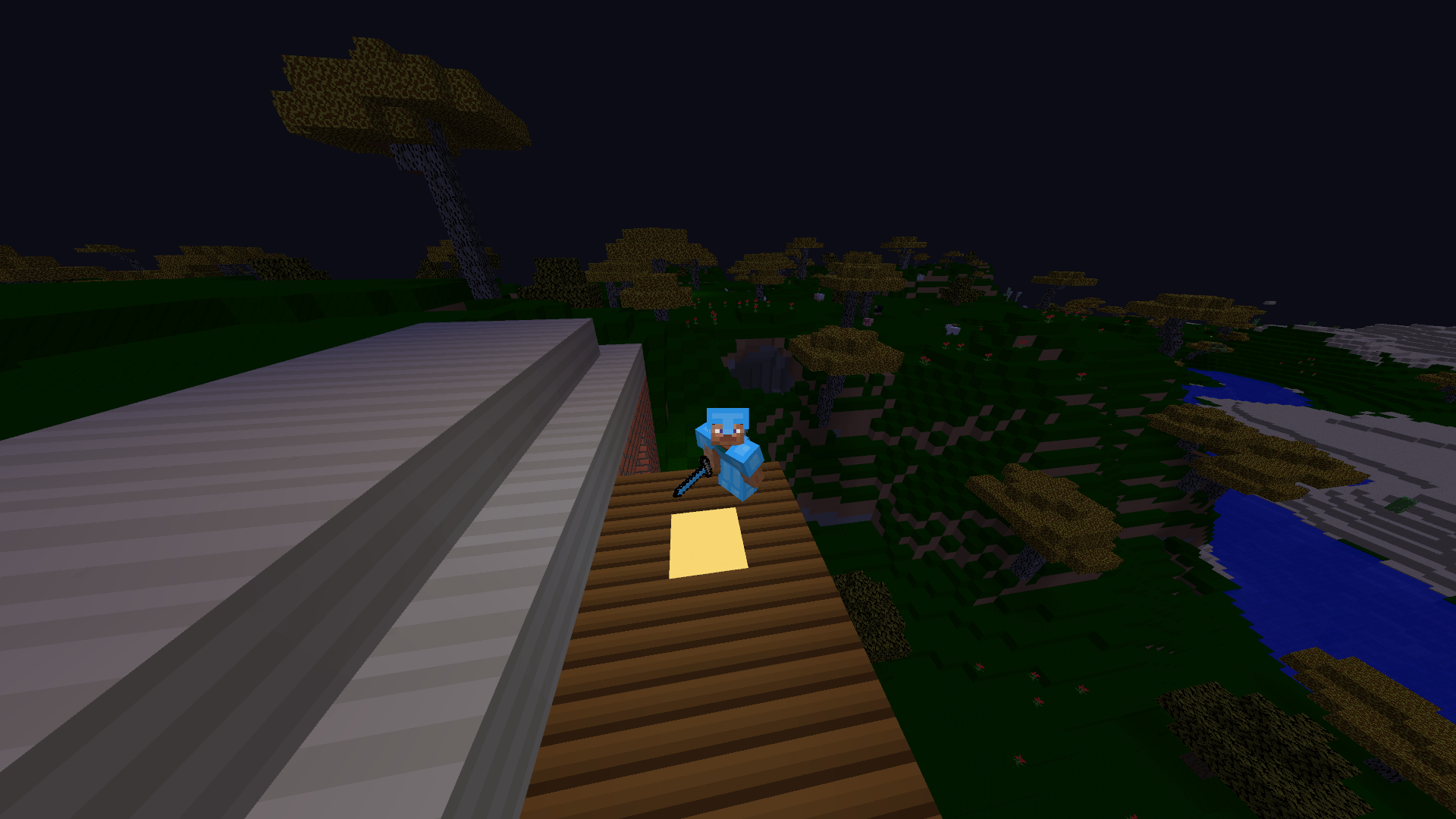
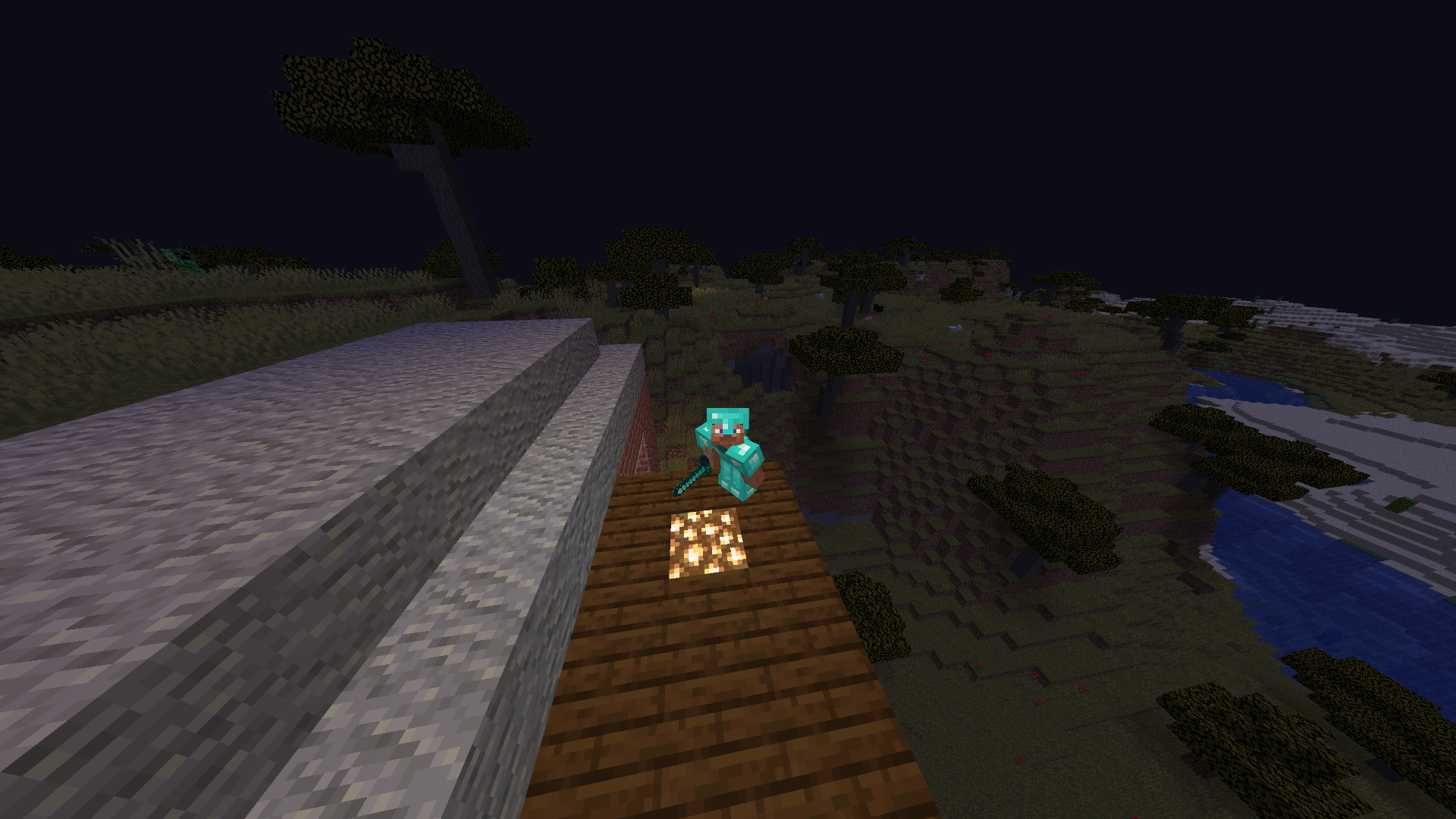
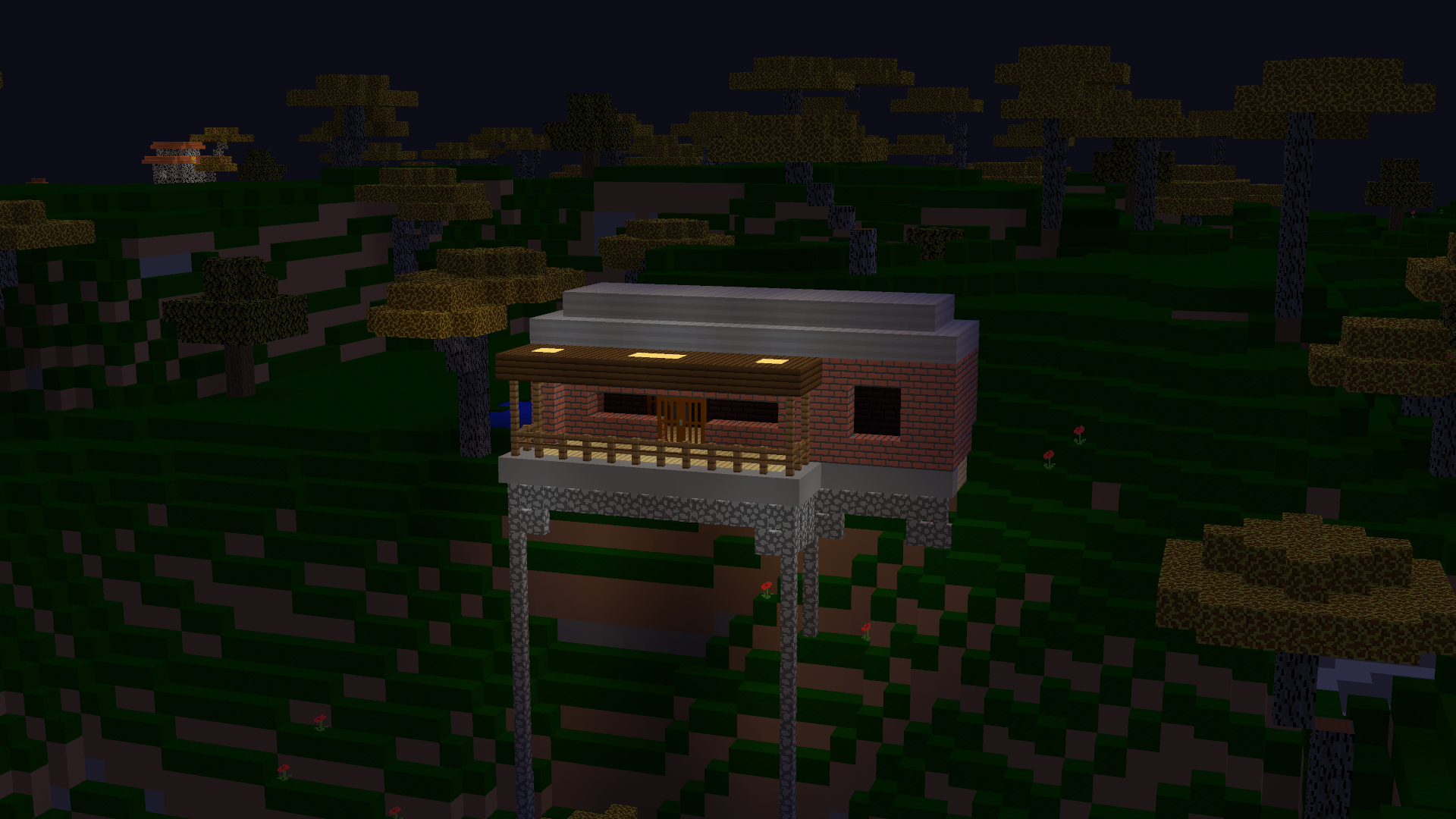
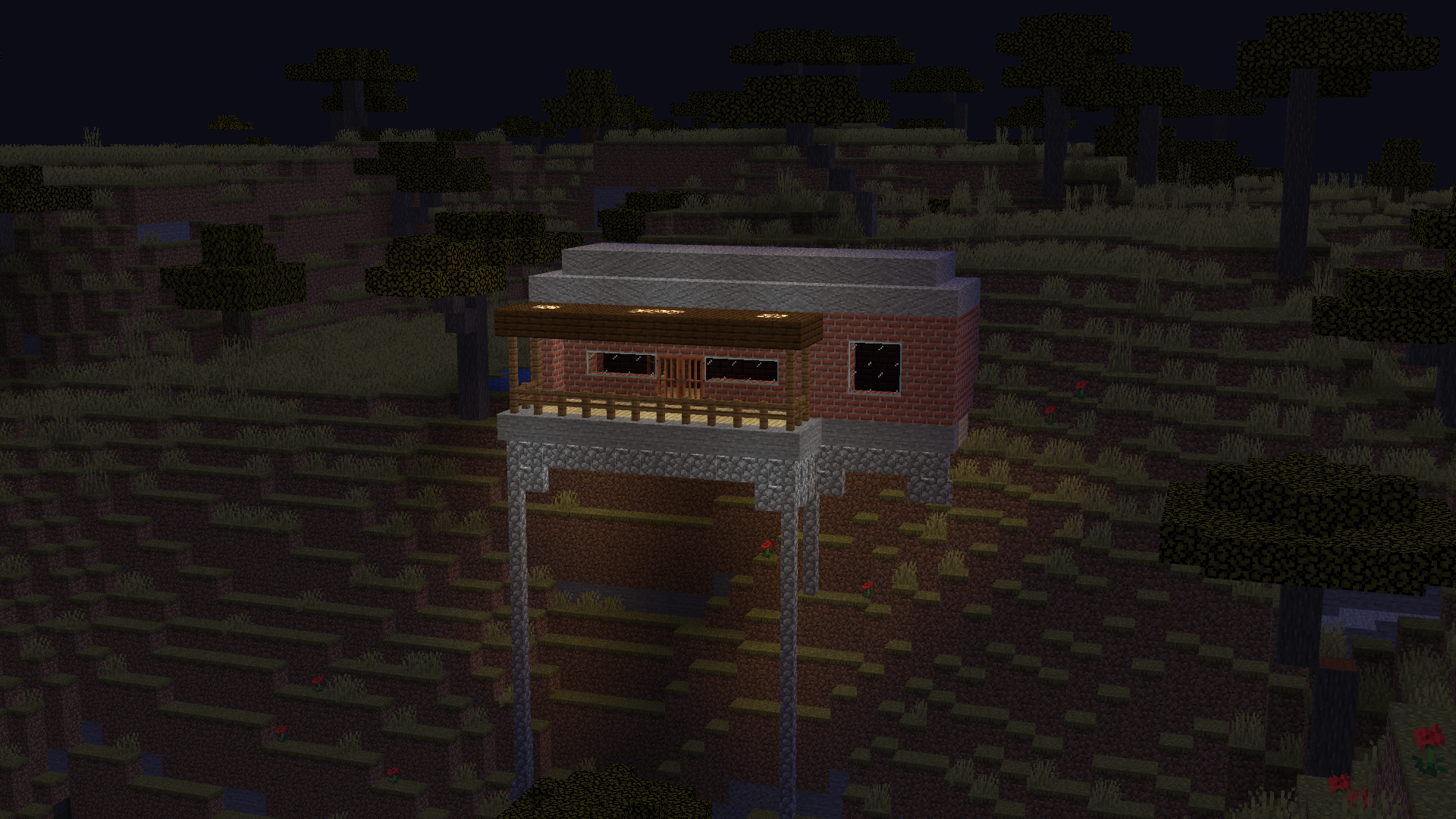
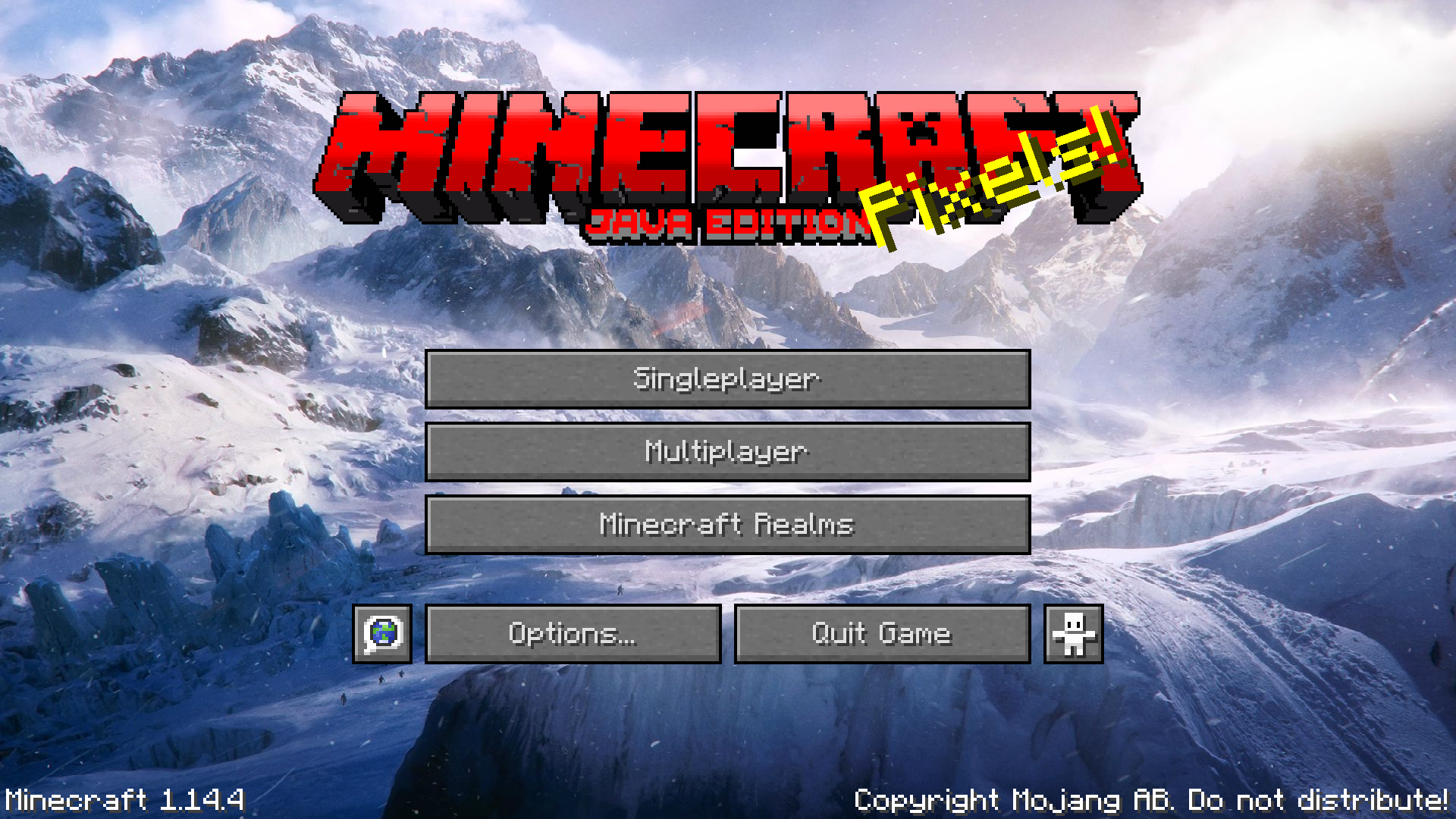
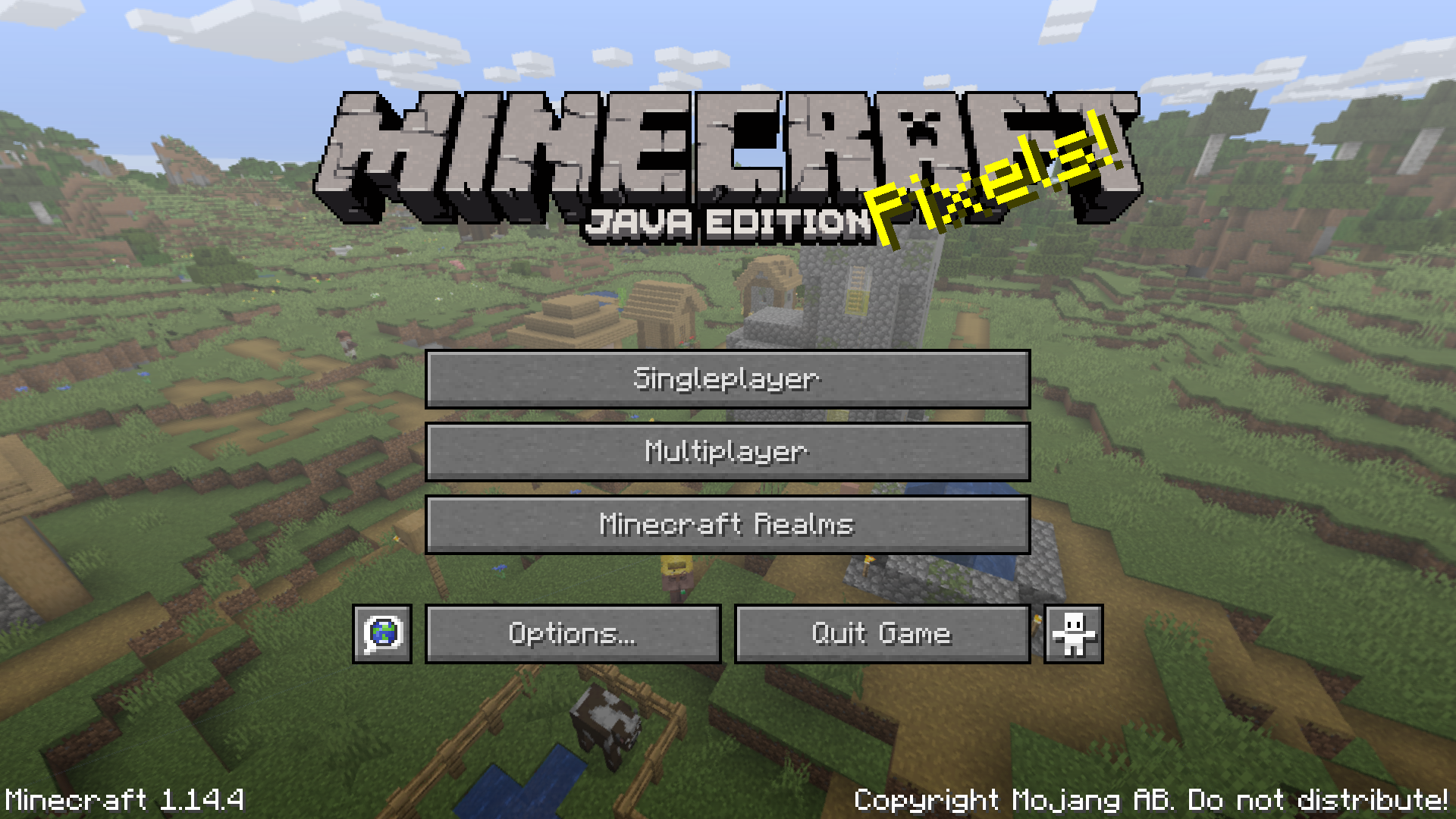
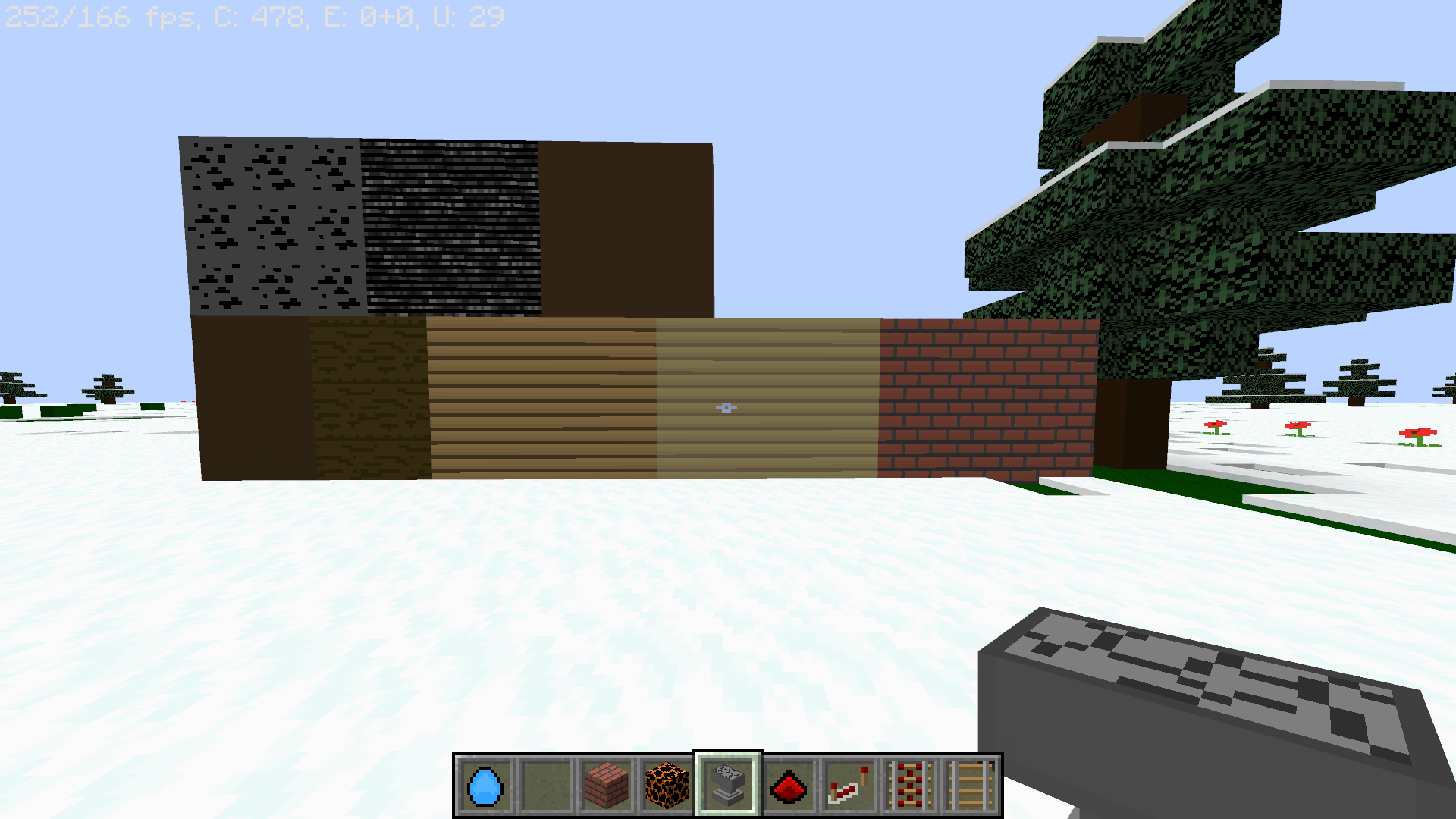

介绍
For latest version (1.14.4)
with provided a before and after pictures of the pack
To install:
-Click the download button, it should install right away
–i recommend dragging it to your desktop after it installs for easier access
– Go to the search on your taskbar, search run OR click WindowsKey+R and it should open
– Type %appdata% in the run box and click okay.
– Click the .minecraft folder and then go to resourcepacks; If you don’t see resourcepacks in .minecraft, right click and select “New” > “New Folder” and rename it “resourcepacks” (this is where all of your resource packs will go 😀 )
-Launch the game, or go ahead and drag the downloaded .zip file into the resourcepacks folder
-IF you launch the game before you drag the pack in, that’s okay! You can go to Options>Resource Packs>Open Resource Packs Folder (and then drag the .zip in)
-After the pack is in the resourcepacks folder, close the Folder and go back in game.
-Click “done” and then go back into the resource packs & equip your downloaded pack by simply clicking the arrow over the pack 😀
Note: this is my first pack, there are a few bugs and a few things missing BUT i am updating it daily (or trying to at least)
常见问题
Totally Basic Pack 支持哪些 Minecraft 版本?
Totally Basic Pack 支持 Minecraft Java 版 1.14.4。下载时注意选择和你游戏版本一致的文件。
Totally Basic Pack 怎么安装?
把下载的 .zip 文件(不用解压)放进游戏目录的 resourcepacks 文件夹,进游戏后在「选项 → 资源包」里把它移到右边启用。
评论
登录后评论和评分