
截图
介绍
中文介绍正在准备中,下面暂时显示原文。
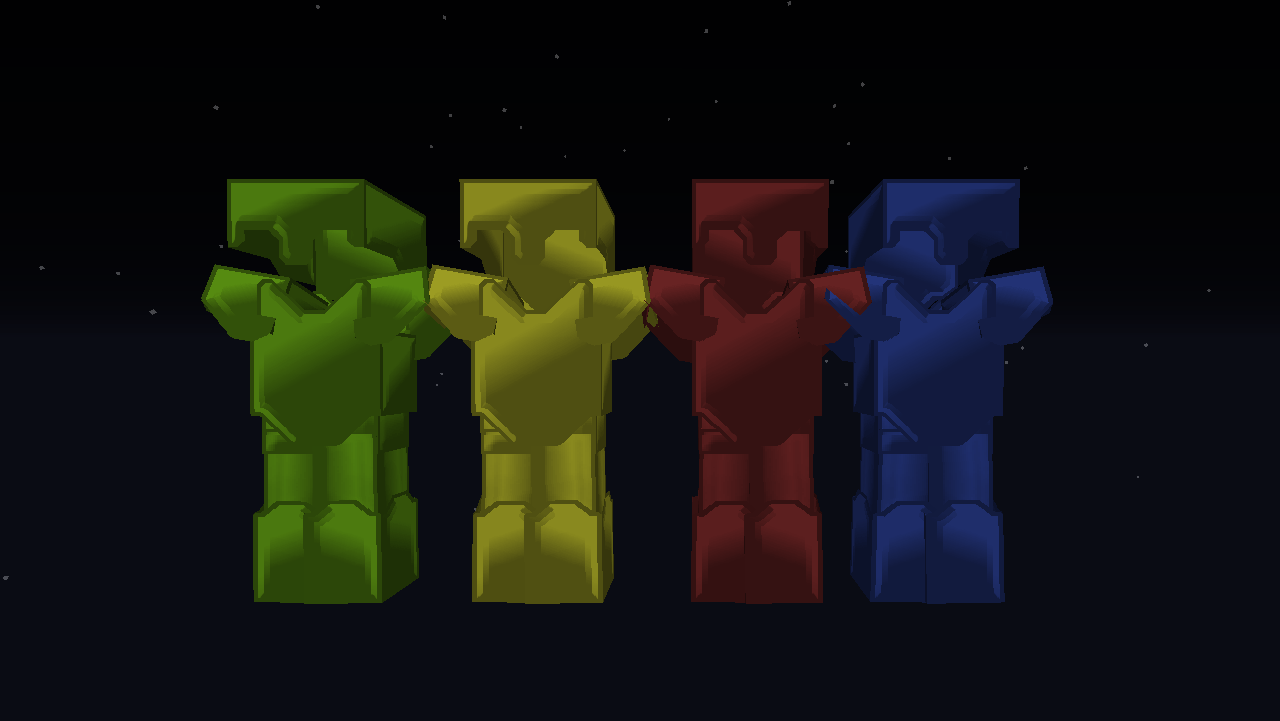
Diamond armour textures are not included in the base pack !
- To get the diamond armour textures, click on the latest release of the base pack labelled "ZXQ5 x Base.zip" under the header "Main File"
- Then click "Additional Files" which will give you a list of the themes. Download the .zip for the themes you would like to install
- these are separate resourcepacks, and when loading them into the game you should move the diamond armour theme you want above the base pack in the resourcepacks menu
This is the second generation of my custom pvp packs, I was really happy with my previous ones at the time however I’ve decided to remake them to a far more polished and professional standard than before
If some textures have not been added yet that you believe should be in a pvp pack, there is a chance that they will be present in my previous set of packs here so you can use this as an overlay
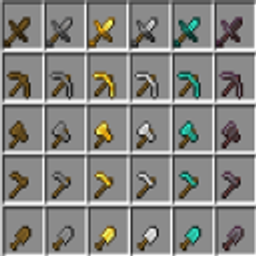
This pack includes:
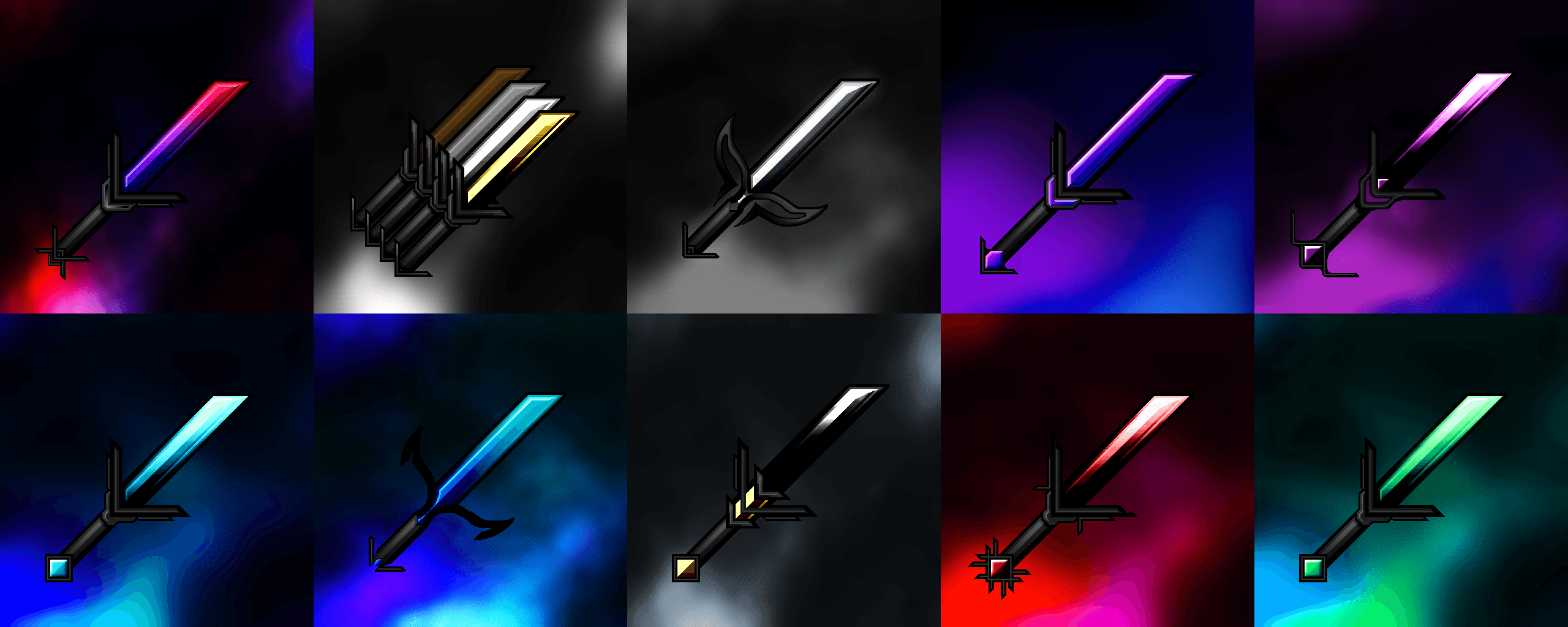
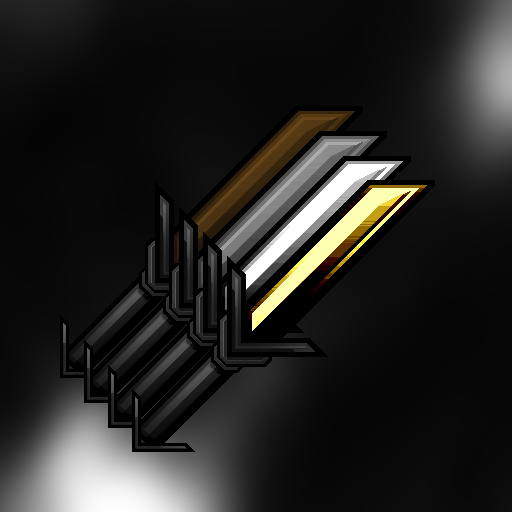
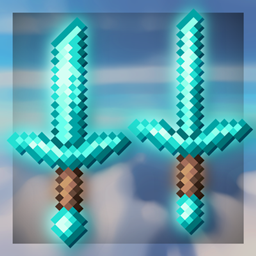
- 512x swords
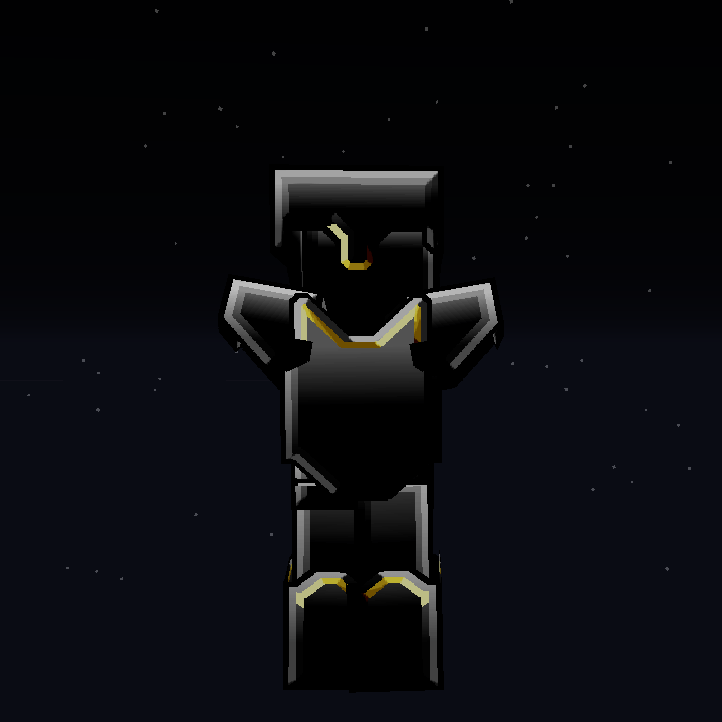
- 256x armour
- 16x blocks
- a custom sky [coming soon, my old pack has a customsky so feel free to overlay this]
- several recolours with varying themes for the shape of the swords:
- Default theme – a sharp "vanilla edit" with neat edges
- Crystal – a smooth, curved pink / purple recolour which gives your swords an elegant flowing appearance
- Slayer – a ragged menacing black and blood red theme straight out of the nether,
- Classic – a mesmerising red, purple and blue gradient theme that stays true to my previous pack while having a refreshing metallic look
- Nova – a minimalistic but bold purple recolour
- Netherite – a razor sharp black theme with a hint of piglin gold.
- Electric blue – a piercing blue adaptation of the "default" theme but with brighter colours and an adapted sword design
- more coming soon! (including metallic and sapphire)
- the pack also includes an overlay for Hypixel Bridge Duels.
常见问题
THEBEST TEAM PACK 支持哪些 Minecraft 版本?
THEBEST TEAM PACK 支持 Minecraft Java 版 1.8.9。下载时注意选择和你游戏版本一致的文件。
THEBEST TEAM PACK 怎么安装?
把下载的 .zip 文件(不用解压)放进游戏目录的 resourcepacks 文件夹,进游戏后在「选项 → 资源包」里把它移到右边启用。
评论
登录后评论和评分