
截图
介绍
中文介绍正在准备中,下面暂时显示原文。
The Bedwars and PvP Pack (Official Update v2.0)
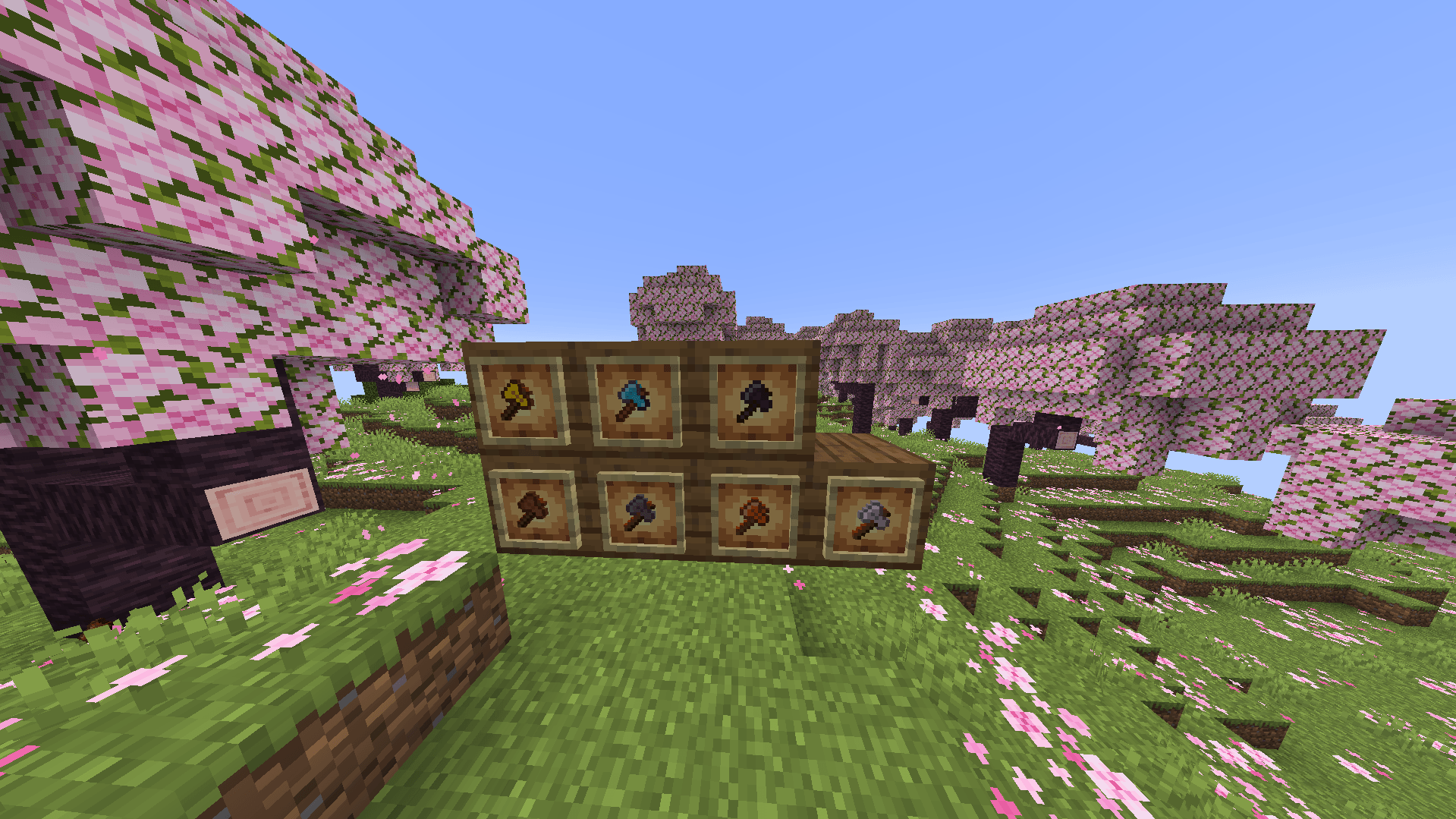
Welcome to the official, brand-new upgrade of The Bedwars and PvP Pack—fully created, developed, and updated by me. This ultimate resource pack is meticulously engineered to deliver the cleanest aesthetic, maximum screen visibility, and a massive competitive advantage in fast-paced Bedwars and PvP gameplay.
Here is a direct comparison of how the pack has evolved from its previous version to this current ultimate edition:
🔄 Evolution: Previous Version vs. Current Version
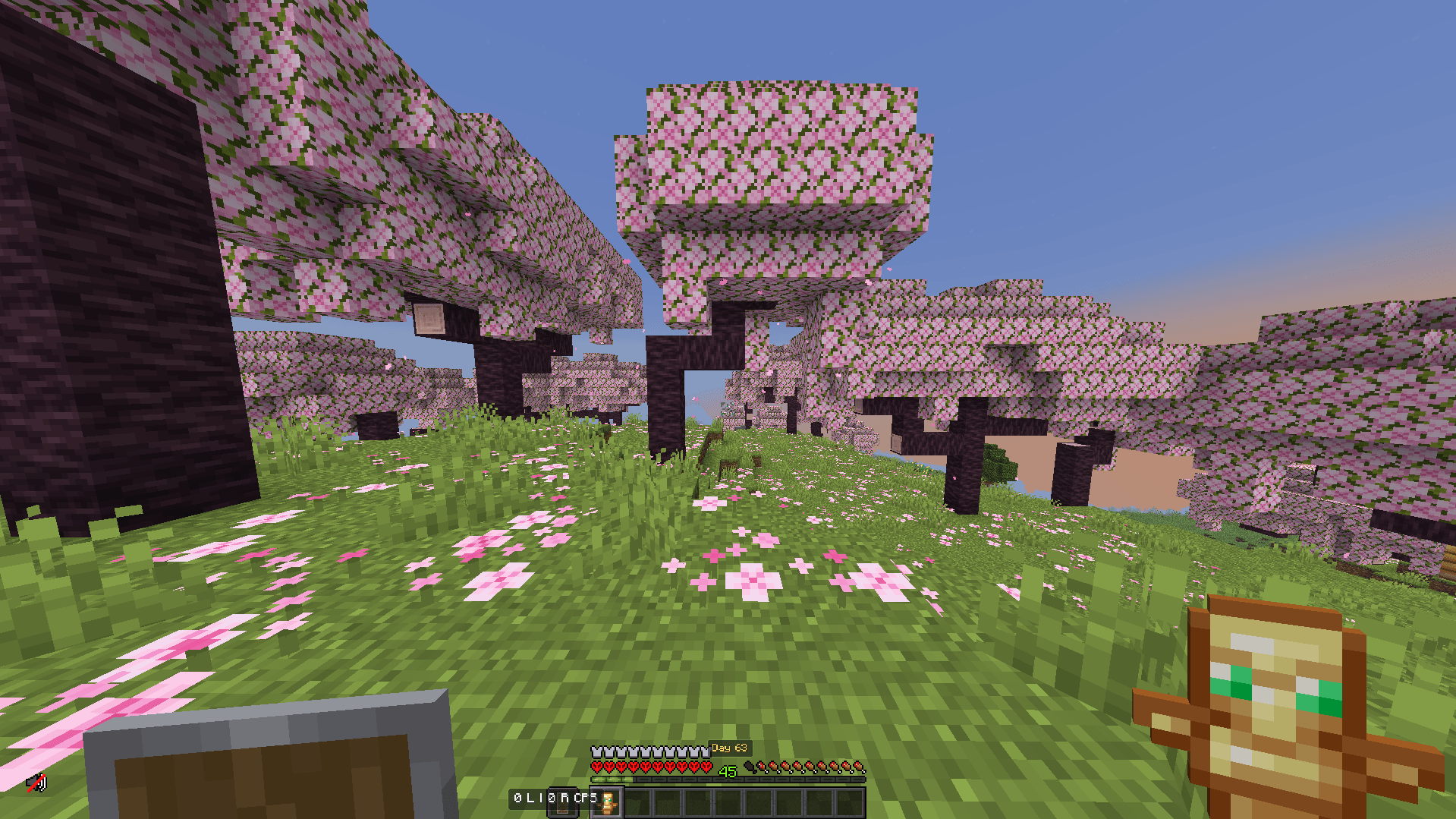
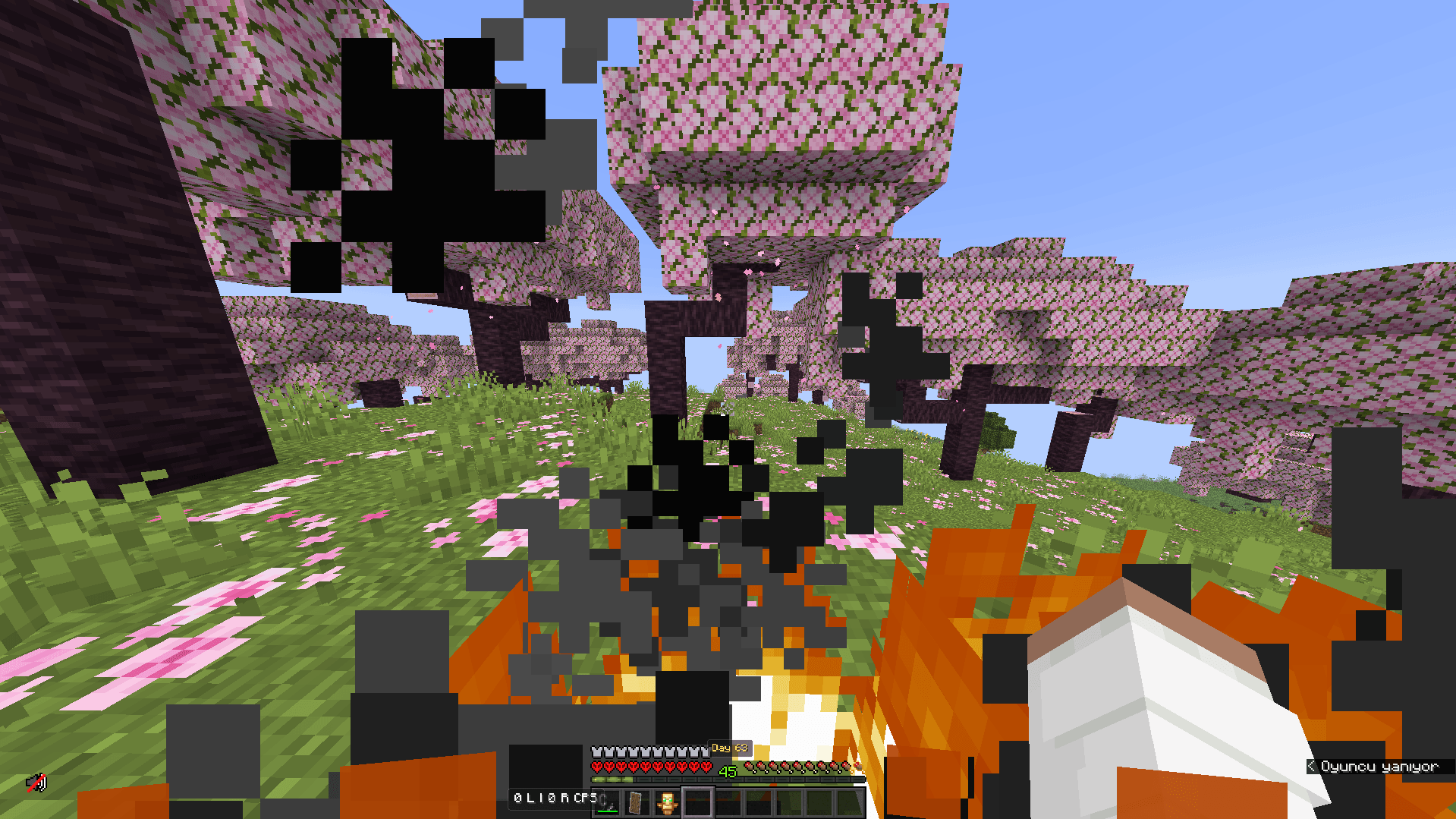
- Pumpkin Blur Overlay:
- Previous Version: Wearing a carved pumpkin still triggered the annoying black overlay that blocked most of your screen during tight combat moments.
- Current Version: The pumpkin blur is now 100% completely removed. You get a perfect, crystal-clear, full-screen view with zero visual obstructions.
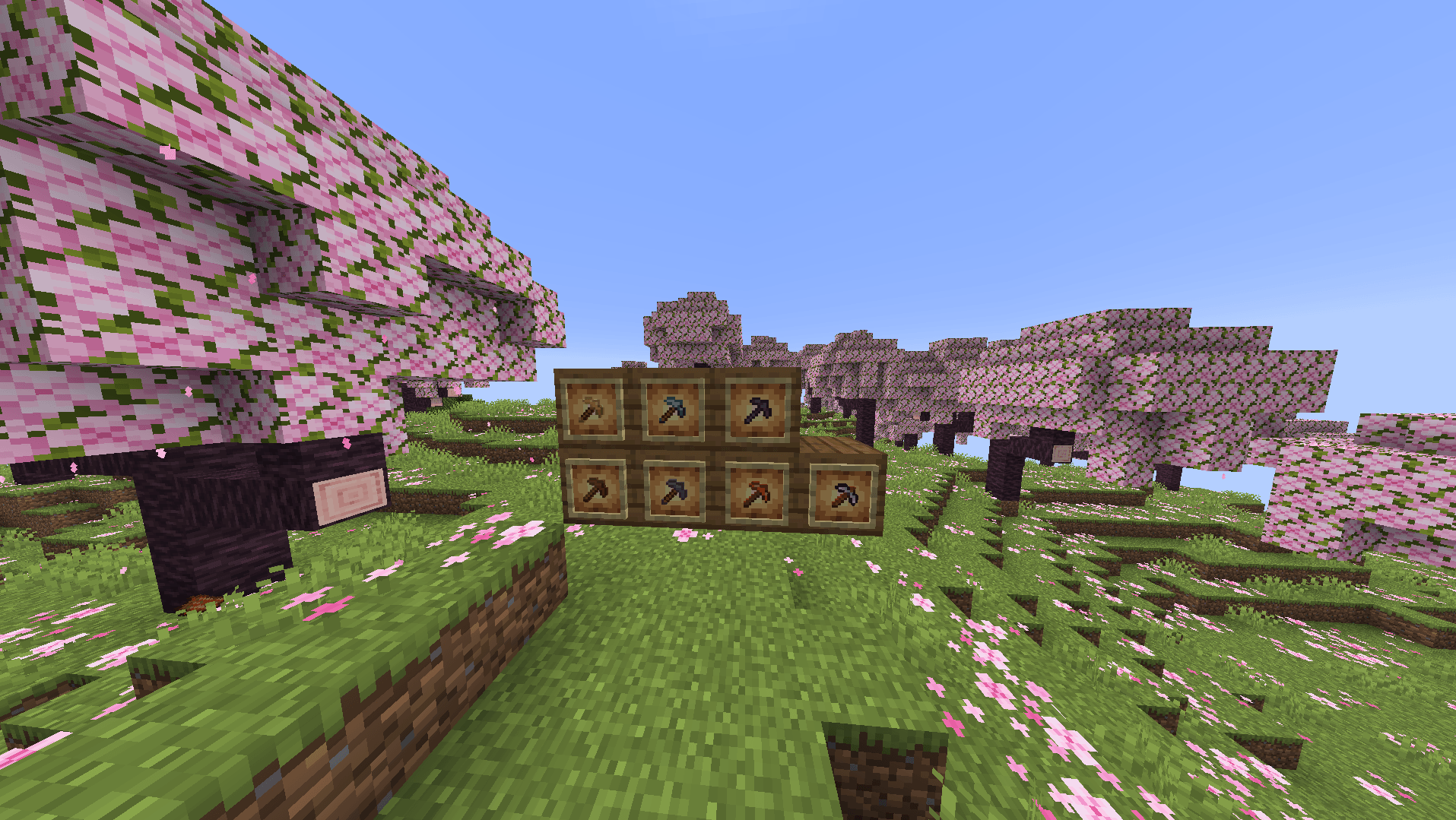
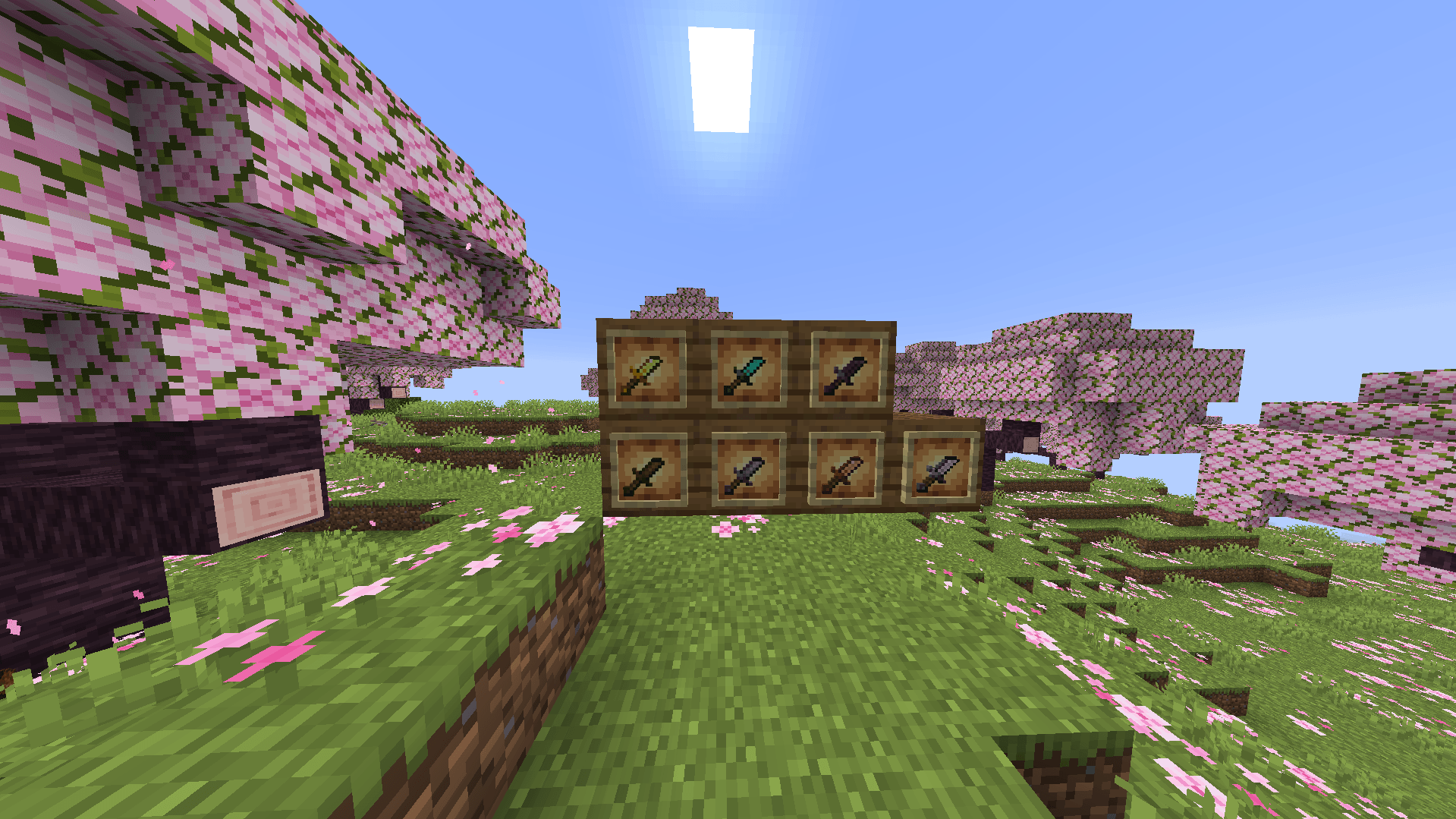
- Pickaxe Scaling:
- Previous Version: Pickaxes used standard dimensions which often cluttered the right-hand side of your screen when mining defenses or looting.
- Current Version: All pickaxe tiers (Wood, Stone, Iron, Gold, Diamond, and Netherite) have been completely redesigned into Short/Small variants. This opens up your right-side field of view (FOV) dramatically for cleaner clutching and tracking.
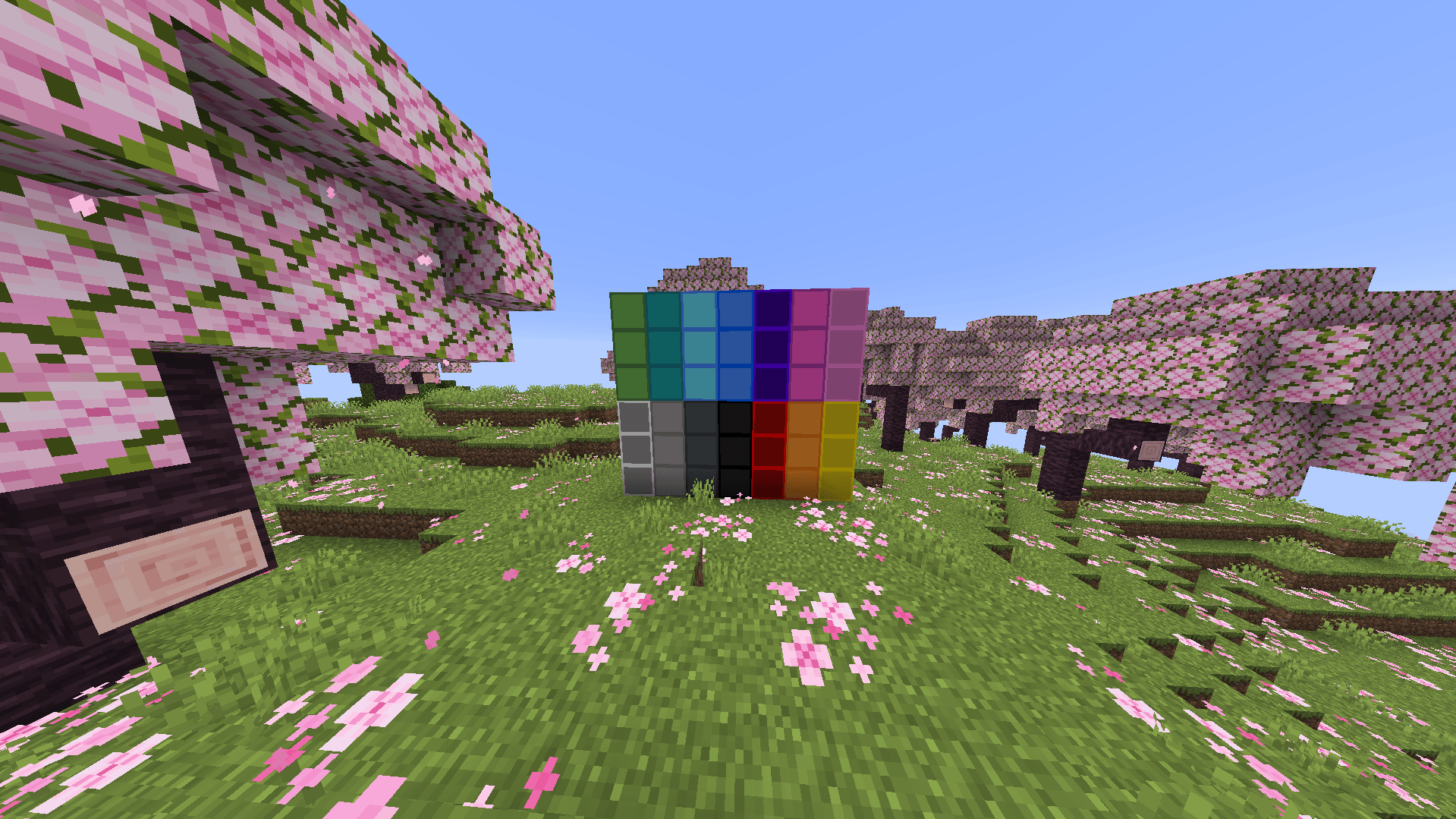
- Wool Block Decor:
- Previous Version: Wool blocks had basic, plain PvP textures which could look repetitive or hard to distinguish from a distance during intense bridge-rushes.
- Current Version: Every single wool color now features a completely unique decorative overhaul. The new patterns and cleaner borders make every team color pop instantly, allowing for faster block counting, better spatial awareness, and incredibly accurate bridging.
Technical Specifications
- Creator / Developer: Created entirely by me.
- Target Version: Minecraft 1.21.11 (Java Edition)
- Pack Format: 34
常见问题
The Bedwars And Pvp Pack 2 支持哪些 Minecraft 版本?
The Bedwars And Pvp Pack 2 支持 Minecraft Java 版 1.21.11。下载时注意选择和你游戏版本一致的文件。
The Bedwars And Pvp Pack 2 怎么安装?
把下载的 .zip 文件(不用解压)放进游戏目录的 resourcepacks 文件夹,进游戏后在「选项 → 资源包」里把它移到右边启用。
评论
登录后评论和评分