截图

介绍
中文介绍正在准备中,下面暂时显示原文。
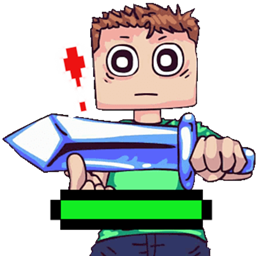
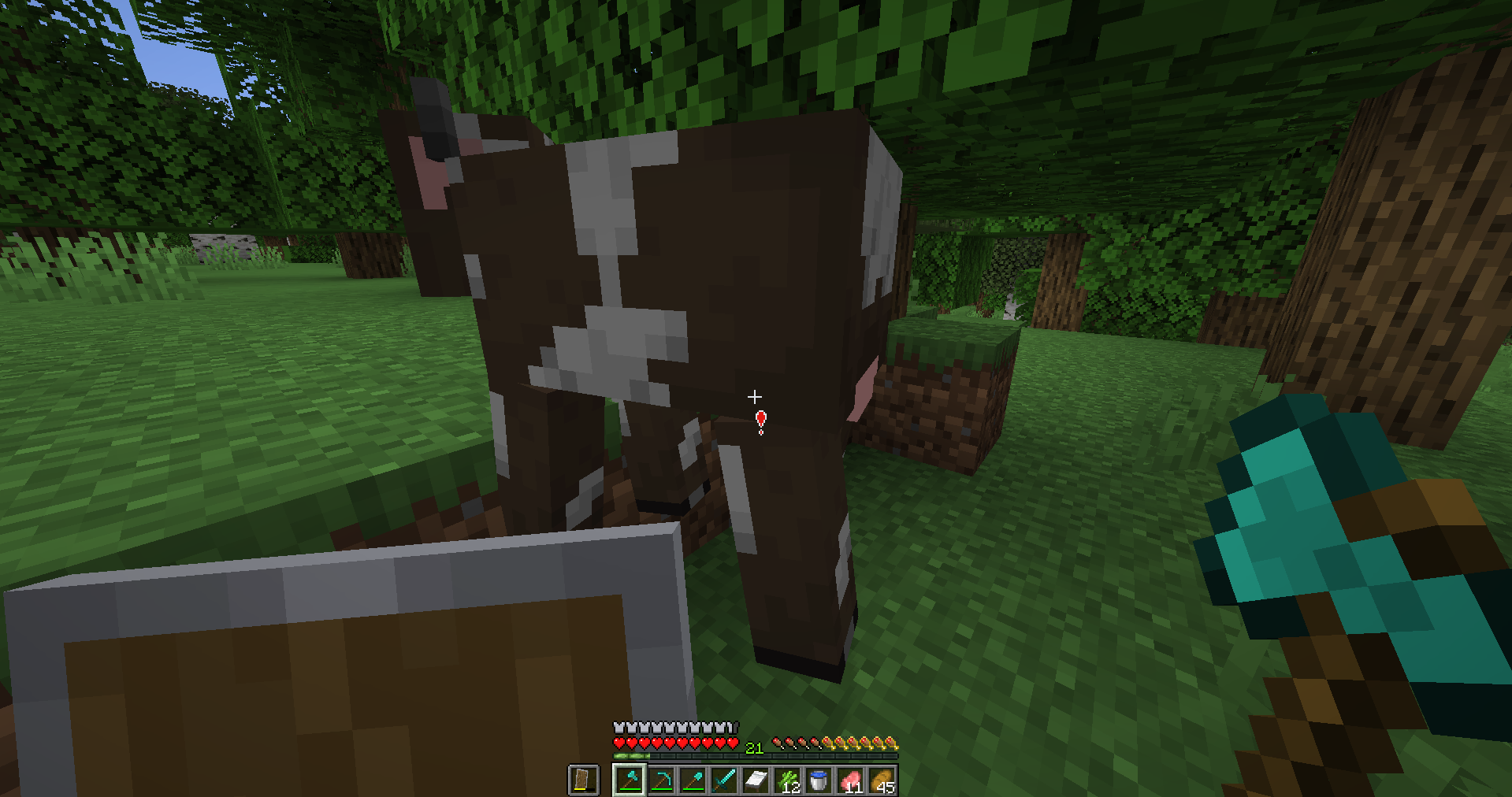
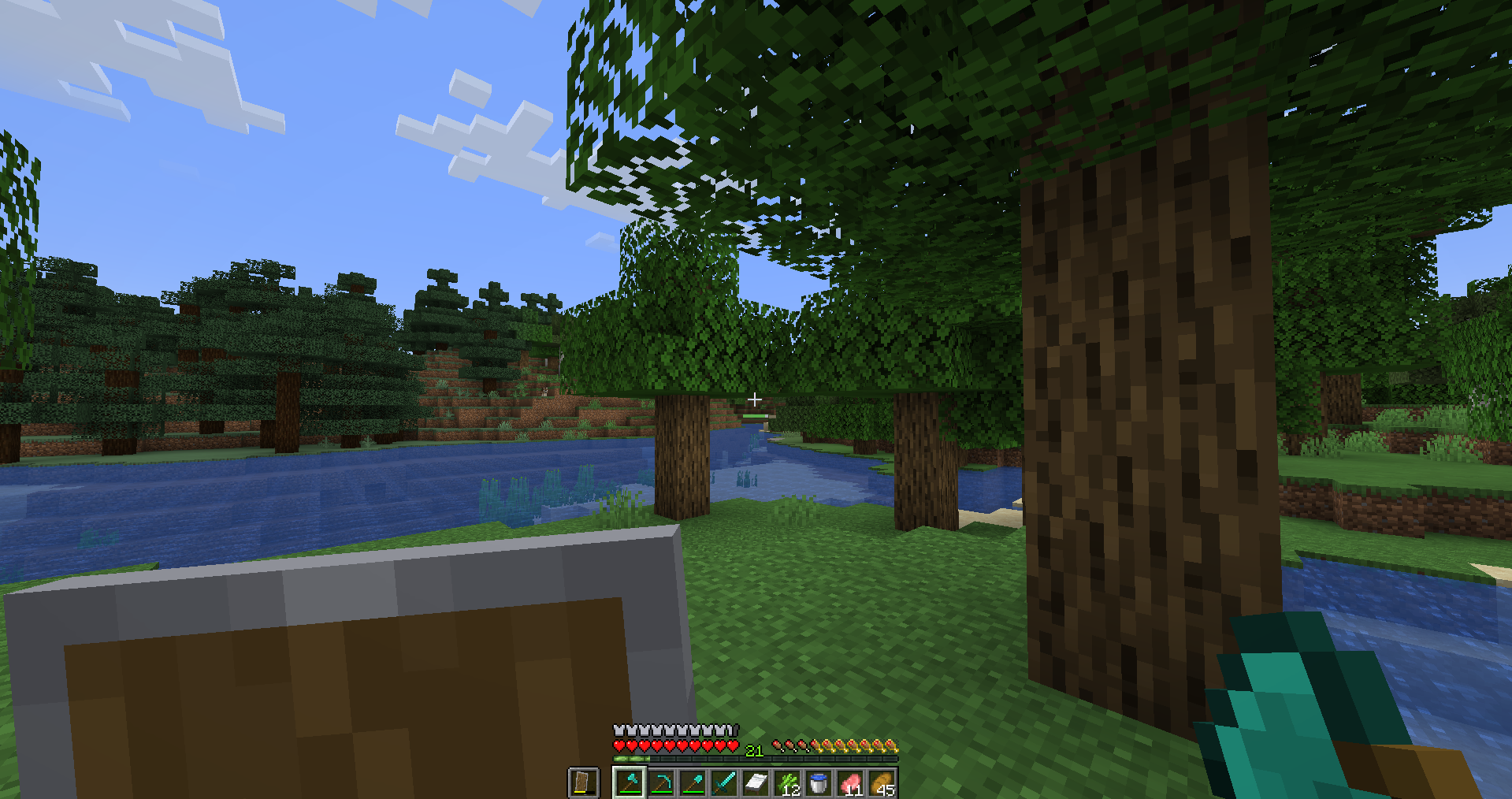
Changing the attack indicator to be more visible in a green colour.
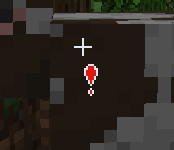
Changing the small + that showed that you’re in range with a red exclamation point.
Install:
1. Open Minecraft.
2. Press Options.
3. Press Recourse Pack.
4. Press Open Folder.
5. Put the pack in.
6. Go back in to the game.
7. Press the arrow so it goes on the right side of the menu.
8. Press done.
The texture pack is simple so why would I need to make a 500 word essay for you to approve this simple little Swingy Bar texture pack.
常见问题
Swingy Bar 支持哪些 Minecraft 版本?
Swingy Bar 支持 Minecraft Java 版 1.21.4。下载时注意选择和你游戏版本一致的文件。
Swingy Bar 怎么安装?
把下载的 .zip 文件(不用解压)放进游戏目录的 resourcepacks 文件夹,进游戏后在「选项 → 资源包」里把它移到右边启用。
评论
登录后评论和评分