
截图

介绍
This pack was designed with shaders in mind, for instances in which a shader adds its own sun and moon through vector art or visual effects. Compatible with StellarView: Redshift!
Setup Instructions (Complementary)
Before activating this resource pack, there are a few steps that you should do, though if you’re confident, whether you do this before or after activating this resource pack doesn’t really matter.
- In Shader Pack Settings, navigate to Atmosphere > Sun / Moon
- Change the Sun/Moon Angle to 0, then click Apply
- Verify that Stellar View’s sun is lined up with Complementary’s sun
- If everything looks good, the pack can then be activated. Mercury and Venus should still appear to orbit around Complementary’s sun, with the rest of the planets in line with it.
常见问题
SV Disabled Sun and Moon 支持哪些 Minecraft 版本?
SV Disabled Sun and Moon 支持 Minecraft Java 版 1.12.2–1.21.1,共 6 个版本。下载时注意选择和你游戏版本一致的文件。
SV Disabled Sun and Moon 怎么安装?
把下载的 .zip 文件(不用解压)放进游戏目录的 resourcepacks 文件夹,进游戏后在「选项 → 资源包」里把它移到右边启用。
Noobly20932 的其他作品
查看全部 →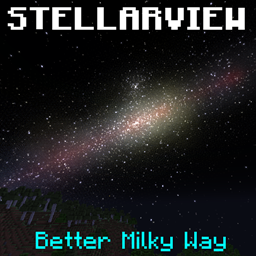
SV Better Milky Way
终于更新至 Stellar View v0.4.X!致力于让星系更加绚丽、真实!

SV Realistic Sun & Moon
改变月亮的纹理,并使太阳和月亮的大小变得真实

SV Stargate Stellography
Provides and populates the star systems added by Stargate Journey.
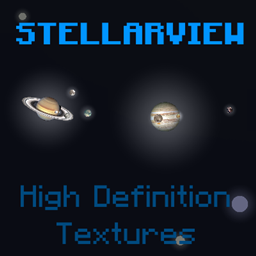
SV High Definition Textures
Replaces the textures of objects in Stellar View's sky with high resolution versions based on photos and renders from NASA and others.
评论
登录后评论和评分