
截图
介绍
中文介绍正在准备中,下面暂时显示原文。

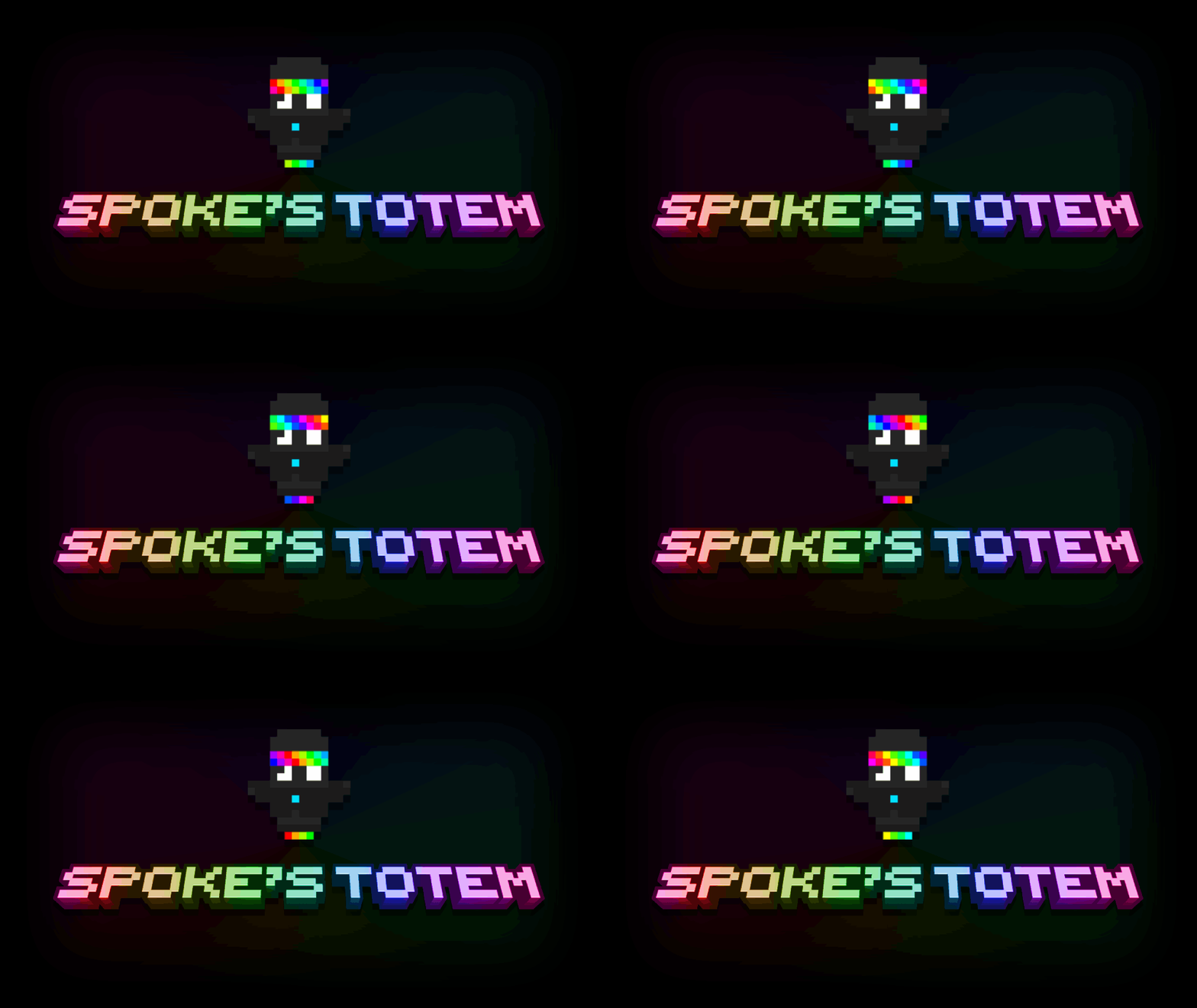
Spoke’s Totem
An Animated Version of SpokeIsHere’s Totem Avatar!
Installation
- Download the resource pack
- Drop the file into your
resourcepacksfolder - Enable it in Minecraft’s Options > Resource Packs menu

Version: 1.21x ➔ 26.2 | Author: Nikimaka446
常见问题
Spoke’s Totem 支持哪些 Minecraft 版本?
Spoke’s Totem 支持 Minecraft Java 版 1.21–26.2,共 16 个版本。下载时注意选择和你游戏版本一致的文件。
Spoke’s Totem 怎么安装?
把下载的 .zip 文件(不用解压)放进游戏目录的 resourcepacks 文件夹,进游戏后在「选项 → 资源包」里把它移到右边启用。
Nikimaka446 的其他作品
查看全部 →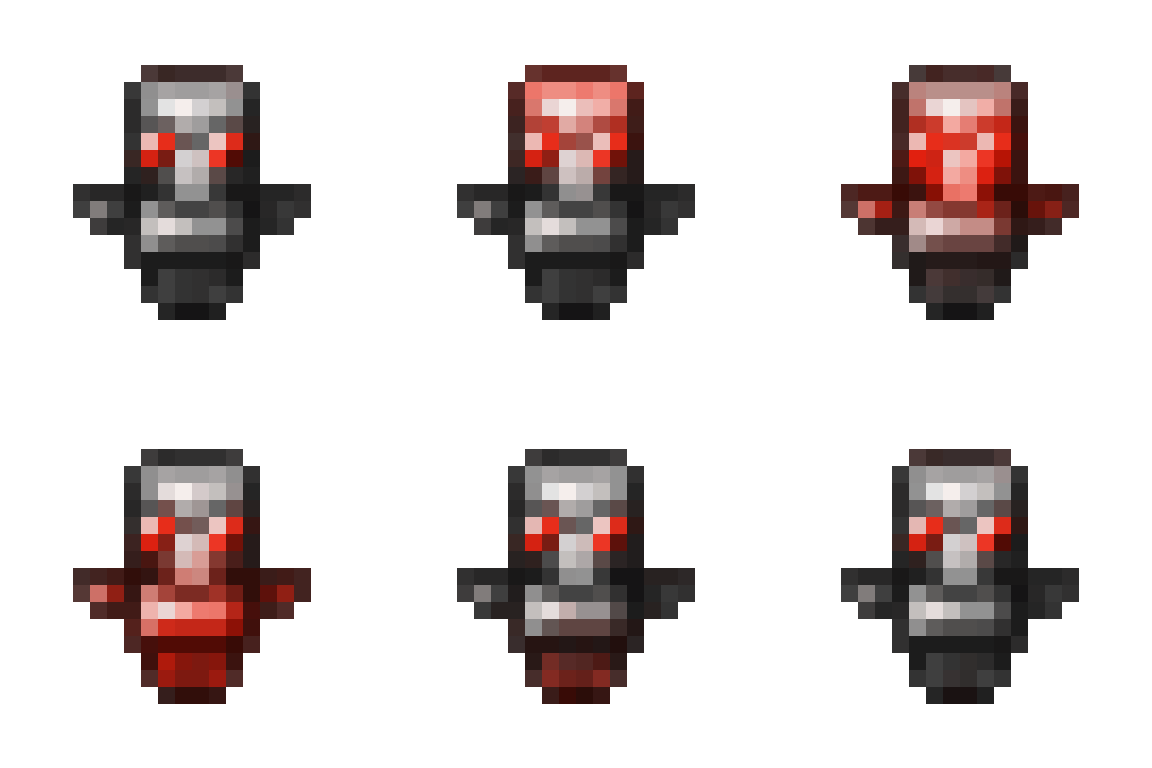
Black & Red Totem
by Nikimaka446
An Animated Red / Black Gradient Totem
3,051
2 个月前
Modrinth

Wemmbu Kill Sound
by Nikimaka446
Adds a Special Sound Effect when you kill someone!
1,878
2 个月前
Modrinth

Yet Another Animated Totem
by Nikimaka446
Gives the Totem a Nice Glowing Animation
653
2 个月前
Modrinth

eggchan Totem
by Nikimaka446
Replaces the Default Totem with Eggchan!
243
2 个月前
Modrinth
评论
登录后评论和评分