Splotch of Paint RsP
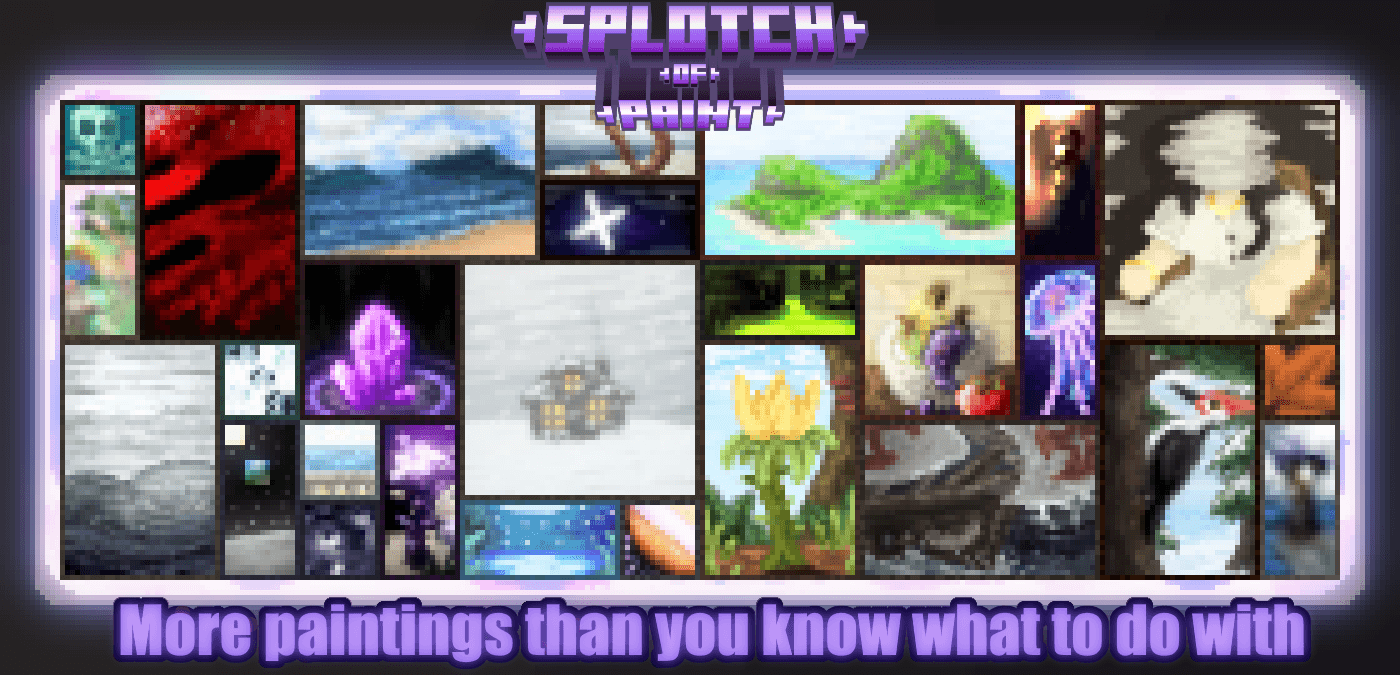
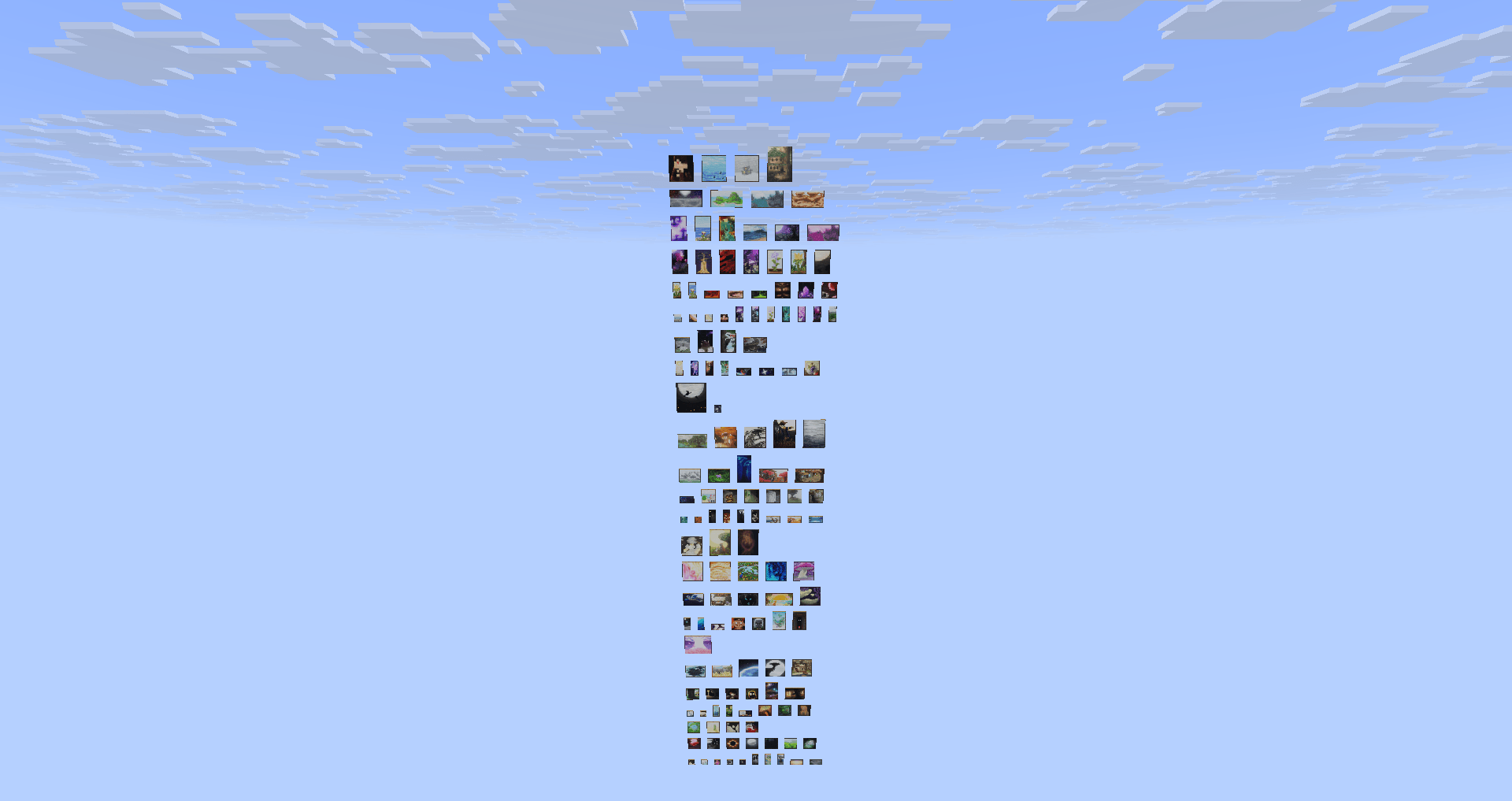
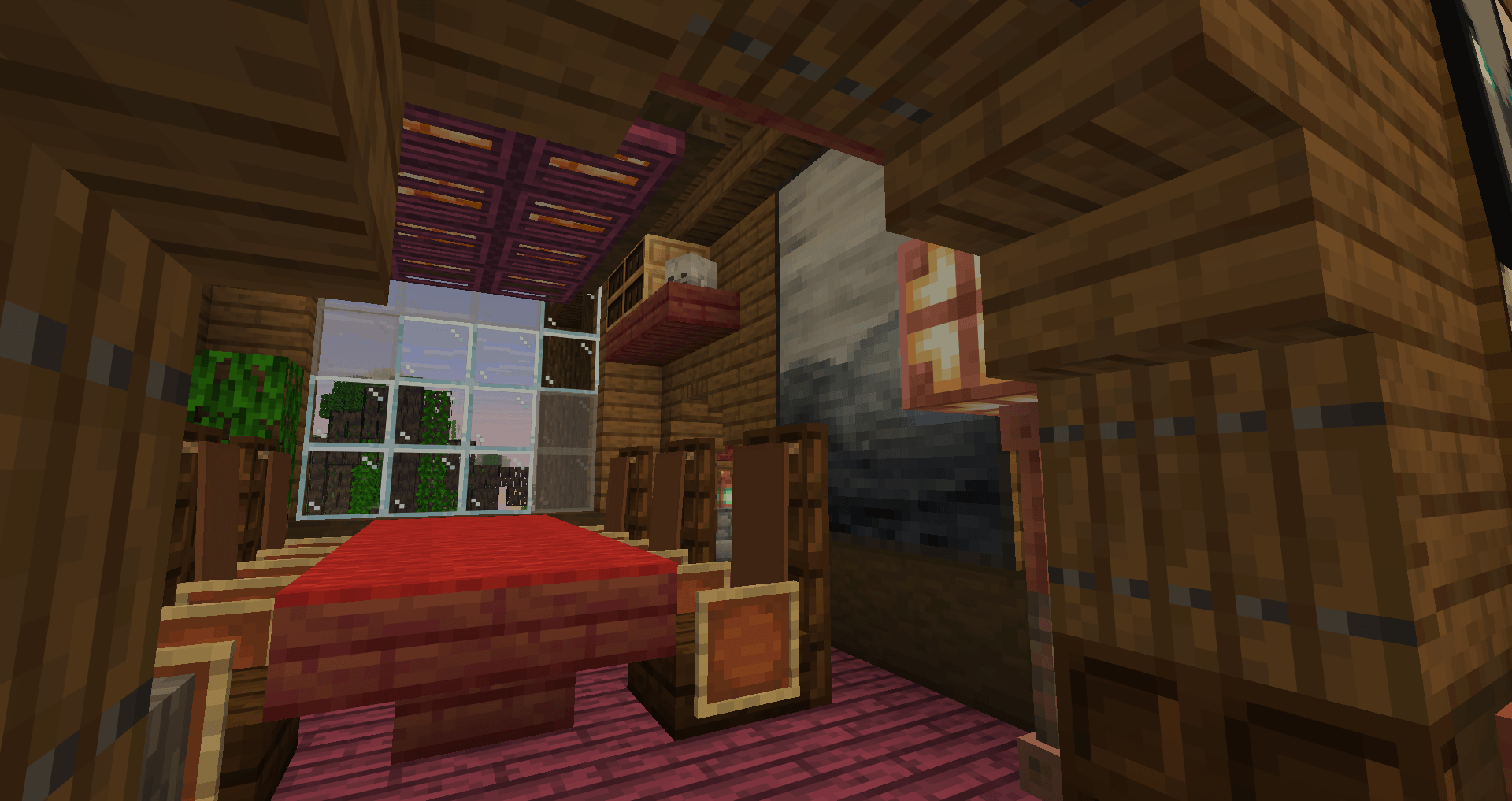
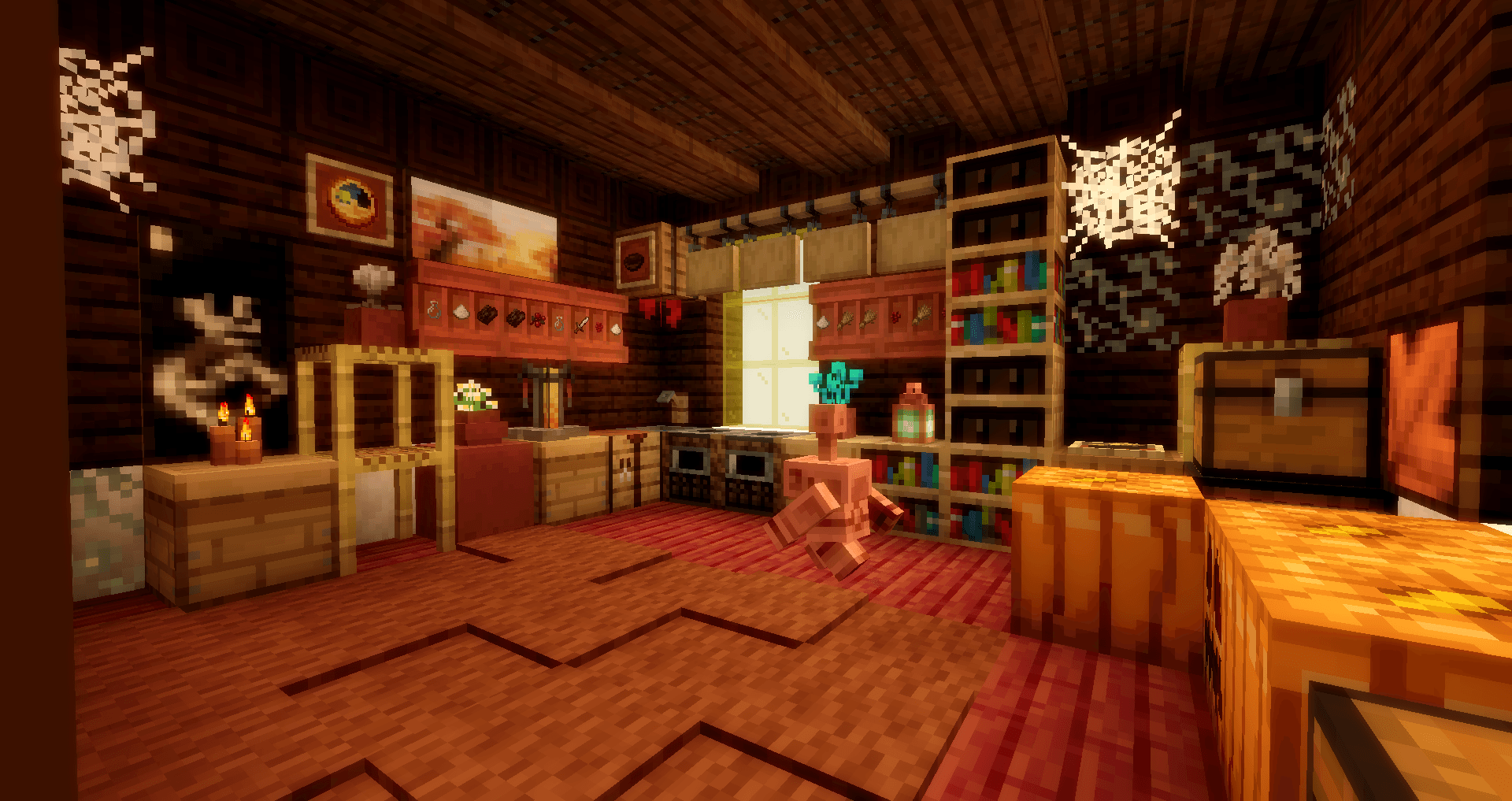
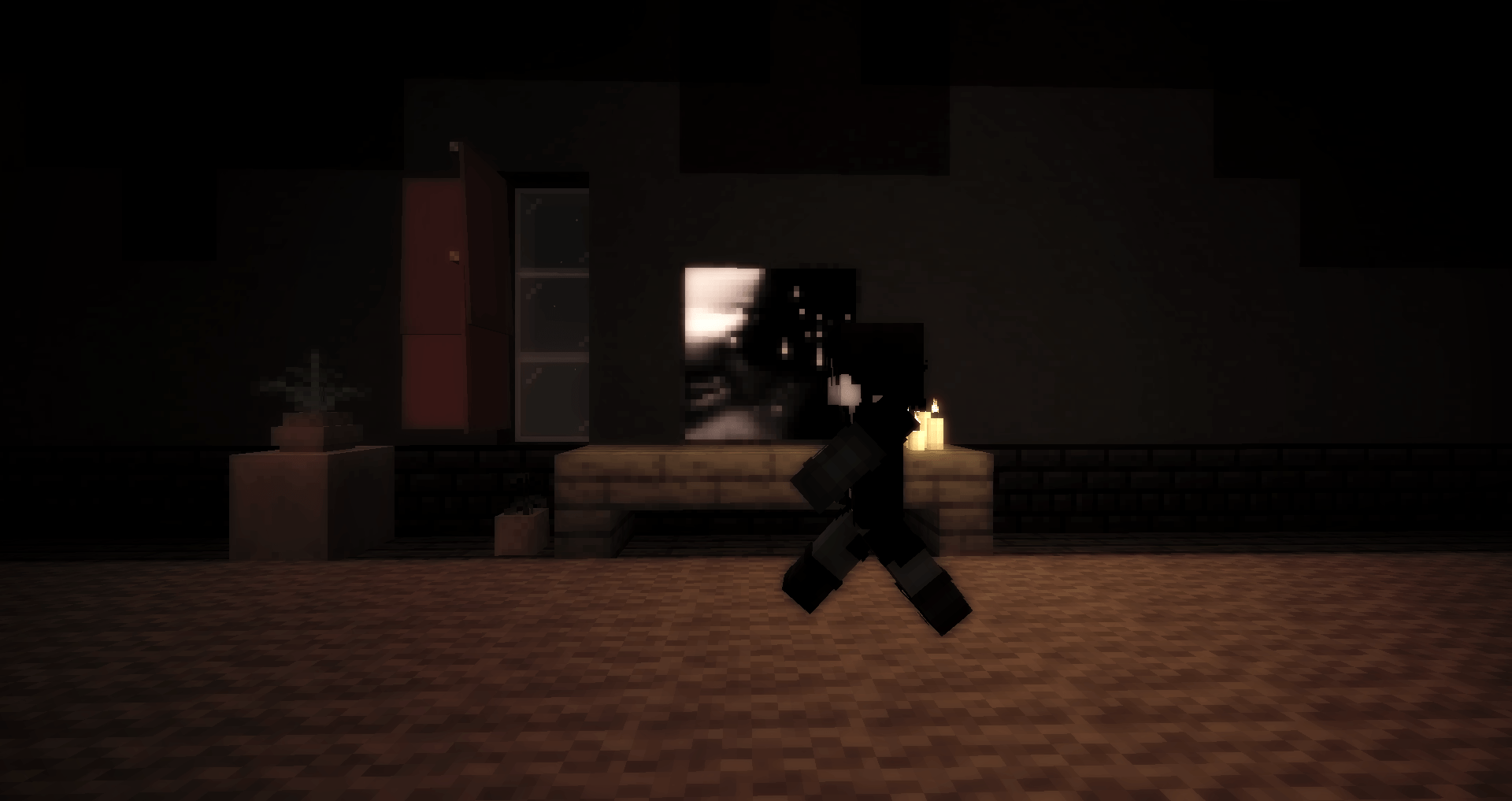
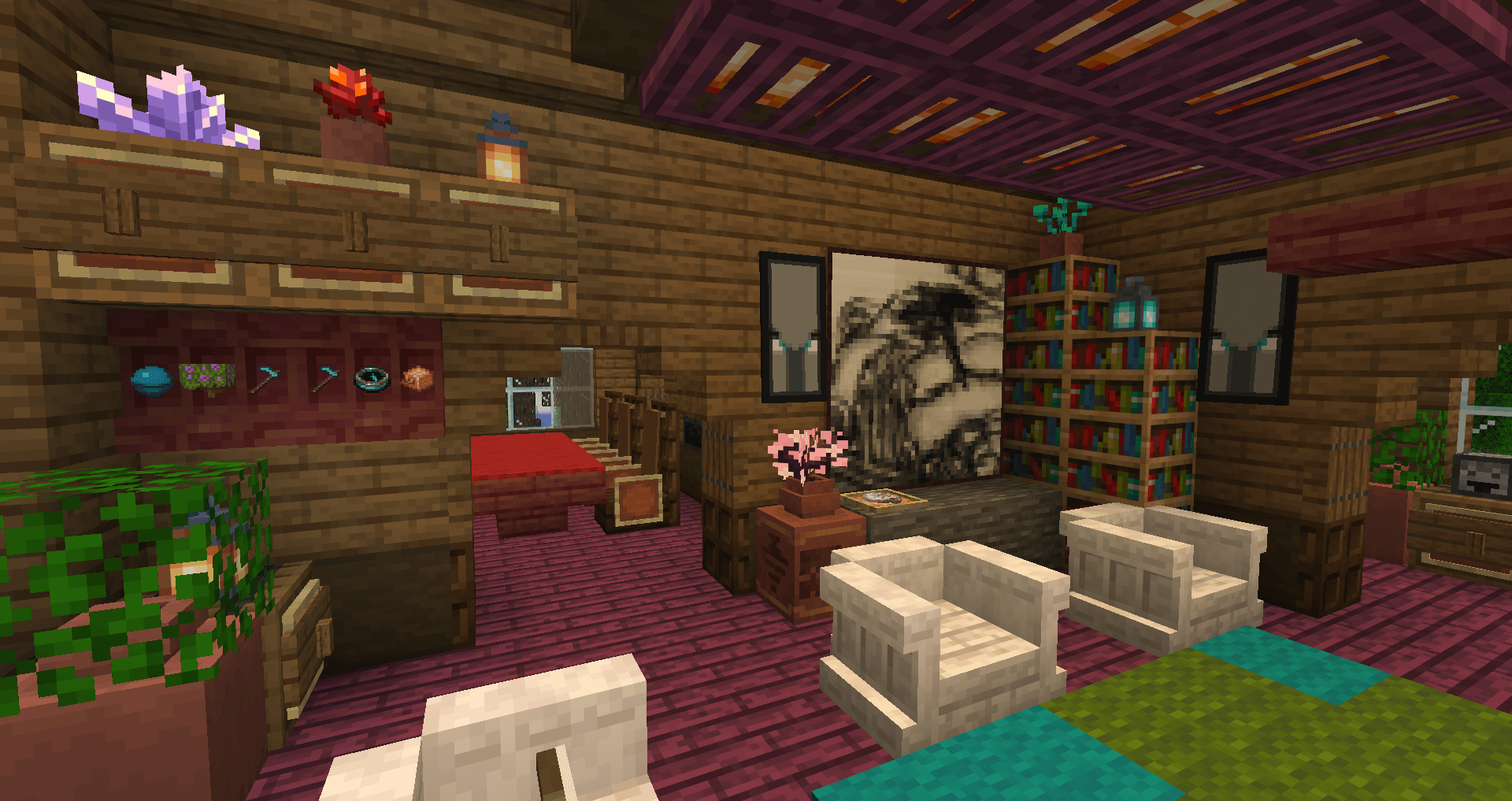
Splotch of Paint is a resourcepack/datapack combo adding in 141 new custom paintings to minecraft of fully original design.
截图
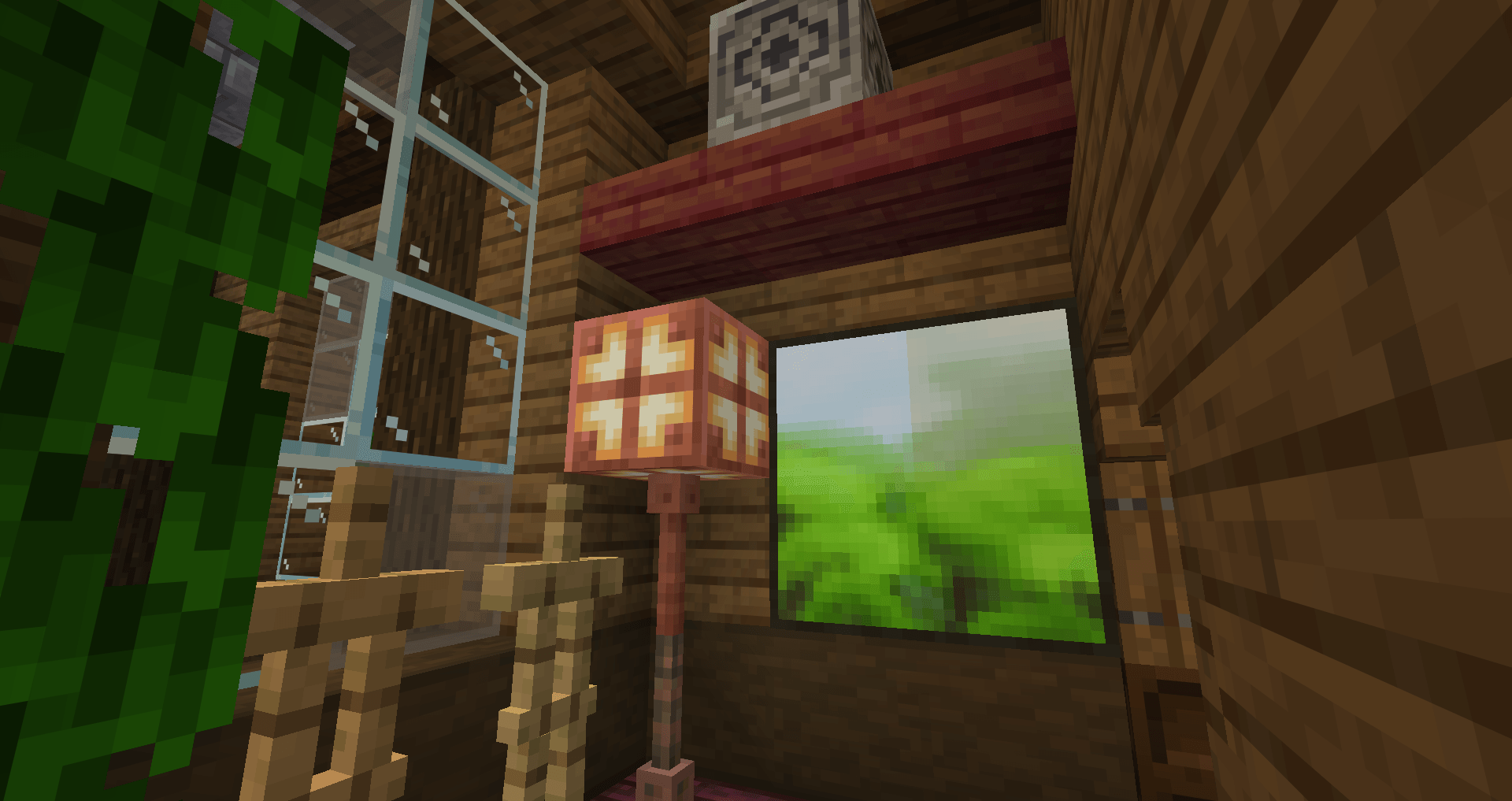
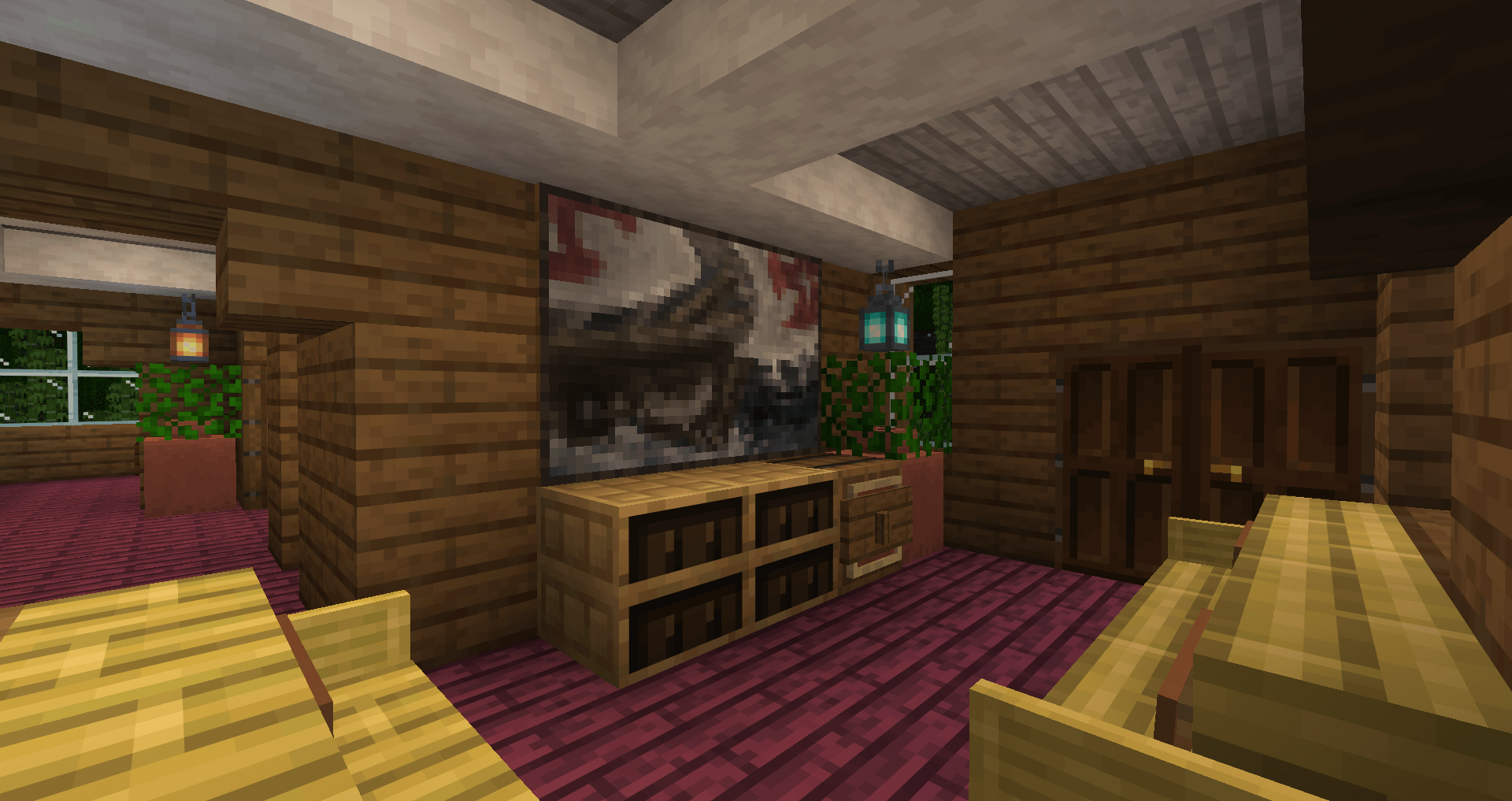
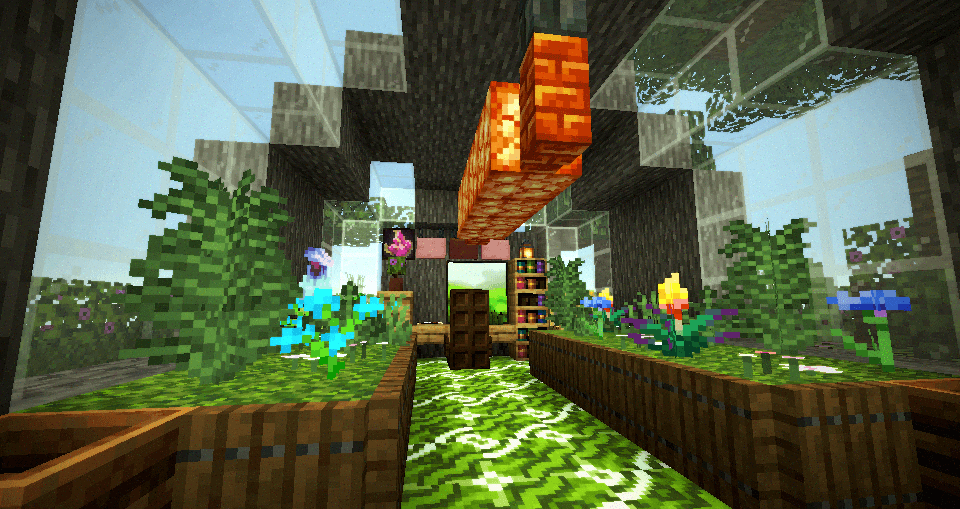
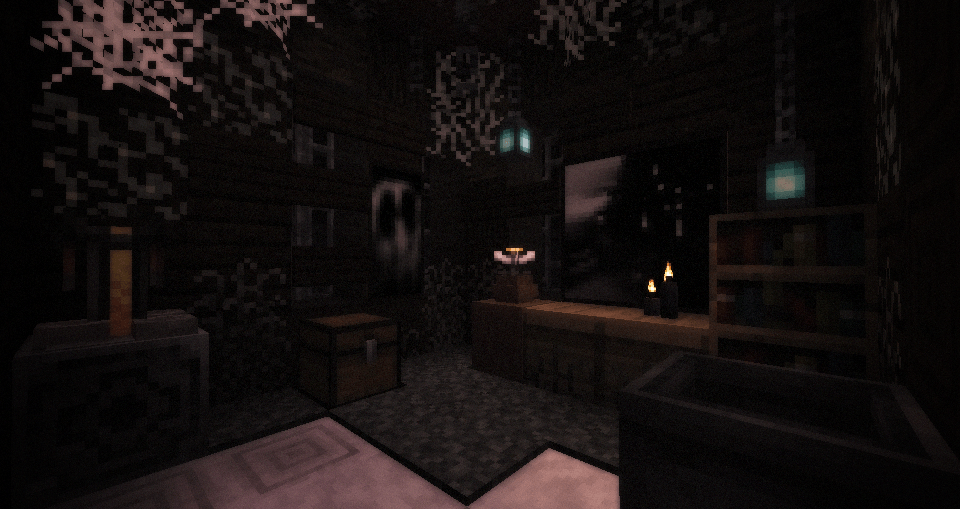
介绍
Splotch of Paint
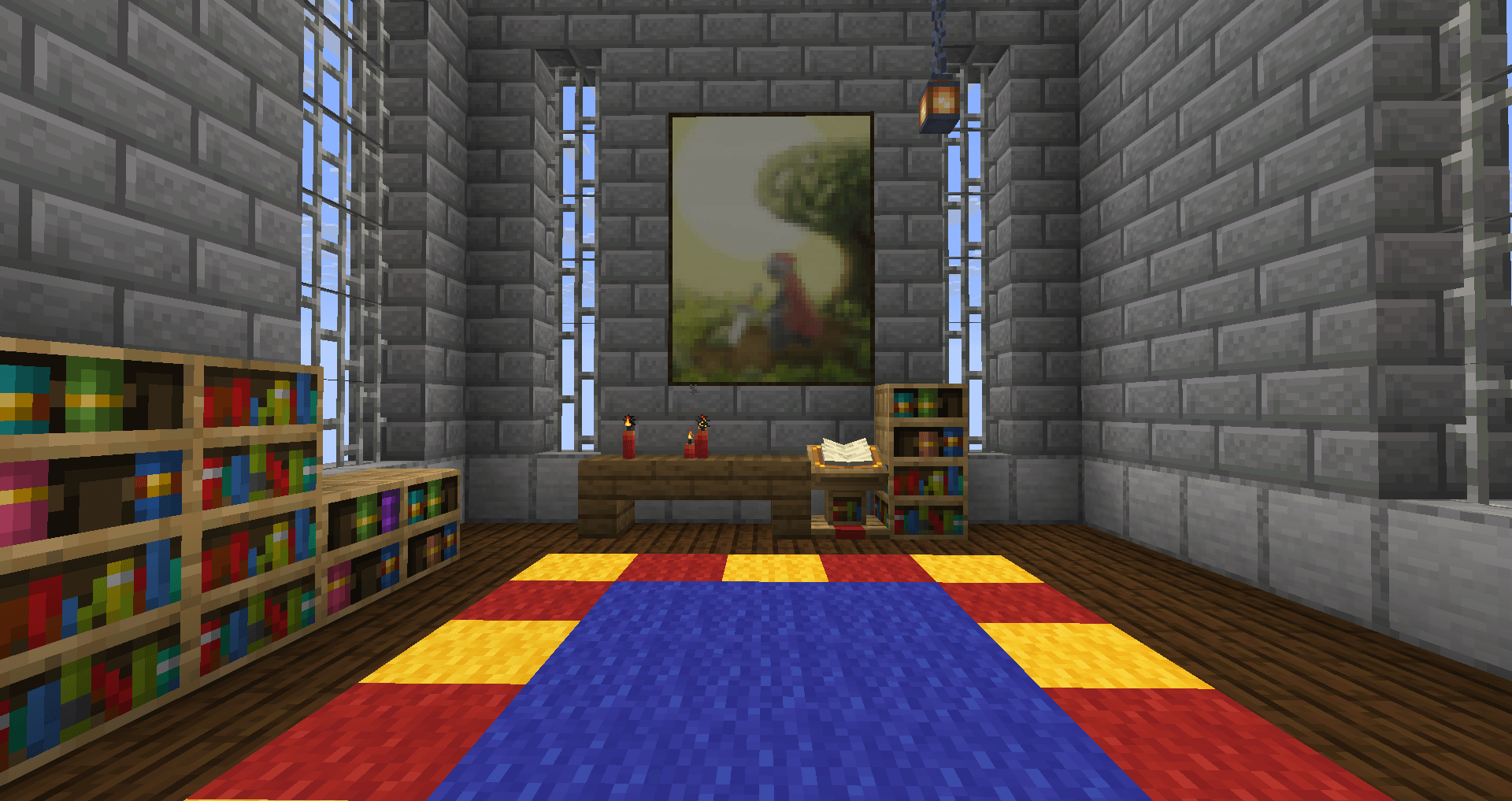
A resourcepack and datapack combo package that adds over 100 new paintings to your game. All custom made and in vanilla friendly resolutions.
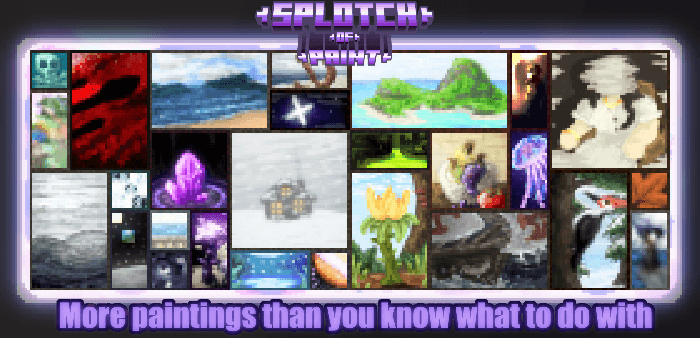
Decorate with a wide variety of themes, from sci-fi, portraits, mystery, nature, and more! There literally is a style for anyone
The pack works well on servers, needing only the server running it to install the datapack, while the players only require the resourcepack. And both are quite lightweight.
It works from versions 1.21.9 upwards, and the paintings are all properly named with a special colour for the title and author name.
How does it work?
Simply download both the resourcepack and accompanying datapack if you’re planning on running it in your own world, activate both in their respective folders and you’re good to go.
You don’t really need the datapack though if the world you play in, be it a realm, server, etc… is already running it. In these cases as long as you have the resourcepack active it will work.
Alternatively a packaged mod version of both will eventually be available for download if zip files aren’t to your liking.
!Important Note!
You will need Splotch of Paint DtP to properly run the resourcepack, it’s where the painting’s data is located, and you can only skip this step if the world you’re playing in be it lan, server, etc… already has the datapack installed.
Final Note
This pack has been a big hobby of mine, and even though I work alone, I wouldn’t have gotten here without the support from the community. Thank you for all the suggestions, the feedback, and everything else.
And as always, I hope you enjoy the pack.
常见问题
Splotch of Paint RsP 支持哪些 Minecraft 版本?
Splotch of Paint RsP 支持 Minecraft Java 版 1.21.9–26.3,共 8 个版本。下载时注意选择和你游戏版本一致的文件。
Splotch of Paint RsP 怎么安装?
把下载的 .zip 文件(不用解压)放进游戏目录的 resourcepacks 文件夹,进游戏后在「选项 → 资源包」里把它移到右边启用。
GalacticSpike 的其他作品
查看全部 →
Titles&Tools
仅用资源包、无需模组的自定义物品,目前已添加超过 100 种新物品

Splotch of Paint
Splotch of Paint is a datapack/resourcepack combo adding in 155 new custom paintings to minecraft of fully original design.
Splotch of Paint DtP
Splotch of Paint is a datapack/resourcepack combo adding in 141 new custom paintings to minecraft of fully original design.
评论
登录后评论和评分