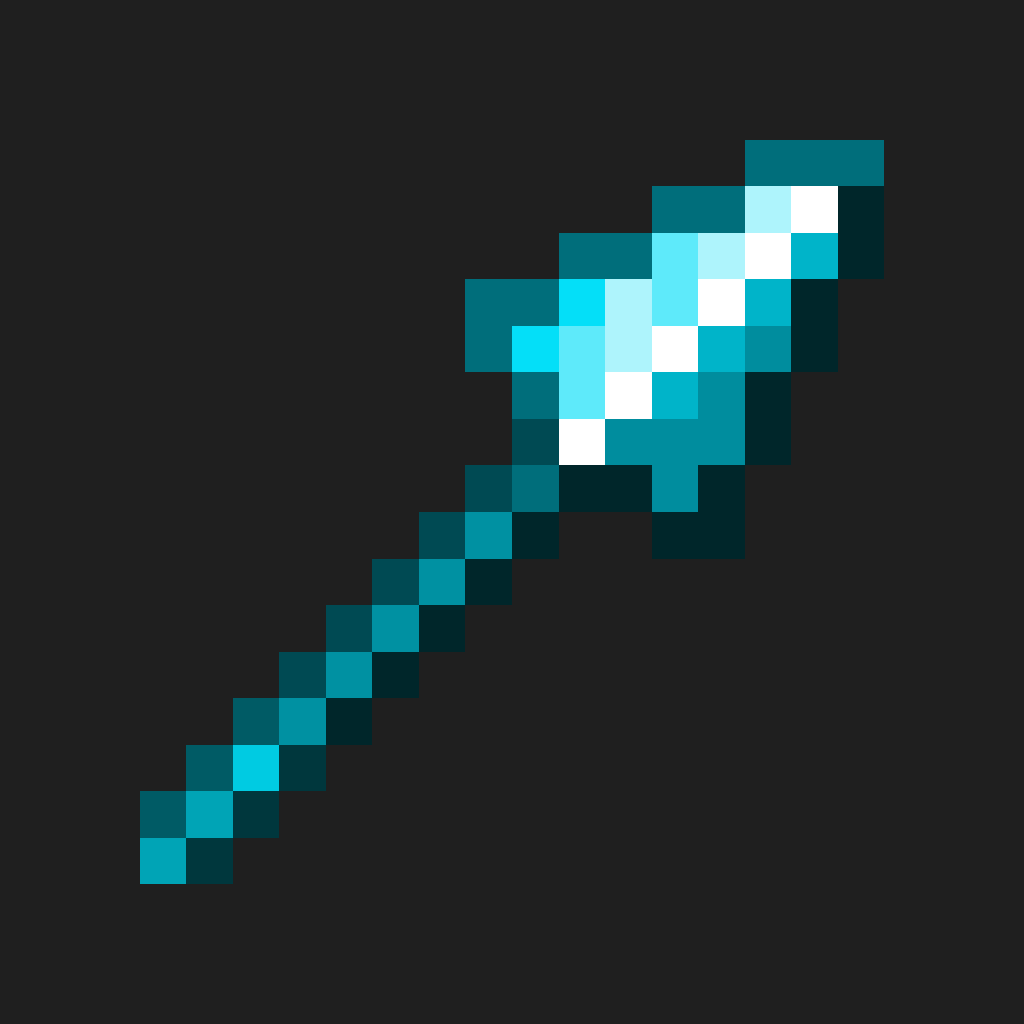
Spear Enchant Indicator – Lunge and Sharpness
Changes the Spear's colour based on Lunge and Sharpness
截图


介绍
<img
src=”https://i.imgur.com/RAuXAA8.png”
alt=”Spear Enchant Indicator Title”
Spear Enchant Indicator is a simple resource pack that changes spear visuals based on enchantments in vanilla Minecraft, with no mods required.


” alt=”Discord Icon” width=”50″>
<img
src=”https://i.imgur.com/VsLLG23.png”
alt=”Spear Enchant Indicator Featured Image”
width=”100%”

- Spear visuals change based on enchantments
- Clear Sharpness, Lunge, and Hybrid states
- Easy to read during PvP and survival combat
- Fully vanilla-compatible

Minecraft combat is fast, and checking tooltips mid-fight isn’t practical. This pack makes spears instantly readable so you can tell how they’re built just by looking at them.

Screenshots
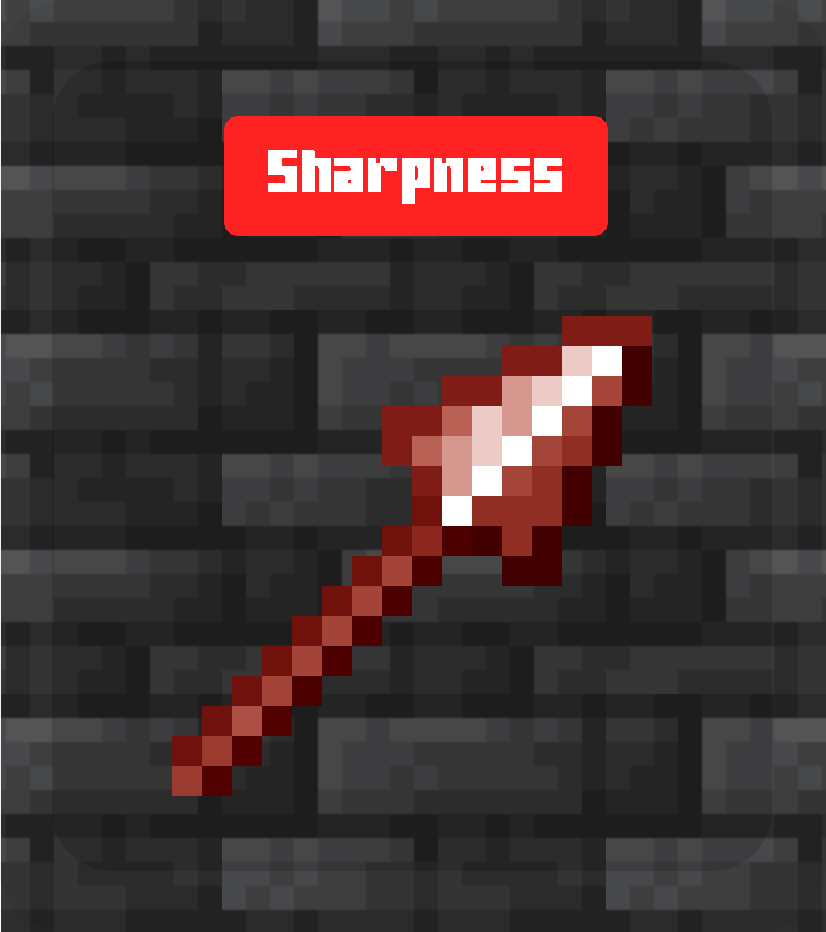
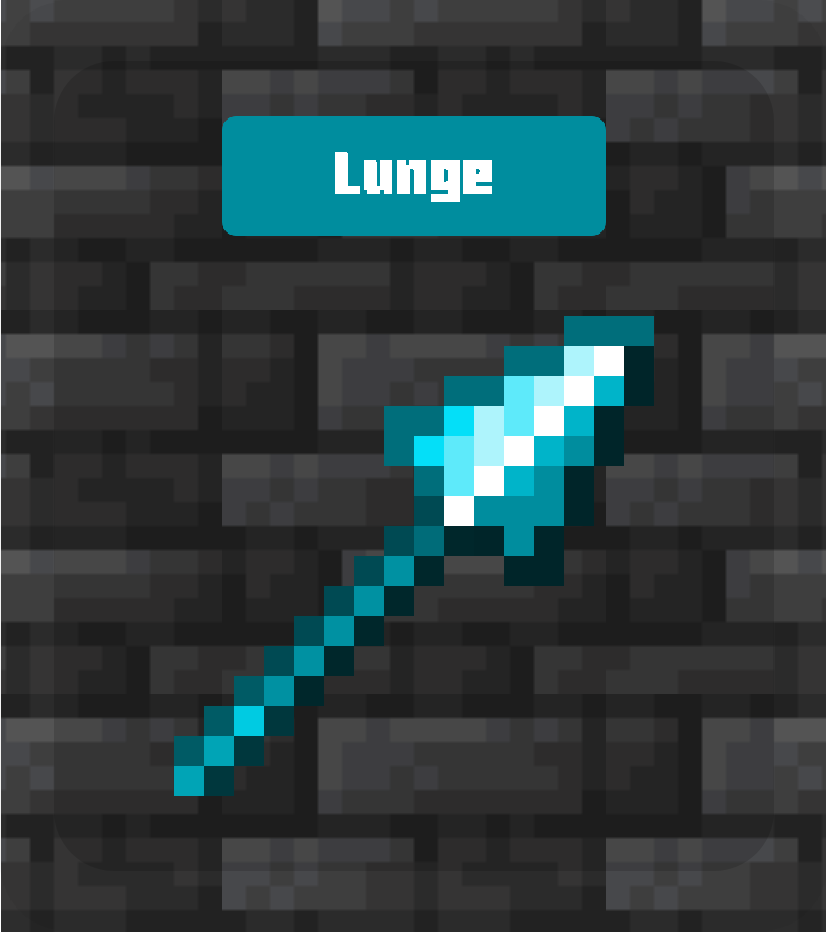
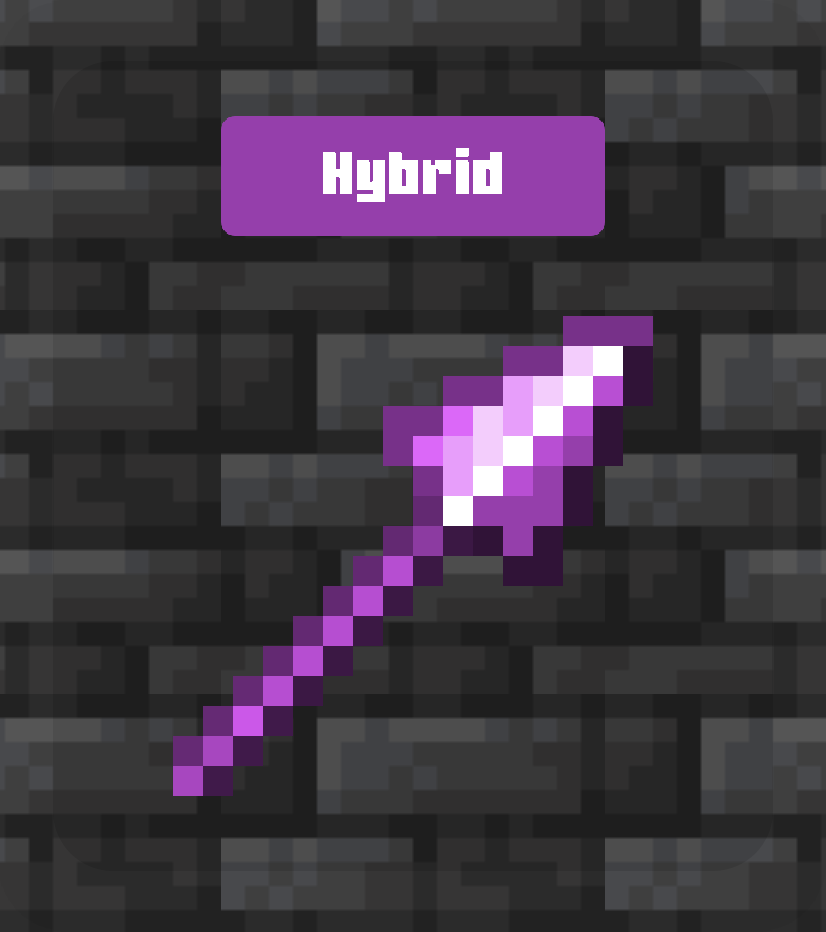
| Sharpness | Lunge | Hybrid |
|———-|——|——–|
| 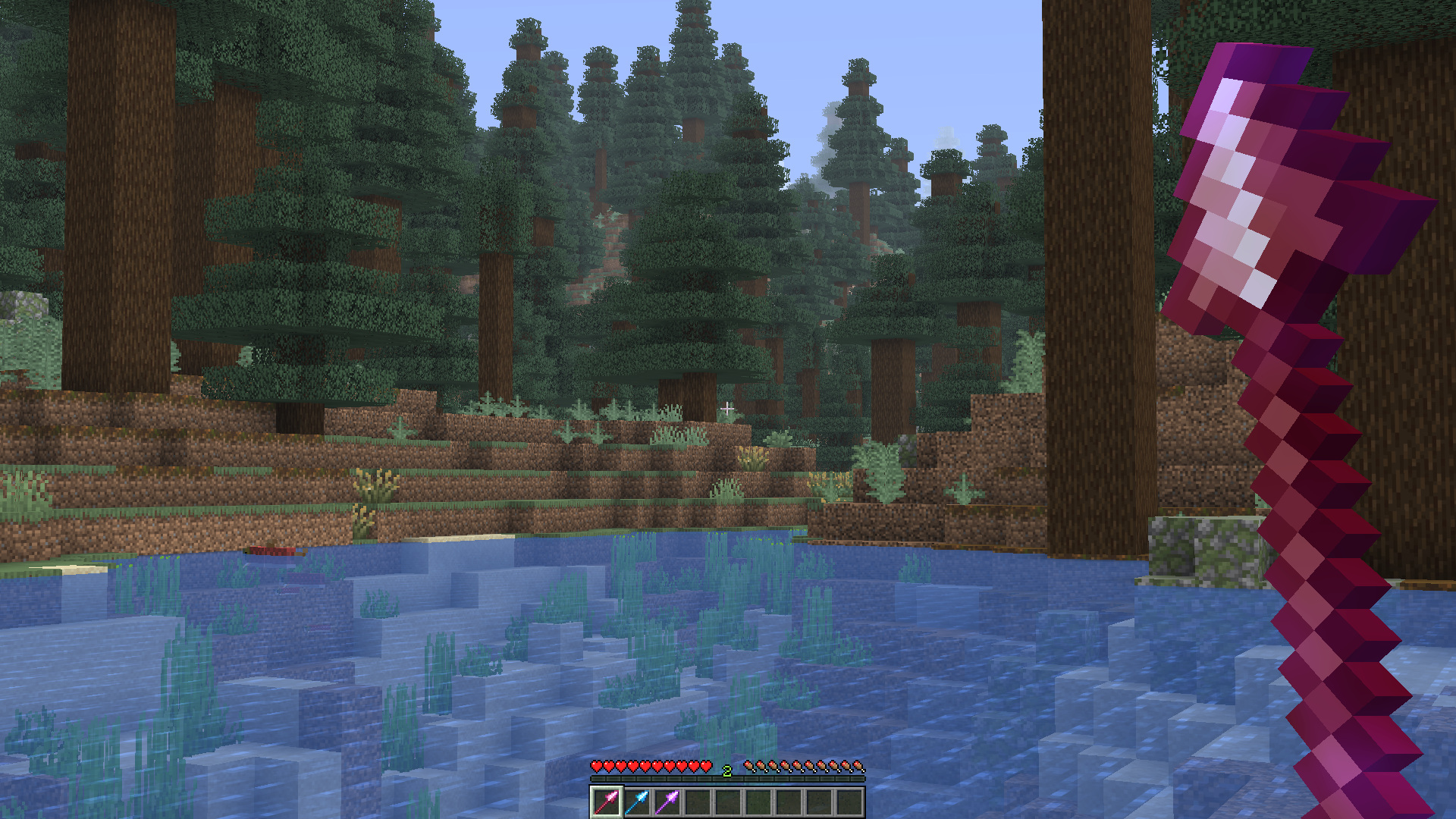 |
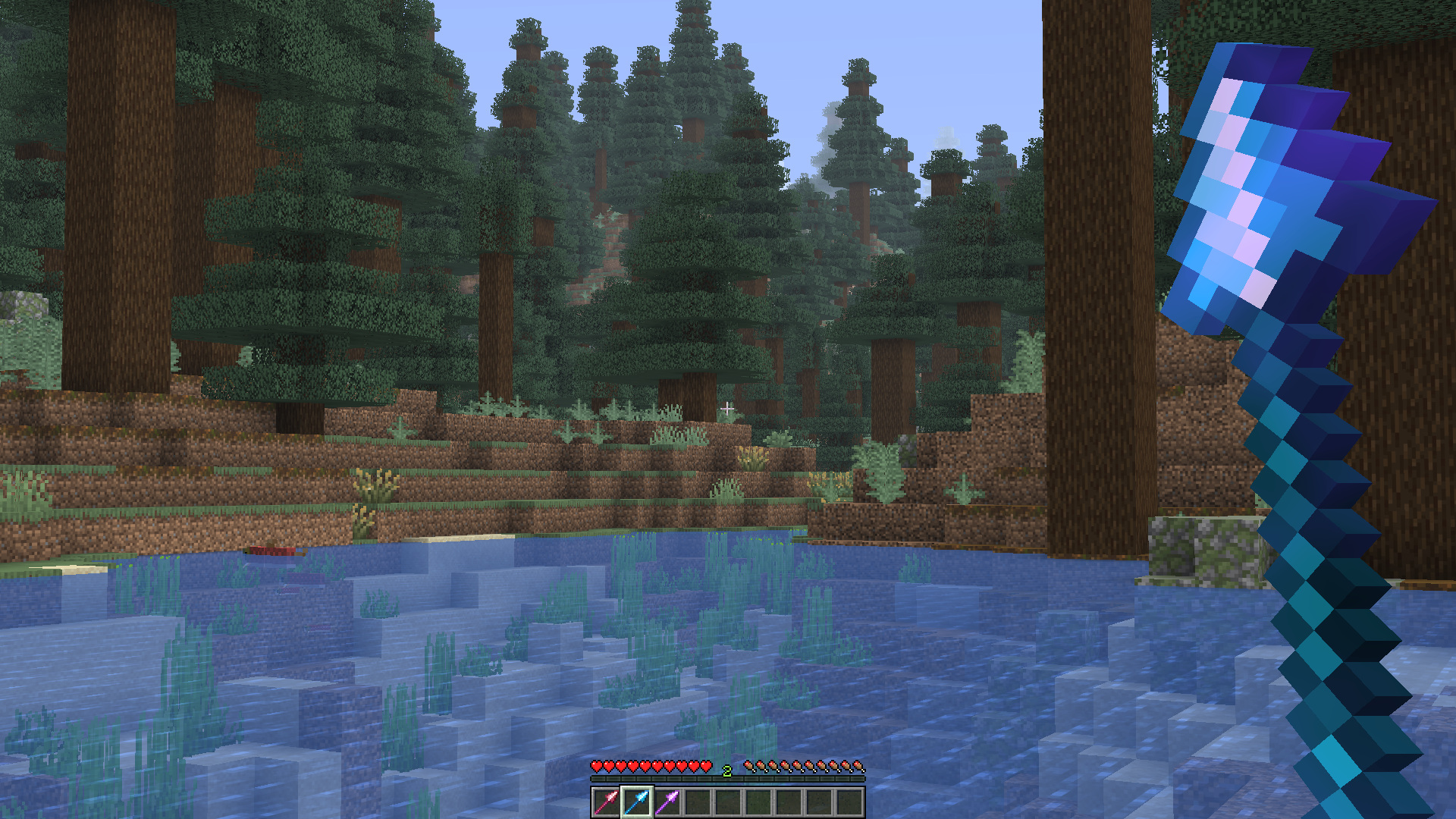 |
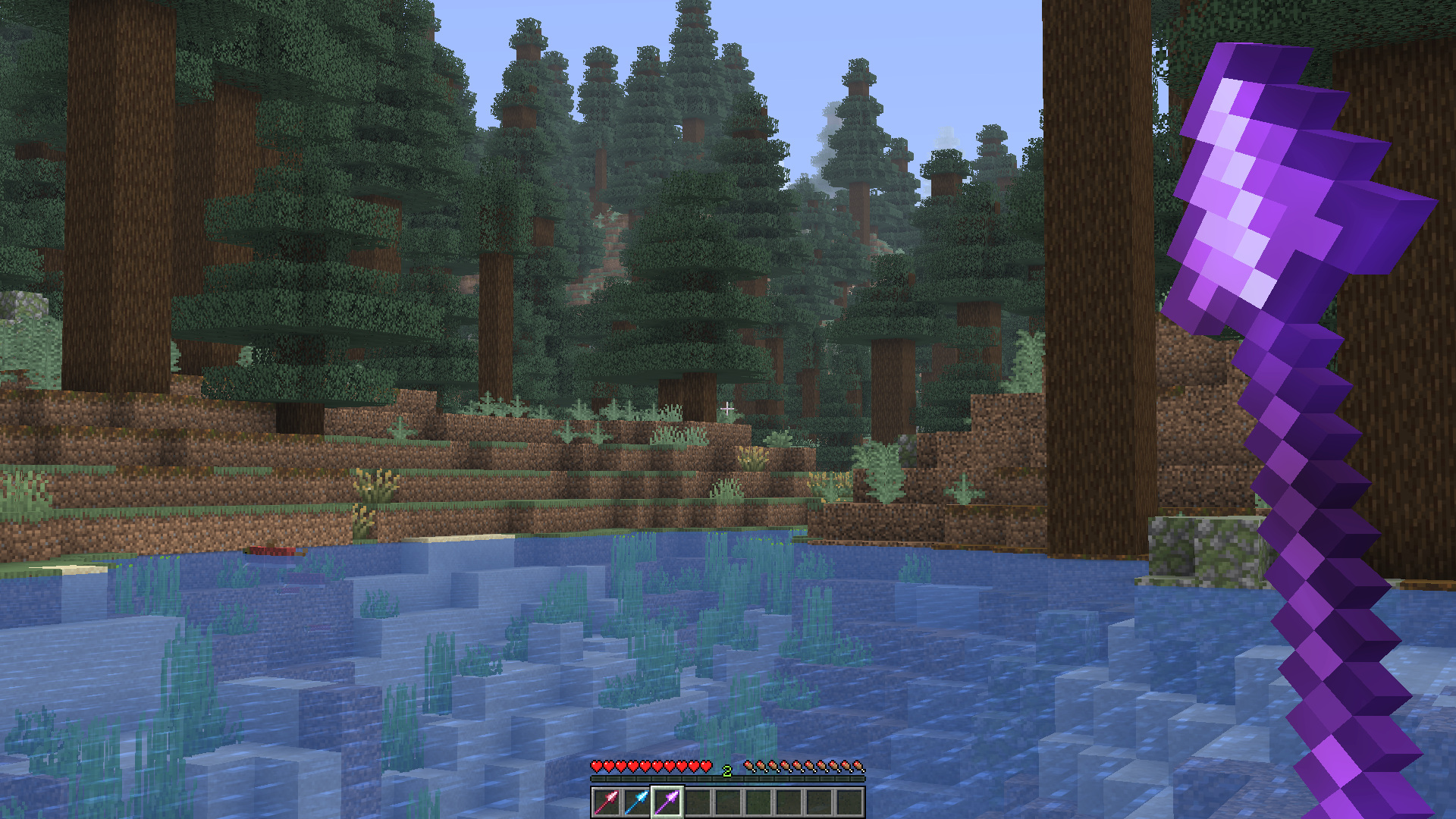 |
| View Full Size | View Full Size | View Full Size |
Enchantments
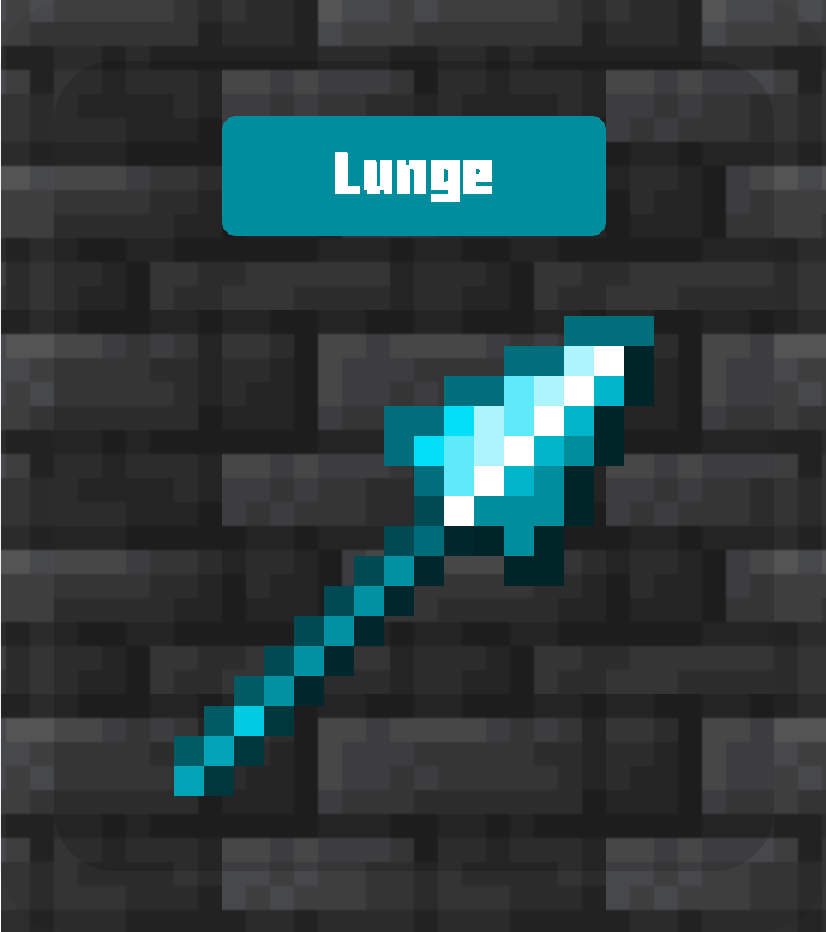
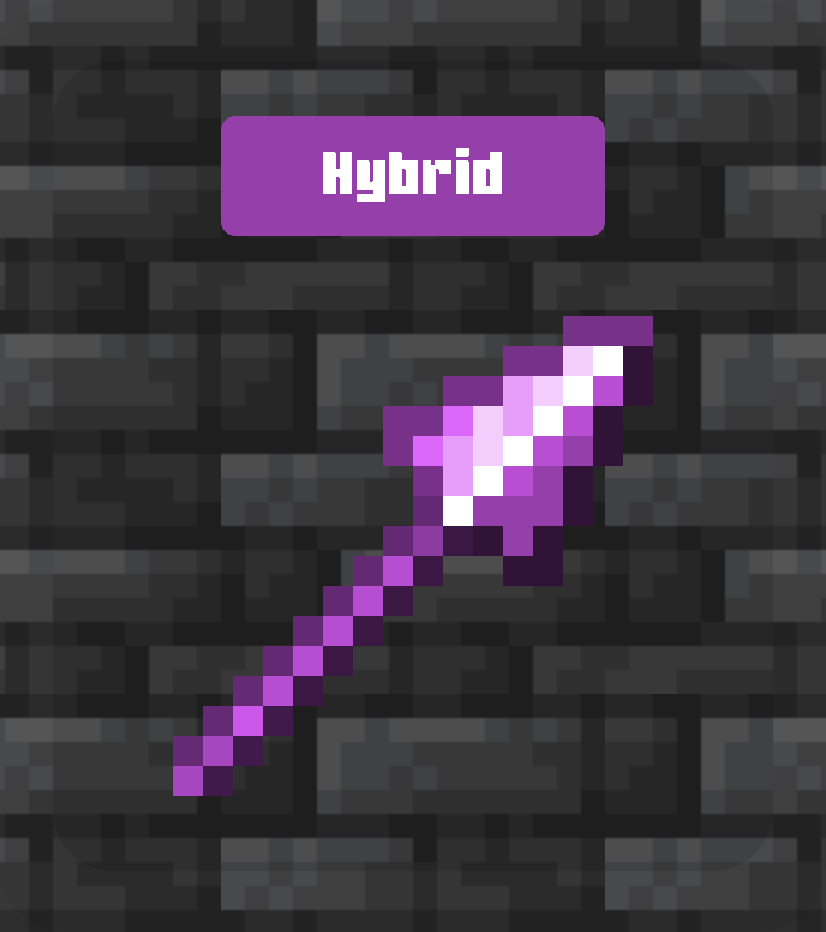
| Sharpness | Lunge | Hybrid |
|———-|——|——–|
| 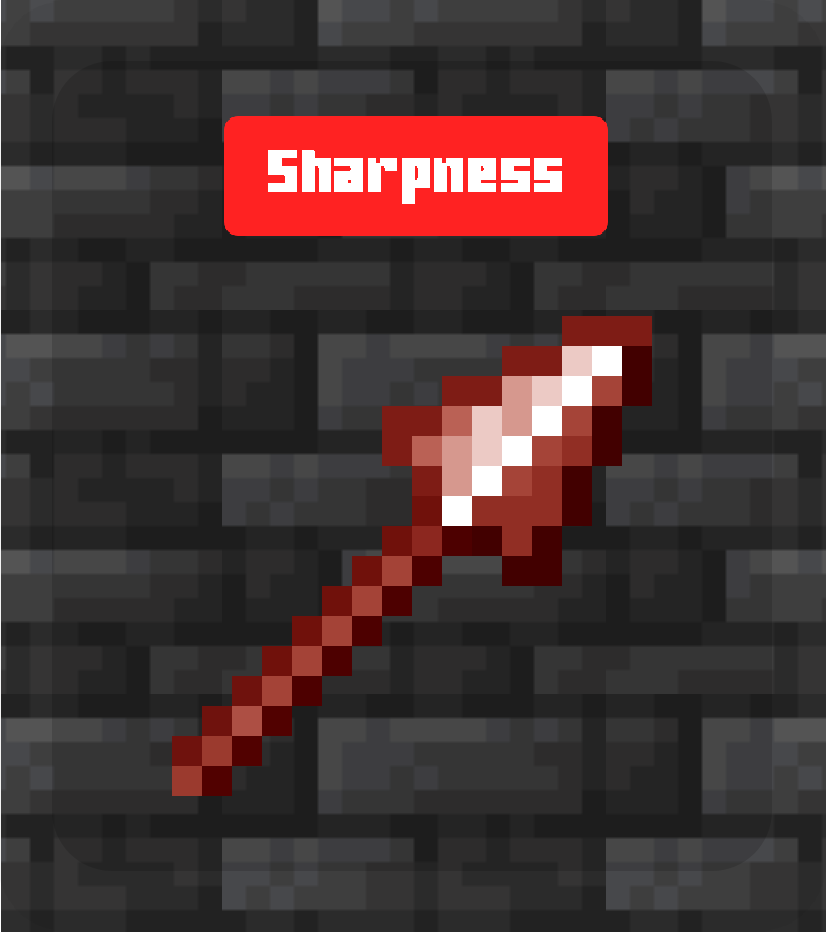 |
 |
 |
- Sharpness: Spears with any level of Sharpness
- Lunge: Spears with any level of Lunge
- Hybrid: Spears with both Lunge and Sharpness

Any pack downloaded from PrecisionZero or ChillByte will completely work with all other packs from us. Our texture packs are designed in a way that no pack would clash with each other, ensuring a reliable and seamless experience.
Discover the PrecisionStudios Collection
| | |
|—|—|
|  |
 |

Requirements
| Pack Version | Minecraft Version | Forge | Fabric | Vanilla |
|————–|——————|——–|——–|———|
| 1.x | 1.21.11+ | ✔ Supported | ✔ Supported | ✔ Supported |
Installation
- Download the
.zipfile - Open Minecraft → Options → Resource Packs → Open Pack Folder
- Paste the
.zipfile into the folder - Close and re-open the Resource Packs menu
- Enable Spear Enchant Indicator from the list
Compatibility
- Works in vanilla Minecraft
- May conflict with packs that modify spear models or textures
Contact
For any concerns regarding Spear Enchant Indicator, contact me at: [email protected]

Licensed as All Rights Reserved (ARR) under PrecisionZero
常见问题
Spear Enchant Indicator – Lunge and Sharpness 支持哪些 Minecraft 版本?
Spear Enchant Indicator – Lunge and Sharpness 支持 Minecraft Java 版 1.21.11–26.3,共 6 个版本。下载时注意选择和你游戏版本一致的文件。
Spear Enchant Indicator – Lunge and Sharpness 怎么安装?
把下载的 .zip 文件(不用解压)放进游戏目录的 resourcepacks 文件夹,进游戏后在「选项 → 资源包」里把它移到右边启用。

评论
登录后评论和评分