截图
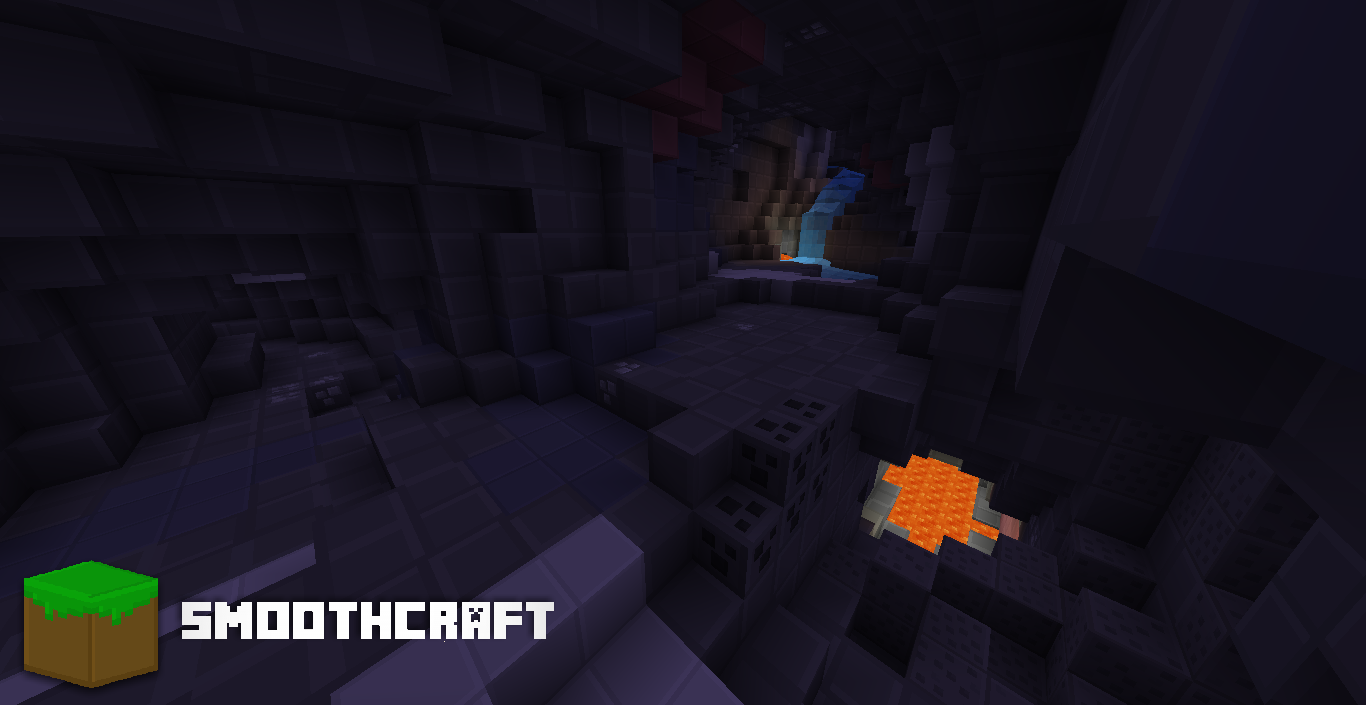
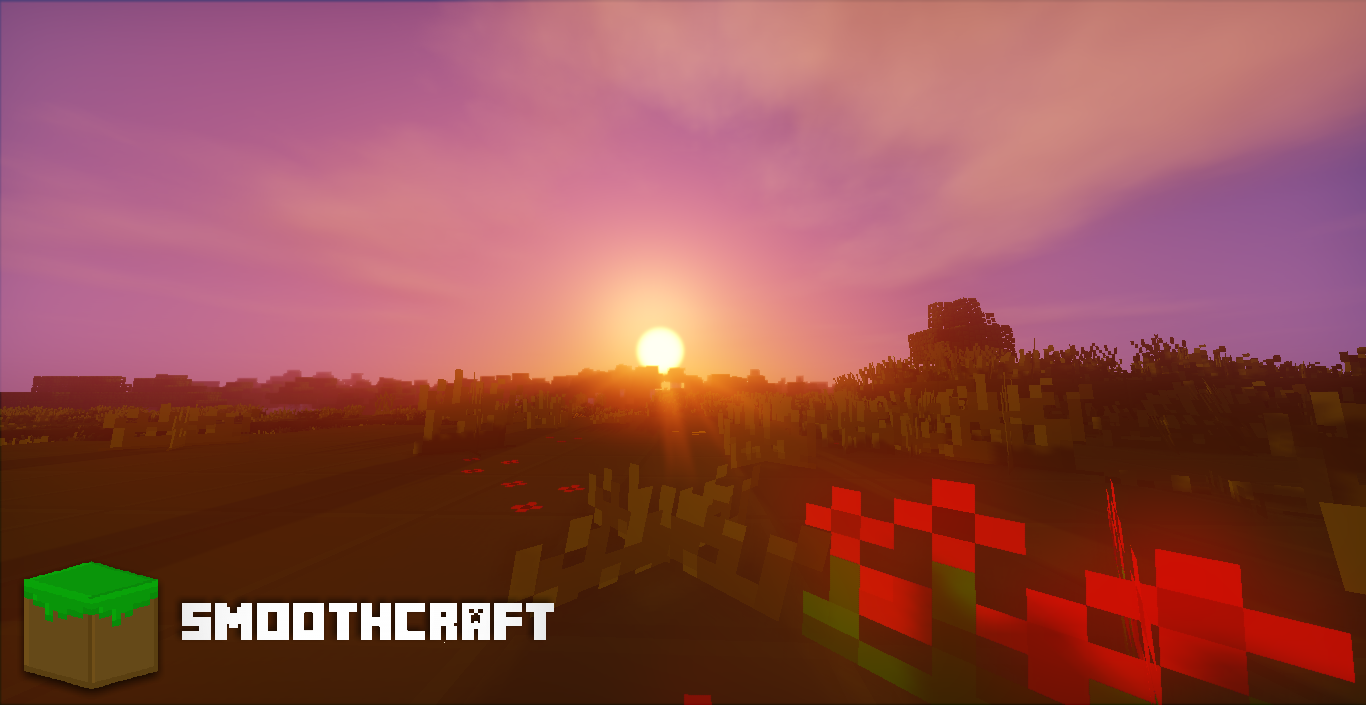
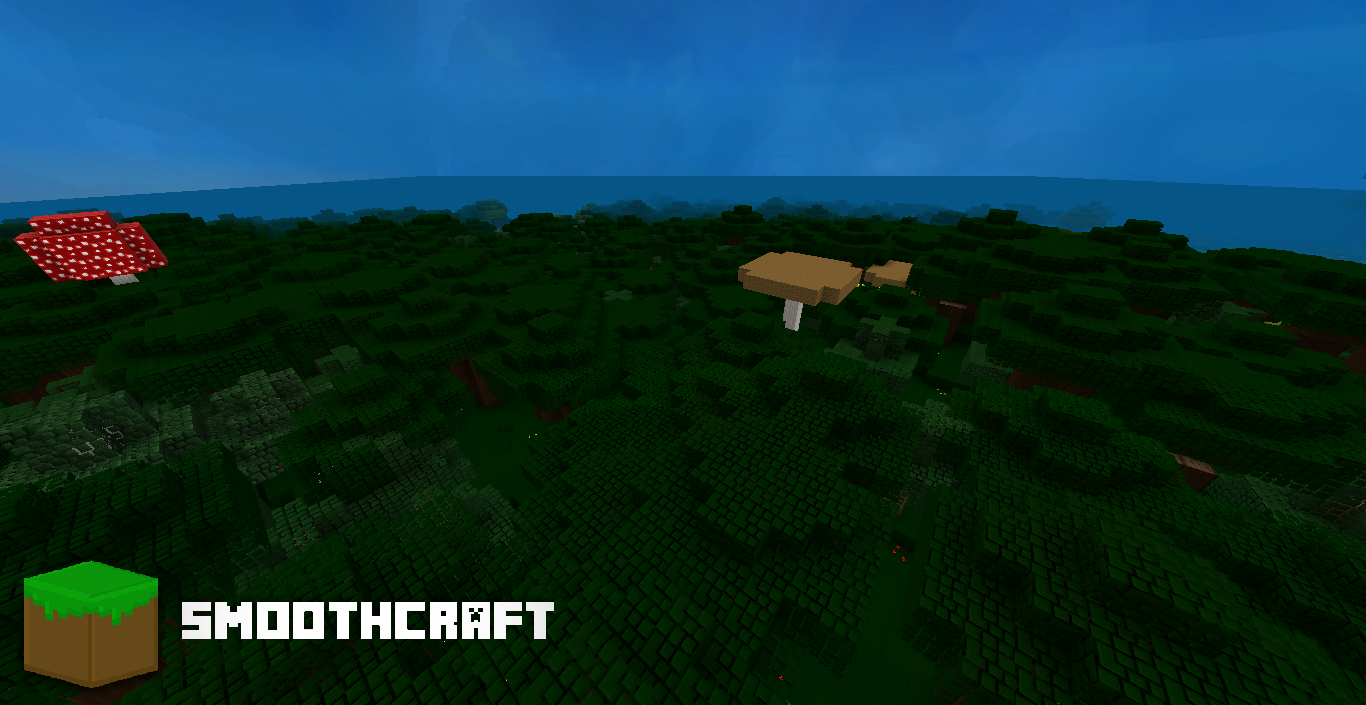
介绍
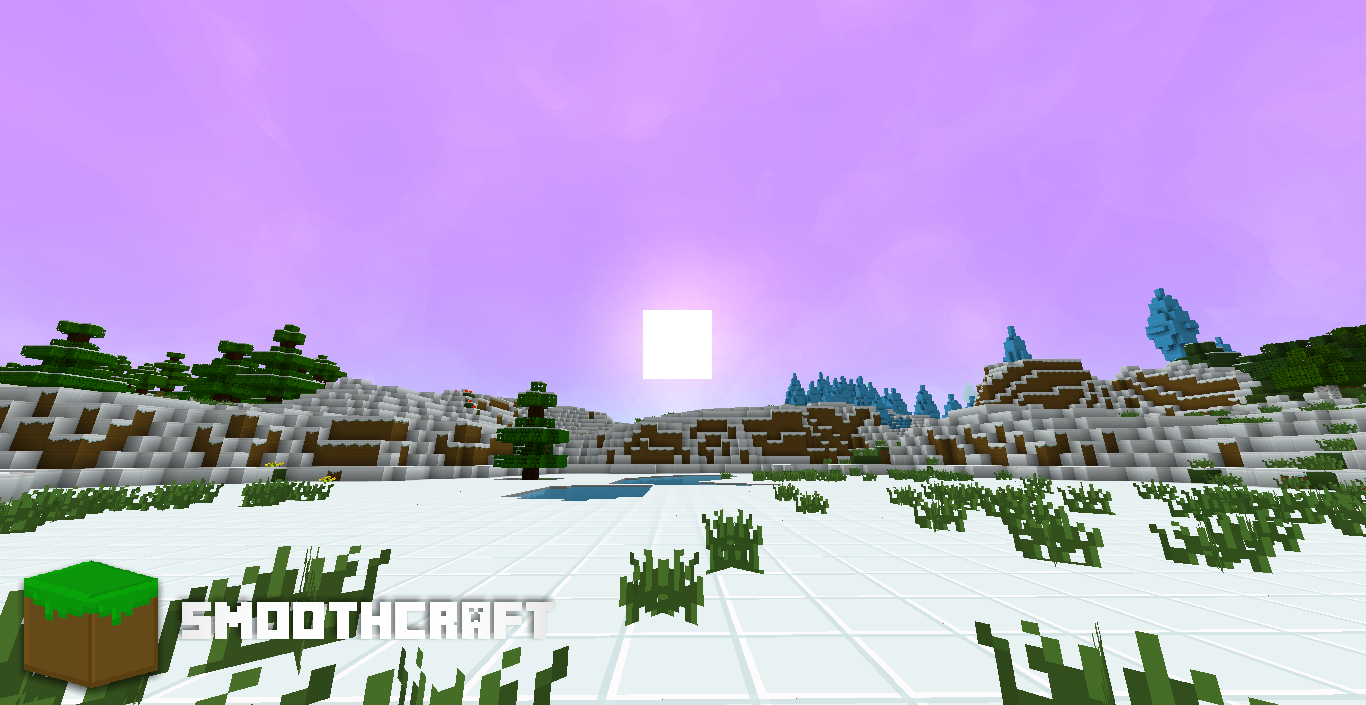
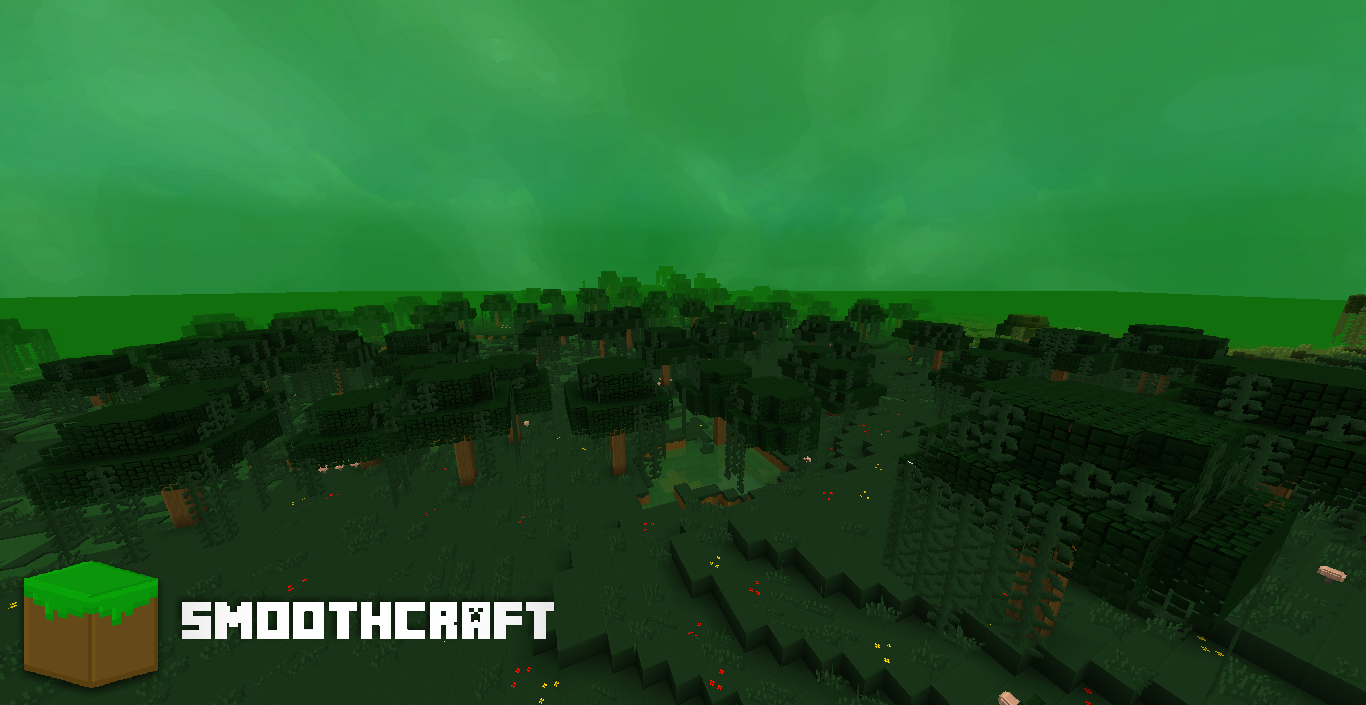
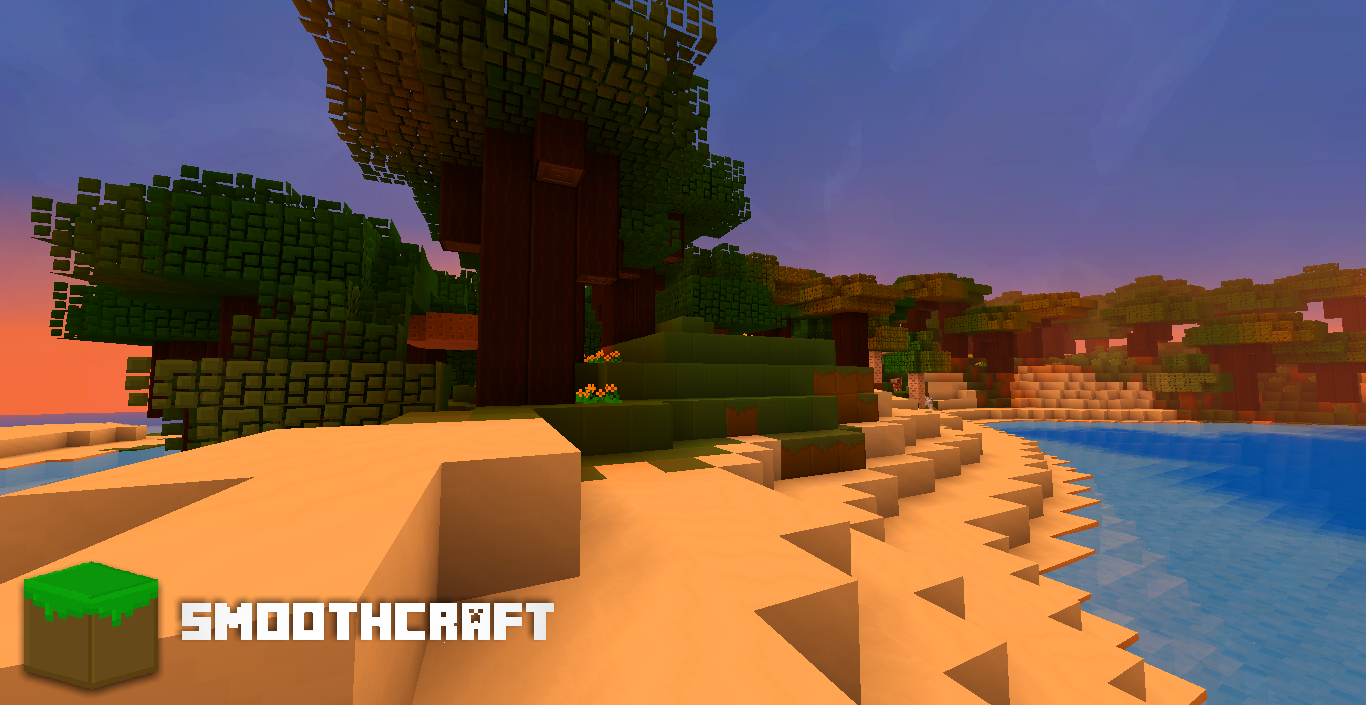
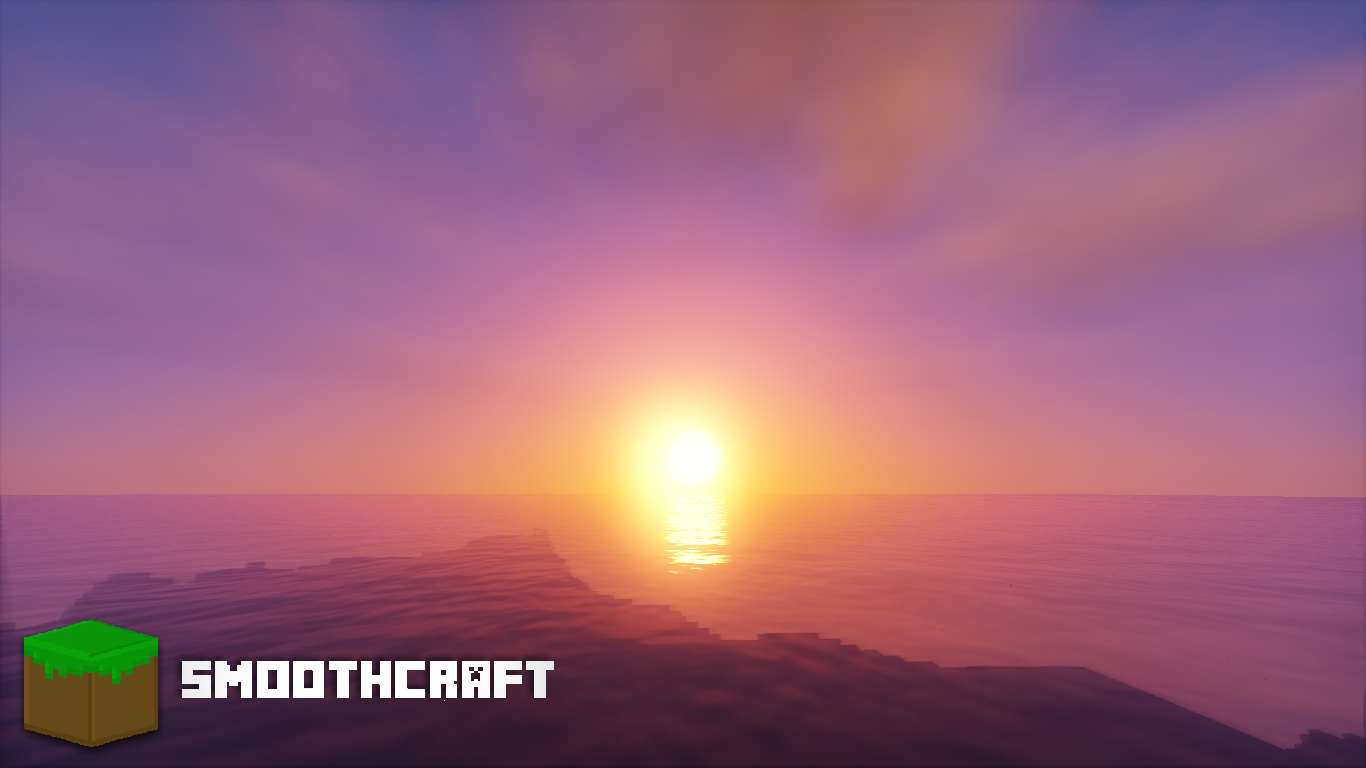
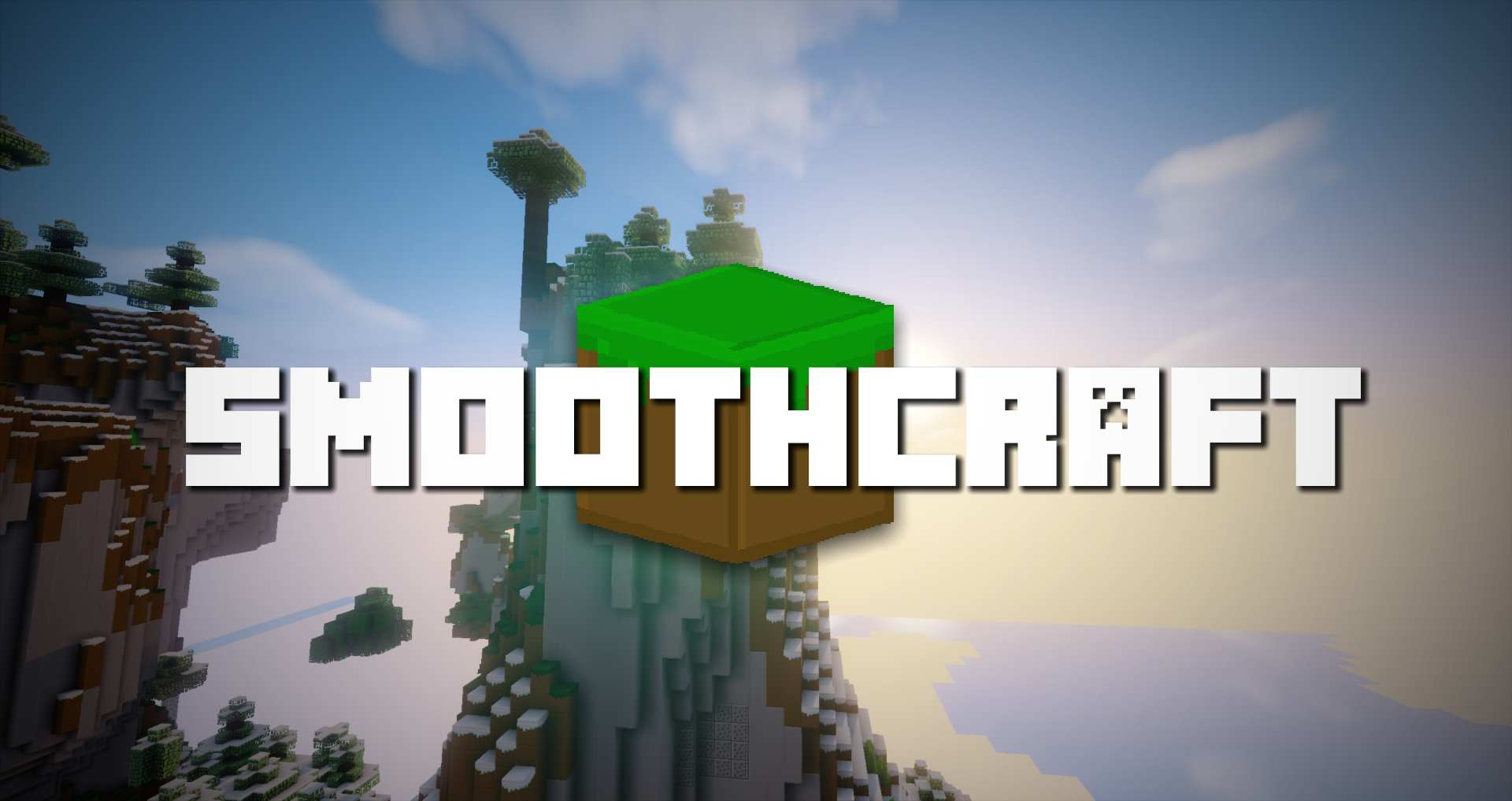
Smoothcraft is a resource pack that brings the minecraft world to a whole new level. By adding simple boarders to block, mobs, and items, and all the other things that can be textured. It truly brings minecraft alive with it’s perfectly saturated shades and perfections in contrast. This resource pack does have some advantages and it’s disadvantages. One advantage being it can run perfectly on any computer, slow or fast. One disadvantage, it currently only has a 16×16 resolution.
There is also a form in which you have the ability to submit a review on this resource pack. You can also include your email in that form to receive person emails from the owner of Smoothcraft, my self, MasterMind_DC. On all the latest updates before it will get updated anywhere else!
Survey Form:
http://goo.gl/forms/JaGT5ndqzi
Bug Tracker:
DOWNLOADS
Want to download? Choose the level of intensity of Smoothcraft!
Smoothcraft Lite: http://bit.ly/2otXLcT
Smoothcraft Lite; No Optifine Feature: http://bit.ly/2n4IGhy
Smoothcraft Standard: http://bit.ly/2n4yLZw
Smoothcraft Standard; No Optifine Features: http://bit.ly/2oC06iK
Smoothcraft High: http://bit.ly/2nBA3r0
Smoothcraft High; No Optifine Features: http://bit.ly/2nPtWAu
Want to use an older version of Smoothcraft?
https://www.mediafire.com/folder/nyns8wm0kwhem/Smoothcraft_Downloads
Can I use Smoothcraft in a video?
Yes, but you have to please give credit to me and a link to the post you found Smoothcraft on.
Can I edit Smoothcraft and redistribute?
If you email [email protected] and ask for permission then I will gladly let you, otherwise no.
Be sure to follow @DC_MasterMind
常见问题
Smoothcraft – Vanilla 支持哪些 Minecraft 版本?
Smoothcraft – Vanilla 支持 Minecraft Java 版 1.9–1.12,共 12 个版本。下载时注意选择和你游戏版本一致的文件。
Smoothcraft – Vanilla 怎么安装?
把下载的 .zip 文件(不用解压)放进游戏目录的 resourcepacks 文件夹,进游戏后在「选项 → 资源包」里把它移到右边启用。
评论
登录后评论和评分