
截图
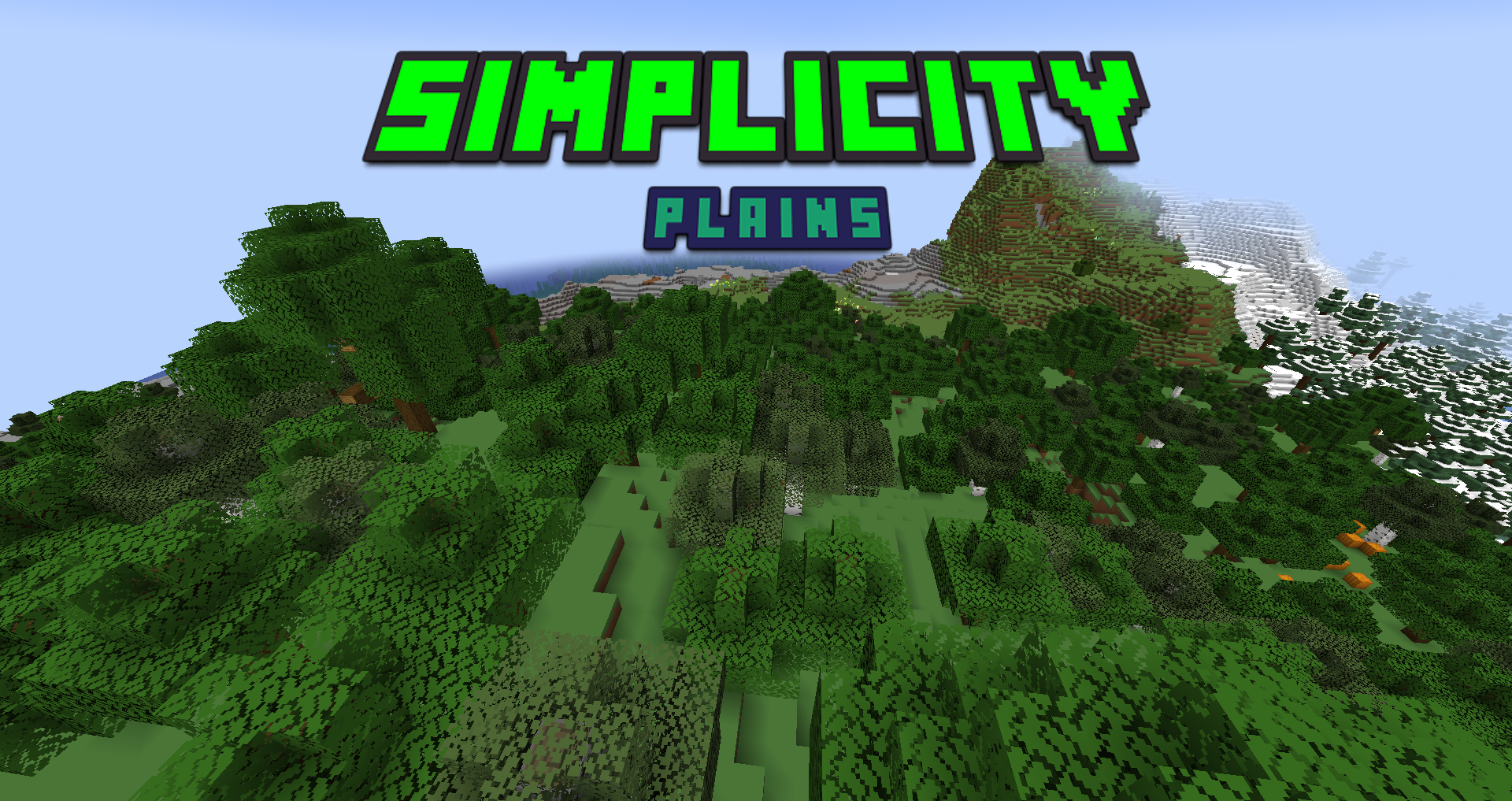


介绍
_woah! thank you guys so much for 500+ downloads! :D_
💚 Welcome
Ever thought that Minecraft was a bit too complicated? Maybe the Textures had too many Colors? Or just too much going on while You try to focus?
Meet SIMPLICITY!
The aim of this Resource Pack is to make Minecraft be as Simple as it can be! Go on! Simplify Your World!
⚡️ Compatibility
Simplicity makes Your World Simple. But what’s simpler than installing Mods with a designed-for-it Client??… What? Breathing?… Uhh… Compatibility Packs!
🧩 Tutorial
Press The Windows Key + R keys, Type in “%appdata%”, Go to the .minecraft folder, Go into the resourcepacks folder, Drag in the .zip file into the resourcepacks folder, and You are good to go!
常见问题
Simplicity 支持哪些 Minecraft 版本?
Simplicity 支持 Minecraft Java 版 1.20–1.21.11,共 14 个版本。下载时注意选择和你游戏版本一致的文件。
Simplicity 怎么安装?
把下载的 .zip 文件(不用解压)放进游戏目录的 resourcepacks 文件夹,进游戏后在「选项 → 资源包」里把它移到右边启用。

评论
登录后评论和评分