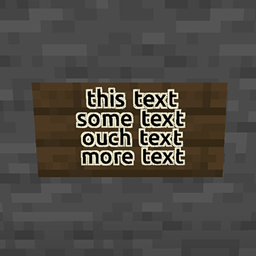
截图
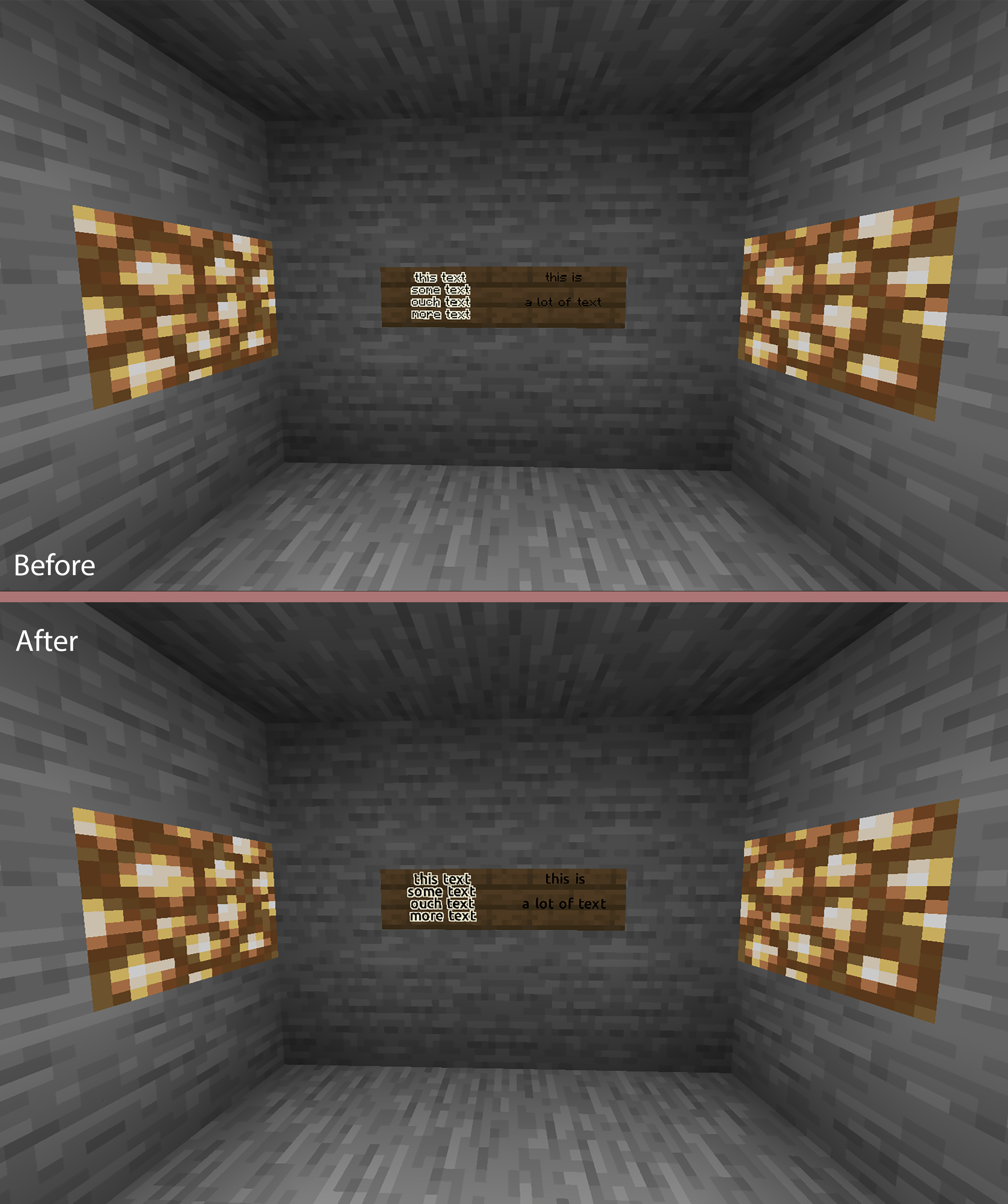
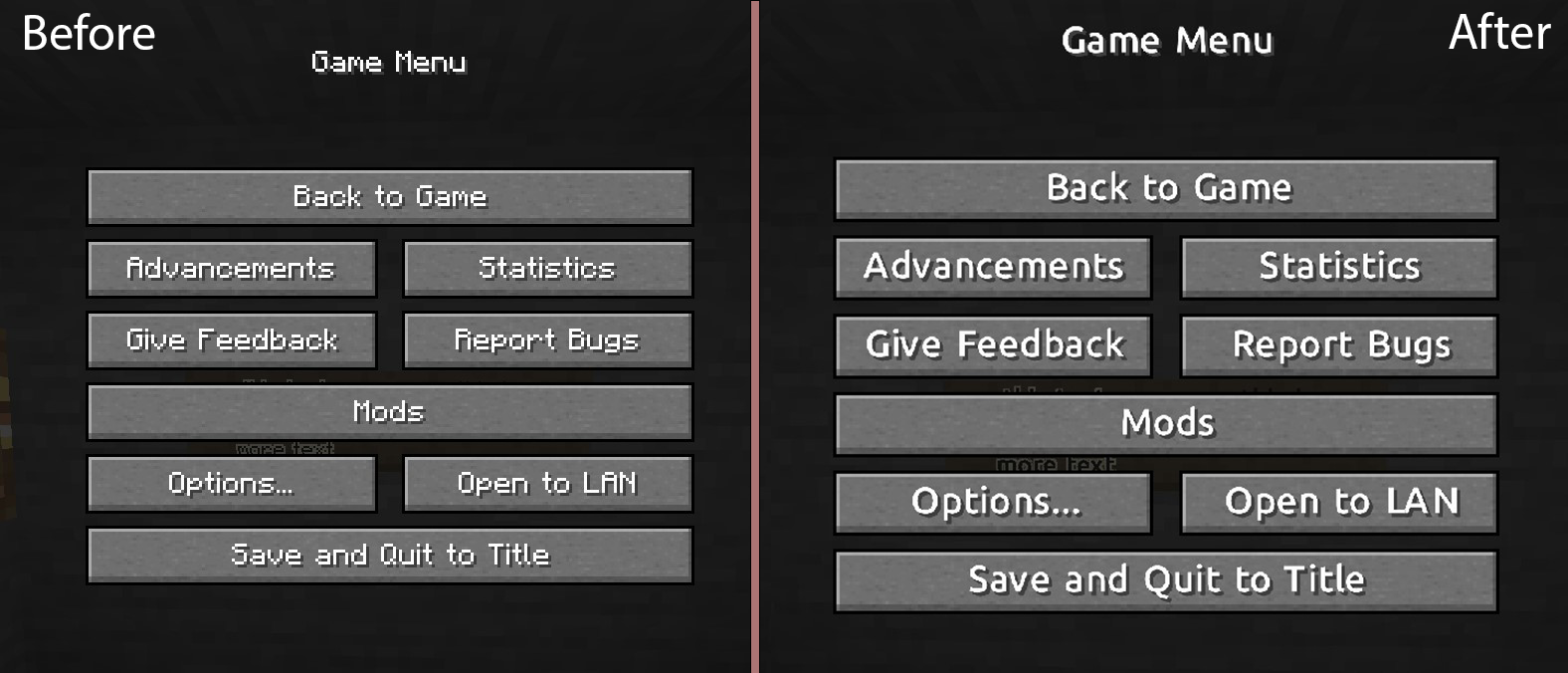
介绍
Hello! I’ve made this very basic Resource Pack, using the default Ubuntu Font from google free fonts (https://fonts.google.com/specimen/Ubuntu) in order to make more readable, in particular on the signs.
1. Change Font Size:
– Edit the .\assets\minecraft\font\default.json file, changing the “size” option with the desidered Font Size. ResourcePack default is 13.0. (Minecraft default is 11.0);
NOTE/PROBLEM: If you have a Sign Text line that reach the sign border (ex. maximum letters in a single line), with size more then 11.5 the last word on the line will be removed
2. Change Font:
– Download the .ttf file of the font;
– Rename the file with all lower case letters;
– Copy the file on the folder .\assets\minecraft\font\
– Edit the .\assets\minecraft\font\default.json “file” option, with the .ttf file name (ex. myfont.ttf -> “minecraft:myfont.ttf”);
– Zip the 3 files assets – pack.mcmeta (- pack.png, optional) and insert the zip into the ResourcePack folder.
常见问题
Simple Bigger Fonts 支持哪些 Minecraft 版本?
Simple Bigger Fonts 支持 Minecraft Java 版 1.13–1.18.1,共 21 个版本。下载时注意选择和你游戏版本一致的文件。
Simple Bigger Fonts 怎么安装?
把下载的 .zip 文件(不用解压)放进游戏目录的 resourcepacks 文件夹,进游戏后在「选项 → 资源包」里把它移到右边启用。
评论
登录后评论和评分