
Showjumping Craft
CIT Pack that adds various obstacles to Minecraft for you to make your equestrian dreams come true!
截图
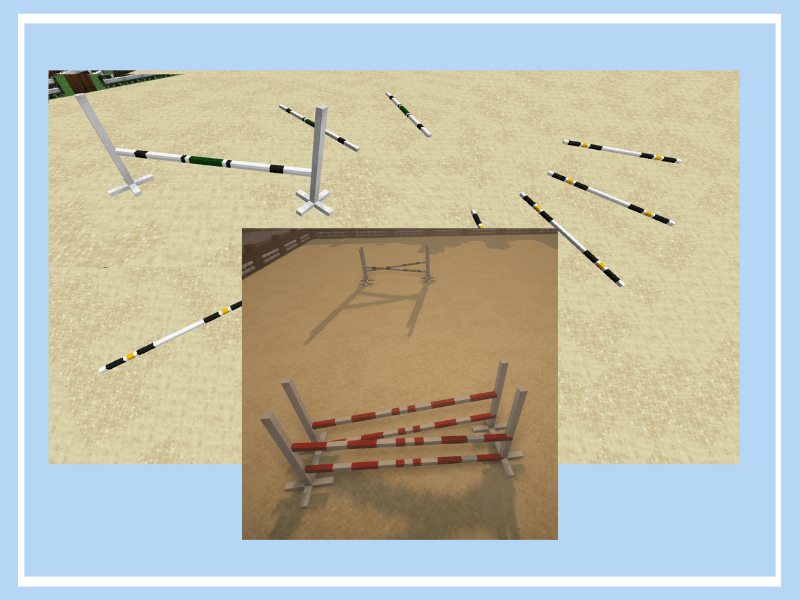
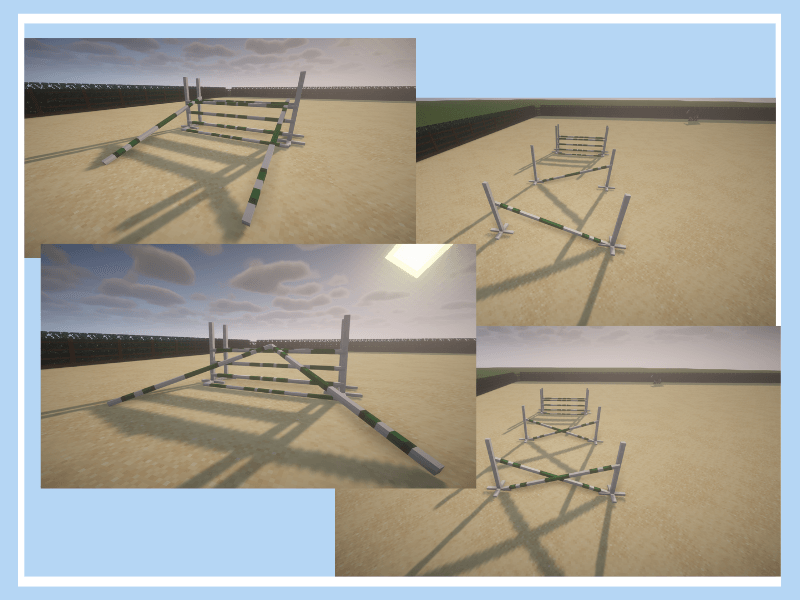
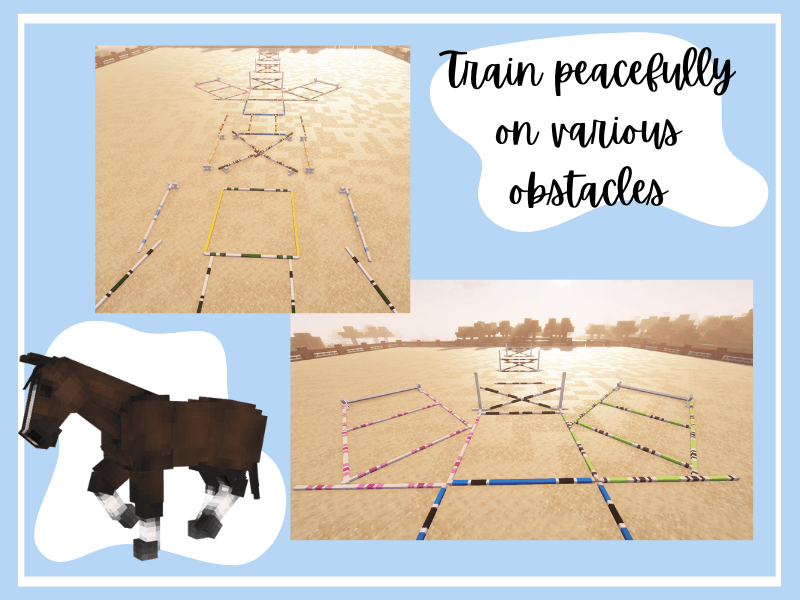

介绍
Horse-themed CIT Pack for people with the soul of athlete! Make unique courses straight from showjumping events or train peacefully in your home stable.
Pack introduces plenty of obstacles and poles based on real obstacles, that can be placed crosswise and diagonally to make every course and exercise possible. Every pole color comes in different types: pole that lays on the ground, verticals and if you want to create oxer, just add a dedicated pole and here you are! It also adds affordable obstacles that perfectly match training sessions-atmosphere and fillers to make your Jumps more various.
To discover full potential click here -> catalog
Do you want to contribute to the development of this project? Please consider completing this short survey to help me gather feedback! Click here (this link takes you to the google forms page)
If you want to know more about the latest update, visit my Ko-Fi page ^^
This CIT pack requires OptiFine or alternative mods and should work fine with every version higher that 1.13.
—————————————————————————————————————————-
| You are not allow to redistribute or copy this pack and claim it as yours. |
| You are not allow to copy, recolor the textures and models and claim them as yours. |
| When you publish anything related to my work, as photos or videos, please highlight the name of my pack (Showjumping Craft CIT). |
| You are not allowed to publish this pack on you server without consullting it with me. |
| If you have any doubt about the way you use this pack please ask before you do it |
| If you have any questions or suggestions contact me by discord (juhara_5). I will reply when I am available. |
—————————————————————————————————————————-
Enjoy this pack and have a nice day!
常见问题
Showjumping Craft 支持哪些 Minecraft 版本?
Showjumping Craft 支持 Minecraft Java 版 1.16–1.20.1,共 10 个版本。下载时注意选择和你游戏版本一致的文件。
Showjumping Craft 怎么安装?
把下载的 .zip 文件(不用解压)放进游戏目录的 resourcepacks 文件夹,进游戏后在「选项 → 资源包」里把它移到右边启用。
评论
登录后评论和评分