
Retro Black & White
This resource pack changes all textures and makes them black and white.
截图


介绍
📖 What’s this Resource pack
This Resource pack changes the textures of the game to Black and White.That is, in the game you will see everything in black and white like in old movies.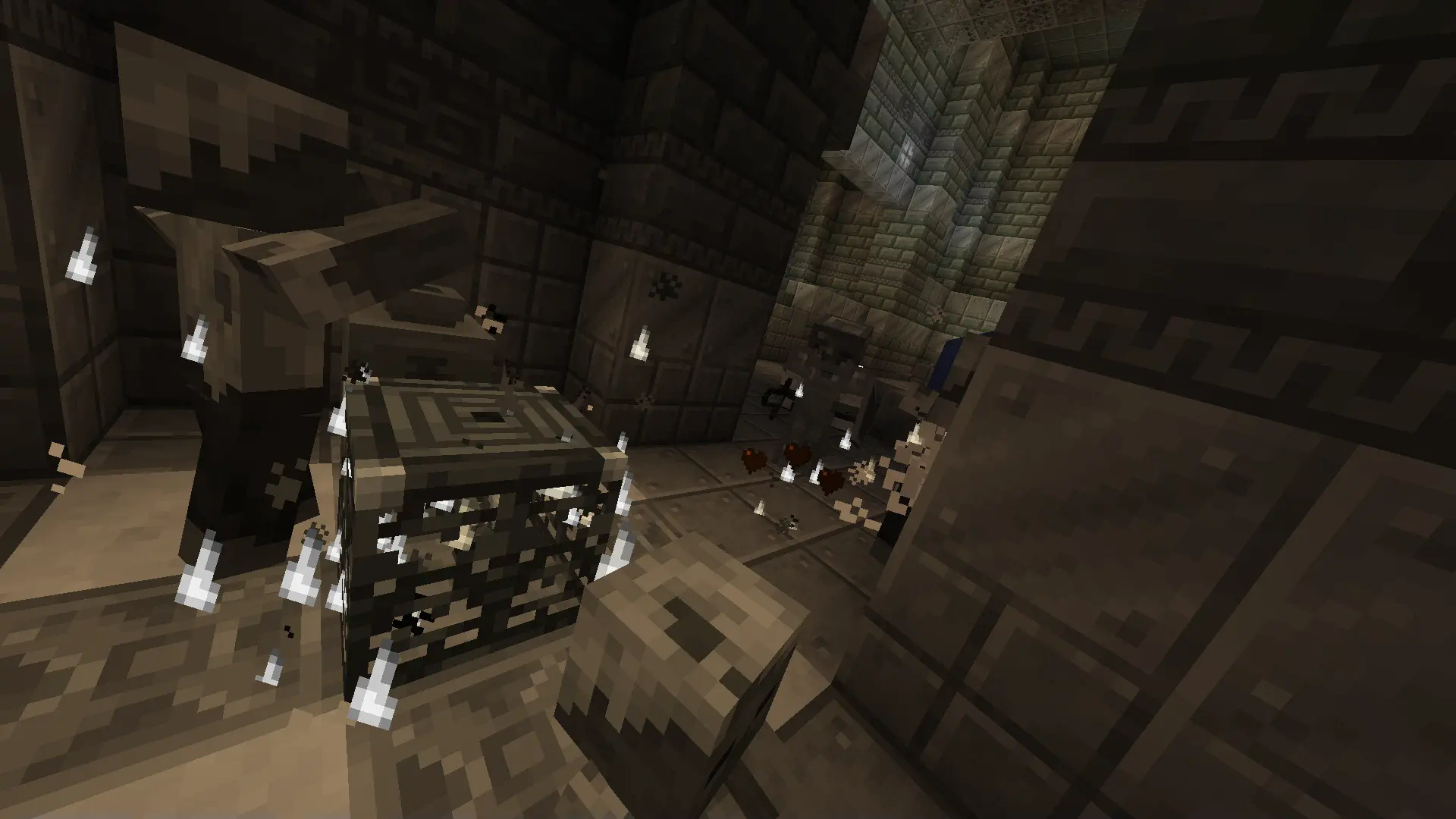
Now this Resource pack changes textures:
- Mobs
- Item
- Text
- Particles
- Blocks
- Entities
- Light
- You!
What is this Resource Pack for?
- It can be useful to complicate the game, because you will not be able to define the colors.
- To record films about minecraft, as in the 30s.
- And just hanging out with friends.
⚙️How do I add a resource pack to the game?
1.Download this resource Pack.
2.Open the .minecraft
folder.
- In it, open the resourcepack folder.
- And move th Retro Black & White to this folder.
⚙️Activation in the game.
- Go to settings, then resource sets and activate Retro Black & White.
常见问题
Retro Black & White 支持哪些 Minecraft 版本?
Retro Black & White 支持 Minecraft Java 版 1.21–1.21.8,共 6 个版本。下载时注意选择和你游戏版本一致的文件。
Retro Black & White 怎么安装?
把下载的 .zip 文件(不用解压)放进游戏目录的 resourcepacks 文件夹,进游戏后在「选项 → 资源包」里把它移到右边启用。
_Kadens_ 的其他作品
查看全部 →
Strange objects
"Strange Object" is my mod that adds memes or strange objects.

Rounds Ru
Who knows the Rounds In Minecraft map? Do you want it to be in Russian? This resource pack is your solution, it transfers all bonuses!

Darkness and Light
The resource pack "Darkness and Light" adds 10 new textures and 4 models for the netherite sword. And also for other items. via custom_model_data
评论
登录后评论和评分