
Redstone Power Display
A Minecraft resource pack that replaces redstone dust textures and displays the redstone signal strength.
截图
介绍
Redstone Power Display
A Minecraft resource pack that replaces redstone dust textures and displays the redstone signal strength.
Two variants are available:
one that displays 0 when the redstone signal strength is 0, and one that does not display 0.
レッドストーンパウダーのテクスチャを置き換え、レッドストーン信号強度を表示するマインクラフトのリソースパックです。
レッドストーン信号強度が0の場合、0も表示するバージョンと、0は表示しないバージョンの2種類を用意しています。
Latest Release
1.24.3
Editions
Compatible with Minecraft versions 1.12.2 through 26.3.
Minecraft 1.12.2 から 26.3 までのバージョンに対応しています。
Variants
RedstonePowerDisplay.zip – Displays 0 when the redstone signal strength is 0.
RedstonePowerDisplay_NoPower0.zip – Does not display 0 when the redstone signal strength is 0.
Fonts
mplus_h12r: Uses the M+ bitmap hlv 12r font.
Usage
-
Download the resource pack.
-
Place the downloaded file in your Minecraft
resourcepacksfolder.
On Windows, the default location is:
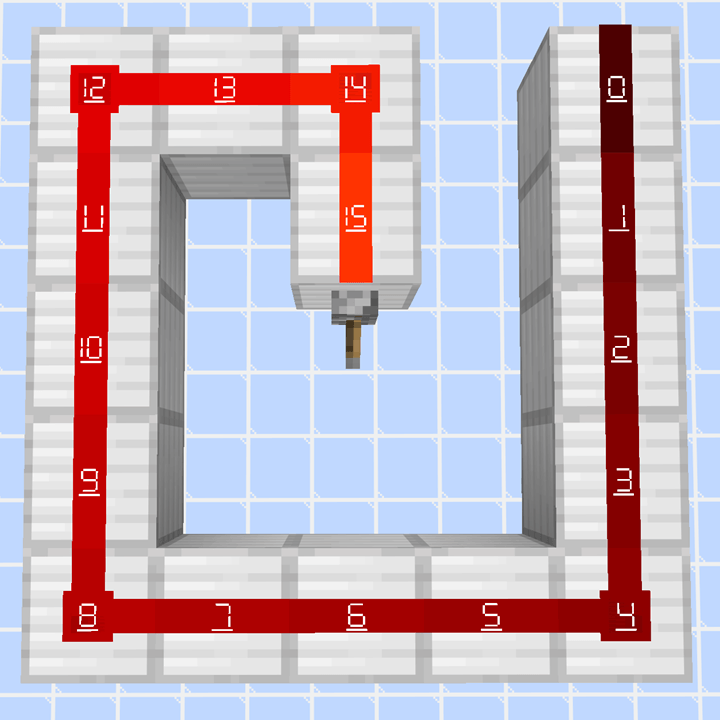
C:\Users\<Username>\AppData\Roaming\.minecraft\resourcepacksSample Images
RedstonePowerDisplay.zip
7-segment font with 0 / 0表示あり7セグフォント
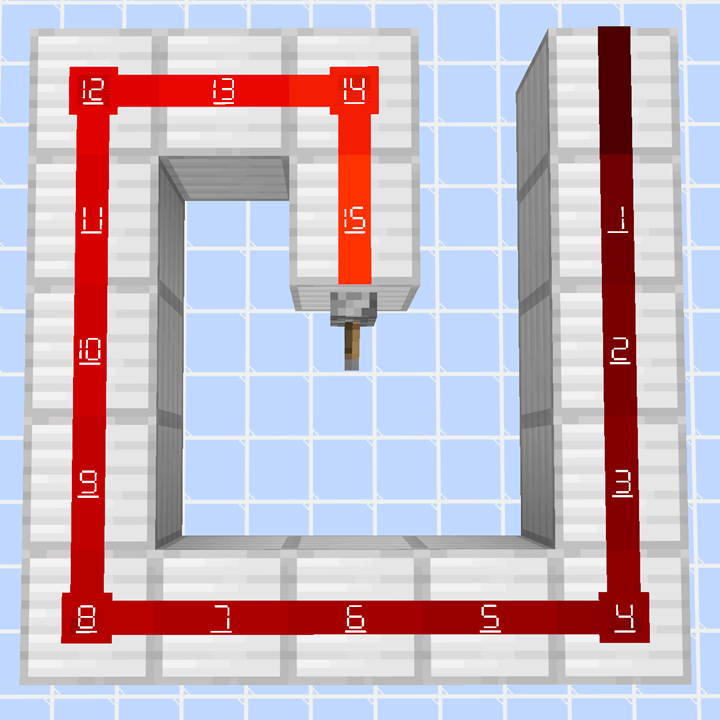
RedstonePowerDisplay_NoPower0.zip
7-segment font without 0 / 0表示なし7セグフォント
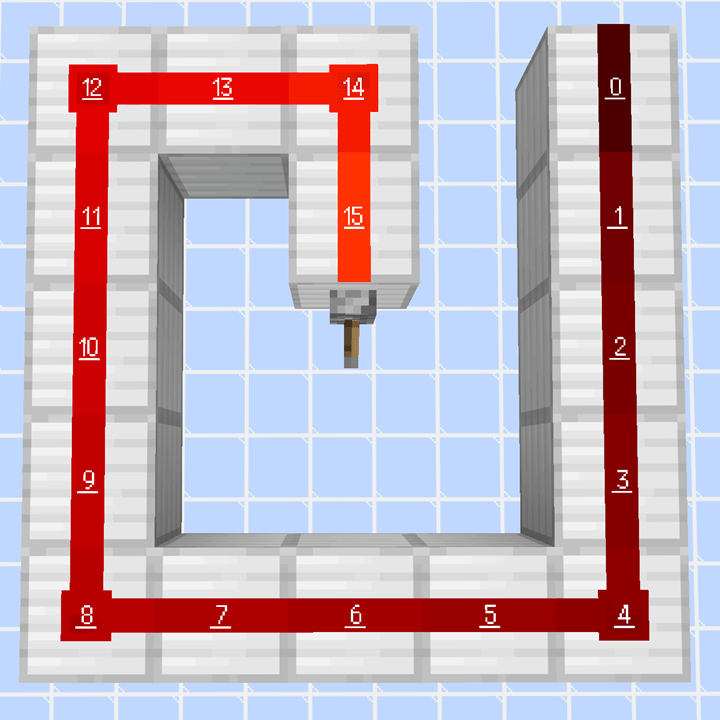
RedstonePowerDisplay_mplus_h12r.zip
M+ font with 0 / 0表示あり M+ フォント
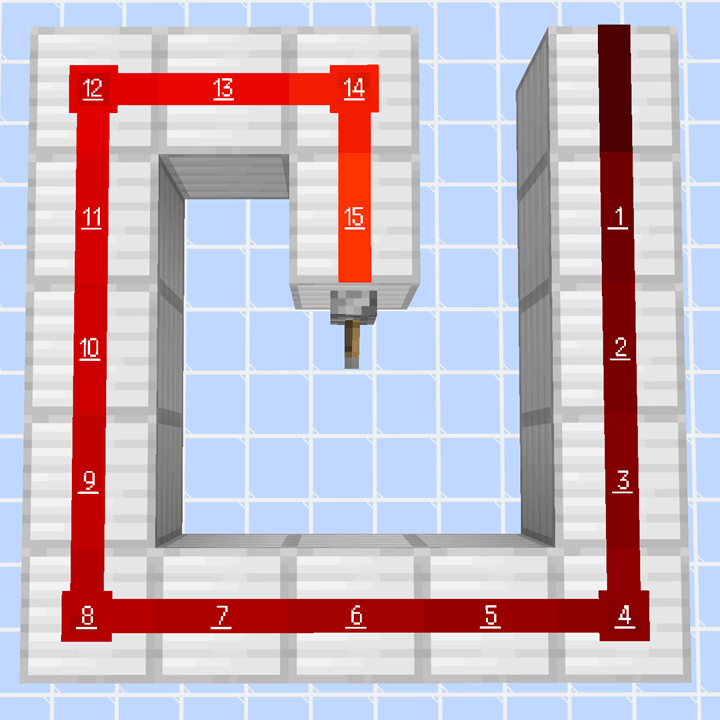
RedstonePowerDisplay_NoPower0_mplus_h12r.zip
M+ font without 0 / 0表示なし M+ フォント
常见问题
Redstone Power Display 支持哪些 Minecraft 版本?
Redstone Power Display 支持 Minecraft Java 版 1.12.2–26.3,共 52 个版本。下载时注意选择和你游戏版本一致的文件。
Redstone Power Display 怎么安装?
把下载的 .zip 文件(不用解压)放进游戏目录的 resourcepacks 文件夹,进游戏后在「选项 → 资源包」里把它移到右边启用。
OkanGames2525 的其他作品
查看全部 →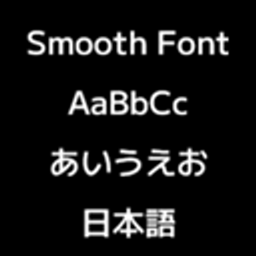
Modern Smooth Font (ep. Japanese)
A Minecraft resource pack that replaces the default font with a smoother font.

Transparent Glass (Simple)
A Minecraft resource pack that gives glass blocks and glass panes a simpler, more transparent appearance.

Enderman Stop-Griefing
A Minecraft data pack that prevents Enderman from griefing.

Transparent Bedrock
A Minecraft resource pack that gives Bedrock blocks a more transparent appearance.
评论
登录后评论和评分