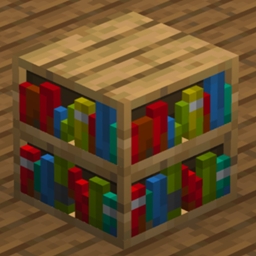
截图
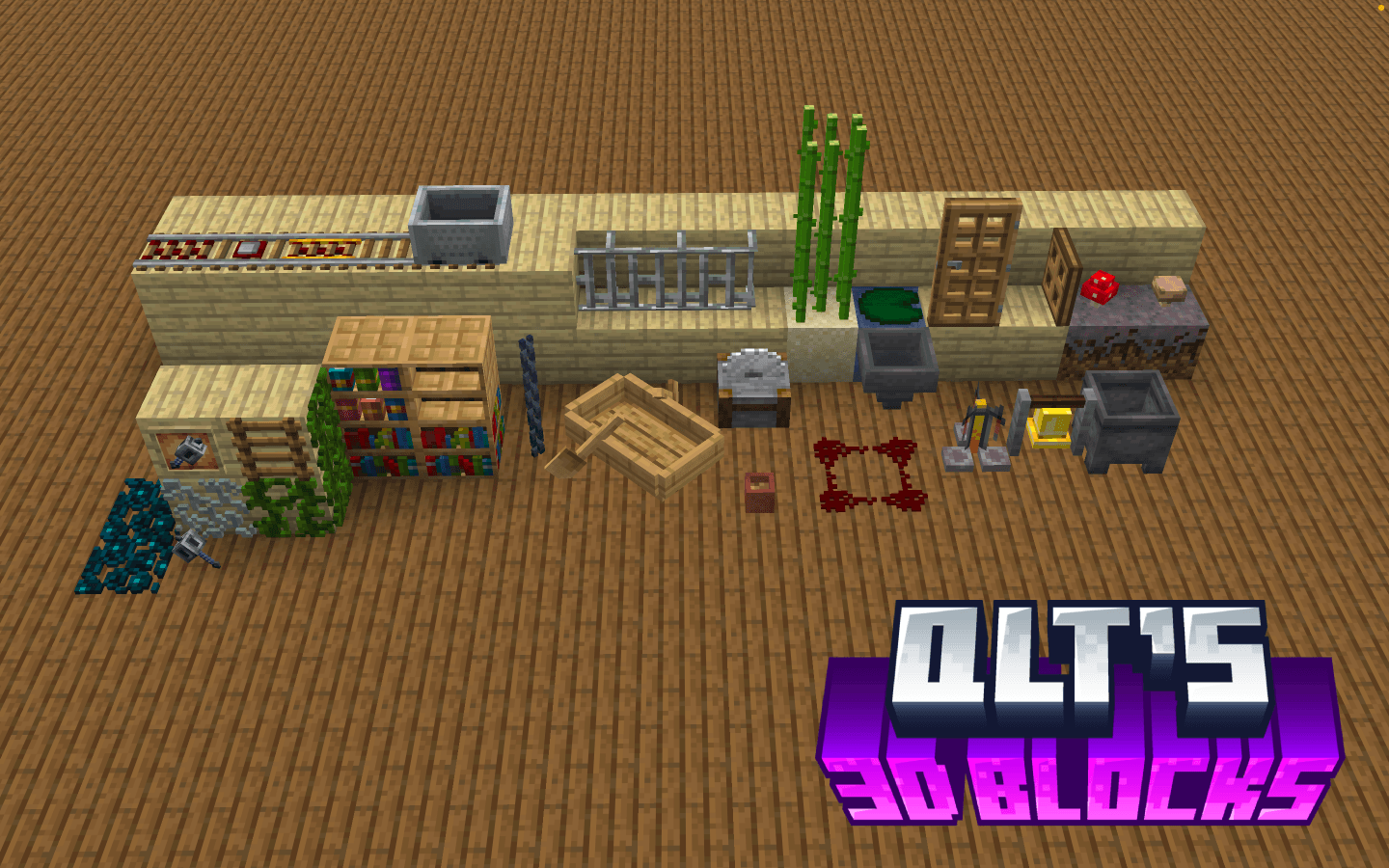
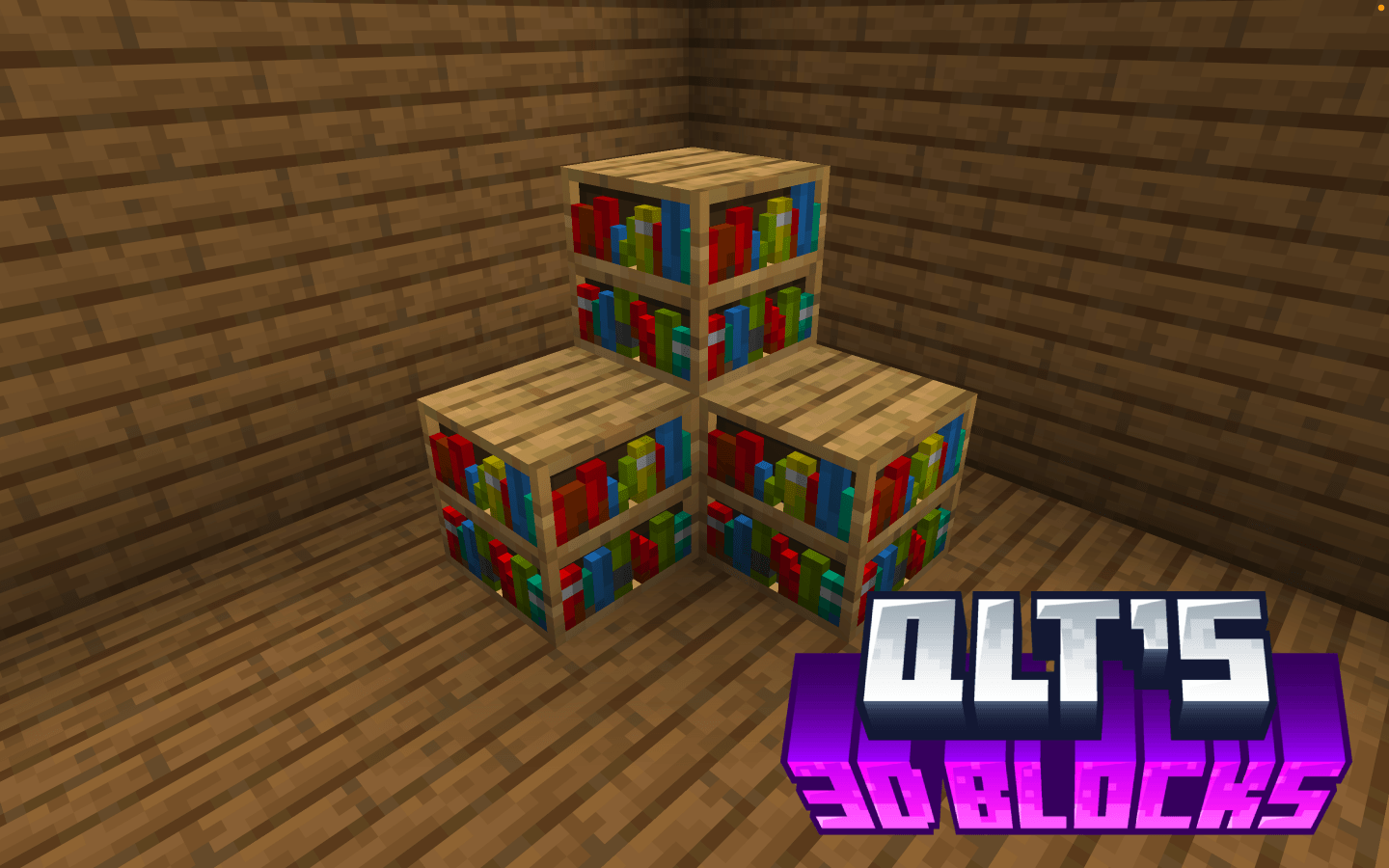
介绍
qlt’s 3D Blocks is a lightweight, client-side resource pack that enhances Minecraft’s visuals by converting select flat block textures into detailed 3D models. Many blocks in Minecraft appear completely flat despite representing objects with depth. This pack addresses that by giving certain blocks a more realistic and dimensional appearance while preserving the game’s original style. The result is a cleaner, more immersive world where small environmental details feel more natural without dramatically changing the vanilla aesthetic.
Whether you are building, exploring, or simply enjoying the environment, qlt’s 3D Blocks adds subtle depth that makes the world feel more polished while remaining faithful to Minecraft’s classic look.
Key Features:
3D Block Models: Converts selected flat block textures into detailed 3D models for improved depth and visual clarity.
Vanilla-Friendly Design: Maintains the original Minecraft style while enhancing environmental detail.
Minimal & Lightweight: Only modifies specific blocks; the rest of the game remains unchanged.
Compatible with Any Pack: Works alongside most other texture packs without conflicts.
Installation Instructions:
Download the qlt’s 3D Blocks zip.
Move the qlt’s 3D Blocks folder into your Minecraft resourcepacks directory.
Windows: %appdata%.minecraft\resourcepacks
macOS: ~/Library/Application Support/minecraft/resourcepacks
Launch Minecraft, go to Options → Resource Packs, and enable qlt’s 3D Blocks.
Place it above other resource packs if needed to ensure the models appear correctly.
Notes:
Fully client-side; no server mods required.
Works on all supported Minecraft versions (1.20+ recommended).
Ideal for players who want subtle visual upgrades while keeping the vanilla Minecraft experience intact.
3D Hanging Signs only work with Optifine Mod installed.
常见问题
qlt’s 3D Blocks 支持哪些 Minecraft 版本?
qlt’s 3D Blocks 支持 Minecraft Java 版 1.21–26.3,共 17 个版本。下载时注意选择和你游戏版本一致的文件。
qlt’s 3D Blocks 怎么安装?
把下载的 .zip 文件(不用解压)放进游戏目录的 resourcepacks 文件夹,进游戏后在「选项 → 资源包」里把它移到右边启用。
qlttqb 的其他作品
查看全部 →
Amethyst Pickaxes
添加紫水晶镐,一挥即可挖掘 3×3 区域,灵感来自 Donut SMP。

InvisAlert+
InvisAlert+ 会用清晰的屏幕提示取代几乎看不见的隐身粒子,让你立刻知道隐身效果何时生效。仅限客户端,可与任何资源包搭配使用。专为 PvP 和生存玩法打造。

QuieterEating
QuieterEating 可将玩家进食时发出的声音降低约 80%。

Tiny Shields and Totems
一款简洁且注重性能的资源包,可缩小第一人称视角中的不死图腾和盾牌,让视野更清爽,同时保留原版材质。
评论
登录后评论和评分