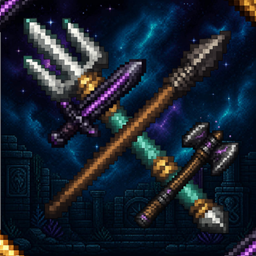
PvP Tools Pack
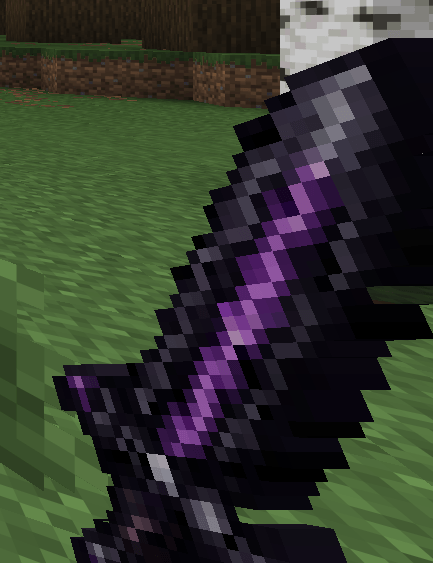
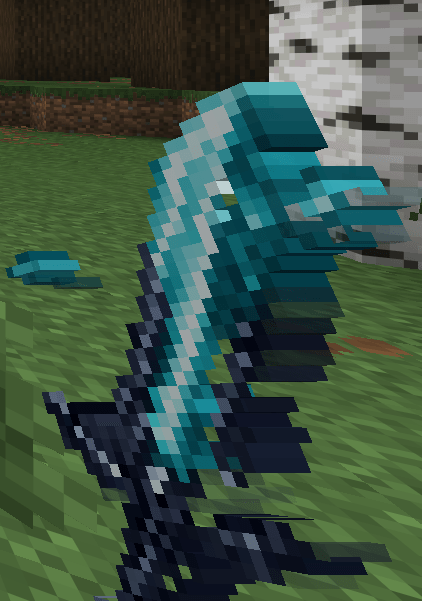
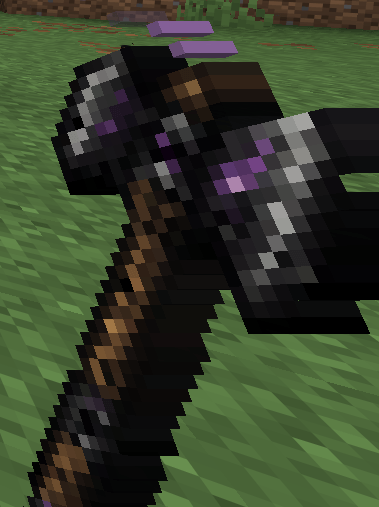
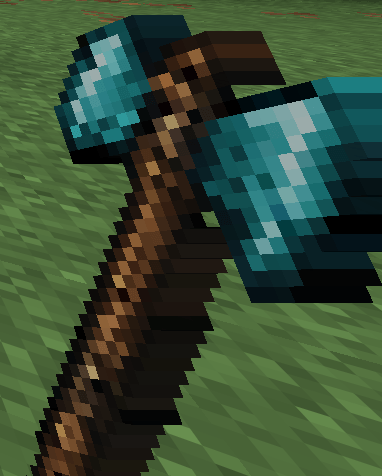
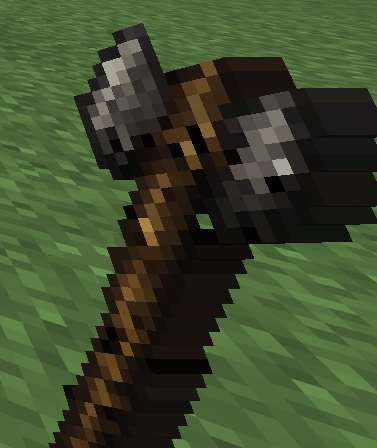
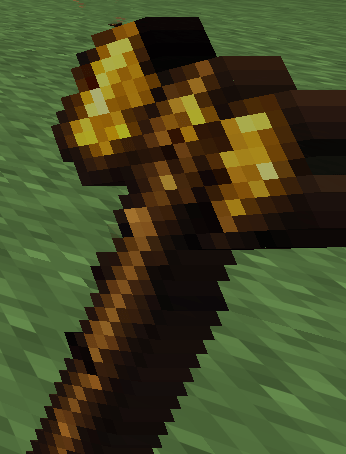
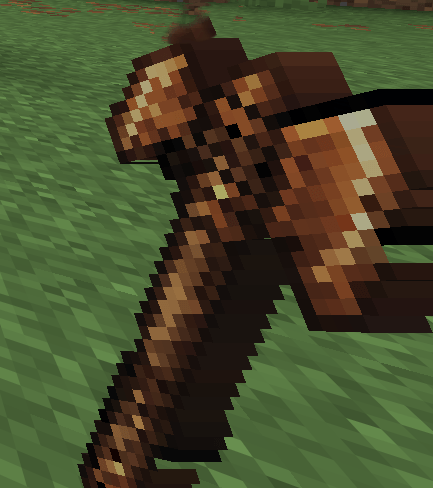
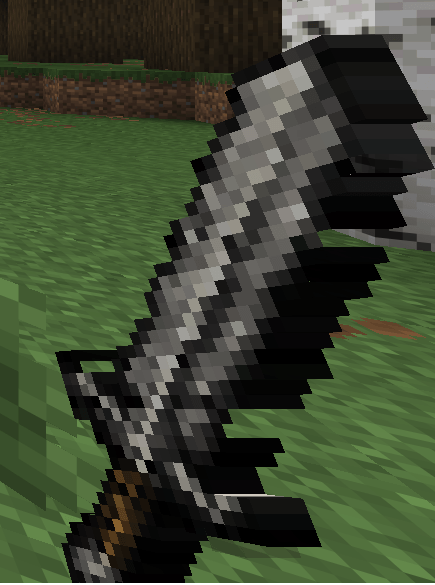
This pack makes PvP tools look absolutely amazing. (It can positively affect your PvP skills)
截图
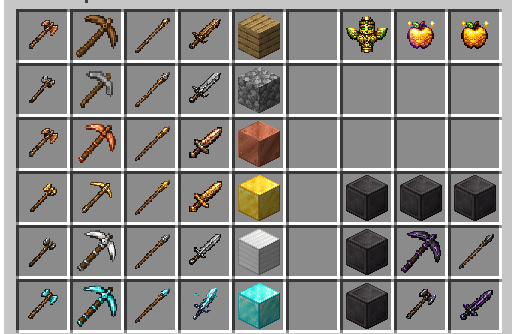
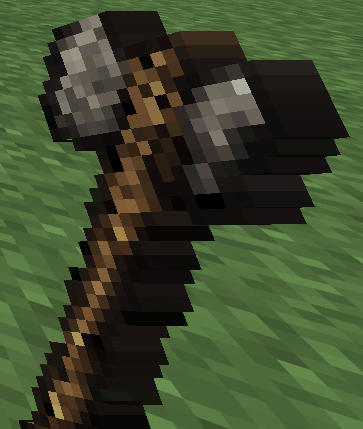
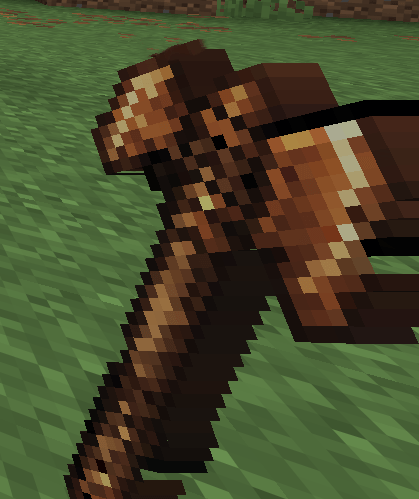
介绍
PvP Tools Pack
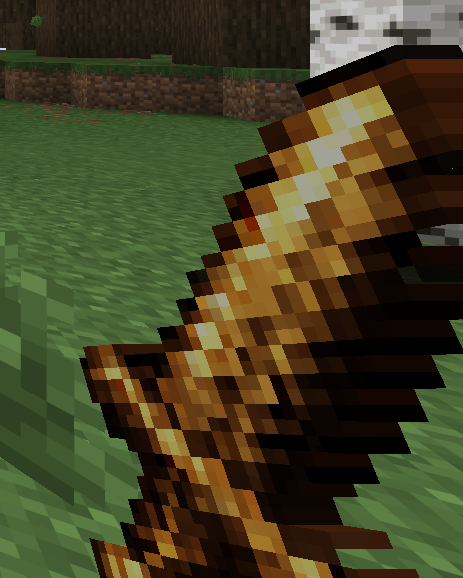
This resource pack blends the classic, beloved Minecraft pixel-art style with ultra-high-resolution 1024×1024 details!
Forget ordinary, flat pixel designs. While these items look like familiar pixel art from a distance, they transform into a visual feast up close—showcasing realistic metal scratches, leather textures, and stunning custom glows. It pairs perfectly with cinematic mods and shaders!
✨ Features:
-
Ultra HD Resolution: All textures are rendered in a perfect 1:1 ratio at 1024×1024 resolution.
-
Hybrid Style: Classic Minecraft vibes enhanced with ultra-detailed, AI-assisted textures.
-
Highly Optimized: Since it only modifies items, it won’t tank your FPS or stress your graphics card.
-
Seamless & Transparent: Fully cleaned backgrounds with zero visual bugs or annoying borders.
⚙️ Compatibility
This pack is lightweight and built to be compatible with almost any setup! It works flawlessly with:
-
Vanilla Minecraft (No mods required!)
-
OptiFine
-
Sodium / Iris
-
Vulkan Mod
📥 How to Install
-
Download the
.zipfile of this resource pack. -
Open Minecraft and go to Options > Resource Packs.
-
Click Open Pack Folder (This will open your file explorer).
-
Drag and drop the downloaded
.zipfile into this folder. -
Go back to Minecraft, find the pack in the “Available” list, and click the arrow icon to move it to “Selected”.
-
Click Done and enjoy your ultra-detailed items
Contains AI-generated images.
常见问题
PvP Tools Pack 支持哪些 Minecraft 版本?
PvP Tools Pack 支持 Minecraft Java 版 1.16.2–26.2,共 37 个版本。下载时注意选择和你游戏版本一致的文件。
PvP Tools Pack 怎么安装?
把下载的 .zip 文件(不用解压)放进游戏目录的 resourcepacks 文件夹,进游戏后在「选项 → 资源包」里把它移到右边启用。




评论
登录后评论和评分