
Purple Crosshair
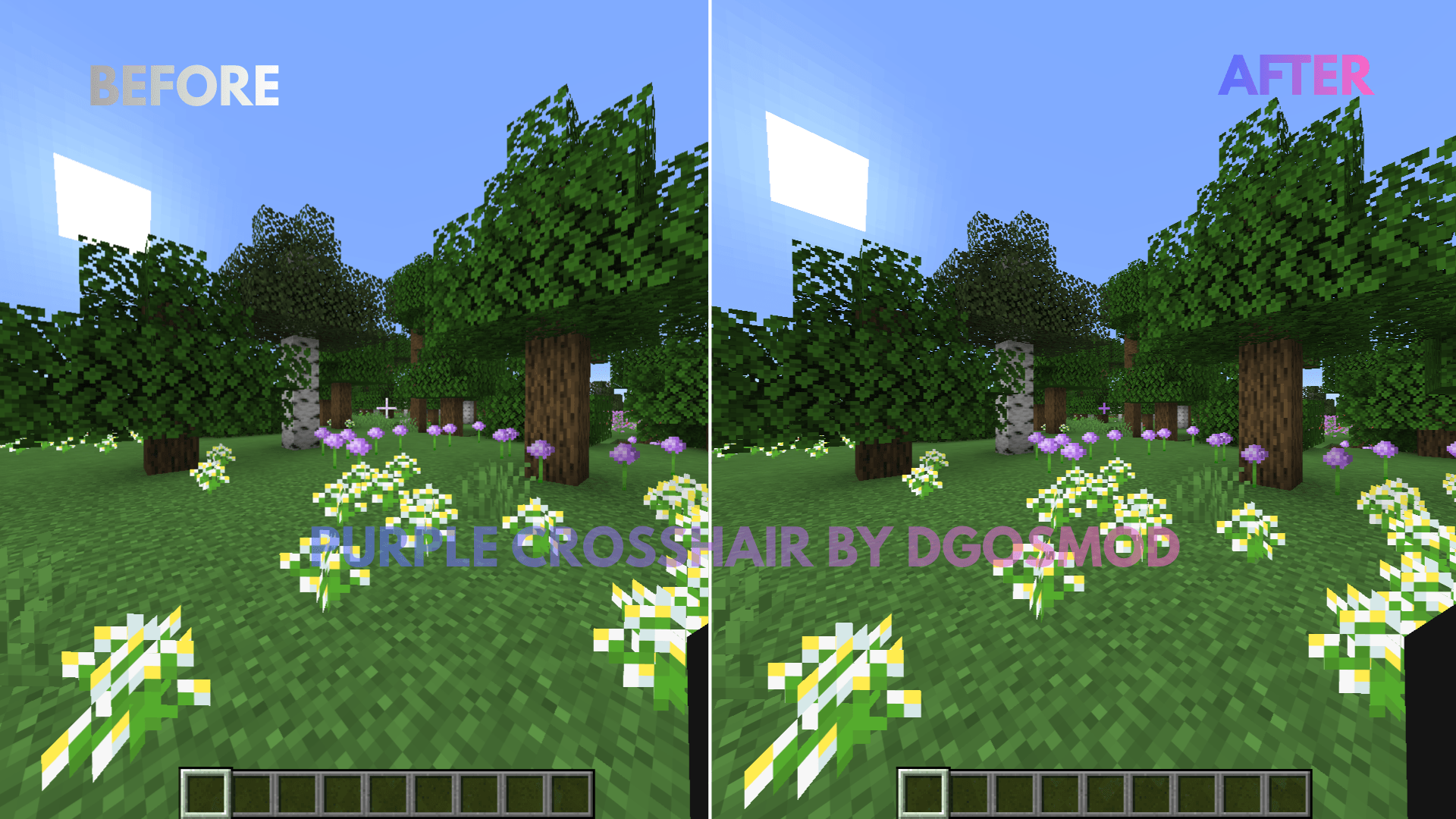
A clean, minimalist purple crosshair designed to improve aiming precision and visibility in Minecraft. Perfect for PvP, Survival, and everyday gameplay.
截图
介绍
Purple Crosshair Resource Pack Upgrade your Minecraft HUD with a custom-designed purple crosshair that blends high visibility with a modern aesthetic. Whether you are aiming with a bow, tracking targets in fast-paced PvP, or building in Survival mode, this pack ensures your crosshair stands out against any biome background.
Key Features
-
Vibrant Purple Color: High-contrast tint makes it easy to spot against dark caves, nether terrain, and bright skies.
-
Minimalist Design: Clean geometry keeps your screen uncluttered for maximum visibility.
-
Universal Compatibility: Works seamlessly with default Minecraft textures and fits alongside most other resource packs.
-
Zero Lag: Lightweight file with no impact on performance or FPS.
Installation
-
Download the
.zipfile. -
Open Minecraft and navigate to Options > Resource Packs.
-
Drag and drop the downloaded file into your resource packs folder.
-
Move the pack to the right side of the menu and click Done.
常见问题
Purple Crosshair 支持哪些 Minecraft 版本?
Purple Crosshair 支持 Minecraft Java 版 1.20–26.2,共 23 个版本。下载时注意选择和你游戏版本一致的文件。
Purple Crosshair 怎么安装?
把下载的 .zip 文件(不用解压)放进游戏目录的 resourcepacks 文件夹,进游戏后在「选项 → 资源包」里把它移到右边启用。




评论
登录后评论和评分