
Plastic+
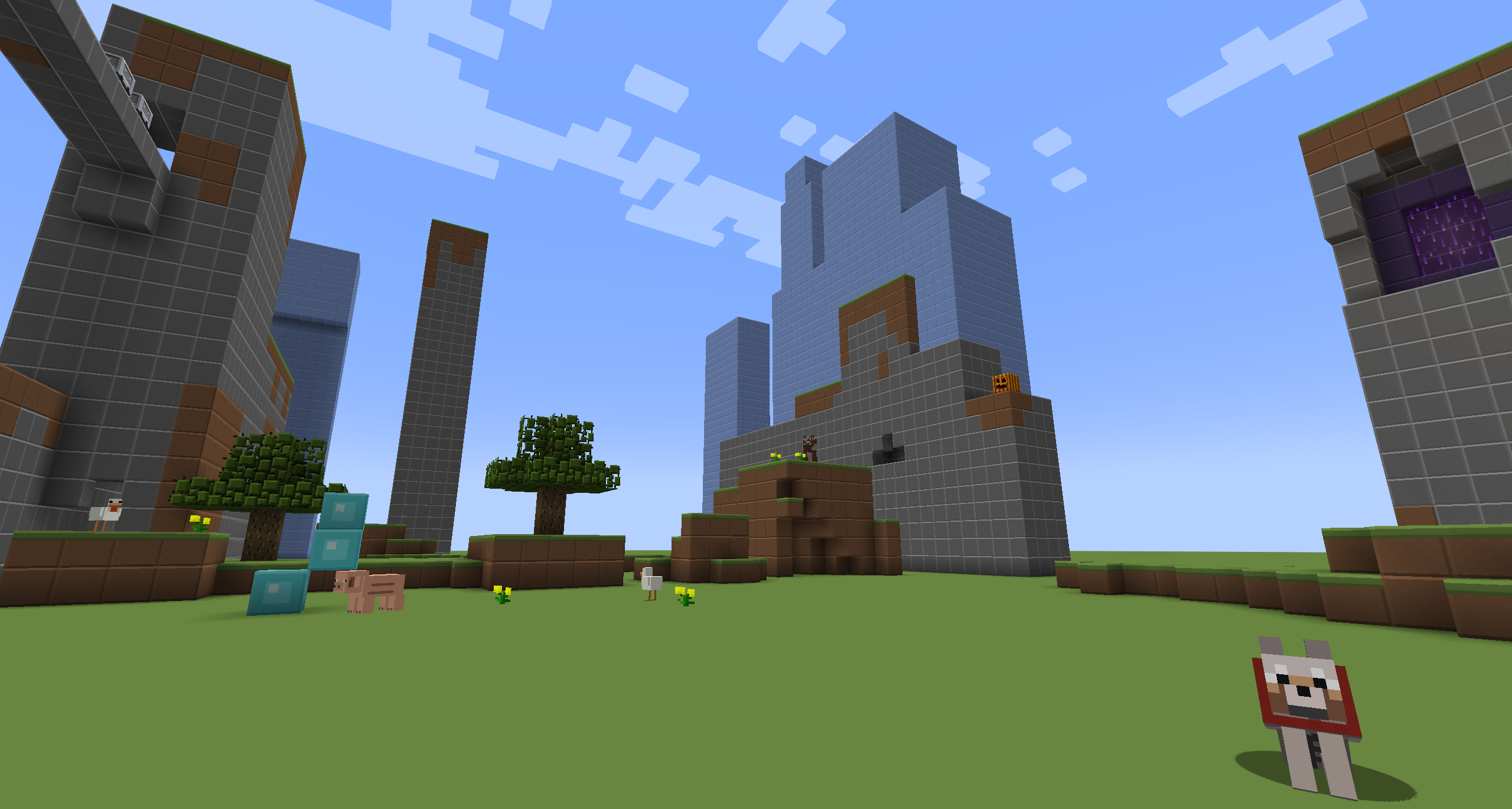
A brightly coloured, simplistic texture pack. Ported from Legacy Console edition to work on Java Edition.
截图

介绍
Fullpack from 1.0.0 to 1.21.X will take time.
About:
Plastic+ is a continuation of the Legacy Console Edition Plastic texture pack, preserving its original simplistic design and bright colours.
This pack adds plastic-themed textures to blocks, items, entities and the UI.
_Originally created by 4J for the Legacy Console edition._
How to install:
On Modrinth App simply click the “Install” or “Add to an instance” button.
For Minecraft 1.5.2 and below:
- Download Plastic+
- Go to %appdata%
- Copy .zip to /Roaming/.minecraft/texturepacks
- Launch Minecraft and select Plastic+
For Minecraft 1.6.1 and above:
- Download Plastic+
- Go to %appdata%
- Copy .zip to /Roaming/.minecraft/resourcepacks
- Launch Minecraft and select Plastic+
Mods supported::
N/A
FAQ:
Can I use this in a video/modpack?
Yes just credit me.
Any issues?
Let us know in the Discord
NOTE: This pack is still being updated (I forgot about it but im back). So be sure to download the latest version for bug fixes.
常见问题
Plastic+ 支持哪些 Minecraft 版本?
Plastic+ 支持 Minecraft Java 版 1.0–1.14,共 15 个版本。下载时注意选择和你游戏版本一致的文件。
Plastic+ 怎么安装?
把下载的 .zip 文件(不用解压)放进游戏目录的 resourcepacks 文件夹,进游戏后在「选项 → 资源包」里把它移到右边启用。
评论
登录后评论和评分