
截图
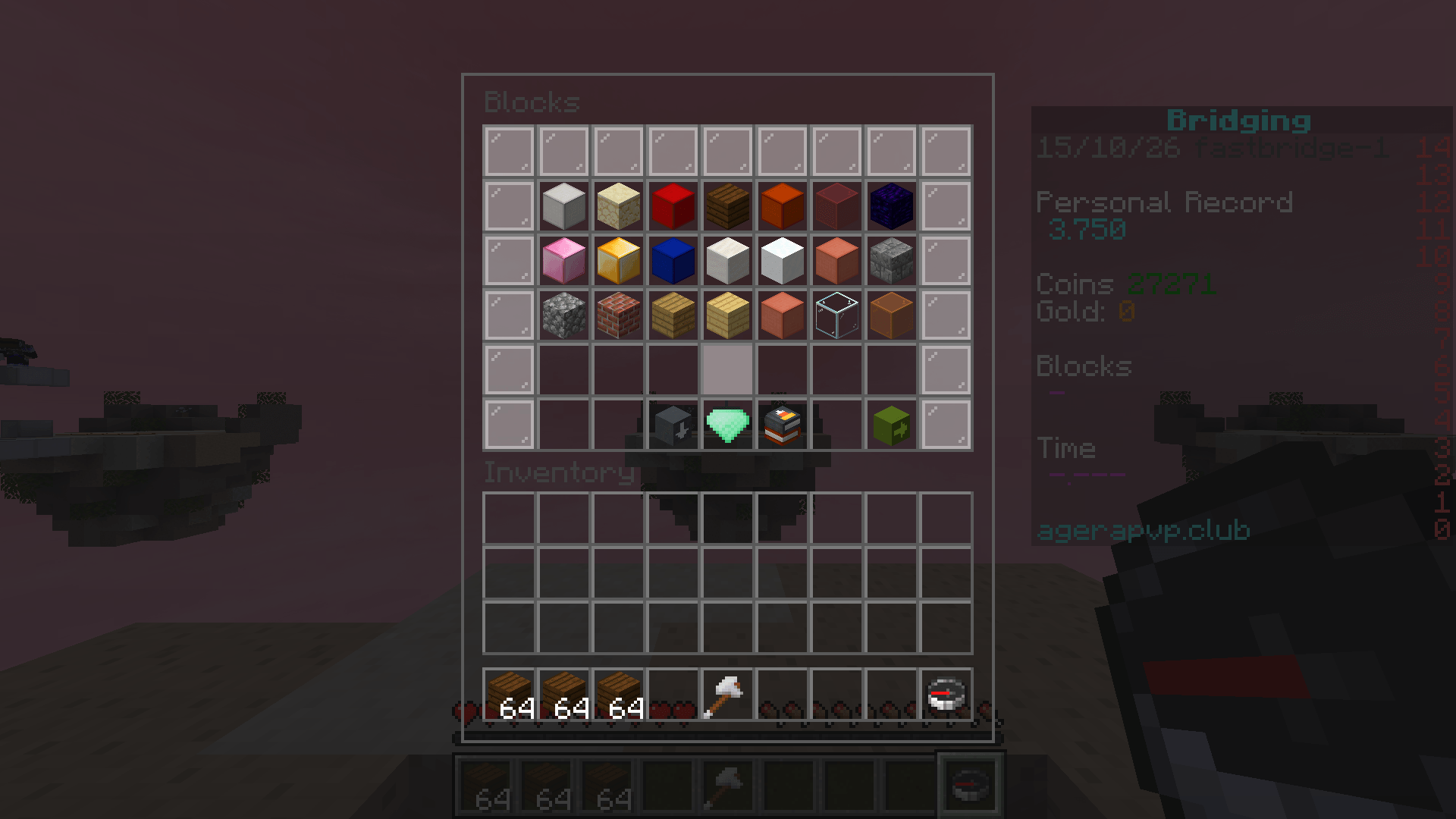
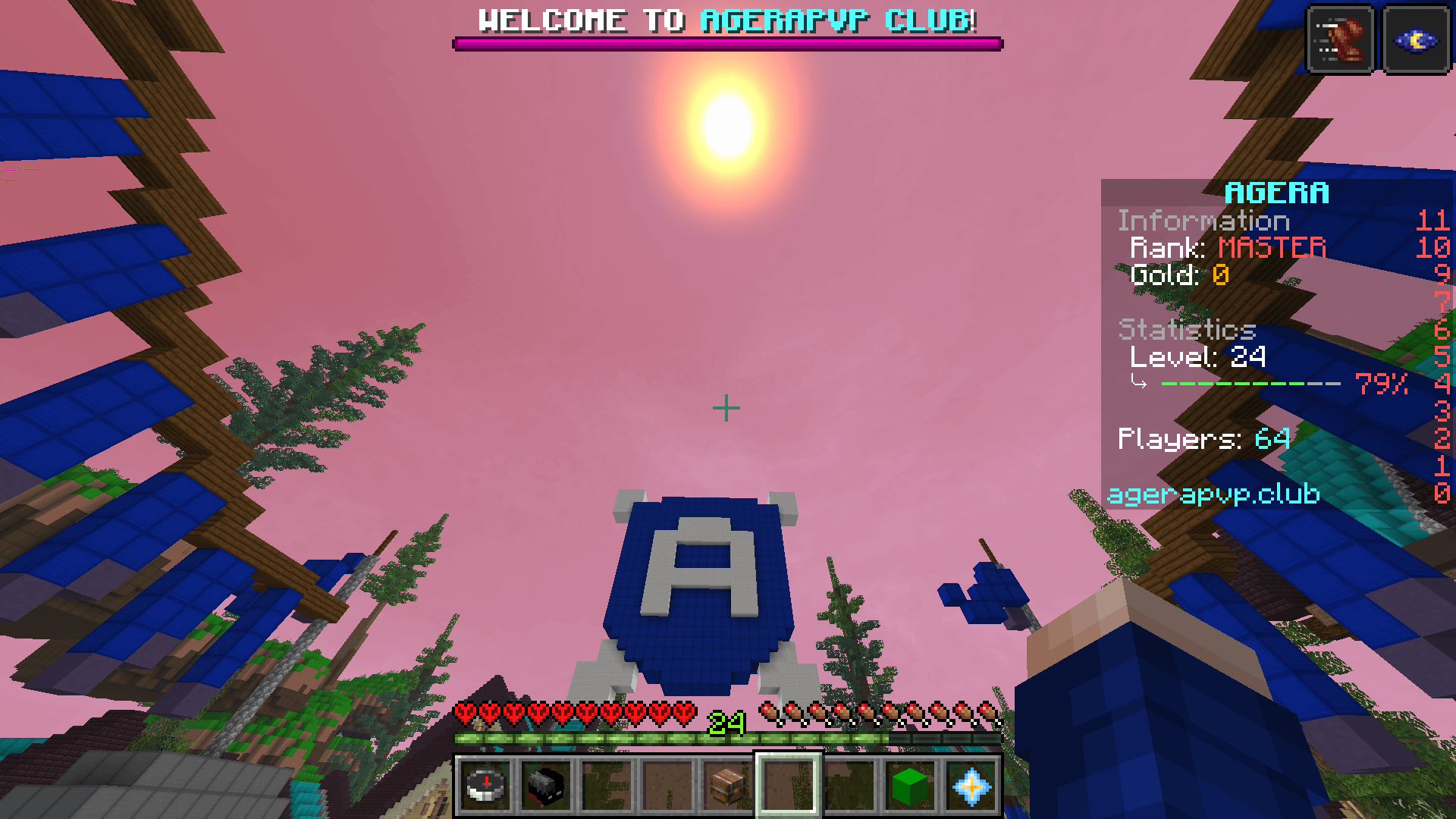
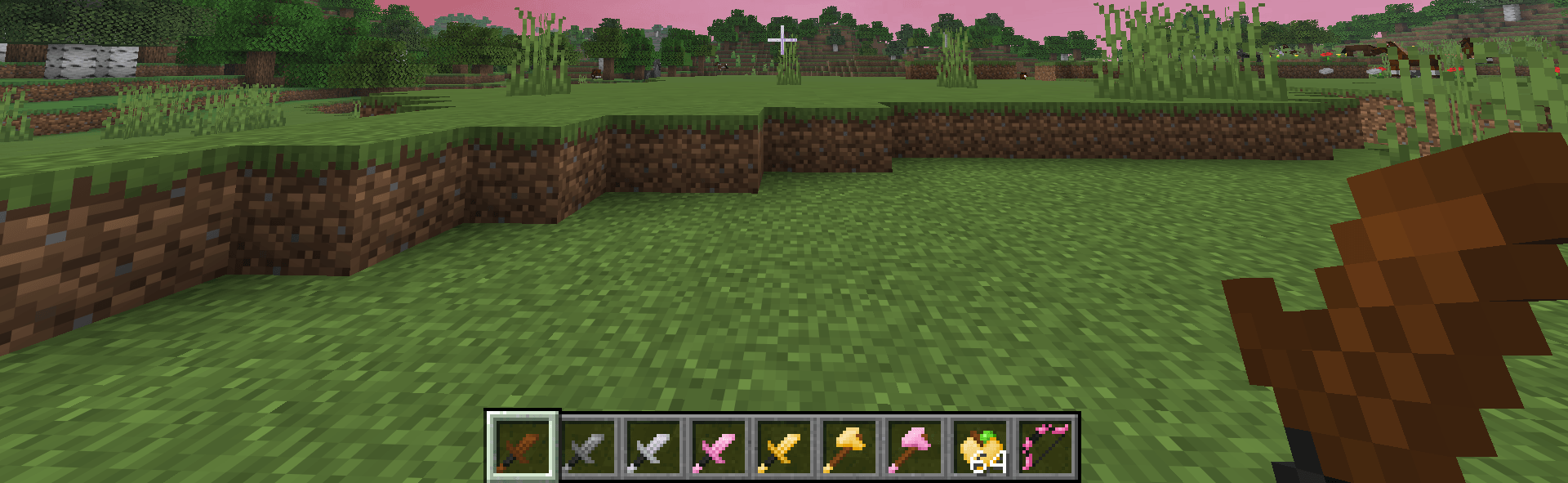
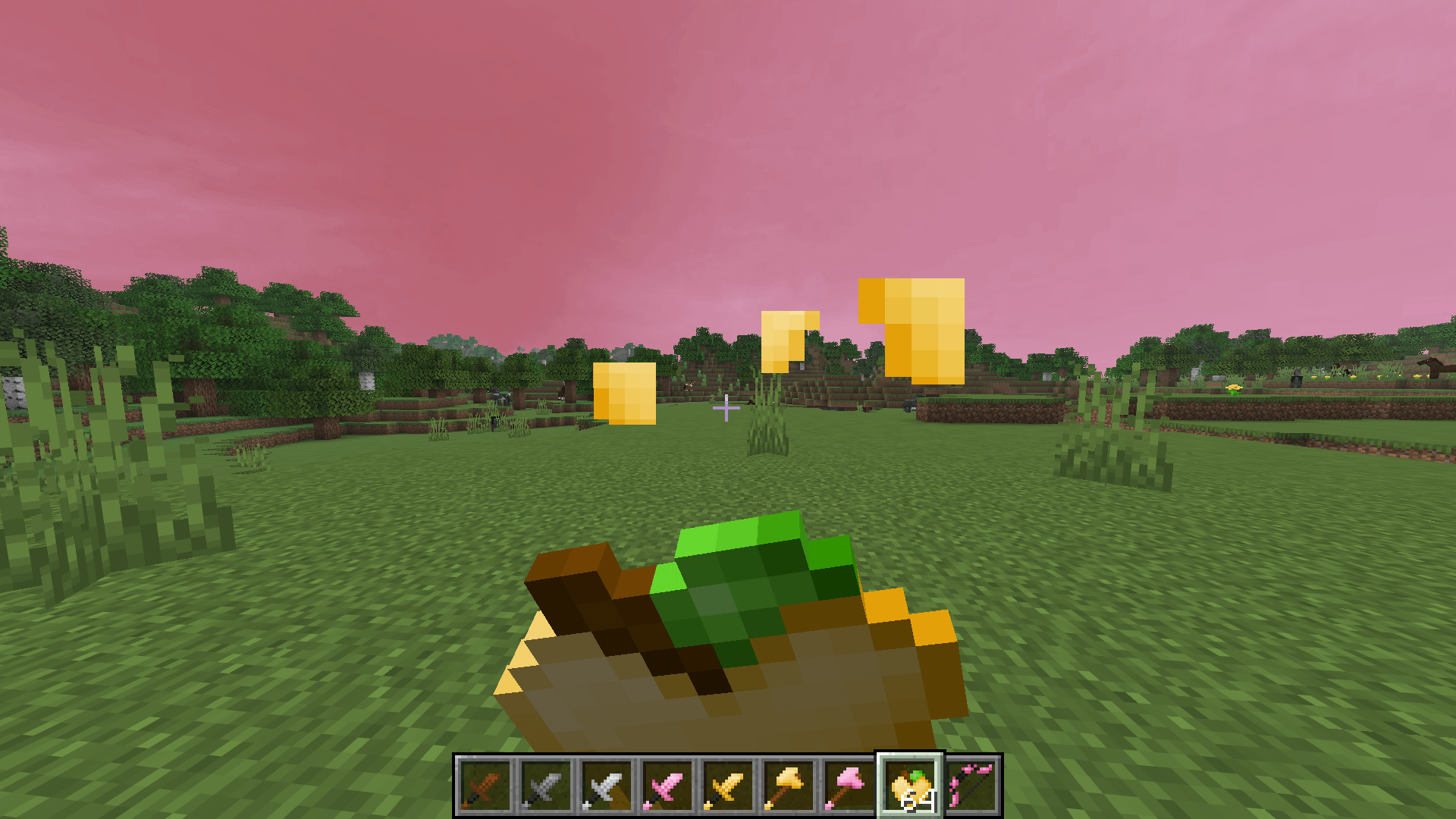
介绍
🌸 Feyd’s BedWars Pack | 1.21.11
Take your Minecraft BedWars experience to the next level!
Welcome to Feyd’s BedWars Pack, a custom Minecraft PvP resource pack designed for players who love BedWars, Telly Bridging, fast-paced PvP, and clean Minecraft visuals.
Whether you’re grinding BedWars, practicing your bridging skills, or recording Minecraft montages, this pack is made to give your game a fresh and stylish look.
✨ Features
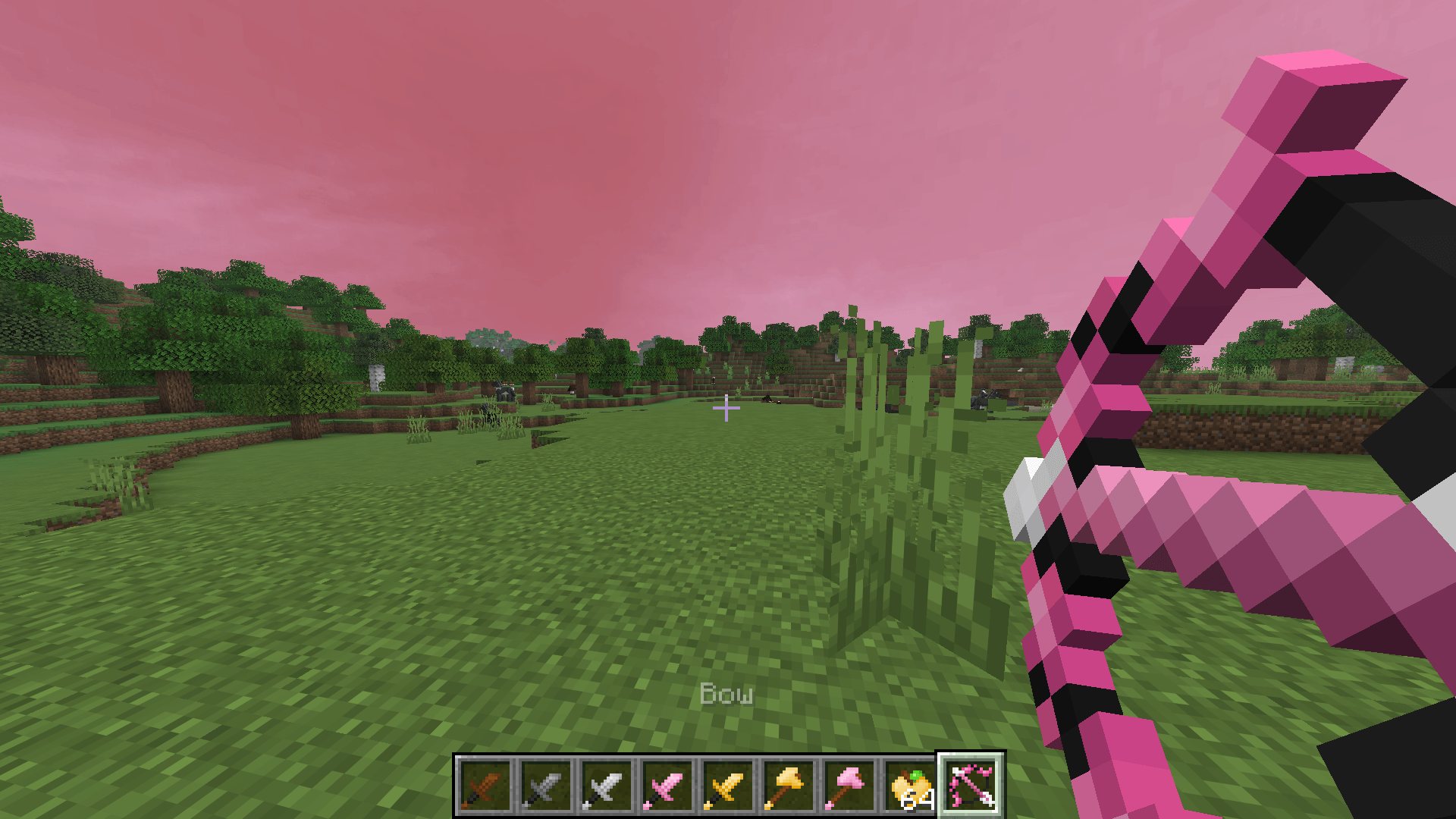
⚔️ PvP-Focused Textures – A customized visual experience for competitive Minecraft.
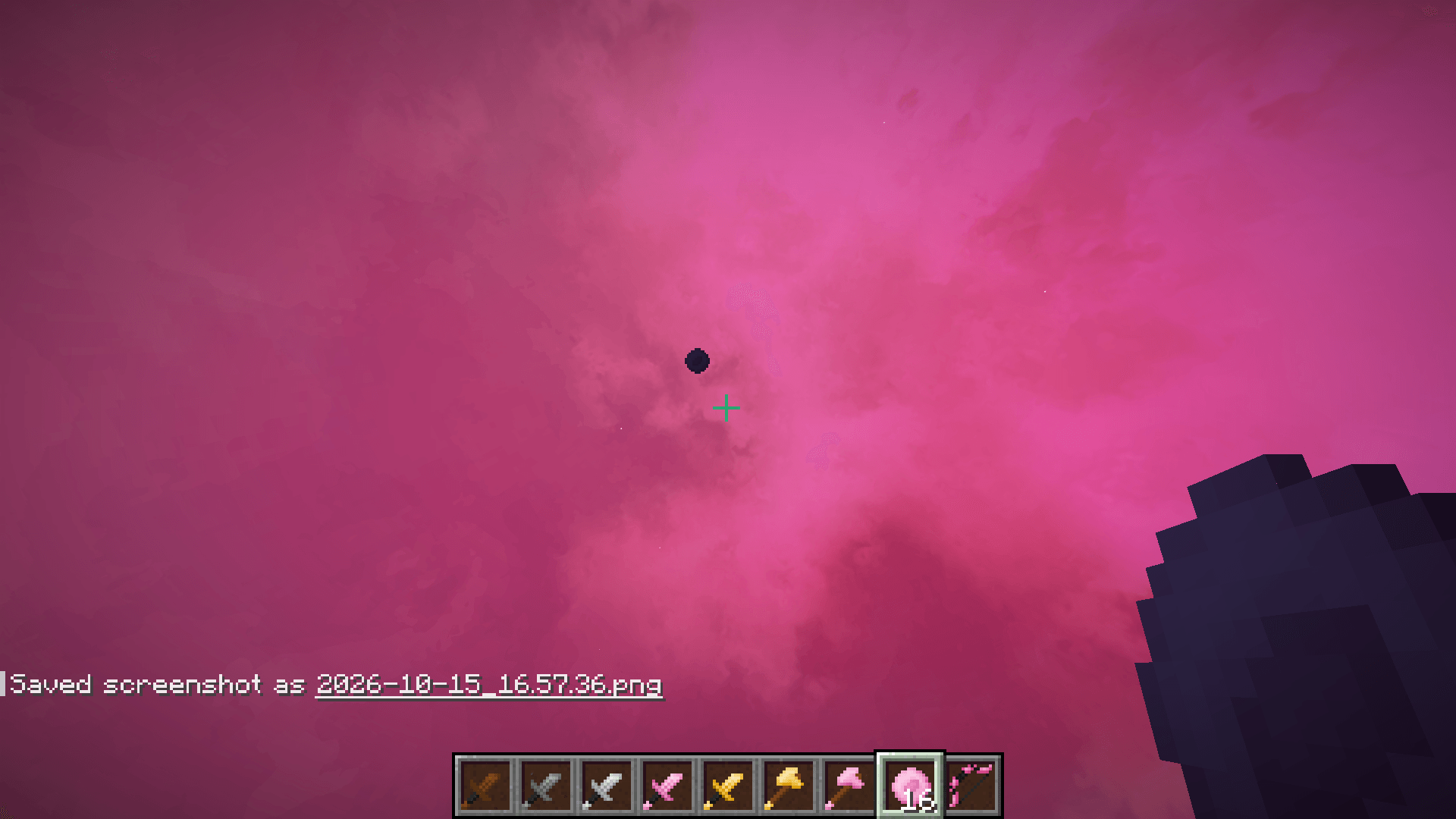
🌸 Pink Aesthetic – A beautiful pink-themed identity inspired by the pack’s signature flower.
🛏️ BedWars Friendly – Great for BedWars, BedFight, bridging practice, and PvP.
🎨 Custom Textures – Personalized Minecraft visuals to make your gameplay stand out.
🎮 Minecraft 1.21.11 – Pack updated for Minecraft Java Edition 1.21.11.
📹 Content Creator Friendly – Perfect for YouTube videos, Shorts, TikTok clips, and PvP montages.
🎯 Perfect For
-
Minecraft BedWars
-
Telly Bridging and God Bridging
-
BedFight and PvP Duels
-
Minecraft YouTube Shorts
-
Competitive PvP gameplay
-
Minecraft montages
📦 Installation
-
Download Feyd’s BedWars Pack.
-
Open Minecraft Java Edition.
-
Go to Options → Resource Packs.
-
Click Open Pack Folder.
-
Place the downloaded ZIP file inside.
-
Enable the pack and enjoy!
⚙️ Compatibility
Minecraft Edition: Java Edition
Target Version: 1.21.11
Resource Pack Type: PvP / BedWars
Note: Some OptiFine-specific textures and effects may require compatible mods to display correctly.
💖 Support the Pack
If you enjoy Feyd’s BedWars Pack, consider leaving a like, rating, or comment!
Thanks for downloading, and enjoy your BedWars experience!
Made by Feyd 🌸
常见问题
Pink Sky plus BEDWARS 支持哪些 Minecraft 版本?
Pink Sky plus BEDWARS 支持 Minecraft Java 版 1.21.11–26.1.2,共 4 个版本。下载时注意选择和你游戏版本一致的文件。
Pink Sky plus BEDWARS 怎么安装?
把下载的 .zip 文件(不用解压)放进游戏目录的 resourcepacks 文件夹,进游戏后在「选项 → 资源包」里把它移到右边启用。
评论
登录后评论和评分