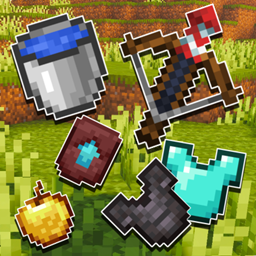
Outlined Items – JE
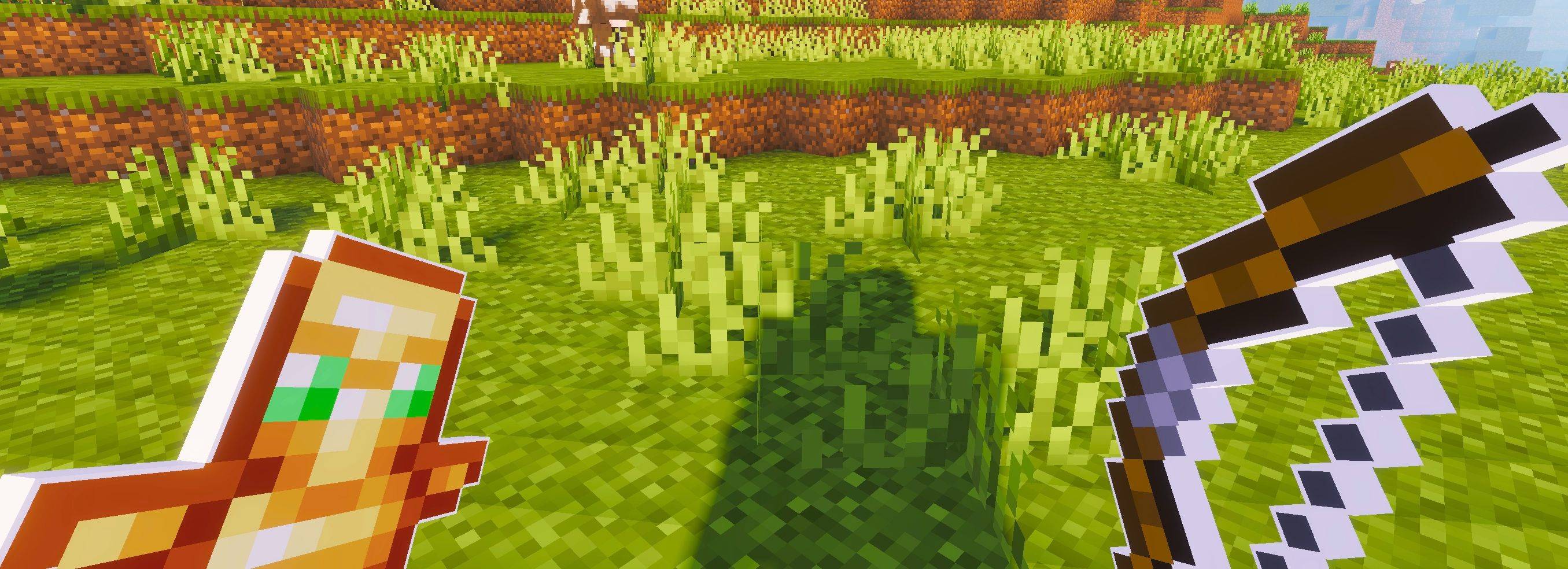
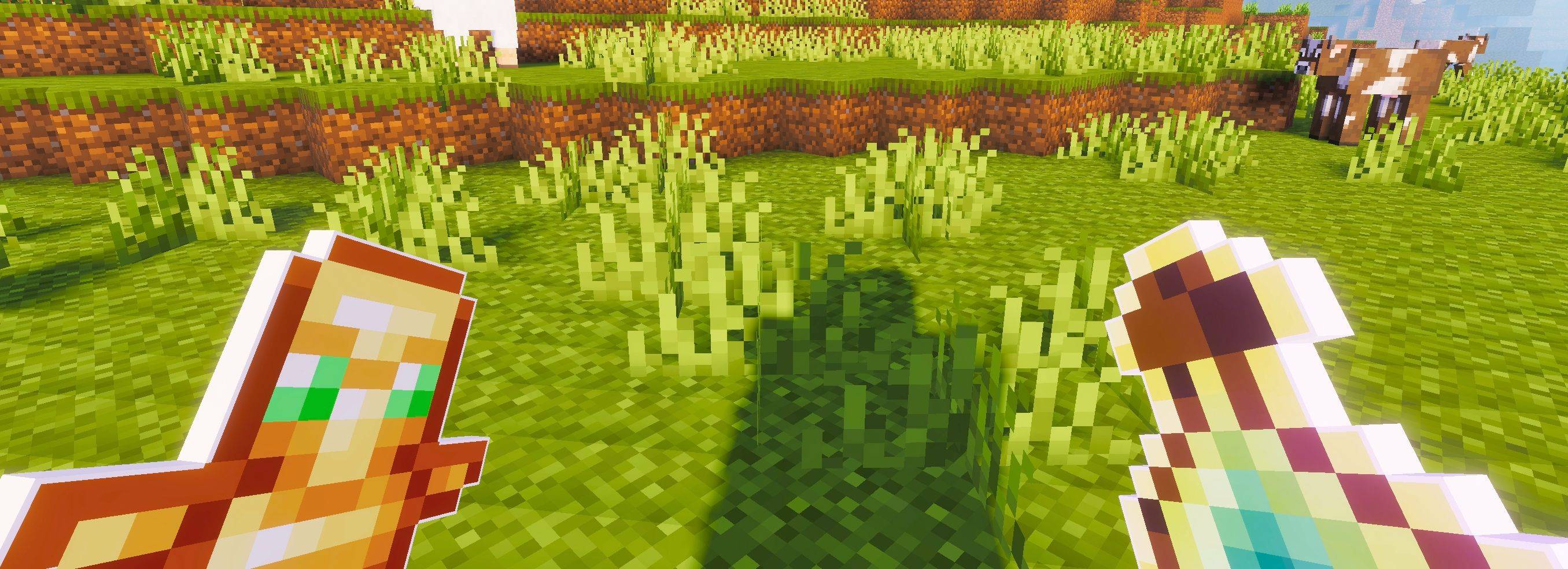
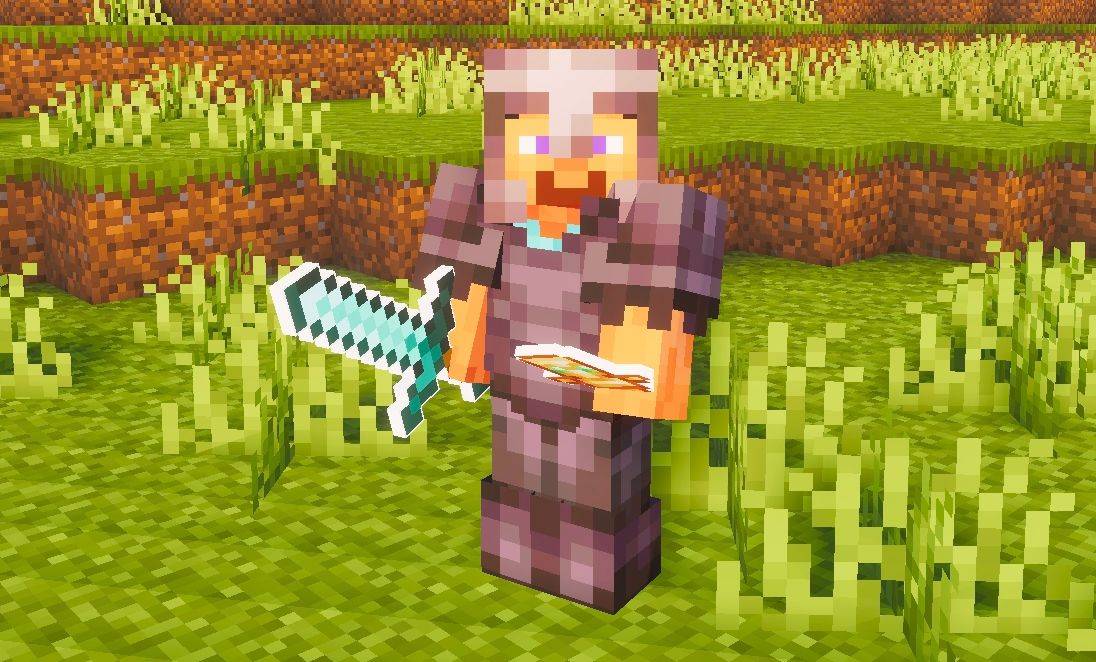
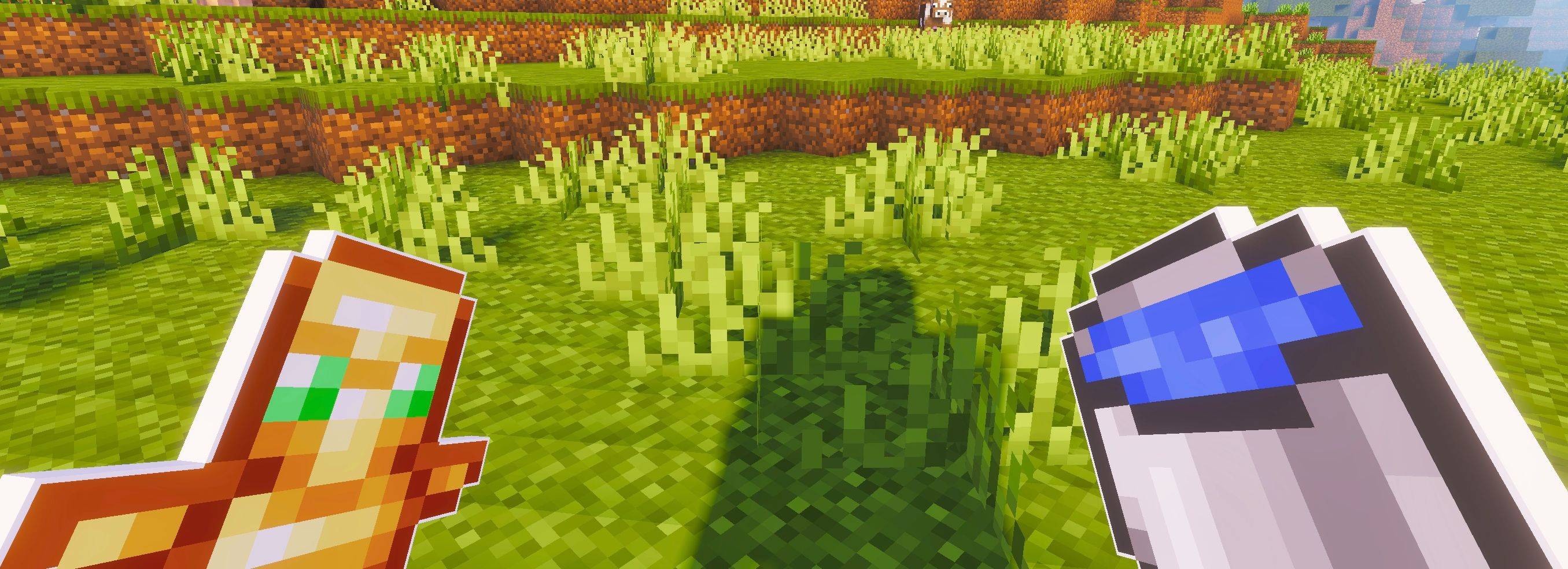
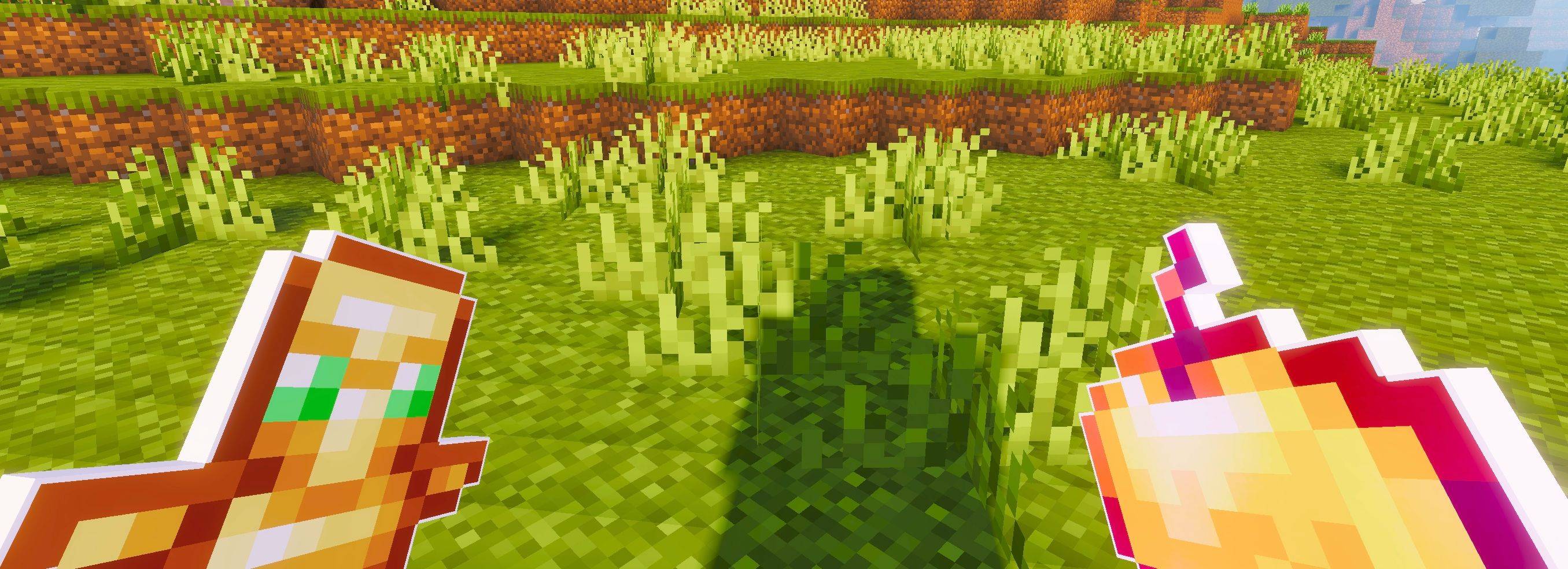
This pack adds clean white outlines to all Minecraft items, giving tools and objects a sharper and more defined appearance. The subtle outlining makes items stand out visually and adds a cleaner, more polished look to your overall gameplay.
截图
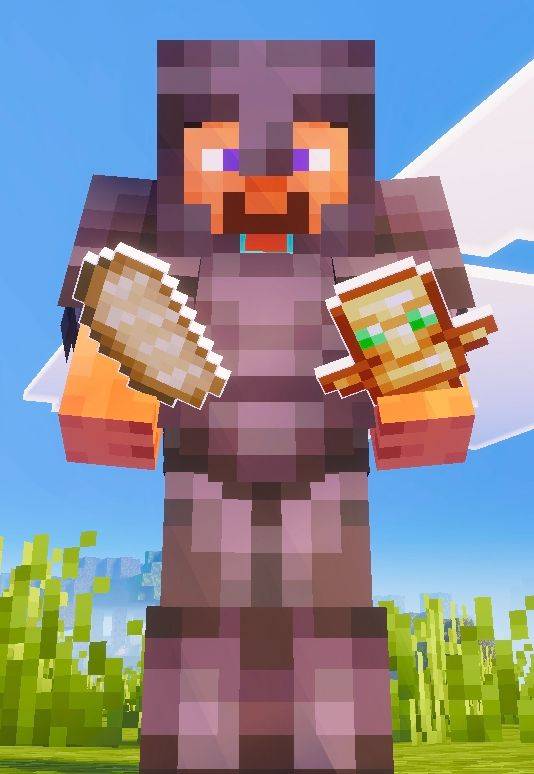
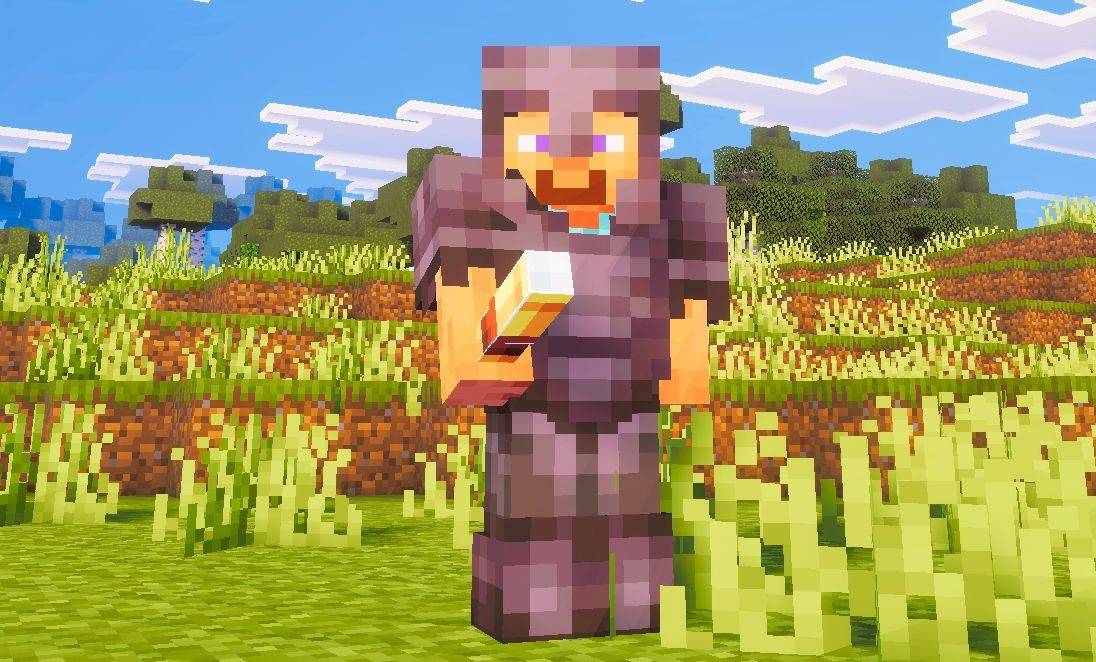
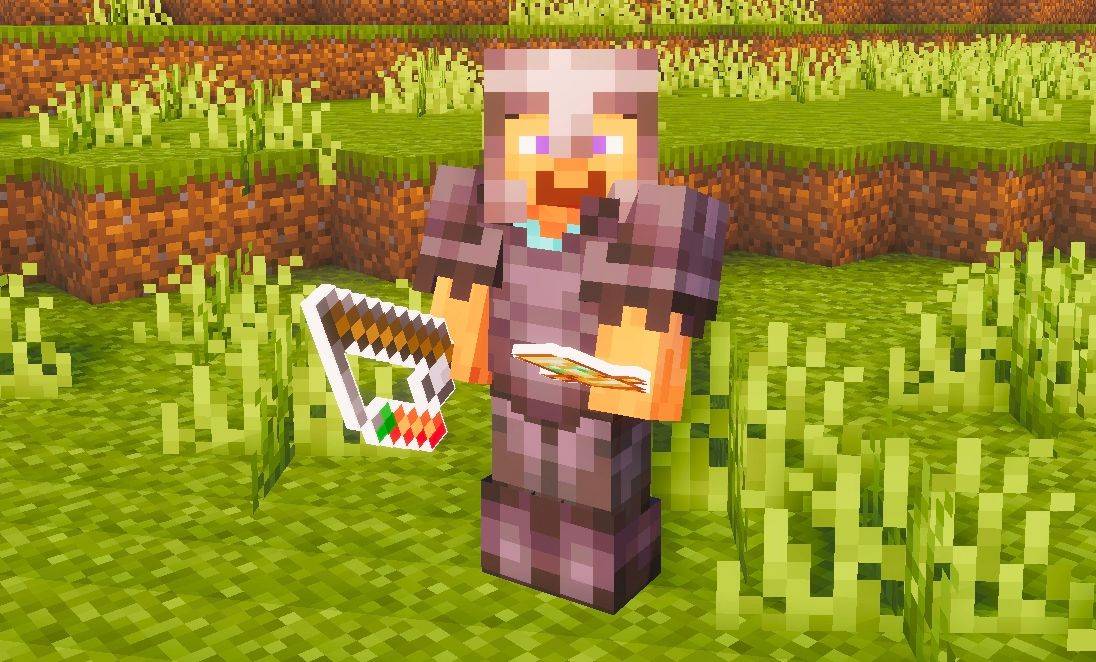
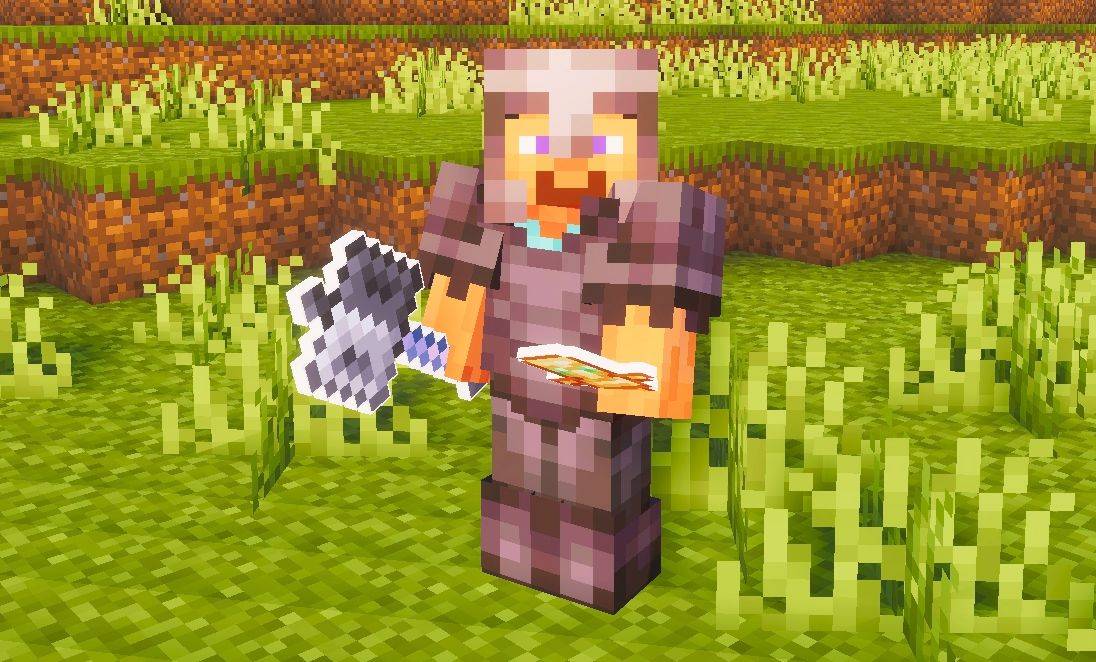
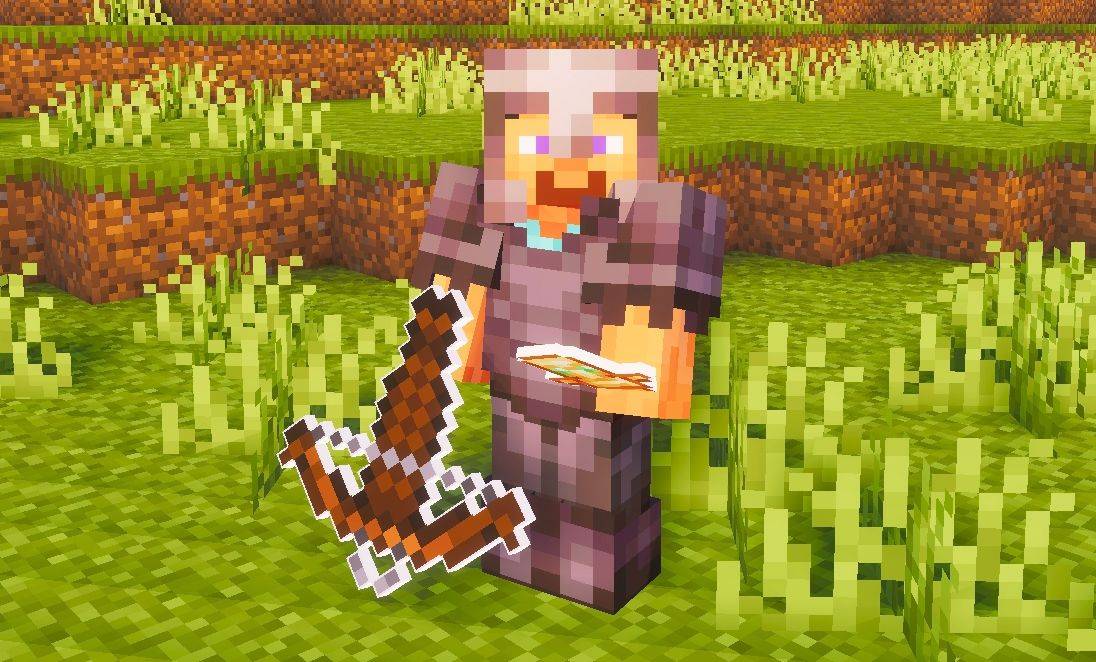
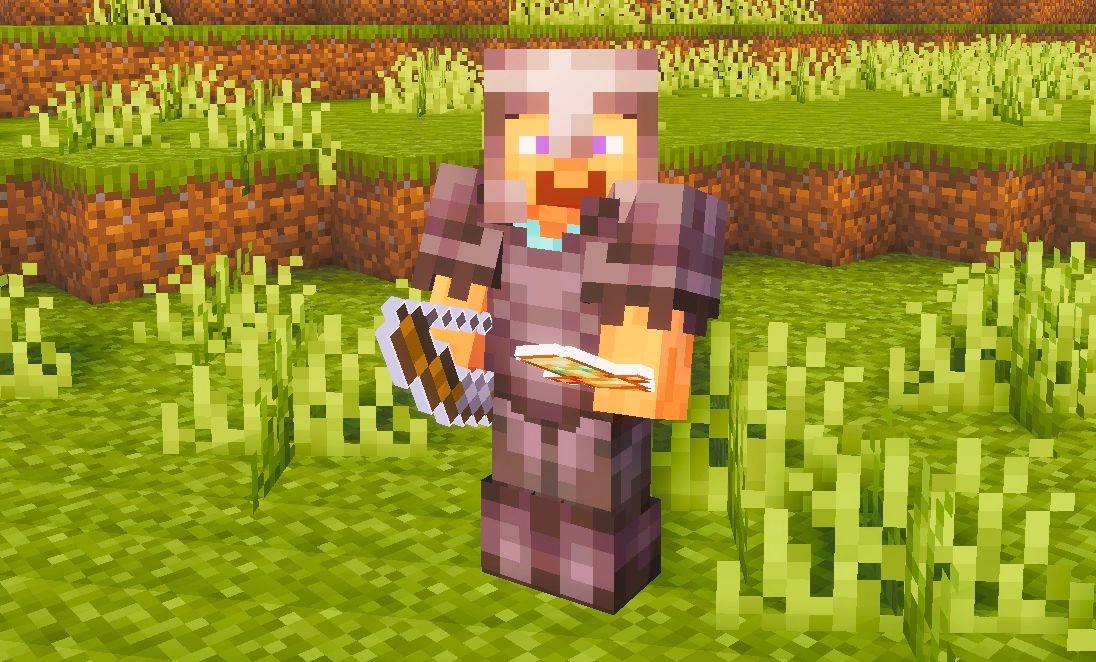
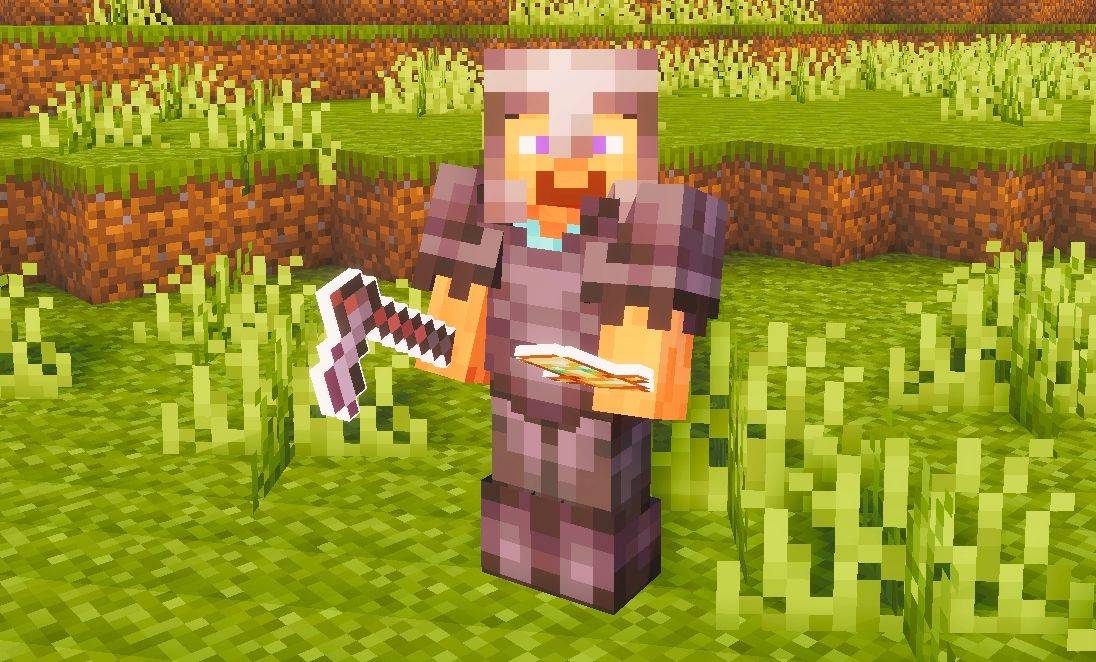
介绍
Outlined Items For Java Edition
This pack adds clean white outlines to all items, giving tools and objects a sharper and more defined look. The outlining makes items stand out on-screen and gives them a cleaner, more polished appearance overall.
Suggestion:
Use this pack with a shader to make the outline effect look even better — shaders enhance the overall appearance and make the outlined items look more appealing in-game.
常见问题
Outlined Items – JE 支持哪些 Minecraft 版本?
Outlined Items – JE 支持 Minecraft Java 版 1.21.10。下载时注意选择和你游戏版本一致的文件。
Outlined Items – JE 怎么安装?
把下载的 .zip 文件(不用解压)放进游戏目录的 resourcepacks 文件夹,进游戏后在「选项 → 资源包」里把它移到右边启用。
voxenmc2 的其他作品
查看全部 →
Outline Texture Pack
这款 Minecraft 材质包让纹理更加清晰,并加上轮廓线,为游戏带来锐利、细致又精致的视觉效果。搭配光影效果更佳。
Outline Texture Pack JE
这款 Minecraft 材质包会锐化纹理并添加描边,让游戏画面更加清晰、细致、精致。搭配光影效果更佳。
Saturation – JE
This pack boosts the saturation of Minecraft’s textures, giving the world richer colors and a more vibrant, lively look while still keeping the original visual style intact.

Saturation
This pack boosts the saturation of Minecraft’s textures, giving the world richer colors and a more vibrant, lively look while still keeping the original visual style intact.
评论
登录后评论和评分