oSzoukaua’s: Totem HUD overlays
This resource pack is made for Customization! it changed what the totem looks like when it is held, only for the player holding it, and allows for a overlay on your HUD that can be changed to anything.
截图




介绍
Description:
This resource pack is made for Customization! it changed what the totem looks like when it is held, only for the player holding it, and allows for a overlay on your HUD that can be changed to anything.
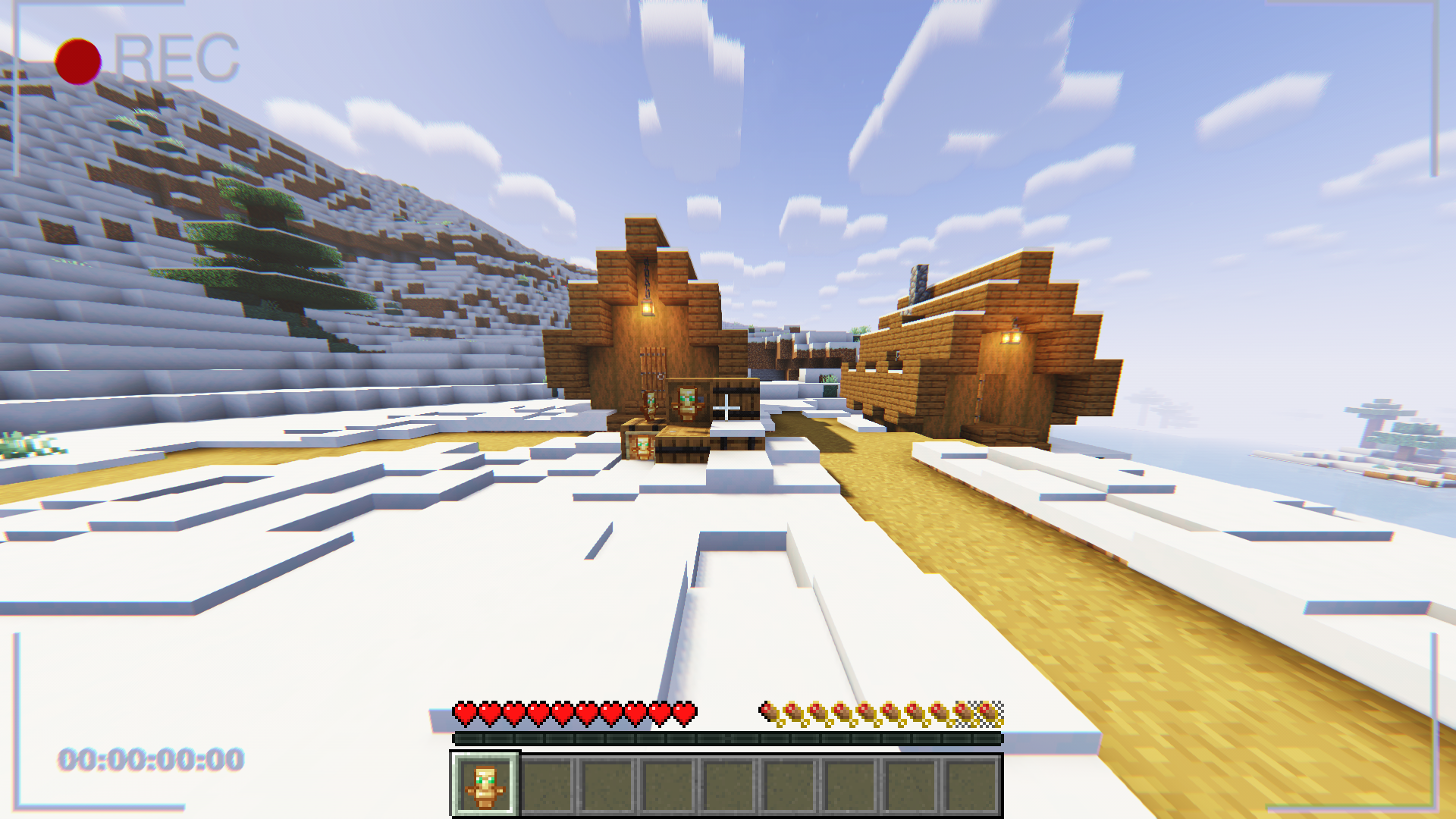
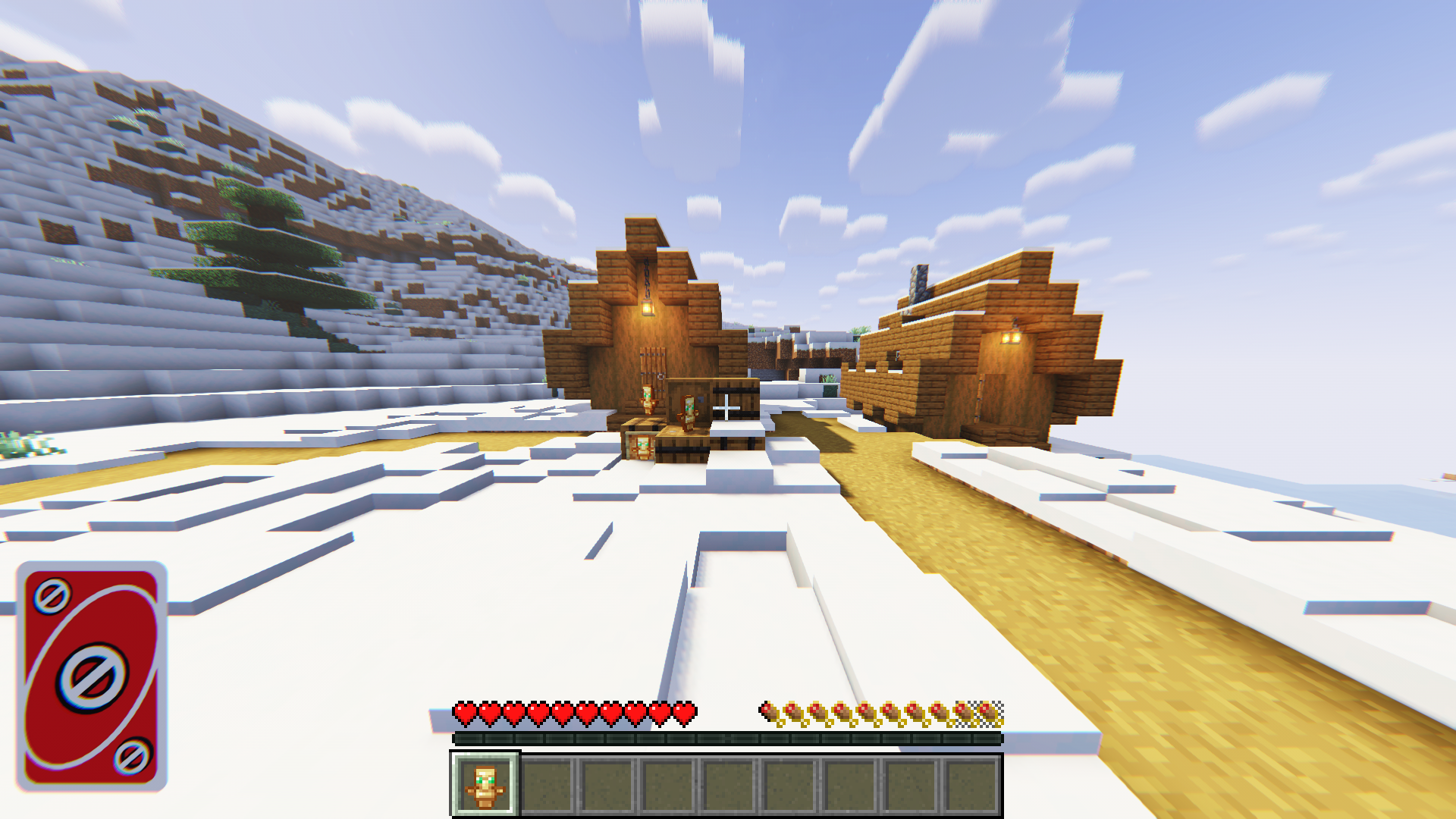
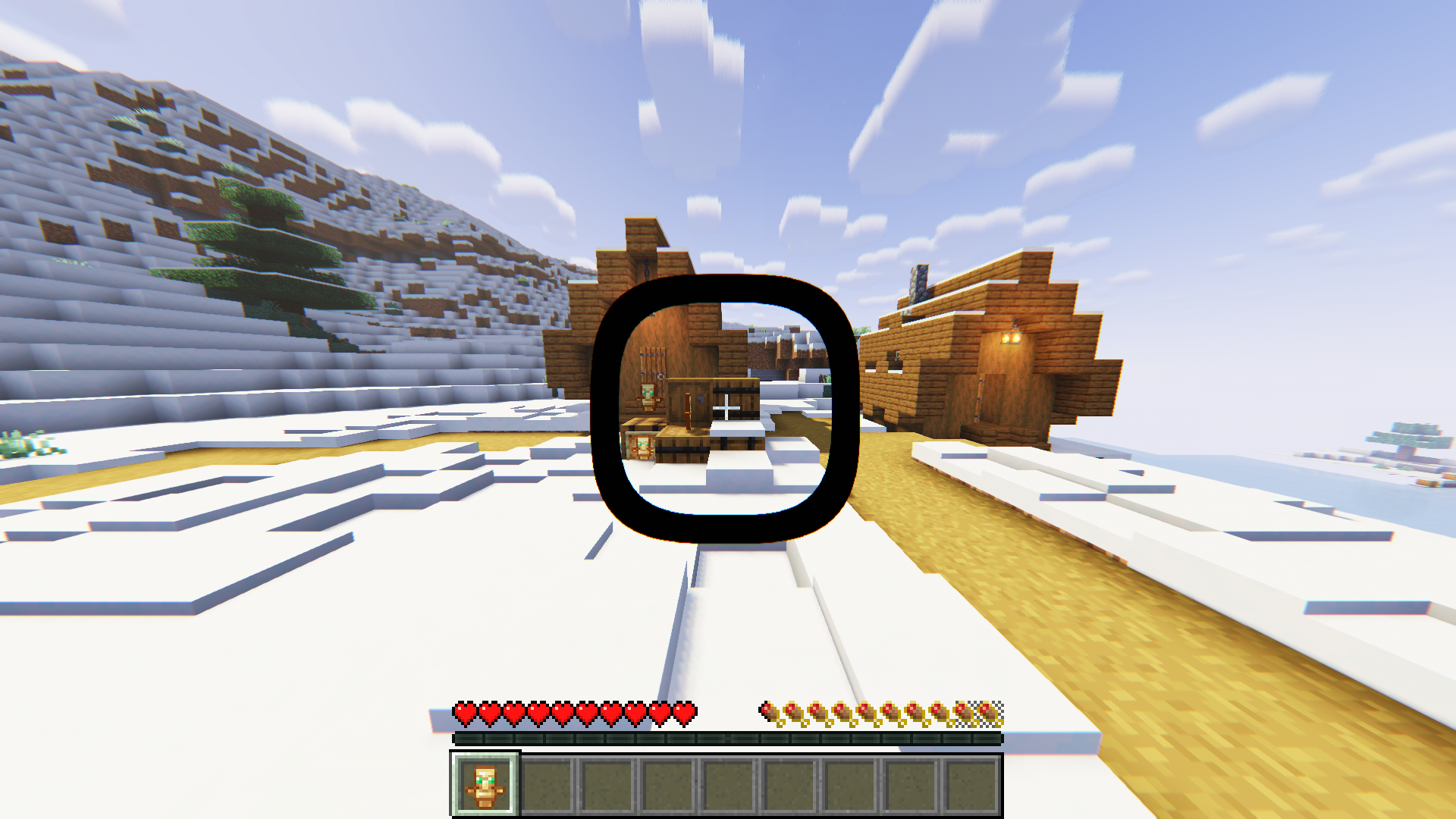
The totem of undying looks the same as the vanilla Totem (Mostly) while in containers, your hand(in third person), the floor, and in an item frame, but when it is held (either hand) and the player holding it is in first person, it appears as a texture that spans your whole screen, that can be customized to display any image youd like!
By Default the totem overlay will be a message telling you that you need to select an overlay texture, you can do this by unzipping the file and reading the instructions 🙂
Example/demonstration:
To change the texture, unzip the resource pack, go to assets > minecraft > textures > item
Inside the textures folder is a file named overlay.png, change the texture of the “overlay.png” file to change the overlay texture when holding the Totem in-game
Notes:
Client-Side: meaning that it needs to be installed on the Client
This resource pack contains some pre-made overlays, you are free to use them and modify them!
The screen overlay is attached to the hand holding the totem, meaning that it is subject the the hand sway of that hand in first person.
Other:
License: ATTRIBUTION-NONCOMMERCIAL-SHAREALIKE 4.0 INTERNATIONAL
If you would like me to port this to any other Minecraft version, i would be more than happy to do so, please contact me! my details are below.
If you do find any issues/have any recommendations, suggestions for optimizations, improvements, or new features to add, feel free to contact me!
Discord
@oSzoukaua
src=”https://github.com/oSzoukaua/branding_assets/blob/main/kofi_button_link.png?raw=true”
alt=”Support me over at Ko-Fi! <3"
width=”400″
height=auto
style=”border:0px;”
/>
src=”https://github.com/oSzoukaua/branding_assets/blob/main/other_button_link.png?raw=true”
alt=”Check out my other links! <3"
width=”400″
height=auto
style=”border:0px;”
/>
Ko-Fi: ko-fi.com/oszoukaua
Other: linktr.ee/oSzoukaua
Technical details:
常见问题
oSzoukaua’s: Totem HUD overlays 支持哪些 Minecraft 版本?
oSzoukaua’s: Totem HUD overlays 支持 Minecraft Java 版 1.16.2–1.21.10,共 30 个版本。下载时注意选择和你游戏版本一致的文件。
oSzoukaua’s: Totem HUD overlays 怎么安装?
把下载的 .zip 文件(不用解压)放进游戏目录的 resourcepacks 文件夹,进游戏后在「选项 → 资源包」里把它移到右边启用。
oSzoukaua 的其他作品
查看全部 →
oSzoukaua’s: Lucky Blocks
oSzoukaua's: Lucky blocks This is a datapack created by me, oSzoukaua, based on the original mod by the name "Lucky Blocks" This Datapack adds craftable Lucky blocks with varying Luck levels, and a lot of possible different "Events"
oSzoukaua’s: Realistic Spiders
This pack makes spiders more realistic! and much cuter!

oSzoukaua’s: No Water & Fog
This resource pack removes all Water and Fog visuals in the game!
oSzoukaua’s: Bee Small
A Datapack/mod that can make Bees smaller! (or set a custom default scale!)
评论
登录后评论和评分