
截图


介绍
Now Playing
Minecraft’s music discs, reimagined!
Also available on GitHub!
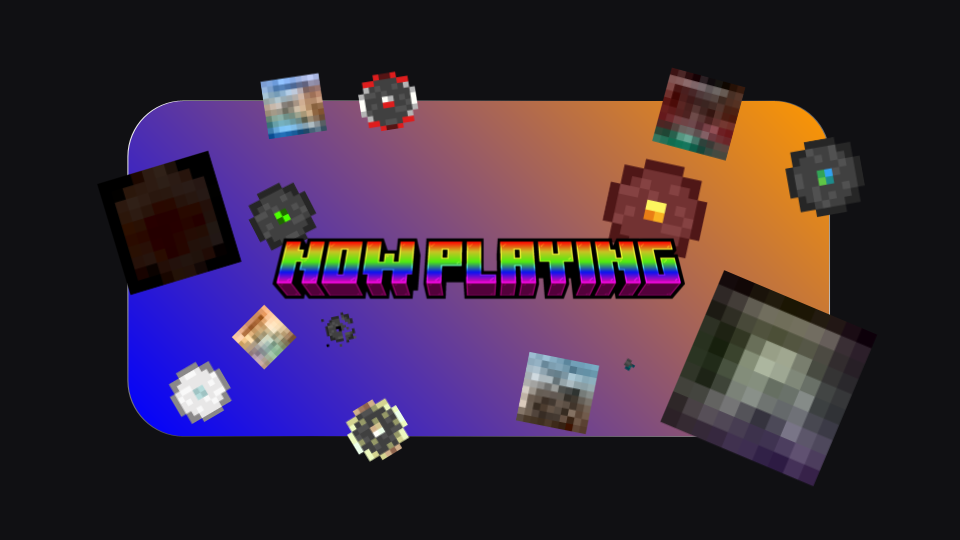
Overview
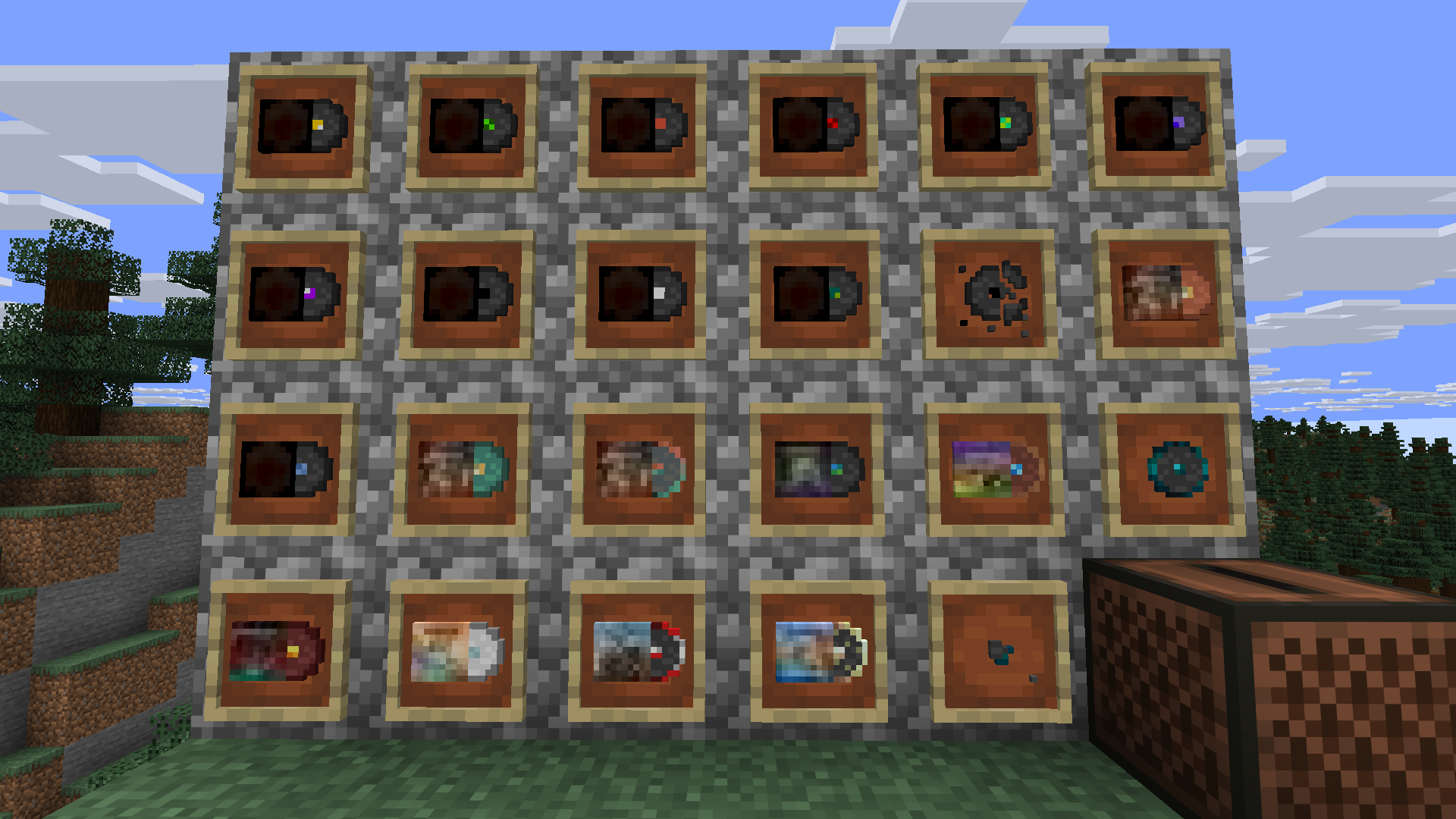
Now Playing updates the textures of all the music discs to a more modern, top-down style, while also showing the album cover!
Features
- Fully custom, top-down disc textures that retain the original sprite’s style
- Album covers that show the real-life album the song is from
- Alternate texture when dropped as an item

- Updated disc fragment texture
- Unique texture for discs 11 and 5
Now Playing Datapack
You can optionally install the companion datapack for Now Playing too! It adds the album name to the item tooltip and the text when you put a disc in a jukebox. You can get it here.

Installation
Minecraft: Java Edition
Install via Modrinth
- Select ‘Download’, then select your instance.
Install Manually
- Go to ‘Versions’
- Find the version you want to download and select the download button
- Launch Minecraft, then go to Options —> Resource Packs —> Open Pack Folder
- Drop the downloaded .zip file into the newly opened pack folder
- Click the arrow icon to move the resource pack from ‘Available’ to ‘Selected’
Compatibility
Now Playing is compatible with Minecraft: Java Edition 26.2 and newer, or 26.4 snapshot 7 for the latest beta version.
Attribution
You may use this resource pack in modpacks, but you must credit me as Charge.
All sprites and code are the property of Charge, except for the album covers, which are owned by their respective owners.
常见问题
Now Playing 支持哪些 Minecraft 版本?
Now Playing 支持 Minecraft Java 版 26.2。下载时注意选择和你游戏版本一致的文件。
Now Playing 怎么安装?
把下载的 .zip 文件(不用解压)放进游戏目录的 resourcepacks 文件夹,进游戏后在「选项 → 资源包」里把它移到右边启用。


评论
登录后评论和评分